nano banana pro examples AI Generator

Generated on PixelDojo. Produced by PixelDojo's generation pipeline.
You want images that look professionally shot, explain ideas clearly, or hold a story together across multiple characters—without hiring a designer or spending hours in editing software. PixelDojo lets you achieve exactly that. With Nano Banana 2 plus GPT Image 2, Flux.2 Studio, Krea Image and the rest of our 40+ tools, you turn a simple idea into photorealistic portraits with visible skin texture, accurate infographics packed with readable text, cinematic storyboards, product mockups and cohesive group scenes. Thousands of creators already use these outputs for social posts, presentations, product pages and personal projects. You get studio-level results in minutes, then refine them with Image to Image, Inpainting, Change Camera Angle, Style Transfer and P-Image Upscale. Cancel anytime. Start creating the Nano Banana Pro examples you have seen everywhere and make them your own.
Real image examples generated on PixelDojo
Every example below was produced on PixelDojo. Hover to see the prompt.
A nano banana
google-gemini-image

A nano banana
google-gemini-image
A nano banana
image-to-video
A macro close-up shot of a tiny yellow nano banana curved with stem upright
image-to-video
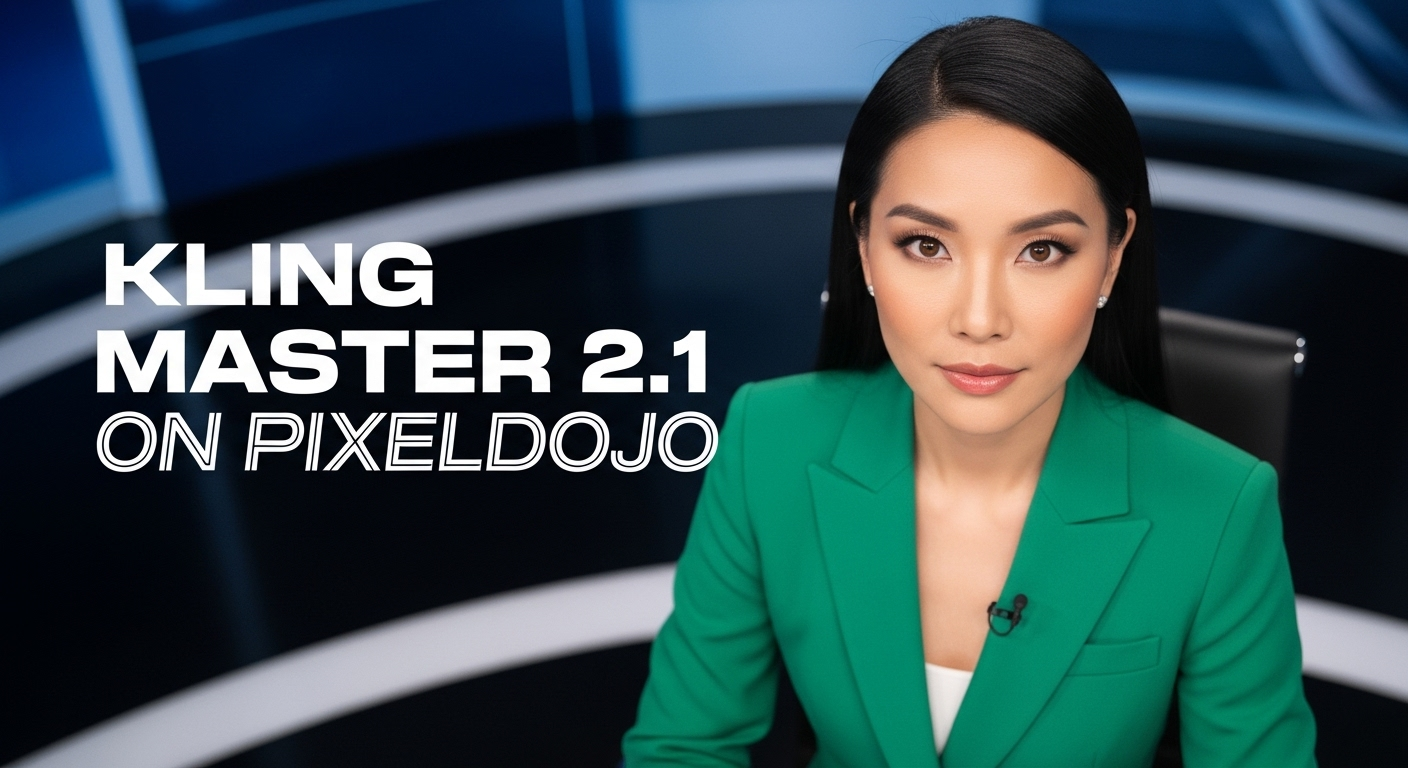
A photo of a beautiful news anchor
imagen
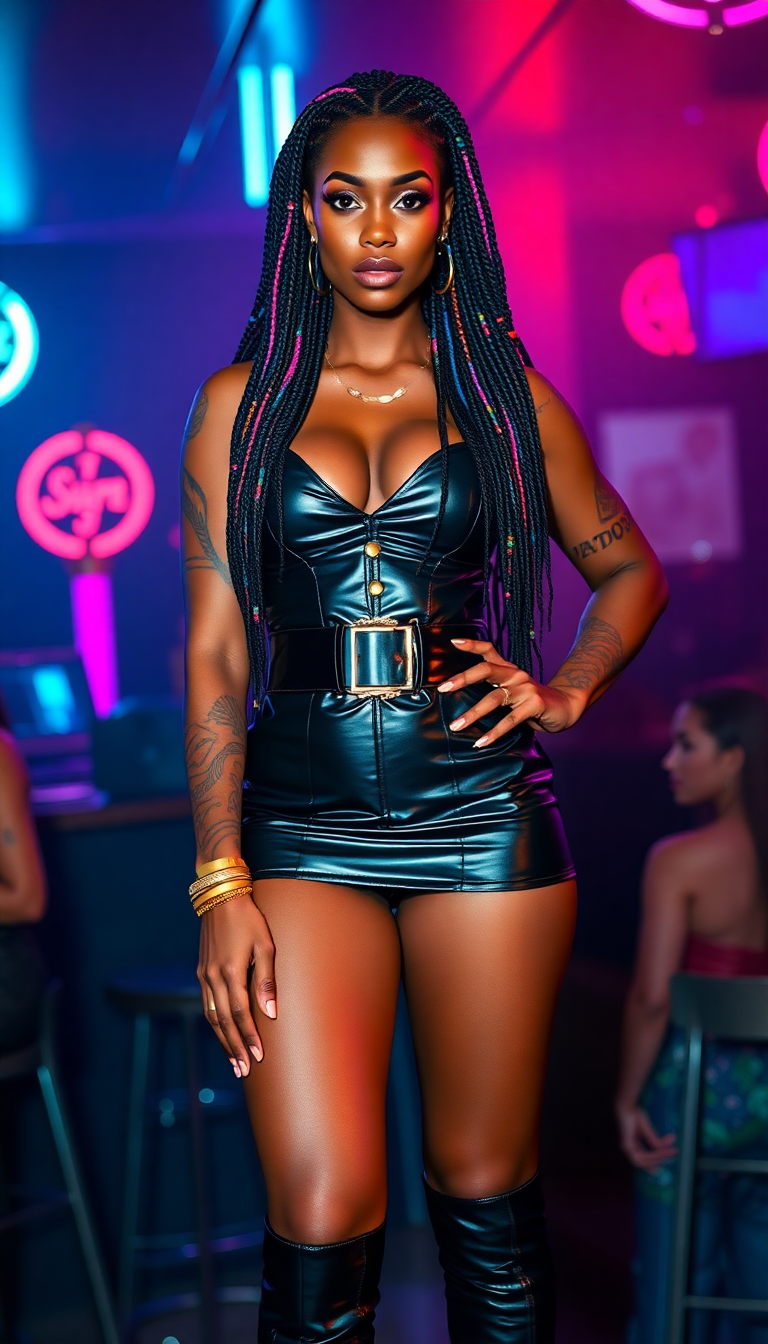
A strikingly powerful Nubian woman in her mid-20s
flux
Models you can run on PixelDojo for nano banana pro examples
Switch models without switching tools. Each one runs in the same PixelDojo studio.
What you can do with nano banana pro examples on PixelDojo
Nano Banana Pro Gallery
We collect ready-to-view Nano Banana Pro image examples so you can scan styles, subjects, and compositions before you generate.
Prompt And Output Pairing
Each example can sit next to the prompt that produced it, so you can reuse wording that already works for this model.
Style And Subject Filters
We group examples by look and theme so you can jump to portraits, products, scenes, or illustration-like results without scrolling everything.
Generate From An Example
Start from a gallery result, keep Nano Banana Pro selected, and iterate with your own prompt edits in the same workspace.
Loved by thousands of creators worldwide who generate millions of images every month. 40+ cutting-edge AI tools, cancel anytime.
Why Choose Pixel Dojo for nano banana pro examples
Professional-quality results with cutting-edge AI technology
Turn Ideas into Ready-to-Share Infographics
You produce clean, text-perfect infographics, recipe visuals, weather snapshots and educational diagrams that people actually read and save. Nano Banana 2 combined with Image Analyzer and Reality Polisher gives you accurate layouts and legible type without design experience.
Capture Photorealistic Portraits and Scenes
You generate images that look like they came from a phone camera or studio shoot—pores, lighting, depth of field and all. Pair Nano Banana 2 with Portrait Upscaler and Magic Lighting to deliver portraits and environments that feel real enough to use in marketing or personal projects.
Keep Characters Consistent Across Every Frame
You build storyboards, group shots and series where faces, outfits and styles stay locked even when you mix up to multiple references. Consistent Characters, Character Sheets and WAN Video Character Swap let you create cohesive worlds instead of random one-offs.
How It Works
Creating Nano Banana Pro-style images on PixelDojo takes three straightforward steps. You stay in control of the look while the tools handle the heavy lifting.
Step 1: Choose Your Tool
Open Generate Images and select Nano Banana 2 for the core generation. Add GPT Image 2 or Flux.2 Studio if you want extra style variety. Upload reference photos for character consistency or product details. You can also start from an existing image with Image to Image.
Step 2: Enter Your Prompt
Describe the subject, action, setting, lighting and camera in natural language. Example: “Hyper-realistic studio portrait of an older man with weathered skin and piercing eyes, soft diffused light, every pore visible, dark gray background.” For infographics add “create a clear infographic showing how to make elaichi chai with labeled steps.” Include aspect ratio and any text you need rendered.
Step 3: Customize & Download
Use Inpainting or Change Camera Angle to tweak specific areas. Apply Style Transfer or Magic Lighting, then upscale with P-Image Upscale or Magnific Upscaler. Download in high resolution ready for social, print or further video work in Marketing Studio. Save your favorites for future consistent characters.
The Pixel Dojo Advantage
Why PixelDojo outperforms other options for Nano Banana Pro-style image generation
| Others | Pixel Dojo |
|---|---|
| Traditional graphic design and photography | You skip days of shooting, illustrating and typesetting. Nano Banana 2 plus editing tools deliver professional infographics, portraits and mockups in minutes instead of hours. |
| Generic AI image tools | You get superior text rendering, multi-reference consistency and real-world knowledge baked into Nano Banana 2, Flux.2 Studio and Consistent Characters—results that stay usable without extra cleanup. |
| Manual photo editing software | You avoid steep learning curves. Change Camera Angle, Style Transfer, Background Remover and Reality Polisher let you refine images with simple instructions rather than layers and masks. |
Loved by creators on PixelDojo
Real feedback from people using PixelDojo, pulled from our in-product surveys.
the number of options, and especially the quick response to questions on Discord
Love you guys!!
Trained my Lora super fast. Still working out how to creat content wit it, but I love it so far.
I love this app
It has all the tools I can think of...
deployment rate of splendid features is incredible. Legend
Explore more AI tools on PixelDojo
AI Tools
Compare & Switch
- Best AI Image Generators
- Best AI Video Generators
- Midjourney Alternatives
- Civitai Alternatives
- Runway Alternatives
- Leonardo Alternatives
- Pika Alternatives
- Luma Alternatives
- Magnific Alternatives
- Veo Alternatives
- Flux Alternatives
- Freepik Alternatives
- Seedance Alternatives
- Seedream Alternatives
- Pixverse Alternatives
- GPT Image Alternatives
- Synthesia Alternatives
- Playground Alternatives
- NightCafe Alternatives
- Canva AI Alternatives
- ElevenLabs Alternatives
- ComfyUI Alternatives
- Fal Alternatives
- Replicate Alternatives
Common Questions
Everything you need to know about nano banana pro examples
What are the best nano banana pro examples I can recreate on PixelDojo?
You can recreate photorealistic portraits with skin texture, infographics that explain recipes or plant care, cinematic storyboards, cyberpunk cityscapes, isometric miniature scenes and multi-character group shots. Start with Nano Banana 2, then enhance with Image to Image, Inpainting and P-Image Upscale for the same viral quality.
How do I write prompts for nano banana pro style infographics?
Be specific about the subject, the information to include and the visual style. Example: “Create a clean infographic about String of Turtles plant covering origin, care and growth, professional layout with readable labels.” Nano Banana 2 handles the layout and text; follow up with Image Analyzer if you want extra accuracy.
Can I keep the same characters across multiple nano banana pro examples?
Yes. Upload reference images and use Consistent Characters or Character Sheets with Nano Banana 2. You can also blend several photos into one scene using Image to Image. The faces and outfits stay locked so your story or brand looks professional from first frame to last.
Which PixelDojo tools work best for photorealistic nano banana pro portraits?
Nano Banana 2 for the initial generation, then Portrait Upscaler, Magic Lighting and Reality Polisher for extra realism. Change Camera Angle lets you reframe without regenerating. The combination produces images that look like they were shot on a real camera.
How do I add perfect text to my nano banana pro examples?
Include the exact wording and font style in your prompt when using Nano Banana 2 or GPT Image 2. For existing images use Inpainting or Image to Image to insert or correct text. The results stay sharp even at 4K after you run P-Image Upscale.
Is there a free way to try nano banana pro examples on PixelDojo?
Yes. Sign up and start generating with Nano Banana 2 and the rest of the 40+ tools. You can cancel anytime. Thousands of creators already use the platform daily for exactly these kinds of images.