openai image generator
Generated on PixelDojo. Produced by PixelDojo's generation pipeline.
Imagine producing magazine-quality product photos, multilingual infographics with flawless lettering, cinematic stills, and entire character-consistent manga pages or social campaigns without hiring a designer or photographer. PixelDojo's OpenAI image generator, powered by GPT Image 2, puts that power in your hands. You describe the scene, lighting, mood, and exact text you need, and receive publication-ready visuals in moments. Marketers launch high-converting ads faster. Educators build clear visual explainers. Storytellers maintain perfect character continuity across sequences. Entrepreneurs mock up brands and packaging overnight. Combined with PixelDojo's full suite of 40+ tools including Flux.2 Studio, Ideogram 4, Image to Image, Inpainting, Style Transfer, Background Remover, and P-Image Upscale, you refine, iterate, and ship assets that look like they came from a professional studio. Thousands of creators already rely on this workflow because it delivers outcomes: more engagement, faster campaigns, and zero design bottlenecks. Cancel anytime and start creating the images that grow your business today.
Real image examples generated on PixelDojo
Every example below was produced on PixelDojo. Hover to see the prompt.
Create stunning AI videos from a single photo
p-video-avatar
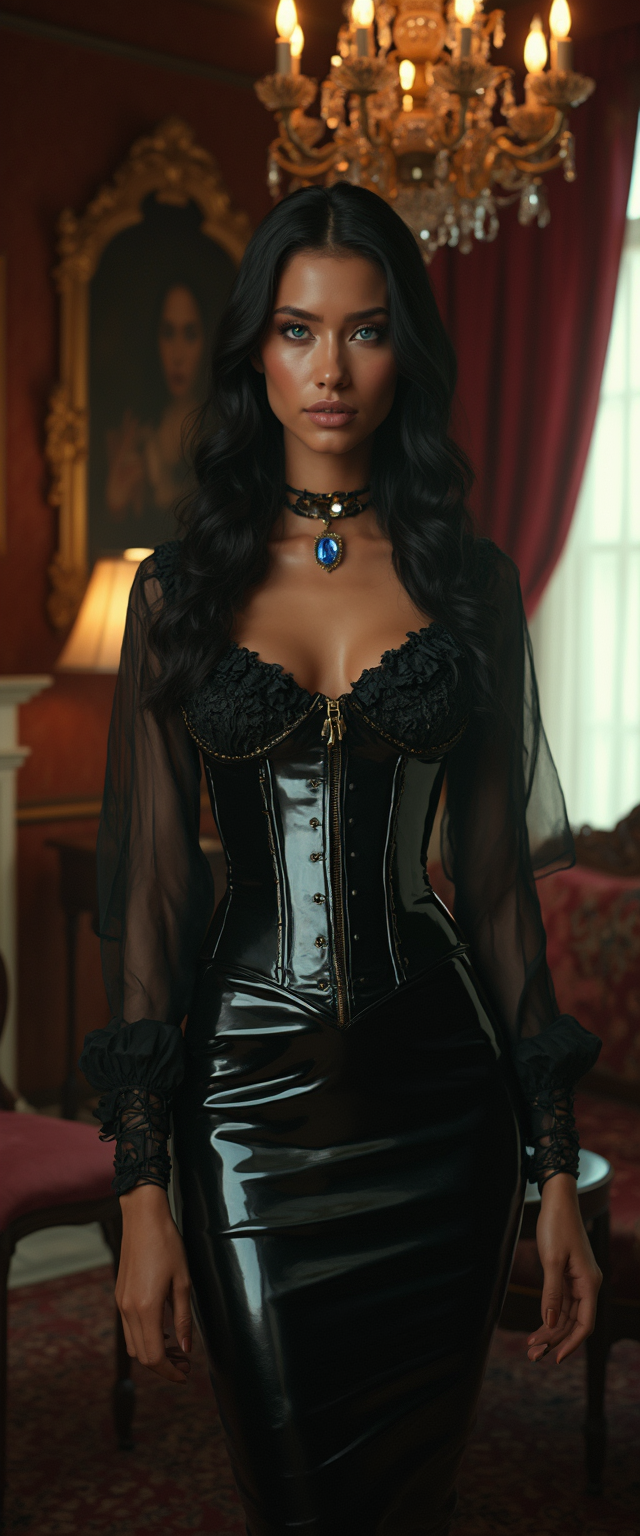
A striking tall Hindu woman with mesmerizing
flux
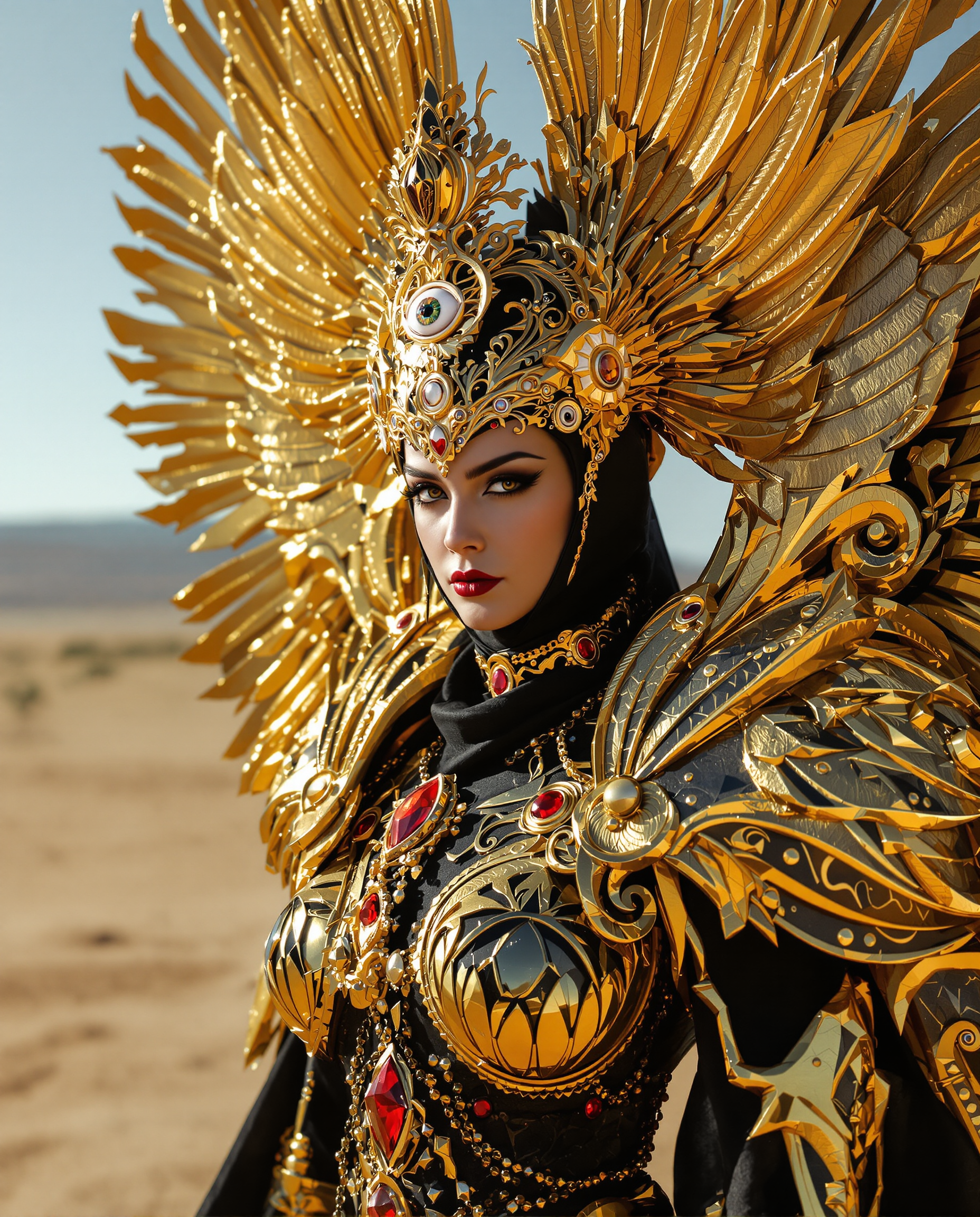
A close-up photorealistic DSLR photograph of a regal female figure in elaborate golden arm…
flux
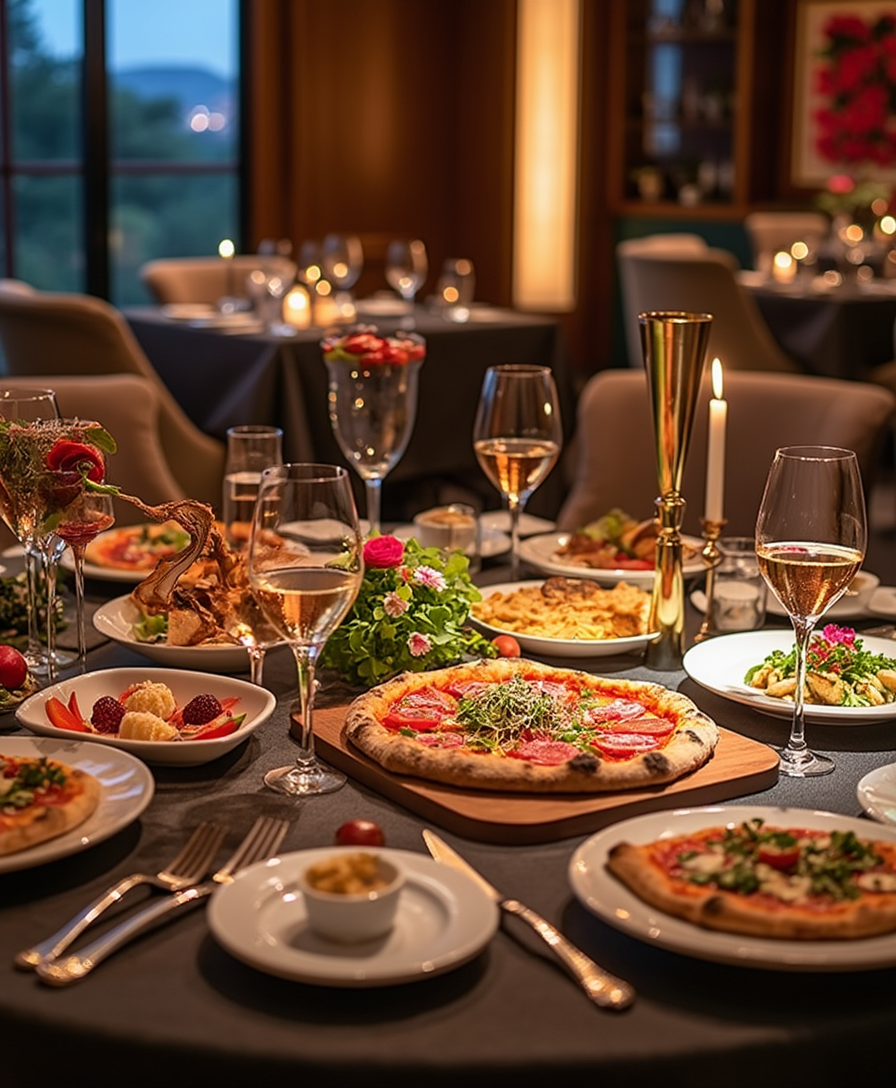
Generate a luxurious and inviting dining scene showcasing an elegant table set with a feas…
flux
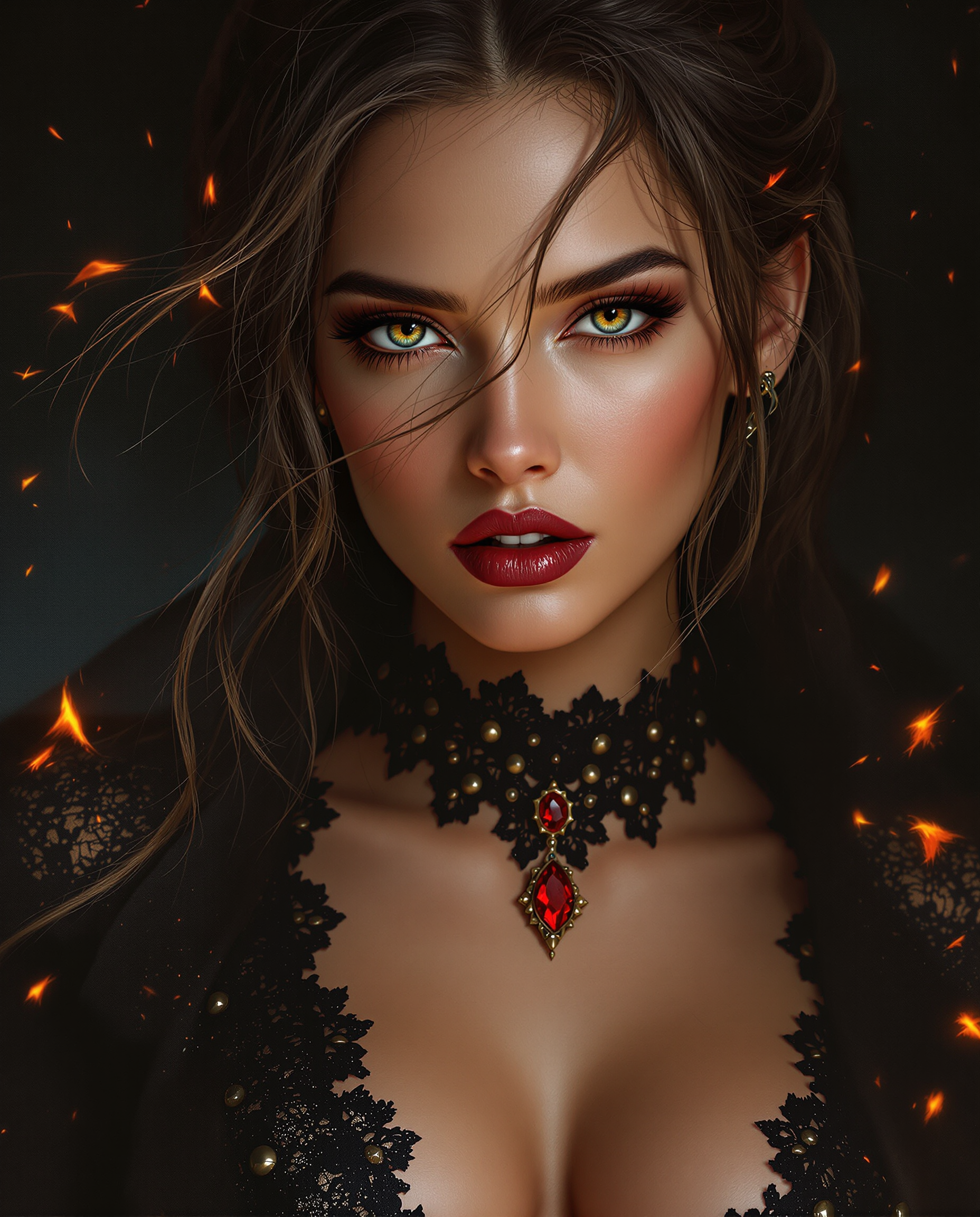
A stunning close-up digital painting of a female figure
flux
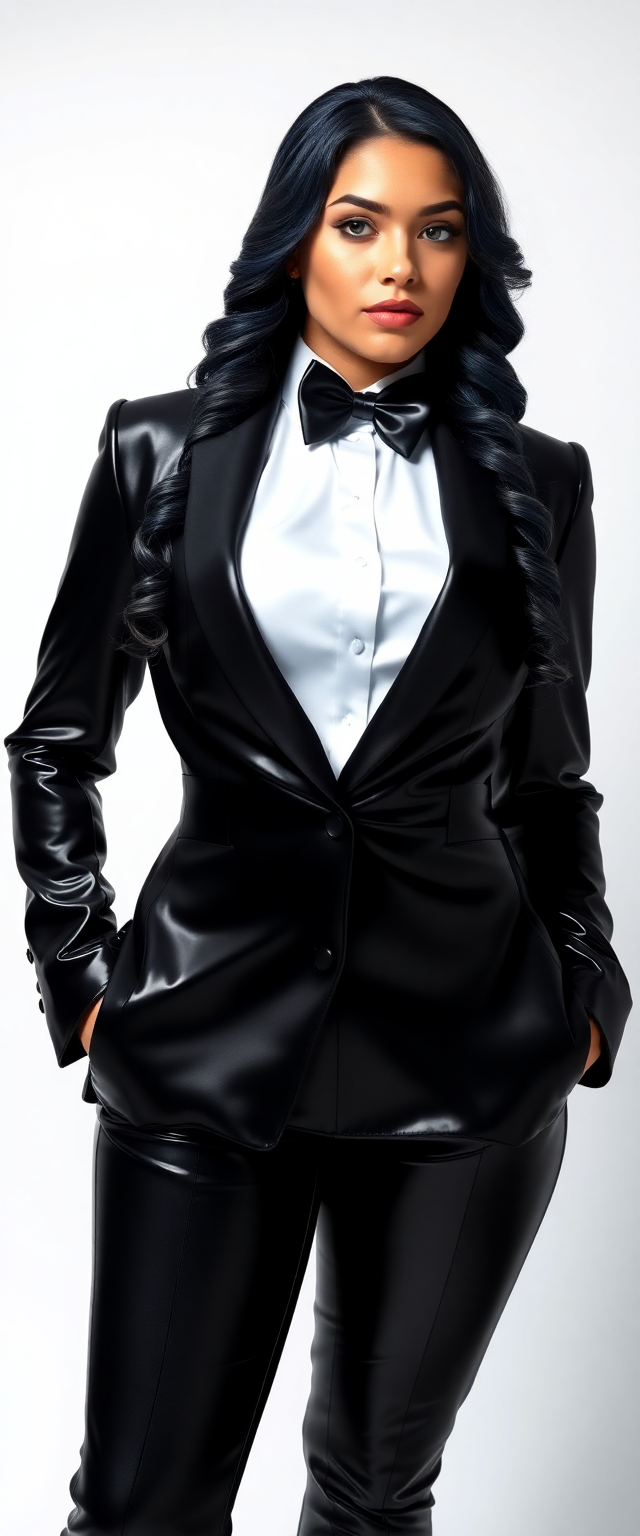
Athletic 21 year old
flux
Models you can run on PixelDojo for openai image generator
Switch models without switching tools. Each one runs in the same PixelDojo studio.
What you can do with openai image generator on PixelDojo
OpenAI Image Models
We give you access to OpenAI image generation so you can turn text prompts into stills for campaigns, product shots, and concept art. You stay in one workspace instead of hopping between separate tools.
Prompt Control And Styles
We support detailed prompts, style direction, and aspect ratio choices so outputs match the look you need. Iterate on wording and settings until the frame is ready to use.
Edits And Variations
We let you refine a result with follow-up prompts and generate variations of a strong take. That keeps exploration fast when you are locking composition, lighting, or branding.
Export Ready Assets
We deliver downloadable images you can drop into decks, social posts, and production pipelines. Keep a history of generations so you can reuse or rework earlier versions.
Loved by thousands of creators worldwide who have generated millions of professional images. 4.9/5 average user satisfaction for text accuracy, character consistency, and speed. 40+ cutting-edge AI tools in one platform. Cancel at any time with no contracts or hidden fees.
Why Choose Pixel Dojo for openai image generator
Professional-quality results with cutting-edge AI technology
Crystal-Clear Text and Infographics That Convert
You produce posters, menus, slides, maps, and ads where every headline, price, and label renders perfectly in English plus Japanese, Korean, Hindi, and more. No more garbled lettering that kills professionalism. Your marketing materials look expensive and trustworthy, driving higher click-through and sales without extra designers.
Character and Object Continuity Across Entire Series
You generate up to multiple matching images in one go so the same hero, product, or mascot looks identical from panel to panel or post to post. Storyboards, children's books, social carousels, and brand campaigns stay cohesive. Viewers stay immersed and your brand recognition skyrockets.
Studio-Ready Photorealism and Artistic Control Instantly
You achieve cinematic lighting, precise camera angles, photorealistic textures, and any art style you specify. Product shots, portraits, and conceptual art that used to take days now take minutes. Pair with editing tools to polish further and watch your content outperform stock photos in engagement and conversions.
How It Works
You create professional OpenAI-quality images on PixelDojo in three straightforward steps using GPT Image 2 and complementary tools. No technical knowledge required—just describe what you want and refine until it is perfect.
Step 1: Choose Your Tool
Log in and select GPT Image 2 from the Generate Images section for authentic OpenAI-powered results with superior instruction following and text rendering. For extra stylistic range or speed, combine with Flux.2 Studio, Ideogram 4, or Seedream 5. If you already have a reference photo, start with Image to Image or Inpainting so the new generation stays faithful to your original.
Step 2: Enter Your Prompt
Write a clear, structured description covering subject, action, setting, lighting (golden hour, Rembrandt, soft window light), camera (85mm portrait, wide-angle), style, mood, and exact text in quotes. Add constraints such as no extra text, preserve identity, or specific aspect ratio. For a series, request multiple consistent images with character continuity. The more specific you are about materials, textures, and purpose (ad, infographic, storyboard), the closer the first result matches your vision.
Step 3: Customize & Download
Review the output then use Image to Image, Change Camera Angle, Style Transfer, Magic Lighting, or Background Remover to perfect details. Upscale with P-Image Upscale or Magnific Upscaler for print-ready resolution. Extract frames or merge if needed. Download in the exact size and format you need and use immediately in your campaigns, presentations, or products.
The Pixel Dojo Advantage
Why PixelDojo outperforms other options for openai image generator results that actually grow your business
| Others | Pixel Dojo |
|---|---|
| Traditional photography and stock libraries | You skip expensive shoots, location scouting, and licensing fees. Generate unlimited custom images tailored to your exact brand, product, and campaign in minutes instead of weeks, then iterate instantly until conversion rates climb. |
| Generic AI tools | You get GPT Image 2 plus an entire professional studio: Flux.2 Studio, Ideogram 4, Consistent Characters, Inpainting, Style Transfer, Background Remover, and upscalers all in one place. Superior text, multi-image continuity, and editing power that generic single-model sites simply cannot match. |
| Manual photo editing and design software | You achieve the same polished look in a fraction of the time with zero learning curve. Describe the change in plain language and PixelDojo applies it while preserving everything else. Hours of masking and retouching become seconds, letting you focus on strategy instead of pixels. |
Loved by creators on PixelDojo
Real feedback from people using PixelDojo, pulled from our in-product surveys.
All the tools, plus the guidance
Excellent tools. Ease of use. Well thought out interface. Wide variety of AI tools and features which are up to date with more added each month
I really like how the site is kept up to date, and the leaderboard (where I'm currently #11 most popular artist)
This is the best image generator I've used so far. Well done!
es facil de comprender asi uno no sea programador
amazing web site
Explore more AI tools on PixelDojo
AI Tools
Compare & Switch
- Best AI Image Generators
- Best AI Video Generators
- Midjourney Alternatives
- Civitai Alternatives
- Runway Alternatives
- Leonardo Alternatives
- Pika Alternatives
- Luma Alternatives
- Magnific Alternatives
- Veo Alternatives
- Flux Alternatives
- Freepik Alternatives
- Seedance Alternatives
- Seedream Alternatives
- Pixverse Alternatives
- GPT Image Alternatives
- Synthesia Alternatives
- Playground Alternatives
- NightCafe Alternatives
- Canva AI Alternatives
- ElevenLabs Alternatives
- ComfyUI Alternatives
- Fal Alternatives
- Replicate Alternatives
Common Questions
Everything you need to know about openai image generator
What is the best openai image generator for professional marketing and infographics?
PixelDojo's GPT Image 2 delivers the highest-quality OpenAI image generator experience available, especially for text-heavy assets. You get accurate multilingual lettering, precise layouts, and 2K-ready resolution plus the ability to generate multiple consistent versions at once. Combined with Ideogram 4, Inpainting, and P-Image Upscale, your posters, slides, menus, and ads look like they came from a top agency. Thousands of marketers already use this combination to launch campaigns faster and convert better.
How do I get perfect text rendering with an openai image generator on PixelDojo?
Select GPT Image 2, place any required wording inside quotation marks, specify font style, size, color, and placement, then add the constraint 'no extra text, no watermarks, no additional lettering.' The model excels at English plus Japanese, Korean, Hindi, and other scripts. If a first result needs adjustment, use Inpainting or Image to Image with the instruction 'change only the text, keep everything else identical.' You will produce print-ready infographics and ads that previously required a graphic designer.
Can I create consistent characters across multiple images with PixelDojo's openai image generator?
Yes. GPT Image 2 supports generating several images in one request while locking character appearance, clothing, and objects. For even tighter control, follow up with PixelDojo's Consistent Characters, Character Sheets, or Ideogram Character tools. Storytellers, game developers, and social media managers produce cohesive manga pages, storyboards, and carousel posts without the usual identity drift. Your audience stays immersed and your brand stays recognizable.
Is PixelDojo's openai image generator free to try and what are the limits?
You can start creating immediately with GPT Image 2 and the rest of the 40+ tools. PixelDojo is loved by thousands of creators worldwide and you can cancel at any time. There are no long-term contracts. This risk-free approach lets you test professional-quality OpenAI image generation, editing, and upscaling on your own projects before committing, so you only pay when you see the results that move your business forward.
What prompting techniques work best for openai image generator results on PixelDojo?
Use a structured order: background and setting first, then subject and action, then lighting and camera details (85mm lens, Rembrandt lighting, golden hour), then style and mood, then exact text in quotes, then constraints. Be concrete about materials and textures. Mention the intended use (product ad, infographic, cinematic still). Keep prompts focused rather than overloaded. After the first generation, make one targeted change at a time with Image to Image. These methods consistently produce the photorealistic, on-brief images that convert.
How does PixelDojo help me go beyond basic openai image generator output?
After GPT Image 2 creates your base image you have a complete post-production studio: Change Camera Angle, Style Transfer, Magic Lighting, Reality Polisher, Background Remover, Image Outpainting, and multiple upscalers. You can also train custom models with Flux Trainer or QWEN Trainer, generate matching video with Kling Video or WAN 3.0, and even create 3D with Rodin. One platform turns a single prompt into a full campaign-ready asset library, saving you time and delivering higher-quality outcomes than any standalone generator.