p-image vs flux 2 klein

Generated on PixelDojo. Produced by PixelDojo's generation pipeline.
You no longer wait minutes for professional AI images. With PixelDojo you choose between P-Image and Flux.2 Klein (available inside Flux.2 Studio) and watch photoreal product shots, campaign visuals, social posts, and concept art appear in under a second. P-Image gives you the cheapest high-volume generations with outstanding text rendering and prompt adherence, while Flux.2 Klein delivers unified generation plus editing, multi-reference consistency, and photoreal lighting that looks like it came from a real camera. Marketers launch entire ad sets before lunch. Designers iterate mockups live with clients. Creators build consistent character sheets without expensive photoshoots. PixelDojo puts both engines plus Nano Banana 2, GPT Image 2, Seedream 5, Kling Image, and dozens more in one dashboard so you always pick the exact tool that matches your deadline, budget, and quality bar. Stop paying for slow tools or switching platforms. Start shipping images that convert.
Real image examples generated on PixelDojo
Every example below was produced on PixelDojo. Hover to see the prompt.
Make it photo realistic edited with Flux Kontext Pro
flux-studio

Turn your image into a cartoon with FLUX
stable-diffusion

Holding a red shampoo bottle that reads "Pixel Dojo" edited with Flux Kontext Max
flux-studio
Pix-cinematic
image-to-video

A festive Christmas scene filled with joyful elements
flux
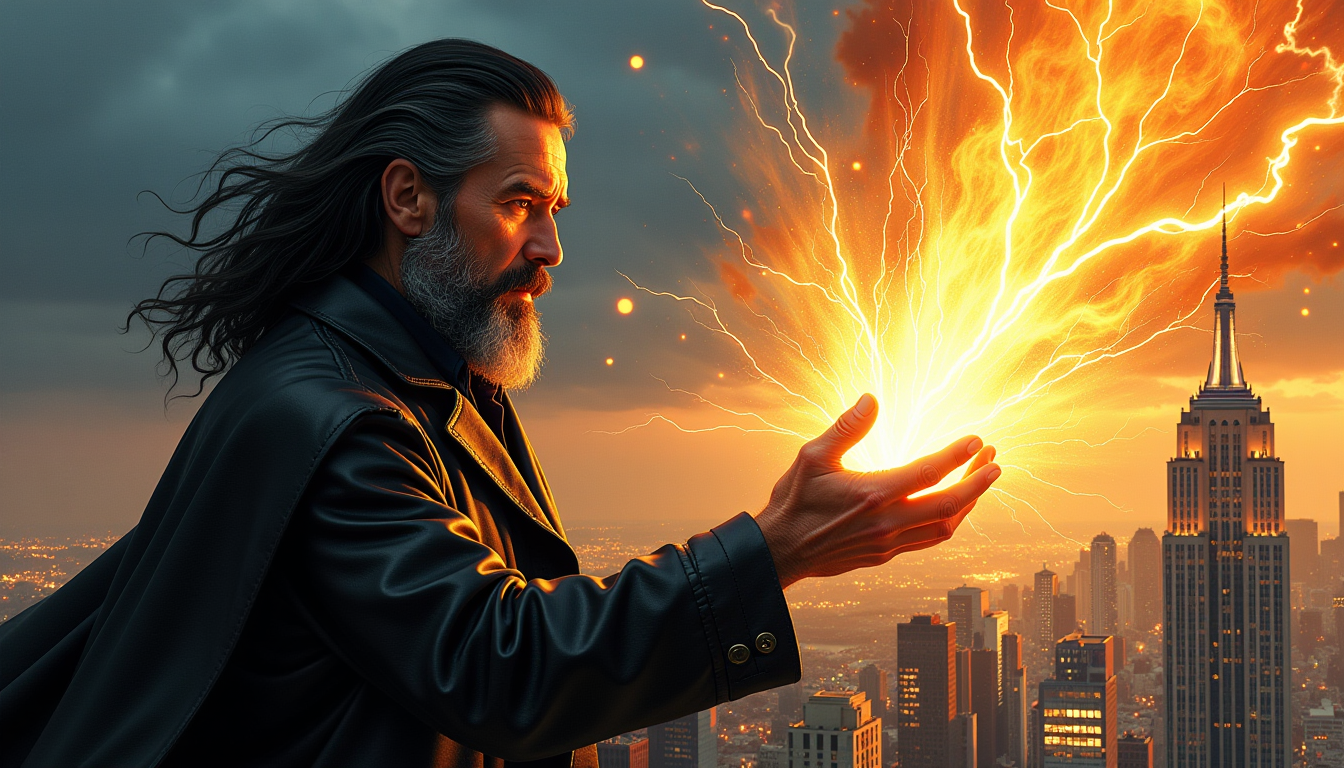
Balthazar Blake
stable-diffusion
Models you can run on PixelDojo for p-image vs flux 2 klein
Switch models without switching tools. Each one runs in the same PixelDojo studio.
What you can do with p-image vs flux 2 klein on PixelDojo
Compare Both Image Models
We let you run the same prompt on P-Image and Flux 2 Klein so you can judge lighting, detail, and style before you commit to a direction.
Choose Per Shot Workflow
You can generate with P-Image or Flux 2 Klein on a per-image basis and keep both outputs in one workspace for review and iteration.
Reuse Prompts Across Models
We store your prompts so you can send them to either generator, then refine wording based on how each model interprets composition and texture.
Download And Iterate Fast
You export stills from either model, then re-run variants with small prompt or parameter changes without leaving PixelDojo.
Loved by thousands of creators worldwide who generate millions of images every month. 40+ cutting-edge AI tools including P-Image, P-Image Ideogram, Flux.2 Studio, and Flux 2 Klein variants. Average 4.8-star rating. Cancel anytime with no questions asked.
Why Choose Pixel Dojo for p-image vs flux 2 klein
Professional-quality results with cutting-edge AI technology
Ship Campaigns 10x Faster
You test dozens of concepts, headlines, and layouts in the time it used to take to generate one image. P-Image and Flux.2 Klein both finish in well under a second, so you A/B test social ads, product pages, and email headers live. High-volume moodboarding, thumbnail factories, and real-time client reviews become your new normal instead of overnight waits.
Get Photoreal Quality Without the Price Tag
You produce catalog-ready product photography, lifestyle scenes, and branded visuals that look like they cost thousands. P-Image nails readable text on packaging and signs at 0.1 credits per image. Flux.2 Klein adds cinematic lighting, fabric texture, and skin detail that holds up at print size. Combine them with PixelDojo’s Reality Polisher and P-Image Upscale for final assets that beat traditional photoshoots on both speed and cost.
Keep Characters and Brands Perfectly Consistent
You upload a few reference photos and Flux.2 Klein’s multi-reference mode (up to four images) locks identity, pose, and style across an entire series. Then you refine with Image to Image, Inpainting, Change Camera Angle, or Character Sheets. P-Image handles the high-volume variations. The result is a cohesive look for your entire campaign without hiring models or spending days in retouching.
How It Works
PixelDojo makes choosing and using P-Image versus Flux 2 Klein effortless. You pick the engine that matches your goal, write a natural prompt, generate in under a second, then polish with the rest of the 40+ tools.
Step 1: Choose Your Tool
Open Generate Images on PixelDojo. Select P-Image or P-Image Ideogram when you need the absolute cheapest, fastest generations with perfect text. Switch to Flux.2 Studio and pick the Klein 4B or 9B variant when you want photorealism, unified editing, or multi-reference support. Both sit right next to GPT Image 2, Seedream 5, Kling Image, WAN Image, and Z Image Turbo so you can A/B them instantly on the same prompt.
Step 2: Enter Your Prompt
Type a clear description. For P-Image use the simple formula Subject + Behavior + Style + Environment. For Flux.2 Klein write flowing narrative prose that front-loads the subject and emphasizes lighting, camera, and atmosphere. Upload up to four reference images for Klein’s editing mode. PixelDojo handles aspect ratios, resolution, and safety automatically. You can even add hex colors for brand-accurate results.
Step 3: Customize & Download
Hit generate and watch the image appear in under a second. Then jump to Edit Images for Inpainting, Style Transfer, Magic Lighting, Background Remover, or Image Outpainting. Upscale with P-Image Upscale, Magnific Upscaler, or Clarity Pro. Build consistent characters with Character Sheets or Face Swap. Download print-ready files or send them straight into Marketing Studio or video tools. Repeat as many times as you need—credits stay tiny.
The Pixel Dojo Advantage
Why PixelDojo is the smartest place to run P-Image versus Flux 2 Klein image generation. You get both engines, the full editing suite, and video tools in one subscription instead of juggling multiple sites and credit systems.
| Others | Pixel Dojo |
|---|---|
| Traditional photography and design | You skip location scouting, model fees, lighting setups, and days of retouching. Generate unlimited on-brand variations in seconds for a tiny fraction of the cost, then refine with Reality Polisher and Character Stylist until they look better than the real shoot. |
| Generic AI tools | Most platforms give you one slow model. PixelDojo gives you P-Image, Flux.2 Klein, Flux.2 Studio, P-Image Ideogram, plus 40 more specialized tools, unified credits, LoRA training, and one-click handoff to video and 3D. You never leave the dashboard. |
| Manual photo editing | You achieve studio lighting, perfect text, consistent characters, and print-ready resolution without years of Photoshop skill. AI handles the heavy lifting; you stay in creative control and finish projects the same afternoon you start them. |
Loved by creators on PixelDojo
Real feedback from people using PixelDojo, pulled from our in-product surveys.
I really like the schedule of AI work performed!
The best tools for IA on the web !
The guy that operates the website is constantly updating it
I’ve been using PixelDojo for around 8 months now and it’s always worked wonderfully while constantly adding features.
The site is easy to navigate and use.
All the tools, readily available and easy to understand
Explore more AI tools on PixelDojo
AI Tools
Compare & Switch
- Best AI Image Generators
- Best AI Video Generators
- Midjourney Alternatives
- Civitai Alternatives
- Runway Alternatives
- Leonardo Alternatives
- Pika Alternatives
- Luma Alternatives
- Magnific Alternatives
- Veo Alternatives
- Flux Alternatives
- Freepik Alternatives
- Seedance Alternatives
- Seedream Alternatives
- Pixverse Alternatives
- GPT Image Alternatives
- Synthesia Alternatives
- Playground Alternatives
- NightCafe Alternatives
- Canva AI Alternatives
- ElevenLabs Alternatives
- ComfyUI Alternatives
- Fal Alternatives
- Replicate Alternatives
Common Questions
Everything you need to know about p-image vs flux 2 klein
What is the main difference between P-Image and Flux 2 Klein for AI image generation?
P-Image (from Pruna) is PixelDojo’s ultra-cheap, sub-second workhorse that excels at readable text, exact prompt following, and high-volume batches at just 0.1 credits per image. Flux.2 Klein (inside Flux.2 Studio) is Black Forest Labs’ fastest photoreal model with unified generation and editing, multi-reference support up to four images, and cinematic lighting. Use P-Image when you need hundreds of variations or perfect packaging text. Use Flux.2 Klein when you need a hero product shot or consistent character across a series. PixelDojo lets you switch between them with one click.
Which is faster for real-time image generation, P-Image or Flux 2 Klein on PixelDojo?
Both finish in well under one second on PixelDojo. P-Image typically lands around 0.6 seconds and is optimized for the cheapest possible high-volume work. Flux.2 Klein 4B and 9B variants also deliver sub-second inference, especially the distilled 4-step versions. You can generate, review, and regenerate faster than you can type the next prompt. Combined with PixelDojo’s instant editing tools you stay in flow instead of waiting.
Can I edit existing images with Flux 2 Klein on PixelDojo?
Yes. Flux.2 Klein unifies text-to-image and image-to-image editing in one compact model. Upload up to four reference photos and describe the change you want. It keeps identity, lighting, and style locked while you iterate. Then you can further refine with PixelDojo’s dedicated Edit Images tools: Inpainting, Change Camera Angle, Style Transfer, Magic Lighting, Background Remover, and Reality Polisher. The whole workflow stays inside one platform.
Is P-Image good enough for professional product photography and packaging?
Absolutely. P-Image delivers exceptional text rendering so logos, labels, and headlines stay crisp and correctly spelled. It also handles photoreal lighting, materials, and composition at a fraction of the cost of slower models. Pair it with P-Image Ideogram for even stronger typography or send the output to P-Image Upscale and Magnific Upscaler for print resolution. Thousands of PixelDojo users already run entire catalogs this way.
How much do P-Image and Flux 2 Klein cost on PixelDojo compared to other options?
P-Image is PixelDojo’s cheapest image model at 0.1 credits per generation. Flux.2 Klein variants are similarly affordable (typically 0.1–0.5 credits depending on size). You get both plus 40+ other tools, editing, upscaling, character consistency, and video generation in one simple subscription. Cancel anytime. No surprise overage fees, no extra platforms to manage.
Can I train custom LoRAs or consistent characters using these models on PixelDojo?
Yes. Use Flux Trainer or Z-Image Trainer for Flux.2 Klein-style custom styles. PixelDojo also offers dedicated Consistent Characters, Character Sheets, Ideogram Character, and LoRA Face Swap tools that work with both engines. You can even train on your own product photos or brand assets and then generate unlimited on-model images in seconds. Everything stays inside your PixelDojo account.