photo enhance
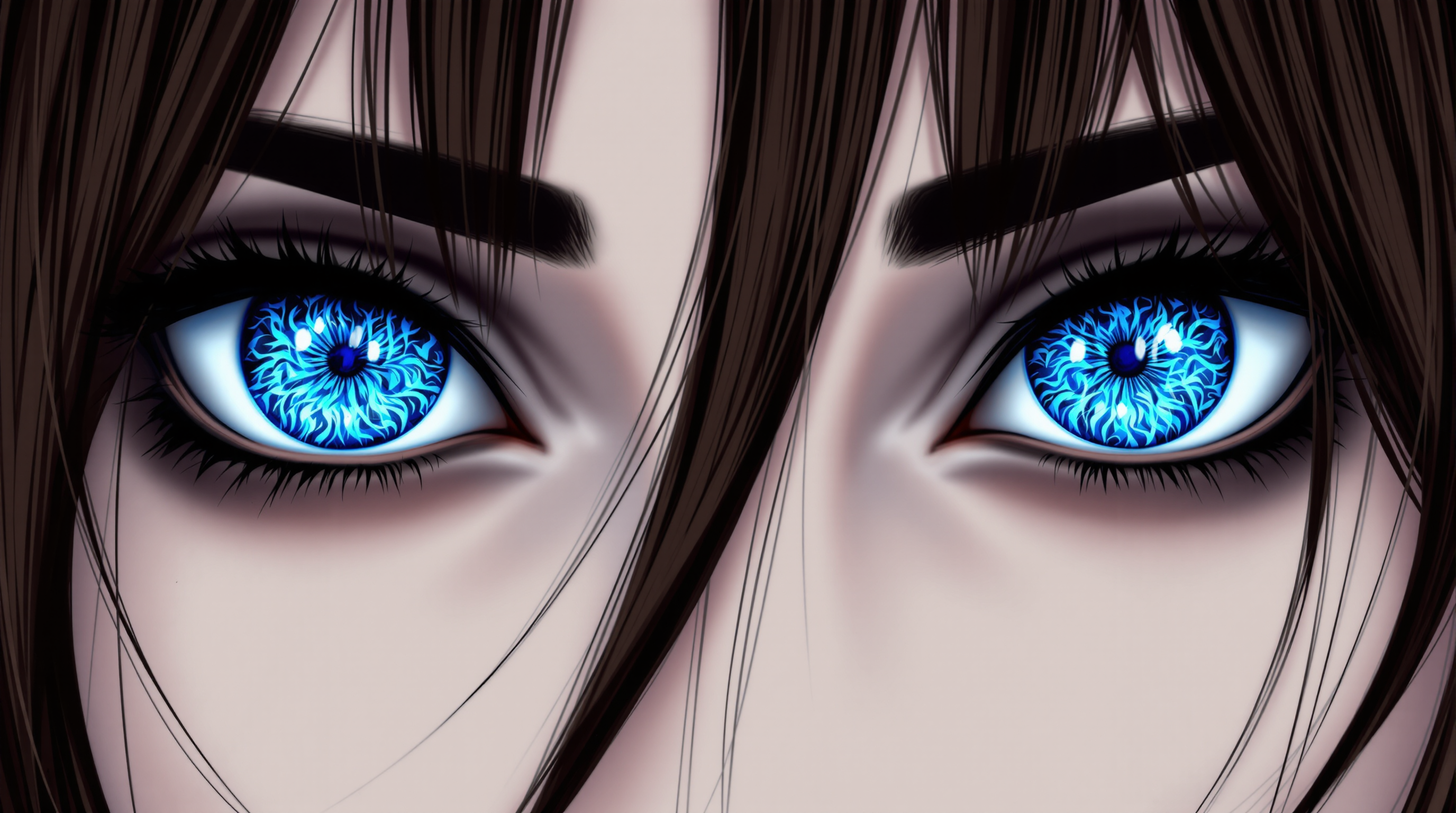
Imagine turning every blurry snapshot, faded family photo, or low-resolution image into a crisp, vibrant masterpiece in seconds. With PixelDojo's AI photo enhance tools, you achieve professional-grade results without spending hours in editing software or hiring experts. Whether you're a photographer preparing client deliverables, a content creator optimizing social media visuals, or simply preserving precious memories, PixelDojo empowers you to elevate image quality effortlessly. Experience sharper details, natural colors, and enhanced clarity that makes your photos stand out across prints, websites, and digital platforms.
Over 75,000 creators have enhanced more than 2.5 million photos with PixelDojo this year alone. Rated 4.9/5 by thousands of users worldwide for delivering natural, artifact-free results. Trusted by professionals who cancel anytime with our flexible plans and access to 40+ cutting-edge AI tools.
Why Choose Pixel Dojo for photo enhance
Professional-quality results with cutting-edge AI technology
Achieve Razor-Sharp Clarity in Every Image
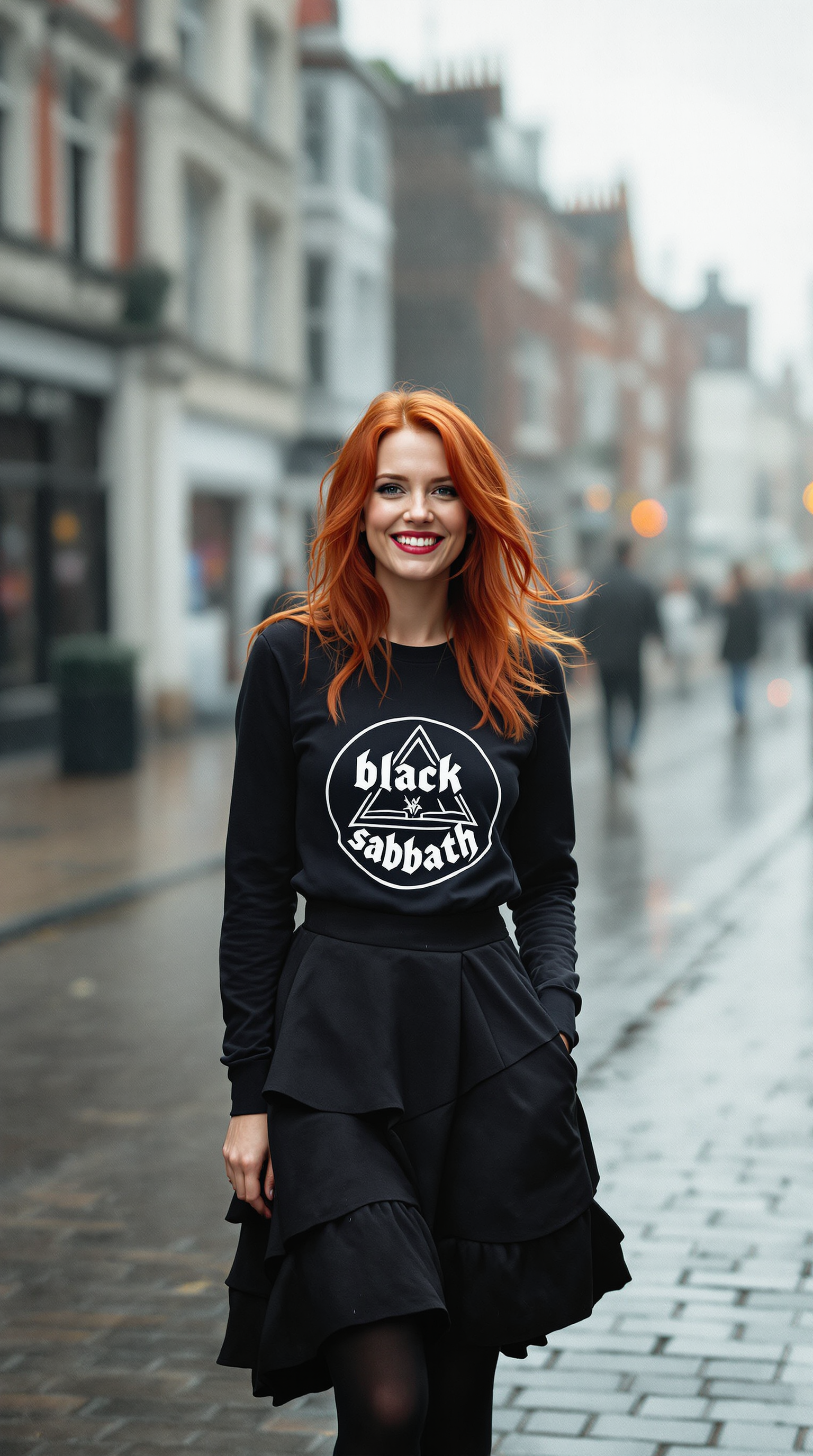
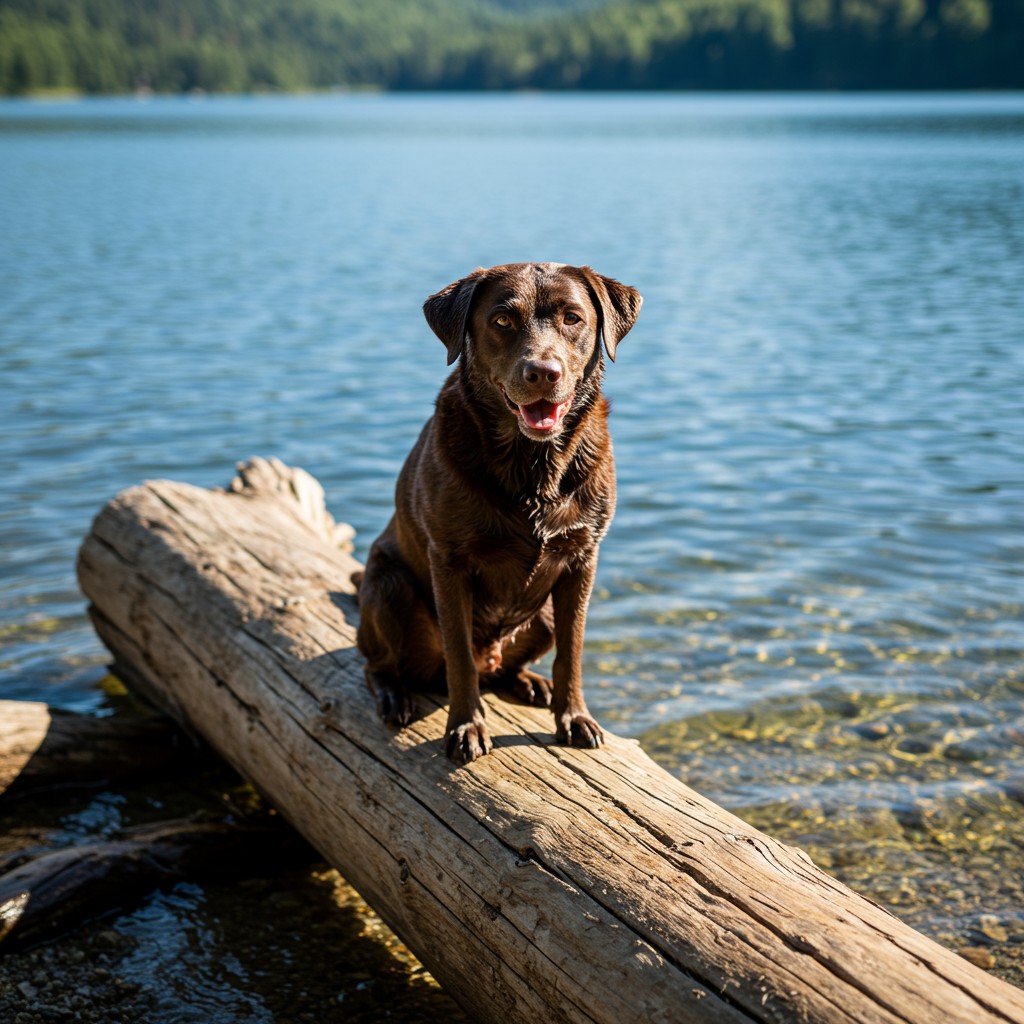
Transform fuzzy or low-detail photos into high-definition visuals with realistic textures and fine details preserved. Your portraits gain lifelike skin tones, landscapes reveal intricate elements, and product shots look crisp for e-commerce success.
Restore Vintage and Damaged Photos Naturally
Breathe new life into old family albums, scratched prints, or faded memories. AI intelligently repairs imperfections while maintaining authentic colors and emotions, giving you gallery-worthy results without altering the original story.
Upscale Images for Any Medium Without Quality Loss
Enlarge photos up to 4x or more for large prints, billboards, or 4K displays while adding intelligent detail. Perfect for marketing materials, wall art, or high-res social content that looks polished at any size.
How It Works
Creating enhanced photos is simple with PixelDojo's intuitive platform. Upload your image, select the right enhancement tool, and generate professional results in minutes.
Step 1: Choose Your Tool
Browse PixelDojo's Upscale & Enhance category and select from specialized options like P-Image Upscale for general improvements, Magnific Upscaler for creative detail addition, Clarity Pro for noise reduction, or Portrait Upscaler for people-focused shots.
Step 2: Enter Your Prompt
Upload your photo and describe desired outcomes such as 'sharpen details and enhance natural colors' or use one-click presets. Tools like Reality Polisher and Image Analyzer automatically detect areas for improvement.
Step 3: Customize & Download
Review the enhanced version, make fine adjustments with Creative Upscaler or Style Transfer if needed, then download your high-resolution file. Iterate instantly until perfect.
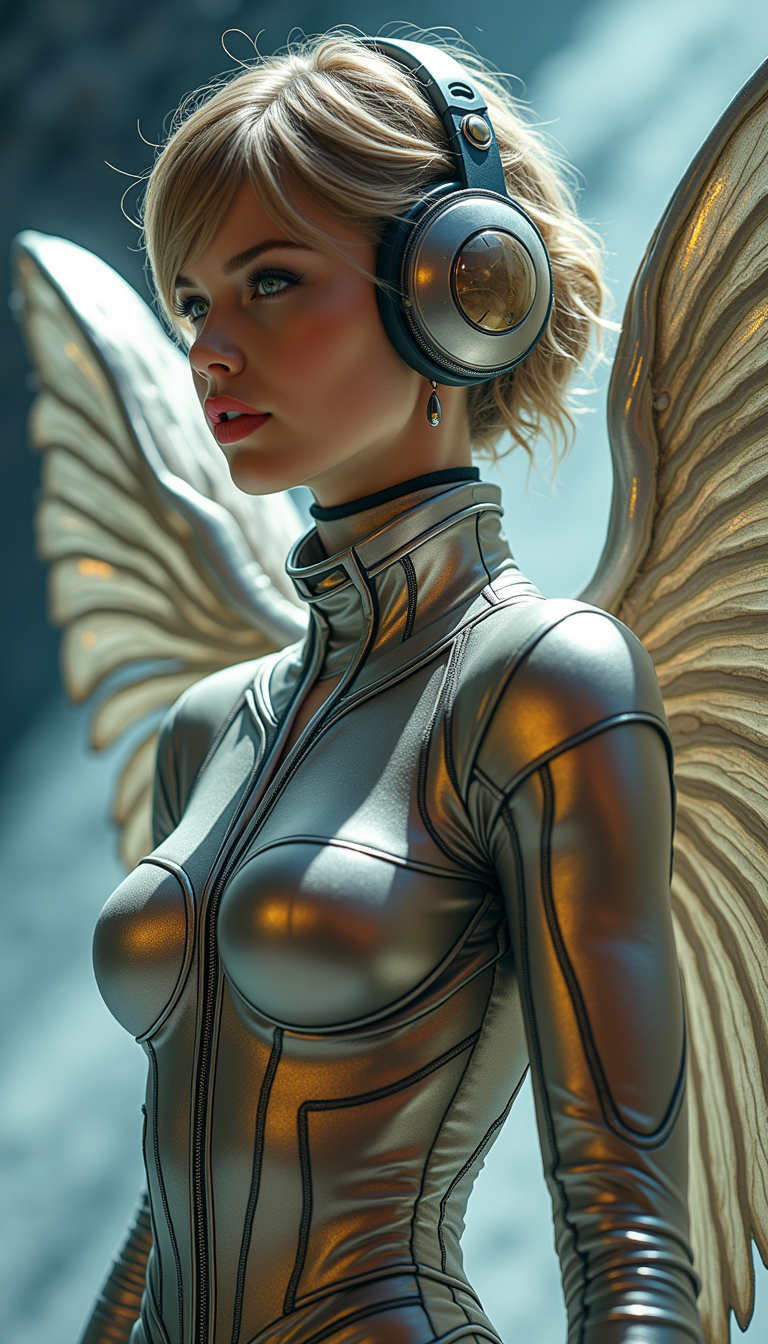
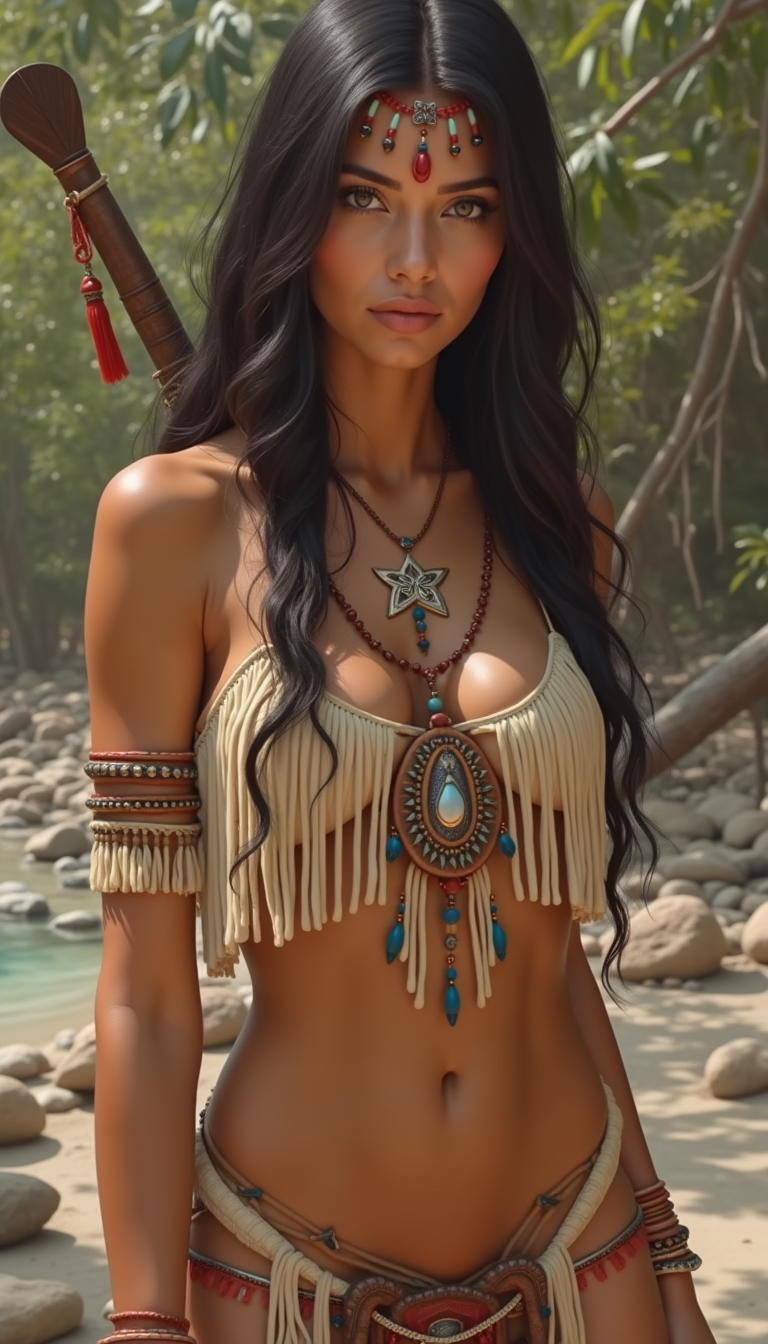
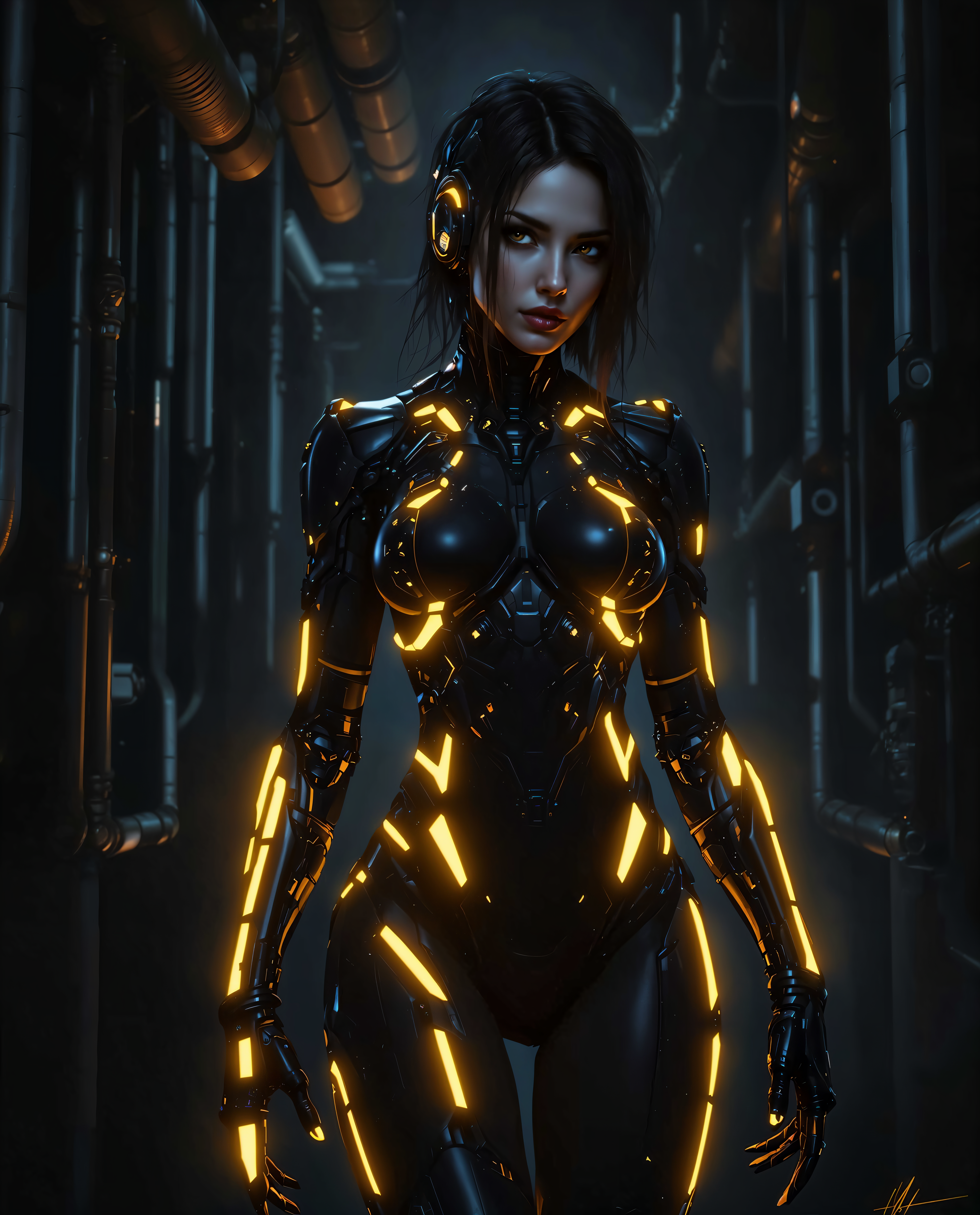

The Pixel Dojo Advantage
Why PixelDojo outperforms other options for photo enhance image generation
| Others | Pixel Dojo |
|---|---|
| Traditional photo enhance creation | Save hours of manual work with instant AI results that match or exceed professional studio quality |
| Generic AI tools | Access specialized enhancement models like Portrait Upscaler and Reality Polisher tailored specifically for natural photo improvements |
| Manual photo editing | Eliminate steep learning curves and inconsistent results with guided AI workflows that deliver reliable, high-quality enhancements every time |
Loved by creators on PixelDojo
Real feedback from people using PixelDojo, pulled from our in-product surveys.
the quality is the best
All the tools needed in one dashboard
Very fair and very broad in tools.
Accurate results
Great site and so much fun to use!
very useful set of tools for image creation, upscaling and enhancement
Explore more AI tools on PixelDojo
AI Tools
Compare & Switch
- Best AI Image Generators
- Best AI Video Generators
- Midjourney Alternatives
- Civitai Alternatives
- Runway Alternatives
- Leonardo Alternatives
- Pika Alternatives
- Luma Alternatives
- Magnific Alternatives
- Veo Alternatives
- Flux Alternatives
- Freepik Alternatives
- Seedance Alternatives
- Seedream Alternatives
- Pixverse Alternatives
- GPT Image Alternatives
- Synthesia Alternatives
- Playground Alternatives
- NightCafe Alternatives
- Canva AI Alternatives
- ElevenLabs Alternatives
- ComfyUI Alternatives
- Fal Alternatives
- Replicate Alternatives
Common Questions
Everything you need to know about photo enhance
How to enhance low resolution photos with AI for professional results?
PixelDojo makes it effortless. Upload your low-res image to P-Image Upscale or Magnific Upscaler, choose your scale factor, and let AI intelligently reconstruct details. The result is a sharp, natural-looking photo ready for print or digital use, all without technical expertise.
What is the best way to restore old photos using AI photo enhancement?
Use PixelDojo's dedicated restoration tools combined with Clarity Pro and Reality Polisher. These analyze scratches, fading, and noise then rebuild authentic details while preserving the original emotion and colors of your vintage images.
Can AI photo enhance improve blurry portraits without making them look artificial?
Absolutely. Portrait Upscaler and Creative Upscaler in PixelDojo specialize in natural skin textures and realistic enhancements. They sharpen eyes, smooth imperfections subtly, and maintain authentic appearances that look like professional photography.
How does PixelDojo's AI image enhancer compare for upscaling product photos?
PixelDojo excels with tools like Magnific Upscaler and Smart Resize that add precise details to products. Your e-commerce images gain crisp edges, accurate colors, and enhanced textures ideal for zoom views and high-quality catalogs.
Is it possible to enhance photos in batches with AI for consistent results?
Yes, PixelDojo supports efficient workflows where you can apply consistent enhancements across multiple images using presets in Clarity Pro or P-Image Upscale, ensuring uniform quality for albums, marketing campaigns, or client projects.
What AI techniques help enhance image quality while preserving natural textures?
PixelDojo leverages advanced models in Reality Polisher and Portrait Upscaler that focus on realistic detail reconstruction. These avoid over-smoothing and plastic effects, delivering enhancements that maintain authentic grain, skin pores, and fabric textures.