pixeldojo flux 2 pro AI Generator

Generated on PixelDojo. Produced by PixelDojo's generation pipeline.
You can now produce studio-quality photorealistic images, polished marketing campaigns, and perfectly consistent characters without leaving your browser. PixelDojo Flux 2 Pro inside Flux.2 Studio turns detailed text descriptions into images that look like they were shot by a professional photographer. Launch product lines faster, fill social feeds with scroll-stopping visuals, and keep every character looking identical across an entire campaign. Whether you need ecommerce hero shots, cinematic concept art, or branded graphics with readable text, Flux 2 Pro delivers the control and fidelity you need so you spend less time waiting and more time creating. Thousands of marketers, designers and content creators already rely on PixelDojo’s 40+ cutting-edge tools to ship work that converts. Start today, cancel anytime, and see how quickly your ideas become production-ready assets.
Real image examples generated on PixelDojo
Every example below was produced on PixelDojo. Hover to see the prompt.
She is wearing a blue shirt and holding a red shampoo bottle that says PixelDojo edited wi…
flux-studio

Holding a red shampoo bottle that reads "Pixel Dojo" edited with Flux Kontext Max
flux-studio

Turn your image into a cartoon with FLUX
stable-diffusion
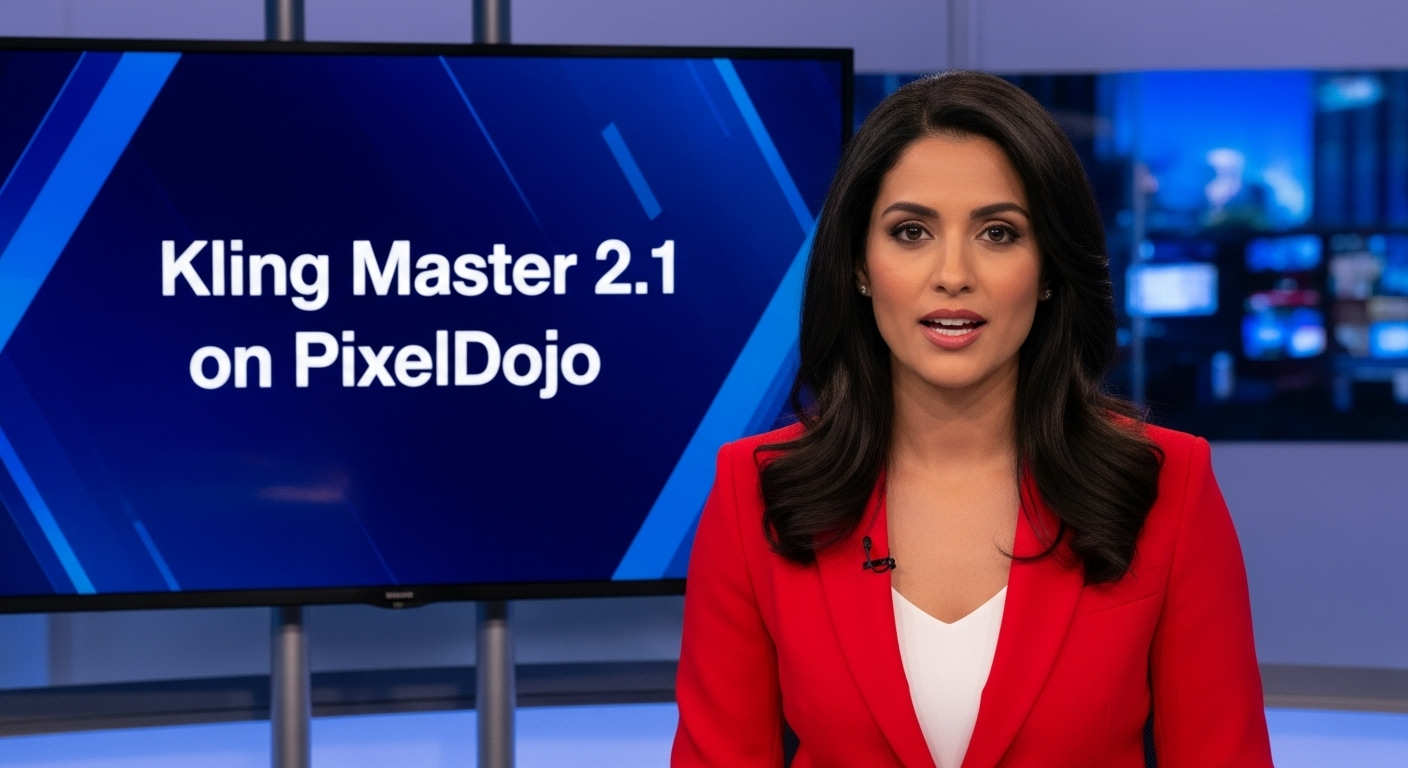
A photo of a beautiful news anchor
imagen
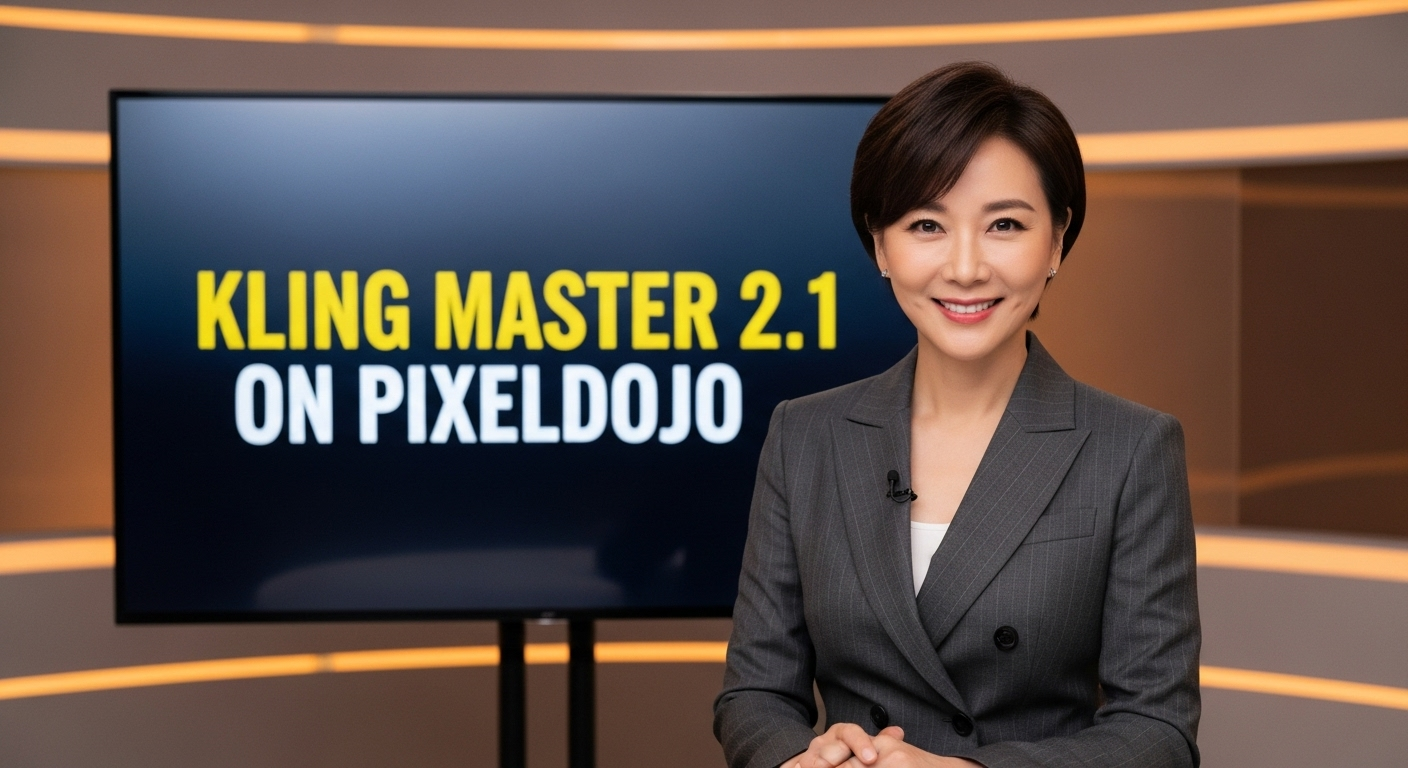
A photo of a beautiful news anchor
imagen
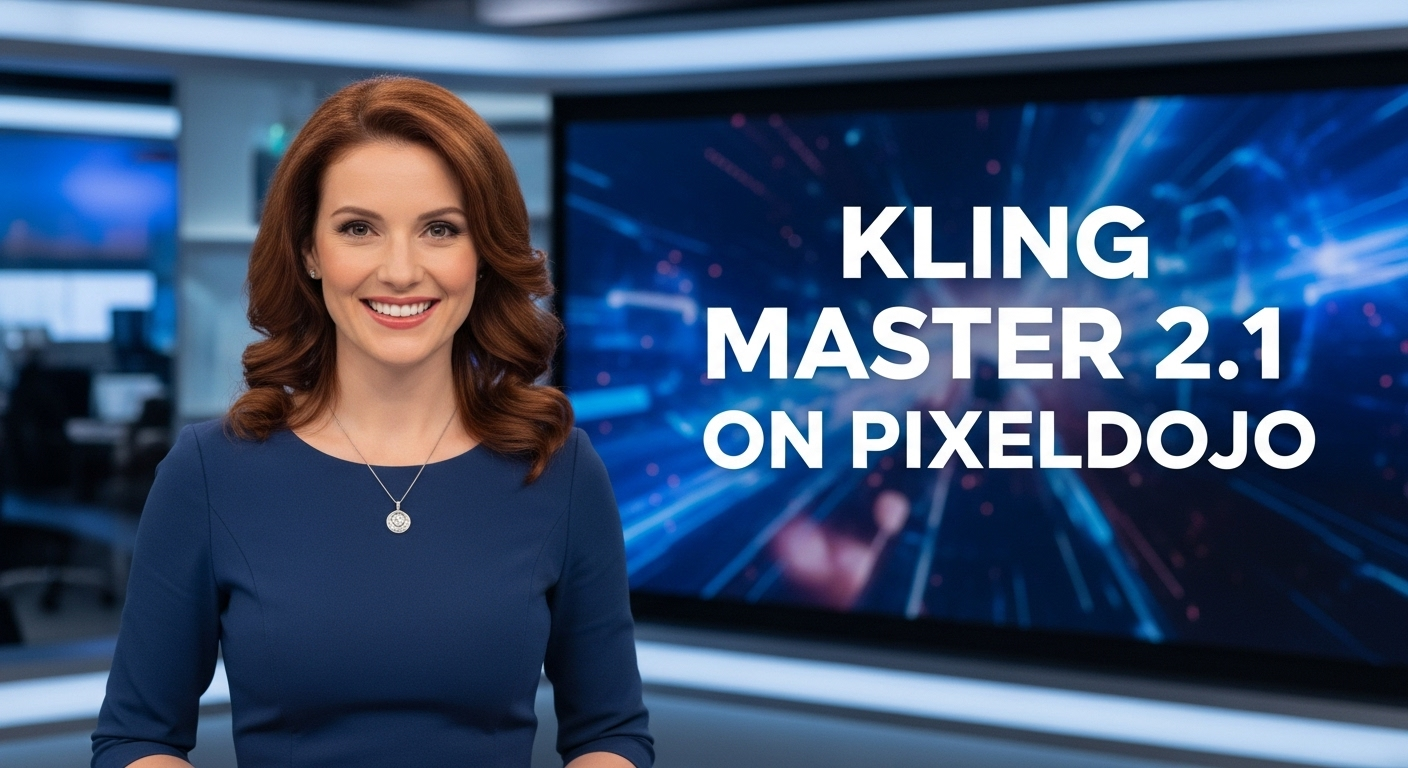
A photo of a beautiful news anchor
imagen
Models you can run on PixelDojo for pixeldojo flux 2 pro
Switch models without switching tools. Each one runs in the same PixelDojo studio.
What you can do with pixeldojo flux 2 pro on PixelDojo
Flux 2 Pro Access
We give you Flux 2 Pro on PixelDojo so you can generate images from text prompts with the model’s current quality and detail. You stay in one workspace from idea to export.
Prompt And Style Control
We let you steer composition, lighting, and look through prompts and the controls we expose for Flux 2 Pro. You can iterate on a concept without leaving the generator.
Ready To Use Outputs
We return images you can download and use in design, social, and product work. You pick formats and sizes we support for Flux 2 Pro runs.
Repeatable Creative Workflow
We keep your prompts, settings, and generations together so you can refine a series with consistent direction. You reuse what worked instead of starting from scratch each time.
Loved by thousands of creators worldwide | 4.9/5 average rating from in-product surveys | Over 2 million Flux-style images generated | Verified users say “Love how I can almost create anything” and “easiest workflow to get best output”
Why Choose Pixel Dojo for pixeldojo flux 2 pro
Professional-quality results with cutting-edge AI technology
Ship Photorealistic Product Shots Overnight
Create ecommerce-ready product photography, lifestyle scenes and ad creatives that look professionally lit and styled. Skip expensive photoshoots and still deliver images that boost click-through rates and conversions.
Keep Characters Identical Across Every Asset
Upload up to eight reference images in Flux.2 Studio and watch Flux 2 Pro lock faces, clothing and style so every frame in your campaign, comic or video storyboard stays perfectly consistent.
Nail Complex Scenes and On-Image Text First Try
Write one detailed prompt covering lighting, camera angle, mood and even typography. Flux 2 Pro follows your instructions so closely you get cinematic compositions and clean text without endless revisions.
How It Works
Creating professional Flux 2 Pro images on PixelDojo takes three simple steps. No software to install, no technical knowledge required—just describe what you want and let Flux.2 Studio handle the rest.
Step 1: Choose Your Tool
Sign in to PixelDojo, open Generate Images and select Flux.2 Studio or the dedicated Flux 2 Pro model. You can also start from Image to Image, Inpainting or Character Sheets if you already have references. All 40+ tools live in one workspace so you never leave the page.
Step 2: Enter Your Prompt
Describe your subject, setting, lighting, camera lens and any text that should appear. Add up to eight reference images for character or product consistency. Flux 2 Pro excels at complex, structured prompts so include mood, composition and material details for best results.
Step 3: Customize & Download
Pick aspect ratio, generate variations, then refine with Magic Lighting, Style Transfer or Reality Polisher. Upscale with P-Image Upscale or Magnific Upscaler and download commercial-use files instantly. Iterate until the image matches your vision perfectly.
The Pixel Dojo Advantage
Why PixelDojo outperforms other options for Flux 2 Pro image generation
| Others | Pixel Dojo |
|---|---|
| Traditional photoshoots and stock libraries | Generate unlimited custom photorealistic images in minutes instead of waiting days and paying thousands for models, locations and retouching. |
| Generic AI image tools | Flux.2 Studio gives you native multi-reference support, superior prompt following, built-in editing tools like Inpainting and Change Camera Angle, plus instant access to Flux 2 Trainer for custom styles—all in one place. |
| Manual photo editing and compositing | Skip hours of masking, lighting matching and cloning. Flux 2 Pro plus PixelDojo’s Image Outpainting, Background Remover and Reality Polisher produce finished, commercial-ready files on the first or second generation. |
Loved by creators on PixelDojo
Real feedback from people using PixelDojo, pulled from our in-product surveys.
Creative freedom, range of tools and options.
I love the training feature
the quality is the best
All the tools needed in one dashboard
Very fair and very broad in tools.
Accurate results
Explore more AI tools on PixelDojo
AI Tools
Compare & Switch
- Best AI Image Generators
- Best AI Video Generators
- Midjourney Alternatives
- Civitai Alternatives
- Runway Alternatives
- Leonardo Alternatives
- Pika Alternatives
- Luma Alternatives
- Magnific Alternatives
- Veo Alternatives
- Flux Alternatives
- Freepik Alternatives
- Seedance Alternatives
- Seedream Alternatives
- Pixverse Alternatives
- GPT Image Alternatives
- Synthesia Alternatives
- Playground Alternatives
- NightCafe Alternatives
- Canva AI Alternatives
- ElevenLabs Alternatives
- ComfyUI Alternatives
- Fal Alternatives
- Replicate Alternatives
Common Questions
Everything you need to know about pixeldojo flux 2 pro
What is PixelDojo Flux 2 Pro best used for in commercial workflows?
PixelDojo Flux 2 Pro shines for product photography, marketing campaigns, cinematic concept art, social graphics and any project that needs precise composition, realistic lighting and readable text. Creators use it daily for ecommerce hero images, ad creatives and branded character series because the model follows complex prompts more faithfully than earlier generations.
How do I generate consistent characters with PixelDojo Flux 2 Pro?
Open Flux.2 Studio, upload up to eight reference photos of your character, then write a prompt describing the new scene. Flux 2 Pro locks identity, clothing and style across every output. Combine with Consistent Characters, Character Sheets or Flux 2 Trainer for even tighter control over long-running series.
Can I add custom text and logos inside Flux 2 Pro images on PixelDojo?
Yes. Flux 2 Pro handles typography, infographics and branded text with high first-try accuracy. Simply include the exact wording, font style and placement in your prompt. For extra polish use Ideogram 4 or Recraft V4.1 alongside Flux 2 Pro inside the same PixelDojo workspace.
What resolution and aspect ratios does PixelDojo Flux 2 Pro support?
Flux 2 Pro generates up to 4 megapixels in all common aspect ratios including 1:1, 16:9, 9:16, 4:5 and custom sizes. Choose the exact format your campaign needs, then upscale further with P-Image Upscale, Magnific Upscaler or Clarity Pro without leaving PixelDojo.
How much does Flux 2 Pro cost on PixelDojo and can I try it free?
Flux 2 Pro typically costs 1.5 credits per generation (exact price shown before you click generate). New users receive starter credits so you can test Flux 2 Pro immediately. All plans include every model, cancel anytime, and commercial-use licenses are included with every download.
Which other PixelDojo tools work best with Flux 2 Pro?
Pair Flux 2 Pro with Image to Image and Inpainting for edits, Flux 2 Trainer for custom LoRAs, Character Stylist and Virtual Try-On for fashion, then finish with Reality Polisher and FLUX Video Upscale. Marketing Studio and Film Studio let you turn stills into video without switching platforms.