pixeldojo vs fal

Generated on PixelDojo. Produced by PixelDojo's generation pipeline.
You want professional AI images and videos that look like they came from a full production studio, not a weekend experiment. PixelDojo delivers exactly that. Instead of wiring together raw endpoints, managing billing, galleries, and user controls yourself, you open one studio and start creating. Choose Flux.2 Studio or Seedream 5 for photorealistic product shots, Nano Banana 2 for multi-image fusion, GPT Image 2 for sharp text, or jump into Kling Video and VEO 3.1 for cinematic clips. Every output ships with full commercial rights and zero watermarks. Thousands of creators already use PixelDojo to launch campaigns, build character worlds, and ship client work in minutes instead of days. 40+ cutting-edge tools, one simple subscription you can cancel anytime. Your ideas become finished assets today.
Real image examples generated on PixelDojo
Every example below was produced on PixelDojo. Hover to see the prompt.
Show hum wearing a Pixel Dojo Shirt
flux-2-flex
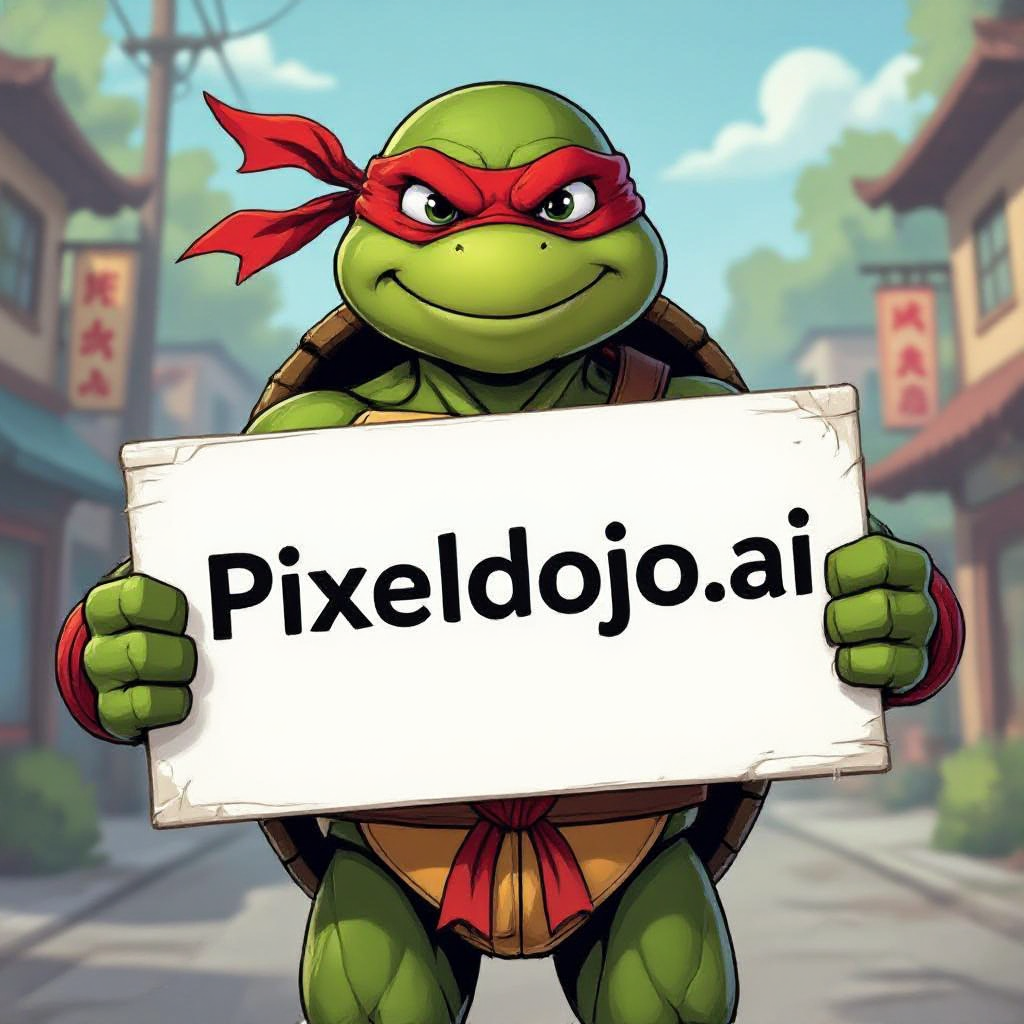
A ninja turtle holding a sign that reads "pixeldojo
hidream
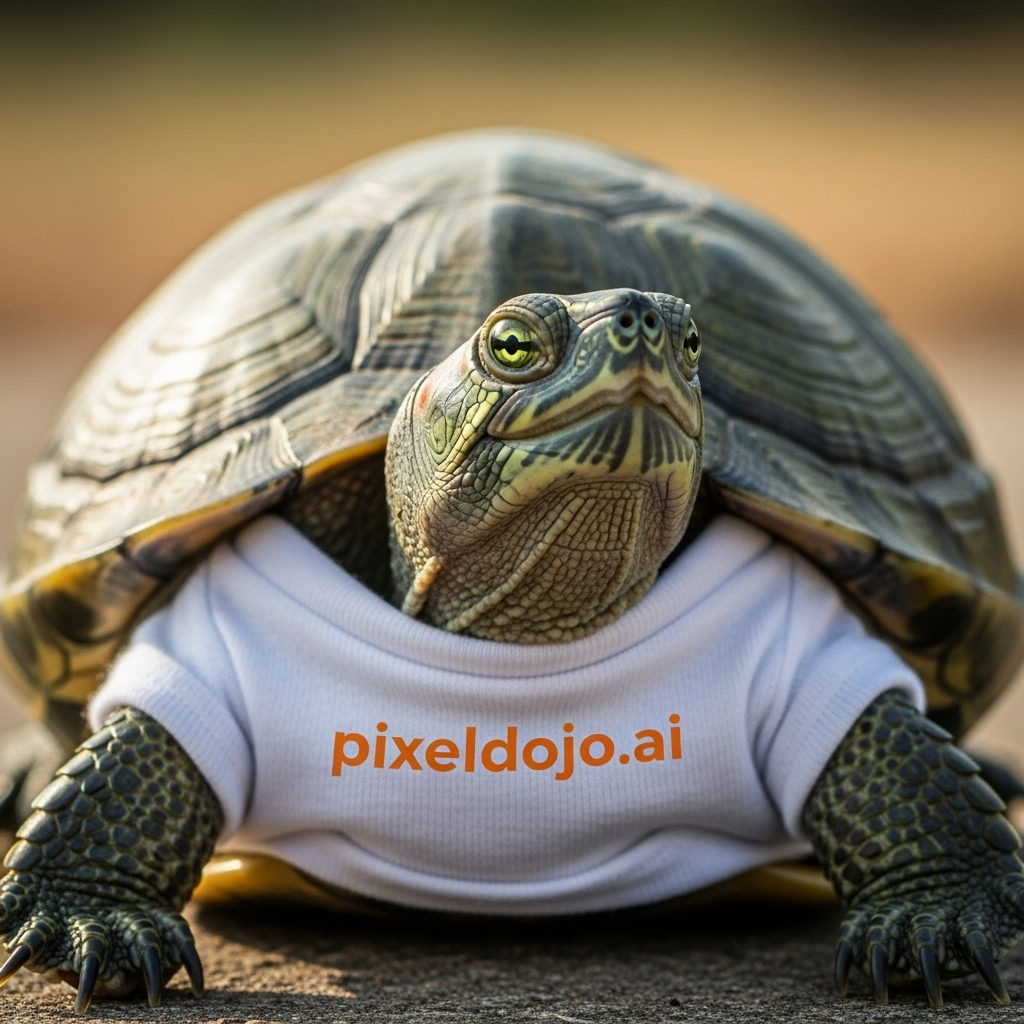
A turtle that is wearing a shirt that says pixeldojo
imagen
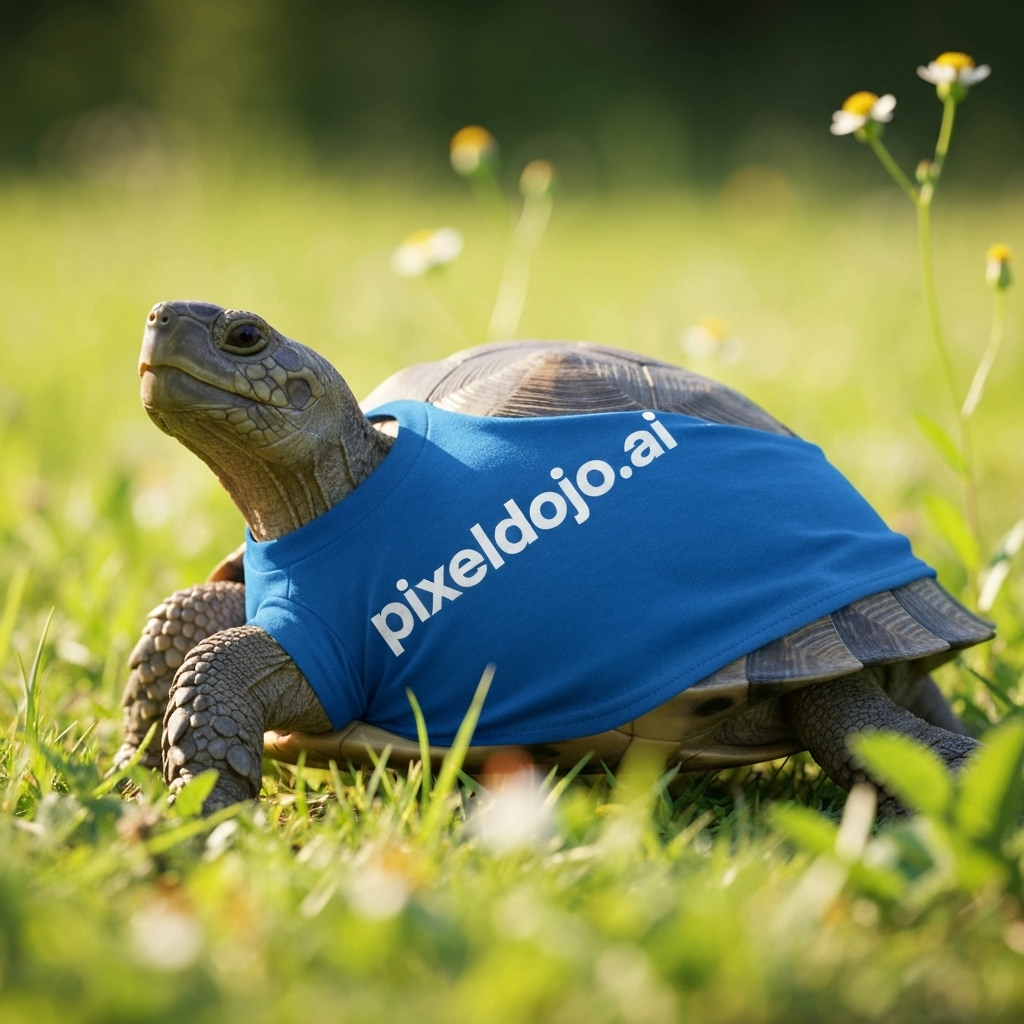
A turtle that is wearing a shirt that says pixeldojo
imagen
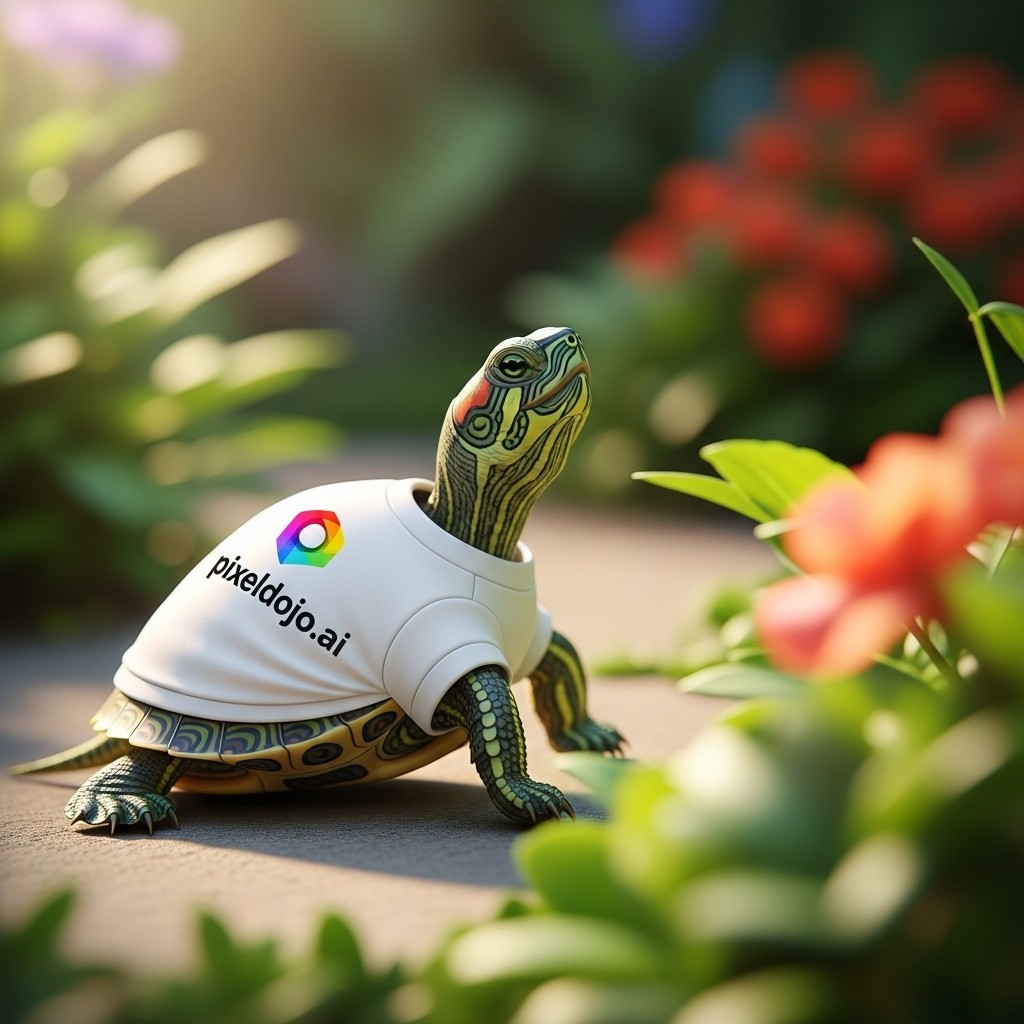
A turtle that is wearing a shirt that says pixeldojo
imagen
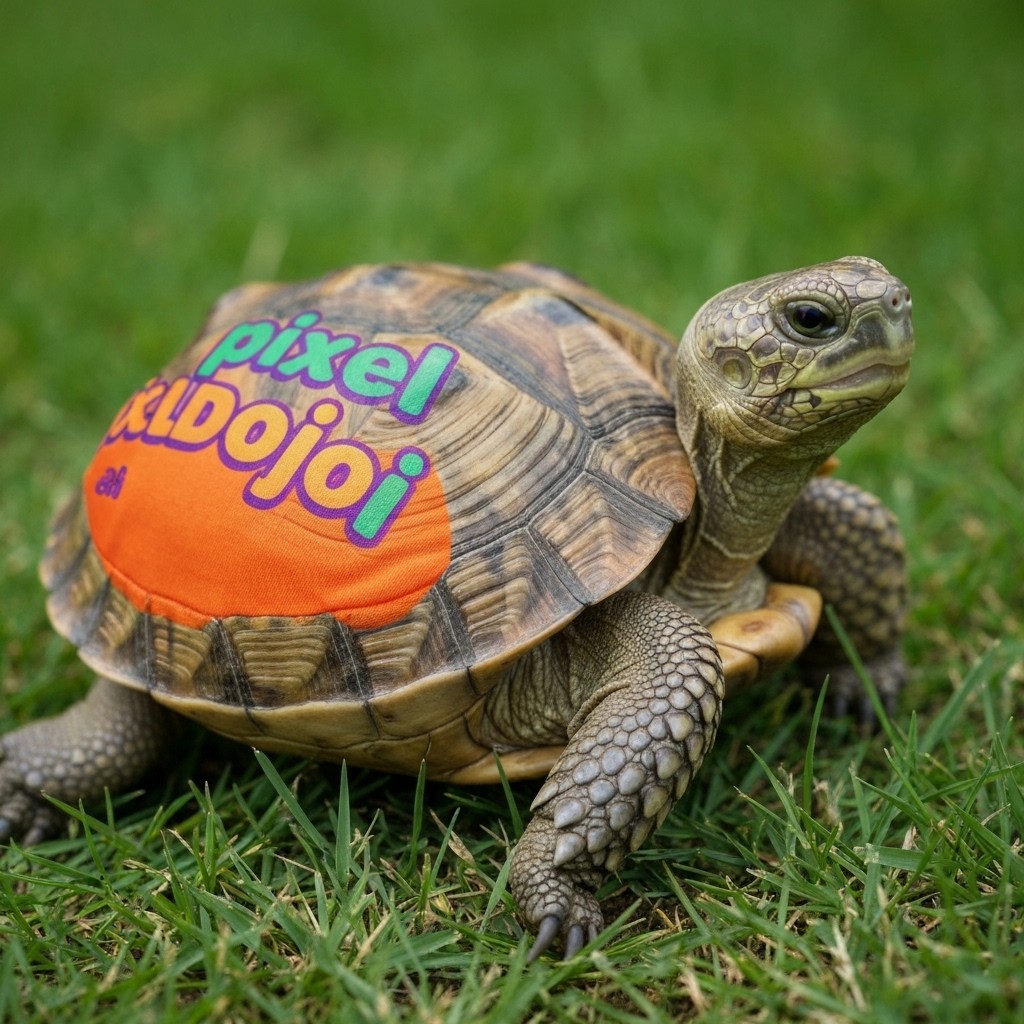
A turtle that is wearing a shirt that says pixeldojo
imagen
Models you can run on PixelDojo for pixeldojo vs fal
Switch models without switching tools. Each one runs in the same PixelDojo studio.
What you can do with pixeldojo vs fal on PixelDojo
Many models in one place
We give you access to a wide set of image models in a single studio, so you can try different looks without hopping between APIs. Generate, iterate, and keep your workflow on PixelDojo.
Full creative editing tools
We include inpainting, outpainting, upscaling, and variation tools next to generation. You can refine a still until it matches the shot you need.
Clear credit based usage
We run generation on a straightforward credit system you can see before you run a job. That makes it easier to budget tests, batches, and client work.
Studio built for creators
We organize prompts, history, and outputs so you can compare runs and reuse what works. PixelDojo is set up for daily image work, not only one-off API calls.
Rated 4.8/5 by thousands of creators worldwide. Over 10,000 users have generated more than 1 million images and videos. Join the community transforming workflows with PixelDojo.
Why Choose Pixel Dojo for pixeldojo vs fal
Professional-quality results with cutting-edge AI technology
Ship Client-Ready Visuals in Minutes
You skip the infrastructure layer entirely. Open Flux.2 Studio or Seedream 5, type your brief, and download photorealistic images with perfect anatomy, lighting, and text. Then animate them with Kling Video or WAN 2.7 Video. Your marketing team, e-commerce store, or personal brand gets production-quality assets without hiring designers or waiting on developers.
Keep Characters and Brands Consistent Across Everything
Train once with Flux Trainer or QWEN Trainer, then reuse the same face or product look in Image to Image, Character Sheets, WAN Video Character Swap, and Kling Avatar. You never lose identity when you move from stills to video to 3D with Rodin. Your audience sees one cohesive world every time.
One Bill, Full Rights, Zero Extra Work
You pay one subscription with simple credits instead of per-image or per-second invoices across dozens of endpoints. Every generation includes commercial usage rights and no watermarks. Edit with Inpainting, Magic Lighting, or Reality Polisher, upscale with Magnific Upscaler, then export. Cancel anytime. You stay in control.
How It Works
You create professional images and videos in three simple steps inside PixelDojo’s unified studio. No code, no separate accounts, no infrastructure setup.
Step 1: Choose Your Tool
Go to Generate Images and pick Flux.2 Studio for photorealism, GPT Image 2 for text-heavy designs, Nano Banana 2 for fusion, or Seedream 5 for 4K product shots. For motion, select Kling Video, VEO 3.1, or WAN 2.7 Video. The right model is already waiting with the settings you need.
Step 2: Enter Your Prompt
Describe exactly what you want: lighting, camera angle, mood, product details, or character action. Use the built-in prompt enhancer if you like. PixelDojo routes your words to the chosen model so you get the result you imagined, not a generic approximation.
Step 3: Customize & Download
Refine with Image to Image, Inpainting, Style Transfer, or Magic Lighting. Upscale with P-Image Upscale or Magnific Upscaler. Add consistent characters via Character Sheets or Face Swap. Download in the format you need, ready for commercial use. Repeat as often as you want.
The Pixel Dojo Advantage
Why PixelDojo outperforms other options for AI image and video generation
| Others | Pixel Dojo |
|---|---|
| Traditional image and video creation | You eliminate weeks of photography, illustration, or 3D modeling. Flux.2 Studio and Seedream 5 deliver photoreal results in seconds so you can test ten concepts before lunch. |
| Generic AI tools | You get a curated production suite instead of scattered playgrounds. One login covers Nano Banana 2, GPT Image 2, Kling Video, WAN 3.0, editing, upscaling, character training, and 3D. Everything stays consistent. |
| Manual photo editing and video production | You skip the steep learning curve of complex software. Reality Polisher, Magic Lighting, Video Autocaption, and Merge Videos handle the polish automatically so you focus on ideas, not layers and timelines. |
Loved by creators on PixelDojo
Real feedback from people using PixelDojo, pulled from our in-product surveys.
very easy to use and good support
Very easy to use
super easy to use
it's very easy to use
Practically every Ai suite in one place? Who wouldn't?
versatile menu of tools
Explore more AI tools on PixelDojo
AI Tools
Compare & Switch
- Best AI Image Generators
- Best AI Video Generators
- Midjourney Alternatives
- Civitai Alternatives
- Runway Alternatives
- Leonardo Alternatives
- Pika Alternatives
- Luma Alternatives
- Magnific Alternatives
- Veo Alternatives
- Flux Alternatives
- Freepik Alternatives
- Seedance Alternatives
- Seedream Alternatives
- Pixverse Alternatives
- GPT Image Alternatives
- Synthesia Alternatives
- Playground Alternatives
- NightCafe Alternatives
- Canva AI Alternatives
- ElevenLabs Alternatives
- ComfyUI Alternatives
- Fal Alternatives
- Replicate Alternatives
Common Questions
Everything you need to know about pixeldojo vs fal
Is PixelDojo a better Fal alternative for everyday creators who need finished images?
Yes. PixelDojo sits one layer above raw endpoints. You get 40+ production-ready tools including Flux.2 Studio, Seedream 5, GPT Image 2, and Kling Video behind a single login and credit system. Every image and video includes full commercial rights and no watermarks. You never have to build galleries, user billing, or cost controls yourself. Thousands of creators already prefer this finished studio approach.
How does PixelDojo vs Fal image generation speed and quality compare for real projects?
PixelDojo measures real generation times inside the studio. Z Image Turbo returns in seconds, Flux.2 Studio delivers high-fidelity photorealism, and Seedream 5 handles 4K product work. You also get instant access to editing tools like Inpainting, Change Camera Angle, and Reality Polisher so the first generation is never the last. The result is client-ready assets faster than assembling your own stack.
Can I train custom characters and keep them consistent across PixelDojo vs Fal workflows?
Absolutely. Use Flux Trainer, QWEN Trainer, or Z-Image Trainer once, then apply the same character in Image to Image, Character Sheets, WAN Video Character Swap, Kling Avatar, and Face Swap. PixelDojo keeps identity locked so your brand or story world stays coherent from stills to video without extra engineering.
What video tools does PixelDojo offer that make it stronger than raw Fal endpoints?
You can generate with VEO 3.1, Kling Video, WAN 3.0, Seedance 2.5, Hailuo 2.3, and PixVerse V6, then edit with Runway Aleph, Grok Video Edit, Video Autocaption, and Merge Videos. Reference-to-video and character swap keep people looking the same shot after shot. Everything lives in one subscription so you never juggle separate invoices.
Does PixelDojo give commercial rights for images and videos created with Flux.2 Studio and Seedream 5?
Yes. Every generation on PixelDojo includes full commercial usage rights and ships without watermarks. You can use the outputs in ads, products, client work, or social campaigns immediately. Combined with upscalers like Magnific Upscaler and Clarity Pro, your files are print-ready and platform-ready.
How easy is it to cancel PixelDojo if I only need it for a short project versus building on Fal?
Extremely easy. PixelDojo is a simple subscription you can cancel anytime. You get 40+ tools, unified credits, and a complete studio without long-term infrastructure commitments. Start creating today, ship your campaign, and pause whenever you want. Thousands of creators already enjoy this flexibility.