qwen image lora inference on pixel dojo

Unlock the power of personalized AI image generation with Qwen Image LoRA on PixelDojo. Whether you're an artist, designer, or content creator, our platform enables you to produce unique, high-quality images tailored to your specific needs, all with minimal effort.
Join over 10,000 creators who have transformed their workflows with PixelDojo's cutting-edge AI tools, achieving a 95% satisfaction rate.
Why Choose Pixel Dojo for qwen image lora inference on pixel dojo
Professional-quality results with cutting-edge AI technology
Personalized Image Generation
Create images that reflect your unique style and vision using Qwen Image LoRA's fine-tuning capabilities.
Efficient Workflow
Generate high-quality images quickly, reducing the time from concept to creation.
User-Friendly Interface
Navigate through the image creation process with ease, thanks to PixelDojo's intuitive platform.
How It Works
Creating personalized images with Qwen Image LoRA on PixelDojo is a straightforward process. Follow these steps to bring your ideas to life:
Step 1: Select Qwen Image LoRA Tool
Log in to your PixelDojo account and choose the Qwen Image LoRA tool from the image generation options.
Step 2: Upload Training Images
Provide a set of images that represent the style or subject you want to replicate. These images will be used to fine-tune the model.
Step 3: Generate Your Custom Image
Enter a descriptive prompt for the image you want to create. The fine-tuned model will generate an image that aligns with your input.


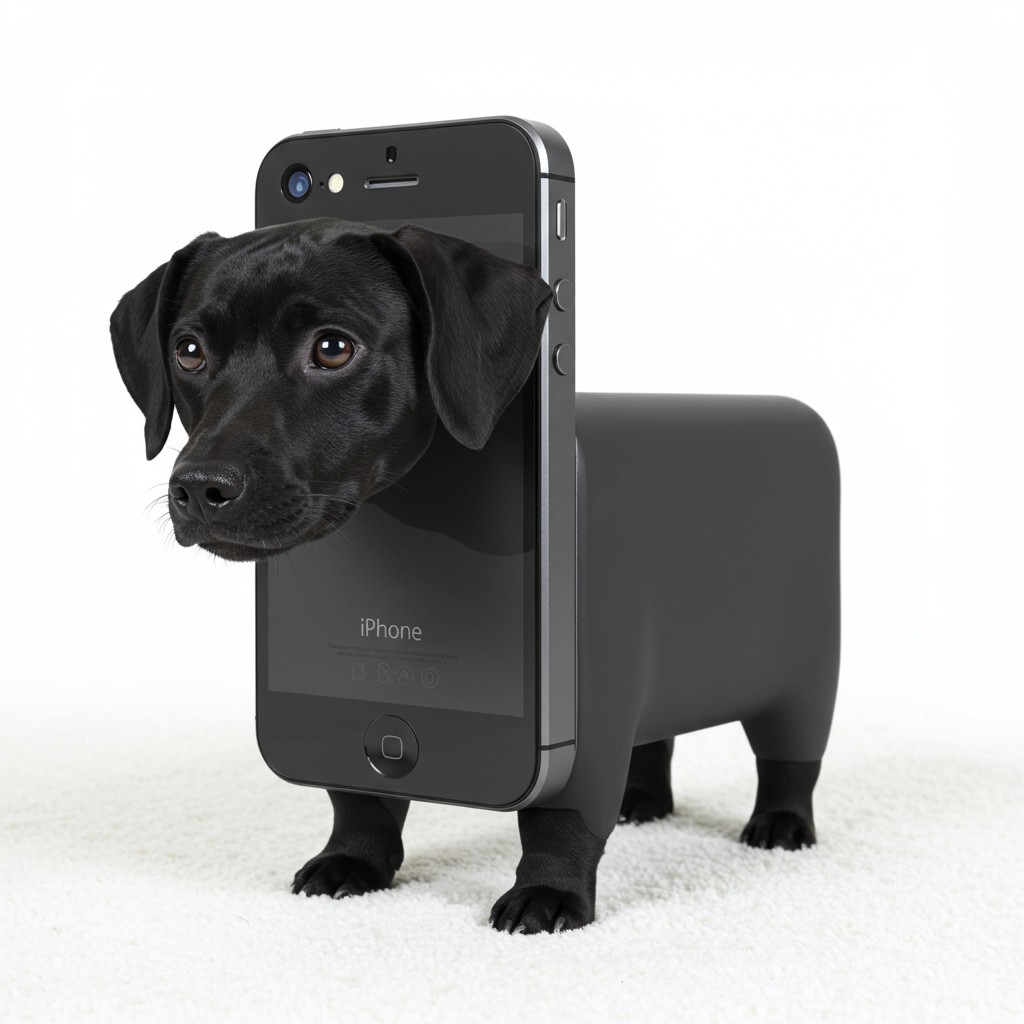

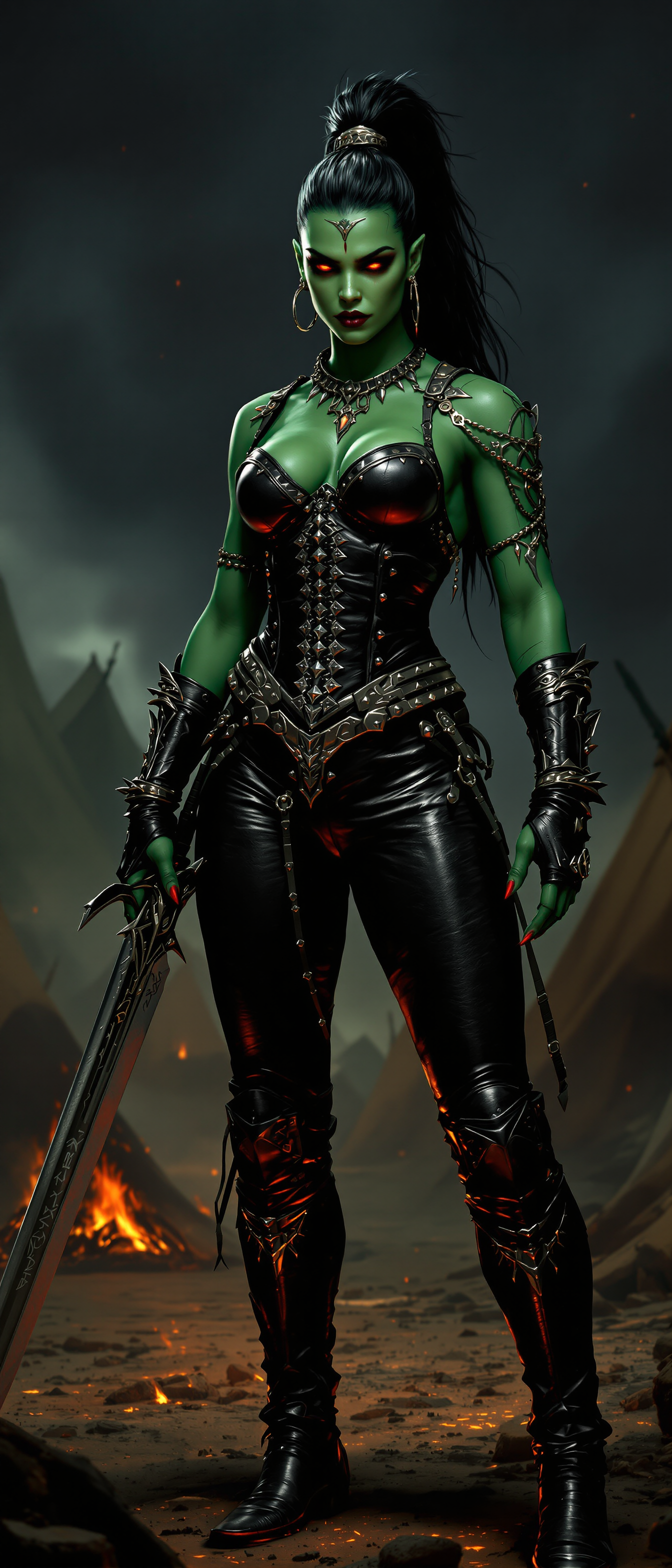





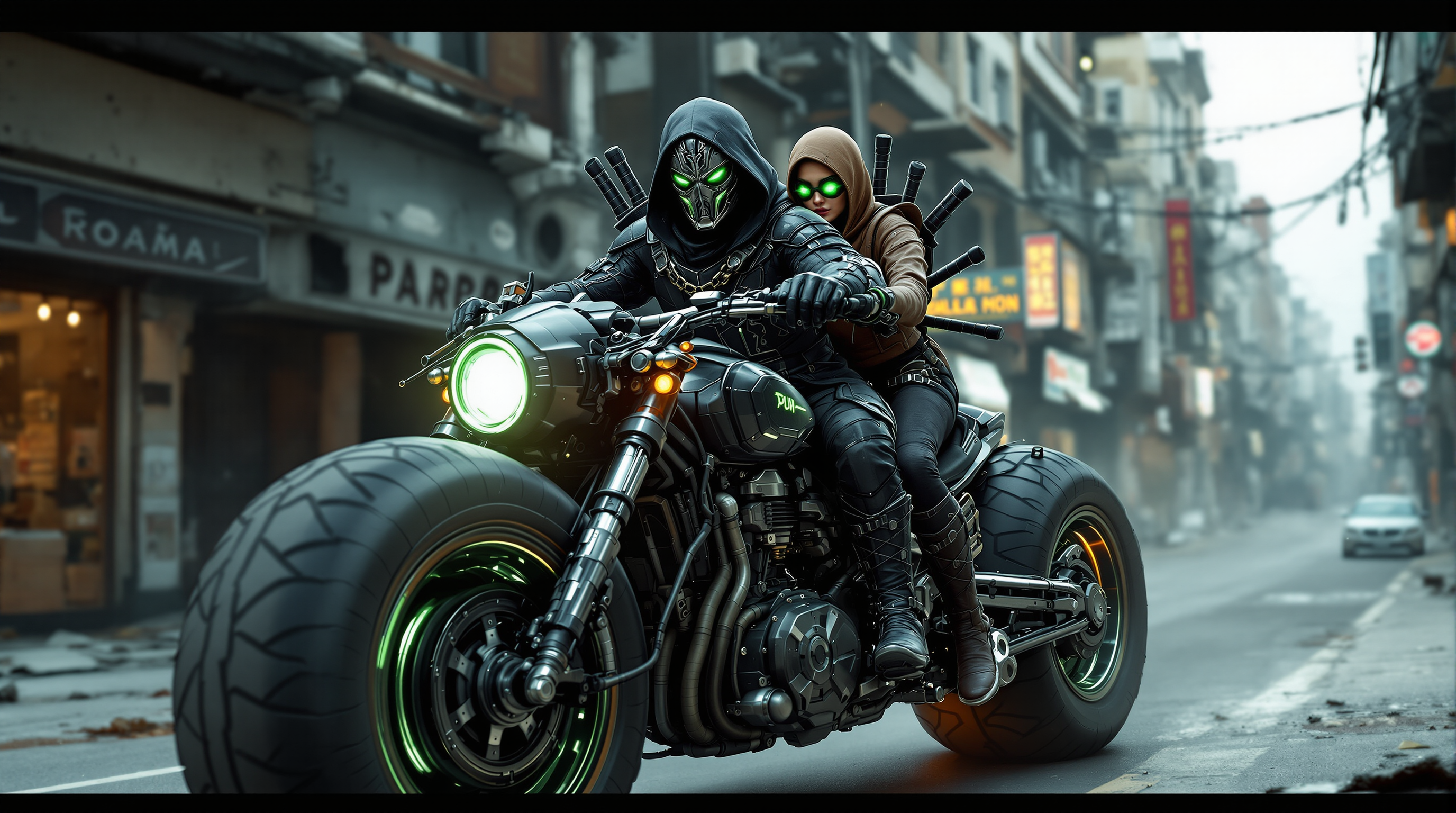


The Pixel Dojo Advantage
Why PixelDojo outperforms other options for personalized image generation
| Others | Pixel Dojo |
|---|---|
| Traditional Image Editing | Eliminate the need for manual adjustments and extensive editing skills. |
| Generic AI Tools | Achieve higher accuracy and customization with fine-tuned models tailored to your style. |
| Stock Images | Create unique images that stand out, avoiding the use of overused stock photos. |
Loved by creators on PixelDojo
Real feedback from people using PixelDojo, pulled from our in-product surveys.
variety of tools available and prompt tools
A "one-stop-shop" for creators! Thanks!!
Lots of different tools. It's easy to purchase more credits.
Amazing performance!
Excellent website for creating all types of media
Very eay to use, works well to train SDXL loras.
Explore more AI tools on PixelDojo
AI Tools
Compare & Switch
- Best AI Image Generators
- Best AI Video Generators
- Midjourney Alternatives
- Civitai Alternatives
- Runway Alternatives
- Leonardo Alternatives
- Pika Alternatives
- Luma Alternatives
- Magnific Alternatives
- Veo Alternatives
- Flux Alternatives
- Freepik Alternatives
- Seedance Alternatives
- Seedream Alternatives
- Pixverse Alternatives
- GPT Image Alternatives
- Synthesia Alternatives
- Playground Alternatives
- NightCafe Alternatives
- Canva AI Alternatives
- ElevenLabs Alternatives
- ComfyUI Alternatives
- Fal Alternatives
- Replicate Alternatives
Common Questions
Everything you need to know about qwen image lora inference on pixel dojo
How does Qwen Image LoRA enhance image generation on PixelDojo?
Qwen Image LoRA allows for fine-tuning of the AI model using your own images, enabling the creation of personalized and highly accurate visuals that align with your specific style or subject matter.
What types of images can I create with Qwen Image LoRA on PixelDojo?
You can generate a wide range of images, from realistic portraits to stylized artwork, depending on the training images and prompts you provide.
Is any prior experience required to use Qwen Image LoRA on PixelDojo?
No prior experience is necessary. PixelDojo's user-friendly interface guides you through the process, making it accessible to both beginners and professionals.
How long does it take to generate an image using Qwen Image LoRA?
Image generation times can vary, but with optimized workflows, high-quality images can be produced in a matter of minutes, even on standard hardware.
Can I use Qwen Image LoRA for commercial projects?
Yes, images generated using Qwen Image LoRA on PixelDojo can be used for commercial purposes, providing you with unique assets for your projects.
What support is available if I encounter issues with Qwen Image LoRA on PixelDojo?
PixelDojo offers comprehensive support, including tutorials, a community forum, and direct assistance to help you resolve any issues and make the most of the platform.