recraft v4 AI Generator

Generated on PixelDojo. Produced by PixelDojo's generation pipeline.
You deserve visuals that look professionally art-directed, not generic. Recraft V4.1 on PixelDojo delivers images with true design taste—balanced compositions, cohesive colors, refined lighting, and details that feel intentional. Generate photorealistic product shots, unique illustrations, or production-ready SVG vectors that scale perfectly for any use. Skip expensive agencies and endless revisions. In minutes, you produce print-ready marketing assets, logos, packaging, and campaign visuals that convert. PixelDojo puts Recraft V4.1 plus 40+ complementary tools at your fingertips so you create, refine, and download high-impact work immediately.
Real image examples generated on PixelDojo
Every example below was produced on PixelDojo. Hover to see the prompt.
Swap the face of #BI93 with #TTPR edited with Seedream 4
seedream-4
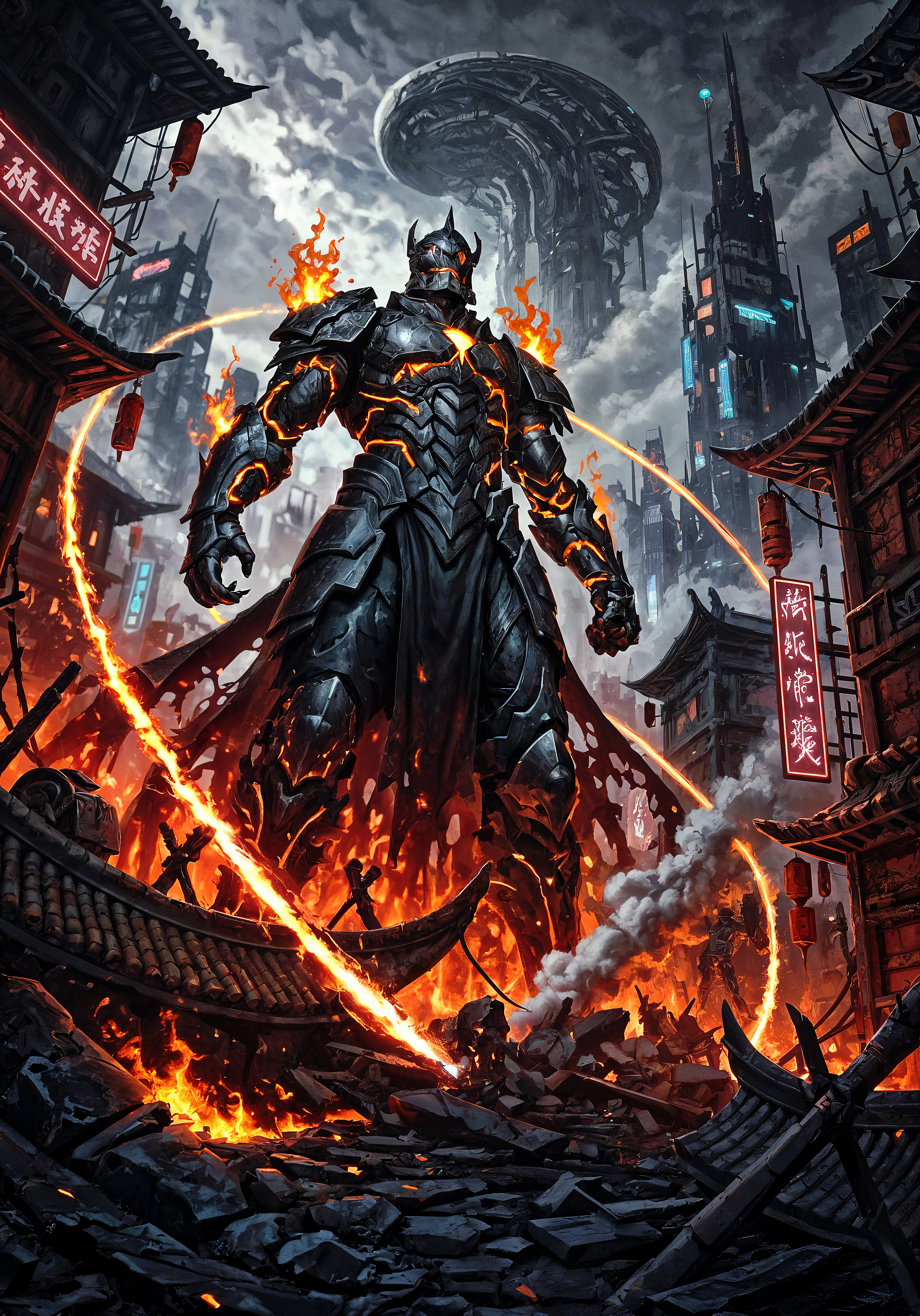
recraft v4 on PixelDojo
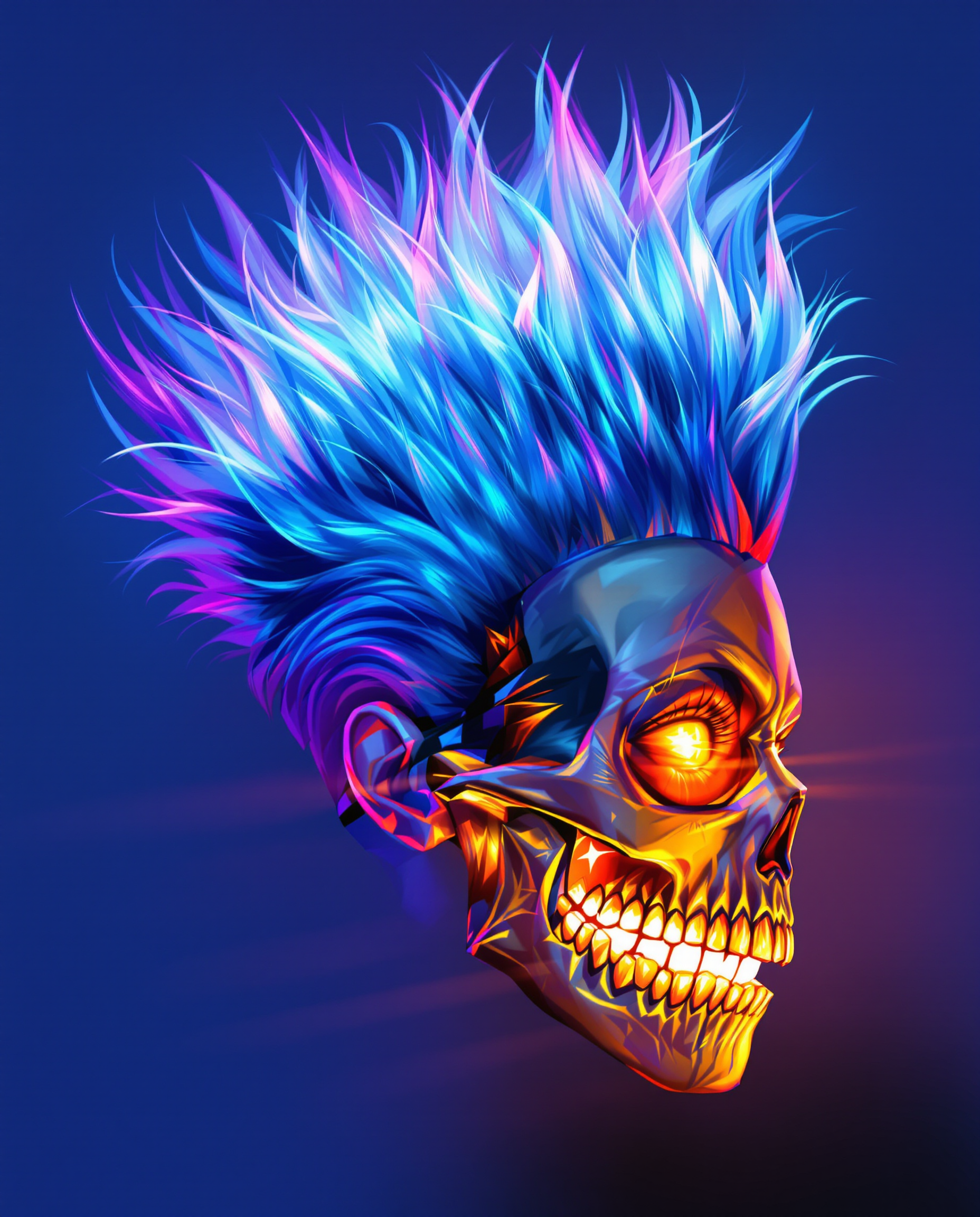
This is a realistic photo photograph of a female real person image that features a dynamic…
flux
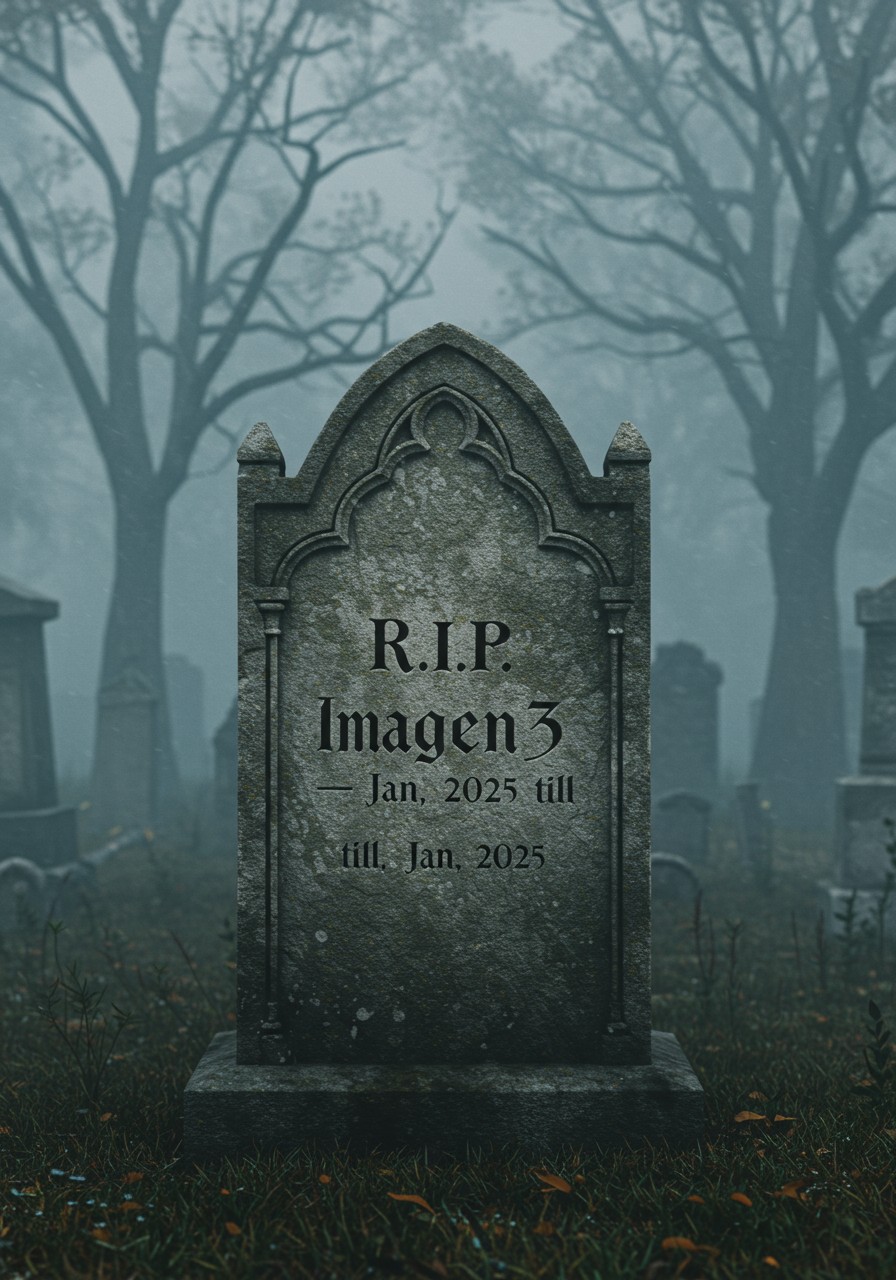
Gravestone on a mystical cemetery with the letters: "R
imagen
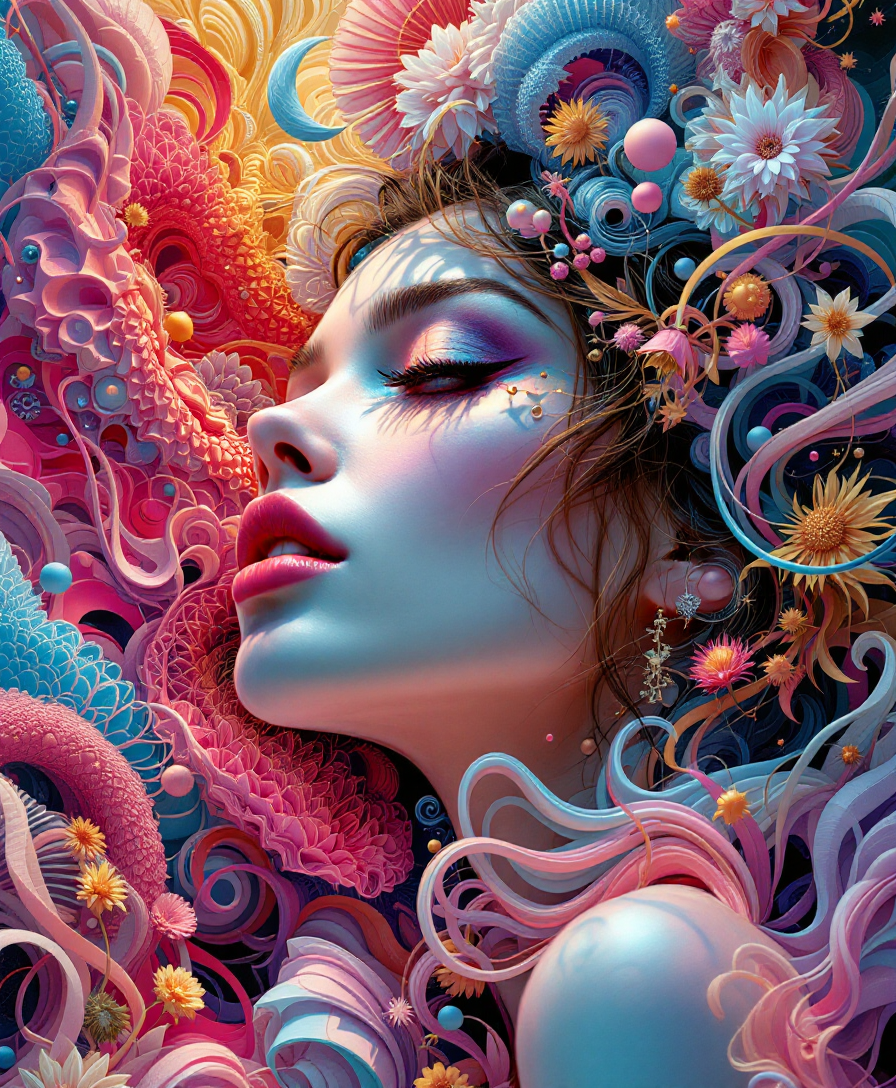
Highly Detailed surrealistic conceptual painting of a sexy woman dream visions
flux

Masterpiece
creative-upscaler
Models you can run on PixelDojo for recraft v4
Switch models without switching tools. Each one runs in the same PixelDojo studio.
What you can do with recraft v4 on PixelDojo
Recraft V4 Image Generation
We give you Recraft V4 for text-to-image work on PixelDojo so you can produce design-oriented stills from a prompt.
Brand and Layout Graphics
Use Recraft V4 to draft logos, icons, and marketing visuals with a clean, illustration-friendly look.
Prompt Control and Restyles
Adjust prompts and styles in the same workspace so you can refine Recraft V4 outputs without leaving PixelDojo.
Export for Creative Work
Download Recraft V4 images in common formats and keep them with your other PixelDojo generations for later edits.
Thousands of creators worldwide trust PixelDojo's 40+ cutting-edge AI tools, including Recraft V4.1, to deliver professional results daily. Join them for consistent, high-converting visuals you can cancel anytime.
Why Choose Pixel Dojo for recraft v4
Professional-quality results with cutting-edge AI technology
Deliver Art-Directed Visuals That Convert
You produce images with studio-level composition, lighting, and color harmony that look commissioned rather than generated, boosting engagement on ads, sites, and social.
Create Infinitely Scalable Vector Graphics
You generate clean, editable SVG files with structured layers and precise geometry, ready for logos, icons, print, and web without quality loss or extra tracing.
Achieve Natural Photorealism and Fresh Illustrations
You turn simple ideas into lifelike photos or distinctive illustration styles with accurate anatomy, textures, and text, cutting production time dramatically.
How It Works
You create Recraft V4 style images quickly on PixelDojo by combining Recraft V4.1 with powerful editing and enhancement tools. These steps turn your concept into polished, professional output.
Step 1: Choose Recraft V4.1
Open Generate Images and select Recraft V4.1 for raster or vector output. For brand consistency, prepare to use Style Transfer or Consistent Characters later. This model excels at design taste so your first generations already feel professional.
Step 2: Craft Your Prompt
Enter a short prompt for interpretive design taste or a structured one covering subject, composition, lighting, materials, and style. Specify SVG for vectors or photorealism for photos. Recraft V4.1 follows even brief instructions with strong aesthetic judgment.
Step 3: Refine, Enhance, and Download
Apply Image to Image, Inpainting, Background Remover, or Magic Lighting for tweaks. Upscale with P-Image Upscale or Magnific Upscaler for print. Download PNG, SVG, or other formats ready for use. Iterate fast with PixelDojo's full toolkit.
The Pixel Dojo Advantage
Why PixelDojo outperforms other options for Recraft V4 image generation
| Others | Pixel Dojo |
|---|---|
| Traditional graphic design | You generate multiple professional, art-directed options in minutes instead of waiting days or weeks and paying high fees for revisions. |
| Generic AI tools | You receive superior design taste, native production-quality vectors, accurate text rendering, and natural photorealism that generic tools cannot match. |
| Manual photo editing | You create consistent, high-fidelity assets across campaigns without spending hours on lighting, composition, or vector cleanup in traditional software. |
Loved by creators on PixelDojo
Real feedback from people using PixelDojo, pulled from our in-product surveys.
THIS IS SO DOPE !
I have already recommended it to friends
All the tools, plus the guidance
Excellent tools. Ease of use. Well thought out interface. Wide variety of AI tools and features which are up to date with more added each month
I really like how the site is kept up to date, and the leaderboard (where I'm currently #11 most popular artist)
This is the best image generator I've used so far. Well done!
Explore more AI tools on PixelDojo
AI Tools
Compare & Switch
- Best AI Image Generators
- Best AI Video Generators
- Midjourney Alternatives
- Civitai Alternatives
- Runway Alternatives
- Leonardo Alternatives
- Pika Alternatives
- Luma Alternatives
- Magnific Alternatives
- Veo Alternatives
- Flux Alternatives
- Freepik Alternatives
- Seedance Alternatives
- Seedream Alternatives
- Pixverse Alternatives
- GPT Image Alternatives
- Synthesia Alternatives
- Playground Alternatives
- NightCafe Alternatives
- Canva AI Alternatives
- ElevenLabs Alternatives
- ComfyUI Alternatives
- Fal Alternatives
- Replicate Alternatives
Common Questions
Everything you need to know about recraft v4
What makes Recraft V4.1 the best choice for professional AI image generation on PixelDojo?
Recraft V4.1 on PixelDojo focuses on design taste, delivering balanced compositions, cohesive colors, refined details, and natural photorealism even from short prompts. You get both raster images and editable SVG vectors in one workflow, plus seamless access to Image to Image, Inpainting, Style Transfer, and upscalers so every output is campaign-ready.
How do I generate high-quality vector graphics with Recraft V4.1?
Select Recraft V4.1 vector mode in Generate Images, then prompt for clean lines, limited palettes, and SVG output. The model produces structured, editable files with proper layers. Follow up with PixelDojo editing tools like Background Remover or Character Stylist if needed, then download scalable vectors perfect for logos, icons, and print.
Can Recraft V4.1 create print-ready marketing materials and packaging?
Yes. Recraft V4.1 Pro delivers higher resolution and finer detail ideal for large formats. Combined with P-Image Upscale or Magnific Upscaler on PixelDojo, you produce pixel-dense, professional assets. Native vectors ensure they remain sharp at any size, while accurate text rendering handles packaging copy and infographics reliably.
What prompting techniques work best for Recraft V4 images?
Use short prompts to let Recraft V4.1 apply its built-in design taste for exploration. For precision, structure prompts by subject, environment, framing, materials, lighting, and style. PixelDojo makes iteration easy—generate variants, then refine winners with Inpainting or Style Transfer to lock in your brand look.
How can I maintain brand consistency across Recraft V4 generations?
After generating with Recraft V4.1, apply Style Transfer or use Consistent Characters and Character Sheets. PixelDojo also offers Ideogram Character and LoRA Face Swap for people. These tools let you match palettes, textures, and overall aesthetic without retraining, keeping every asset on-brand.
Is it easy to edit Recraft V4.1 images after generation on PixelDojo?
Extremely. Use Image to Image for variations, Inpainting for local changes, Change Camera Angle or Magic Lighting for new looks, Background Remover for clean cutouts, and Reality Polisher for extra realism. Then upscale or outpaint as needed. All tools work together so you finish professional work in one place.