recraft v4.1 online AI Generator
Generated on PixelDojo. Produced by PixelDojo's generation pipeline.
Imagine turning a simple idea into a photorealistic portrait that feels like it was shot by a professional photographer, a dreamy 3D illustration with silky gradients, or a crisp vector logo ready for any size – all in seconds. That's the power of Recraft V4.1 online on PixelDojo. You no longer wait days for a designer or settle for generic results. With Recraft V4.1, you achieve images that look alive, with natural lighting, quieter backgrounds, stronger object understanding, and intentional composition that makes your marketing, branding, product mockups, and social content stand out. PixelDojo puts Recraft V4.1 at your fingertips alongside 40+ cutting-edge AI tools so you can generate, edit, upscale, and even turn stills into video without leaving the platform. Whether you need lifestyle photography that feels candid, illustrations that weren't possible before, or scalable vectors for print and web, Recraft V4.1 delivers production-ready assets that convert visitors into customers. Start creating the visuals your projects deserve today and watch your ideas come to life with design taste built in.
Real image examples generated on PixelDojo
Every example below was produced on PixelDojo. Hover to see the prompt.
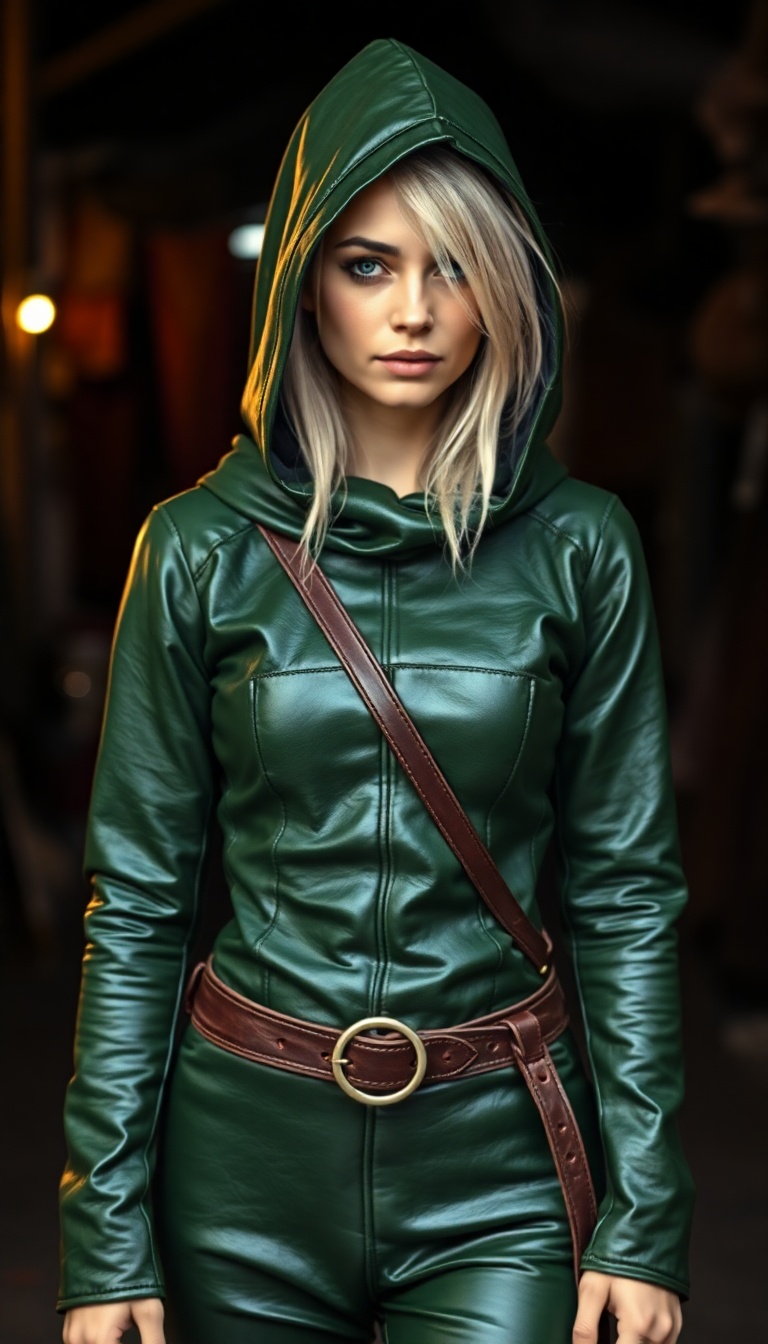
Shiny Green tight leather medieval tunic with hood
flux
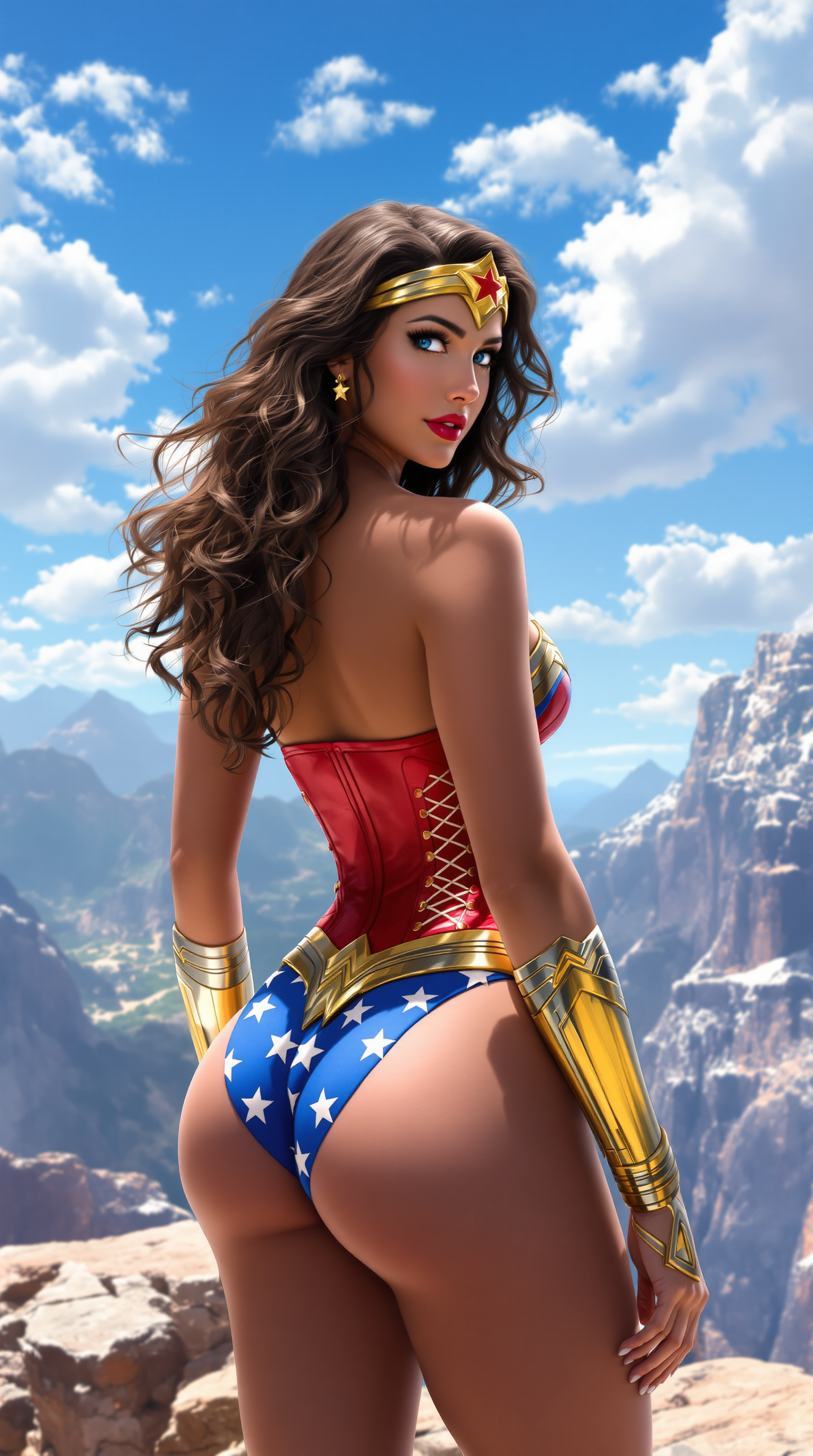
A highly detailed digital painting of a stunningly beautiful woman embodying Wonder Woman
flux
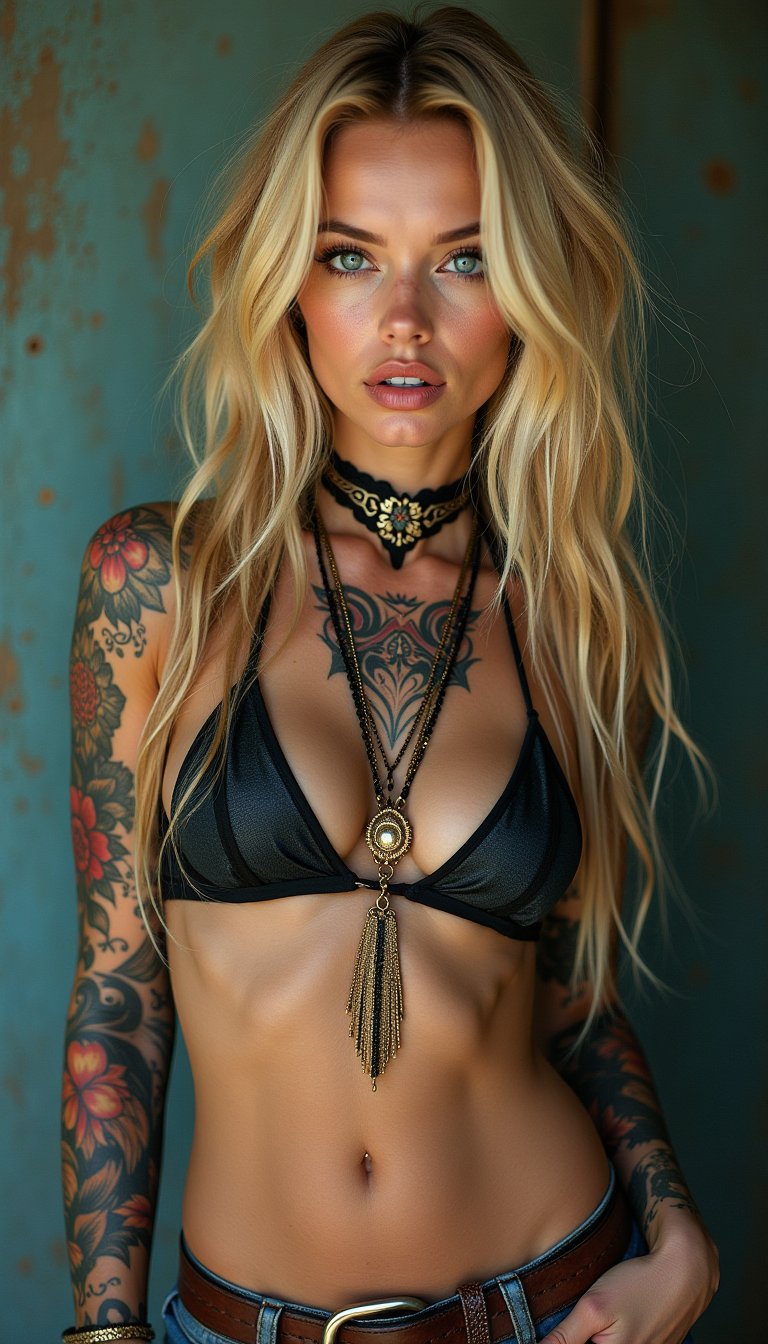
Full-body woman with a rude appearance
flux

Masterpiece
creative-upscaler
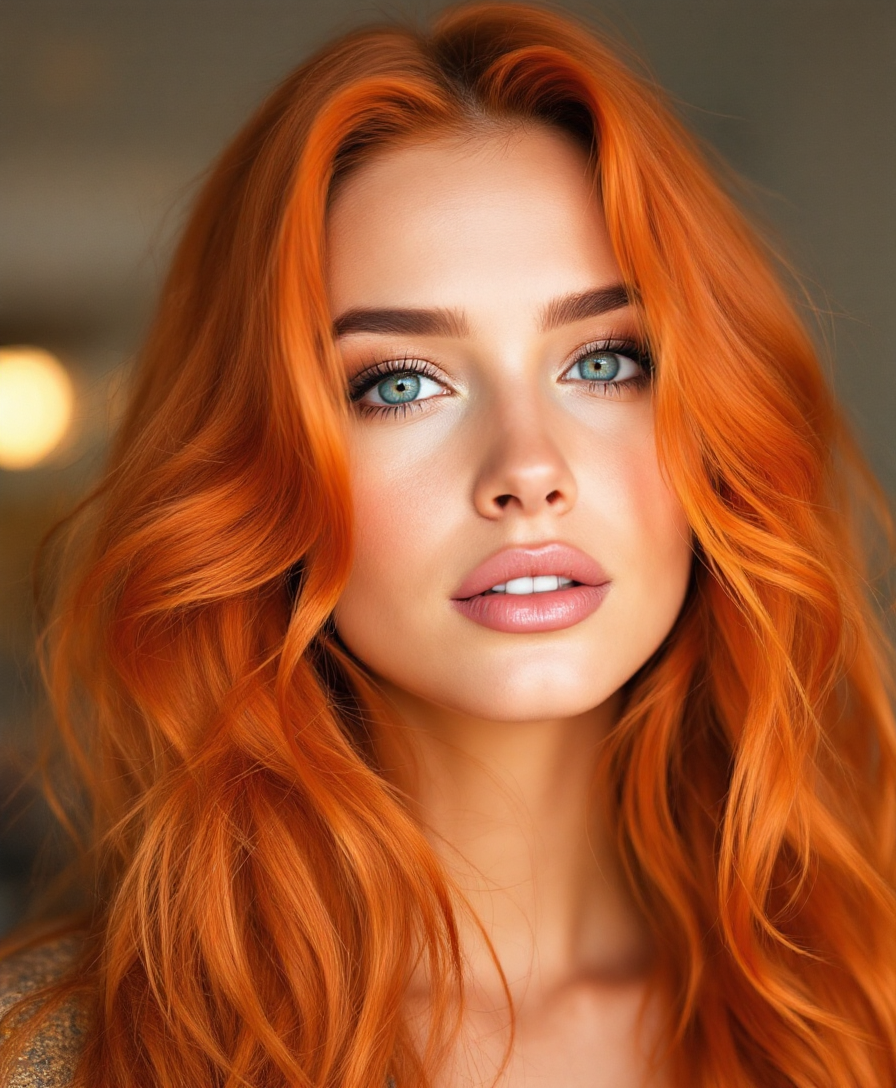
A photo of a beautiful woman with orange hair
stable-diffusion
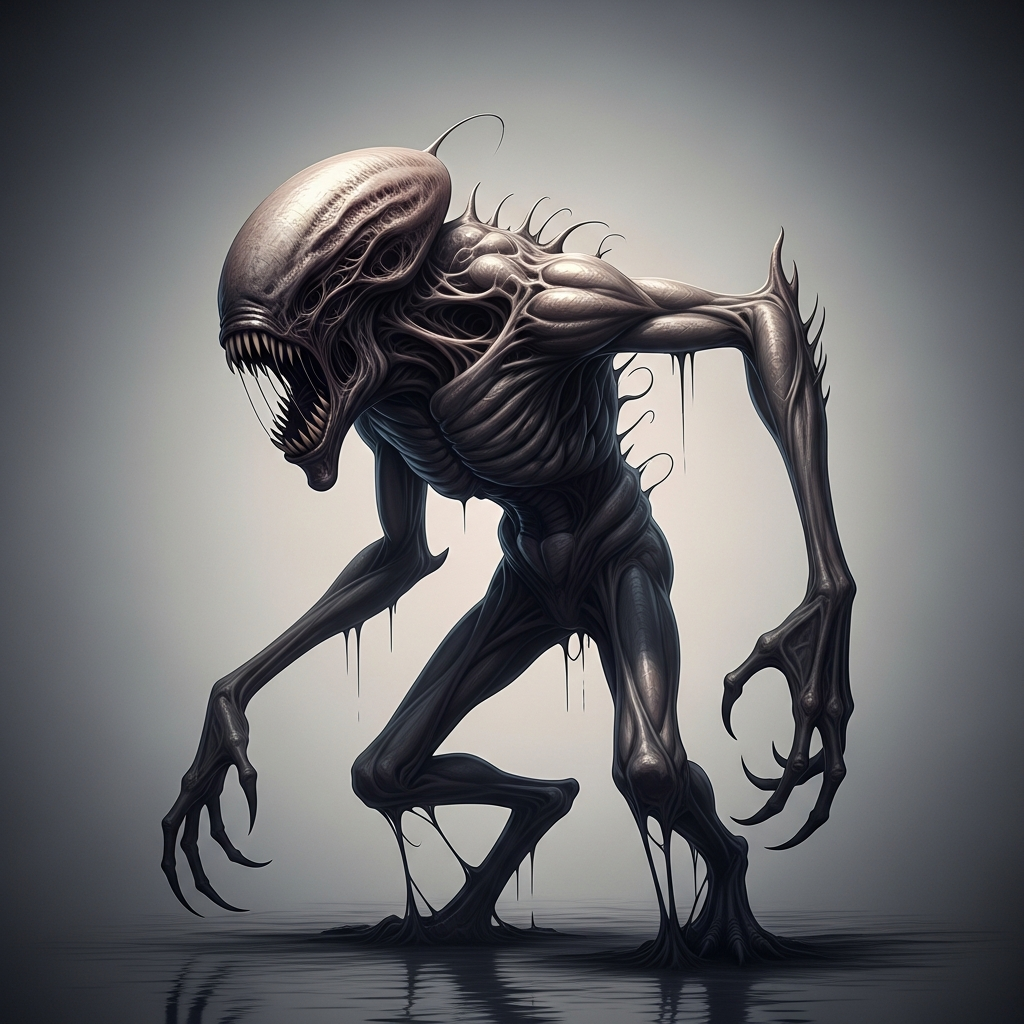
“Generate a creature that cannot be categorized or compared to anything within human imagi…
imagen
Models you can run on PixelDojo for recraft v4.1 online
Switch models without switching tools. Each one runs in the same PixelDojo studio.
What you can do with recraft v4.1 online on PixelDojo
Recraft v4.1 in Browser
We host Recraft v4.1 so you can generate images online without installing local software. Open a prompt, pick settings, and run generations from the PixelDojo workspace.
Design Focused Image Output
Use Recraft v4.1 for logos, icons, posters, and product-style graphics with clean shapes and layout. We keep generation, history, and downloads in one place so you can refine a look across multiple runs.
Readable Text in Images
Recraft v4.1 is strong at placing short copy inside generated artwork. We let you iterate on wording, composition, and style until the text sits where you need it.
Prompt Iterate and Export
Adjust prompts, aspect ratios, and variations, then save the results you want. We support common image downloads so you can move Recraft v4.1 outputs into your design tools.
Loved by thousands of creators worldwide who generate professional images every day. PixelDojo's Recraft V4.1 and 40+ AI tools power millions of designs, with users praising the natural photorealism and vector quality. Cancel anytime – no risk, just results.
Why Choose Pixel Dojo for recraft v4.1 online
Professional-quality results with cutting-edge AI technology
Produce Photorealistic Images That Feel Genuinely Human
You get portraits, product shots, and lifestyle scenes with natural skin texture, lived-in expressions, quieter backgrounds, and purposeful lighting that look like real photography instead of generated art. Perfect for ads, social posts, and e-commerce that build instant trust and drive clicks.
Unlock Dreamy Illustrations and Smooth 3D Renders Overnight
Create otherworldly 3D designs, silky gradients, and new illustration styles with soft transitions and surfaces that feel rendered, not processed. You expand your creative range for packaging, editorial, and concept work that previously required expensive 3D artists.
Deliver Production-Ready Vectors, Logos, and Mockups Instantly
Generate clean, intentional icons, typography, and scalable SVGs that hold up at any size plus simple, front-facing product mockups with the Utility variant. You skip the vector tracing and get assets ready for print, web, and merch without extra software.
How It Works
Creating stunning Recraft V4.1 images on PixelDojo takes just three simple steps. Recraft V4.1 shines with both short and detailed prompts, giving you natural photorealism, dreamy illustrations, or clean vectors depending on your goal. Combine it with PixelDojo's full suite for even better results.
Step 1: Choose Recraft V4.1 or Pair It With Complementary Tools
Log into PixelDojo and select Recraft V4.1 from the Generate Images section. For extra versatility, start with Recraft V4.1 then refine using Flux.2 Studio, Ideogram 4, or Seedream 5. Need characters? Jump to Consistent Characters or Character Sheets. This lets you explore Recraft V4.1's natural photorealism and vector strengths while accessing 40+ tools in one place.
Step 2: Enter Your Prompt – Short or Detailed Both Excel
Type a simple phrase like 'couple hugging at golden hour' or a detailed description of lighting, composition, and mood. Recraft V4.1 reads short prompts with design taste and holds complex details perfectly. Specify photorealistic studio lighting, dreamy 3D gradients, or flat vector style. PixelDojo's prompt tools help you iterate quickly so your first generation already looks professional.
Step 3: Customize, Enhance, and Download Your Professional Asset
Use PixelDojo's Edit Images tools like Image to Image, Inpainting, Style Transfer, Magic Lighting, or Background Remover to perfect the result. Upscale with Magnific Upscaler, P-Image Upscale, or Clarity Pro for print-ready files. For consistent branding, apply Character Stylist or Virtual Try-On. Download in high resolution or export vectors, then even animate with Marketing Studio or Kling Video if needed. Everything stays in one workflow.
The Pixel Dojo Advantage
Why PixelDojo outperforms other options for Recraft V4.1 online image generation
| Others | Pixel Dojo |
|---|---|
| Traditional design and photography | You go from concept to photorealistic or vector-ready asset in seconds instead of days of shooting, retouching, and illustration. Recraft V4.1 plus PixelDojo editors give you professional results at a fraction of the cost with unlimited iterations. |
| Generic AI image tools | PixelDojo gives you Recraft V4.1's unique natural photorealism, dreamy gradients, and true vector output together with 40+ specialized tools like Flux.2 Studio, Ideogram 4, inpainting, upscalers, and video generators in one seamless platform so you never switch apps. |
| Manual photo editing and vector tracing | Skip hours of Photoshop work and Illustrator tracing. Recraft V4.1 produces clean compositions, accurate lighting, and production SVGs immediately, then PixelDojo's Reality Polisher, Image Outpainting, and Magnific Upscaler refine them to print quality while you stay in flow. |
Loved by creators on PixelDojo
Real feedback from people using PixelDojo, pulled from our in-product surveys.
This is the best image generator I've used so far. Well done!
es facil de comprender asi uno no sea programador
amazing web site
phenomenal site. would highly recommend
Amazing features, easy to use, privacy
the number of options, and especially the quick response to questions on Discord
Explore more AI tools on PixelDojo
AI Tools
Compare & Switch
- Best AI Image Generators
- Best AI Video Generators
- Midjourney Alternatives
- Civitai Alternatives
- Runway Alternatives
- Leonardo Alternatives
- Pika Alternatives
- Luma Alternatives
- Magnific Alternatives
- Veo Alternatives
- Flux Alternatives
- Freepik Alternatives
- Seedance Alternatives
- Seedream Alternatives
- Pixverse Alternatives
- GPT Image Alternatives
- Synthesia Alternatives
- Playground Alternatives
- NightCafe Alternatives
- Canva AI Alternatives
- ElevenLabs Alternatives
- ComfyUI Alternatives
- Fal Alternatives
- Replicate Alternatives
Common Questions
Everything you need to know about recraft v4.1 online
What makes Recraft V4.1 online image generation on PixelDojo different from other AI tools?
Recraft V4.1 delivers photorealism that actually looks real with quieter backgrounds, stronger object understanding, and more intentional lighting, plus dreamier 3D and illustration styles that weren't possible before. On PixelDojo you access Recraft V4.1 alongside Nano Banana 2, GPT Image 2, Flux.2 Studio, Ideogram 4, and dozens more, then instantly edit with Inpainting, Style Transfer, or Background Remover and upscale with Magnific Upscaler. You get a complete professional workflow instead of a single model, loved by thousands of creators, with the freedom to cancel anytime.
How do I generate photorealistic images with Recraft V4.1 online using PixelDojo?
Select Recraft V4.1 in PixelDojo's Generate Images, enter even a short prompt describing your scene, lighting, and mood, then generate. Recraft V4.1 excels at natural, candid-feeling photos. Refine with Image to Image or Magic Lighting, remove backgrounds, and upscale with Portrait Upscaler or Clarity Pro. For consistent people across images use Consistent Characters. The whole process takes minutes and produces assets ready for your campaigns.
Can I create vector logos, icons, and illustrations with Recraft V4.1 on PixelDojo?
Yes. Recraft V4.1 includes dedicated vector modes that output clean, intentional SVGs with excellent typography and scalable lines. Use it for logos, icons, and flat illustrations, then polish in PixelDojo's editors or combine with Ideogram 4 for extra text precision. Export production-ready files or continue into 3D with Rodin and Hunyuan 3D. This saves you from manual tracing while delivering design-quality results.
What are the best Recraft V4.1 prompting techniques for natural photorealism and dreamy styles?
Recraft V4.1 rewards both short interpretive prompts and detailed descriptions. Lead with subject, lighting, and mood – 'golden hour couple portrait, natural expressions, quiet background' often outperforms long lists. For illustrations mention 'dreamy gradients, smooth 3D rendering'. On PixelDojo you can generate variants quickly, then use Style Transfer or Image Analyzer to iterate. Pair with QWEN Image 2 or Seedream 5 when you want complementary looks, all inside the same dashboard.
Is Recraft V4.1 good for product mockups and e-commerce images on PixelDojo?
Absolutely. The Utility variant of Recraft V4.1 focuses on flat lighting, front-facing composition, and simple scenes – ideal for clean product shots and mockups. Generate on PixelDojo, then use Background Remover, Reality Polisher, and Virtual Try-On or Flux Pro Virtual Try-On for apparel. Upscale with P-Image Upscale for crisp listings. Combine with Marketing Studio to turn stills into video ads, giving you a full e-commerce visual pipeline.
Can I use Recraft V4.1 images with PixelDojo's video, 3D, and training tools?
Yes. After generating with Recraft V4.1 you can animate using VEO 3.1, Kling Video, WAN 3.0, or Seedance 2.5, create 3D with Rodin or Hunyuan 3D, and even train custom models with Flux Trainer or QWEN Trainer using your Recraft outputs as references. Face Swap, Character Sheets, and LoRA Face Swap keep people consistent across stills and video. PixelDojo's 40+ tools mean Recraft V4.1 is just the starting point for complete campaigns.