replicate ai alternative
Generated on PixelDojo. Produced by PixelDojo's generation pipeline.
Stop wrestling with developer APIs, cold starts, and unpredictable bills. PixelDojo is the Replicate AI alternative built for creators who want results, not infrastructure headaches. You describe the scene, product, or story you need, and you walk away with professional images and videos ready for campaigns, social, or client work. Achieve photorealistic product shots, consistent brand characters across dozens of frames, cinematic clips with native audio, and polished edits without writing a single line of code. Latest techniques like reference-image guidance, identity lock for faces, and flow-based generation let you maintain style and likeness from the first still through full video sequences. Whether you are launching an e-commerce catalog, building a visual novel, or producing marketing reels, PixelDojo puts Nano Banana 2, GPT Image 2, Flux.2 Studio, VEO 3.1, Kling Video, and WAN 3.0 in one intuitive studio so you ship faster and look better than ever.
Real image examples generated on PixelDojo
Every example below was produced on PixelDojo. Hover to see the prompt.
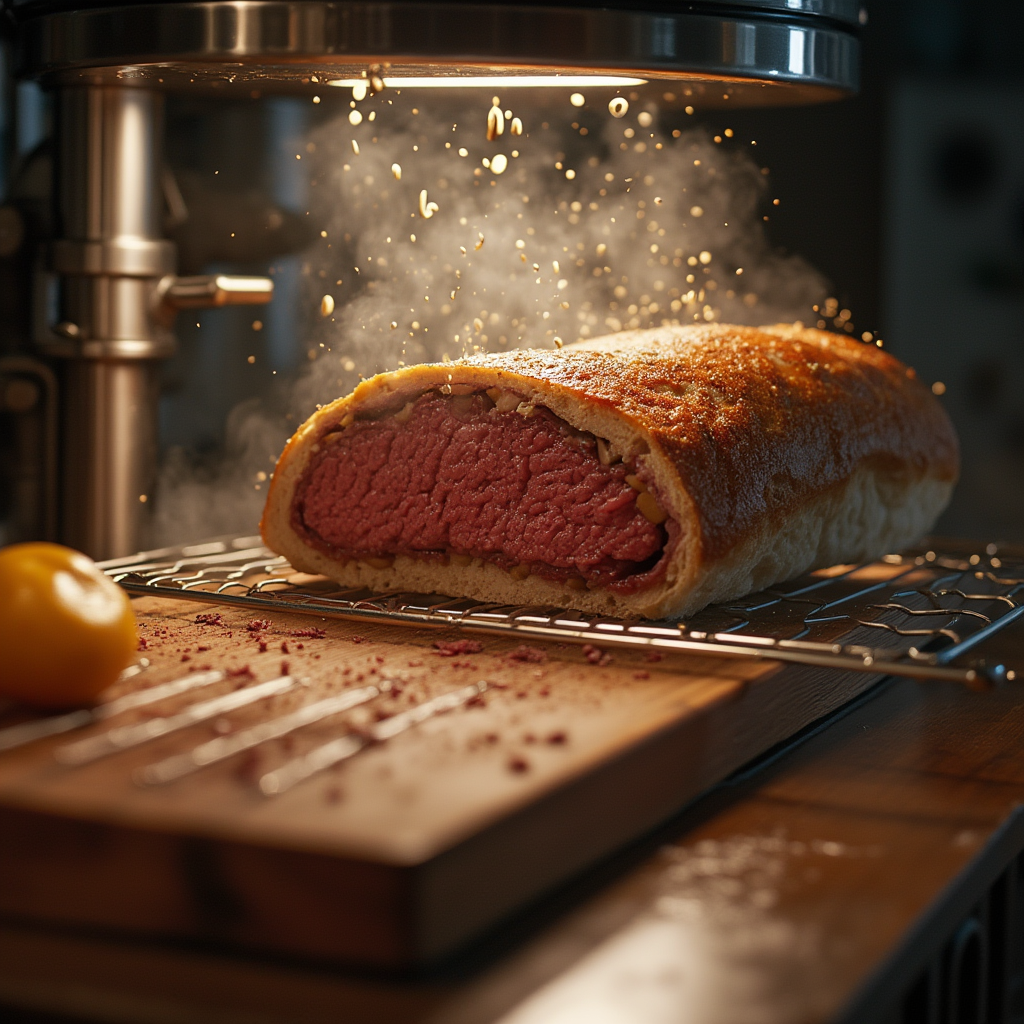
An atomic replicator creating a beef wellington
flux
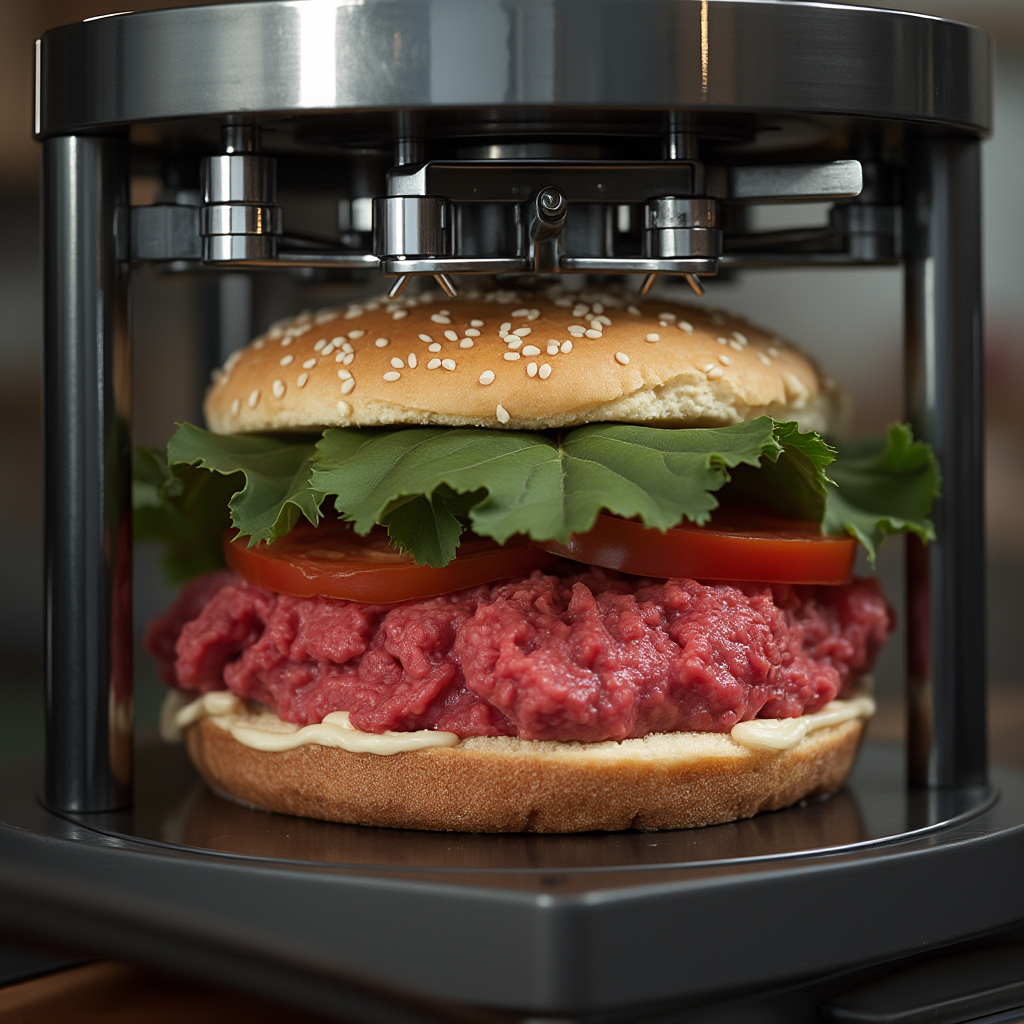
An atomic replicator creating a beef wellington
flux
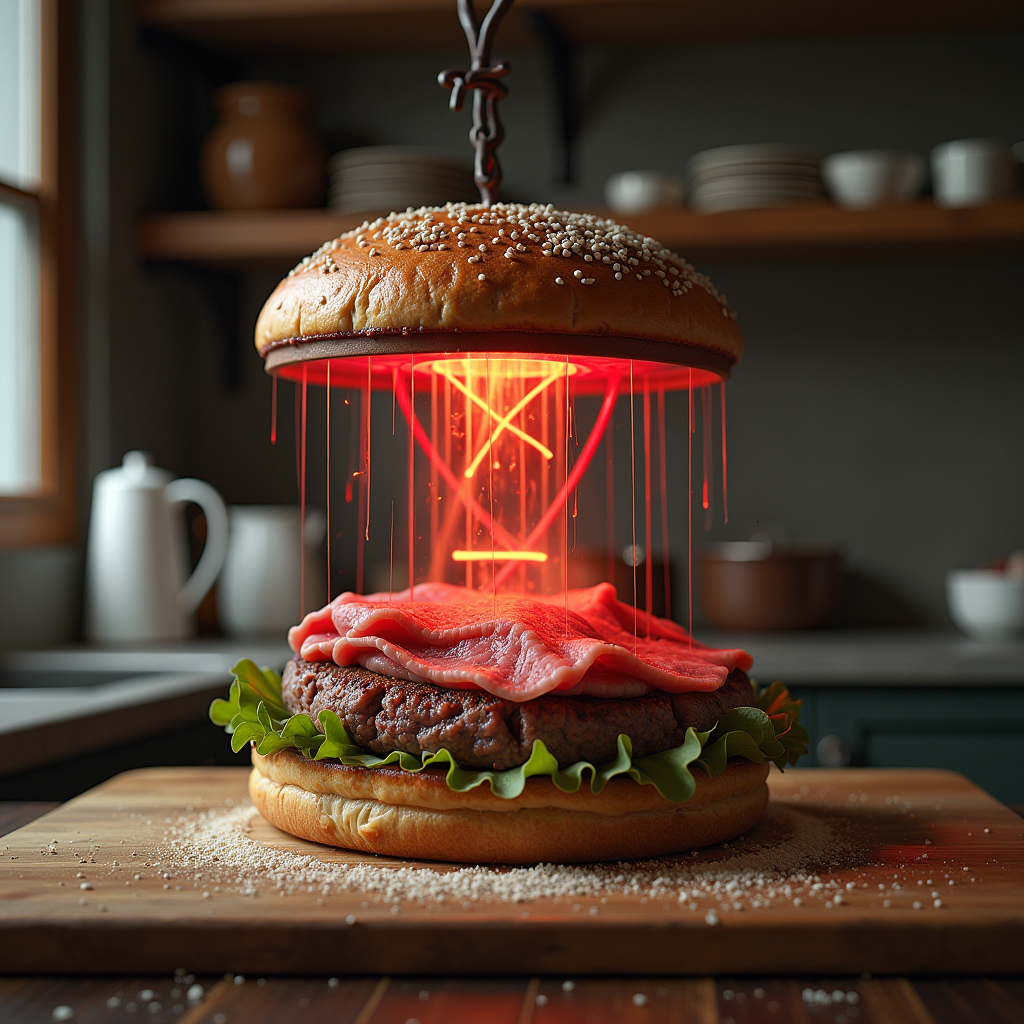
An atomic replicator creating a beef wellington
flux
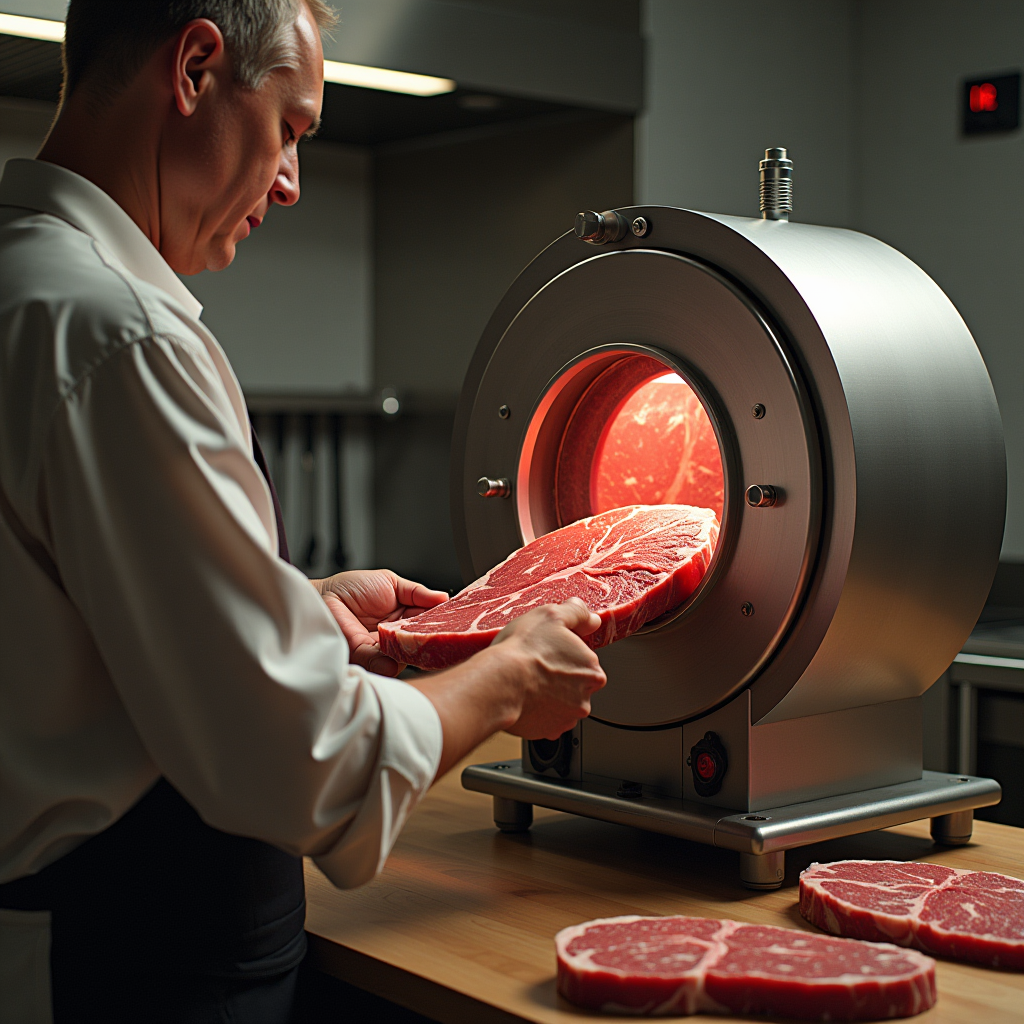
An atomic replicator creating a beef wellington
flux
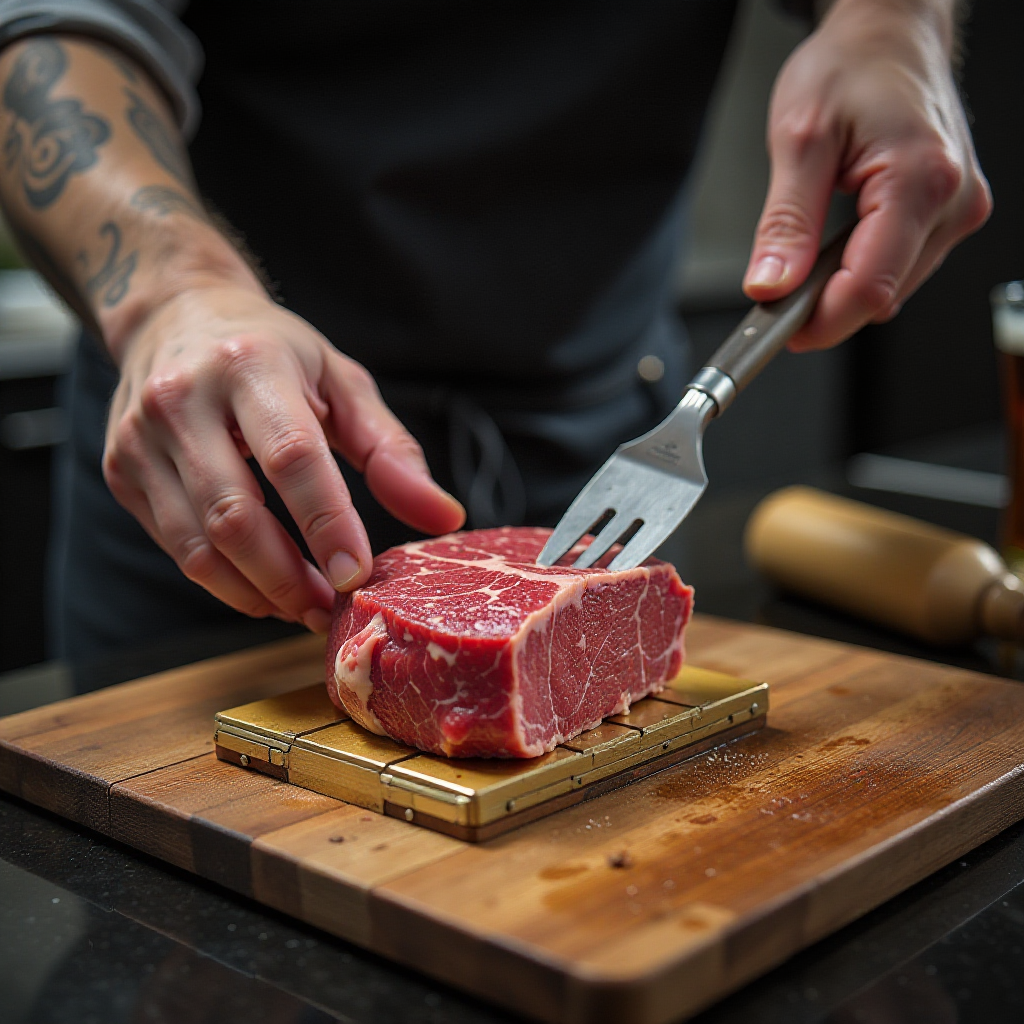
An atomic replicator creating a beef wellington
flux
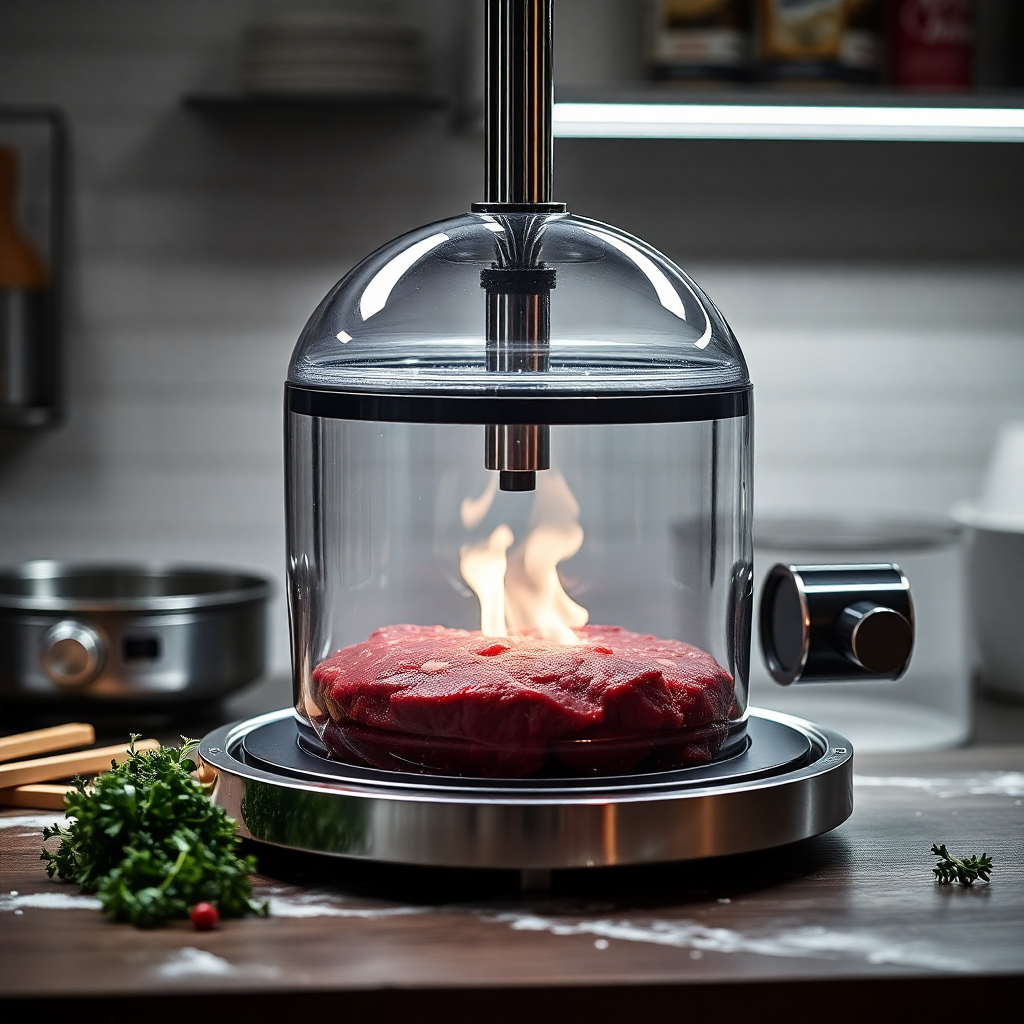
An atomic replicator creating a beef wellington
flux
Models you can run on PixelDojo for replicate ai alternative
Switch models without switching tools. Each one runs in the same PixelDojo studio.
What you can do with replicate ai alternative on PixelDojo
Many models in one studio
We give you access to popular image models from a single workspace so you can compare looks without juggling separate API accounts. Pick a model, set your prompt, and generate from the same flow.
Clear per-image generation costs
We show credits and pricing up front so you can plan batches without surprise invoices. You run the jobs you need and keep a simple record of what each run used.
Control over prompts and settings
We expose the knobs creators actually use: aspect ratio, steps, guidance, seeds, and negative prompts. Repeat a seed when you want consistency, or change one setting and try again.
Iterate, remix, and export
We keep recent generations so you can refine a direction, remix a result, and download files for your pipeline. Move from sketch to final stills without leaving the page.
Loved by thousands of creators worldwide. 40+ cutting-edge AI tools in one place. Cancel anytime with no lock-in.
Why Choose Pixel Dojo for replicate ai alternative
Professional-quality results with cutting-edge AI technology
Ship Campaign-Ready Visuals in Minutes
Turn a simple text idea into high-converting product images, ad creatives, and social assets using Nano Banana 2 for text-perfect infographics, Flux.2 Studio for photorealism, and Recraft V4.1 for brand-safe vectors. You skip photoshoots and stock libraries entirely.
Keep Characters and Products Perfectly Consistent
Build a visual identity once and reuse it everywhere. Consistent Characters, Ideogram Character, Face Swap, and LoRA Face Swap plus WAN Video Character Swap let you generate matching faces, outfits, and products across stills and video without starting over each time.
Go From Still to Cinematic Video Instantly
Animate any image or generate from text with VEO 3.1 reference images and audio, Kling Video, Seedance 2.5, or WAN 3.0. Add native sound, extend clips with Grok Imagine Video Extend, then polish with Video Autocaption and Merge Videos so your stories feel complete.
How It Works
Creating professional images and videos on PixelDojo is as simple as choosing the right tool, describing what you want, and downloading the result. No setup, no GPU management, no API keys required.
Step 1: Choose Your Tool
Open the studio and pick the model that matches your goal. Select Nano Banana 2 or GPT Image 2 for prompt-faithful scenes with readable text, Flux.2 Studio or Krea Image for cinematic photorealism, Ideogram 4 for typography, or jump straight to video with VEO 3.1, Kling Video, or WAN 2.7 Video. Training tools like Flux Trainer sit ready if you need a custom style.
Step 2: Enter Your Prompt
Type a natural description of the subject, lighting, mood, and any reference details. Upload an existing photo for Image to Image, Inpainting, or Change Camera Angle. For video, add motion cues or an audio track. The models understand complex multi-object scenes, character identity, and even camera movement so you get exactly what you imagined on the first or second try.
Step 3: Customize & Download
Refine with Style Transfer, Magic Lighting, Background Remover, Reality Polisher, or Image Outpainting. Upscale with P-Image Upscale, Magnific Upscaler, or Clarity Pro. For video, reframe, extend, swap characters with Kling Video Character Swap, add captions, then merge clips. Download high-resolution files or send them to your team. Everything stays in one workspace.
The Pixel Dojo Advantage
Why PixelDojo outperforms other options for AI image and video generation
| Others | Pixel Dojo |
|---|---|
| Traditional image and video production | You skip expensive shoots, talent, locations, and weeks of post-production. Generate, iterate, and deliver campaign assets the same afternoon using the latest models. |
| Generic AI tools | Instead of hopping between disconnected apps, you access specialized generators, editors, upscalers, character tools, 3D, audio, and custom trainers in a single studio with consistent quality and one billing relationship. |
| Manual photo and video editing | Complex retouching, lighting changes, camera-angle swaps, background replacements, and video extensions that used to take hours now happen in seconds with Inpainting, Change Camera Angle, Style Transfer, and dedicated video editors. |
Loved by creators on PixelDojo
Real feedback from people using PixelDojo, pulled from our in-product surveys.
I’ve been using PixelDojo for around 8 months now and it’s always worked wonderfully while constantly adding features.
The site is easy to navigate and use.
All the tools, readily available and easy to understand
You guys, the LORA training is the BEST in the space right now, great job with that!
Tons of variety. Ease of use. Tools for beginners and advance users.
easiest workflow to get best output image or video
Explore more AI tools on PixelDojo
AI Tools
Compare & Switch
- Best AI Image Generators
- Best AI Video Generators
- Midjourney Alternatives
- Civitai Alternatives
- Runway Alternatives
- Leonardo Alternatives
- Pika Alternatives
- Luma Alternatives
- Magnific Alternatives
- Veo Alternatives
- Flux Alternatives
- Freepik Alternatives
- Seedance Alternatives
- Seedream Alternatives
- Pixverse Alternatives
- GPT Image Alternatives
- Synthesia Alternatives
- Playground Alternatives
- NightCafe Alternatives
- Canva AI Alternatives
- ElevenLabs Alternatives
- ComfyUI Alternatives
- Fal Alternatives
- Replicate Alternatives
Common Questions
Everything you need to know about replicate ai alternative
What is the best Replicate AI alternative for image generation right now?
PixelDojo stands out because it gives you immediate access to the newest models—Nano Banana 2, GPT Image 2, Flux.2 Studio, QWEN Image 2, Seedream 5, Ideogram 4, Recraft V4.1, and more—without API keys, cold starts, or per-second billing surprises. You generate, edit, and upscale in one place and keep commercial rights to everything you create.
How do I create AI videos as a Replicate AI alternative?
Choose VEO 3.1 for reference-image control and native audio, Kling Video or WAN 3.0 for cinematic motion, Seedance 2.5 for longer clips, or P Video Animate for quick image-to-video. Start from text or an existing still, add motion and sound, then refine with Grok Video Edit, Video Reframe, or Merge Videos. The entire pipeline lives inside PixelDojo.
Can I keep characters consistent across images and videos with this Replicate alternative?
Yes. Use Consistent Characters, Character Sheets, Ideogram Character, Face Swap, LoRA Face Swap, Flux Pro Virtual Try-On, and WAN or Kling Video Character Swap. Once you lock an identity or product look, every new still and every video clip stays on-brand without extra prompting gymnastics.
Does PixelDojo let me train custom models like a Replicate alternative?
Absolutely. Flux Trainer, QWEN Trainer, SDXL Trainer, Z-Image Trainer, WAN 2.2 Image Trainer, and Flux 2 Trainer let you fine-tune on your own images so the output matches your brand, product line, or artistic style. You own the resulting models and can generate unlimited variations afterward.
Is PixelDojo easier and more affordable than Replicate for everyday creators?
Yes. You work in a visual studio instead of writing API calls. Pricing is straightforward with no hidden compute-second charges or idle GPU fees. Thousands of creators already switched because they get 40+ tools, instant results, and the freedom to cancel anytime.
What editing and enhancement tools come with this Replicate AI alternative?
You get Image to Image, Inpainting, Change Camera Angle, Style Transfer, Magic Lighting, Background Remover, Image Analyzer, Reality Polisher, Image Outpainting, plus video tools like Runway Aleph, Grok Video Edit, Kling Video Edit, Video Autocaption, Video Analyzer, Video Reframe, and Extract Frame. Finish with P-Image Upscale, Magnific Upscaler, Clarity Pro, or FLUX Video Upscale for print-ready or 4K delivery.