reve ai
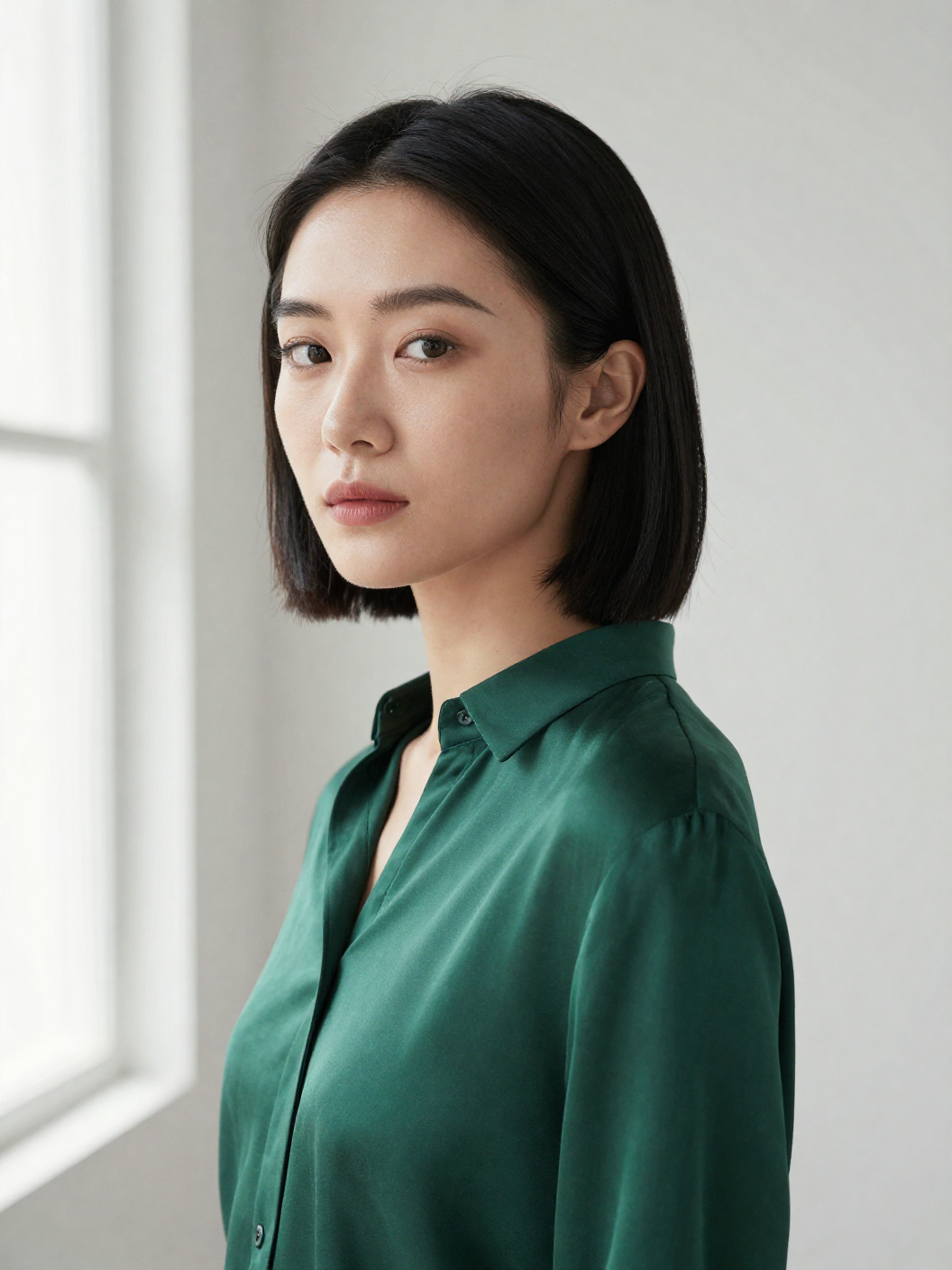
Generated on PixelDojo. Produced by PixelDojo's generation pipeline.
You deserve images you can actually direct instead of hoping a prompt lands right. PixelDojo puts Reve AI image generation power in your hands so you create native 4K visuals with layout-first precision that feels like working in a design file. Move subjects, rewrite on-image text, swap backgrounds, and keep everything else intact while the scene stays coherent. Marketers produce campaign-ready ads with perfectly placed headlines. Product teams generate ecommerce shots that stay on-brand across variants. Creators explore cinematic, filmic scenes with real depth and texture that hold up when printed or zoomed. All of this happens inside one platform packed with 40+ cutting-edge tools including Flux.2 Studio, GPT Image 2, Nano Banana 2, Ideogram 4, Recraft V4.1, Seedream 5, and Hunyuan Image 3. You iterate in seconds, not hours, then refine with Inpainting, Image to Image, Style Transfer, and Magic Lighting. Thousands of creators already rely on PixelDojo because you can cancel anytime and still access the full suite. Stop settling for guesswork. Start producing Reve AI style results that look professional the first time you download them.
Real image examples generated on PixelDojo
Every example below was produced on PixelDojo. Hover to see the prompt.
Z-portrait
image-to-image
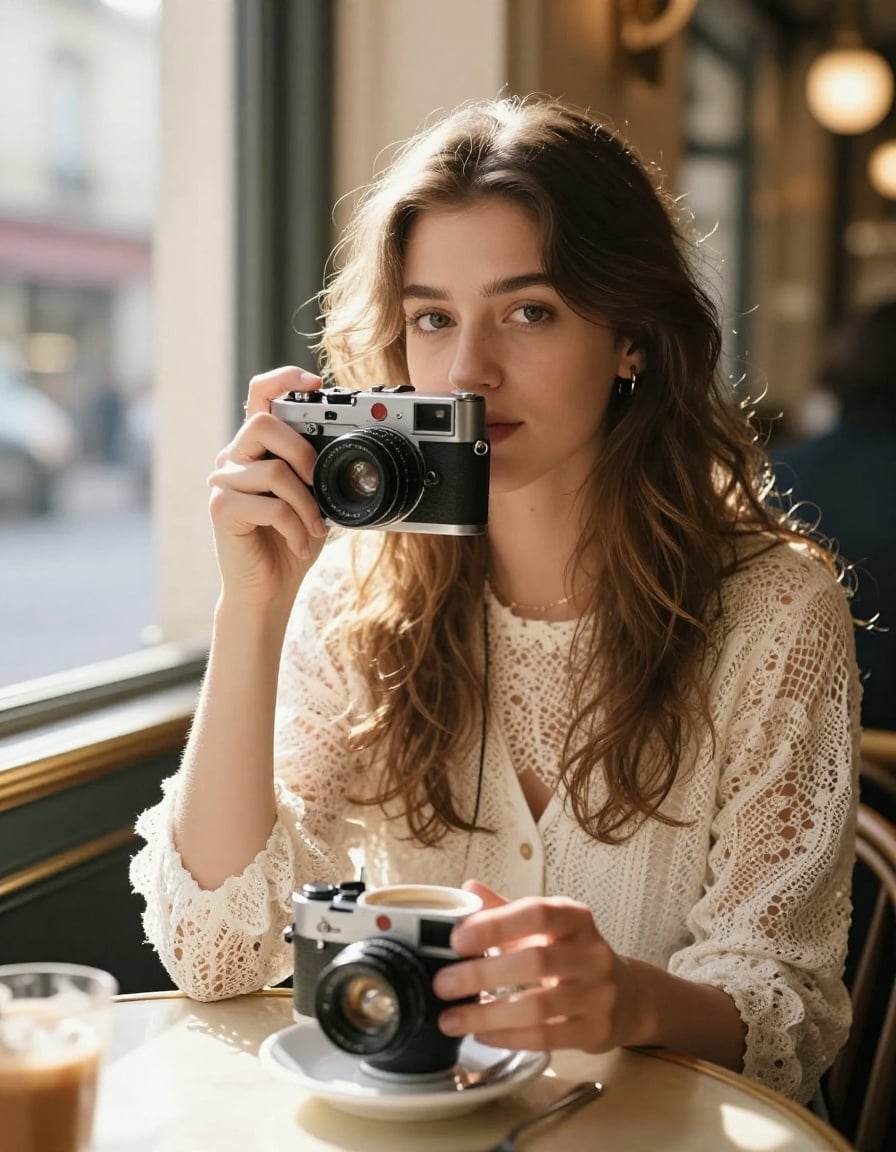
P-portrait
image-to-image
Vogue walk
image-to-video
reve ai on PixelDojo
image-to-video
Pxv-character
image-to-video
Character3 is talking to character2 using the voice of character1 in a cozy cafe in Lisbon
image-to-video
Models you can run on PixelDojo for reve ai
Switch models without switching tools. Each one runs in the same PixelDojo studio.
What you can do with reve ai on PixelDojo
Reve Image Generation
We give you Reve on PixelDojo so you can turn text prompts into still images with the model’s default look and prompt following.
Prompt And Aspect Control
You set subject, style, and aspect ratio in the studio, then generate variants without leaving the same Reve workflow.
Iterate From A Base Image
We let you reuse a result as a starting point, adjust the prompt, and run another Reve pass to refine composition and details.
Export For Creative Work
Download generated images in common formats so you can drop them into decks, posts, mockups, and other production files.
Loved by thousands of creators worldwide who generate millions of images monthly. PixelDojo earns consistent 4.9-star feedback for Reve AI style quality, layout control, and 4K output that actually ships to clients.
Why Choose Pixel Dojo for reve ai
Professional-quality results with cutting-edge AI technology
Direct Every Element Like a Creative Director
You gain Reve AI layout-first control so objects, text, and regions stay exactly where you place them. Use Flux.2 Studio or GPT Image 2 to generate, then Inpainting and Image to Image to move, resize, or rewrite without destroying the rest of the scene. Your ads, posters, and product shots stay on-brief through every revision.
Native 4K Print-Ready Quality Instantly
You download razor-sharp 4K images that hold fine textures, lighting, and details at full size. Seedream 5, Hunyuan Image 3, and Flux.2 Studio deliver the cinematic, photojournalistic look Reve AI is known for, then P-Image Upscale or Magnific Upscaler polishes even further. Your work looks expensive without extra production time.
Crisp Text and Brand Elements That Survive Edits
You get legible headlines, logos, and labels that stay readable after changes. Ideogram 4, Recraft V4.1, and QWEN Image 2 excel at typography while Reality Polisher and Background Remover keep your brand assets intact. Marketing Studio plus Consistent Characters let you lock in a look across an entire campaign.
How It Works
You create Reve AI style images on PixelDojo in three straightforward steps that put layout control and 4K quality at your fingertips. No technical knowledge required.
Step 1: Choose Your Tool
Open Generate Images and pick the model that matches your goal. Flux.2 Studio and GPT Image 2 give cinematic depth and spatial accuracy. Nano Banana 2 and Seedream 5 handle complex multi-subject scenes. Ideogram 4 and Recraft V4.1 lock in perfect text. For characters, start with Consistent Characters or Ideogram Character so faces stay identical across shots. Select your aspect ratio and you are ready to prompt.
Step 2: Enter Your Prompt
Describe the scene with spatial language the way Reve AI expects: “luxury perfume bottle centered on marble, gold ‘NEW’ text on the left, soft window light from the right, cinematic film grain.” Add reference images if you want style or product consistency. PixelDojo’s tools follow layout instructions closely so objects land where you specify. Generate a few variations, then pick the strongest starting point.
Step 3: Customize & Download
Open Edit Images to refine. Use Inpainting to change one region, Change Camera Angle for new perspectives, Style Transfer or Magic Lighting for mood, and Background Remover for clean cutouts. Upscale with P-Image Upscale or Clarity Pro if you need extra sharpness. Download your native 4K file ready for print, social, or client delivery. Save the project so you can remix later with Image to Image or Character Sheets.
The Pixel Dojo Advantage
Why PixelDojo outperforms other options for Reve AI image generation
| Others | Pixel Dojo |
|---|---|
| Traditional Reve AI style creation | You skip days of photography, retouching, and layout software. PixelDojo delivers the same precise, high-res, editable results in seconds using Flux.2 Studio, Ideogram 4, and Inpainting so you stay in creative flow instead of production hell. |
| Generic AI tools | You get specialized Reve AI capabilities instead of one-size-fits-all output. PixelDojo’s 40+ models plus dedicated editors (Image to Image, Reality Polisher, Marketing Studio) give you layout control, 4K fidelity, and brand-safe text that generic platforms simply cannot match. |
| Manual photo editing | You eliminate expensive software licenses, steep learning curves, and hours of masking. PixelDojo’s Change Camera Angle, Style Transfer, and one-click upscalers let you iterate like a senior designer while keeping costs low and the ability to cancel anytime. |
Loved by creators on PixelDojo
Real feedback from people using PixelDojo, pulled from our in-product surveys.
Very eay to use, works well to train SDXL loras.
The amazing tools
Top notch quality and strong prompt adherence.
A well resourced sunscription with attention to updates.
Easy to use and there's lots of options.
super lora download
Explore more AI tools on PixelDojo
AI Tools
Compare & Switch
- Best AI Image Generators
- Best AI Video Generators
- Midjourney Alternatives
- Civitai Alternatives
- Runway Alternatives
- Leonardo Alternatives
- Pika Alternatives
- Luma Alternatives
- Magnific Alternatives
- Veo Alternatives
- Flux Alternatives
- Freepik Alternatives
- Seedance Alternatives
- Seedream Alternatives
- Pixverse Alternatives
- GPT Image Alternatives
- Synthesia Alternatives
- Playground Alternatives
- NightCafe Alternatives
- Canva AI Alternatives
- ElevenLabs Alternatives
- ComfyUI Alternatives
- Fal Alternatives
- Replicate Alternatives
Common Questions
Everything you need to know about reve ai
What is Reve AI image generation and how does PixelDojo replicate the layout-first style?
Reve AI image generation plans a structured layout of objects, text, and regions before rendering native 4K pixels, giving you director-level control. PixelDojo recreates that experience with Flux.2 Studio, GPT Image 2, and Nano Banana 2 for the initial generation, then Inpainting and Image to Image for region-level edits. You describe spatial relationships once and the tools keep everything coherent through revisions. The result is cinematic, print-ready images with the same “images you can touch” feeling, all inside a single affordable platform you can cancel anytime.
How do I create native 4K Reve AI style images with PixelDojo tools?
Choose Flux.2 Studio, Seedream 5, or Hunyuan Image 3 in Generate Images, enter a spatially detailed prompt, and generate. PixelDojo outputs high-resolution files that already look 4K-ready. Follow up with P-Image Upscale, Magnific Upscaler, or Clarity Pro if you need extra sharpness for large-format print. Because the models understand layout, your text stays crisp and objects stay in place even after you apply Style Transfer or Magic Lighting. Thousands of creators use this exact workflow for client-ready work every day.
Which PixelDojo tools are best for Reve AI layout control and text rendering?
For layout-first precision use GPT Image 2, Nano Banana 2, and Flux.2 Studio. For flawless on-image text choose Ideogram 4, Recraft V4.1, and QWEN Image 2. Combine them with Edit Images tools: Inpainting for surgical changes, Change Camera Angle for new viewpoints, and Reality Polisher for extra realism. Marketing Studio plus Consistent Characters keep branding locked across an entire series. You get Reve AI’s strengths without leaving PixelDojo.
Can I edit Reve AI images after generation without losing quality on PixelDojo?
Yes. PixelDojo’s Inpainting, Image to Image, and Image Outpainting let you rewrite text, move subjects, or swap backgrounds while the rest of the 4K scene stays intact. Magic Lighting and Style Transfer adjust mood without introducing artifacts. Because you start with high-fidelity models like Flux.2 Studio and Seedream 5, every edit remains print-ready. Save versions so you can always roll back, exactly the iterative workflow Reve AI users love.
Is PixelDojo suitable for professional Reve AI marketing and product photography?
Absolutely. Marketing Studio, Virtual Try-On, and Face Swap give you campaign-scale consistency. Generate hero shots with Seedream 5 or Hunyuan Image 3, then produce color and angle variants in minutes using Image to Image. Background Remover and Reality Polisher deliver ecommerce-ready cutouts. You maintain brand fonts and logos through every change thanks to Ideogram 4 and Recraft V4.1. Agencies and in-house teams already run full Reve AI style productions on PixelDojo because it is faster, cheaper, and cancel-anytime flexible.
How much does Reve AI image generation cost on PixelDojo and is there a free way to start?
You can start generating Reve AI style images immediately with PixelDojo’s free credits and daily allowances. Paid plans unlock the full 40+ tool library including Flux.2 Studio, GPT Image 2, Ideogram 4, and all editors and upscalers. Because you can cancel anytime there is zero lock-in. Most creators find they produce more professional work in less time than traditional methods or single-model platforms, making PixelDojo the highest-value way to get Reve AI results.