rodin 3d AI Generator

Generated on PixelDojo. Produced by PixelDojo's generation pipeline.
Imagine transforming a quick text description or a few casual photos into a fully textured, high-detail 3D model that's ready to drop into your game engine, visualization software, or 3D printer. That's the outcome PixelDojo's Rodin 3D delivers for you every time. You skip the weeks of traditional sculpting, retopology, and texturing, and instead generate production-quality assets that look professional in real-world applications like video games, product design, AR/VR experiences, and animation. Whether you're building character models, environment props, or product prototypes, Rodin 3D combined with Hunyuan 3D gives you the power to iterate rapidly and achieve results that match your creative vision. PixelDojo puts this capability in your hands with an intuitive platform, so you can focus on outcomes rather than technical hurdles. Start creating today and watch your ideas become tangible 3D realities faster than you thought possible.
Real image examples generated on PixelDojo
Every example below was produced on PixelDojo. Hover to see the prompt.
Spectacular photography
flux
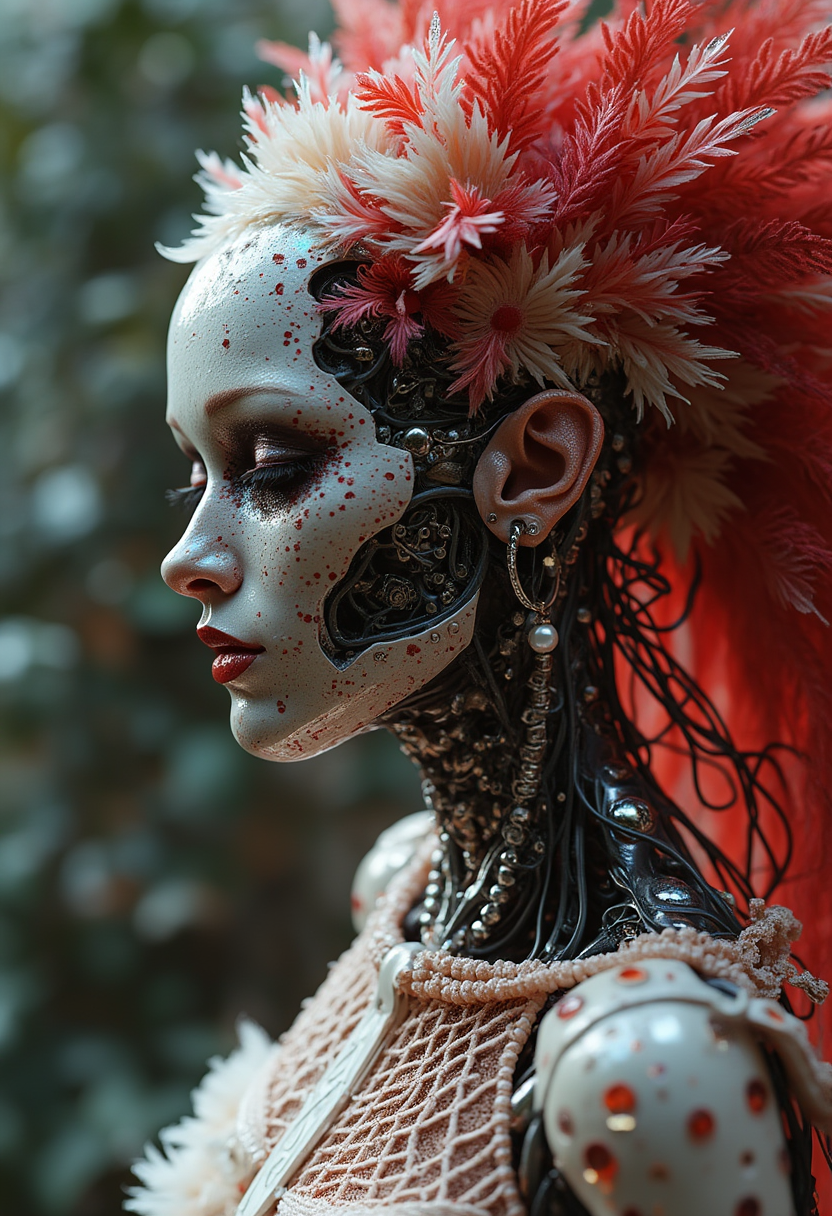
Complex 3d render ultra detailed beautiful death angel
flux
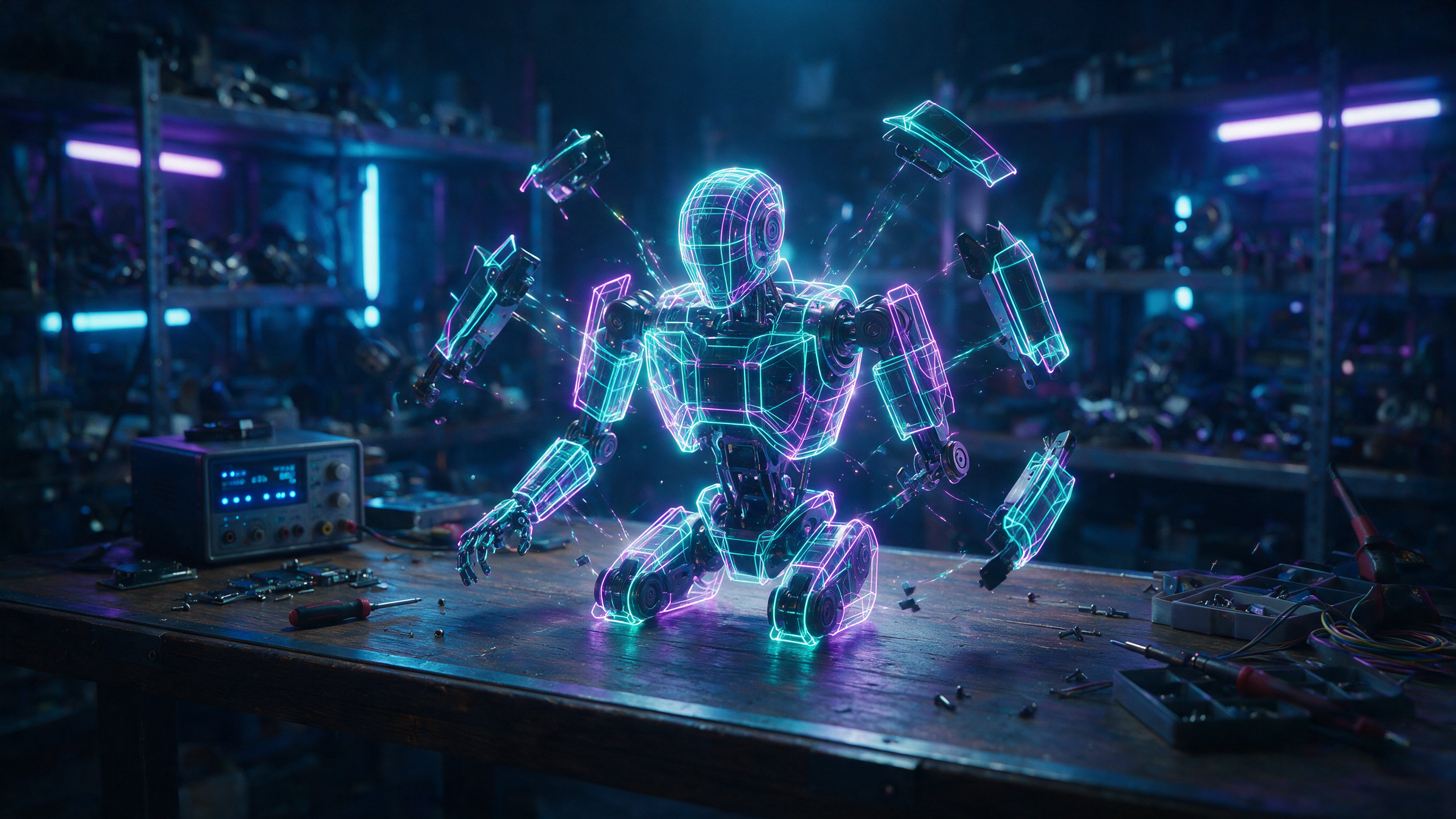
A neon wireframe robot assembling itself on a dark workbench
seedream-5
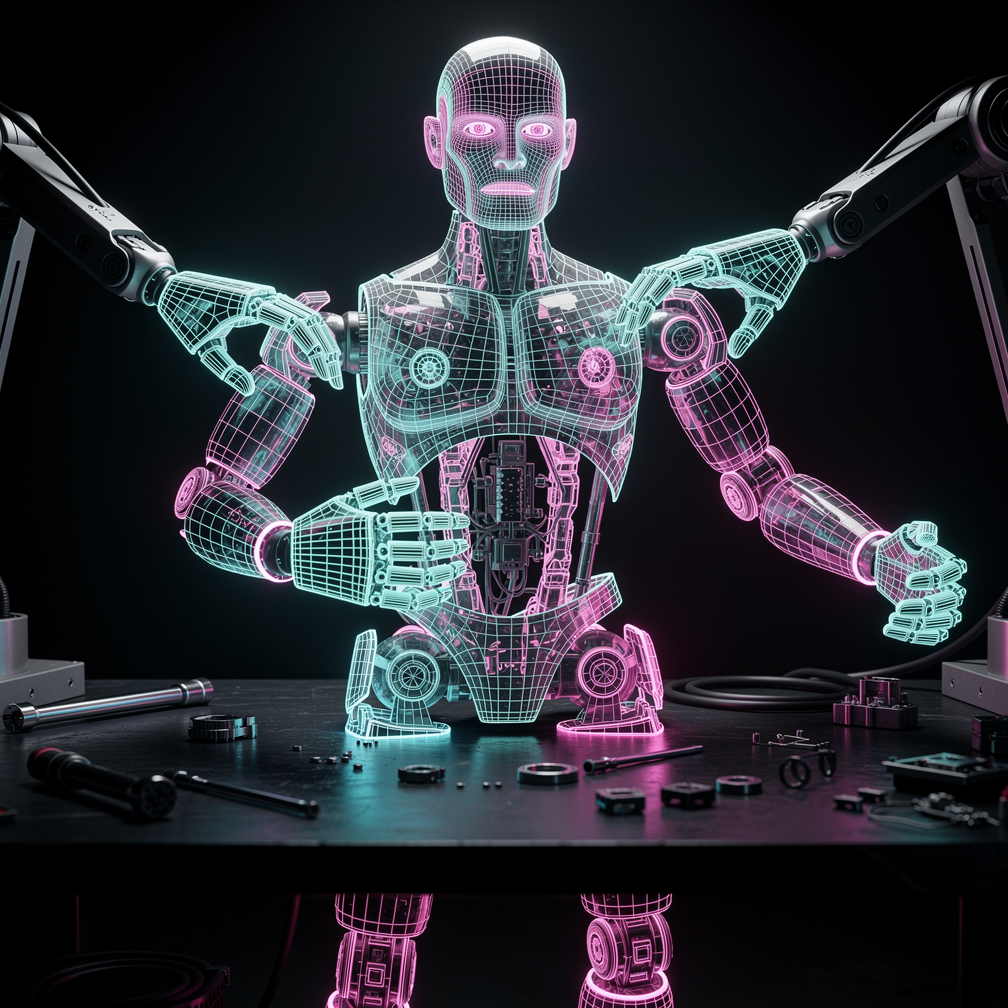
A neon wireframe robot assembling itself on a dark workbench
flux-2-pro
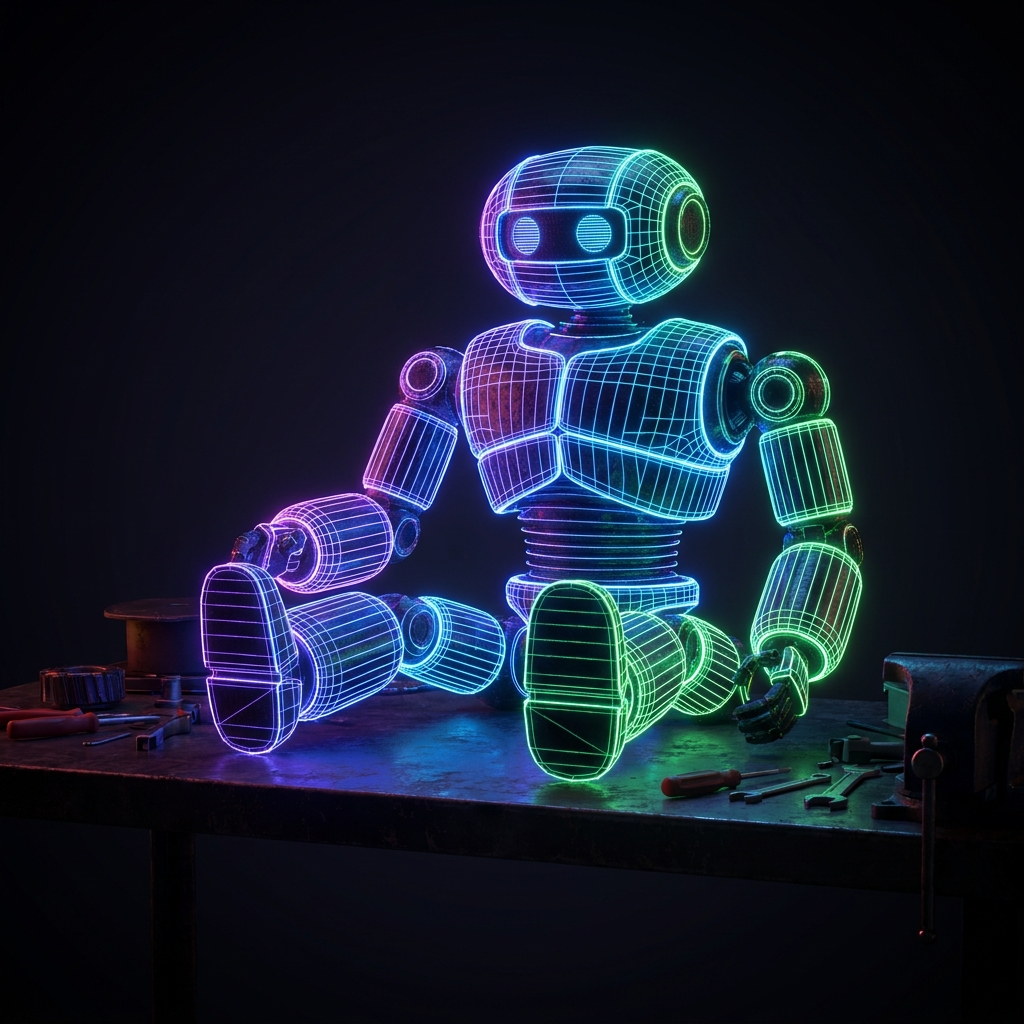
A neon wireframe robot assembling itself on a dark workbench
nano-banana-pro
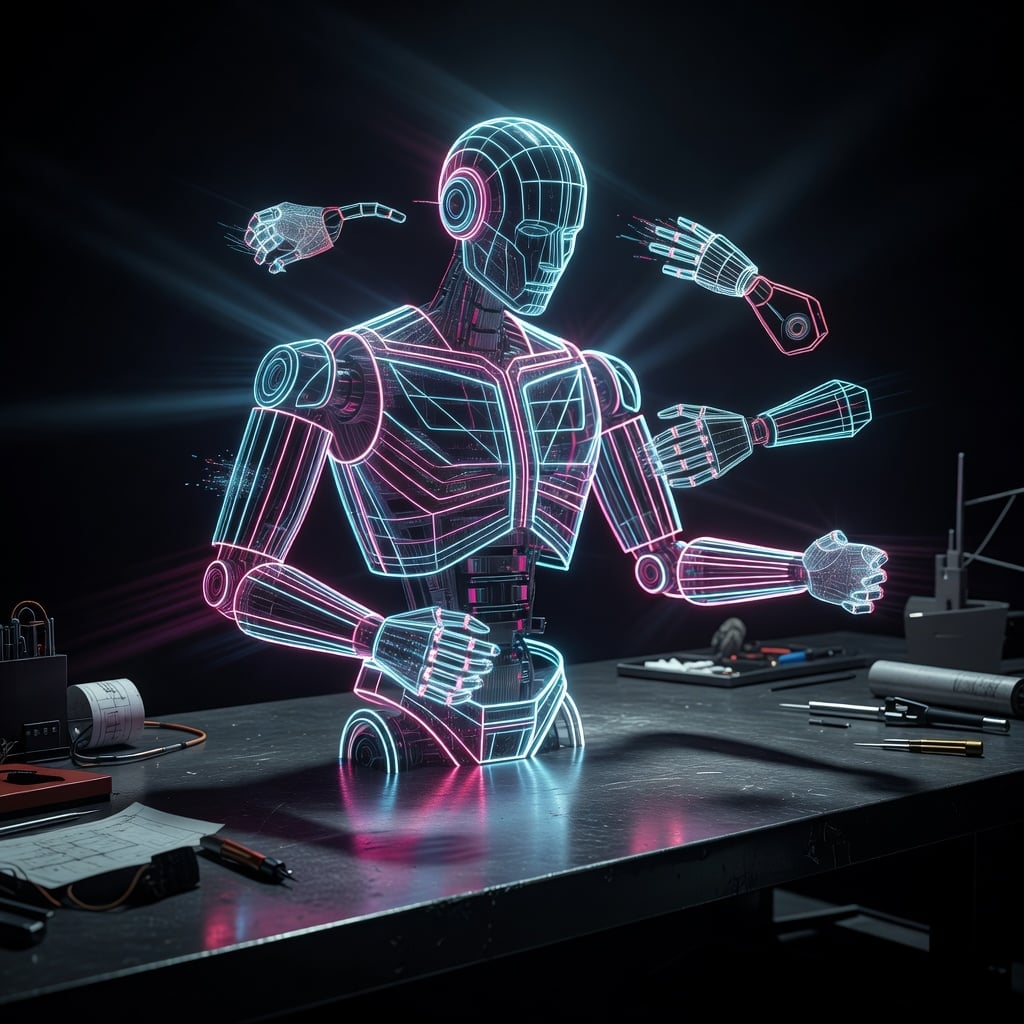
A neon wireframe robot assembling itself on a dark workbench
xai-image
Models you can run on PixelDojo for rodin 3d
Switch models without switching tools. Each one runs in the same PixelDojo studio.
What you can do with rodin 3d on PixelDojo
Multi-View Concept Renders
Generate matching front, side, and three-quarter views from one prompt so characters and props stay consistent across angles.
Depth and Form Control
Steer camera, lighting, and volume so still images read as solid objects you can use as 3D concept art.
Texture-Rich Surface Detail
Produce metal, fabric, and skin surfaces with enough clarity to serve as look-dev and texture references.
Prompt to 3D Looks
Describe a model, prop, or scene and get image outputs suited to turntables, mockups, and 3D pipelines.
Loved by thousands of creators worldwide who rely on PixelDojo's 40+ cutting-edge AI tools including Rodin and Hunyuan 3D for professional results. Cancel anytime with complete flexibility.
Why Choose Pixel Dojo for rodin 3d
Professional-quality results with cutting-edge AI technology
Generate Studio-Quality 3D Assets Instantly
You achieve high-polygon models with clean quad topology and realistic PBR textures that integrate seamlessly into games, films, and visualizations. No 3D expertise required—your concepts become usable assets that save you days of work and look exceptional in any pipeline.
Iterate Designs at Lightning Speed
You refine ideas by combining text prompts with multi-view photos, then enhance references using PixelDojo tools like Image to Image, Style Transfer, or Background Remover. Rodin 3D fuses everything into consistent models, letting you test variations quickly and land on the perfect result without starting over.
Export Ready-to-Use Models for Any Project
You download in formats like GLB, FBX, and OBJ complete with 4K textures, ready for Blender, Unity, Unreal, or 3D printing. Pair with PixelDojo's Characters & Faces tools or Video generation to build complete scenes, giving you end-to-end creative control and professional outcomes.
How It Works
You create stunning Rodin 3D models on PixelDojo through a simple, guided process that puts professional 3D generation at your fingertips. These steps help you go from inspiration to downloadable asset while leveraging the full suite of tools.
Step 1: Choose Your Tool
Sign in to PixelDojo and head to the 3D category. Select Rodin for maximum geometry detail and production-ready topology, or try Hunyuan 3D for complementary styles. If you need reference images first, generate them using tools like Flux.2 Studio, Nano Banana 2, or GPT Image 2, then proceed to 3D conversion for the best starting point.
Step 2: Enter Your Prompt or Upload Images
Describe your object in detail, such as a character, vehicle, or product, or upload one to five photos from any angles. Rodin 3D handles pose-free multi-view reconstruction for accurate shapes. Prepare uploads with Edit Images features like Reality Polisher, Image Analyzer, or Inpainting to ensure clean inputs and superior 3D results.
Step 3: Customize & Download
Fine-tune quality levels, mesh options, textures, and symmetry. Generate your model, preview it from all angles, and apply any needed refinements. Download immediately in your chosen format. Further enhance with Upscale & Enhance tools like P-Image Upscale or integrate into videos using Marketing Studio or Kling Video for complete projects.
The Pixel Dojo Advantage
Why PixelDojo outperforms other options for Rodin 3D model generation, delivering faster, higher-quality outcomes you can actually use in professional work.
| Others | Pixel Dojo |
|---|---|
| Traditional 3D modeling software | You generate detailed, textured models in seconds instead of spending days or weeks on sculpting, UV unwrapping, and texturing. PixelDojo's Rodin 3D plus Hunyuan 3D lets you jump straight to refinement in your existing software. |
| Generic AI tools | You get true 3D meshes with production topology and PBR materials rather than 2D approximations. PixelDojo specializes in Rodin 3D for usable assets that work in games, printing, and visualization right away. |
| Manual photo editing and scanning | You avoid expensive equipment, calibrated setups, and time-consuming processing. Casual photos or simple text prompts produce high-fidelity 3D models, with PixelDojo's editing tools making preparation effortless. |
Loved by creators on PixelDojo
Real feedback from people using PixelDojo, pulled from our in-product surveys.
Trained my Lora super fast. Still working out how to creat content wit it, but I love it so far.
I love this app
It has all the tools I can think of...
deployment rate of splendid features is incredible. Legend
large selection of tools on one platform
the amount you can do on this site
Explore more AI tools on PixelDojo
AI Tools
Compare & Switch
- Best AI Image Generators
- Best AI Video Generators
- Midjourney Alternatives
- Civitai Alternatives
- Runway Alternatives
- Leonardo Alternatives
- Pika Alternatives
- Luma Alternatives
- Magnific Alternatives
- Veo Alternatives
- Flux Alternatives
- Freepik Alternatives
- Seedance Alternatives
- Seedream Alternatives
- Pixverse Alternatives
- GPT Image Alternatives
- Synthesia Alternatives
- Playground Alternatives
- NightCafe Alternatives
- Canva AI Alternatives
- ElevenLabs Alternatives
- ComfyUI Alternatives
- Fal Alternatives
- Replicate Alternatives
Common Questions
Everything you need to know about rodin 3d
How do I generate high-quality 3D models from text using Rodin 3D on PixelDojo?
You enter a descriptive prompt in the Rodin 3D tool, specifying shape, materials, and details. PixelDojo processes it into a complete 3D model with geometry and textures. For even better results, first create reference images with Generate Images tools like Flux.1 Studio or Seedream 5, then convert. This approach helps you achieve professional assets quickly for any project.
Can I create Rodin 3D models from multiple photos on PixelDojo?
Yes, you upload several images from different angles, even uncalibrated ones, and Rodin 3D reconstructs a consistent model. Use PixelDojo's Edit Images like Change Camera Angle or Background Remover to optimize photos first. Combined with Hunyuan 3D, you get versatile options that turn everyday pictures into production-ready 3D assets.
What makes PixelDojo's Rodin 3D ideal for game development and 3D printing?
You receive clean topology suitable for rigging and animation plus high-detail meshes perfect for printing. Export formats work directly in engines and slicers. Enhance models further with Characters & Faces tools for avatars or Upscale & Enhance for extra resolution, giving you complete control over game-ready or printable outcomes.
How can I customize and edit Rodin 3D models after generation in PixelDojo?
After generating, you adjust settings or use complementary tools like Image Outpainting for extensions and Style Transfer for looks. PixelDojo's platform lets you iterate without leaving the site. Pair with Train Models if you want custom styles, ensuring your 3D creations match your exact vision every time.
Is PixelDojo Rodin 3D suitable for beginners without 3D experience?
Absolutely. You don't need modeling skills—the intuitive interface and AI handle the complexity. Start with simple prompts or photos, generate, and download. Thousands of creators use PixelDojo's 40+ tools this way, from hobbyists to professionals, with the option to cancel anytime as you explore.
How does Rodin 3D work with other PixelDojo tools for complete workflows?
You generate 3D models then bring them into Video tools like VEO 3.1 or Kling Video for animations, or use Audio for sound. Characters & Faces like Consistent Characters help with figures. This integrated approach on PixelDojo lets you build entire projects from 2D concepts to 3D and beyond, maximizing your creative output.