seedream 5 online AI Generator
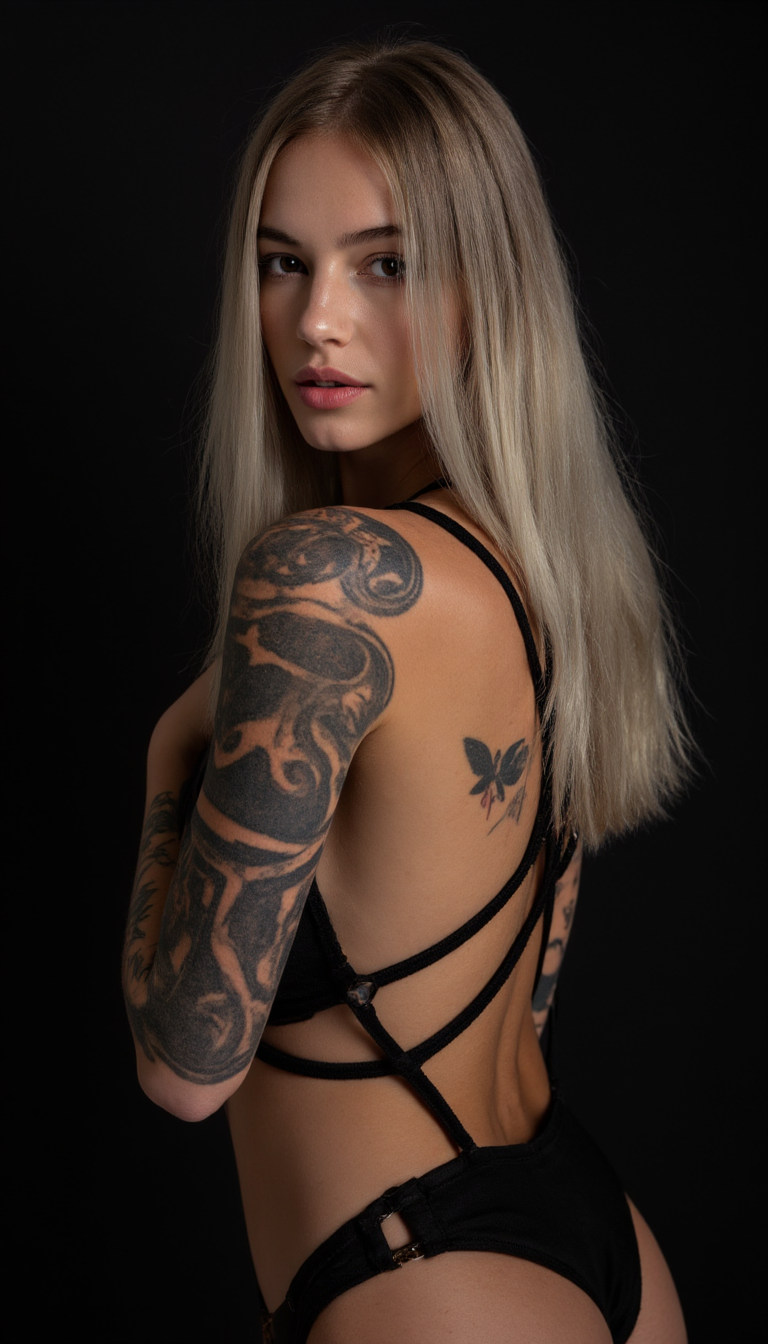
Generated on PixelDojo. Produced by PixelDojo's generation pipeline.
Unlock professional-grade visuals that look like they came from a high-end photoshoot or design studio—without the time, cost, or expertise. Seedream 5 online on PixelDojo lets you generate photorealistic images with natural lighting, lifelike textures, and precise details in seconds. You can create product photography that sells, fashion portraits that captivate, infographics with readable multilingual text, and campaign assets that stay consistent across every piece. Describe your idea in everyday language and Seedream 5 plans composition, lighting, and placement before rendering. Incorporate current trends, lock in character or product identity with references, and refine everything with simple follow-up instructions. Pair it with PixelDojo tools like Flux.2 Studio, GPT Image 2, Image to Image, Inpainting, Reality Polisher, and P-Image Upscale to go from concept to finished, high-resolution file ready for web, print, or video. Thousands of creators already use this workflow to produce more content, test more ideas, and launch faster while keeping quality at a professional level.
Real image examples generated on PixelDojo
Every example below was produced on PixelDojo. Hover to see the prompt.
seedream 5 online on PixelDojo
flux
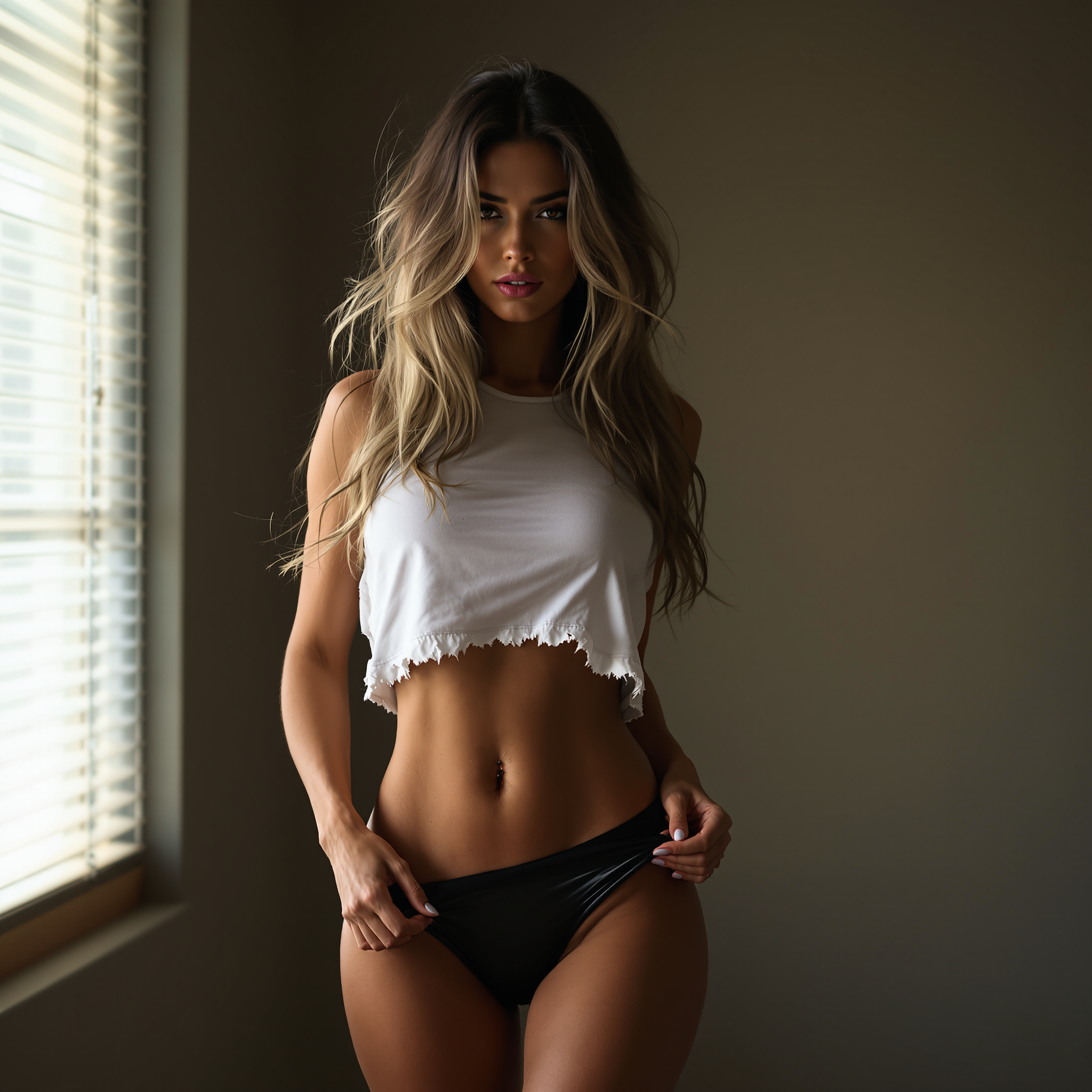
Sexy Gorgeous Woman
flux
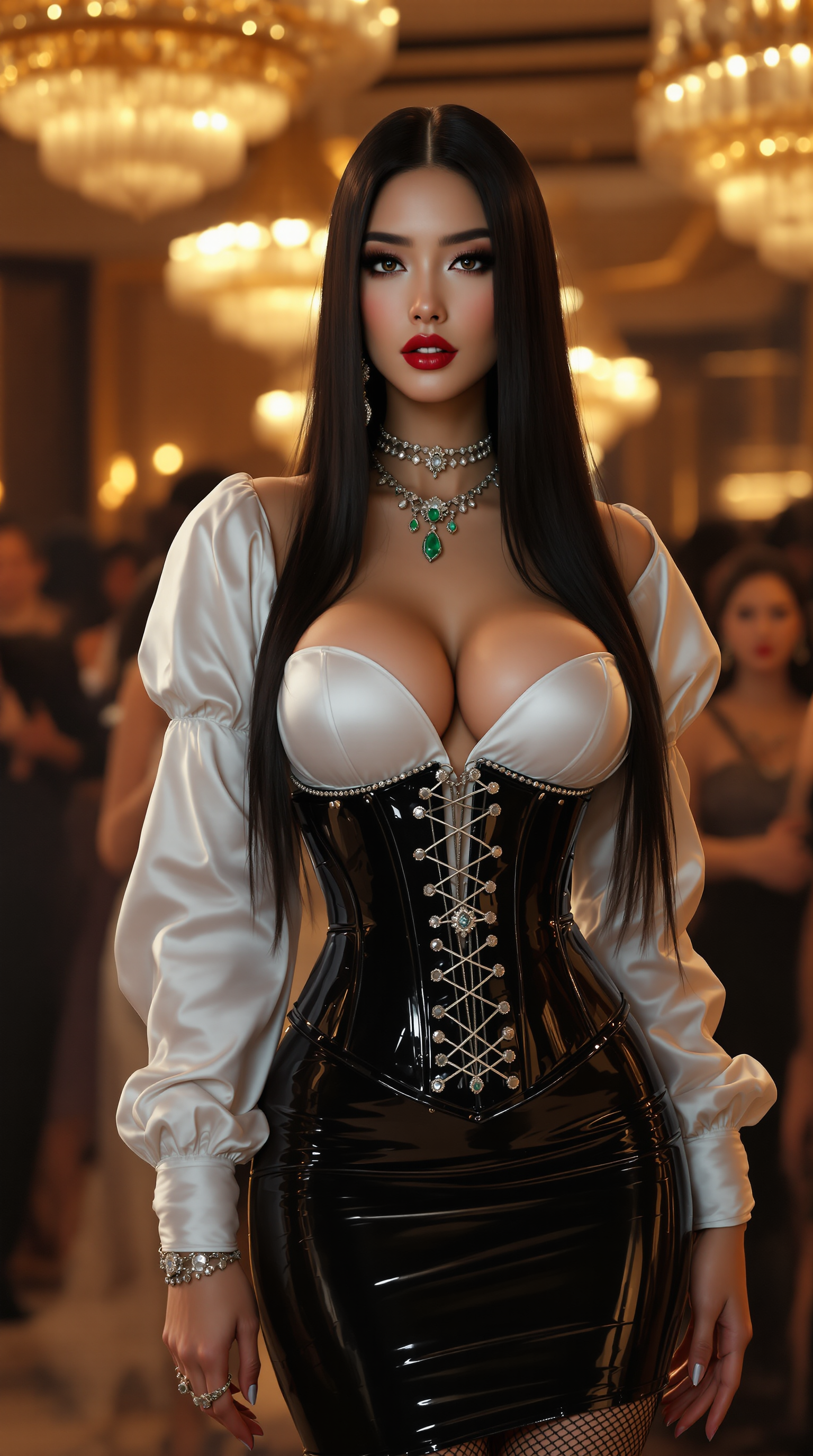
A photorealistic image of a 6-foot-tall
stable-diffusion

A sultry
flux
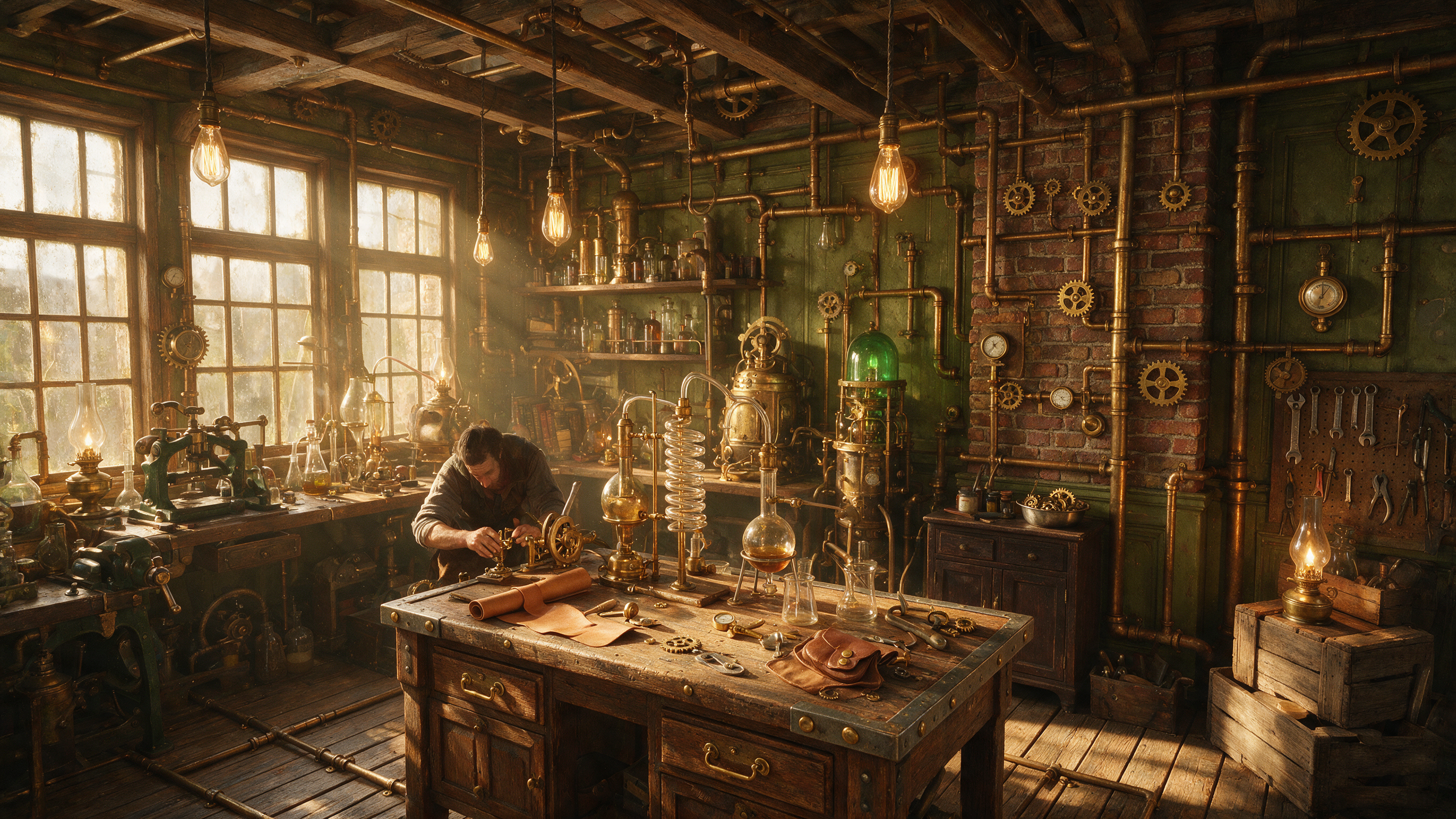
A highly detailed steampunk workshop interior with brass pipes
seedream-5

A breathtaking portrait of a woman with long
flux
Models you can run on PixelDojo for seedream 5 online
Switch models without switching tools. Each one runs in the same PixelDojo studio.
What you can do with seedream 5 online on PixelDojo
Seedream 5 in Browser
We host Seedream 5 so you can generate images online without installing local models or managing GPU drivers. Open PixelDojo, pick the model, and run prompts from any modern browser.
Prompt Driven Image Creation
You describe the scene, style, and details in text and we return still images from Seedream 5. Refine wording and regenerate until the composition matches what you need.
Resolution and Aspect Control
We let you choose common sizes and aspect ratios so outputs fit social posts, concept art, or print layouts. You keep the same Seedream 5 look while matching the frame you actually use.
Save and Iterate Results
We store generations in your workspace so you can compare variants, reuse strong prompts, and continue from a previous image. You stay organized without exporting every draft by hand.
Loved by thousands of creators worldwide. PixelDojo’s 40+ cutting-edge AI tools including Seedream 5 power campaigns, stores, and social content every day. Cancel anytime.
Why Choose Pixel Dojo for seedream 5 online
Professional-quality results with cutting-edge AI technology
Studio Photos Without the Photoshoot
You get magazine-quality product shots, portraits, and lifestyle scenes with accurate materials, reflections, skin texture, and lighting. Skip location scouting, models, and retouching days. Launch catalogs, ads, and social posts that look expensive and convert better.
Perfect Text and Layouts Every Time
Produce posters, infographics, packaging, and ads with crisp, correctly spelled text in English, Chinese, and a dozen other languages. Complex charts, headlines, and designs come out ready to use instead of needing hours of manual typesetting.
Trend-Aware, Consistent Brand Assets
Generate images that match the latest products, events, or styles while keeping faces, products, and brand elements identical across a whole series. Build lookbooks, storyboards, and campaigns that feel cohesive without extra photoshoots or character sheets.
How It Works
Creating with Seedream 5 online is fast and intuitive on PixelDojo. You describe what you want, the model reasons through the scene, and you refine until it is perfect. No software install or prompt engineering degree required.
Step 1: Choose Your Tool
Open PixelDojo and go to Generate Images. Select Seedream 5 (or Seedream 4.5 if you need native 4K). Set aspect ratio, resolution, and upload up to several reference images to lock style, character, or product. You can also start from an existing photo using Image to Image.
Step 2: Enter Your Prompt
Write a natural-language sentence describing the scene, lighting, mood, and any text you want rendered. Put exact wording in quotation marks. Example: A photorealistic luxury watch on dark marble, dramatic side lighting, the words “Timeless Precision” in gold lettering. Seedream 5 plans composition automatically. Add current-event or product details if you want trend-aware results.
Step 3: Customize & Download
Generate, then refine with Inpainting, Change Camera Angle, Style Transfer, Magic Lighting, or Reality Polisher. Upscale with P-Image Upscale or Magnific Upscaler. Turn stills into video with Seedance or Kling Video if needed. Download high-resolution PNG or JPEG when you are happy. Iterate as many times as you like.
The Pixel Dojo Advantage
Why PixelDojo outperforms other options for Seedream 5 image generation
| Others | Pixel Dojo |
|---|---|
| Traditional photography and design | You generate professional variations in seconds instead of booking studios, models, and retouchers. Cut production time from days to minutes and test more concepts without extra budget. |
| Generic AI tools | You get Seedream 5 plus 40 other specialized models, built-in editing, upscaling, character consistency, video generation, and model training all in one account. No jumping between sites or extra subscriptions. |
| Manual photo editing | Describe the change in plain English or paint a region and let AI handle it. You skip layers, masks, and hours of work while still getting pixel-level control and photoreal quality. |
Loved by creators on PixelDojo
Real feedback from people using PixelDojo, pulled from our in-product surveys.
Love it make anything I can think of so far
Great for all your ideas use it encourage more people to use it
Because it is awesome
exceptional quality and great overall design of platform and interface. very intuative. love the creative freedom.
Qwen image 2 is amazing!!
Creative freedom, range of tools and options.
Explore more AI tools on PixelDojo
AI Tools
Compare & Switch
- Best AI Image Generators
- Best AI Video Generators
- Midjourney Alternatives
- Civitai Alternatives
- Runway Alternatives
- Leonardo Alternatives
- Pika Alternatives
- Luma Alternatives
- Magnific Alternatives
- Veo Alternatives
- Flux Alternatives
- Freepik Alternatives
- Seedance Alternatives
- Seedream Alternatives
- Pixverse Alternatives
- GPT Image Alternatives
- Synthesia Alternatives
- Playground Alternatives
- NightCafe Alternatives
- Canva AI Alternatives
- ElevenLabs Alternatives
- ComfyUI Alternatives
- Fal Alternatives
- Replicate Alternatives
Common Questions
Everything you need to know about seedream 5 online
What is Seedream 5 online and how do I use it on PixelDojo?
Seedream 5 is ByteDance’s latest image model known for photorealism, accurate multilingual text, reasoning, and reference-based consistency. On PixelDojo you simply choose it from Generate Images, write a natural-language prompt, add references if wanted, and generate. Then edit with Inpainting or other tools and download. No API keys or technical setup required.
How do I get the best photorealistic results with Seedream 5 online?
Use full sentences that describe lighting, materials, camera angle, and mood. Put any text you want rendered inside quotation marks. Upload 1–10 reference images to lock faces or products. After the first generation, refine with conversational edits or PixelDojo’s Image to Image, Magic Lighting, and Reality Polisher tools. Upscale for extra sharpness.
Can Seedream 5 generate images with readable text and infographics?
Yes. Seedream 5 is especially strong at rendering clean, correctly spelled text in many languages and placing it naturally inside posters, packaging, charts, and ads. You get professional layouts without a designer. Combine with Recraft V4.1 or Ideogram 4 on PixelDojo if you need even more typography options.
How do I keep characters and products consistent with Seedream 5?
Upload multiple reference images of the same person or item. Seedream 5 maintains identity across new scenes, outfits, and lighting. PixelDojo also offers Consistent Characters, Character Sheets, Ideogram Character, and Face Swap tools so you can build entire campaigns from one hero asset.
What resolution and formats does Seedream 5 give me on PixelDojo?
Seedream 5 typically outputs up to 2K with flexible aspect ratios. For native 4K you can switch to Seedream 4.5. After generation, run P-Image Upscale, Magnific Upscaler, or Clarity Pro to go even higher. Download as PNG or JPEG ready for web, print, or further editing.
Is there any risk trying Seedream 5 online on PixelDojo?
No. You get access to 40+ cutting-edge AI tools including Seedream 5, loved by thousands of creators worldwide. Start creating immediately and cancel anytime. All your generations stay private and you keep commercial rights to what you make.