seedream 5 text rendering AI Generator
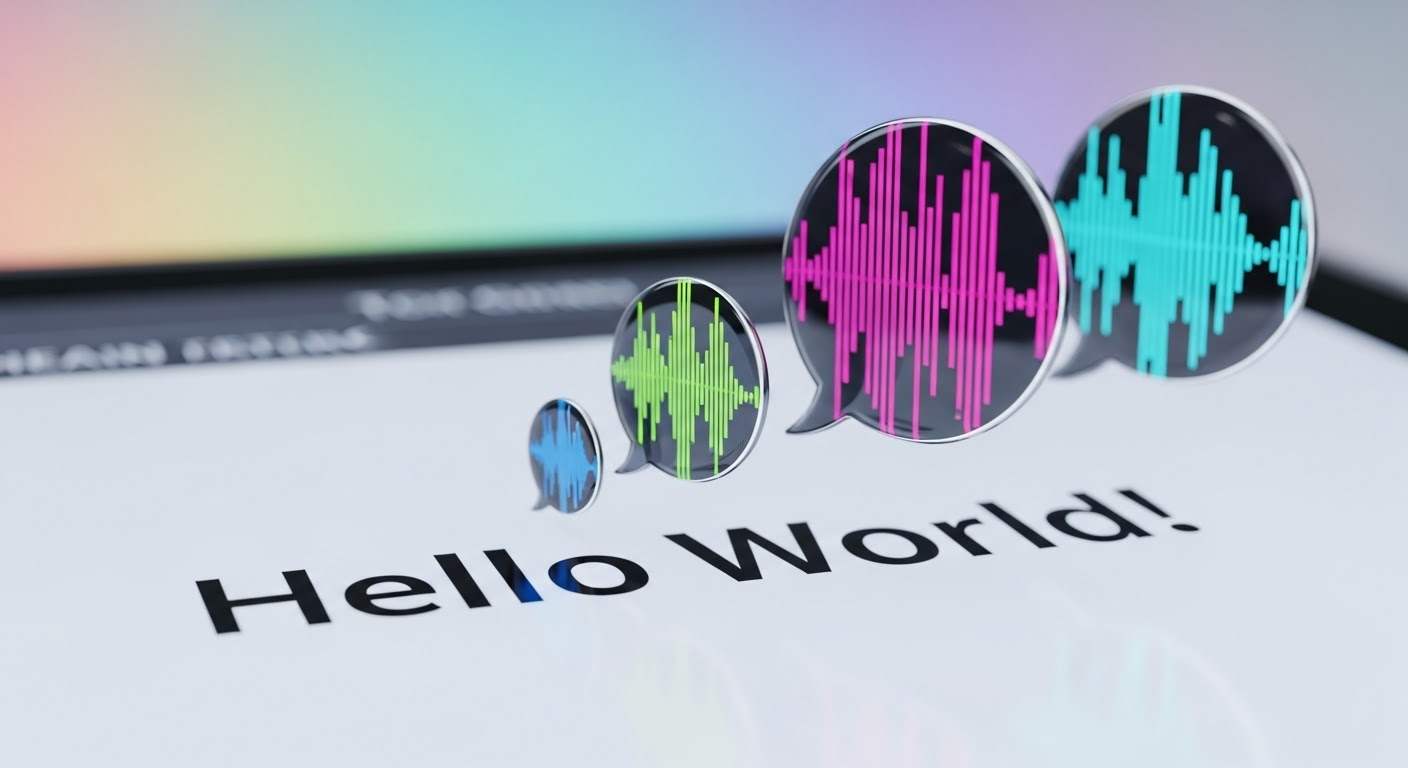
Generated on PixelDojo. Produced by PixelDojo's generation pipeline.
You need designs that look professionally typeset, not like typical AI output with garbled letters. Seedream 5 text rendering on PixelDojo lets you generate posters, product packaging, infographics, storefront signs and marketing ads where every headline, subtitle and label appears exactly as you wrote it, correctly spelled and beautifully laid out. Native support for 14 languages including Chinese, Japanese, Korean, Arabic and Spanish means you can produce global campaigns without extra translation or overlay work. Wrap your exact copy in quotes, describe the scene in natural language, and Seedream 5 reasons through layout, hierarchy and typography before it renders. Pair it with PixelDojo's Image to Image, Inpainting, Style Transfer and P-Image Upscale tools to refine and print-ready your results. Thousands of marketers and creators already use PixelDojo's 40+ cutting-edge AI tools to skip expensive designers and hours of manual editing. You get unlimited iterations, cancel anytime, and walk away with visuals that convert.
Real image examples generated on PixelDojo
Every example below was produced on PixelDojo. Hover to see the prompt.
Text turning into speech
imagen
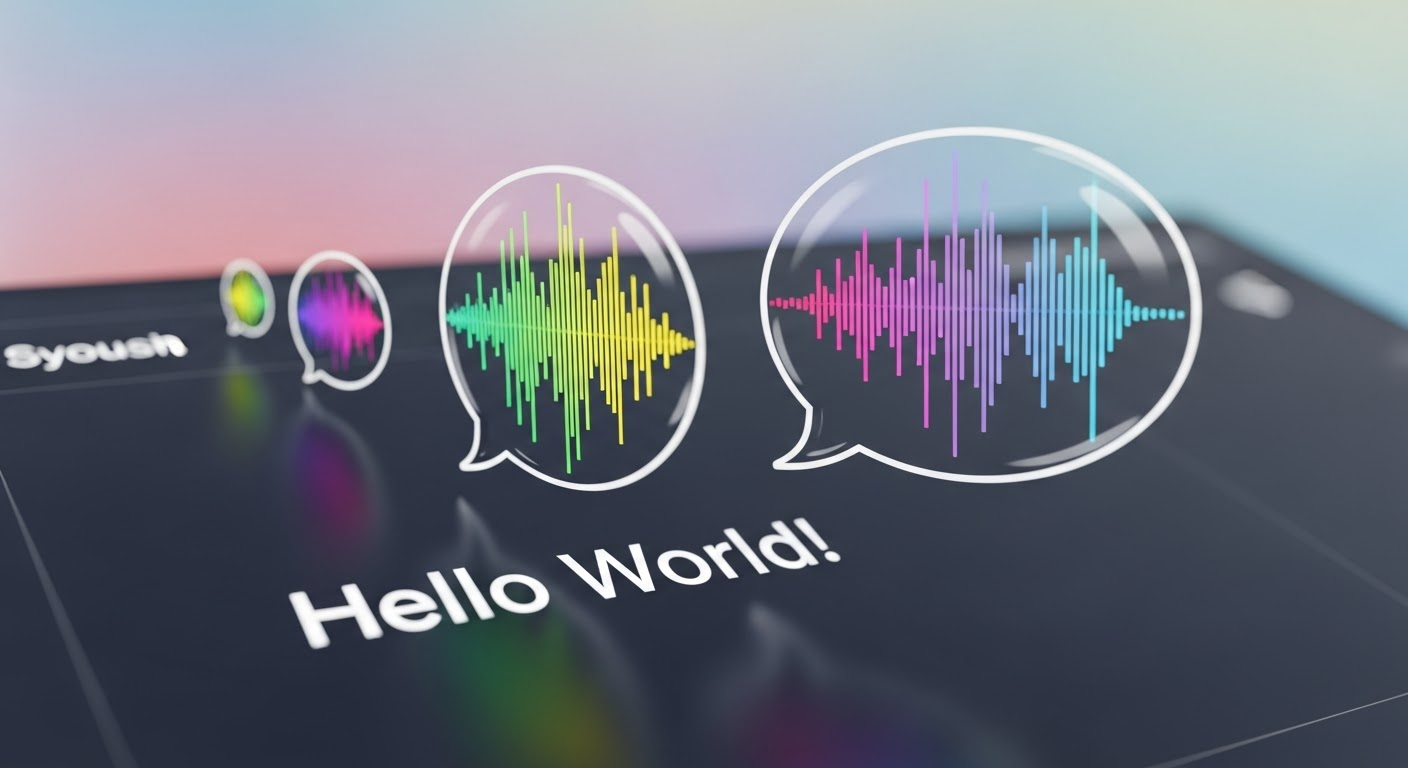
Text turning into speech
imagen
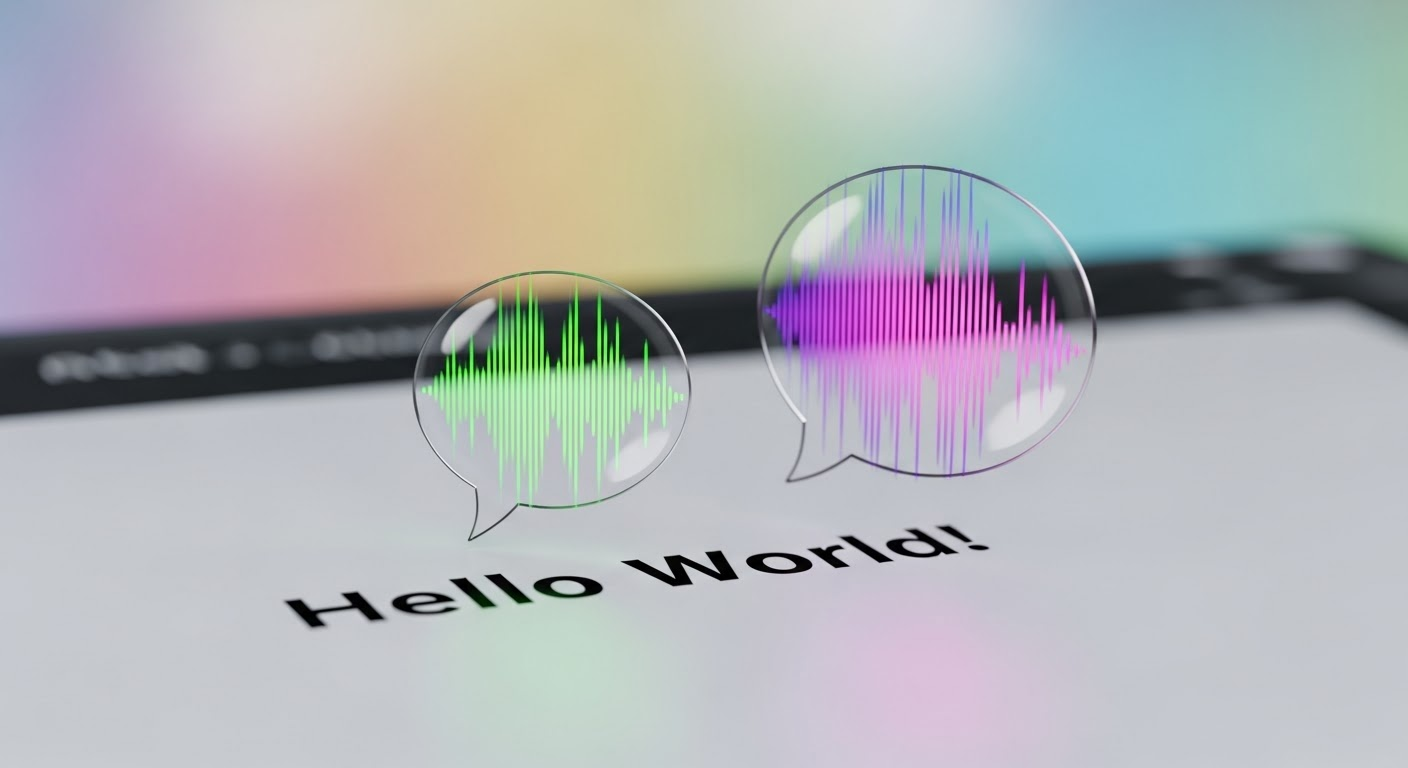
Text turning into speech
imagen
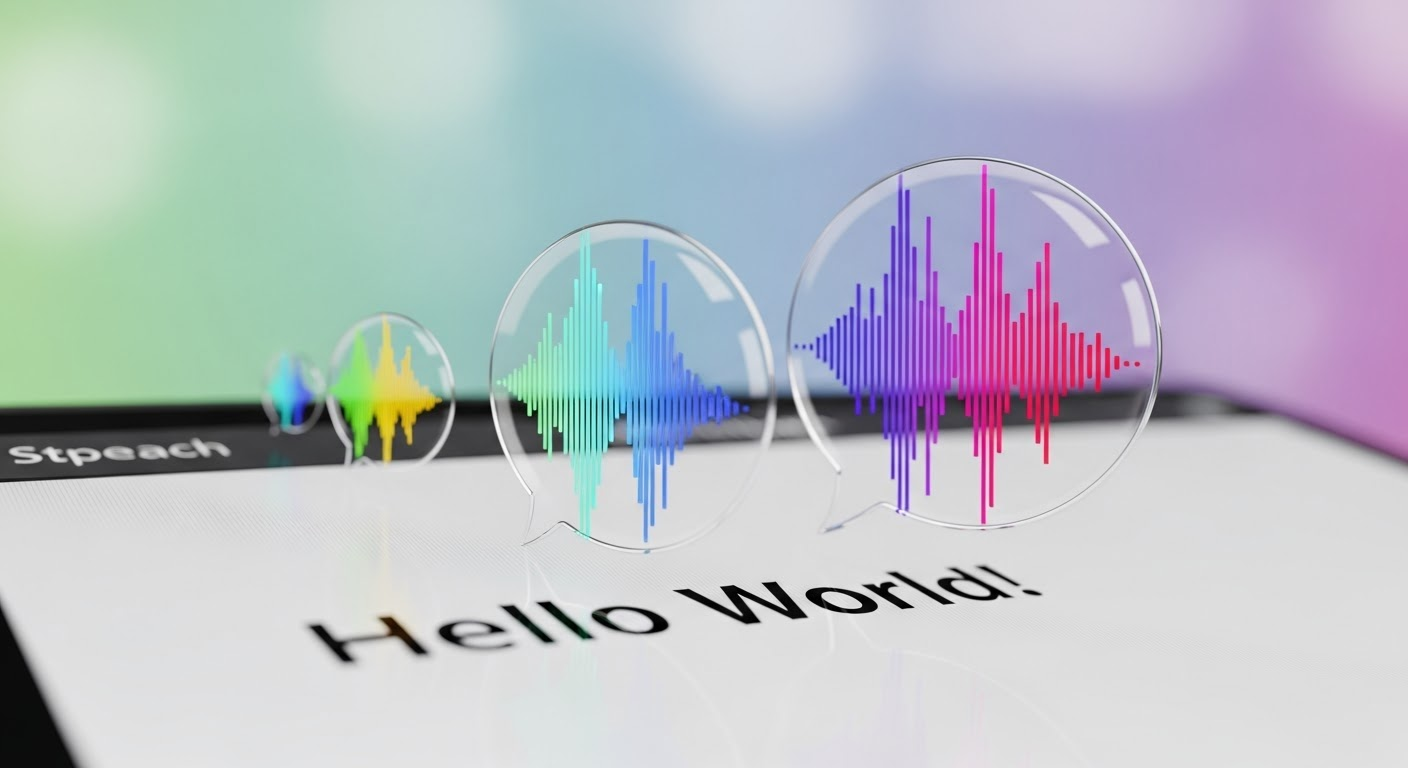
Text turning into speech
imagen
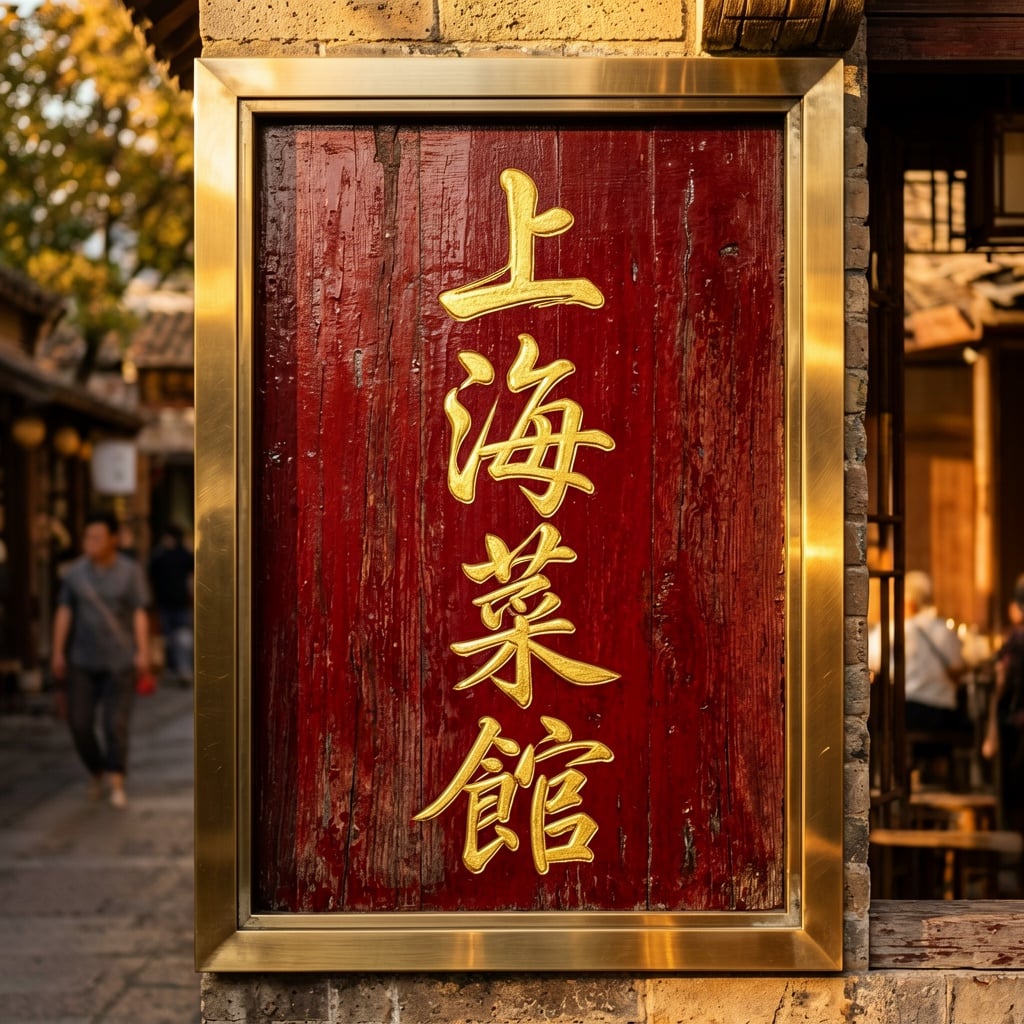
Ern-text
image-to-image
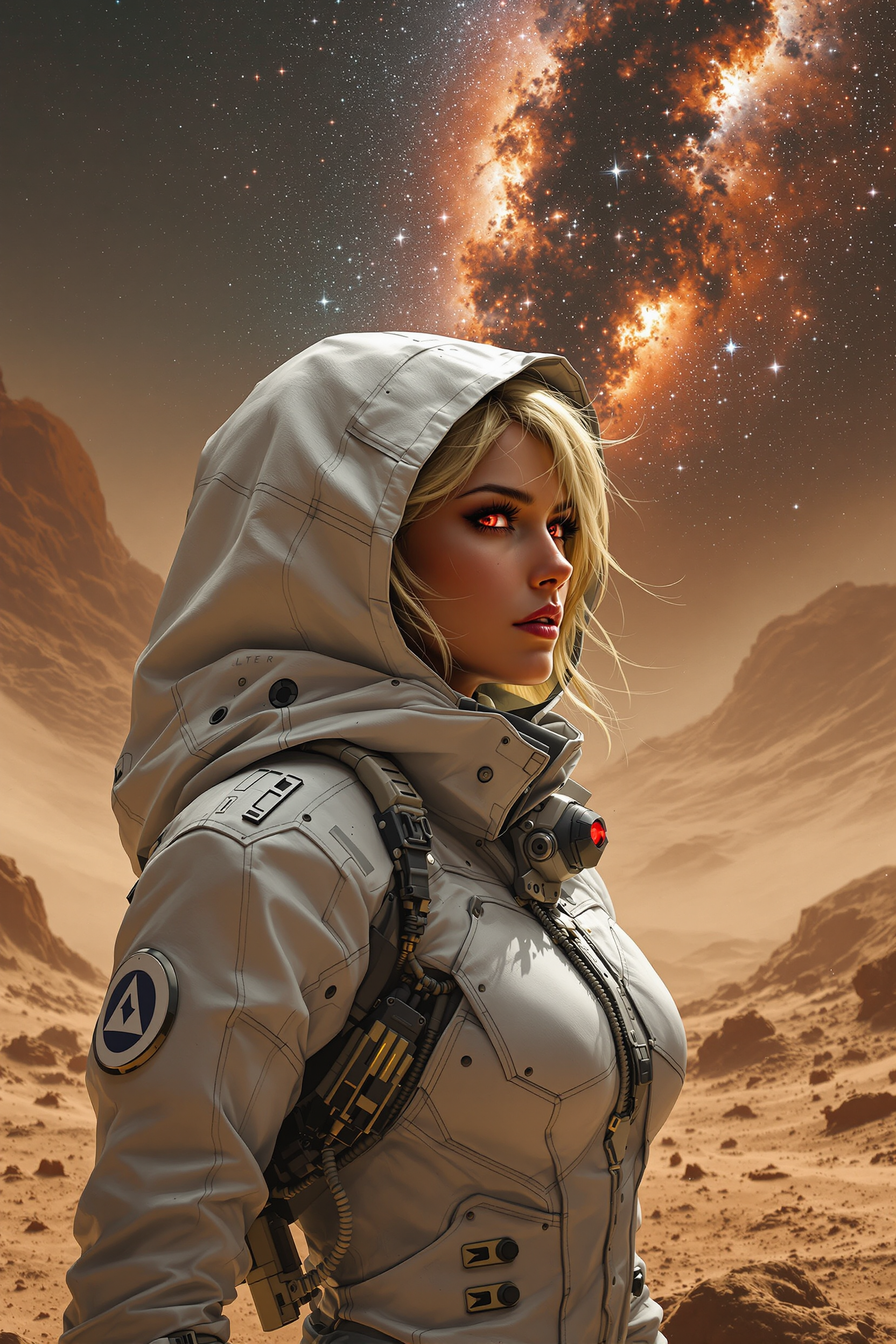
In the midst of shadows and storms
flux
Models you can run on PixelDojo for seedream 5 text rendering
Switch models without switching tools. Each one runs in the same PixelDojo studio.
What you can do with seedream 5 text rendering on PixelDojo
Clear In-Image Copy
We run Seedream 5 so generated scenes can include the words you specify on signs, posters, labels, and UI mockups with readable spelling.
Prompted Type And Layout
Describe headline, body text, and placement in your prompt and we render that copy into the composition rather than leaving blank or nonsense lettering.
Multilingual Text Rendering
We support Latin and CJK wording in a single image so bilingual packaging, titles, and street scenes stay usable for design drafts.
Marketing Visual Drafts
Use Seedream 5 on PixelDojo to iterate covers, ads, and storefront concepts where the on-image text matches the campaign lines you provided.
Loved by thousands of creators worldwide who generate professional text-heavy campaigns daily. 4.9 average rating from users shipping posters, packaging and ads. Access 40+ cutting-edge AI tools including Seedream 5, Flux.2 Studio and Ideogram 4. Cancel anytime.
Why Choose Pixel Dojo for seedream 5 text rendering
Professional-quality results with cutting-edge AI technology
Flawless Multilingual Typography Instantly
You produce accurate Chinese, Japanese, Arabic and 11 more languages with proper letterforms, right-to-left flow and cultural typography so your global ads and packaging look native and professional.
Campaign-Ready Posters and Packaging in Seconds
You generate multi-line headlines, subtitles, prices and legal copy that sit in perfect hierarchy on vintage posters, modern packaging or dense infographics without a single spelling error.
Cut Design Costs and Turnaround Time
You skip hiring graphic designers or wrestling with layout software. Seedream 5 plus PixelDojo's edit and upscale tools deliver print-ready files you can use the same day, with 40+ tools and cancel anytime.
How It Works
You create Seedream 5 text rendering images on PixelDojo in three simple steps that turn a brief into production-ready visuals.
Step 1: Choose Your Tool
Open PixelDojo and select Seedream 5 from Generate Images. It is purpose-built for accurate in-image text, dense layouts and multilingual typography. You can also explore Ideogram 4 or Recraft V4.1 in the same section for complementary styles, then move results into Edit Images tools.
Step 2: Enter Your Prompt
Write a natural-language description of the scene, lighting and style. Wrap every exact string you want rendered in double quotation marks and name its role and position, for example a vintage concert poster with headline “AURORA NIGHTS” in tall gold letters centered at the top. Seedream 5 reasons through the layout before generating so text stays readable even in small sizes or non-Latin scripts.
Step 3: Customize & Download
Generate your image, then refine with Inpainting, Change Camera Angle, Background Remover or Style Transfer. Upscale to print quality using P-Image Upscale, Magnific Upscaler or Clarity Pro. Download PNG or JPEG and drop straight into your campaign, or feed it into Seedance video tools for motion.
The Pixel Dojo Advantage
Why PixelDojo outperforms other options for Seedream 5 text rendering image generation
| Others | Pixel Dojo |
|---|---|
| Traditional graphic design software | You generate complete, text-perfect posters and packaging in seconds instead of spending hours on manual typesetting, font pairing and layout adjustments. |
| Generic AI image tools | Seedream 5 on PixelDojo delivers correctly spelled, properly placed multilingual text and professional hierarchy that generic generators typically scramble or overlay poorly. |
| Hiring freelance designers or agencies | You iterate unlimited versions instantly at a fraction of the cost, keep full creative control, and still have 40+ tools plus cancel-anytime flexibility. |
Loved by creators on PixelDojo
Real feedback from people using PixelDojo, pulled from our in-product surveys.
The Flux Pro Ultra is just amazing!
Very easy to use, and they have fast wan 2.2 video generation with custom loras available.
The overall quality of the site and it's amazing variety of tools. The continued updates of the UI. The unbelievable level of tech support.
THIS IS SO DOPE !
I have already recommended it to friends
All the tools, plus the guidance
Explore more AI tools on PixelDojo
AI Tools
Compare & Switch
- Best AI Image Generators
- Best AI Video Generators
- Midjourney Alternatives
- Civitai Alternatives
- Runway Alternatives
- Leonardo Alternatives
- Pika Alternatives
- Luma Alternatives
- Magnific Alternatives
- Veo Alternatives
- Flux Alternatives
- Freepik Alternatives
- Seedance Alternatives
- Seedream Alternatives
- Pixverse Alternatives
- GPT Image Alternatives
- Synthesia Alternatives
- Playground Alternatives
- NightCafe Alternatives
- Canva AI Alternatives
- ElevenLabs Alternatives
- ComfyUI Alternatives
- Fal Alternatives
- Replicate Alternatives
Common Questions
Everything you need to know about seedream 5 text rendering
How do I get accurate text rendering in posters with Seedream 5 on PixelDojo?
Select Seedream 5 in Generate Images, write a natural-language prompt, and wrap every exact phrase in double quotes while naming its role (headline, tagline, price). Seedream 5 reasons through layout first so spelling, hierarchy and multilingual scripts stay correct. You can then polish with Inpainting or upscale with Magnific Upscaler for print.
Does Seedream 5 text rendering work for Chinese, Japanese and Arabic on PixelDojo?
Yes. Seedream 5 natively generates in 14 languages including Chinese, Japanese, Korean, Arabic and Spanish with correct letterforms, right-to-left flow and cultural typography. You simply type the actual characters inside quotes and the model follows each script’s rules, producing packaging and ads that look locally authentic.
Can I create dense infographics and product labels with Seedream 5 text rendering?
Absolutely. Seedream 5 handles multi-tier text, charts, small labels and legal copy in one pass while keeping everything legible. On PixelDojo you generate the infographic, then use Image Analyzer or Reality Polisher if needed, and export layers or upscale for commercial use.
What PixelDojo tools complement Seedream 5 for text-heavy designs?
After generating with Seedream 5 you can refine with Image to Image, Inpainting, Style Transfer, Magic Lighting and Background Remover. Upscale using P-Image Upscale, Clarity Pro or Portrait Upscaler. Turn stills into video with Seedance 2.5 or Marketing Studio, all inside the same 40+ tool platform with cancel anytime.
How does Seedream 5 text rendering compare to other PixelDojo image models?
Seedream 5 leads for exact spelling, multi-line layouts and non-Latin scripts. You can still mix it with Ideogram 4, Recraft V4.1 or Flux.2 Studio for extra stylistic variety, then unify everything with PixelDojo’s edit and upscale suite so every asset stays on-brand.
Is there a free way to try Seedream 5 text rendering on PixelDojo?
Yes. PixelDojo lets you start generating immediately with 40+ cutting-edge AI tools including Seedream 5. You get professional results without long-term commitment because you can cancel anytime, making it risk-free to test posters, packaging and multilingual campaigns today.