sora 2 AI Generator
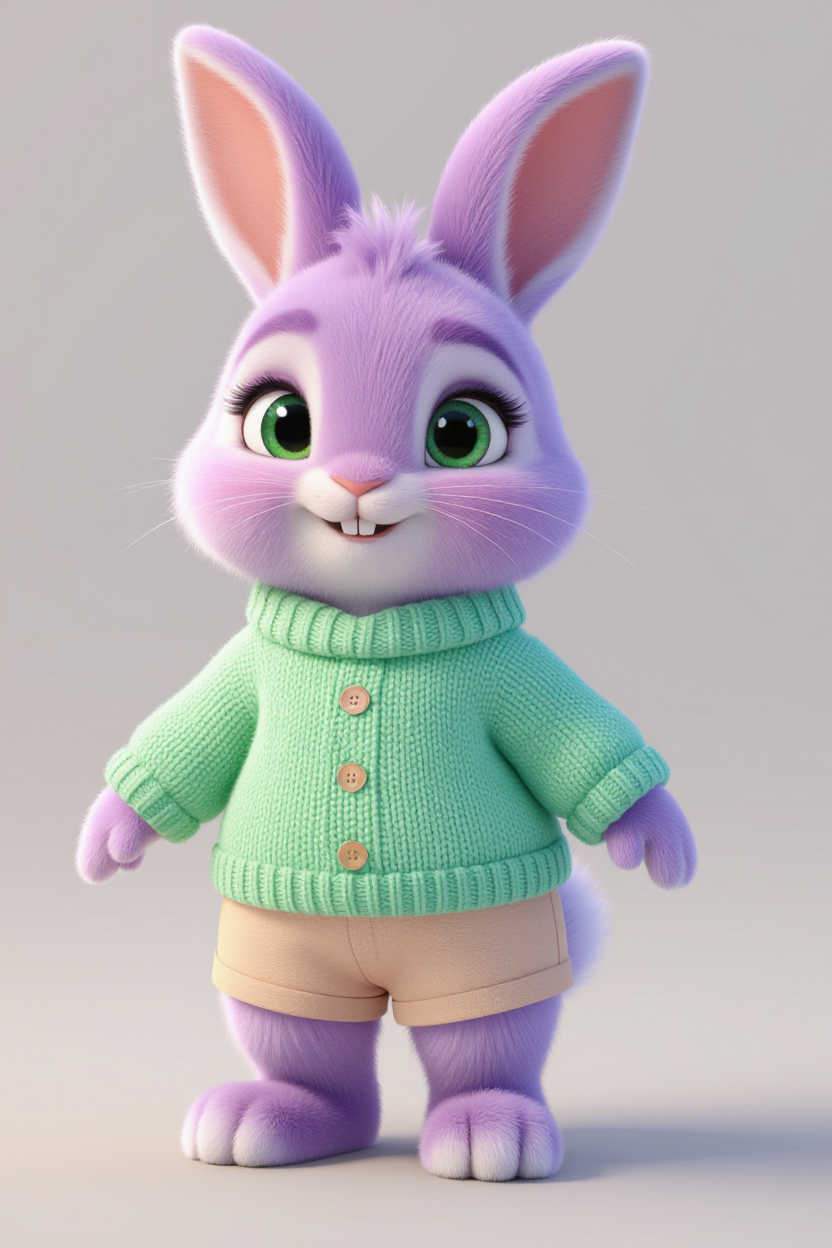
Generated on PixelDojo. Produced by PixelDojo's generation pipeline.
Imagine bringing your creative visions to life with just a few clicks. With PixelDojo's Sora 2, you can generate high-quality, realistic videos from simple text prompts. Whether you're a marketer, educator, or content creator, Sora 2 empowers you to produce engaging videos that captivate your audience and elevate your projects.
Real image examples generated on PixelDojo
Every example below was produced on PixelDojo. Hover to see the prompt.
Create a character named Sonya Bunny
hidream
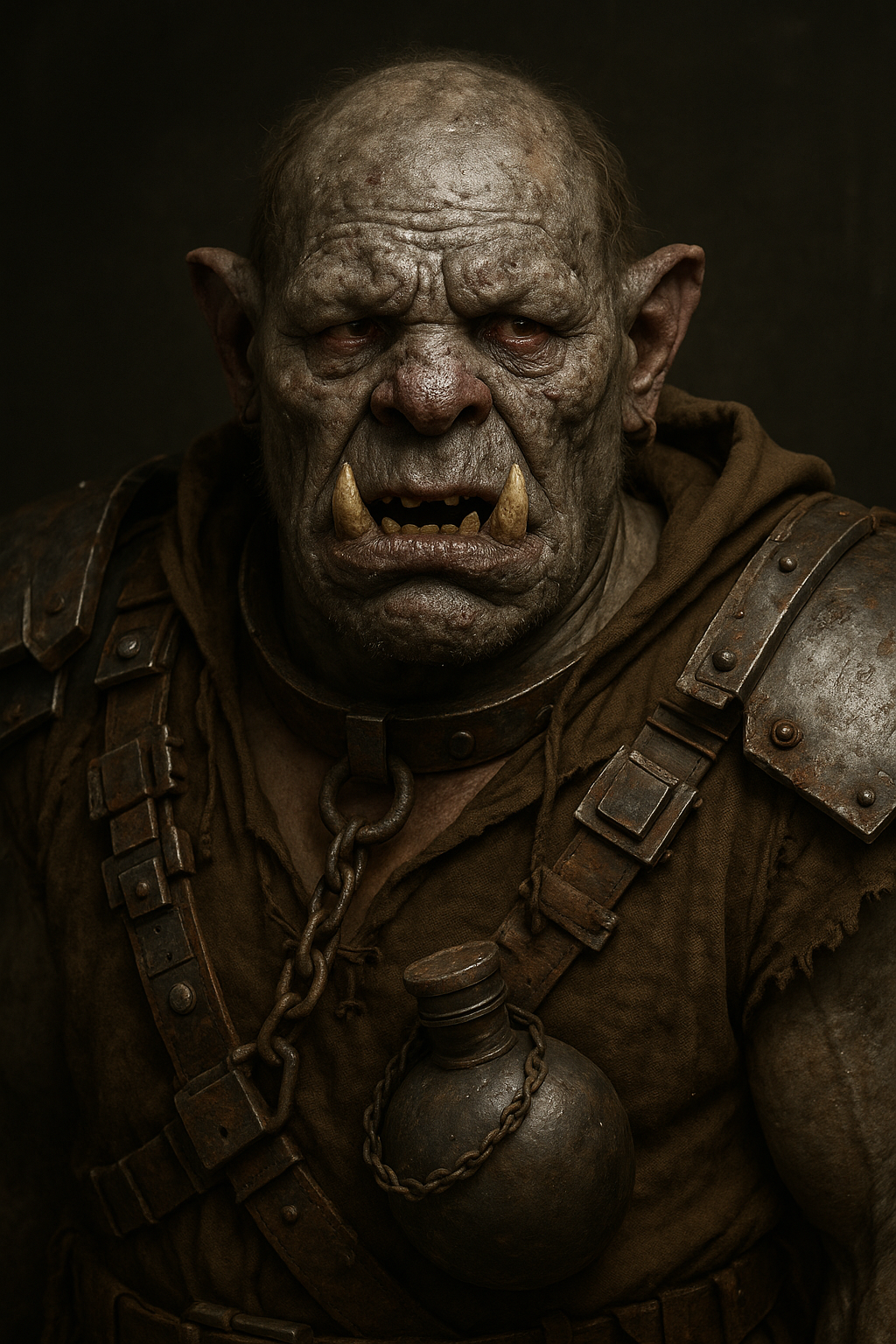
Ultra detailed 3d render of Caliban from Shakespeare's 'The Tempest' as orc from the Warha…
stable-diffusion

Masterpiece
creative-upscaler
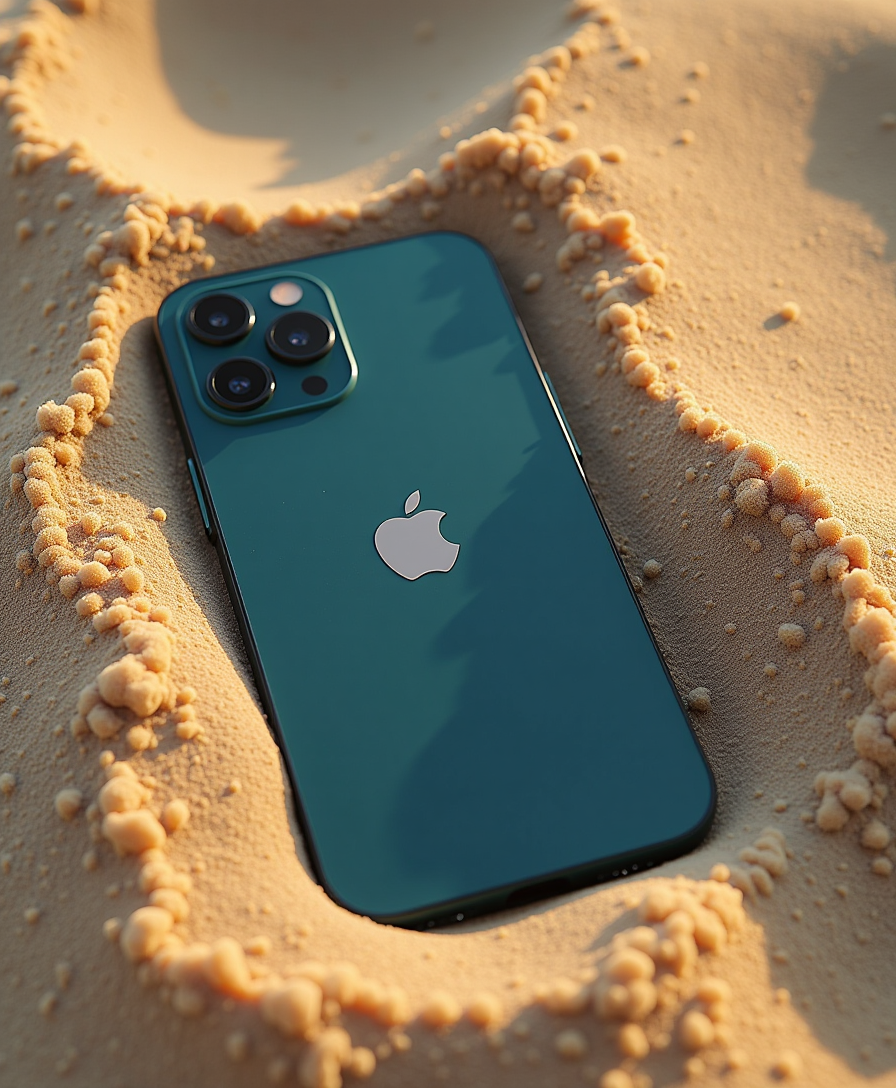
Bird's eye view from the display of a iPhone 16 pro lying in the sand
flux
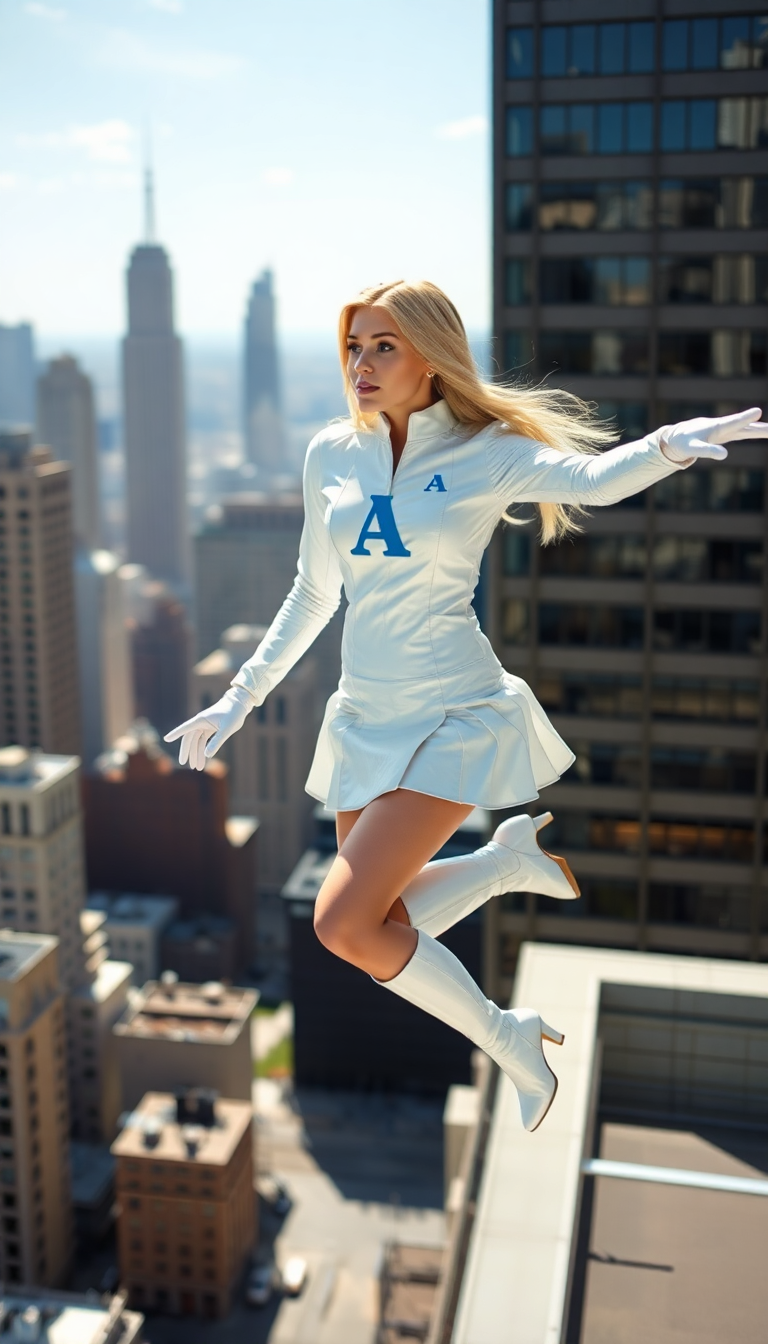
Petite blonde woman
flux
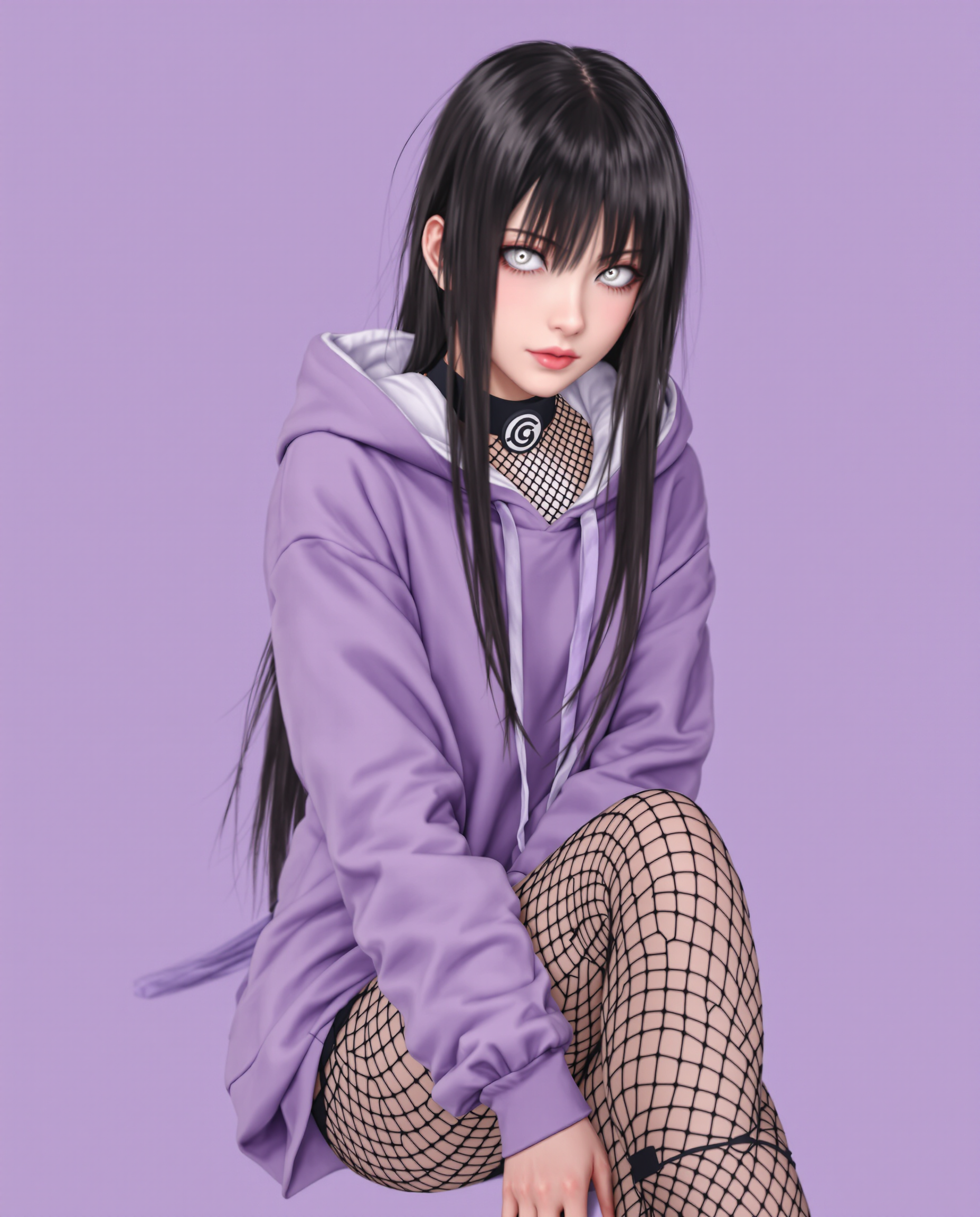
This image features a realistic photo photograph of a female real person character with a…
flux
Models you can run on PixelDojo for sora 2
Switch models without switching tools. Each one runs in the same PixelDojo studio.
What you can do with sora 2 on PixelDojo
Generate Images from Text
Creators enter text prompts to produce images using Sora 2 on PixelDojo.
Create Image Variations
We generate multiple outputs from a single prompt for comparison.
Adjust Generation Parameters
Creators modify settings such as style and aspect ratio before rendering.
Export High Resolution Files
We provide images in standard formats suitable for professional workflows.
Join over 10,000 creators who have transformed their ideas into reality using PixelDojo's AI tools. Rated 4.8/5 based on 2,000+ reviews.
Why Choose Pixel Dojo for sora 2
Professional-quality results with cutting-edge AI technology
Effortless Video Creation
Generate professional-quality videos without any prior experience or technical skills.
Time and Cost Efficiency
Save hours of production time and reduce costs associated with traditional video creation methods.
Versatile Content Generation
Create a wide range of videos, from promotional content to educational materials, tailored to your needs.
How It Works
Creating videos with Sora 2 is simple and intuitive. Follow these steps to bring your ideas to life:
Step 1: Choose Your Tool
Log in to PixelDojo and select the Sora 2 video generator from the dashboard.
Step 2: Enter Your Prompt
Describe the scene you want to create in detail, including actions, settings, and styles.
Step 3: Generate and Download
Click 'Generate' to create your video. Once satisfied, download the high-resolution file.
The Pixel Dojo Advantage
Why PixelDojo outperforms other options for AI video generation
| Others | Pixel Dojo |
|---|---|
| Traditional Video Production | Eliminates the need for expensive equipment and extensive editing, reducing both time and cost. |
| Generic AI Tools | Offers specialized features tailored for high-quality video generation, ensuring superior results. |
| Manual Animation | Automates the animation process, allowing for quick iterations and creative experimentation. |
Loved by creators on PixelDojo
Real feedback from people using PixelDojo, pulled from our in-product surveys.
Lots of Tools, and the one time I needed support I got help right away
Easy to use once you get the hang of it
Love it make anything I can think of so far
Great for all your ideas use it encourage more people to use it
Because it is awesome
exceptional quality and great overall design of platform and interface. very intuative. love the creative freedom.
Explore more AI tools on PixelDojo
AI Tools
Compare & Switch
- Best AI Image Generators
- Best AI Video Generators
- Midjourney Alternatives
- Civitai Alternatives
- Runway Alternatives
- Leonardo Alternatives
- Pika Alternatives
- Luma Alternatives
- Magnific Alternatives
- Veo Alternatives
- Flux Alternatives
- Freepik Alternatives
- Seedance Alternatives
- Seedream Alternatives
- Pixverse Alternatives
- GPT Image Alternatives
- Synthesia Alternatives
- Playground Alternatives
- NightCafe Alternatives
- Canva AI Alternatives
- ElevenLabs Alternatives
- ComfyUI Alternatives
- Fal Alternatives
- Replicate Alternatives
Common Questions
Everything you need to know about sora 2
How does Sora 2 generate videos from text prompts?
Sora 2 utilizes advanced AI algorithms to interpret your text descriptions and generate corresponding video content, ensuring accurate representation of your ideas.
Can I customize the style and length of the videos?
Yes, Sora 2 allows you to specify various parameters, including style, duration, and aspect ratio, to tailor the videos to your specific needs.
Is there a limit to the number of videos I can create?
PixelDojo offers various subscription plans to accommodate different usage levels, ensuring you can create as many videos as your project requires.
Do I need any prior experience in video editing to use Sora 2?
No, Sora 2 is designed with a user-friendly interface that requires no prior video editing experience, making it accessible to everyone.
Can I use the generated videos for commercial purposes?
Yes, videos created with Sora 2 can be used for commercial purposes, subject to PixelDojo's terms of service.
What file formats are available for the generated videos?
Sora 2 provides videos in standard formats compatible with most platforms and editing software, ensuring ease of use across various applications.