sora 2 generator

Generated on PixelDojo. Produced by PixelDojo's generation pipeline.
Transform your creative ideas into breathtaking cinematic videos and images that capture realistic motion, dramatic lighting, and professional storytelling. PixelDojo's sora 2 generator empowers you to produce high-impact visual content for social media, marketing campaigns, and personal projects without expensive equipment or long production times. You achieve physically accurate movements, immersive scenes, and polished results that engage viewers immediately. Whether you need short clips with dynamic camera work or stills that pop with detail, you get Hollywood-caliber outcomes right in your browser. Start creating content that stands out and converts audiences today.
Real image examples generated on PixelDojo
Every example below was produced on PixelDojo. Hover to see the prompt.
The image depicts a scene with a humorous twist
flux
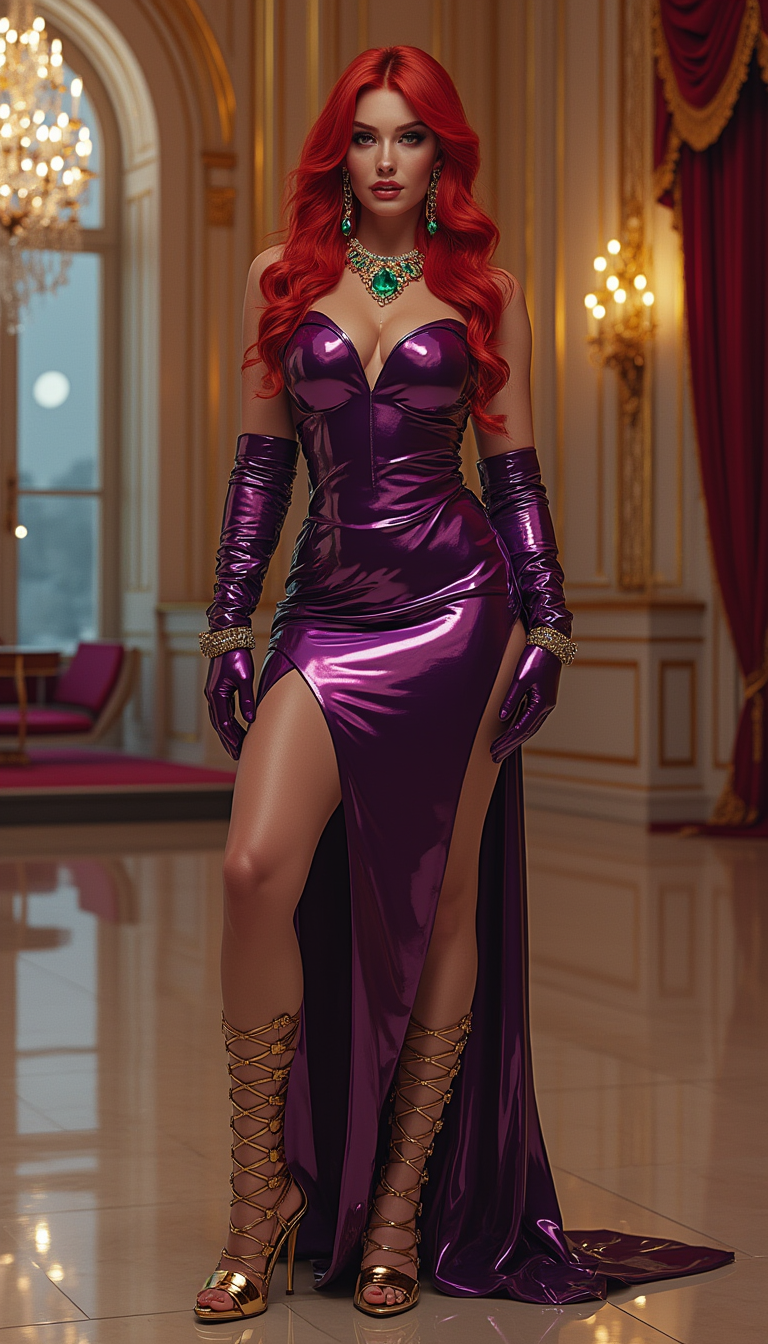
A striking tall and slim woman in her mid-20s with vibrant
flux

A hyper-realistic photograph of a majestic large Canada goose in mid-flight
flux
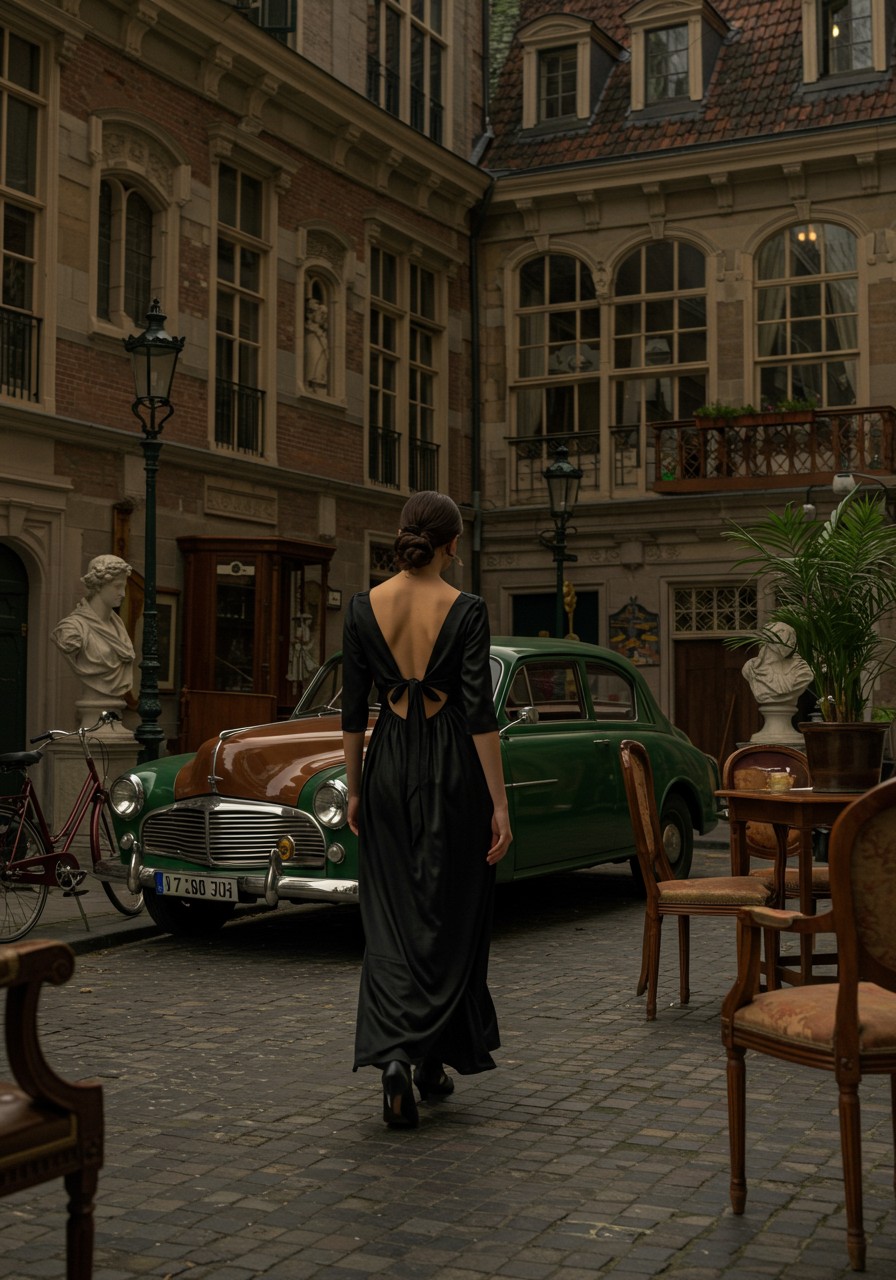
In a Victorian era style
imagen
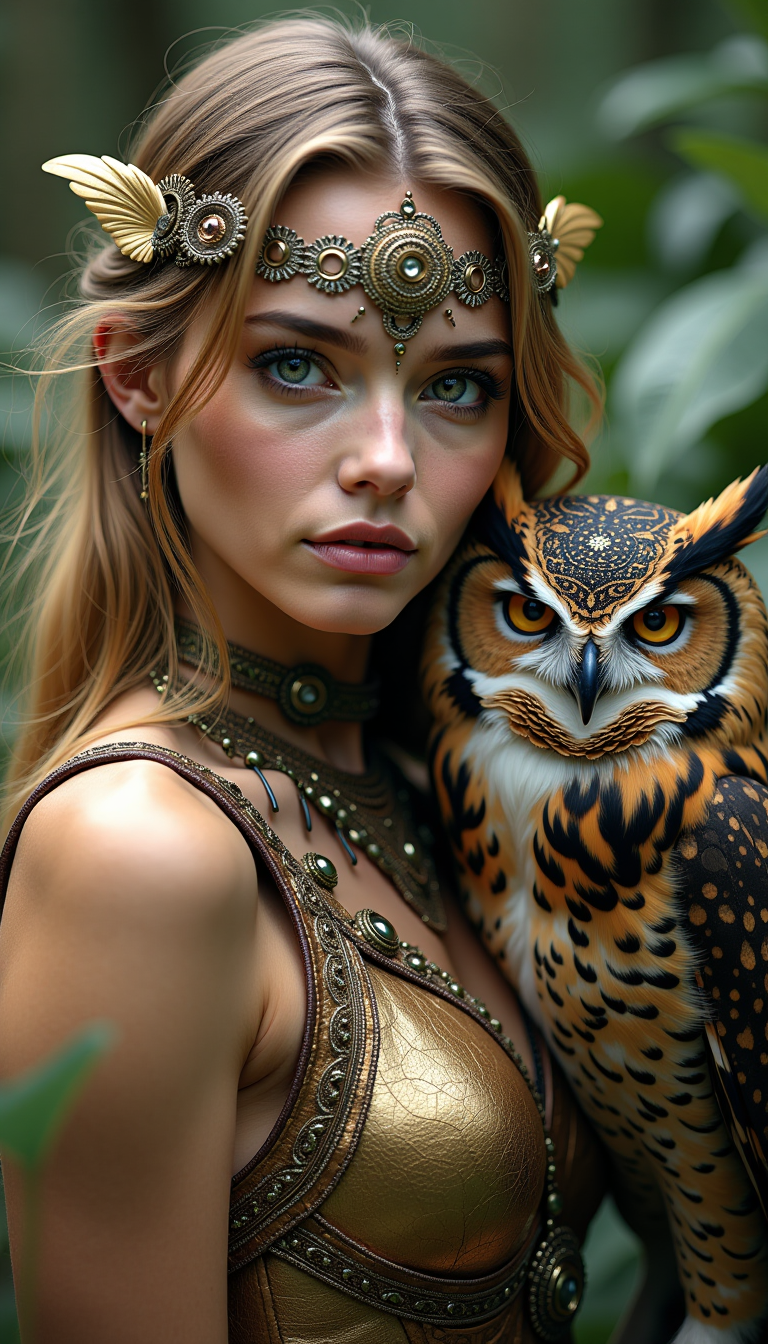
A beautiful woman with little metal clothes
flux
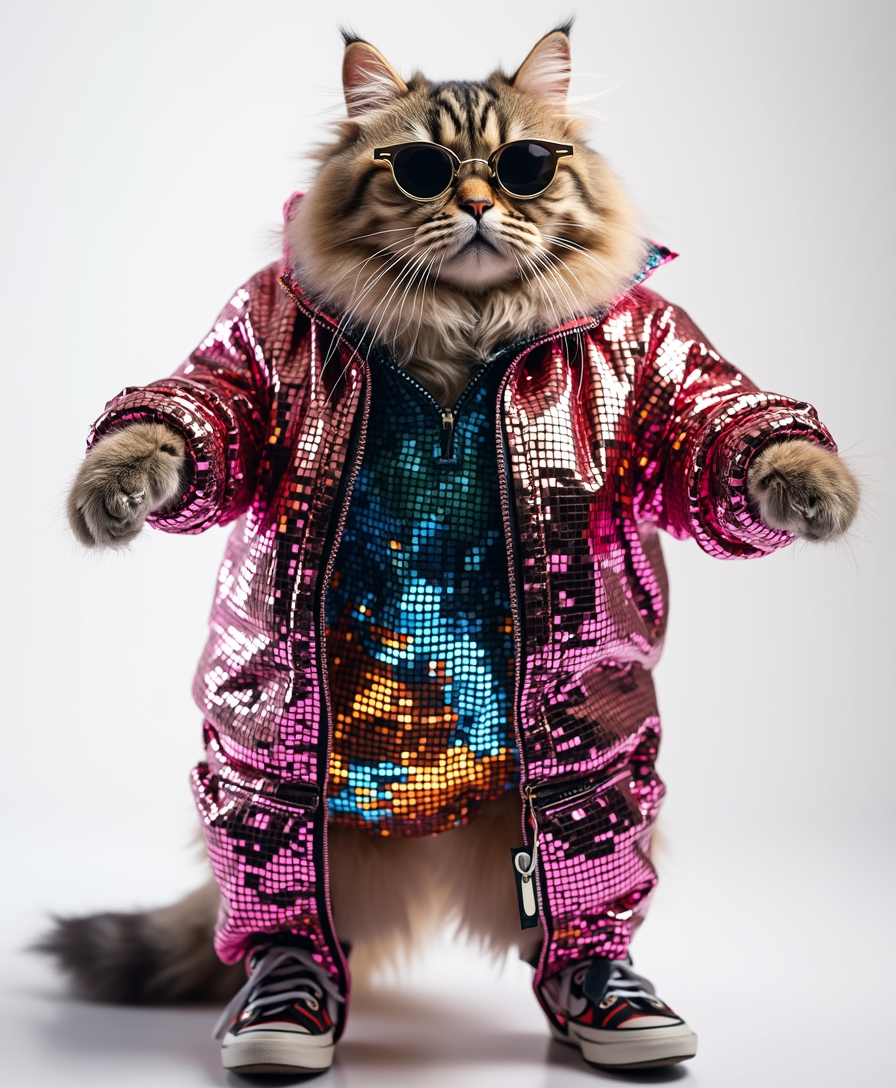
A cute cat in disco clothes
flux
Models you can run on PixelDojo for sora 2 generator
Switch models without switching tools. Each one runs in the same PixelDojo studio.
What you can do with sora 2 generator on PixelDojo
Sora 2 Image Generation
We give you access to Sora 2 image generation so you can turn written prompts into stills for storyboards, ads, and concept art. You stay in one workspace from idea to export.
Prompt Control And Variants
We let you refine prompts, seed variations, and iterate on composition without leaving the generator. You can compare outputs and keep the versions that match your brief.
Formats For Creative Work
We support common aspect ratios and resolutions so stills fit social, print, and presentation layouts. You download files ready to drop into your existing tools.
Creator Workflow On PixelDojo
We place Sora 2 next to your other PixelDojo generators so you can mix stills with related creative tools. History and project organization help you reuse successful prompts.
Loved by thousands of creators worldwide who rely on PixelDojo's 40+ cutting-edge AI tools for consistent, high-quality results. Join a community that produces professional visuals daily with cancel-anytime flexibility.
Why Choose Pixel Dojo for sora 2 generator
Professional-quality results with cutting-edge AI technology
Deliver Captivating Cinematic Motion Instantly
You produce videos featuring natural physics, fluid camera pans, and lifelike interactions that hold viewer attention from the first second, perfect for ads and stories that convert.
Build Consistent Characters That Stay On-Brand
You maintain the same faces, outfits, and personalities across multiple scenes and formats, creating cohesive series that build audience loyalty and recognition.
Scale Professional Content Without Limits
You generate, refine, and export unlimited variations in minutes, turning one concept into a full campaign of videos and images that drive engagement and sales.
How It Works
You create sora 2 generator style cinematic content in three straightforward steps using PixelDojo's specialized video and image tools.
Step 1: Choose Your Tool
Select Kling Video or WAN 3.0 for dynamic cinematic clips with realistic physics, Seedance 2.5 for multi-shot sequences, VEO 3.1 for high-fidelity motion, or Flux.2 Studio and Seedream 5 for detailed starting images. Marketing Studio helps you plan campaign-ready assets while Consistent Characters keeps your subjects unified.
Step 2: Enter Your Prompt
Describe your scene in natural language including subject actions in timed beats, camera angle and movement like slow dolly-in, lighting such as golden hour backlight, lens details, and mood. Add Image to Image or P Video Animate if starting from a still you generated with Ideogram 4 or QWEN Image 2.
Step 3: Customize & Download
Refine with Kling Video Edit, WAN 2.7 Video Edit, or Seedance 2.5 Video Edit, apply Style Transfer or Magic Lighting, upscale using FLUX Video Upscale or P-Image Upscale, then download in the format you need. Use Video Autocaption and Merge Videos to finish your project.
The Pixel Dojo Advantage
Why PixelDojo outperforms other options for sora 2 generator cinematic image and video creation
| Others | Pixel Dojo |
|---|---|
| Traditional video production | You skip hiring crews, renting gear, and waiting weeks; generate polished cinematic clips with realistic motion in minutes using Kling Video and Seedance 2.5. |
| Generic AI tools | You access 40+ specialized options like WAN 3.0, VEO 3.1, Grok Video, and Flux.2 Studio instead of a single limited model, giving you superior control over physics, style, and consistency. |
| Manual photo and video editing | You replace hours of timeline work with instant generation plus targeted edits via Inpainting, Change Camera Angle, and Video Reframe, producing professional results faster. |
Loved by creators on PixelDojo
Real feedback from people using PixelDojo, pulled from our in-product surveys.
super lora download
Great variety of tools to create and modify images and video.
Lots of Tools, and the one time I needed support I got help right away
Easy to use once you get the hang of it
Love it make anything I can think of so far
Great for all your ideas use it encourage more people to use it
Explore more AI tools on PixelDojo
AI Tools
Compare & Switch
- Best AI Image Generators
- Best AI Video Generators
- Midjourney Alternatives
- Civitai Alternatives
- Runway Alternatives
- Leonardo Alternatives
- Pika Alternatives
- Luma Alternatives
- Magnific Alternatives
- Veo Alternatives
- Flux Alternatives
- Freepik Alternatives
- Seedance Alternatives
- Seedream Alternatives
- Pixverse Alternatives
- GPT Image Alternatives
- Synthesia Alternatives
- Playground Alternatives
- NightCafe Alternatives
- Canva AI Alternatives
- ElevenLabs Alternatives
- ComfyUI Alternatives
- Fal Alternatives
- Replicate Alternatives
Common Questions
Everything you need to know about sora 2 generator
What is the best sora 2 generator for creating cinematic videos with realistic physics?
PixelDojo gives you Kling Video, WAN 3.0, and VEO 3.1 which excel at natural object interactions, gravity, and camera movements so your clips feel grounded and professional. Combine them with Marketing Studio to produce ready-to-post content that performs.
How do I generate sora 2 style images and then turn them into videos?
Start with Flux.2 Studio, Seedream 5, or Ideogram 4 for high-detail stills, then use P Video Animate, Image to Image, or WAN Reference to Video to add motion. Consistent Characters and Character Sheets keep faces identical throughout.
Can I create multi-shot cinematic sequences with a sora 2 generator?
Yes, Seedance 2.5 and WAN 2.7 Video let you plan beats across scenes while Film Studio and Merge Videos assemble them. You maintain lighting and character continuity using Character Stylist and Kling Video Character Swap.
How does PixelDojo help me add professional lighting and camera work to sora 2 generator content?
Use Magic Lighting, Style Transfer, and Change Camera Angle on images, then apply the same principles in video prompts for Kling Video or Grok Video. Reality Polisher and Clarity Pro enhance the final look before you upscale with Magnific Upscaler.
Is there a way to keep characters consistent when using a sora 2 generator for series?
PixelDojo's Consistent Characters, Ideogram Character, LoRA Face Swap, and WAN Video Character Swap lock in appearance across every clip and still. Pair with Train Models like Flux Trainer if you want even tighter control.
What editing and enhancement tools work with sora 2 generator videos on PixelDojo?
After generation you can use Kling Video Edit, Seedance 2 Video Edit, Video Autocaption, Video Reframe, Extract Frame, and FLUX Video Upscale. Background Remover and Image Outpainting also help polish any stills you create along the way.