text to audio ai
Generated on PixelDojo. Produced by PixelDojo's generation pipeline.
You no longer need a recording studio, voice actors or musicians to produce captivating audio. PixelDojo's text to audio AI lets you transform any script, idea or description into studio-quality speech, original music and immersive soundscapes in seconds. Whether you are building YouTube videos, podcasts, ads, games or training materials, you achieve professional results that keep listeners engaged and save you hours of production time. Describe the emotion, pacing and style you want and watch Seed Audio 1.0, Text to Speech and Text to Music deliver ready-to-use files you can drop straight into your projects. Thousands of creators already rely on these tools every day to ship content faster while sounding more polished than ever.
Real image examples generated on PixelDojo
Every example below was produced on PixelDojo. Hover to see the prompt.
Text turning into speech
imagen
Text turning into speech
imagen
Text turning into speech
imagen
Text turning into speech
imagen

Qwen-text
image-to-image
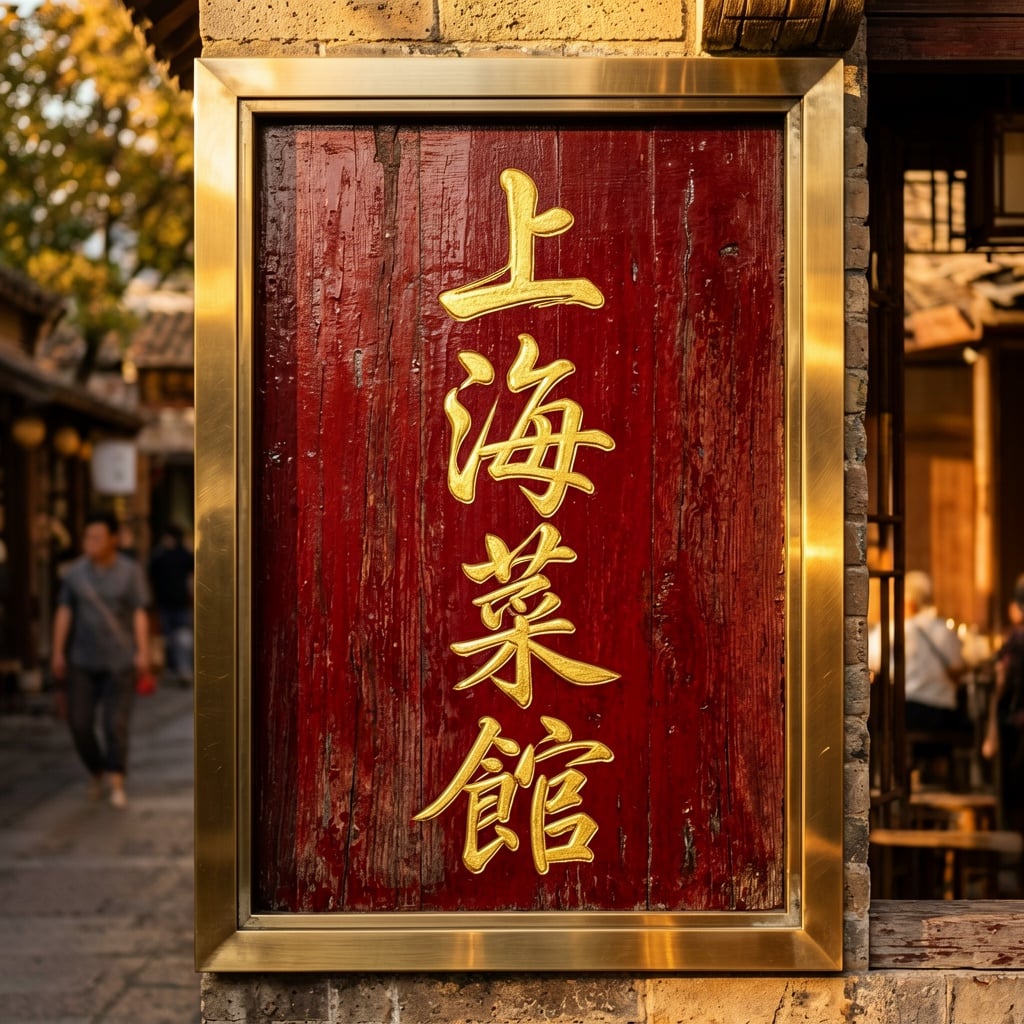
Ern-text
image-to-image
Models you can run on PixelDojo for text to audio ai
Switch models without switching tools. Each one runs in the same PixelDojo studio.
What you can do with text to audio ai on PixelDojo
Script to spoken audio
We convert your written text into clear spoken tracks you can preview and iterate on. Use this for narration, dialogue, and simple voiceovers without leaving PixelDojo.
Voice style choices
We let you pick from available voice styles so the same script can sound more formal, casual, or character-like. You can regenerate takes until the delivery matches the scene.
Timing and delivery controls
We give you practical controls such as pacing and emphasis so lines land where you need them. Adjust the read, then export the clip that fits your edit.
Ready files for projects
We produce audio you can download and drop into videos, podcasts, games, or social posts. Keep text, voice, and output together so creators can reuse the same pipeline.
Loved by thousands of creators worldwide who generate professional audio daily. 40+ cutting-edge AI tools in one platform. 4.8-star average from real users. Cancel anytime with no long-term commitment.
Why Choose Pixel Dojo for text to audio ai
Professional-quality results with cutting-edge AI technology
Deliver Lifelike Voiceovers That Convert
You turn any script into natural, emotionally rich speech that sounds human. Use Text to Speech and Seed Audio 1.0 to select voices, control pacing, add subtle fillers and match the exact tone your audience expects, so your videos, ads and courses feel personal and trustworthy.
Compose Custom Music Without Licensing Fees
You describe a mood, genre or scene and Text to Music instantly produces original tracks tailored to your project. Background beds, intros, outros and full songs appear in minutes, giving you unique audio you fully own and can use commercially without worrying about copyright claims.
Produce Complete Audio Scenes in One Prompt
You write a simple scene description and Seed Audio 1.0 generates voices, atmosphere, timing and production quality together. Radio dramas, podcast intros, guided meditations and ad spots come out fully produced, so you skip the usual multi-tool workflow and ship finished audio faster.
How It Works
Creating professional text to audio AI content on PixelDojo takes just three straightforward steps. You stay in control of every detail while the platform handles the heavy lifting.
Step 1: Choose Your Tool
Open PixelDojo and pick the right audio tool for your goal. Select Text to Speech when you need clean voiceovers, Text to Music for custom tracks, or Seed Audio 1.0 when you want a complete scene with voices and atmosphere. Each tool lives in the same studio so you can switch without leaving the page.
Step 2: Enter Your Prompt
Type a detailed description that includes the speaker's role, emotional tone, pacing, pauses and any pronunciation notes. For music add genre, instruments, mood and length. Seed Audio 1.0 also accepts scene directions such as 'late-night suspense radio drama' so the model writes and performs everything. The more specific you are, the closer the result matches your vision.
Step 3: Customize & Download
Listen to the preview, tweak voice, speed, pitch or length if needed, then download high-quality MP3 or WAV files. You can immediately drop the audio into your PixelDojo video projects or export it for any other editor. Unlimited revisions mean you iterate until it is perfect.
The Pixel Dojo Advantage
Why PixelDojo outperforms other options for text to audio AI generation
| Others | Pixel Dojo |
|---|---|
| Traditional studio recording | You skip booking talent, equipment and editing time. Generate unlimited takes in seconds, revise instantly and keep full commercial rights without hourly studio costs. |
| Generic AI tools | You get three specialized audio engines plus seamless integration with 40+ image and video tools. Seed Audio 1.0 scene generation and consistent character voices across projects give you results generic platforms cannot match. |
| Manual audio editing | You replace hours of cutting, mixing and sound design with a single prompt. Professional pacing, emotion and atmosphere appear automatically so you focus on story instead of technical cleanup. |
Loved by creators on PixelDojo
Real feedback from people using PixelDojo, pulled from our in-product surveys.
Easy to use once you get the hang of it
Love it make anything I can think of so far
Great for all your ideas use it encourage more people to use it
Because it is awesome
exceptional quality and great overall design of platform and interface. very intuative. love the creative freedom.
Qwen image 2 is amazing!!
Explore more AI tools on PixelDojo
AI Tools
Compare & Switch
- Best AI Image Generators
- Best AI Video Generators
- Midjourney Alternatives
- Civitai Alternatives
- Runway Alternatives
- Leonardo Alternatives
- Pika Alternatives
- Luma Alternatives
- Magnific Alternatives
- Veo Alternatives
- Flux Alternatives
- Freepik Alternatives
- Seedance Alternatives
- Seedream Alternatives
- Pixverse Alternatives
- GPT Image Alternatives
- Synthesia Alternatives
- Playground Alternatives
- NightCafe Alternatives
- Canva AI Alternatives
- ElevenLabs Alternatives
- ComfyUI Alternatives
- Fal Alternatives
- Replicate Alternatives
Common Questions
Everything you need to know about text to audio ai
How does text to audio AI work on PixelDojo for beginners?
You simply type what you want to hear. PixelDojo's Text to Speech, Text to Music and Seed Audio 1.0 read your description, apply natural pacing, emotion and production quality, then return a downloadable file. No audio experience is required. Start with a short script or scene idea and you will have usable audio in under a minute.
What is the best way to get natural sounding speech from text to speech AI?
Write prompts that include the speaker's role, audience, emotional stance and spoken rhythm. Mention pauses, contractions and light fillers such as 'um' or 'well' when they feel natural. Seed Audio 1.0 and Text to Speech respond especially well to these details, producing voices that sound conversational rather than robotic.
Can I generate original music from a text description with PixelDojo?
Yes. Text to Music turns a simple prompt such as 'upbeat lo-fi hip-hop for a productivity video, warm analog drums, gentle piano' into a complete original track. You control length, mood and style, then download a file you own outright for any commercial use.
How do I create full audio scenes like radio dramas with text to audio AI?
Use Seed Audio 1.0 in instruction mode. Describe the entire scene—'a late-night detective radio drama with rain, two voices and tense pacing'—and the model writes the script, casts voices, adds atmosphere and delivers a finished production. You can also feed it an exact script for more control.
Is PixelDojo text to audio AI free to try and can I cancel anytime?
You can start generating immediately with included credits. All 40+ tools including Text to Speech, Text to Music and Seed Audio 1.0 are available. There is no long-term contract; you cancel anytime from your account page with one click.
How can I combine text to audio AI with PixelDojo image and video tools?
Generate your voiceover or soundtrack first, then drop it into Marketing Studio, VEO 3.1, Kling Video or any other video tool. The same platform also lets you create matching visuals, character sheets and consistent faces so your finished video looks and sounds professionally produced from a single workflow.