uncensor photo
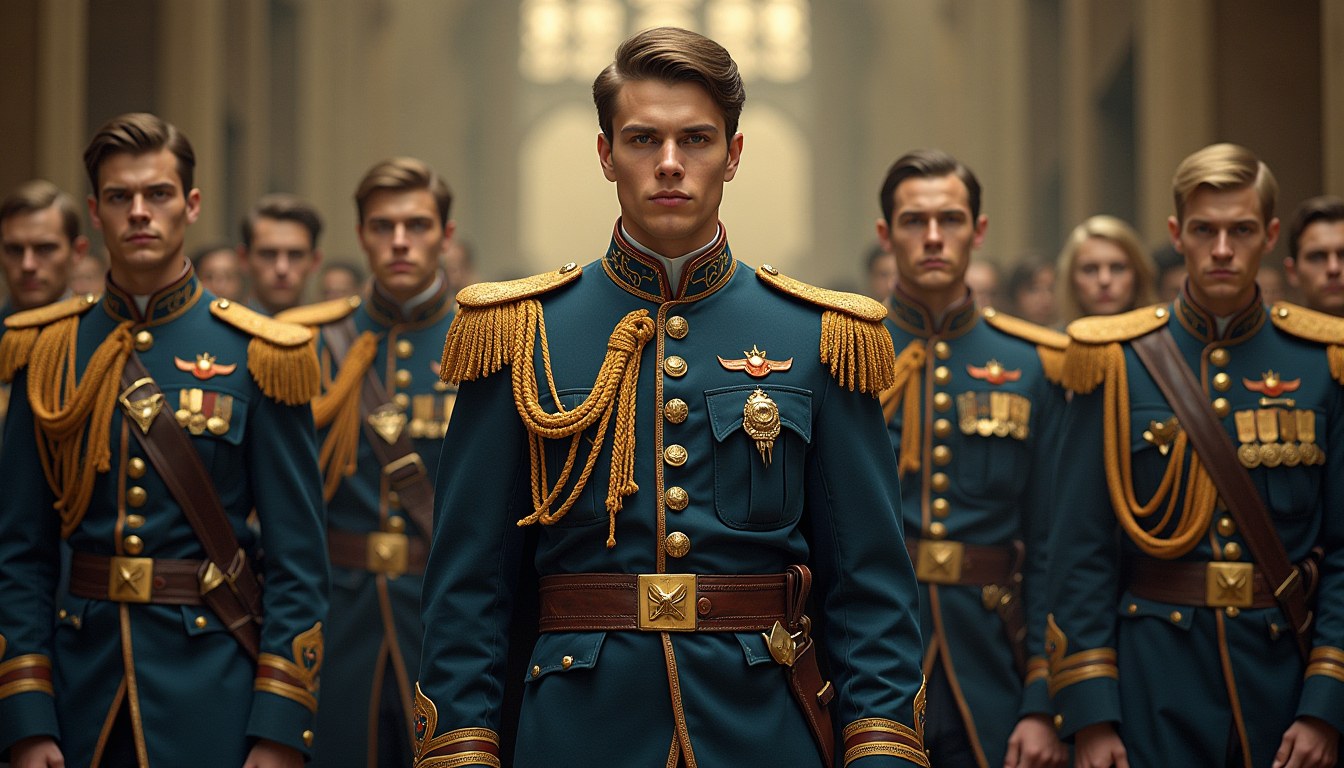
Generated on PixelDojo. Produced by PixelDojo's generation pipeline.
Have you ever encountered a photo marred by censorship, blurring, or pixelation, obscuring crucial details? With PixelDojo's advanced AI tools, you can effortlessly restore these images, bringing back their original clarity and detail. Whether it's a cherished memory, an important document, or a creative project, our platform empowers you to uncensor photos with precision and ease.
Real image examples generated on PixelDojo
Every example below was produced on PixelDojo. Hover to see the prompt.
In a world of fantasy
flux

A futuristic auto repair shop with a clean
stable-diffusion
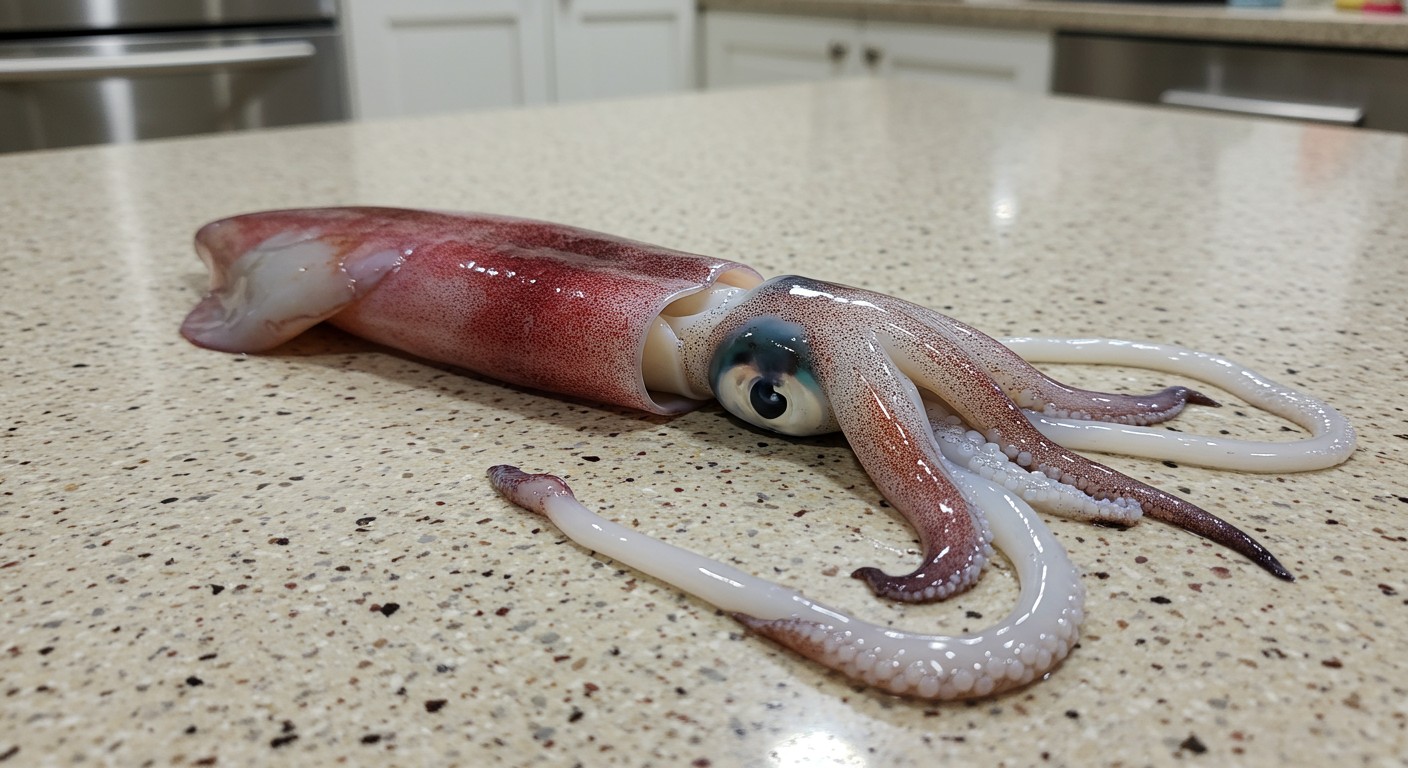
A squid on a kitchen counter
imagen
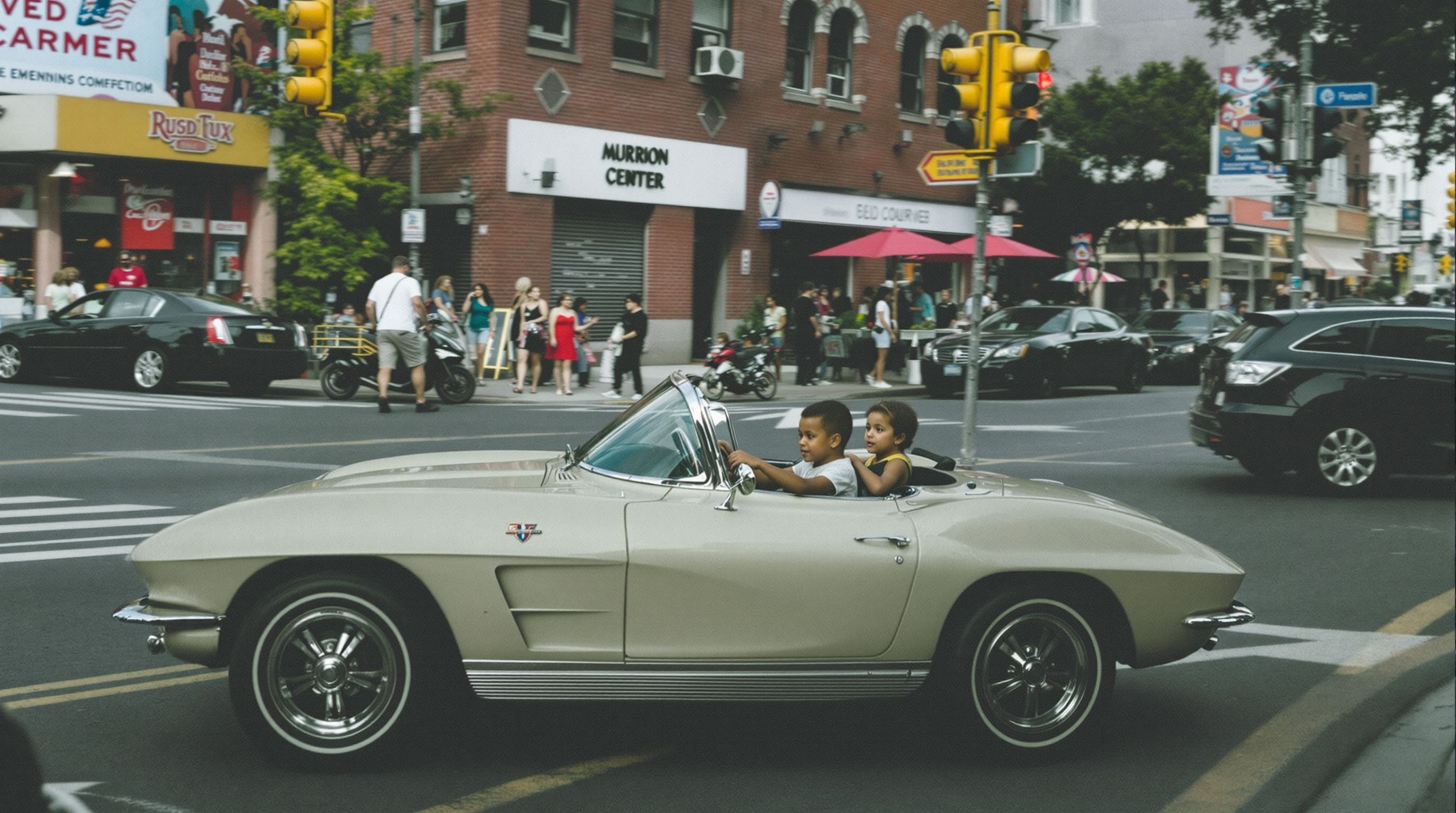
A 2 year old drives a mini 1963 corvette converible in a city street
flux
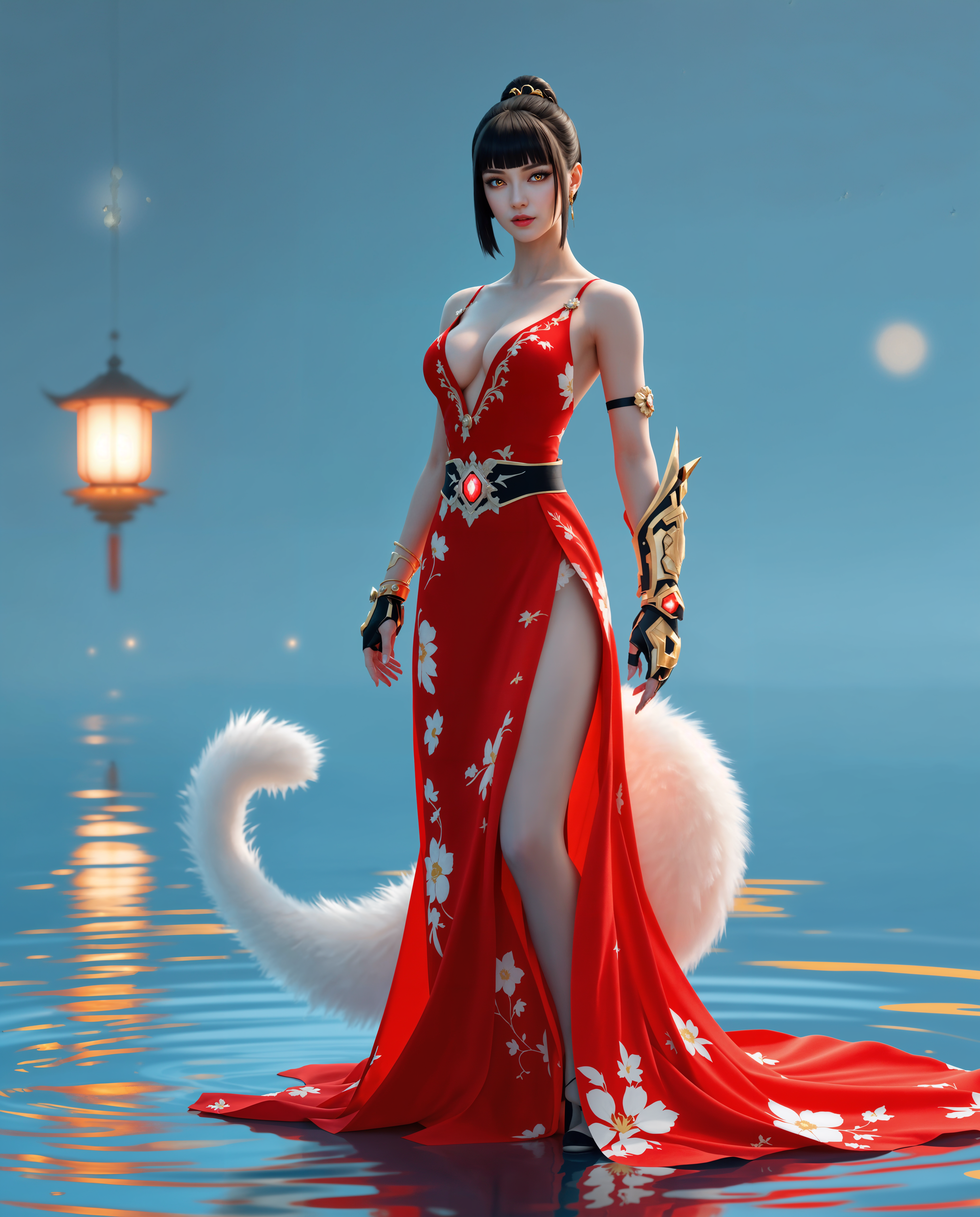
uncensor photo on PixelDojo
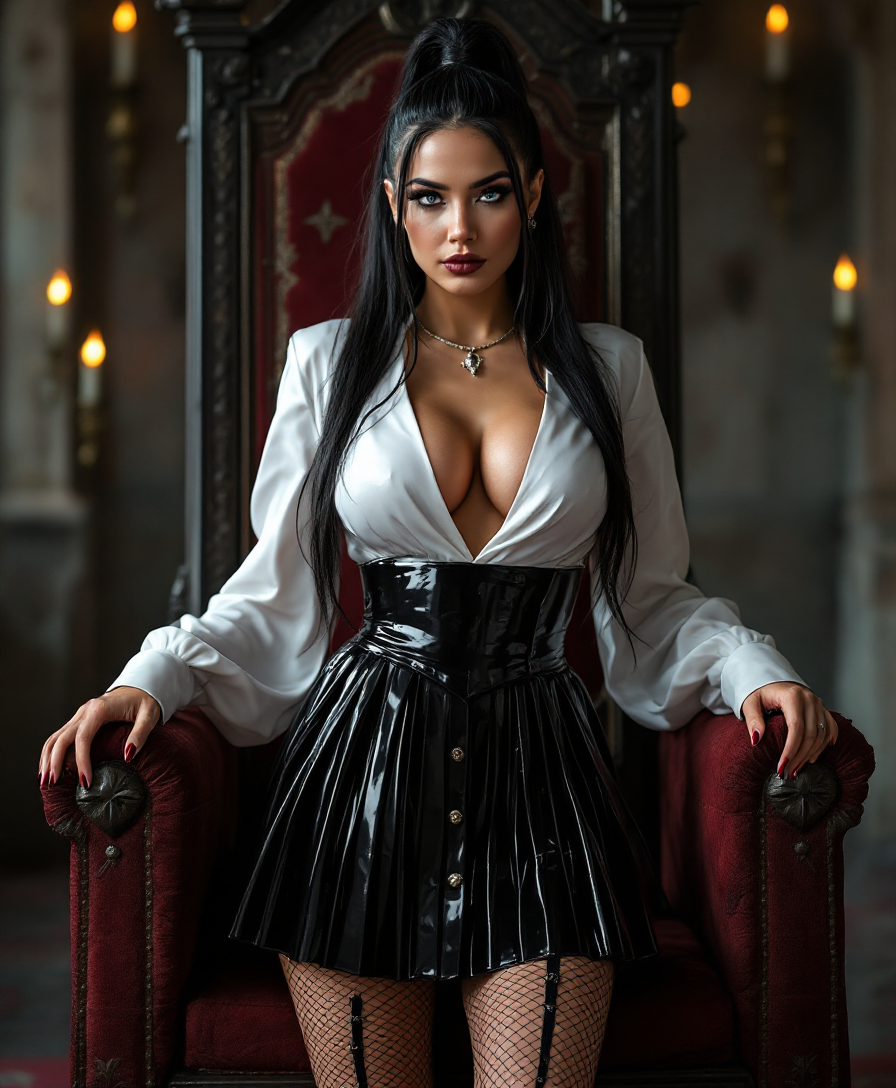
"SHOT COMPOSITION": "Full body shot captured with a Canon 5D camera using a 50mm lens for…
stable-diffusion
Models you can run on PixelDojo for uncensor photo
Switch models without switching tools. Each one runs in the same PixelDojo studio.
What you can do with uncensor photo on PixelDojo
Upload And Uncensor Photos
We accept censored images and produce versions without the restrictions applied.
Adjust Censored Image Areas
Users identify regions to change and we apply the modifications accordingly.
Produce Style Matched Results
Our outputs retain the lighting colors and details from the source photo.
Generate Multiple Variations Quickly
We create several uncensored alternatives for each submitted image.
Join over 10,000 satisfied users who have restored more than 1 million images using PixelDojo's AI-powered tools. Rated 4.8/5 for exceptional quality and user experience.
Why Choose Pixel Dojo for uncensor photo
Professional-quality results with cutting-edge AI technology
Restore Image Clarity
Bring back the original details and sharpness to censored or blurred photos, making them look as intended.
User-Friendly Process
Uncensoring photos is as simple as a few clicks, with no technical expertise required.
Time-Efficient Restoration
Achieve professional-quality results in seconds, saving you time and effort.
How It Works
Uncensoring your photos with PixelDojo is a straightforward process. Follow these simple steps to restore your images:
Step 1: Upload Your Censored Photo
Select the censored or blurred image you wish to restore and upload it to the PixelDojo platform.
Step 2: Select the Affected Area
Use the intuitive selection tool to highlight the censored or blurred portions of the image that need restoration.
Step 3: Apply AI Restoration
Click on the 'Uncensor' button to let PixelDojo's AI analyze and restore the selected areas, bringing back the original details.
The Pixel Dojo Advantage
Why PixelDojo is the Preferred Choice for Photo Restoration
| Others | Pixel Dojo |
|---|---|
| Manual Photo Editing | Eliminates the need for complex software and technical skills, making restoration accessible to everyone. |
| Generic AI Tools | Specifically designed for photo uncensoring, ensuring higher accuracy and better results. |
| Traditional Restoration Services | Offers instant results without the wait time and high costs associated with professional services. |
Loved by creators on PixelDojo
Real feedback from people using PixelDojo, pulled from our in-product surveys.
I love the training feature
the quality is the best
All the tools needed in one dashboard
Very fair and very broad in tools.
Accurate results
Great site and so much fun to use!
Explore more AI tools on PixelDojo
AI Tools
Compare & Switch
- Best AI Image Generators
- Best AI Video Generators
- Midjourney Alternatives
- Civitai Alternatives
- Runway Alternatives
- Leonardo Alternatives
- Pika Alternatives
- Luma Alternatives
- Magnific Alternatives
- Veo Alternatives
- Flux Alternatives
- Freepik Alternatives
- Seedance Alternatives
- Seedream Alternatives
- Pixverse Alternatives
- GPT Image Alternatives
- Synthesia Alternatives
- Playground Alternatives
- NightCafe Alternatives
- Canva AI Alternatives
- ElevenLabs Alternatives
- ComfyUI Alternatives
- Fal Alternatives
- Replicate Alternatives
Common Questions
Everything you need to know about uncensor photo
How does PixelDojo's AI uncensor photos?
PixelDojo utilizes advanced AI algorithms to analyze the censored areas of your photos and intelligently reconstruct the missing details, restoring the image to its original clarity.
Is there a limit to the number of photos I can uncensor?
PixelDojo offers various subscription plans to suit your needs, including options with unlimited photo restorations. Choose the plan that best fits your requirements.
Can I use PixelDojo on mobile devices?
Yes, PixelDojo is accessible through web browsers on both desktop and mobile devices, allowing you to restore photos anytime, anywhere.
Is my data secure when using PixelDojo?
Absolutely. PixelDojo prioritizes user privacy and employs robust security measures to ensure your images and data are protected at all times.
What types of censorship can PixelDojo remove?
PixelDojo's AI is capable of removing various types of censorship, including pixelation, blurring, and black bars, effectively restoring the obscured details.
Do I need any technical skills to use PixelDojo?
Not at all. PixelDojo is designed with user-friendliness in mind, making it accessible to individuals of all skill levels without the need for technical expertise.