vidmage ai
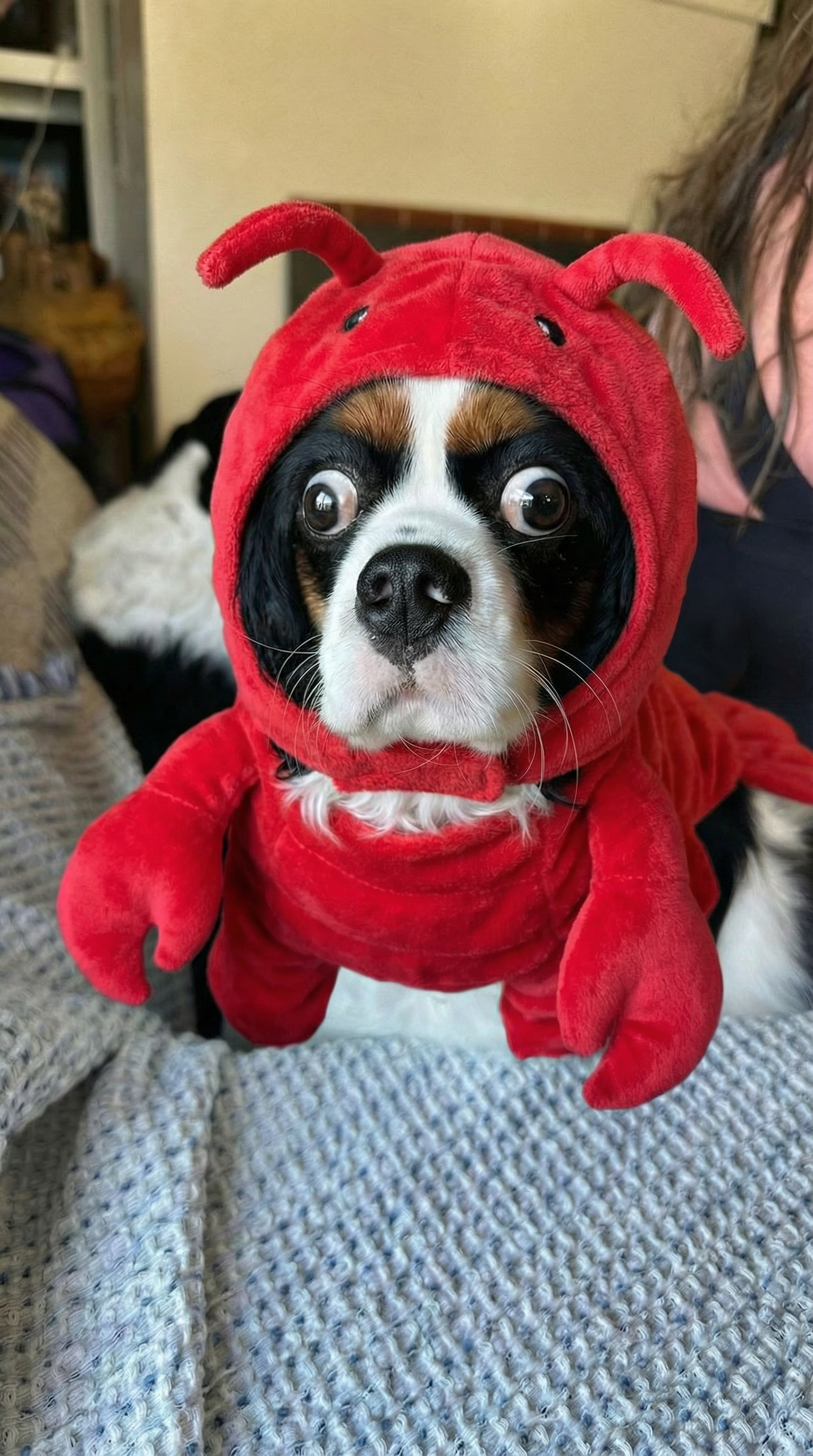
Imagine turning any idea into breathtaking, professional-quality images in seconds—no design experience required. With PixelDojo, you can achieve the exact results associated with VidMage AI image generation: photorealistic portraits, creative illustrations, product visuals, and custom artwork that captivates audiences. Whether you're a content creator building viral social posts, a marketer designing campaign assets, or a hobbyist exploring new creative outlets, PixelDojo delivers consistent, high-impact outcomes that elevate your projects and save you hours of work. Focus on what matters—your vision—while advanced AI handles the technical execution flawlessly.
Join over 50,000 creators who have generated millions of images with PixelDojo. Rated 4.9/5 by thousands of users worldwide. Trusted by marketing teams, influencers, and studios for reliable, studio-quality results every time.
Why Choose Pixel Dojo for vidmage ai
Professional-quality results with cutting-edge AI technology
Produce Photorealistic Images Instantly
Generate hyper-realistic photos and scenes from simple text descriptions, perfect for product mockups, social media content, or personal projects that look professionally shot.
Refine and Customize with Precision
Transform existing photos into new styles, fix imperfections, or iterate designs effortlessly, achieving exactly the look you envision without starting from scratch.
Create Consistent Characters and Scenes
Maintain the same characters, faces, and environments across multiple images for stories, branding, or series content that feels cohesive and professional.
How It Works
Getting started with VidMage AI-style image generation on PixelDojo is simple and intuitive. Follow these three steps to create your first masterpiece.
Step 1: Choose Your Tool
Select from powerful options like Google Nano Banana for detailed, high-fidelity generations, GPT Image 2 for creative and text-rich designs, Flux.2 Studio for artistic versatility, or Krea V2 for unique stylistic explorations. Each tool is optimized for specific outcomes like realism or stylization.
Step 2: Enter Your Prompt
Describe your vision in natural language. For best results with VidMage AI-inspired techniques, include specific details like subject, setting, lighting, mood, and style. Upload reference images for image-to-image transformations using tools like Image to Image or Style Transfer.
Step 3: Customize & Download
Review generations, apply edits with Inpainting, Magic Lighting, or Background Remover, then upscale with P-Image Upscale or Magnific Upscaler for print-ready quality. Download in your preferred format and aspect ratio.

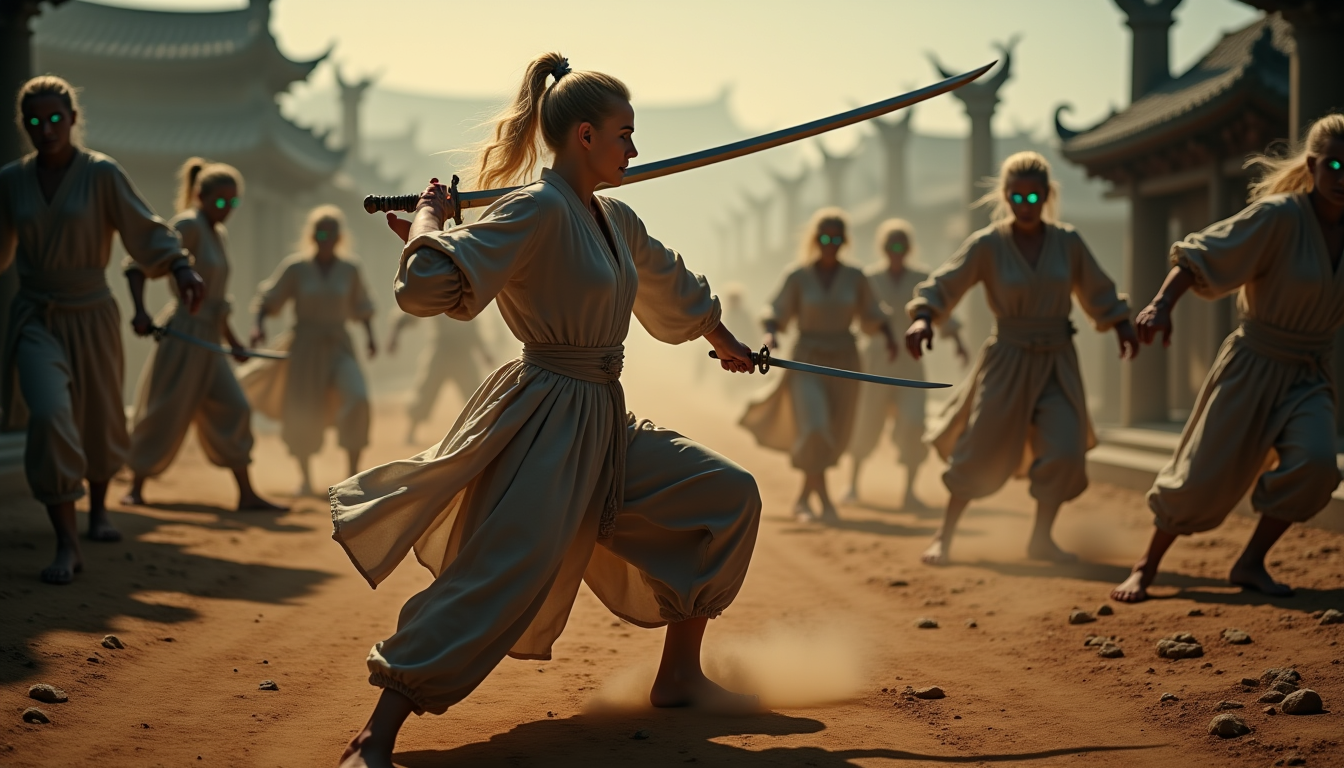
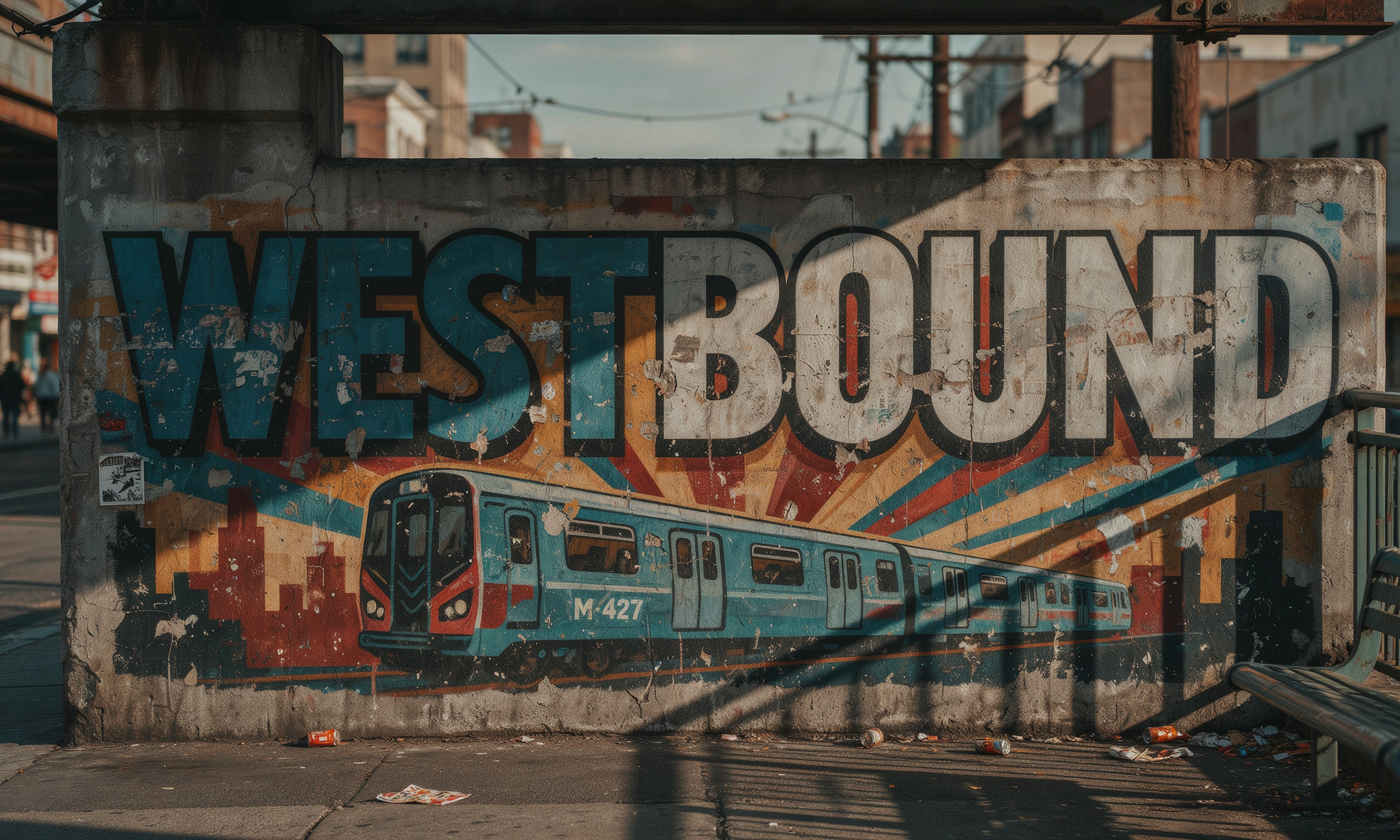
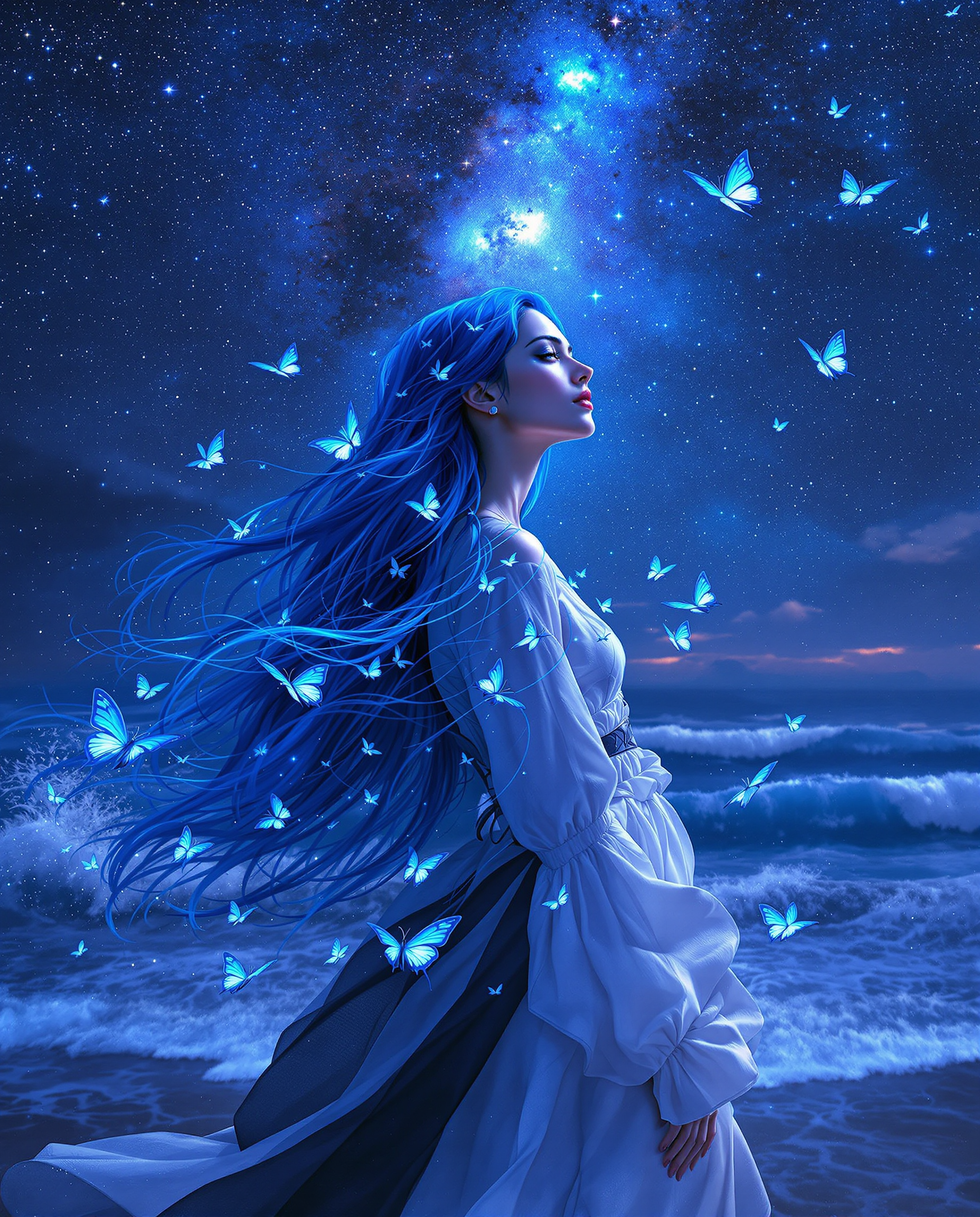
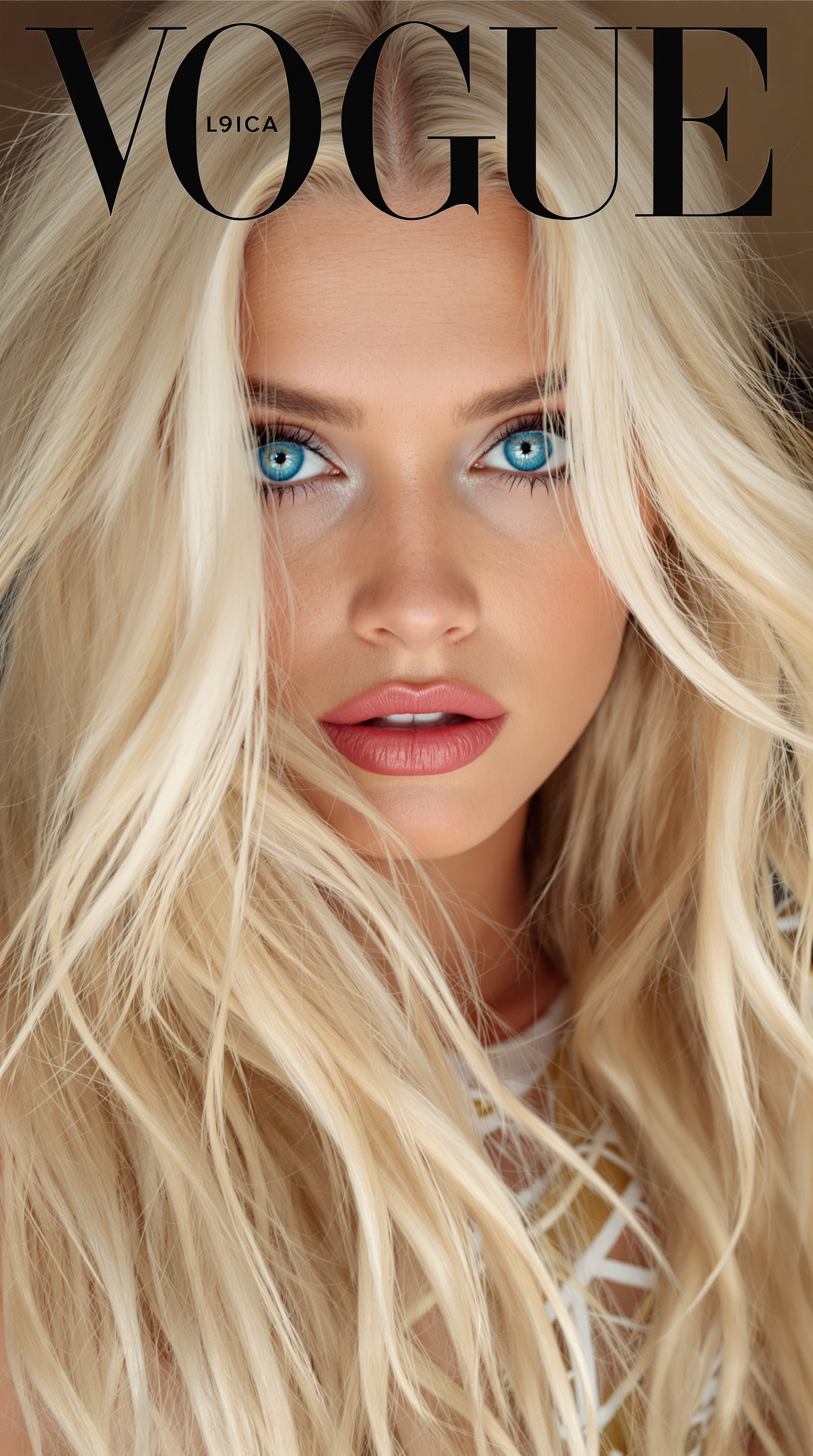
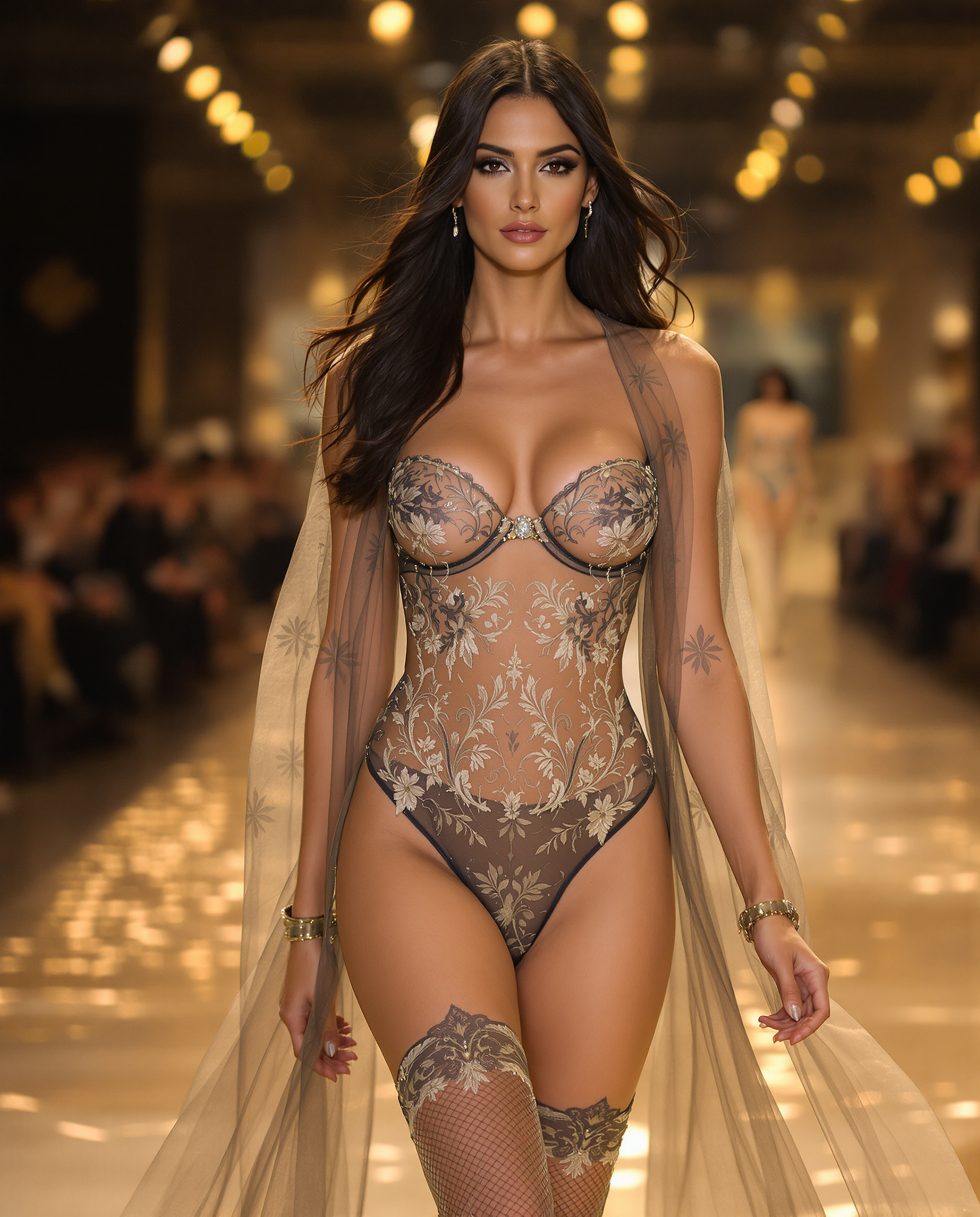
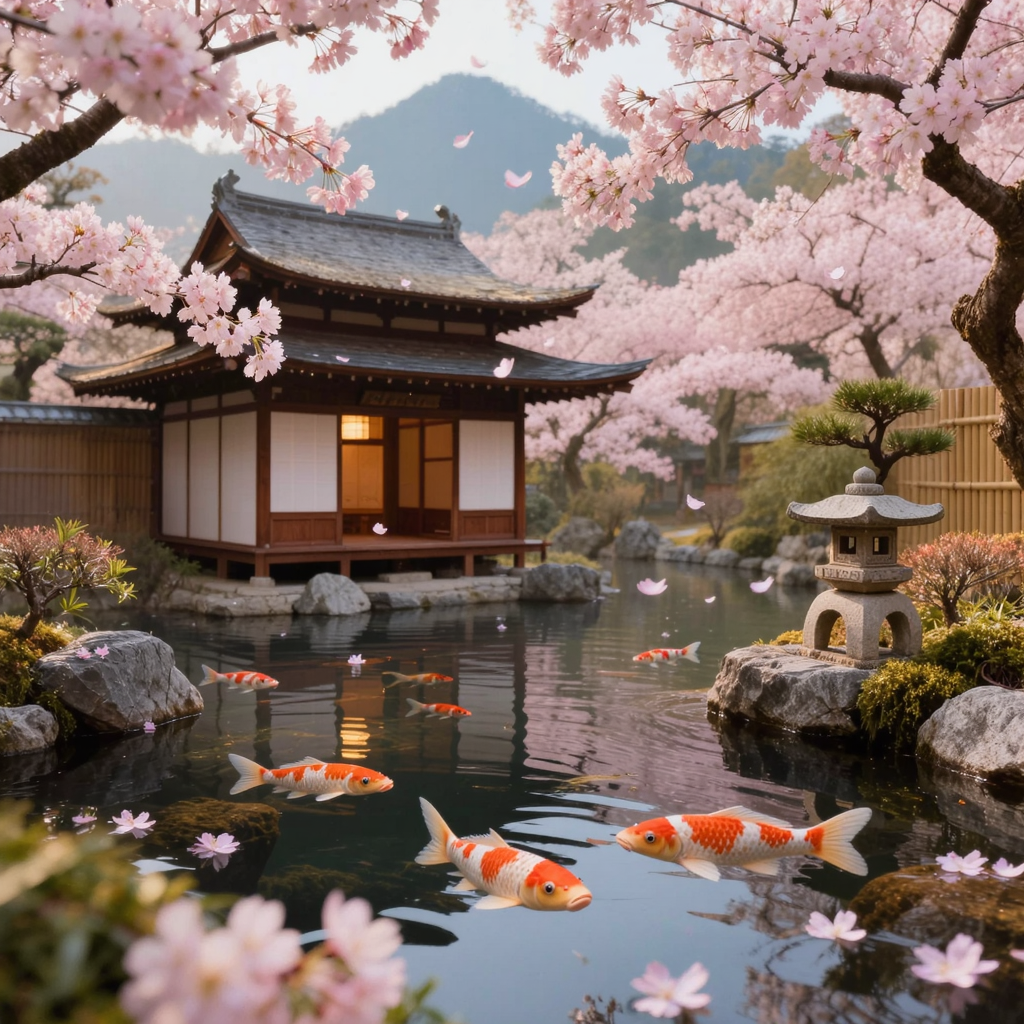
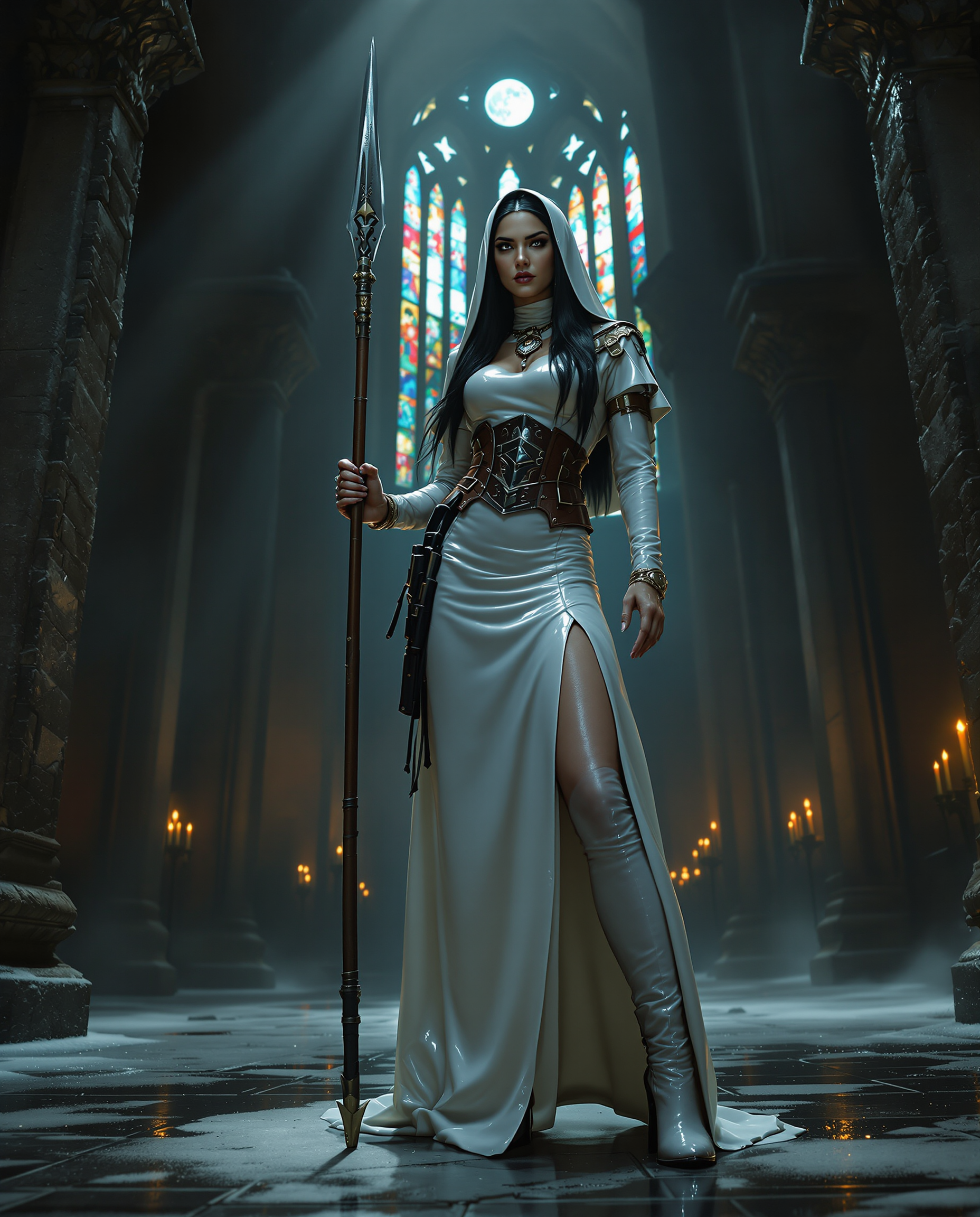
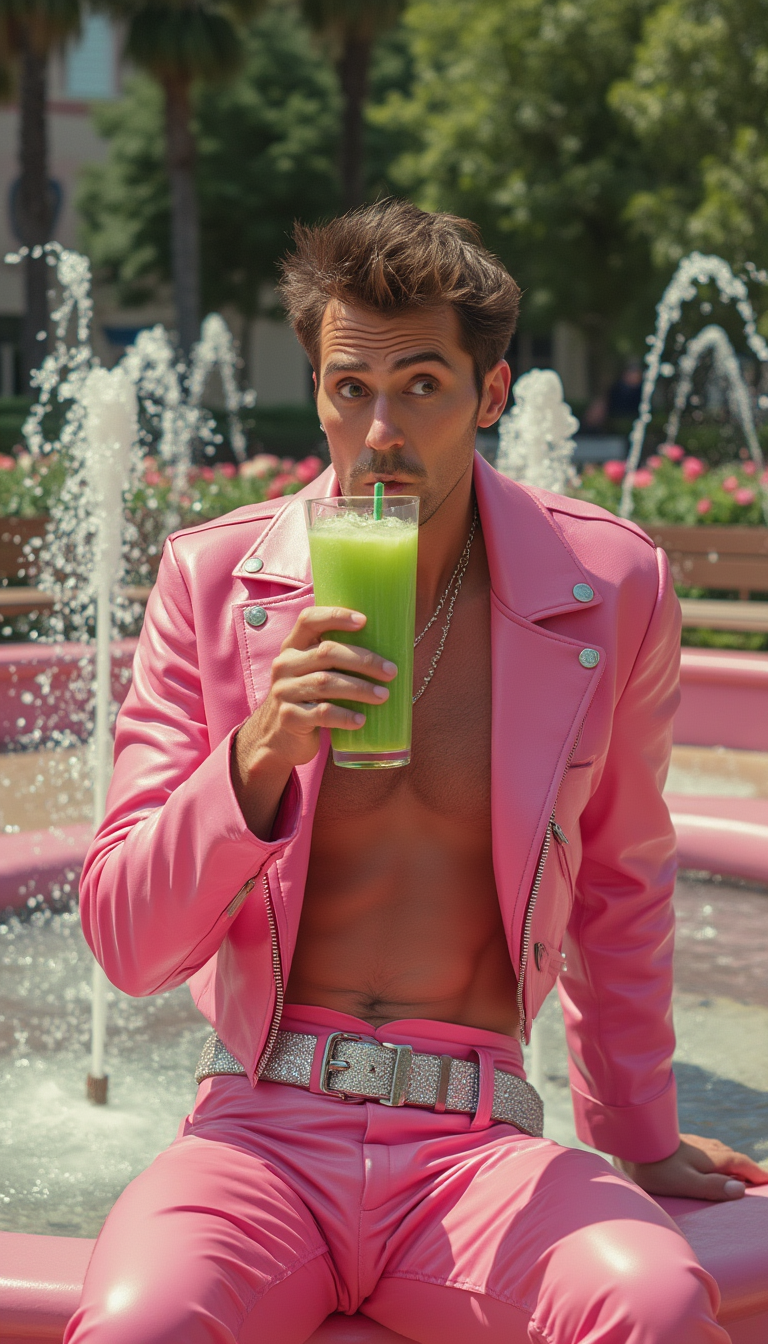
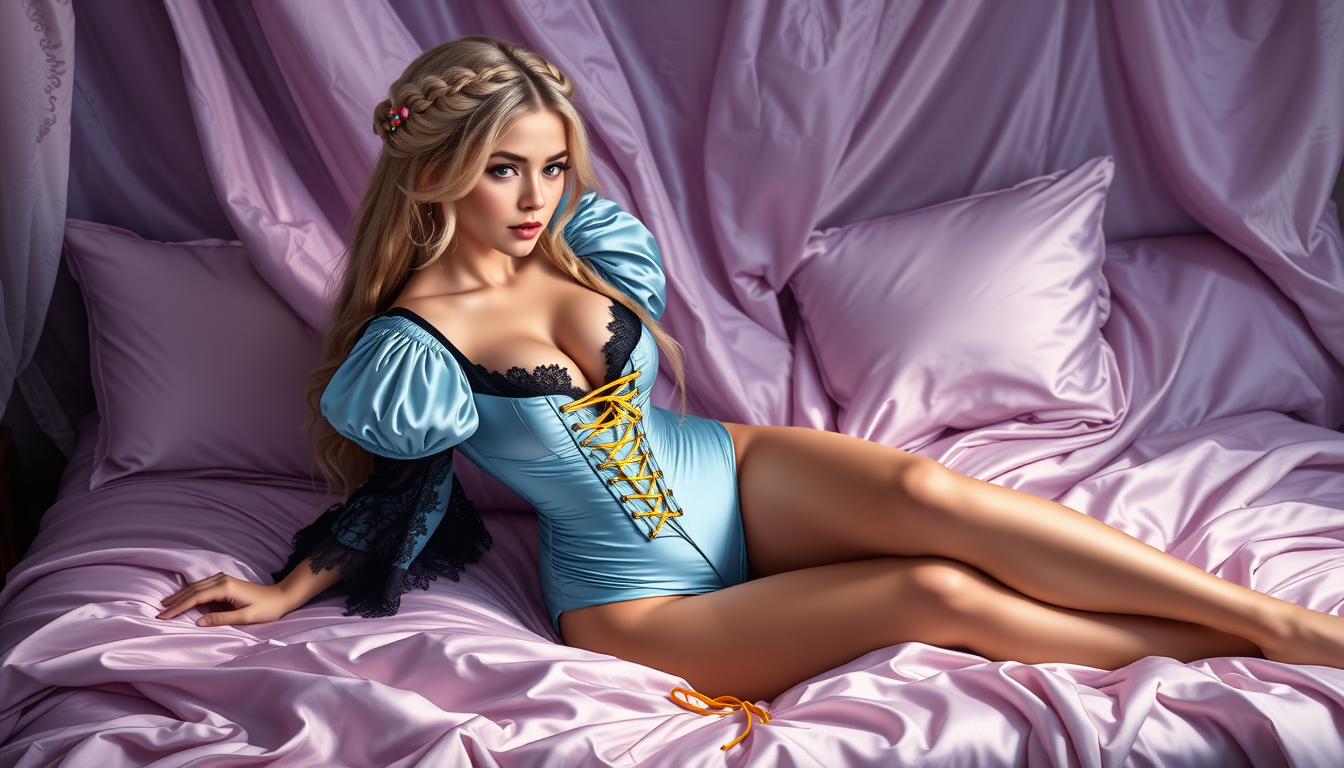
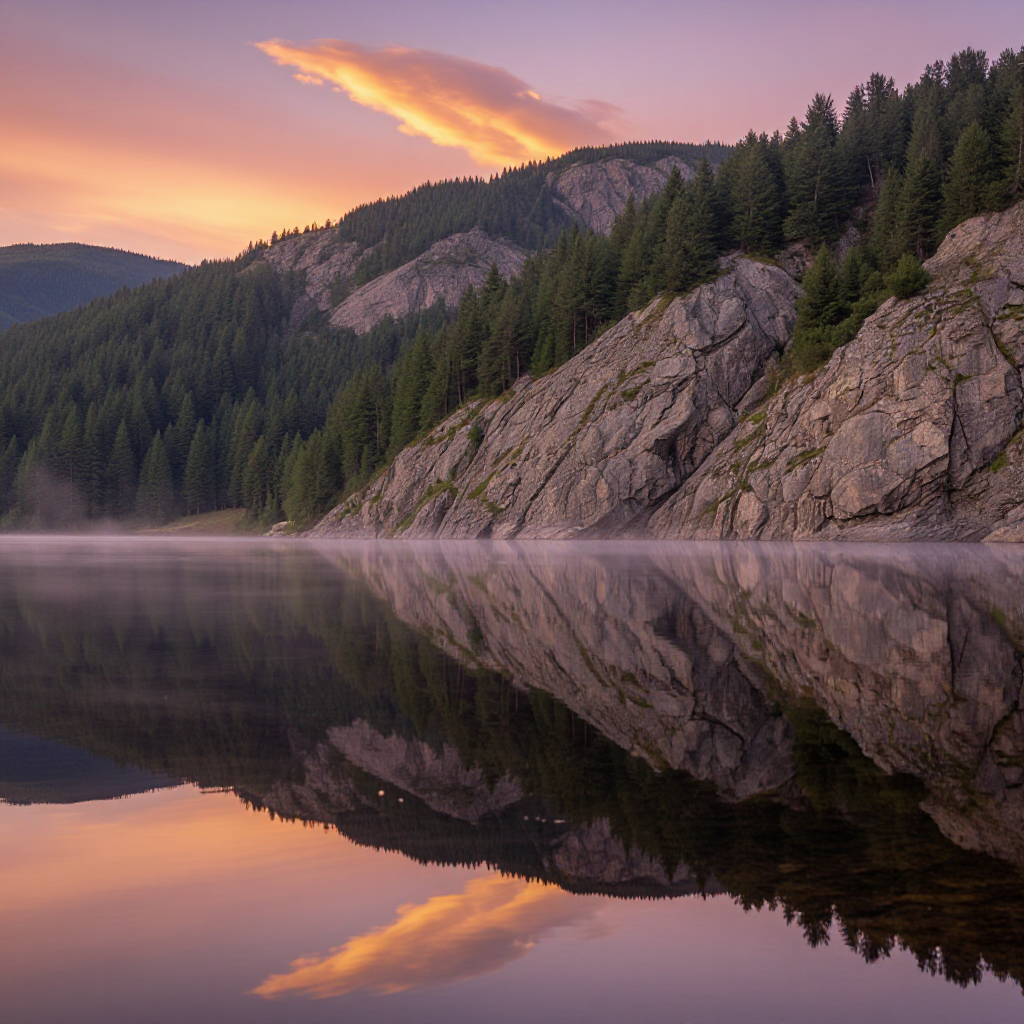
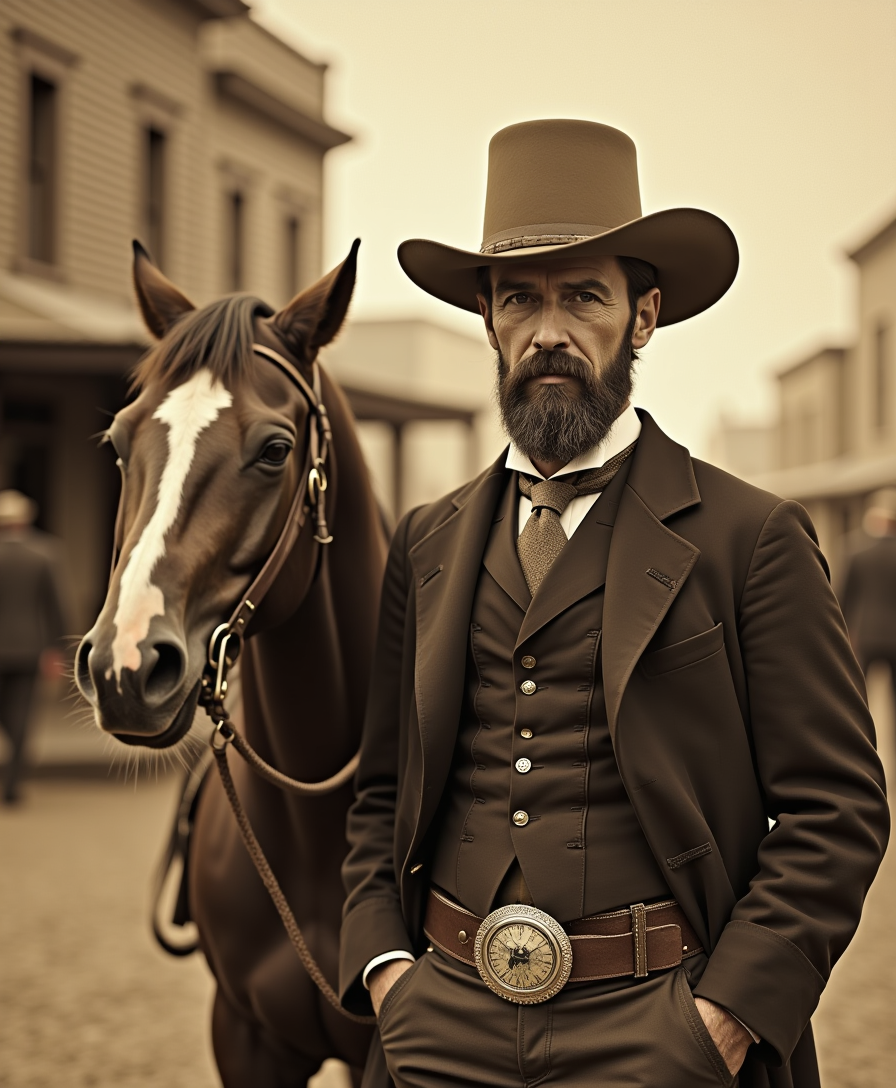

The Pixel Dojo Advantage
Why PixelDojo outperforms other options for VidMage AI image generation
| Others | Pixel Dojo |
|---|---|
| Traditional image creation | Skip expensive software, stock photos, or hiring designers—generate unlimited custom images in minutes with professional results. |
| Generic AI tools | Access a curated suite of 40+ specialized models including Google Nano Banana and Flux.2 Studio, delivering superior consistency, speed, and editing depth tailored for real-world creative needs. |
| Manual photo editing | Achieve complex edits like style transfer, character consistency, and intelligent upscaling through simple prompts instead of hours of manual adjustments. |
Loved by creators on PixelDojo
Real feedback from people using PixelDojo, pulled from our in-product surveys.
very easy to use and good support
Very easy to use
super easy to use
it's very easy to use
Practically every Ai suite in one place? Who wouldn't?
versatile menu of tools
Explore more AI tools on PixelDojo
AI Tools
Compare & Switch
- Best AI Image Generators
- Best AI Video Generators
- Midjourney Alternatives
- Civitai Alternatives
- Runway Alternatives
- Leonardo Alternatives
- Pika Alternatives
- Luma Alternatives
- Magnific Alternatives
- Veo Alternatives
- Flux Alternatives
- Freepik Alternatives
- Seedance Alternatives
- Seedream Alternatives
- Pixverse Alternatives
- GPT Image Alternatives
- Synthesia Alternatives
- Playground Alternatives
- NightCafe Alternatives
- Canva AI Alternatives
- ElevenLabs Alternatives
- ComfyUI Alternatives
- Fal Alternatives
- Replicate Alternatives
Common Questions
Everything you need to know about vidmage ai
How does VidMage AI image generation work on PixelDojo?
PixelDojo replicates and enhances VidMage AI image generation capabilities using advanced models like Google Nano Banana for text-to-image and image-to-image tasks. Simply choose a tool, enter a detailed prompt describing your subject, setting, lighting, and style, generate multiple options, then refine with built-in editing features like inpainting or style transfer. Results are high-resolution and ready for immediate use in marketing, social content, or personal projects.
What are the best prompts for VidMage AI-style realistic images?
Effective prompts combine specific elements: subject details, environment, lighting conditions, mood, and artistic style. For example, 'photorealistic portrait of a young woman with freckles in a cozy cafe, soft natural window light, cinematic depth of field, 8k resolution.' PixelDojo's tools like GPT Image 2 excel at following these nuanced instructions for VidMage AI-quality outputs.
Can I create consistent characters with VidMage AI techniques using PixelDojo?
Yes. Use Consistent Characters and Ideogram Character tools alongside Google Nano Banana or Flux.1 Studio to lock in character appearances across multiple generations. Upload a reference image once and generate variations in different poses, outfits, or scenes while maintaining perfect consistency—ideal for storytelling or branding series.
How do I edit and upscale VidMage AI generated images on PixelDojo?
After generation, apply targeted edits with Image to Image, Inpainting, Magic Lighting, or Style Transfer. For final polish, use P-Image Upscale, Magnific Upscaler, or Clarity Pro to enhance resolution and detail up to 4x without losing quality. These steps turn good generations into portfolio-ready masterpieces.
Is VidMage AI image generation free on PixelDojo?
PixelDojo offers generous free daily credits to explore VidMage AI-style generation with tools like Google Nano Banana and GPT Image 2. Upgrade for unlimited access, priority rendering, and advanced features. Cancel anytime with no hidden fees—thousands of creators start free and stay for the results.
What VidMage AI image styles can I create with PixelDojo tools?
From photorealistic photography and cinematic portraits to anime, oil painting, vector art, and abstract designs—PixelDojo supports 15+ styles through models like Krea V2, Recraft V4.1, and Ideogram 4. Combine with editing tools for hybrid results that match or exceed VidMage AI capabilities for any project.