virtual dressing room ai
Generated on PixelDojo. Produced by PixelDojo's generation pipeline.
Imagine standing in front of a mirror that shows you wearing any outfit you can dream of, without changing clothes or visiting a store. That is exactly what you achieve with PixelDojo's virtual dressing room AI. You upload a photo of yourself or a model, add a garment image or description, and receive a photorealistic image of the new look in seconds. Your face, pose, body shape, lighting, and background stay completely intact while the clothing updates with natural drape, realistic folds, and accurate fit. Fashion lovers use this to preview purchases from home and avoid costly mistakes. E-commerce sellers generate unlimited on-model product shots for every color and size without booking studios or models. Content creators produce endless social posts, lookbooks, and ads from a single starting photo. You skip the guesswork of online shopping, the expense of traditional photography, and the hours of manual editing. Instead, you get professional results that help you buy smarter, sell more, and create faster. With dedicated tools like Flux Pro Virtual Try-On and Virtual Try-On plus generators such as Flux.2 Studio, QWEN Image 2, and Seedream 5, you turn outfit ideas into reality immediately. Join thousands of creators already using these 40+ cutting-edge AI tools to visualize, produce, and publish with complete confidence. Cancel anytime and start seeing yourself in any style today.
Real image examples generated on PixelDojo
Every example below was produced on PixelDojo. Hover to see the prompt.
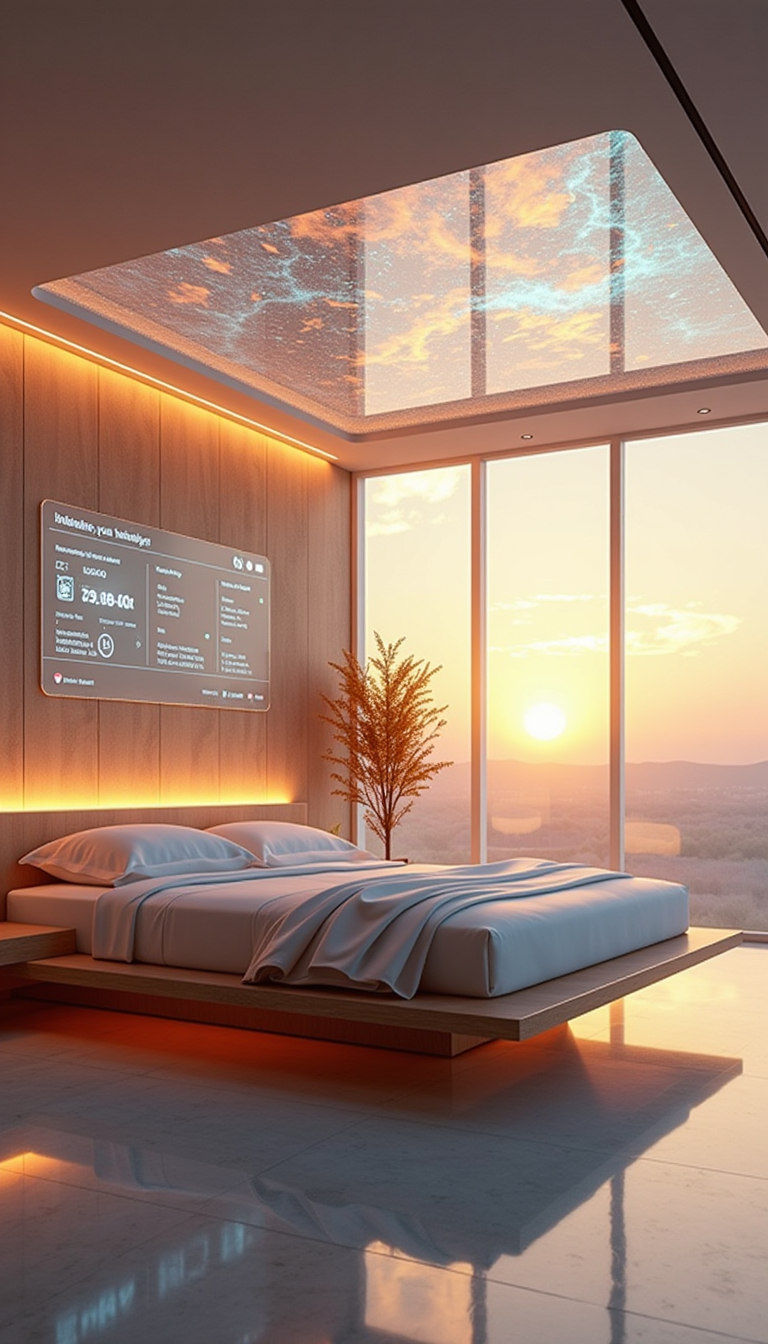
A HD Dynamic 4K Image Of Ultra-realistic futuristic bedroom with a transparent ceiling tha…
stable-diffusion

A poised female AI assistant in a minimalist white suit
flux
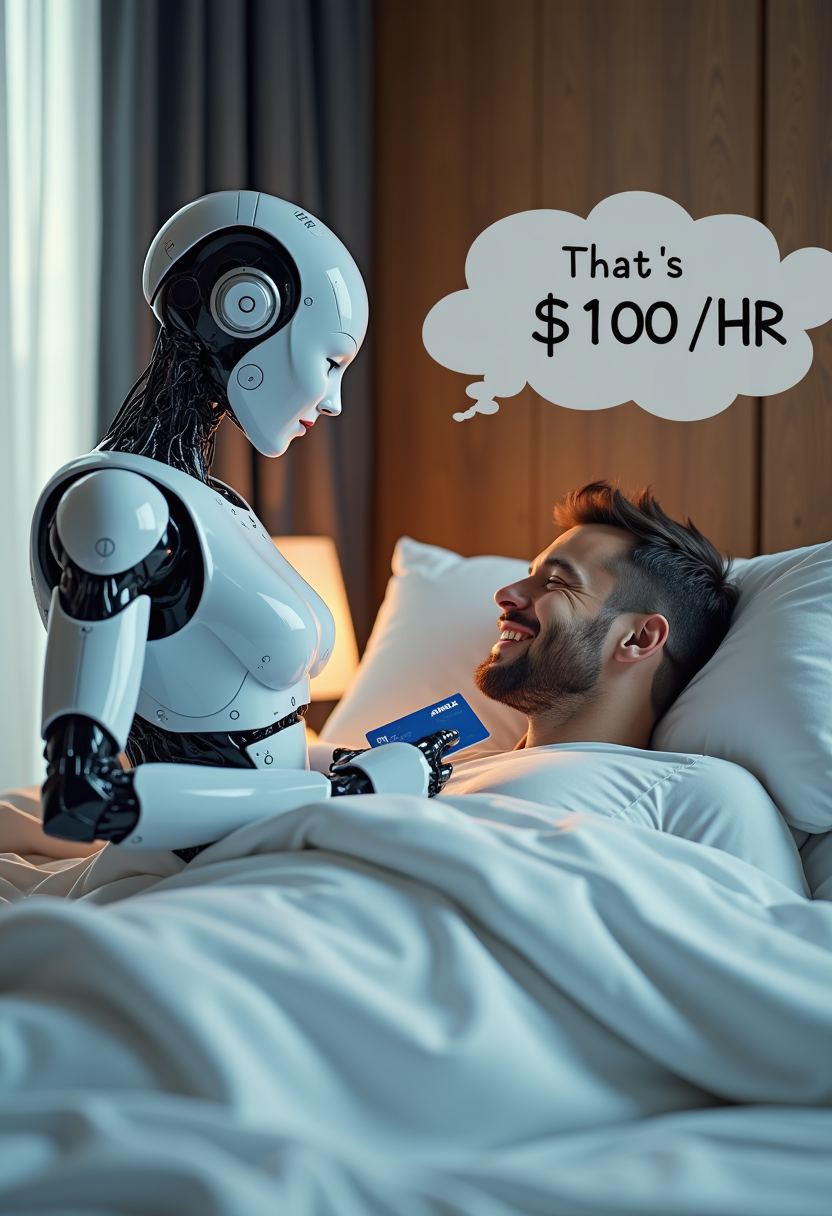
Create image of very beautiful AI robot woman in bed a happy man under the covers
flux

A highly detailed
stable-diffusion
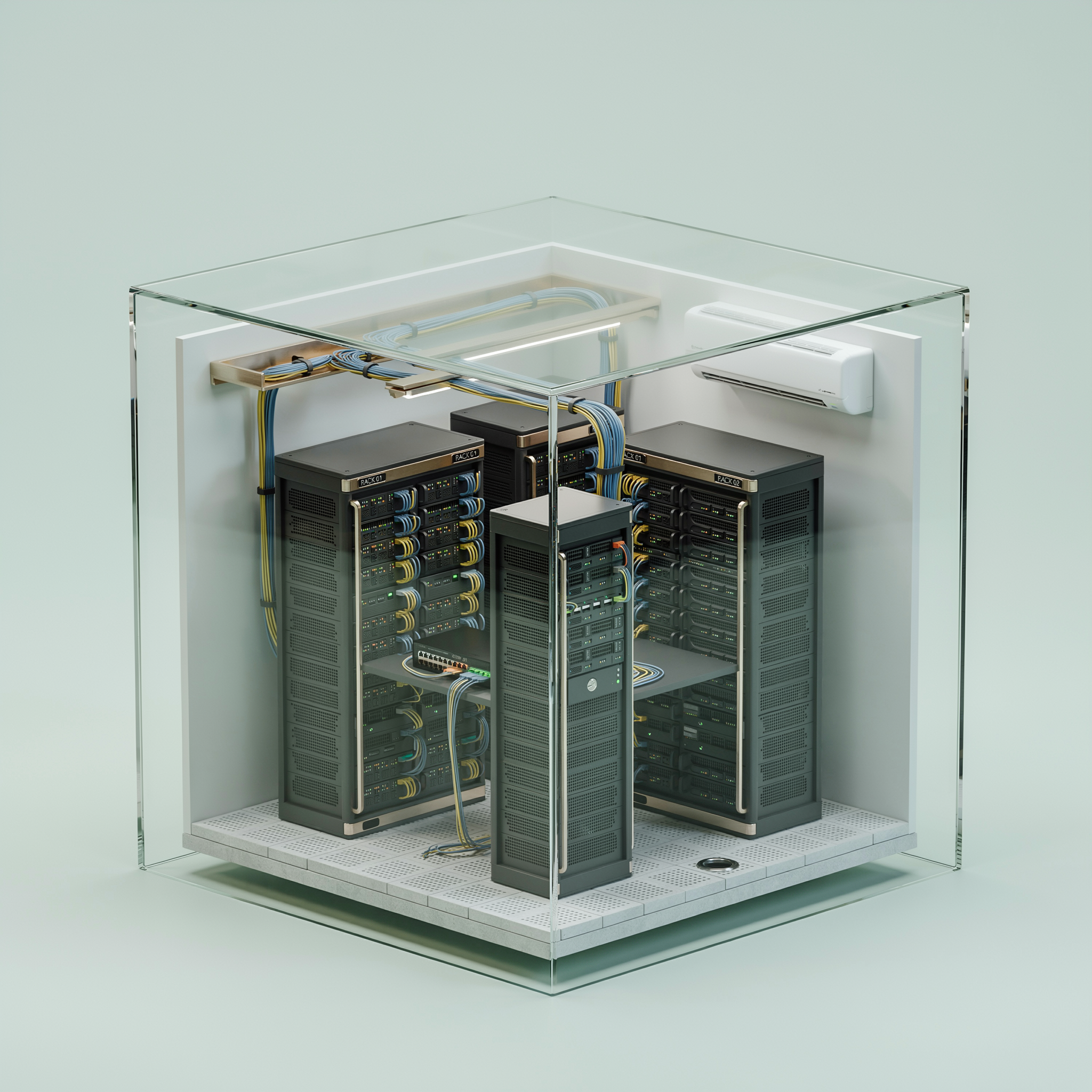
An isometric cutaway of a tiny server room inside a glass cube
ideogram-v4-turbo
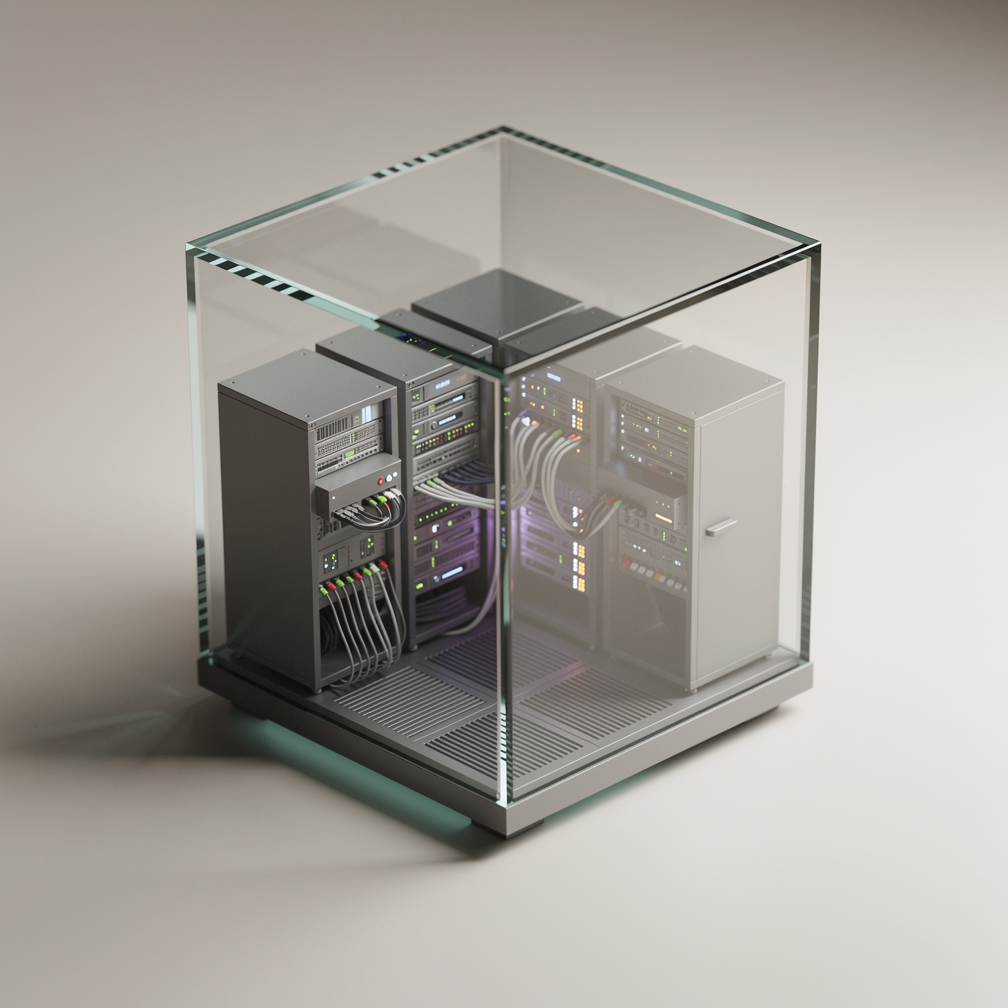
An isometric cutaway of a tiny server room inside a glass cube
flux-2-pro
Models you can run on PixelDojo for virtual dressing room ai
Switch models without switching tools. Each one runs in the same PixelDojo studio.
What you can do with virtual dressing room ai on PixelDojo
Try Clothes On Photos
Upload a portrait and garment references to generate try-on images that keep pose, body shape, and identity while placing the outfit on the subject.
Mix Layers And Accessories
We let you combine tops, bottoms, outerwear, and accessories in one generation so you can preview full looks without reshooting.
Control Fit And Fabric
Adjust how garments drape, stretch, and catch light so generated try-ons match the cut and material you intend to show.
Export Ready Look Sheets
Create multiple outfit variants from the same person and clothing set, then download images for catalogs, social posts, and client reviews.
Loved by thousands of creators, fashion brands, and e-commerce teams worldwide. 40+ cutting-edge AI tools delivering photorealistic virtual try-ons they actually publish. Cancel anytime.
Why Choose Pixel Dojo for virtual dressing room ai
Professional-quality results with cutting-edge AI technology
See Exactly How Clothes Look On You
You preview any garment on your actual body or chosen model with natural fabric movement, shadows, and proportions. Flux Pro Virtual Try-On and Virtual Try-On lock your identity so shopping decisions become easy and returns drop because you know the fit and style in advance.
Produce Catalog Images Without Photoshoots
You create high-converting on-model shots for every product variation using Inpainting, Image to Image, and Flux.2 Studio. Save thousands on photography while delivering the realistic try-on experience customers expect, speeding catalog production and boosting sales.
Generate Unlimited Style Variations Instantly
You turn one photo into dozens of unique looks for social feeds, ads, and lookbooks. Combine Consistent Characters, QWEN Image 2, Seedream 5, and Style Transfer to explore casual, formal, or seasonal outfits while keeping the same person consistent across every image.
How It Works
You create professional virtual dressing room AI images in minutes using PixelDojo's specialized tools. The process keeps you in control of the look while the AI handles clothing physics, identity matching, and lighting so results look photographed rather than generated.
Step 1: Choose Your Tool
Go to Characters & Faces and select Flux Pro Virtual Try-On for premium high-fidelity results with optional styling control or Virtual Try-On for fast drafts. For extra precision on specific areas, open Edit Images and pick Inpainting or Image to Image. These options change only the outfit while locking your face, hair, pose, and lighting in place. Pair with Consistent Characters if you need the same person across many outfits.
Step 2: Enter Your Prompt
Upload your clear, well-lit person photo plus a clean product-shot garment image. Add an optional styling prompt such as 'tucked in, collar open, natural drape' or 'open denim jacket over white tee'. Tools like QWEN Image 2 and Seedream 5 interpret fabric type, fit, and details so the clothing sits naturally on the body. Match framing: chest-up for tops, full-body for dresses.
Step 3: Customize & Download
Review the output and enhance it with Reality Polisher for extra realism, P-Image Upscale or Magnific Upscaler for print-ready resolution, or Magic Lighting to match the scene. Use Background Remover or Image Outpainting for extra flexibility. Download in high resolution ready for web, print, or social. Iterate instantly with additional Image to Image runs or extend into video using Kling Video Character Swap until the look is perfect.
The Pixel Dojo Advantage
Why PixelDojo outperforms other options for virtual dressing room AI image generation
| Others | Pixel Dojo |
|---|---|
| Traditional photoshoots | You skip booking models, studios, multiple outfits, and retouching days. Generate unlimited photorealistic variations from one photo in seconds at a tiny fraction of the cost while maintaining perfect consistency across every look. |
| Generic AI tools | Specialized Flux Pro Virtual Try-On, Virtual Try-On, and Inpainting tools understand clothing physics, fabric texture, and identity preservation far better, producing natural draping and accurate body conformity instead of warped faces or floating clothes. |
| Manual photo editing | Hours of masking, cloning, and lighting matching disappear. PixelDojo automatically handles complex draping, shadows, wrinkles, and color matching so you get studio-quality results without advanced software skills or extra time. |
Loved by creators on PixelDojo
Real feedback from people using PixelDojo, pulled from our in-product surveys.
Ease of use, friendliness and support of the owner, continued innovation.
it is an amazing site to create a pics and vids for those who don't have the hardware themselves
good tools in one place
Prompt updates, strong features, and a community that is always willing to help and hear/act on professional feedback. I've never had a better experience.
user friendly all in one thing
I really like the schedule of AI work performed!
Explore more AI tools on PixelDojo
AI Tools
Compare & Switch
- Best AI Image Generators
- Best AI Video Generators
- Midjourney Alternatives
- Civitai Alternatives
- Runway Alternatives
- Leonardo Alternatives
- Pika Alternatives
- Luma Alternatives
- Magnific Alternatives
- Veo Alternatives
- Flux Alternatives
- Freepik Alternatives
- Seedance Alternatives
- Seedream Alternatives
- Pixverse Alternatives
- GPT Image Alternatives
- Synthesia Alternatives
- Playground Alternatives
- NightCafe Alternatives
- Canva AI Alternatives
- ElevenLabs Alternatives
- ComfyUI Alternatives
- Fal Alternatives
- Replicate Alternatives
Common Questions
Everything you need to know about virtual dressing room ai
How does virtual dressing room AI work with PixelDojo Flux Pro Virtual Try-On?
You upload a person photo and a garment image. Flux Pro Virtual Try-On composites the clothing onto the person while preserving face, pose, lighting, and background. An optional styling prompt lets you control details like tucked-in fit or open jacket. The result looks like a real photograph, ready for shopping previews, catalogs, or content. Combine with Reality Polisher for even more natural blending.
Can I use virtual dressing room AI for e-commerce product photos to reduce returns?
Yes. Many sellers use PixelDojo's Virtual Try-On, Inpainting, and Image to Image to create on-model shots for every product variation without extra photography. Customers see realistic fit and style on actual body types, which increases purchase confidence. You produce assets faster and deliver the visualization shoppers expect, helping catalogs convert better while you cancel anytime if it does not fit your workflow.
What is the best way to keep the original face and body during a virtual dressing room AI try-on?
Choose Flux Pro Virtual Try-On or the dedicated Virtual Try-On tool and start with a clear, well-lit photo matching the garment framing. These models are trained to preserve identity, pose, and proportions. For extra control, follow up with Inpainting so only the clothing area updates. Consistent Characters keeps the same person across dozens of outfits for cohesive campaigns.
Which PixelDojo tools are best for high-quality virtual dressing room AI images and videos?
Start with Flux Pro Virtual Try-On for premium fabric and fit plus styling prompts. Pair with QWEN Image 2 or Seedream 5 for detailed textures. Use Inpainting and Image to Image for targeted edits, Flux.2 Studio for creative variations, and P-Image Upscale for resolution. After a strong still, extend into video with Kling Video Character Swap or WAN Video Character Swap to show movement and fabric flow while keeping the person consistent.
Is there a free way to try virtual dressing room AI on PixelDojo before committing?
You can start creating immediately with 40+ cutting-edge AI tools including Virtual Try-On. Thousands of creators already use the platform for photorealistic results they publish. There is no long-term lock-in because you can cancel anytime. Generate your first virtual dressing room images today and see the quality for yourself with commercial-use rights included.
How do I create consistent characters across multiple virtual dressing room AI outfits?
Use Consistent Characters together with Flux Pro Virtual Try-On or Virtual Try-On. Generate or upload a base person, then apply new garments while the identity stays locked. Character Sheets help you plan full looks. This produces cohesive lookbooks, social series, and ad campaigns from one starting image instead of reshooting every time. Add Style Transfer or Magic Lighting for extra variety without losing the person.