weather effect AI Generator
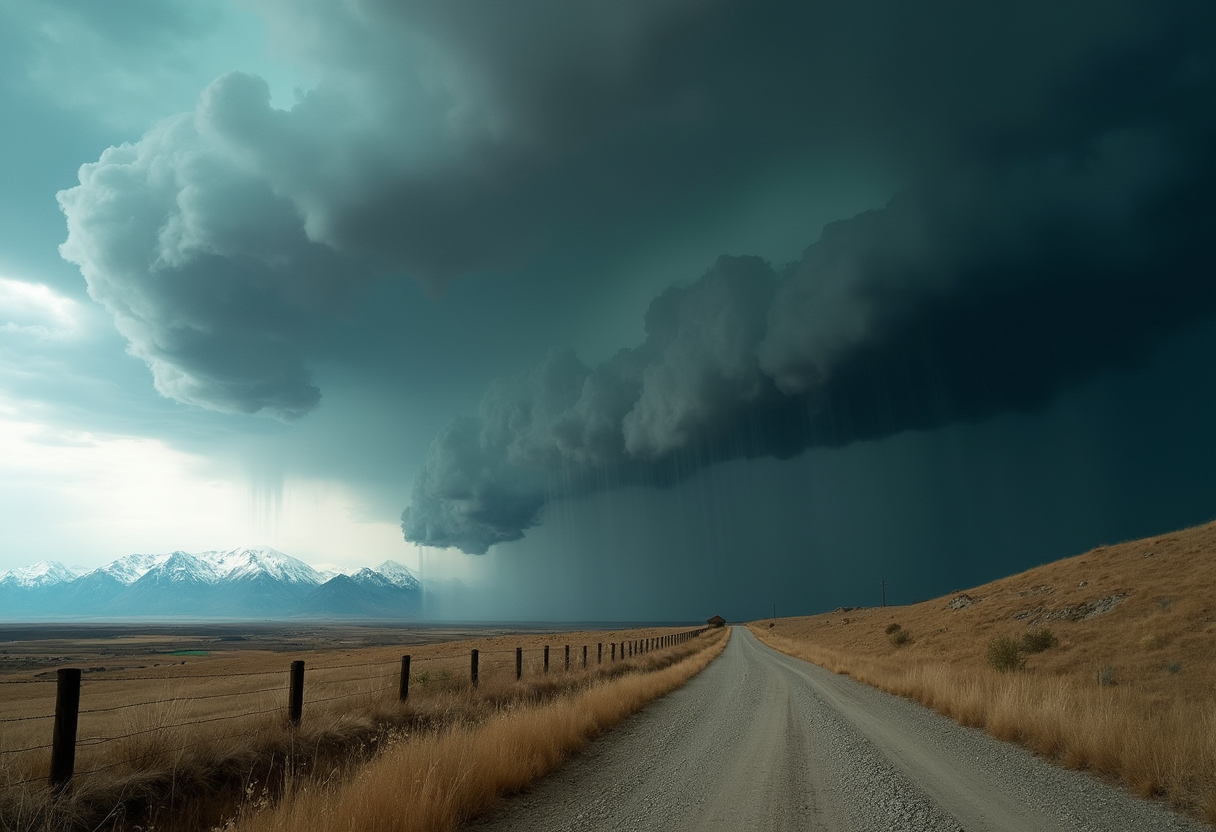
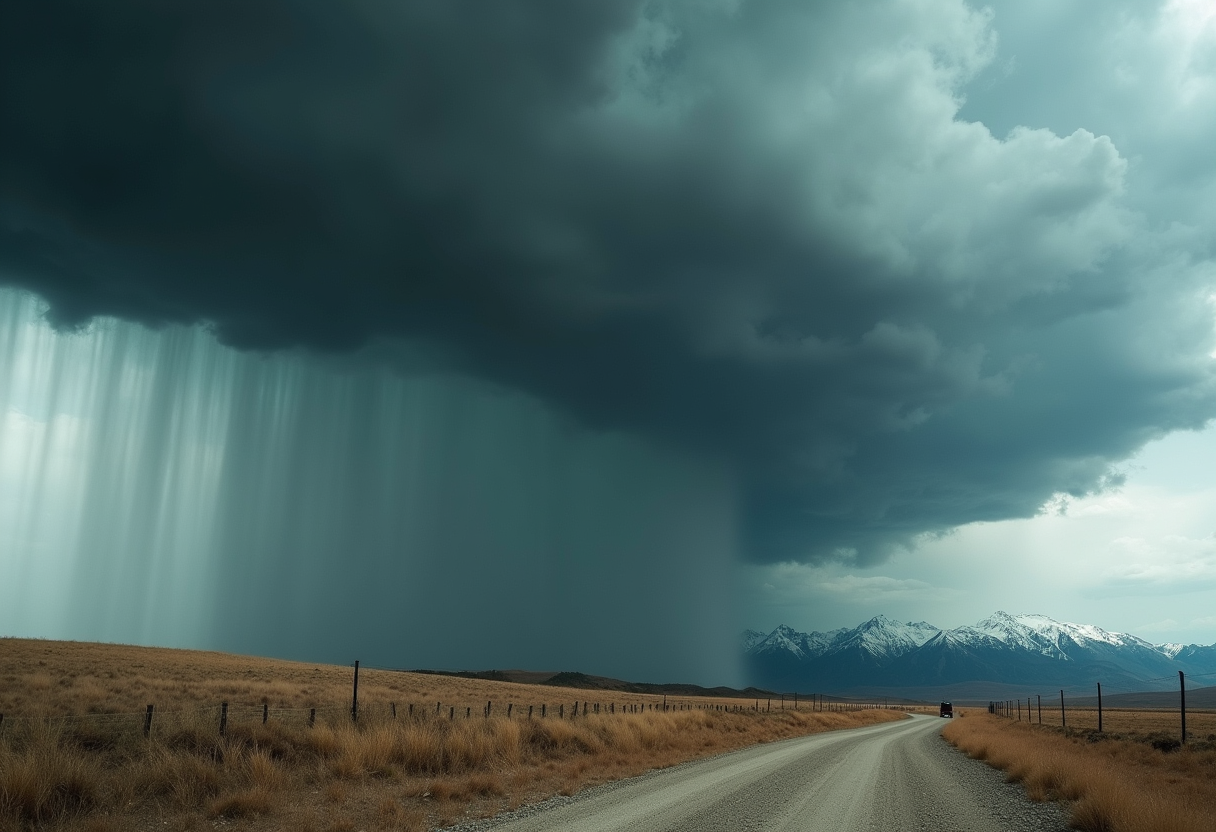
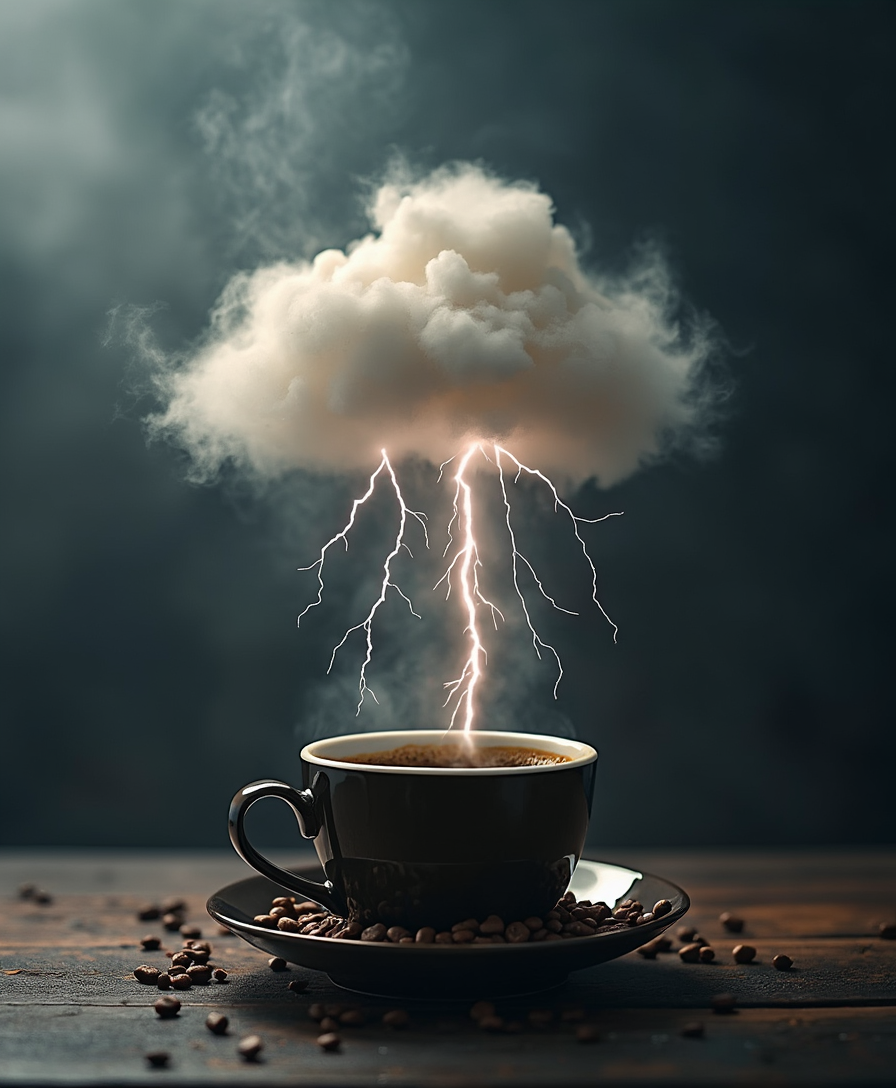
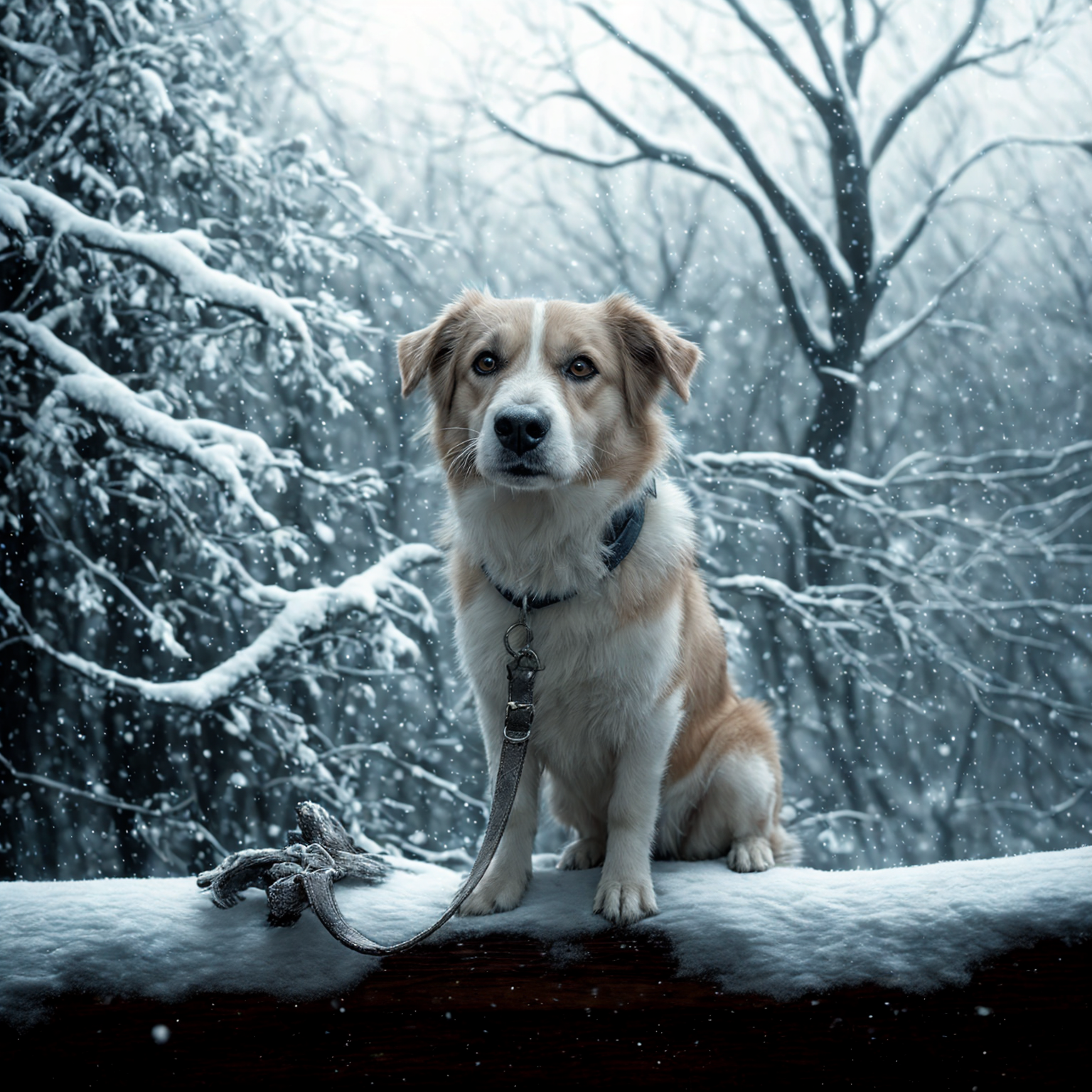
Imagine transforming your images with lifelike weather effects—turning a clear sky into a dramatic thunderstorm or adding a gentle snowfall to a serene landscape. With PixelDojo's advanced AI tools, you can effortlessly enhance your visuals, adding depth and emotion that captivate your audience.

masterpiece, best quality, highres, sharp image, more detail <lora:more_details:0.5> <lora:SDXLrender_v2.0:1>, masterpiece, best quality, highres, sharp image, more detail, A stunning digital painting of a female character in a realistic setting, captured with a cinematic quality that emphasizes dramatic lighting and deep shadows for intense depth. She stands poised with a glowing bow and icy, translucent electric-blue arrow, emanating magical energy, set against a swirling dark background of blues and greens with sparkling particles enhancing the otherworldly atmosphere. Her pale, almost translucent skin contrasts with a detailed black hooded cloak, intricate bodice, gauntlets, and a matching pendant, all rendered in vibrant, cool tones with seamless gradients and a photorealistic 8K detail.
AI Generated
Get Started TodayResults in seconds50+ AI models

Join over 10,000 creators who have enhanced their visuals with PixelDojo's AI weather effects, achieving a 95% satisfaction rate.

Why Choose Pixel Dojo for weather effect

Professional-quality results with cutting-edge AI technology

Enhance Storytelling

Add dynamic weather elements to set the perfect mood and atmosphere in your images.

Save Time and Resources

Generate realistic weather effects without the need for costly equipment or complex software.

Achieve Professional Results

Utilize cutting-edge AI to produce high-quality, photorealistic weather transformations.

How It Works

Creating stunning weather effects with PixelDojo is simple and intuitive. Follow these steps to transform your images:

1

Step 1: Choose Your Tool

Select the 'Style Transfer' feature under the 'Transform' category to begin adding weather effects.

2

Step 2: Upload Your Image

Click 'Upload' to select the image you wish to enhance with weather effects.

3

Step 3: Apply Weather Effect

Choose from a variety of weather styles—such as rain, snow, or fog—and adjust the intensity to your preference.

Community weather effect Gallery

Real examples created by our community

masterpiece, best quality, highres, sharp image, more detail <lora:more_details:0.5> <lora:SDXLrender_v2.0:1>, masterpiece, best quality, highres, sharp image, more detail, A stunning digital painting of a female character in a realistic setting, captured with a cinematic quality that emphasizes dramatic lighting and deep shadows for intense depth. She stands poised with a glowing bow and icy, translucent electric-blue arrow, emanating magical energy, set against a swirling dark background of blues and greens with sparkling particles enhancing the otherworldly atmosphere. Her pale, almost translucent skin contrasts with a detailed black hooded cloak, intricate bodice, gauntlets, and a matching pendant, all rendered in vibrant, cool tones with seamless gradients and a photorealistic 8K detail.
Loading video...
A striking digital painting of a female figure with a gothic, neobaroque aesthetic, captured in a photorealistic style with intricate details and a monochromatic black-and-white palette. The woman wears a fitted black lace garment with floral and geometric patterns, a high neckline, and a bow at the collar, while her short, curly blonde bob is adorned with delicate black-and-white butterflies that appear almost translucent. Set against a solid black background, soft, diffused lighting casts gentle shadows on her right side, enhancing the dramatic interplay of light and shadow for a mysterious, elegant composition.
A highly detailed realistic photo (photograph) of a female real person, featuring a seductive female demon elf with long flowing white hair tied in a partial bun, piercing turquoise eyes glowing with intensity, curved black horns adorned with red accents, pointed elf ears, and large ethereal blue crystalline wings that shimmer like fractured ice with glowing veins. She kneels provocatively on one knee atop a ornate platform, gripping a long, slender glowing cyan sword with intricate hilt designs, the blade piercing through her red cheongsam-style dress that clings to her curvaceous figure, revealing a deep plunging neckline, high slits, and black lace thigh-high stockings with fishnet patterns. Intricate blue dragon tattoos coil around her exposed thigh and arm, glowing faintly against her pale skin. The background is a chaotic inferno of swirling orange and red flames, ancient Chinese-inspired architectural ruins with glowing runes and ornate patterns, evoking a sense of epic battle and mystical energy. Rendered in hyper-realistic digital medium with sharp lighting contrasts, volumetric godrays piercing through the flames, glossy textures on her outfit and skin, dynamic composition with a low-angle view emphasizing her powerful pose, high resolution, 8K quality, masterpiece quality with fine details in hair strands, wing facets, and tattoo scales.
Luxurious dark brown hair, set in long and heavy waves. Skin tight silk blouse and black leather bdsm harness, unbuttoned in the front to reveal ample cleavage. Her dark eyes are. Right with confidence and cruelty. She leans against a wall, smoking a long elegant cigarette. Dressed in tight and shiny black latex pants.
Loading video...
This image is a realistic photo (photograph) of a digital artwork that features a central figure that appears to be a fiery demon or creature. The art style is highly detailed and realistic, with a focus on textures and lighting that give the image a threedimensional quality.The medium used to create this image is digital painting, as evidenced by the smooth gradients and seamless blending of colors. The artist has employed a variety of brush strokes and layering techniques to achieve the intricate details and shading.The colors in the image are primarily warm and fiery tones, with oranges, yellows, and reds dominating the palette. These colors are complemented by cooler blues and purples in the creatures armor and the background, which create a sense of depth and contrast. The use of highlights and shadows adds to the realism, with the creatures face and hands glowing intensely, and the rest of its body casting a fiery glow.The objects in the image include the central fiery creature, which is wearing intricate armor that resembles lava or molten rock. The armor is textured and rugged, with protrusions and spikes that give it a menacing appearance. The creatures face is obscured by a skulllike mask with glowing eyes and sharp horns that curve backward. Its hands are raised, with fingers spread wide, and it appears to be channeling or controlling the flames that surround it.In the background, there is a chaotic scene filled with flying embers, sparks, and shattered rock formations. The background is dark and ominous, with a sense of depth created by the layering of the rocks and the swirling patterns of fire. The overall effect is one of power and ferocity, as the creature seems to be the embodiment of destruction and chaos.
An image of a woman wearing a shirt that says FLUX KONTEXT DEV
A breathtaking high-resolution digital painting of a female character embodying fantasy and mystique, captured in a photorealistic style with exaggerated features like large, expressive eyes and flowing, intricately detailed hair adorned with crystalline floral elements. Her vibrant purple and blue color palette creates a cool, ethereal atmosphere, complemented by a glowing, translucent sword with a detailed hilt that emits a soft, dynamic light as the focal point. Surrounded by delicate, shimmering flowers and dimly lit ancient ruins in the background, her richly textured, flowing attire adds grace and movement to this magical, timeless scene.
IMG_9854.CR2: tropical beach, magazine editorial photo
Screengrab of 1950's Super Panavision 70 movie. Retro in color. beautiful blonde woman wearing jedi robes wielding green light saber  faces a man wearing armor and a metal mask
A striking mid-30s Asian vampire queen with pale, porcelain skin and thick, voluminous cotton candy pink hair cascading down her shoulders in a high ponytail commands attention with dark elegance. She wears a luxurious black fur coat over a shiny black latex corset and a slit qipao adorned with a golden Asian dragon, her heavy gothic makeup, shiny black lips, and nails amplifying her menacing allure as she smokes a slim cigarette. Captured in photorealistic detail with cinematic lighting, soft shadows, and the precision of an 8K DSLR shot using a 50mm lens, this full-body portrait radiates haunting sophistication against a dimly lit, opulent gothic backdrop.
catgirl, with big fluffy white fur cat ears on her head and big fluffy white furred tail, dressed in a skintight shiny black latex goth lolita style dress, with a strapped shiny black latex corset. Standing in an elegant Victorian style parlour
This is a realistic photo (photograph) of a female real person digital illustration that features a character with a striking neon aesthetic. The medium appears to be digital painting, as evidenced by the smooth blending of colors and the lack of texture that one might find in traditional mediums.The colors in the image are vibrant and bold, with a predominance of yellows and oranges that give off a warm, energetic glow. These colors are used to highlight the characters hair and clothing, which are both adorned with neon accents. The neon effect is achieved through a combination of gradients and outlines, creating a threedimensional effect that stands out against the dark background.The character is depicted with long, flowing hair that cascades down her back. The hair strands are detailed with neon highlights that follow the natural flow of the hair, giving it a sense of movement. The neon effect is also applied to the characters clothing, which appears to be a sleeveless top with a geometric pattern that matches the neon outlines of her hair.The background is dark, which serves to accentuate the brightness of the neon colors. There are no other objects or characters in the image, focusing the viewers attention solely on the character and her glowing appearance.
a beautiful woman in a cafe
Loading video...
A closeup digital painting of a realistic female face and upper neck, showcasing intricate details with a highly stylized approach, dramatic contrasts, and a three-dimensional, lifelike rendering. The artwork, crafted in digital painting software, features smooth color blending, muted tones of black, white, and gray, accented by deep red lips and subtle purple eyeshadow, creating a gothic, sophisticated mood. Expertly rendered lighting and shadows highlight the subject's voluminous dark hair, elegant black lace collar, and a cigarette in her mouth, with an interplay of light and mystery.
Loading video...

Start Creating Weather-Enhanced Images Today

40+ cutting-edge AI tools, loved by thousands of creators worldwide, cancel anytime, try it today

The Pixel Dojo Advantage

Why PixelDojo outperforms other options for weather effect image generation

OthersPixel Dojo
Traditional Weather PhotographyAvoid the unpredictability and costs associated with capturing specific weather conditions.
Generic Photo Editing SoftwareAchieve more realistic and dynamic weather effects without extensive manual editing.
Stock Weather OverlaysCustomize weather effects to fit your unique vision, rather than relying on generic overlays.

Loved by Creators

See what our community says about weather effect

"PixelDojo's AI weather effects transformed my landscape photos, adding depth and emotion I couldn't achieve before."

Alex Johnson

Professional Photographer

"As a digital artist, the ability to seamlessly integrate realistic weather into my scenes has been a game-changer."

Maria Lopez

Digital Artist

Common Questions

Everything you need to know about weather effect AI generation

How can I add realistic weather effects to my images using AI?

With PixelDojo's 'Style Transfer' tool, you can easily apply and customize various weather effects to your images, achieving photorealistic results without complex editing.

Is it possible to adjust the intensity of the weather effects applied?

Yes, PixelDojo allows you to control the intensity of weather effects, enabling you to create subtle enhancements or dramatic transformations as desired.

Do I need advanced editing skills to use PixelDojo's weather effect tools?

Not at all. PixelDojo's intuitive interface is designed for users of all skill levels, making it easy to apply weather effects without prior editing experience.

Can I preview the weather effects before finalizing my image?

Absolutely. PixelDojo provides a preview feature, allowing you to see the applied weather effects and make adjustments before downloading the final image.

Are there different types of weather effects available?

Yes, PixelDojo offers a variety of weather effects, including rain, snow, fog, and more, giving you the flexibility to choose the perfect effect for your image.

Is there a cost associated with using PixelDojo's weather effect tools?

PixelDojo offers a range of subscription plans to suit different needs, all providing access to our weather effect tools. You can choose the plan that best fits your requirements.

Ready to create amazing weather effect images?

Ready to Create Amazing weather effect Images?

Join thousands of creators using AI to bring their ideas to life