weather photo editing
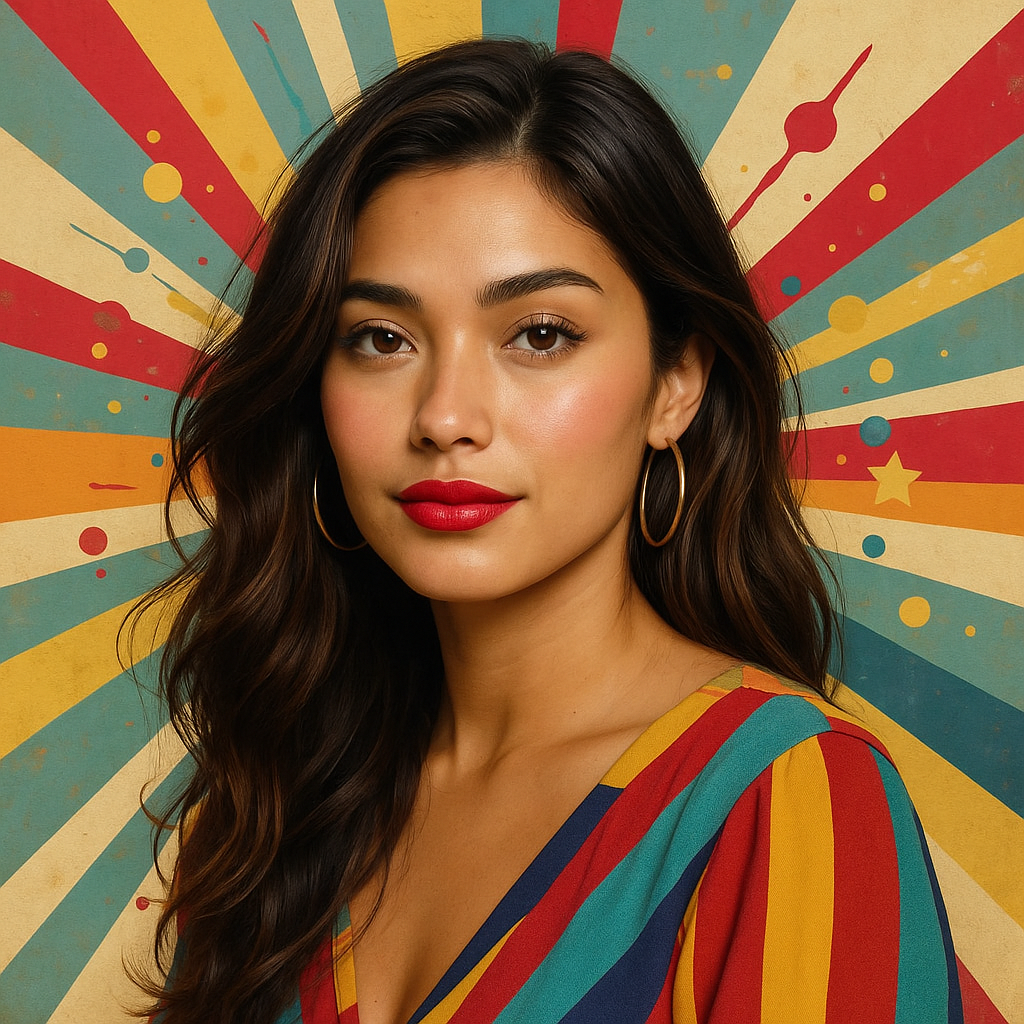
Generated on PixelDojo. Produced by PixelDojo's generation pipeline.
Imagine transforming your ordinary photos into captivating masterpieces by adding realistic weather effects. With PixelDojo's AI-powered tools, you can effortlessly infuse your images with elements like rain, snow, fog, or sunshine, enhancing their mood and storytelling potential. Whether you're a professional photographer or an enthusiast, our platform empowers you to create stunning visuals that resonate.
Real image examples generated on PixelDojo
Every example below was produced on PixelDojo. Hover to see the prompt.
Make this photo realistic edit
stable-diffusion
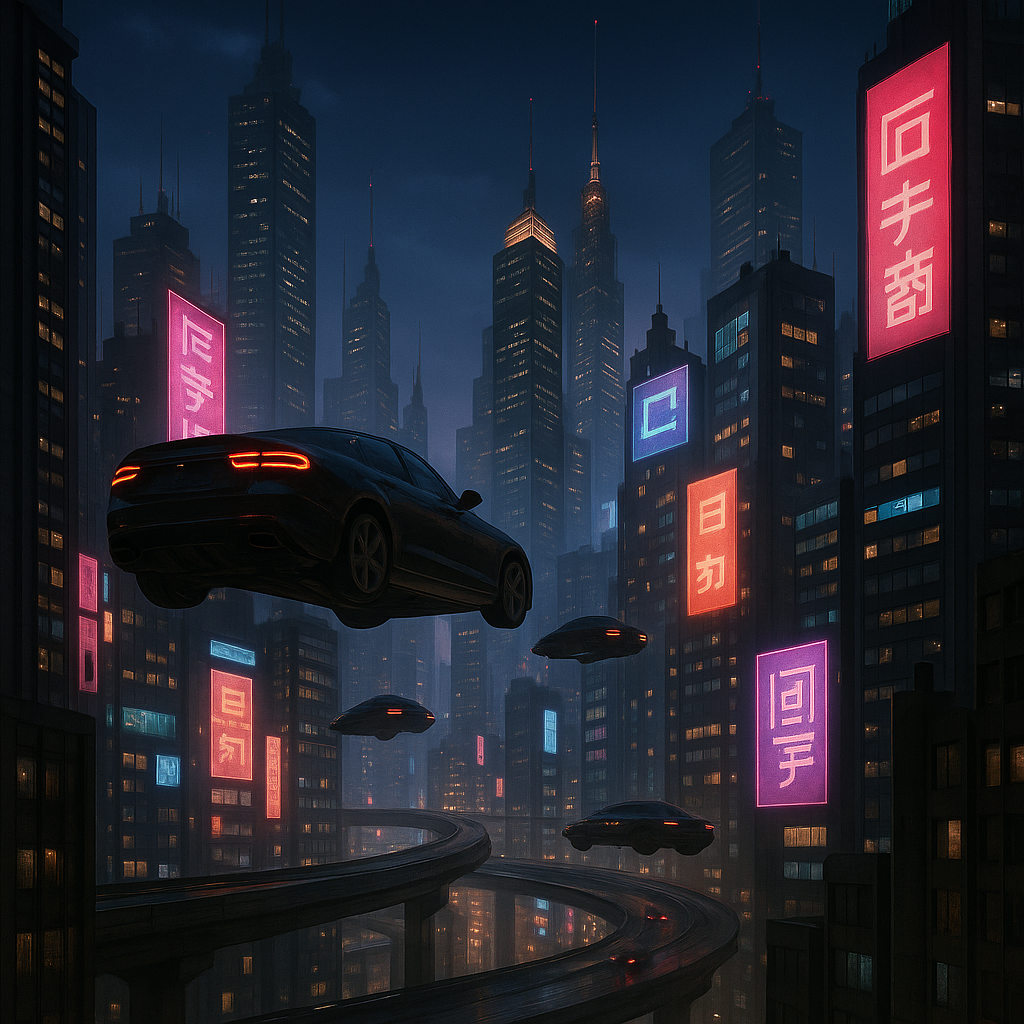
Make it photo realistic edit
stable-diffusion
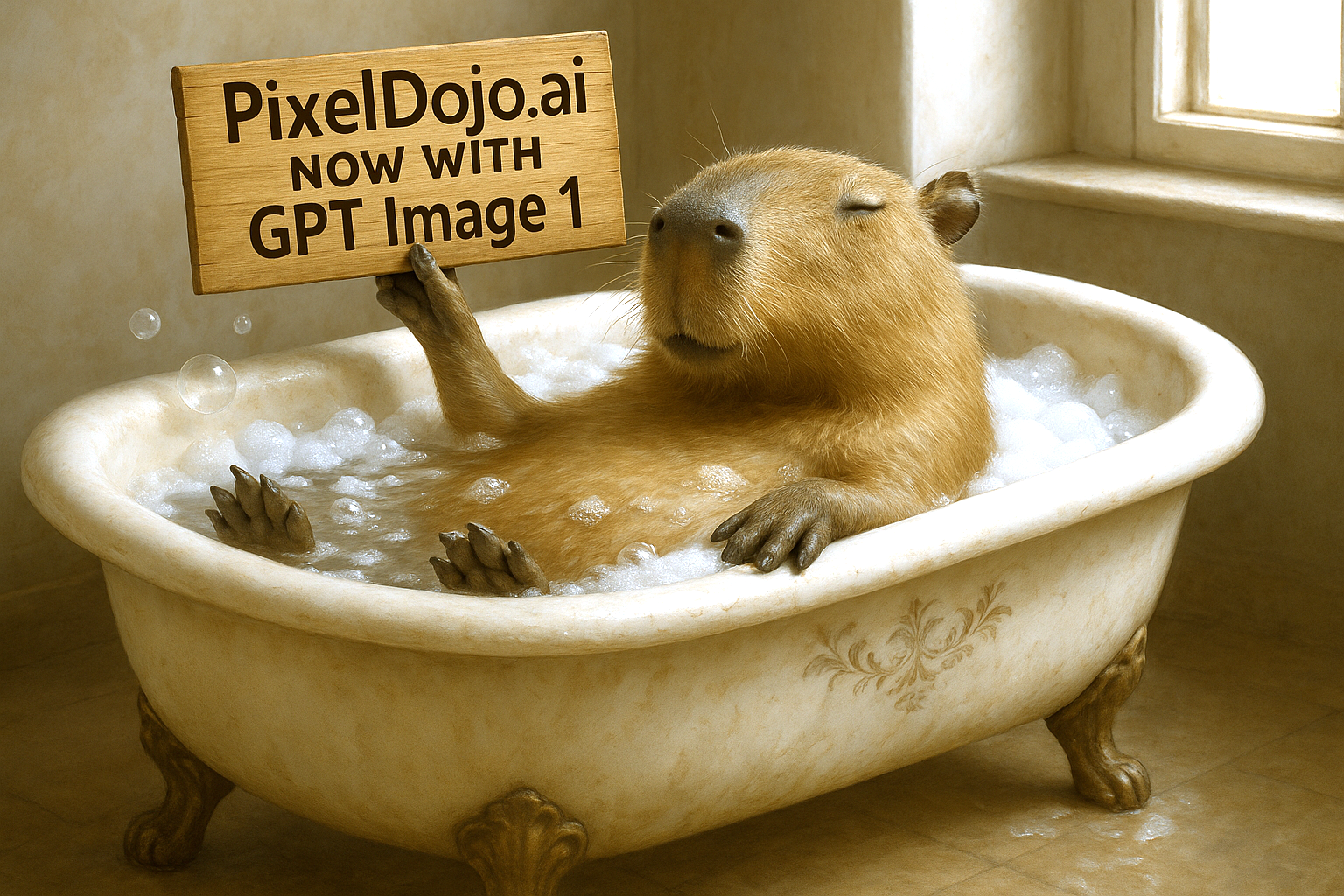
Make it photo realistic edit
stable-diffusion

Make it photo realistic edited with Flux Kontext Pro
flux-studio
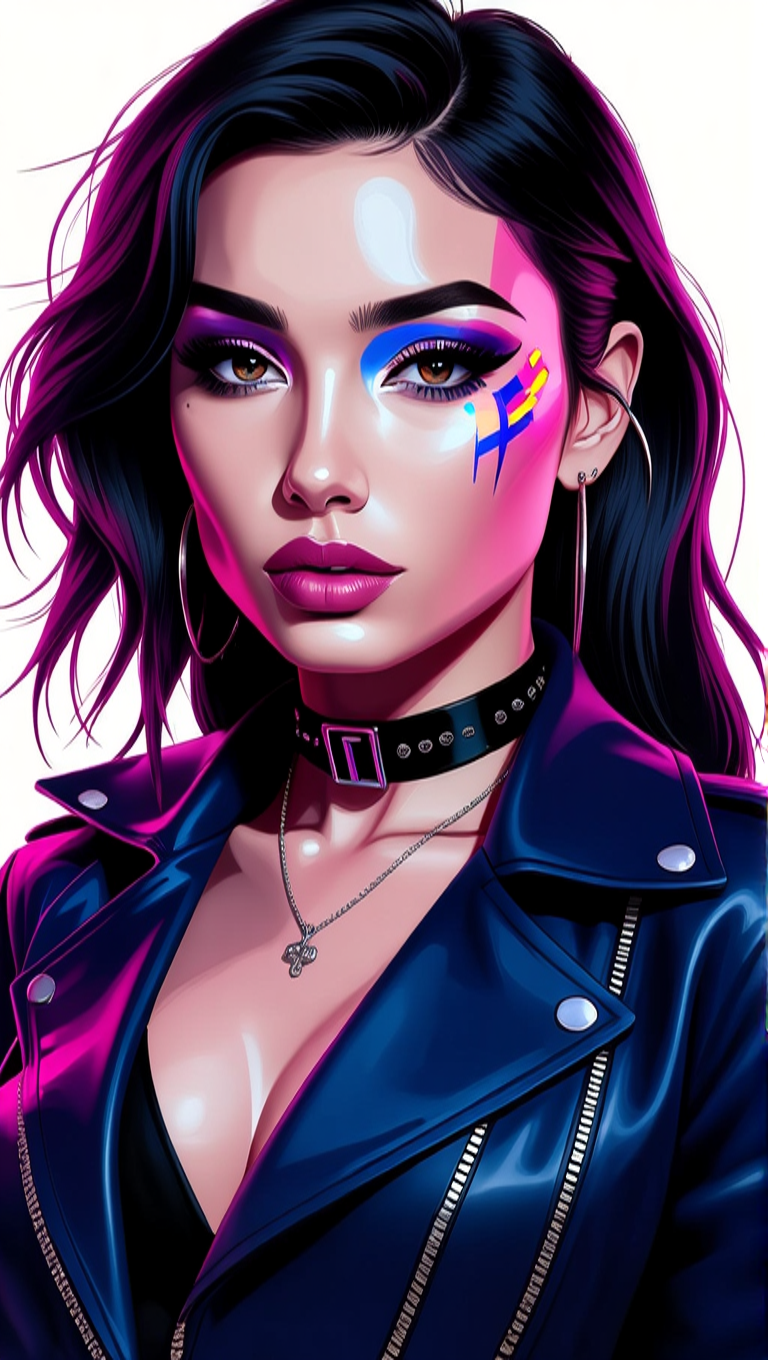
Make her photo realistic edit
hidream

Make the characters photo realistic edit
flux-studio
Models you can run on PixelDojo for weather photo editing
Switch models without switching tools. Each one runs in the same PixelDojo studio.
What you can do with weather photo editing on PixelDojo
Add Rain to Images
We generate rain streaks and reflections. You set the intensity for your photo.
Apply Snow Effects
We cover surfaces with snow layers. Adjust flake density and ground coverage.
Insert Atmospheric Fog
We add depth with fog. Control how it affects distant objects.
Modify Sky Weather
We replace skies with stormy clouds. Lighting updates match the new conditions.
Join over 10,000 satisfied creators who have enhanced their photos using PixelDojo's AI tools. Rated 4.8/5 based on 2,000+ reviews.
Why Choose Pixel Dojo for weather photo editing
Professional-quality results with cutting-edge AI technology
Effortless Weather Transformation
Easily add or modify weather elements in your photos to match your creative vision.
Realistic and Natural Effects
Our AI ensures that added weather effects blend seamlessly with your original image.
Time-Saving Editing Process
Achieve professional-quality results in minutes without complex manual editing.
How It Works
Creating stunning weather-enhanced photos is simple with PixelDojo. Follow these steps:
Step 1: Select Your Image
Upload the photo you wish to enhance to the PixelDojo platform.
Step 2: Choose a Weather Effect
Select from a variety of weather effects like rain, snow, fog, or sunshine.
Step 3: Customize and Apply
Adjust the intensity and placement of the effect, then apply it to your image.
The Pixel Dojo Advantage
Why PixelDojo is the superior choice for adding weather effects to your photos:
| Others | Pixel Dojo |
|---|---|
| Manual Photo Editing | Eliminates the need for complex and time-consuming manual adjustments. |
| Generic Photo Filters | Provides customizable and realistic weather effects tailored to your image. |
| Other AI Tools | Offers a comprehensive suite of AI tools specifically designed for creative photo enhancements. |
Loved by creators on PixelDojo
Real feedback from people using PixelDojo, pulled from our in-product surveys.
phenomenal site. would highly recommend
Amazing features, easy to use, privacy
the number of options, and especially the quick response to questions on Discord
Love you guys!!
Trained my Lora super fast. Still working out how to creat content wit it, but I love it so far.
I love this app
Explore more AI tools on PixelDojo
AI Tools
Compare & Switch
- Best AI Image Generators
- Best AI Video Generators
- Midjourney Alternatives
- Civitai Alternatives
- Runway Alternatives
- Leonardo Alternatives
- Pika Alternatives
- Luma Alternatives
- Magnific Alternatives
- Veo Alternatives
- Flux Alternatives
- Freepik Alternatives
- Seedance Alternatives
- Seedream Alternatives
- Pixverse Alternatives
- GPT Image Alternatives
- Synthesia Alternatives
- Playground Alternatives
- NightCafe Alternatives
- Canva AI Alternatives
- ElevenLabs Alternatives
- ComfyUI Alternatives
- Fal Alternatives
- Replicate Alternatives
Common Questions
Everything you need to know about weather photo editing
How can I add realistic weather effects to my photos using PixelDojo?
PixelDojo offers AI-powered tools that allow you to seamlessly add weather effects like rain, snow, fog, or sunshine to your photos. Simply upload your image, select the desired effect, customize it to your liking, and apply it to achieve a natural and realistic result.
Is PixelDojo suitable for beginners in photo editing?
Absolutely! PixelDojo is designed with user-friendliness in mind. Our intuitive interface and AI-driven tools make it easy for users of all skill levels to enhance their photos with professional-quality weather effects.
Can I adjust the intensity of the weather effects applied to my photos?
Yes, PixelDojo allows you to customize the intensity, placement, and other parameters of the weather effects to ensure they blend seamlessly with your original image and match your creative vision.
Are the weather effects generated by PixelDojo realistic?
Our advanced AI algorithms analyze your photo's lighting, perspective, and context to generate weather effects that look natural and realistic, enhancing the overall mood and storytelling of your image.
Do I need to download any software to use PixelDojo's weather editing tools?
No, PixelDojo is a web-based platform, so you can access and use all our AI tools directly from your browser without the need for any downloads or installations.
Is there a trial period available for PixelDojo's services?
Yes, PixelDojo offers a trial period that allows you to explore and use our AI tools. You can cancel anytime during the trial if you choose not to continue.