xai grok imagine online AI Generator

Generated on PixelDojo. Produced by PixelDojo's generation pipeline.
You have a vision for a striking visual—whether it's a product that needs to leap off the screen, a social post that stops the scroll, or a concept you can almost see but haven't captured yet. With PixelDojo's Grok Image tool, you turn that idea into a finished, high-fidelity image in moments. Inspired by the precision and speed of Grok Imagine online generation, you get photorealistic results, sharp text, and layouts that feel designed rather than generated. No design experience required. You describe what you want, and Grok Image delivers assets ready for real work: ads, thumbnails, brand stories, and more. Then polish them with PixelDojo's full suite so every image looks professional and on-brand. Start creating the visuals that move your audience today.
Real image examples generated on PixelDojo
Every example below was produced on PixelDojo. Hover to see the prompt.
Image of an ai painting a human and a human painting an ai
flux
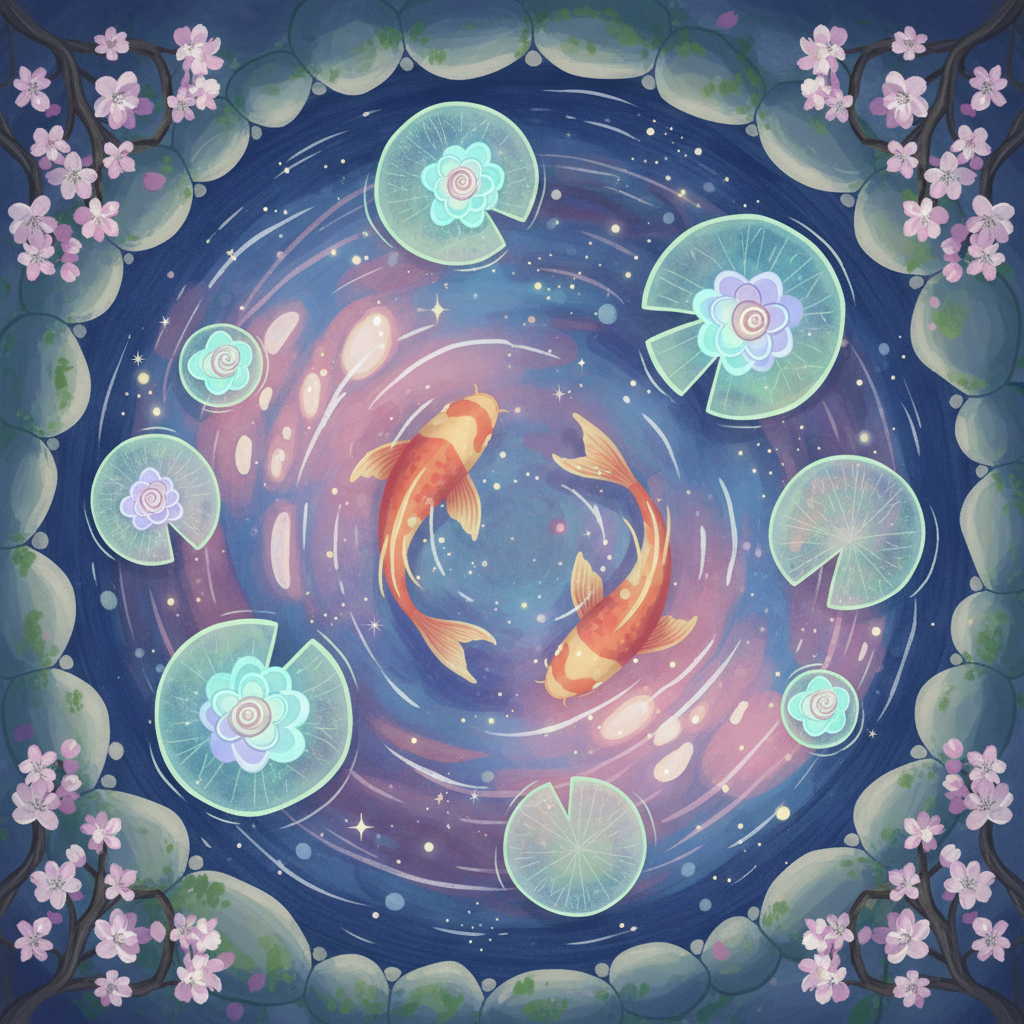
Gg-illustration
image-to-image
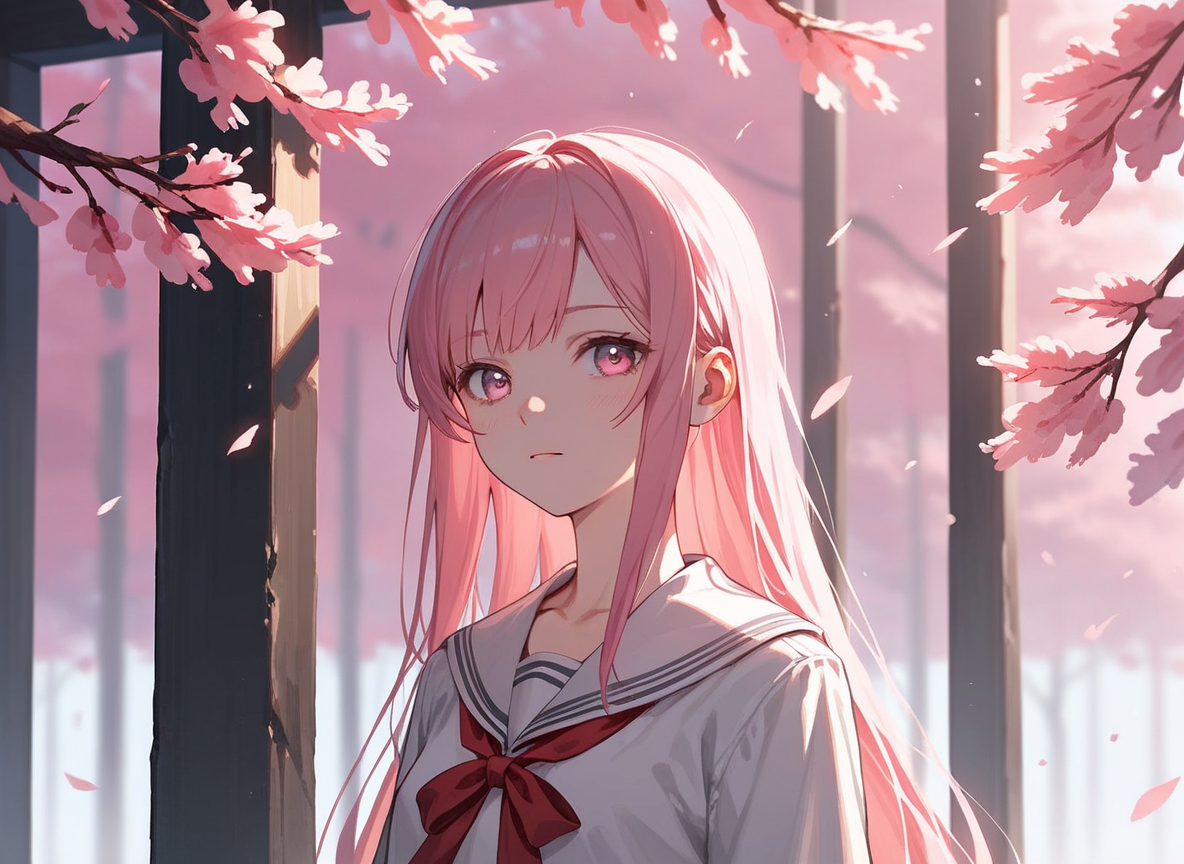
Px-anime
image-to-image
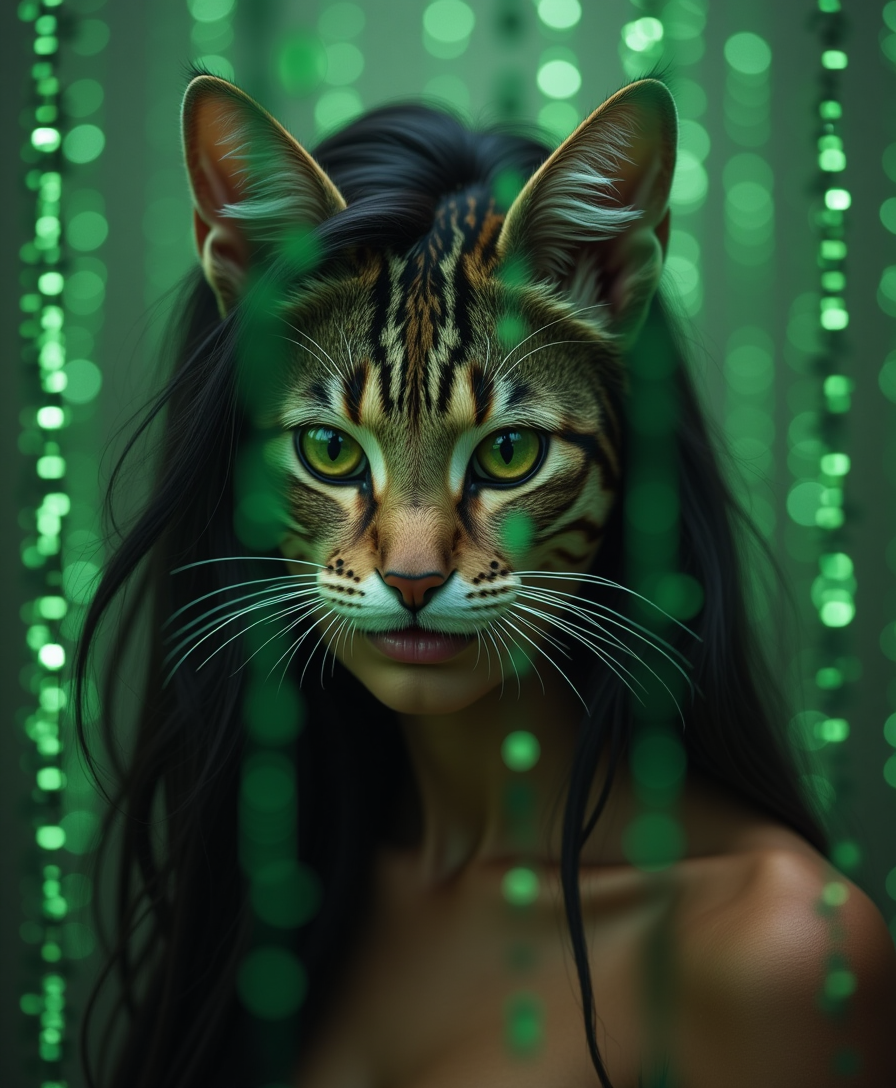
Ultra realistic Indian woman having a cat face roaming inside the matrix world
stable-diffusion
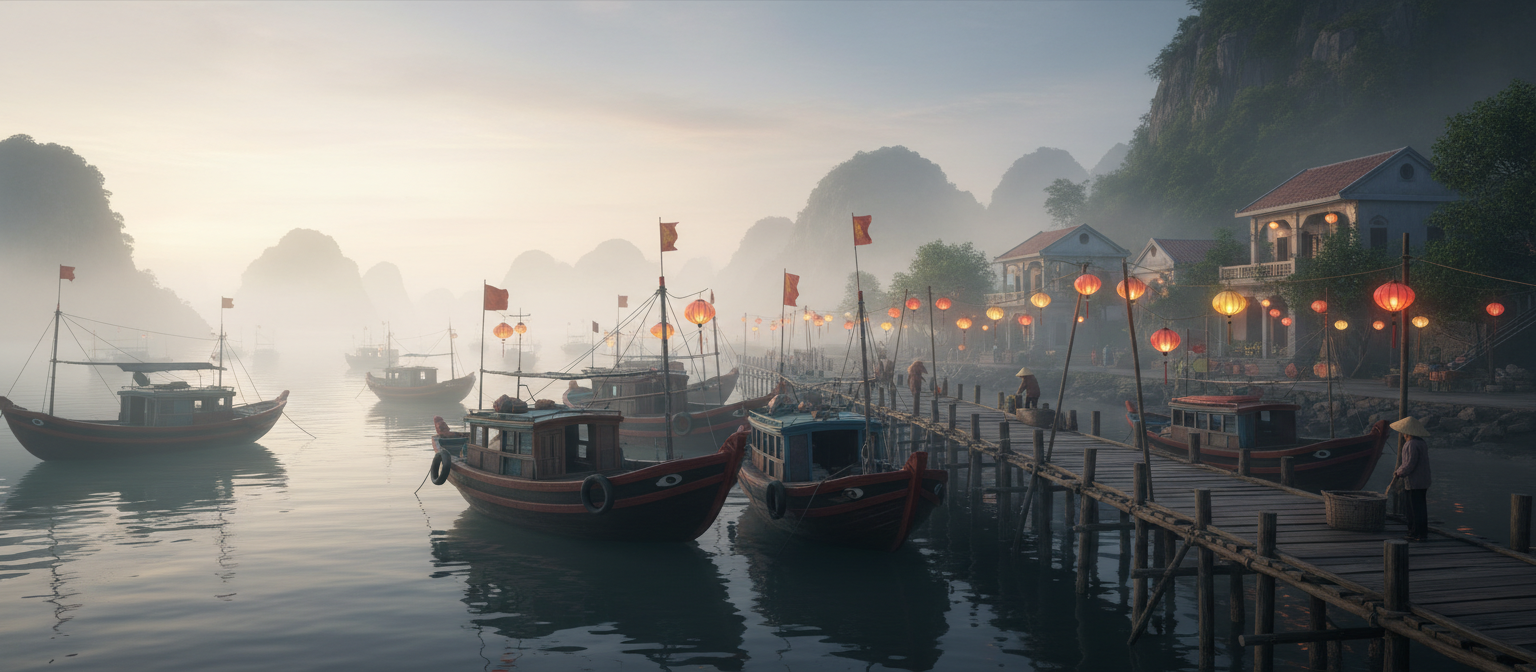
Gg-cinematic
image-to-image
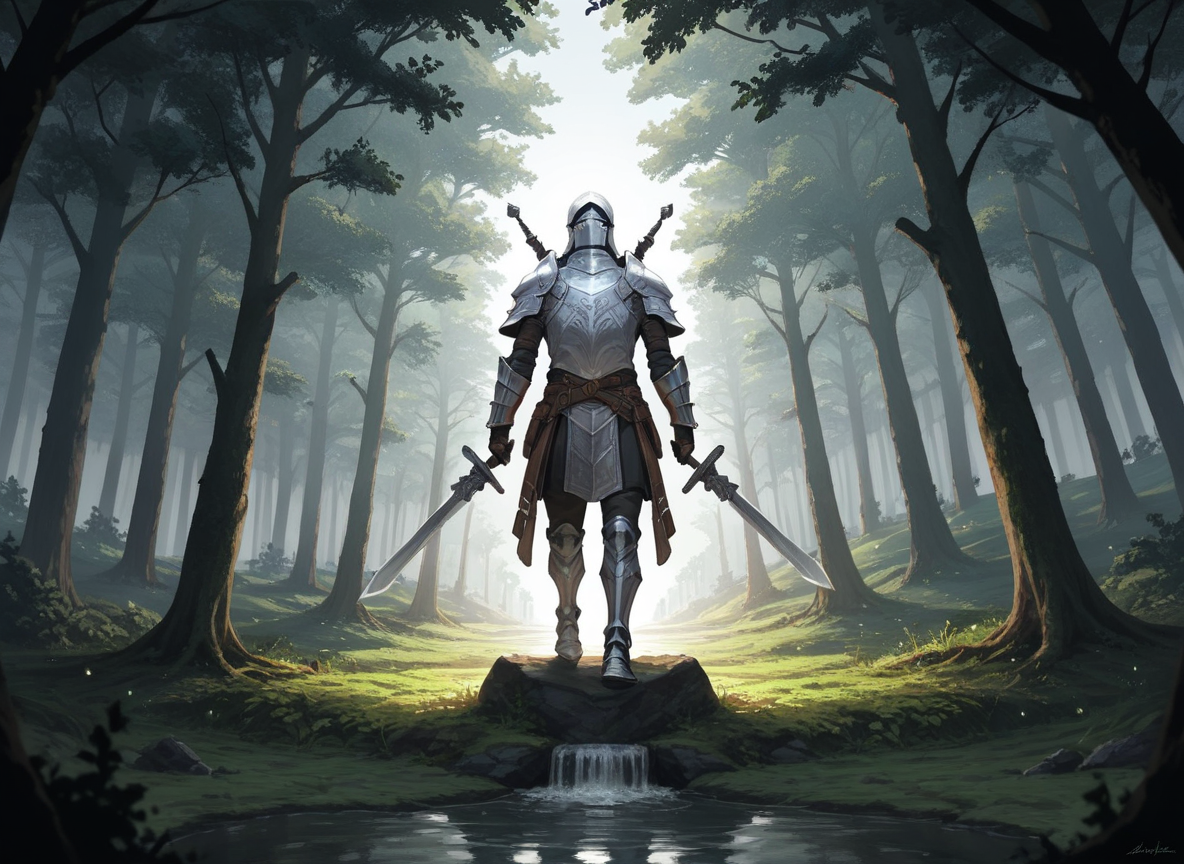
Px-fantasy
image-to-image
Models you can run on PixelDojo for xai grok imagine online
Switch models without switching tools. Each one runs in the same PixelDojo studio.
What you can do with xai grok imagine online on PixelDojo
Grok Imagine in Browser
We give you online access to xAI Grok Imagine so you can generate images from text without installing a desktop app.
Prompt Driven Image Creation
We let you describe a scene, style, or subject and receive still images you can iterate on with follow-up prompts.
Save and Export Results
We store your generations in your workspace so you can review them, refine the prompt, and download files for your projects.
Creator Workspace Access
We keep Grok Imagine alongside your other PixelDojo tools so you can move from idea to image in one account.
Thousands of creators worldwide rely on PixelDojo's 40+ cutting-edge AI tools, including Grok Image, to produce millions of images and videos. Join them, cancel anytime, and see why they keep coming back.
Why Choose Pixel Dojo for xai grok imagine online
Professional-quality results with cutting-edge AI technology
Launch Professional Marketing Assets in Minutes
You produce product shots, ad creatives, and infographics that look studio-ready. Grok Image follows your brief closely, places readable text, and handles complex layouts so your campaigns go live faster.
Explore Endless Creative Directions Quickly
You generate multiple variations of any idea in seconds, pick the strongest, and refine without starting over. Combine Grok Image with PixelDojo editors to iterate until the concept is perfect.
Keep Every Visual On-Brand and Consistent
You build series of images that share the same characters, style, and lighting. Pair Grok Image with Consistent Characters and Character Sheets so your entire campaign feels cohesive.
How It Works
You create Grok Imagine-quality images on PixelDojo in three straightforward steps using Grok Image and complementary tools.
Step 1: Choose Your Tool
Open PixelDojo and go to Generate Images. Select Grok Image for the latest Grok Imagine-style precision. You can also start with Flux.2 Studio or Krea Image if you want to blend styles, then switch to Grok Image for the final pass.
Step 2: Enter Your Prompt
Describe your subject, setting, lighting, camera, and style in plain language. Example: 'Photorealistic close-up of a ceramic coffee mug on a wooden table, morning window light, steam rising, 85mm lens, shallow depth of field, warm color grade.' Grok Image responds best to direct, structured prompts.
Step 3: Customize & Download
Refine with Image to Image, Inpainting, or Background Remover. Upscale using P-Image Upscale or Magnific Upscaler. Extend the image into motion with Grok Video or Kling Video. Download in the format you need and use immediately.
The Pixel Dojo Advantage
Why PixelDojo outperforms other options for Grok Imagine-style image generation
| Others | Pixel Dojo |
|---|---|
| Traditional photography or graphic design | You skip the studio, equipment, and hours of work. Grok Image plus PixelDojo editors give you professional results in minutes with unlimited variations. |
| Generic AI tools | You get Grok Image together with 40+ specialized tools, a complete editing suite, character consistency, and video extension—all in one place without switching platforms. |
| Manual photo editing | You let Grok Image handle composition, lighting, and text while you focus on the final tweaks. What used to take hours now takes minutes with Inpainting, Style Transfer, and Reality Polisher. |
Loved by creators on PixelDojo
Real feedback from people using PixelDojo, pulled from our in-product surveys.
Prompt updates, strong features, and a community that is always willing to help and hear/act on professional feedback. I've never had a better experience.
user friendly all in one thing
I really like the schedule of AI work performed!
The best tools for IA on the web !
The guy that operates the website is constantly updating it
I’ve been using PixelDojo for around 8 months now and it’s always worked wonderfully while constantly adding features.
Explore more AI tools on PixelDojo
AI Tools
Compare & Switch
- Best AI Image Generators
- Best AI Video Generators
- Midjourney Alternatives
- Civitai Alternatives
- Runway Alternatives
- Leonardo Alternatives
- Pika Alternatives
- Luma Alternatives
- Magnific Alternatives
- Veo Alternatives
- Flux Alternatives
- Freepik Alternatives
- Seedance Alternatives
- Seedream Alternatives
- Pixverse Alternatives
- GPT Image Alternatives
- Synthesia Alternatives
- Playground Alternatives
- NightCafe Alternatives
- Canva AI Alternatives
- ElevenLabs Alternatives
- ComfyUI Alternatives
- Fal Alternatives
- Replicate Alternatives
Common Questions
Everything you need to know about xai grok imagine online
How do I generate Grok Imagine images online with PixelDojo?
Sign up for PixelDojo, navigate to Generate Images, and choose Grok Image. Enter a clear prompt describing your subject, lighting, and style. Generate, then refine with PixelDojo's Edit Images tools such as Inpainting or Background Remover. You can try it today and cancel anytime.
What are the best prompts for Grok Imagine online image generation?
Keep prompts direct and structured: subject + setting + camera + lighting + style. PixelDojo's Grok Image thrives on specifics like 'shot on 50mm lens, golden hour, cinematic color grade.' Add details about text or layout when needed. Generate several versions and pick the winner.
Can I edit Grok Imagine images after generating them on PixelDojo?
Yes. Use Image to Image, Inpainting, Change Camera Angle, Style Transfer, Magic Lighting, or Background Remover. Then enhance with P-Image Upscale, Magnific Upscaler, or Reality Polisher so every Grok Image result is production-ready.
How does PixelDojo help me create consistent Grok Imagine-style series?
Combine Grok Image with Consistent Characters, Character Sheets, and Ideogram Character. You maintain the same faces, outfits, and lighting across multiple images. Then turn stills into video with Grok Video or WAN Reference to Video for complete campaigns.
Is PixelDojo's Grok Image suitable for professional marketing and social content?
Absolutely. You produce photorealistic product shots, ads with sharp text, thumbnails, and illustrations that look like they came from a design studio. Pair with Marketing Studio and Video Autocaption to go from still to finished social asset in one workflow.
Can I turn my Grok Imagine images into videos on PixelDojo?
Yes. Take any Grok Image result and animate it with Grok Video, Grok Imagine Video Extend, Kling Video, or Seedance 2.5. Add audio with Text to Music or Seed Audio 1.0. Everything stays inside PixelDojo so you never leave the platform.