AI Coloring Page Generator

Generated on PixelDojo. Produced by PixelDojo's generation pipeline.
PixelDojo is an AI coloring page generator for creating printable black and white line art from simple prompts. The example shown was generated live on PixelDojo for this exact task: "a clean black and white coloring page of a friendly dragon in a forest, bold outlines, no shading". The same brief ran across GPT Image 2 in 205.6s, Flux 2 Pro in 10.3s, Google Nano Banana Pro in 17.4s, and Seedream 4.5 in 17.6s. For most coloring page work, Flux 2 Pro is the best starting model because it is fast, clean, and well suited to bold printable outlines.
Real image examples generated on PixelDojo
Every example below was produced on PixelDojo. Hover to see the prompt.
Create a YouTube Header for "FLUXPRO" AI image generation
flux
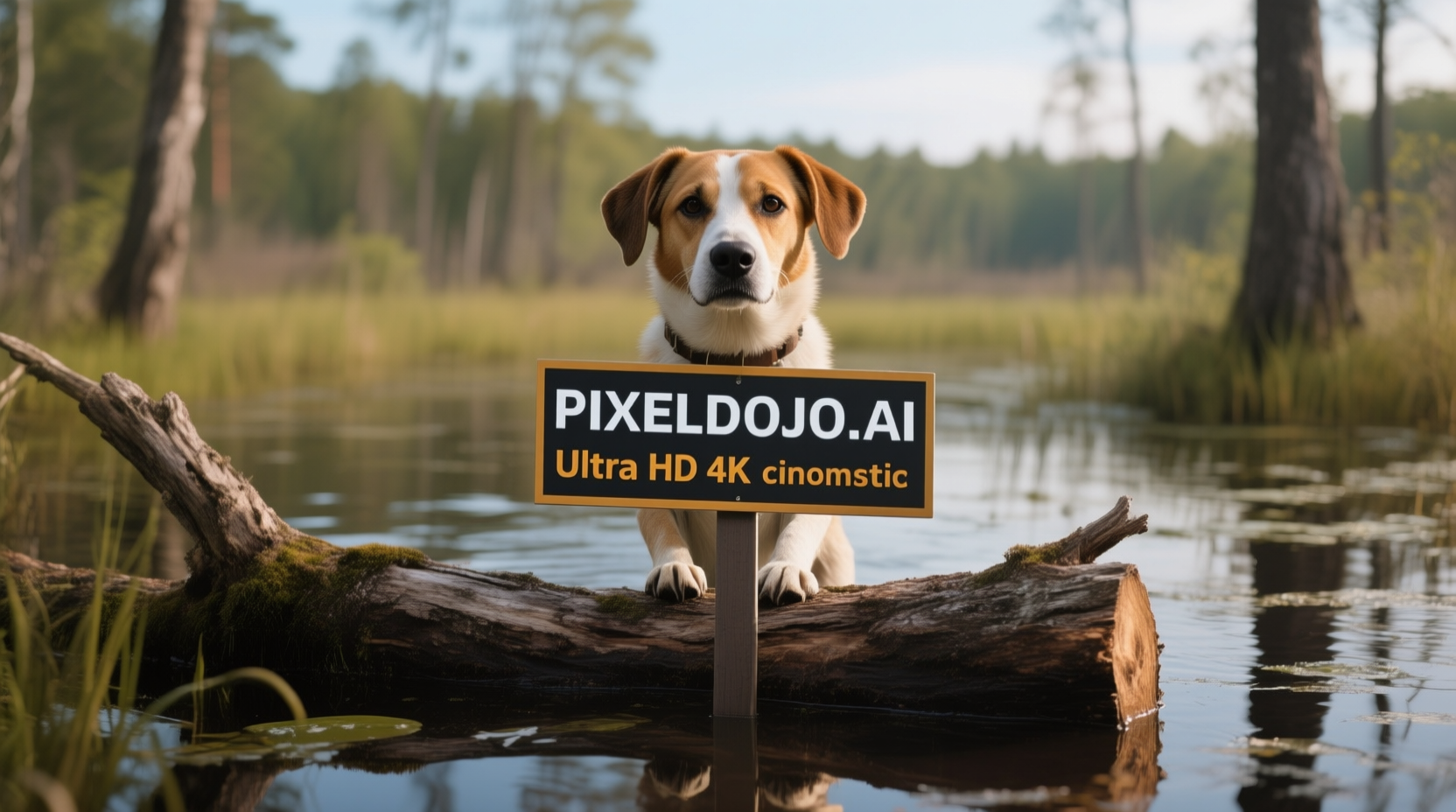
A dog in a bog on a log with a sign that reads PIXELDOJO
qwen-image
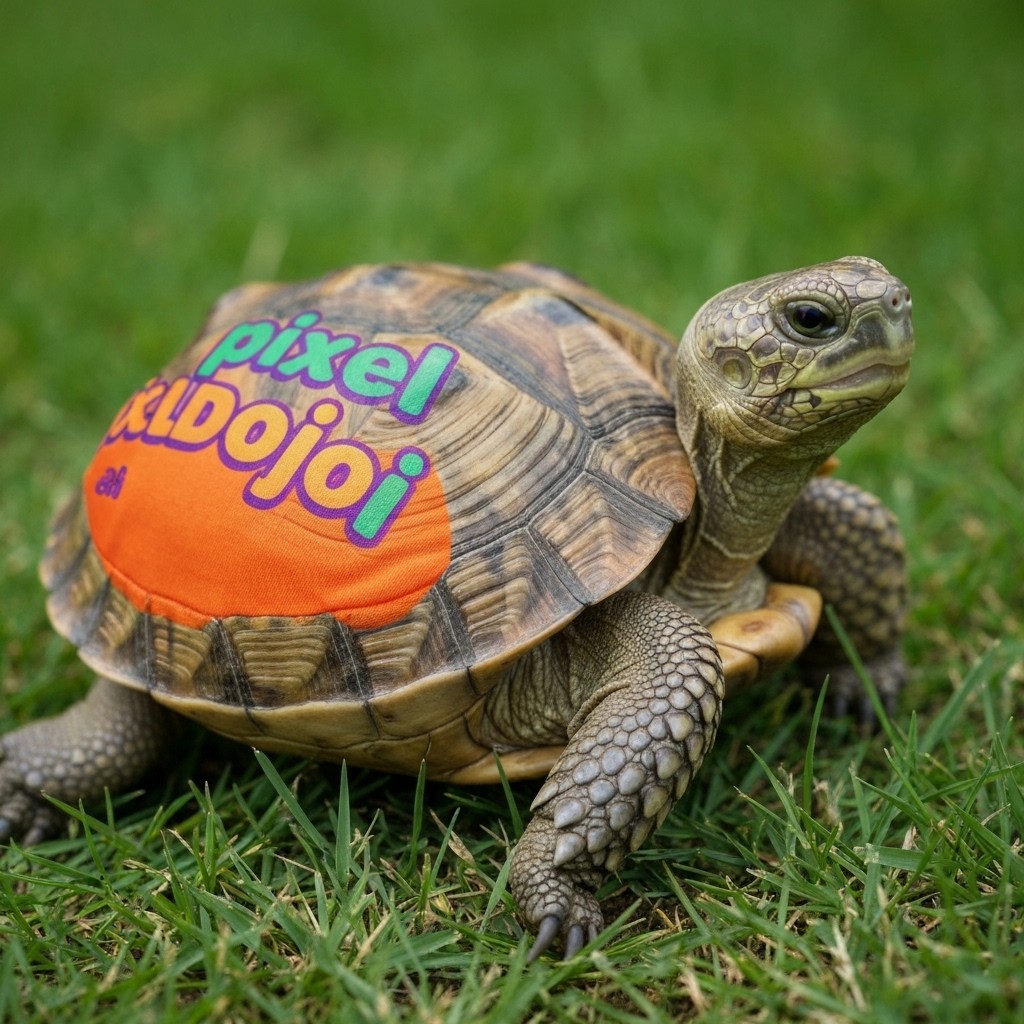
A turtle that is wearing a shirt that says pixeldojo
imagen
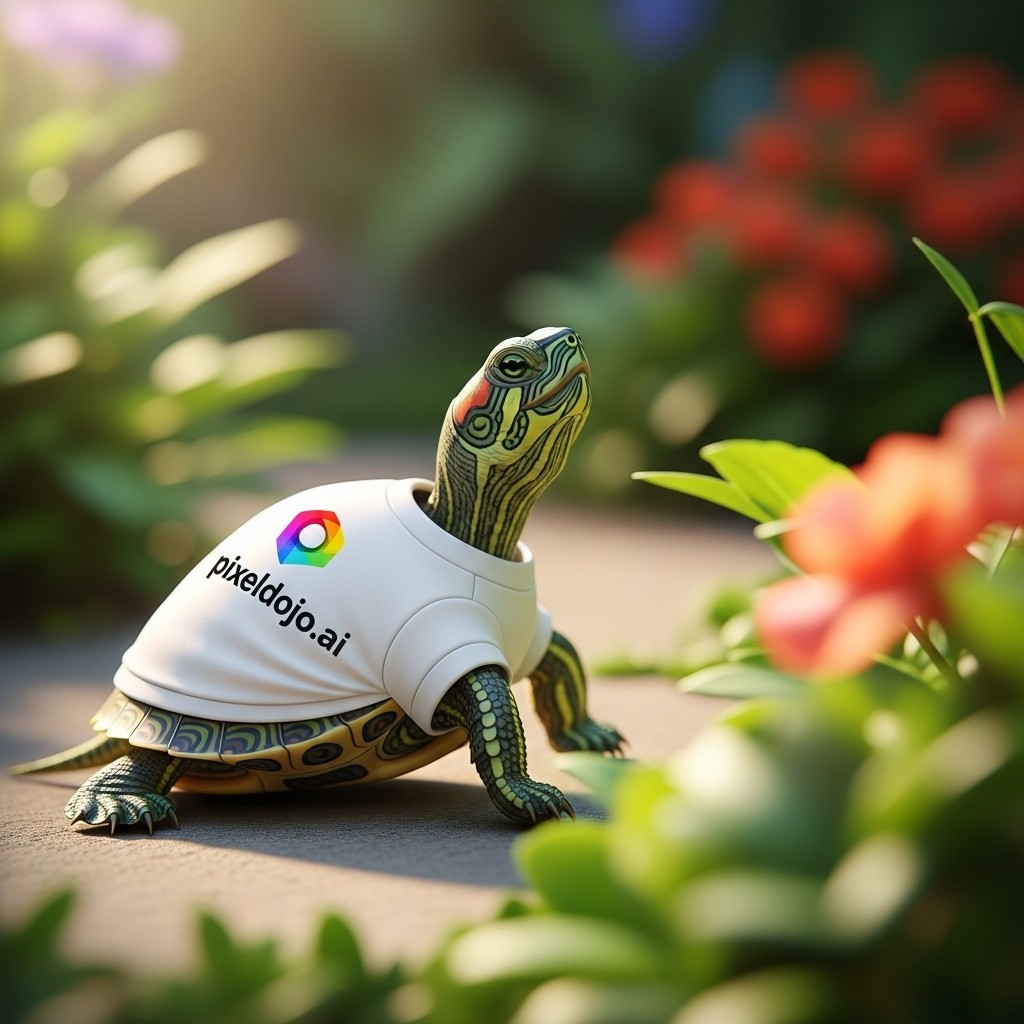
A turtle that is wearing a shirt that says pixeldojo
imagen
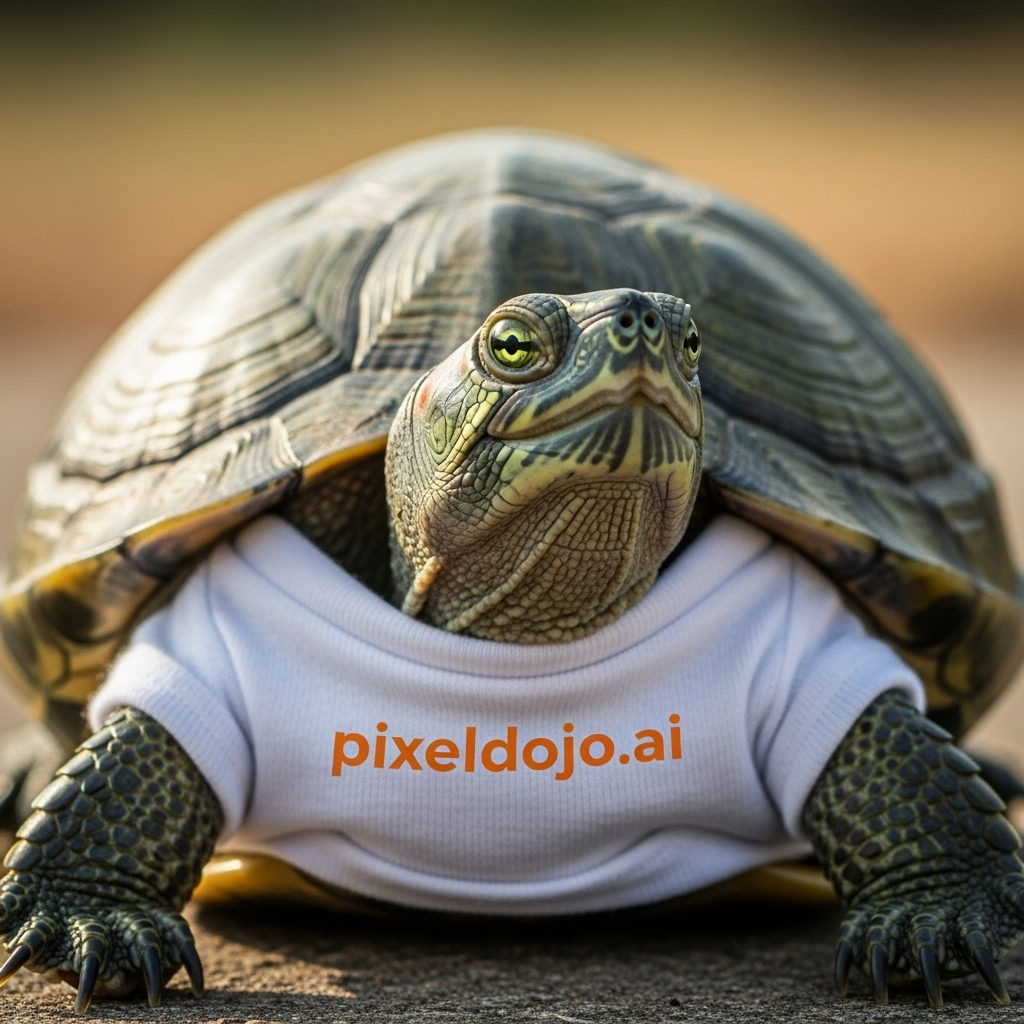
A turtle that is wearing a shirt that says pixeldojo
imagen
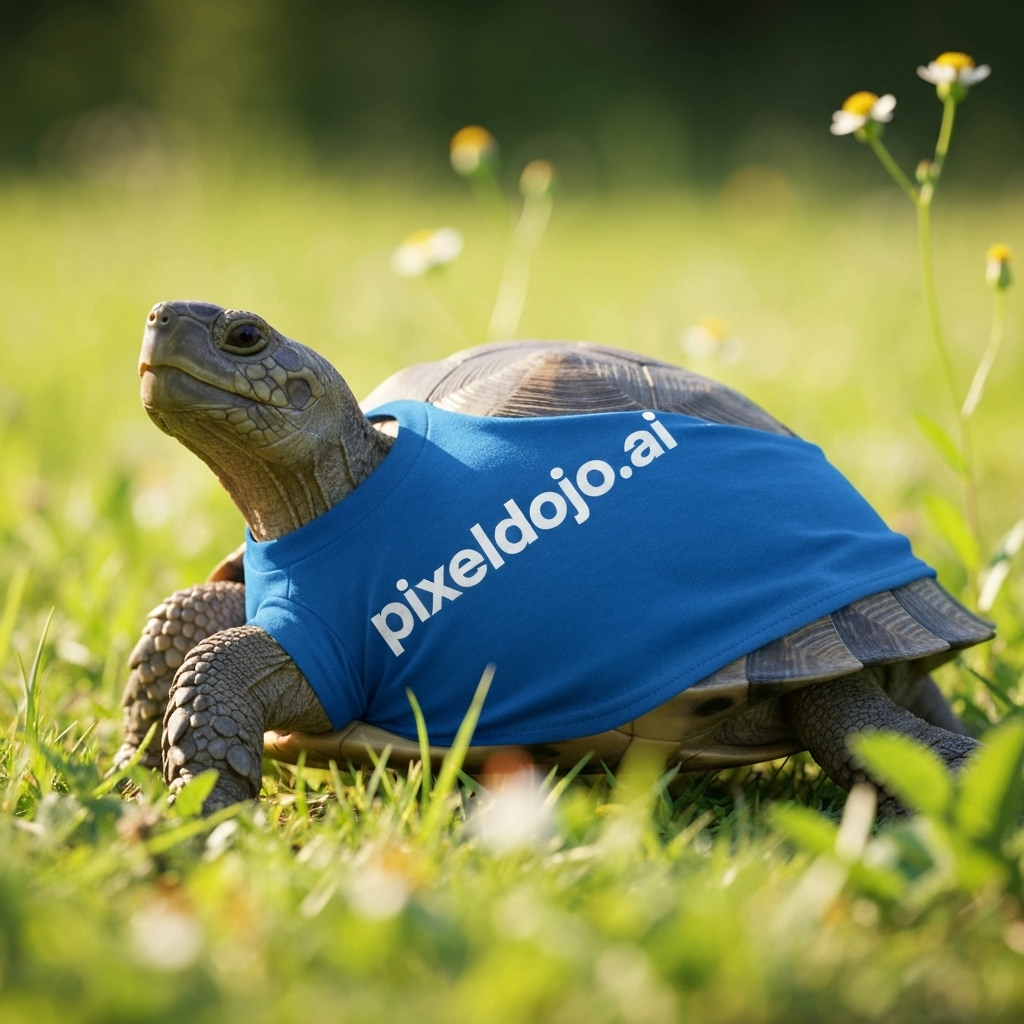
A turtle that is wearing a shirt that says pixeldojo
imagen
Models you can run on PixelDojo for AI Coloring Page Generator
Switch models without switching tools. Each one runs in the same PixelDojo studio.
What you can do with AI Coloring Page Generator on PixelDojo
Text to Coloring Pages
We convert user text prompts into black and white line drawings for coloring.
Choose Drawing Complexity
Creators set detail levels to control how simple or intricate each page appears.
Generate Page Variations
We produce several similar pages from one prompt so users can pick their preferred version.
Download Print Ready Files
We provide exports in common formats sized for standard home or professional printing.
Why Choose Pixel Dojo for AI Coloring Page Generator
Professional-quality results with cutting-edge AI technology
Make printable coloring pages from plain text
Describe the subject, setting, line weight, and difficulty level, then generate a black and white page ready for download, classroom use, activity books, or home printing.
Compare top image models in one workspace
Run the same coloring page prompt across GPT Image 2, Flux 2 Pro, Google Nano Banana Pro, and Seedream 4.5 to choose the cleanest outline style for each project.
Create pages for different ages and themes
Generate simple toddler pages, detailed fantasy scenes, holiday sheets, animals, vehicles, mandalas, educational worksheets, and themed coloring packs with consistent prompt guidance.
How It Works
Write a coloring page prompt
Start with the subject, then add style controls such as clean black and white line art, bold outlines, white background, no shading, no gray fill, no color, and printable page.
Choose the right PixelDojo model
Use Flux 2 Pro for fast, clean draft pages. Use Google Nano Banana Pro or Seedream 4.5 for alternate compositions. Use GPT Image 2 when detail and careful prompt following matter more than speed.
Refine and export
If the page has gray areas, thin lines, or extra details, regenerate with stronger instructions. Ask for thicker outlines, fewer background elements, large open spaces, and simple shapes for easier coloring.
Loved by creators on PixelDojo
Real feedback from people using PixelDojo, pulled from our in-product surveys.
good tools in one place
Prompt updates, strong features, and a community that is always willing to help and hear/act on professional feedback. I've never had a better experience.
user friendly all in one thing
I really like the schedule of AI work performed!
The best tools for IA on the web !
The guy that operates the website is constantly updating it
Explore more AI tools on PixelDojo
AI Tools
Compare & Switch
- Best AI Image Generators
- Best AI Video Generators
- Midjourney Alternatives
- Civitai Alternatives
- Runway Alternatives
- Leonardo Alternatives
- Pika Alternatives
- Luma Alternatives
- Magnific Alternatives
- Veo Alternatives
- Flux Alternatives
- Freepik Alternatives
- Seedance Alternatives
- Seedream Alternatives
- Pixverse Alternatives
- GPT Image Alternatives
- Synthesia Alternatives
- Playground Alternatives
- NightCafe Alternatives
- Canva AI Alternatives
- ElevenLabs Alternatives
- ComfyUI Alternatives
- Fal Alternatives
- Replicate Alternatives
Common Questions
Everything you need to know about AI Coloring Page Generator
What is the best PixelDojo model for an AI coloring page generator?
Flux 2 Pro is the best default for most coloring pages. In the live PixelDojo run, it completed the dragon prompt in 10.3s and is a strong fit for bold outlines, clean shapes, and quick printable drafts.
When should GPT Image 2 be used for coloring pages?
Use GPT Image 2 when prompt accuracy and detailed composition matter more than speed. It took 205.6s on the sample dragon prompt, so it is better for final hero images or more complex scenes.
How do I prompt for clean printable coloring pages?
Use direct wording such as: clean black and white coloring page, bold outlines, no shading, no gray, no color, white background, large open areas, simple shapes, printable line art.
How can I make pages easier for kids to color?
Ask for fewer small details, thick lines, simple background elements, large open spaces, centered subjects, and age guidance such as for preschoolers, early readers, or older kids.
Can PixelDojo make a full coloring book?
Yes. Create a prompt pattern, keep the same model and style terms, then generate one page per theme or character. Review each page for clear outlines, print contrast, and age appropriate detail.