ai enhancer AI Generator
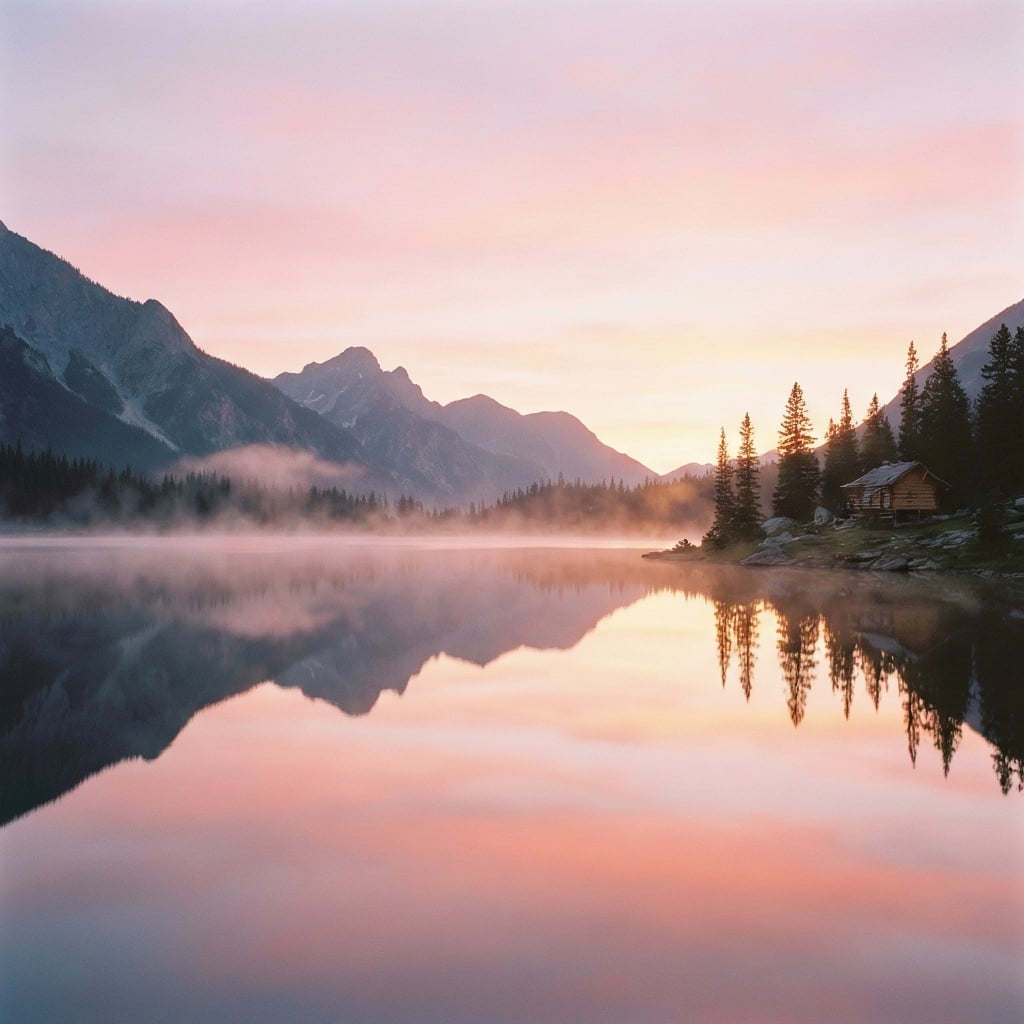
Generated on PixelDojo. Produced by PixelDojo's generation pipeline.
Stop settling for blurry phone snapshots, pixelated AI generations, faded family albums or low-res product photos that fail to convert. PixelDojo’s AI enhancer gives you professional, print-ready results from any source image in seconds. You recover lost details, remove noise and compression artifacts, restore natural textures and colors, and upscale to 4K or 8K without the plastic look or hours of manual work. Photographers revive client shoots, e-commerce sellers create zoomable listings that sell more, marketers produce campaign-ready assets, and families bring precious memories back to life. With specialized tools including P-Image Upscale, Magnific Upscaler, Creative Upscaler, Clarity Pro and Portrait Upscaler, you achieve context-aware enhancements that understand faces, products, fabrics and landscapes. Loved by thousands of creators worldwide, PixelDojo offers 40+ cutting-edge AI tools with commercial-use rights and the freedom to cancel anytime. Your next masterpiece starts with the photo you already have.
Real image examples generated on PixelDojo
Every example below was produced on PixelDojo. Hover to see the prompt.
A serene mountain lake at sunrise
boogu-image
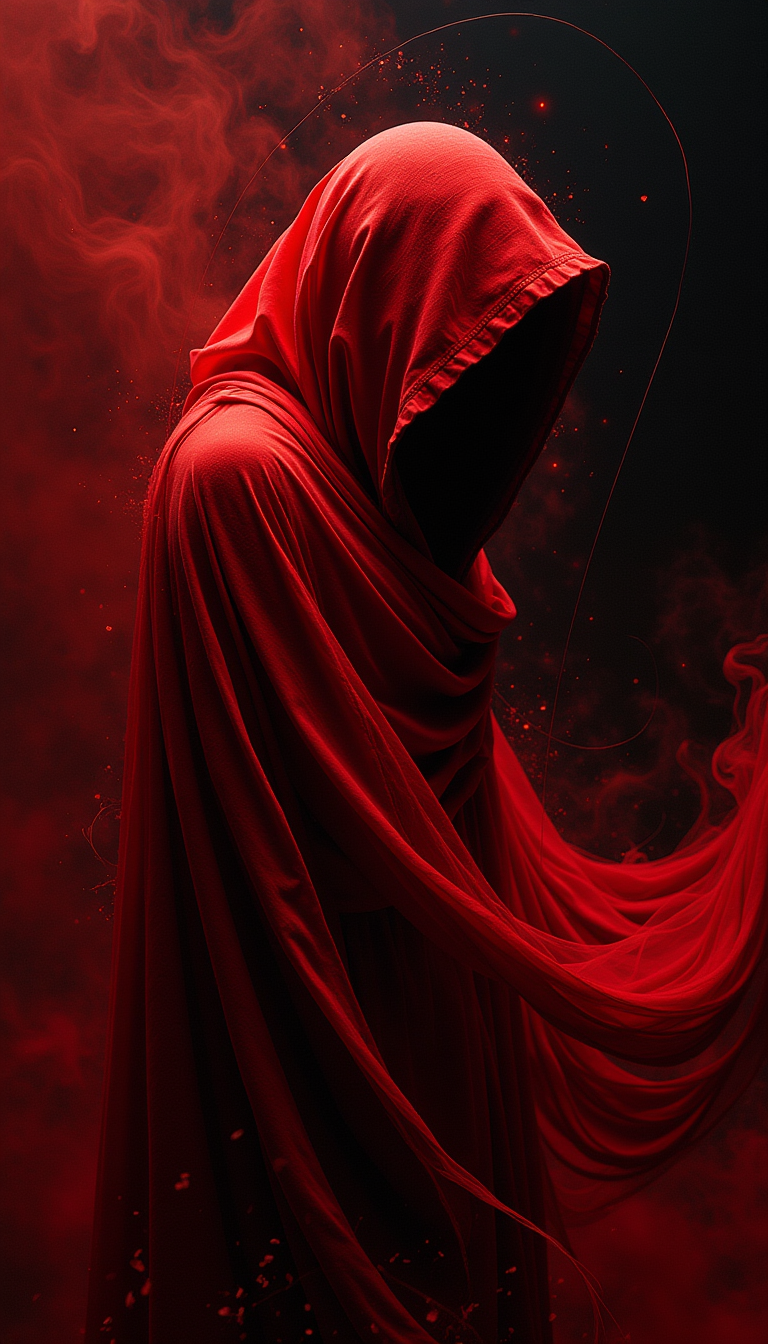
Bask in the realm of abstract expressionism as a mysterious figure cloaked in a vibrant re…
stable-diffusion
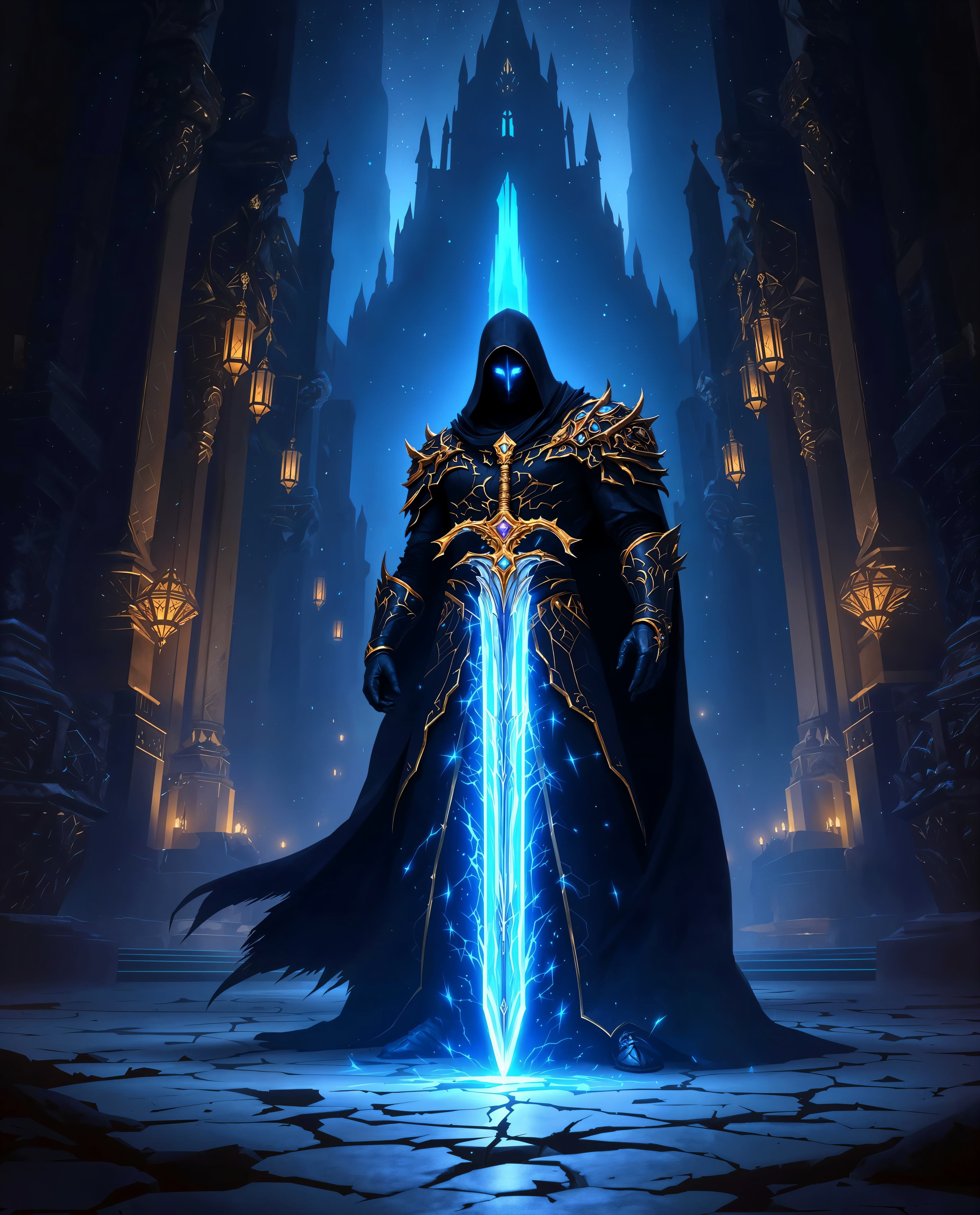
ai enhancer on PixelDojo
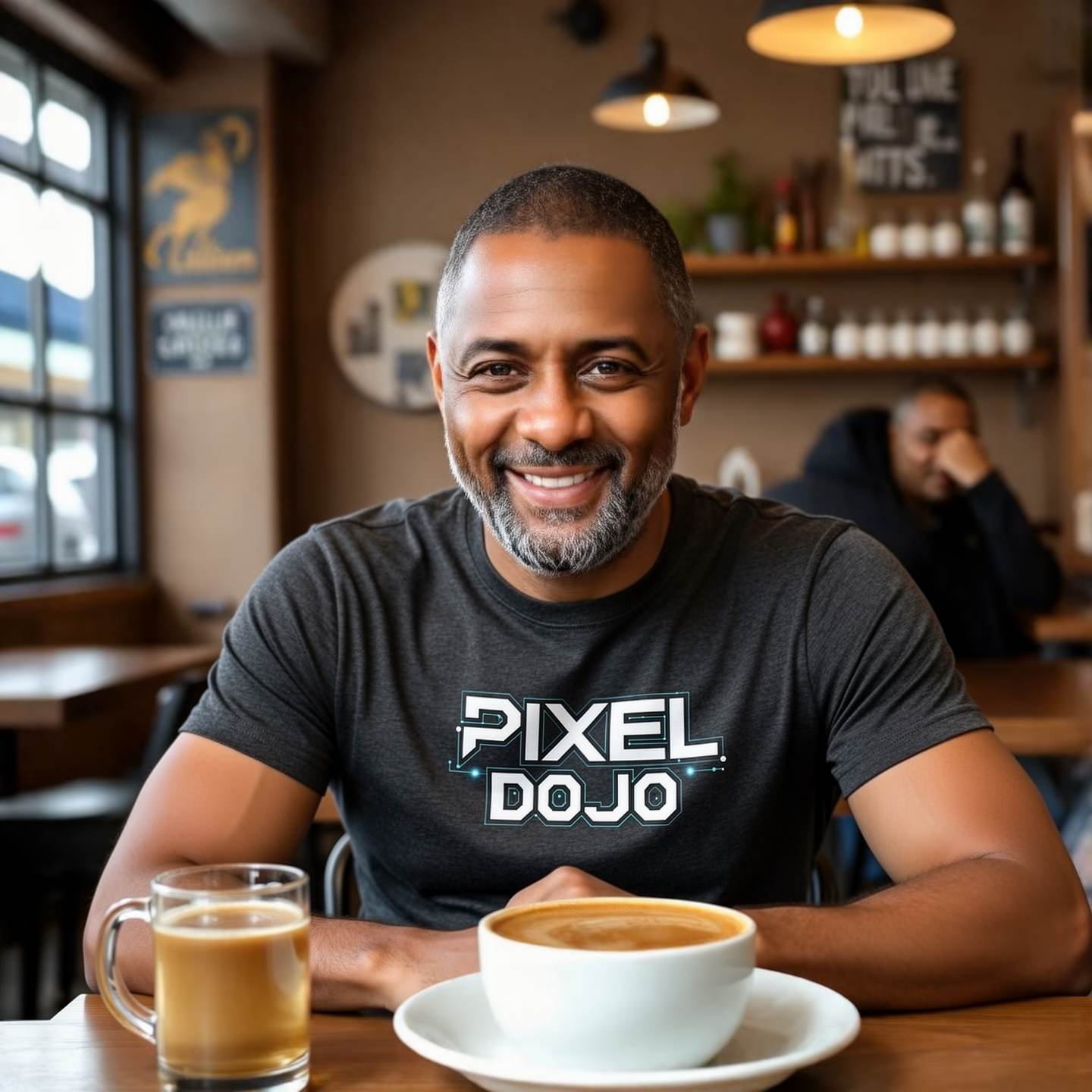
Show hum wearing a Pixel Dojo Shirt
flux-2-flex

Brooke-LoRA-Zip
stable-diffusion
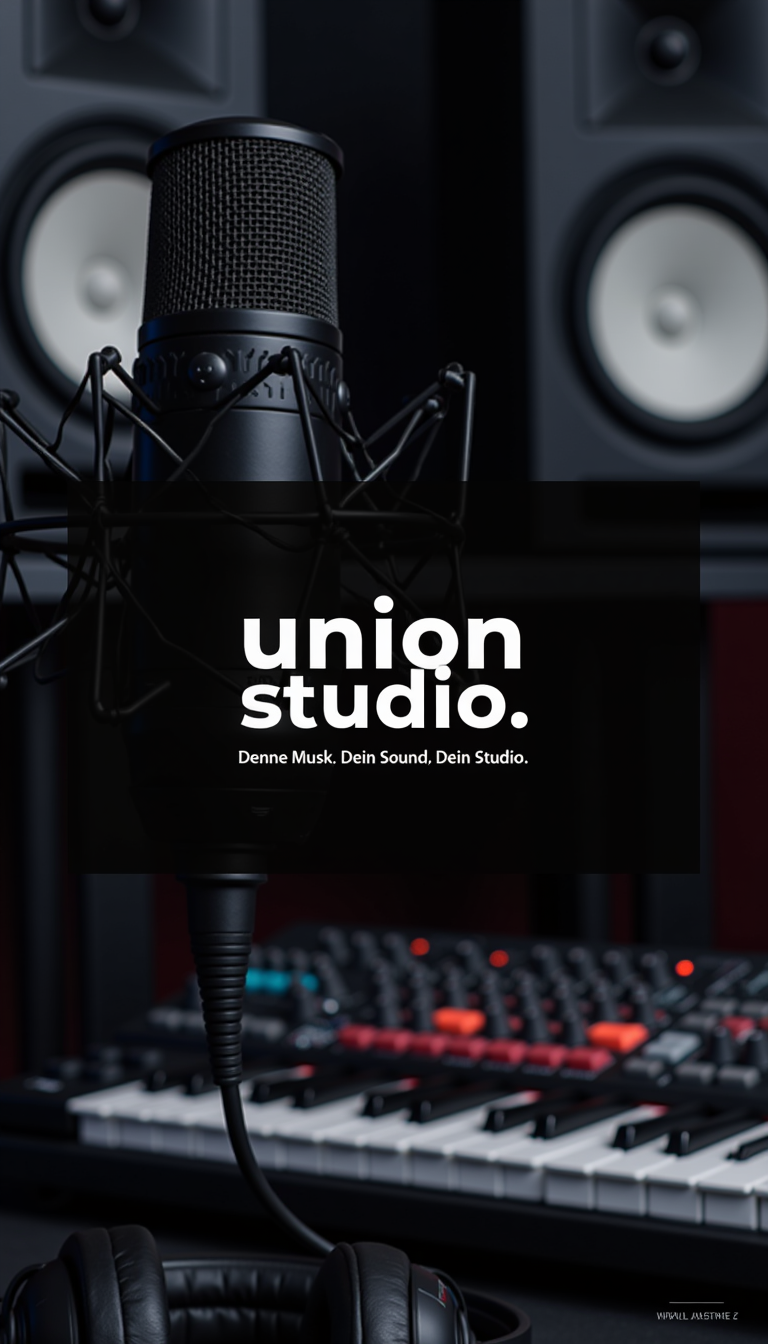
Image is a promotional poster for 'Union Studio
stable-diffusion
Models you can run on PixelDojo for ai enhancer
Switch models without switching tools. Each one runs in the same PixelDojo studio.
What you can do with ai enhancer on PixelDojo
Detail-Preserving Image Upscale
We upscale generated and uploaded images while keeping edges, textures, and fine detail intact. You can prepare assets for print, web, and social without extra tools.
Face and Skin Cleanup
We refine faces, skin, and small artifacts so portraits look cleaner and more consistent. You stay in control of how strong the enhancement is.
Color and Lighting Pass
We adjust exposure, contrast, and color so images read more clearly across different screens. You can match a look without rebuilding the whole scene.
Prompt-Guided Enhancement
We apply targeted edits from a short prompt so you can sharpen, restyle, or recover lost detail. Results stay tied to the original composition you already generated.
Thousands of photographers, marketers, e-commerce sellers and artists enhance images daily on PixelDojo. Creators report dramatically sharper prints, higher-converting product photos and restored family heirlooms that look like they were shot yesterday. 40+ specialized tools, commercial license included, cancel anytime.
Why Choose Pixel Dojo for ai enhancer
Professional-quality results with cutting-edge AI technology
Print-Ready Masterpieces from Any Photo
Upload a casual snapshot or compressed file and download gallery-quality 4K–8K images with recovered micro-details, perfect for large prints, Amazon listings, social campaigns or professional portfolios. You skip the studio reshoot and still deliver stunning results.
Natural Textures That Look Real, Not AI
Keep authentic skin pores, fabric weaves, metal reflections and landscape details while eliminating blur and noise. Portrait Upscaler and Clarity Pro prevent the waxy, over-smoothed look so your enhanced images feel photographed, not generated.
Hours Saved, Conversions Increased
What once required expensive software and expert retouchers now happens in a few clicks. E-commerce teams produce consistent catalog images that convert better, marketers ship campaigns faster, and you spend time creating instead of pixel-pushing.
How It Works
Enhancing images on PixelDojo is fast, intuitive and tailored to your content. Follow these three steps with our dedicated Upscale & Enhance tools to go from ordinary to extraordinary.
Step 1: Choose Your Perfect AI Enhancer
Open the Upscale & Enhance section and pick the tool that matches your image. Use P-Image Upscale for everyday photos, Magnific Upscaler or Creative Upscaler when you want rich reconstructed detail, Clarity Pro for maximum sharpness and deblurring, or Portrait Upscaler to restore faces and people with natural skin texture.
Step 2: Upload Your Image and Guide the AI
Drop in your photo. Optionally add a short prompt such as “enhance details, reduce noise, preserve natural skin and fabric texture, keep original colors.” The AI analyzes faces, products, text and scenery then intelligently reconstructs missing information instead of simply stretching pixels.
Step 3: Review, Polish and Download
Inspect the result at 100–200% zoom. Fine-tune with complementary tools like Reality Polisher, Background Remover or Image Outpainting if needed, then download in high-resolution PNG or JPEG ready for print, web or client delivery. Repeat for batches when you have many images.
The Pixel Dojo Advantage
Why PixelDojo outperforms other options for AI enhancer image generation
| Others | Pixel Dojo |
|---|---|
| Traditional photo enhancement software | You skip steep learning curves, expensive licenses and hours of layer-by-layer work. PixelDojo’s AI understands context and delivers professional results in seconds so you can focus on the story, not the pixels. |
| Generic one-size-fits-all AI tools | You get specialized enhancers—Portrait Upscaler for people, Magnific Upscaler for creative reconstruction, Clarity Pro for precision sharpness—instead of a single model that often over-smooths faces or invents unwanted details. |
| Manual photo editing and reshooting | You recover details that were never captured, automatically balance lighting and upscale without artifacts. E-commerce and marketing teams produce consistent, high-converting assets without booking another studio session. |
Loved by creators on PixelDojo
Real feedback from people using PixelDojo, pulled from our in-product surveys.
exceptional quality and great overall design of platform and interface. very intuative. love the creative freedom.
Qwen image 2 is amazing!!
Creative freedom, range of tools and options.
I love the training feature
the quality is the best
All the tools needed in one dashboard
Explore more AI tools on PixelDojo
AI Tools
Compare & Switch
- Best AI Image Generators
- Best AI Video Generators
- Midjourney Alternatives
- Civitai Alternatives
- Runway Alternatives
- Leonardo Alternatives
- Pika Alternatives
- Luma Alternatives
- Magnific Alternatives
- Veo Alternatives
- Flux Alternatives
- Freepik Alternatives
- Seedance Alternatives
- Seedream Alternatives
- Pixverse Alternatives
- GPT Image Alternatives
- Synthesia Alternatives
- Playground Alternatives
- NightCafe Alternatives
- Canva AI Alternatives
- ElevenLabs Alternatives
- ComfyUI Alternatives
- Fal Alternatives
- Replicate Alternatives
Common Questions
Everything you need to know about ai enhancer
What is the best AI enhancer for restoring old family photos?
PixelDojo’s Magnific Upscaler combined with Portrait Upscaler is ideal for vintage images. These tools recover faded colors, remove scratches and grain, reconstruct facial details with natural skin texture, and upscale to high resolution while keeping the authentic character of the original photo. You simply upload, select the tools, and receive a print-worthy result in minutes that looks like it was shot yesterday.
How does an AI image enhancer improve product photos for e-commerce?
P-Image Upscale, Clarity Pro and Creative Upscaler sharpen labels, recover fabric and material textures, eliminate phone-camera noise and increase resolution so shoppers can zoom without seeing pixels. Pair them with Background Remover and Reality Polisher to create clean, consistent catalog images that meet marketplace requirements and convert better—no extra photoshoot required.
Can I upscale AI-generated images without adding artifacts or losing the original style?
Yes. Magnific Upscaler and Creative Upscaler are built for this exact use case. They reconstruct plausible high-frequency details that match the source style rather than simply enlarging pixels. Start with 2x or 4x, review at high magnification, and you can reach 4K–8K outputs perfect for prints, portfolios or large-format displays.
What’s the difference between P-Image Upscale, Magnific Upscaler and Clarity Pro?
P-Image Upscale delivers balanced everyday enhancement for photos and mixed content. Magnific Upscaler adds rich, creative reconstructed detail ideal for art and illustrations. Clarity Pro prioritizes maximum sharpness, deblurring and edge fidelity for professional photography and product work. Portrait Upscaler specializes in faces to keep skin looking real. Choose based on your subject for the most natural result.
Is PixelDojo’s AI enhancer suitable for professional photographers and marketers?
Thousands of professionals already use it for client deliveries, social campaigns and e-commerce catalogs. You receive a commercial-use license, access to specialized models that follow current context-aware enhancement practices, and the ability to iterate quickly. The platform includes 40+ tools so you can handle generation, editing, upscaling and even video in one place, then cancel anytime if your needs change.
How do I avoid over-sharpened or plastic-looking results with an AI photo enhancer?
Select specialized tools such as Portrait Upscaler and Clarity Pro that are trained to preserve natural texture. Use conservative strength and add a prompt like “keep natural skin pores and fabric weave, no oversmoothing.” Always inspect at 100–200% zoom before downloading. PixelDojo’s models recover authentic detail instead of inventing fake perfection, giving you believable, professional results every time.