ai hairstyle try on AI Generator
Generated on PixelDojo. Produced by PixelDojo's generation pipeline.
Ever wondered how you'd look with a completely new hairstyle? PixelDojo's AI hairstyle try on lets you visualize any cut, color or texture on your own photo in seconds. Upload a simple selfie and watch realistic transformations appear that match your face shape, lighting and unique features perfectly. No more salon regrets or wasted money on styles that don't suit you. Discover looks that boost your confidence, from trendy curtain bangs and wolf cuts to sleek bobs and vibrant highlights. You achieve professional-quality previews you can share with your stylist or post online. Join thousands of creators exploring 2026's hottest personalized, glossy and natural-texture trends right from your browser. With over 40 cutting-edge AI tools including Flux Pro Virtual Try-On, Virtual Try-On, Image to Image and Face Swap, your next stunning hairstyle is just a click away. Try it today and walk into any appointment knowing exactly what you want.
Real image examples generated on PixelDojo
Every example below was produced on PixelDojo. Hover to see the prompt.
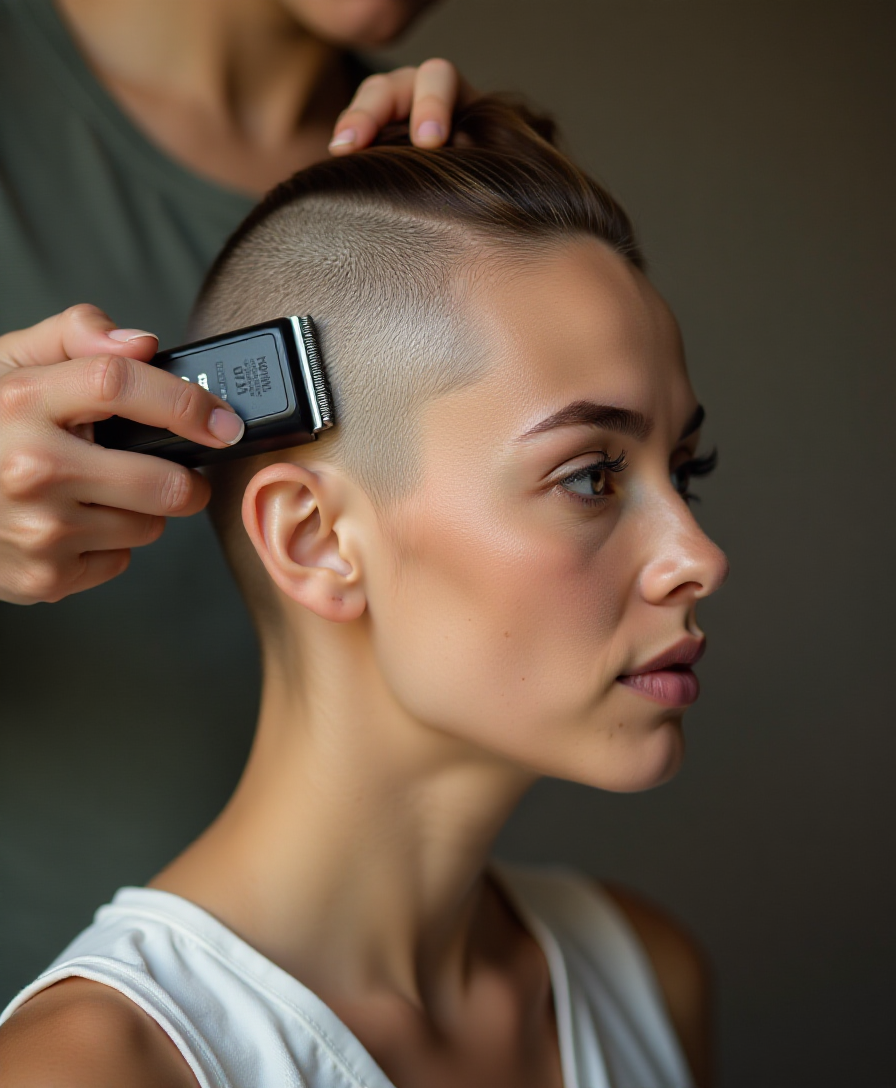
Woman headshaving her hair with clippers
flux
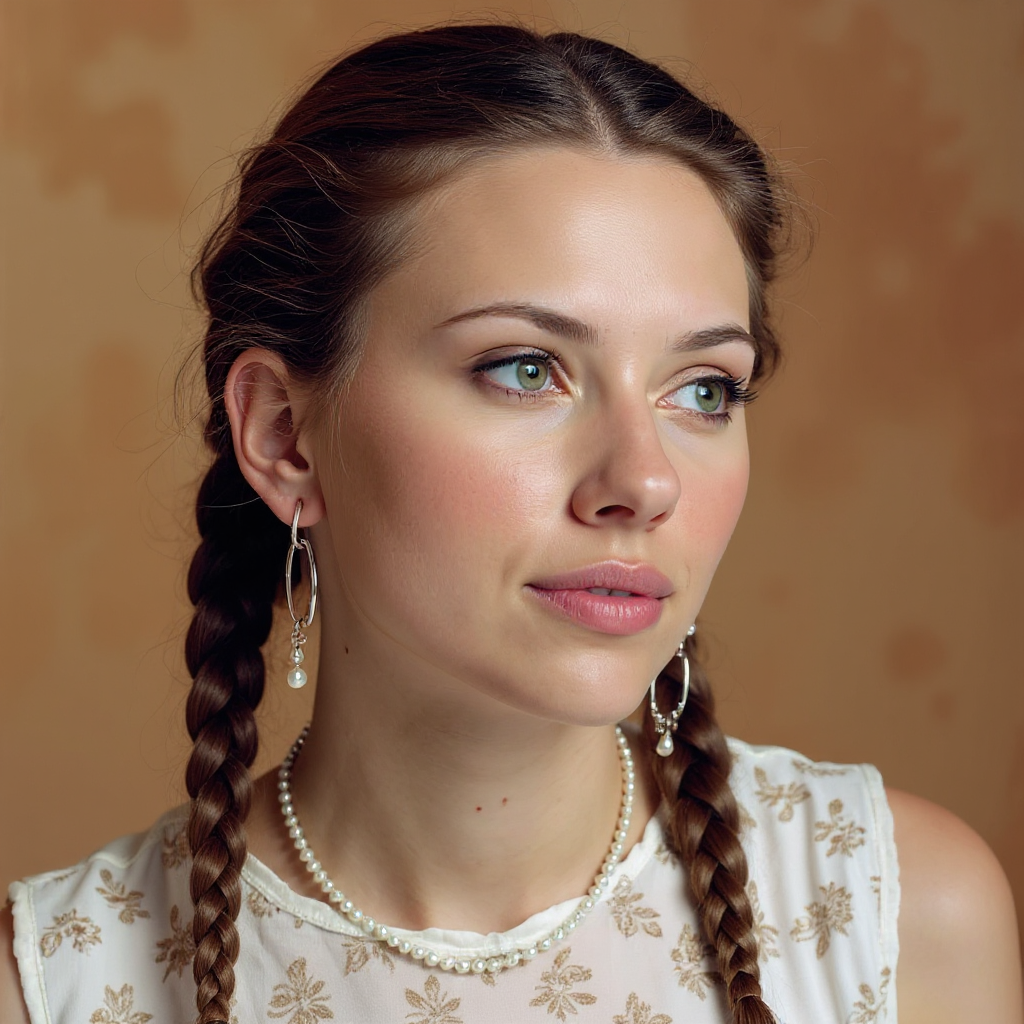
Quickly change someone's hair style and hair color
stable-diffusion
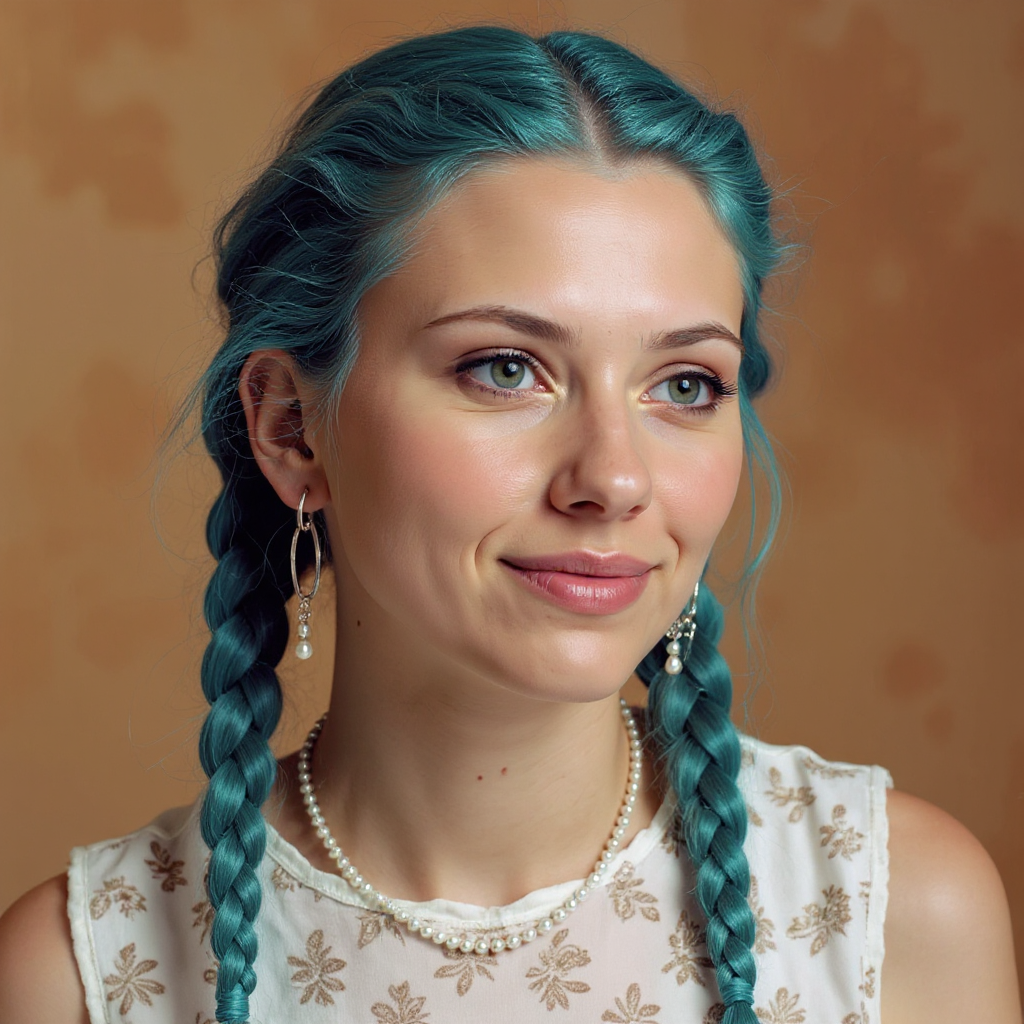
Quickly change someone's hair style and hair color
stable-diffusion
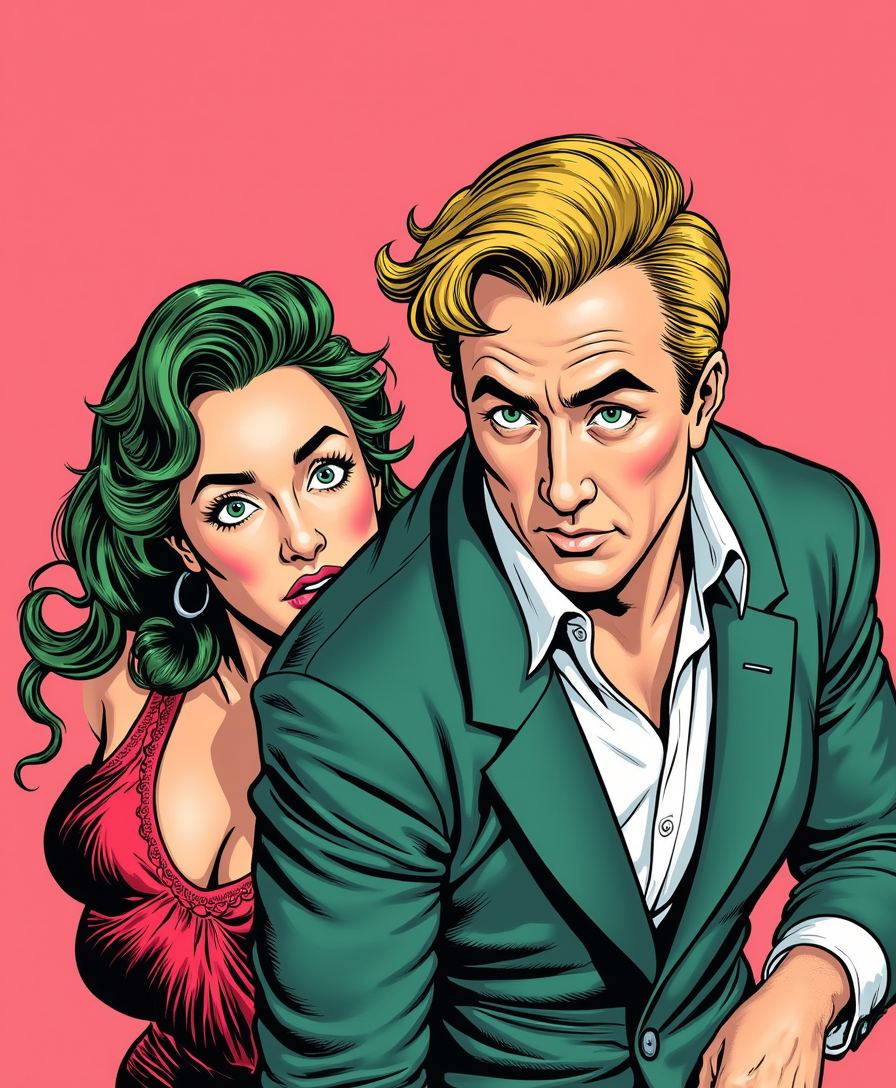
This image is a comic book panel
flux-studio

A close-up
flux
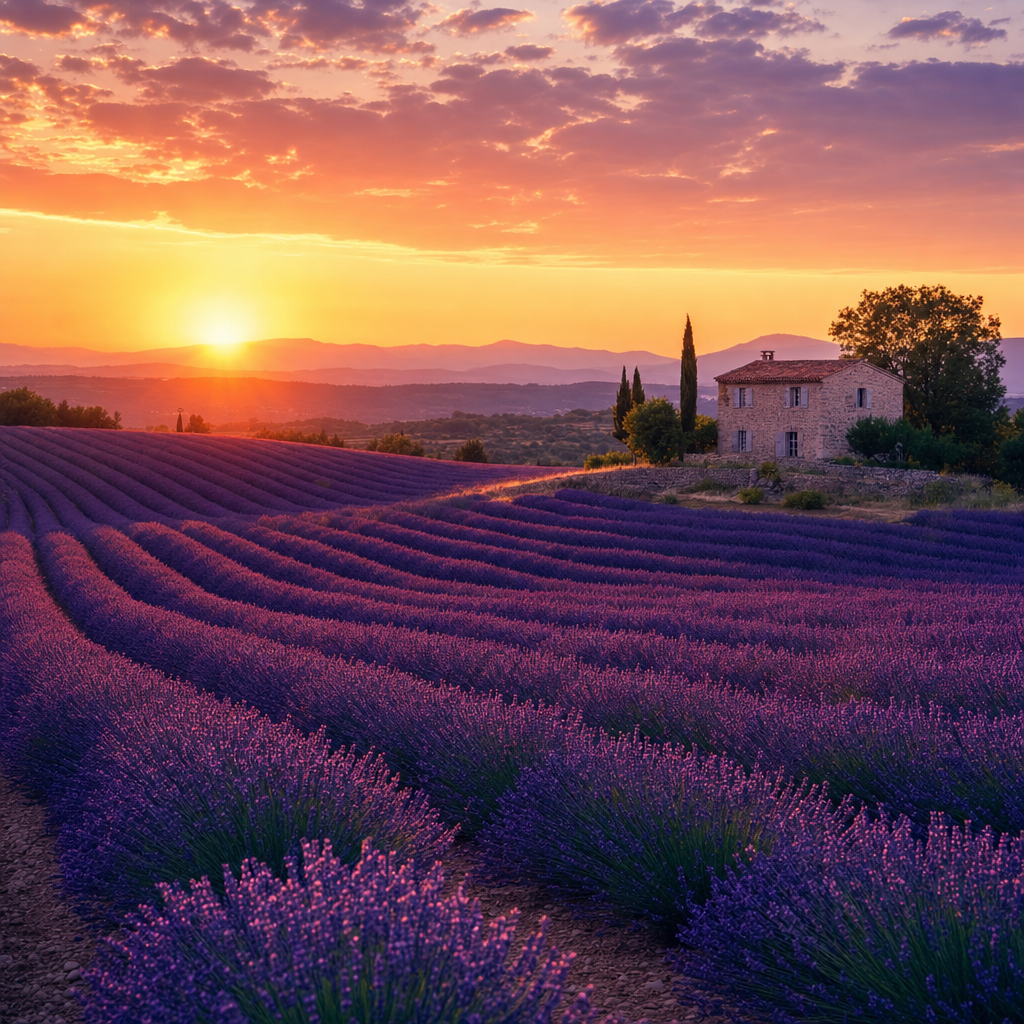
A calm lavender field at sunset
gpt-image-2
Models you can run on PixelDojo for ai hairstyle try on
Switch models without switching tools. Each one runs in the same PixelDojo studio.
What you can do with ai hairstyle try on on PixelDojo
Try Looks On Your Photo
We generate new hairstyles on a photo you provide so you can preview cuts, color, and length before you commit. Upload a clear face image and we return stills that keep your features consistent.
Browse Many Hair Styles
We cover short, long, curly, straight, and color variants so you can compare options in one place. Pick a direction and we produce matching images you can iterate on.
Keep Identity In Frame
We aim to preserve face shape, lighting, and expression while changing only the hair. That helps you judge a style without losing the person in the original shot.
Export Ready Still Images
We output downloadable images you can share, print, or take to a salon. You can generate extra variations from the same source photo when you want more choices.
Loved by thousands of creators worldwide. PixelDojo's 40+ cutting-edge AI tools deliver photorealistic AI hairstyle try on results that look like professional photos. Users consistently praise the identity-preserving quality and ease of experimenting with new looks.
Why Choose Pixel Dojo for ai hairstyle try on
Professional-quality results with cutting-edge AI technology
Preview Perfect Looks Without Any Risk
See yourself in that bold new cut or color before a single strand is touched. PixelDojo's AI hairstyle try on with Flux Pro Virtual Try-On and Virtual Try-On generates photorealistic images that capture every detail of hair texture, shine and movement while keeping your face completely natural. You gain the confidence to choose styles that truly flatter you and avoid expensive mistakes.
Experiment with Unlimited 2026 Trends Instantly
Stay on top of fashion by trying curtain bangs, butterfly layers, Italian bobs, textured crops and enhanced natural textures in minutes. Use Character Stylist, Face Swap and generators like GPT Image 2 or Flux.2 Studio to test dozens of variations including colors from rich brunettes to pastel highlights. You find the perfect match for your personality without ever leaving home.
Walk Into the Salon with Professional References
Download high-resolution images your stylist can follow exactly. Combine Inpainting, Portrait Upscaler and Reality Polisher to refine every detail. You get the precise cut and color you envisioned, leading to hairstyles you'll actually love wearing every day instead of settling for something close enough.
How It Works
Creating stunning AI hairstyle try on results is simple with PixelDojo's specialized tools built for realistic virtual transformations that keep you looking like you.
Step 1: Choose Your Tool
Select Flux Pro Virtual Try-On or Virtual Try-On from Characters & Faces for precise overlays, or use Edit Images tools like Image to Image and Inpainting for custom changes. For fresh generations pick Flux.2 Studio, GPT Image 2 or Seedream 5. These options preserve your identity while applying new hairstyles that match your lighting and features.
Step 2: Enter Your Prompt
Upload a well-lit front-facing photo. Describe exactly what you want such as medium curtain bangs with soft waves and caramel highlights, keeping my face and original lighting. You can also add a reference image. Character Stylist automatically considers your face shape for the most flattering result.
Step 3: Customize & Download
Review your image then refine specific areas with Inpainting or enhance lighting with Magic Lighting. Upscale using Portrait Upscaler or Clarity Pro for salon-ready quality. Download the high-resolution file to share with your stylist or on social media. Generate more variations instantly with WAN Image or Recraft V4.1.
The Pixel Dojo Advantage
Why PixelDojo outperforms other options for AI hairstyle try on image generation
| Others | Pixel Dojo |
|---|---|
| Traditional salon consultations | Get unlimited realistic previews at home in seconds instead of waiting weeks for an appointment and risking a cut you might hate. You experiment freely with 40+ specialized tools before committing any money. |
| Generic AI tools | PixelDojo's Flux Pro Virtual Try-On, Virtual Try-On and Face Swap excel at keeping your exact face, skin tone and lighting while rendering natural hair textures, delivering results that actually look like you. |
| Manual photo editing | Skip hours of tedious work. Our AI automatically handles complex hair edges, lighting consistency and texture details so you get professional-quality AI hairstyle try on images instantly. |
Loved by creators on PixelDojo
Real feedback from people using PixelDojo, pulled from our in-product surveys.
Love how I can almost create anything
The Flux Pro Ultra is just amazing!
Very easy to use, and they have fast wan 2.2 video generation with custom loras available.
The overall quality of the site and it's amazing variety of tools. The continued updates of the UI. The unbelievable level of tech support.
THIS IS SO DOPE !
I have already recommended it to friends
Explore more AI tools on PixelDojo
AI Tools
Compare & Switch
- Best AI Image Generators
- Best AI Video Generators
- Midjourney Alternatives
- Civitai Alternatives
- Runway Alternatives
- Leonardo Alternatives
- Pika Alternatives
- Luma Alternatives
- Magnific Alternatives
- Veo Alternatives
- Flux Alternatives
- Freepik Alternatives
- Seedance Alternatives
- Seedream Alternatives
- Pixverse Alternatives
- GPT Image Alternatives
- Synthesia Alternatives
- Playground Alternatives
- NightCafe Alternatives
- Canva AI Alternatives
- ElevenLabs Alternatives
- ComfyUI Alternatives
- Fal Alternatives
- Replicate Alternatives
Common Questions
Everything you need to know about ai hairstyle try on
How does AI hairstyle try on with PixelDojo keep my face looking completely natural?
PixelDojo uses Flux Pro Virtual Try-On, Face Swap and LoRA Face Swap to replace only the hair while perfectly matching your skin, lighting and expression. Combined with Reality Polisher and Image Analyzer the results look like real photographs rather than obvious edits. You get convincing previews you feel proud to show anyone.
What 2026 hairstyle trends can I try on with AI hairstyle try on?
You can preview curtain bangs, wolf cuts, butterfly layers, Italian bobs, textured crops and enhanced natural textures plus glossy healthy finishes. Simply describe them in GPT Image 2, Kling Image or Flux.2 Studio prompts. Character Stylist helps match each trend to your unique face shape so the look actually flatters you.
Can I change hair color as well as cut with PixelDojo AI hairstyle try on?
Yes. Describe any shade from platinum blonde balayage to rich espresso or even pastel pink and the AI applies it realistically considering your skin undertones. Virtual Try-On and Inpainting handle color changes beautifully. Experiment with bold or classic options using Seedream 5 or Recraft V4.1 until you find your perfect match.
Does PixelDojo AI hairstyle try on work for all hair types and face shapes?
Absolutely. Models including PonyXL, SDXL and Hunyuan Image 3 handle straight, wavy, curly and coily textures plus every face shape. Consistent Characters and Character Sheets keep representations accurate. Just upload a photo showing your natural hair for the best personalized results.
How do I get the most realistic AI hairstyle try on results?
Use a clear, well-lit, front-facing photo. Be specific in your prompt about length, texture, part and color. After generation refine with Change Camera Angle, Style Transfer or Magic Lighting then upscale with Magnific Upscaler or Portrait Upscaler. PixelDojo's 40+ tools give you complete control for photorealistic images.
Can I use my PixelDojo AI hairstyle try on images commercially or share them freely?
Yes. Download and use your images however you like including showing your stylist or posting on social media. Developers can integrate via the Developer API. With 40+ cutting-edge tools loved by thousands of creators worldwide you can create as many looks as you want and cancel anytime.