ai image editor nsfw
Generated on PixelDojo. Produced by PixelDojo's generation pipeline.
Unlock complete creative freedom with PixelDojo's AI image editor for NSFW content. Whether you're an adult content creator, digital artist, or fantasy enthusiast, achieve professional-grade uncensored images that match your exact vision. Refine poses, enhance details, swap styles, expand scenes, or generate bold new concepts from scratch—all without filters holding you back. Turn rough ideas or existing photos into polished, high-impact NSFW artwork that captivates audiences, builds your brand, and stands out. With specialized spicy models and precise editing tools, you get photorealistic or stylized results in minutes, ready for sharing, monetization, or further animation. Join thousands of creators who rely on PixelDojo for unrestricted NSFW image editing and generation that delivers consistent, stunning outcomes every time.
Real image examples generated on PixelDojo
Every example below was produced on PixelDojo. Hover to see the prompt.
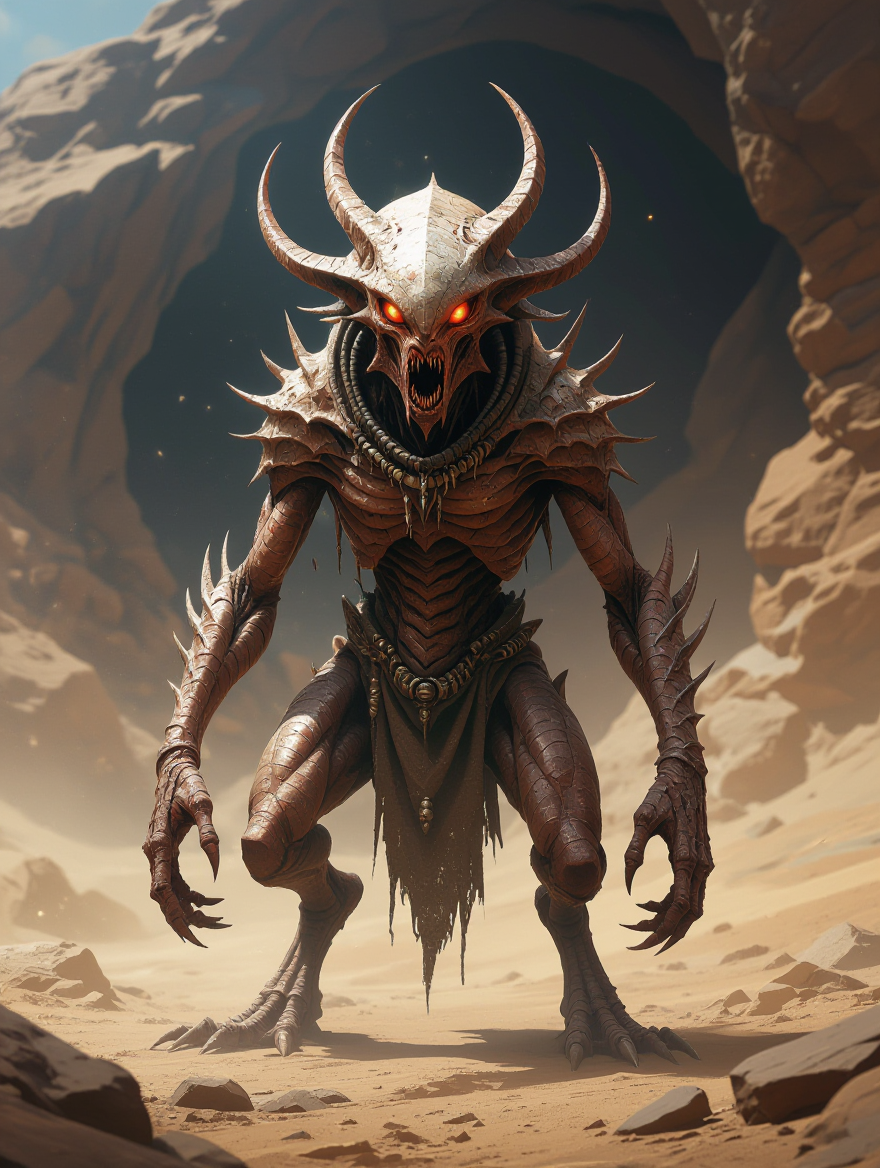
“Generate a creature that cannot be categorized or compared to anything within human imagi…
hidream
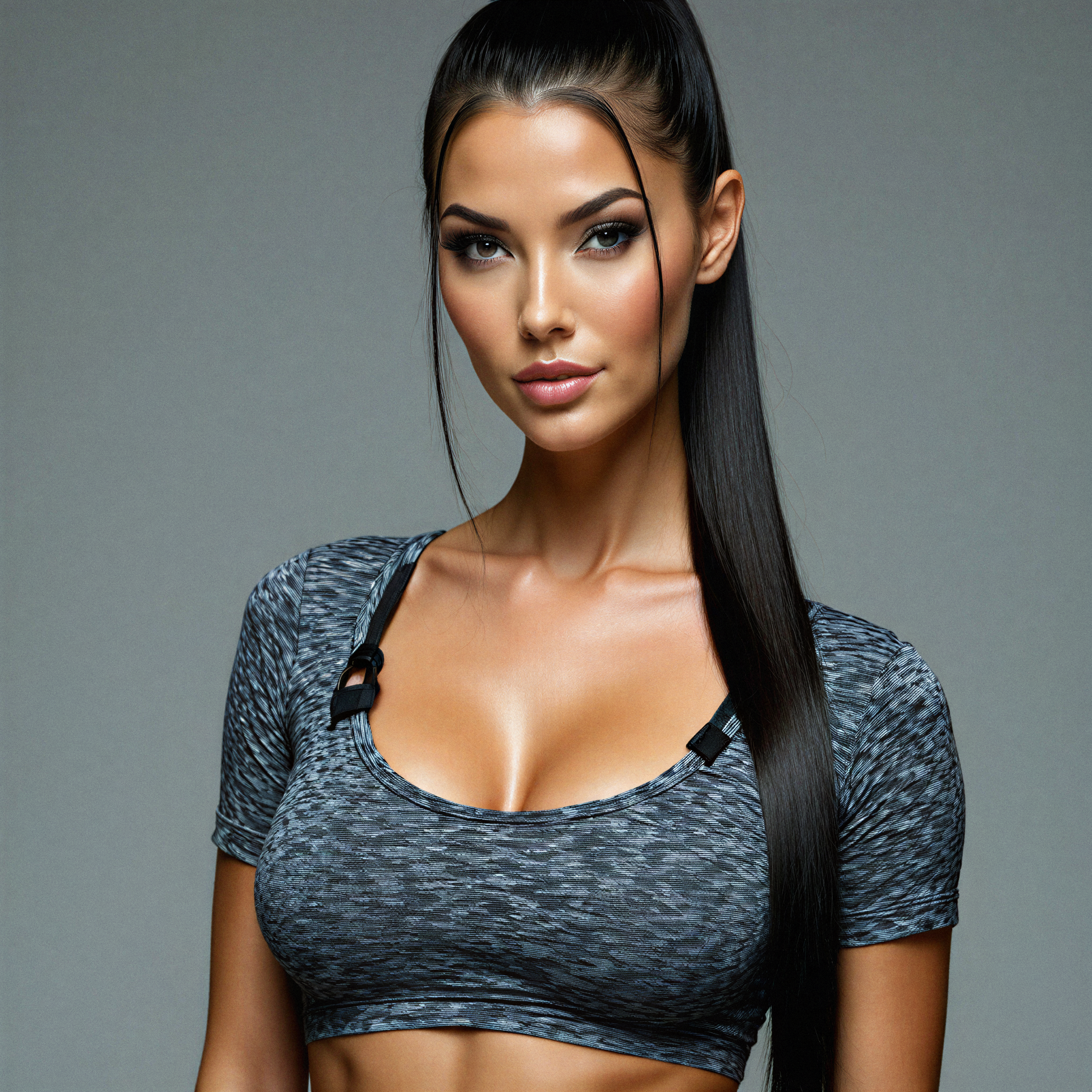
ai image editor nsfw on PixelDojo
magnific-precision
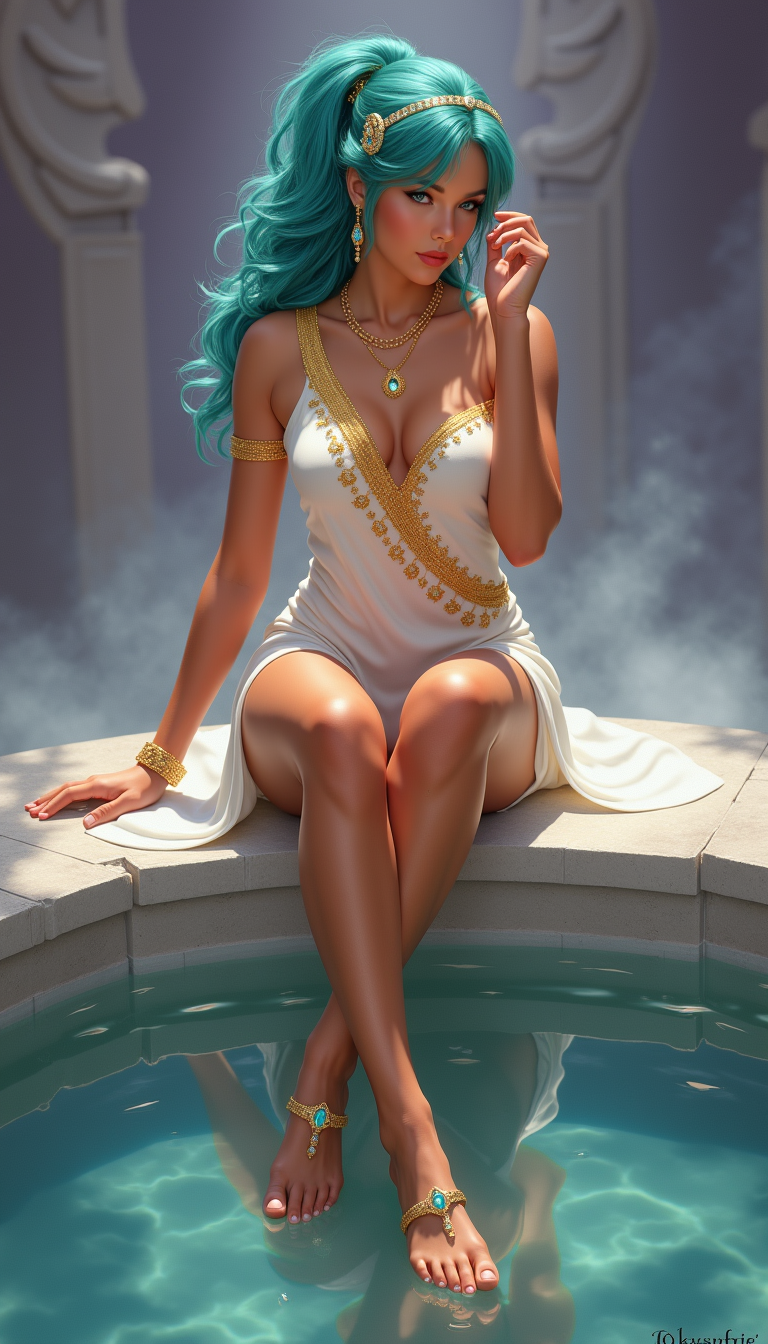
TOKSWIFTIE
flux
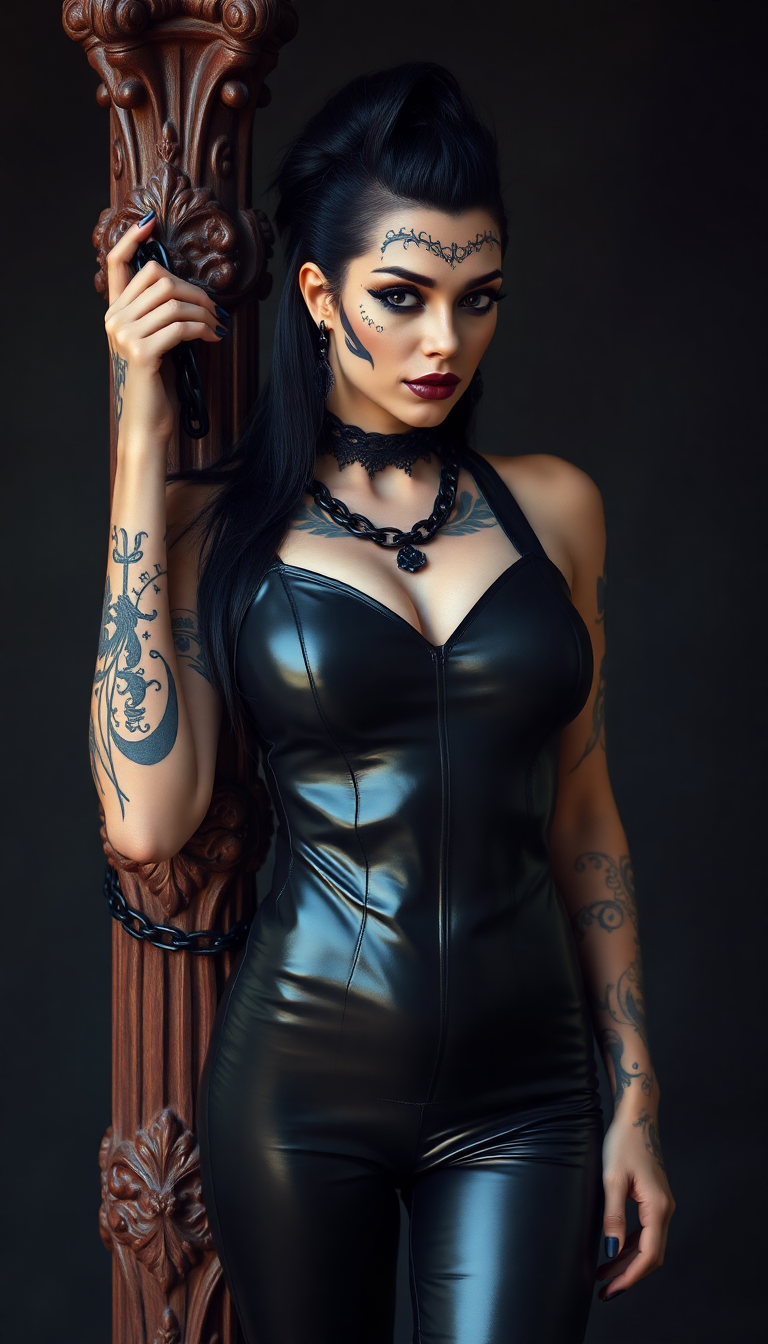
A Gothic-inspired beautiful and full breasted black haired goddess with intricate black ta…
flux
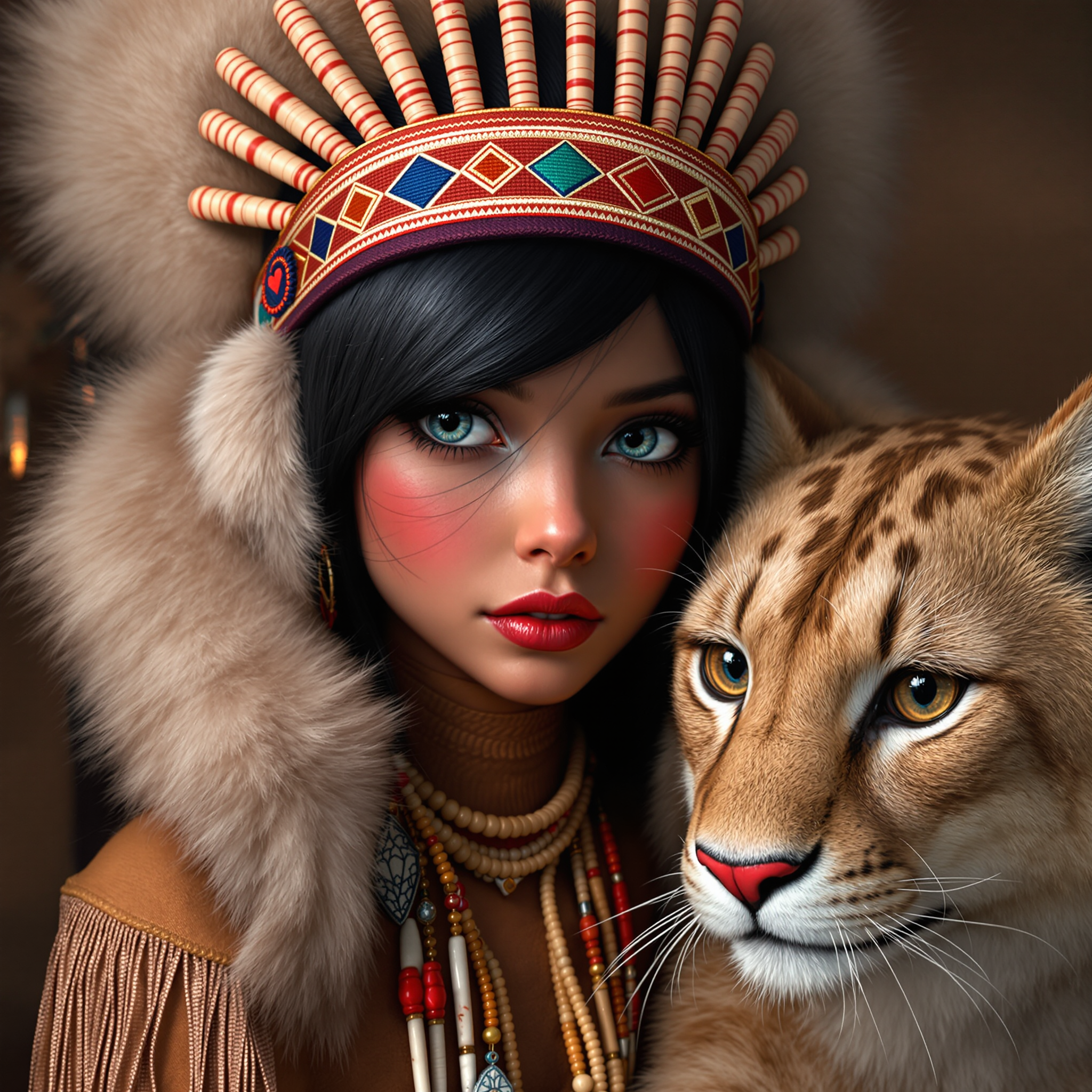
ai image editor nsfw on PixelDojo
flux-redux
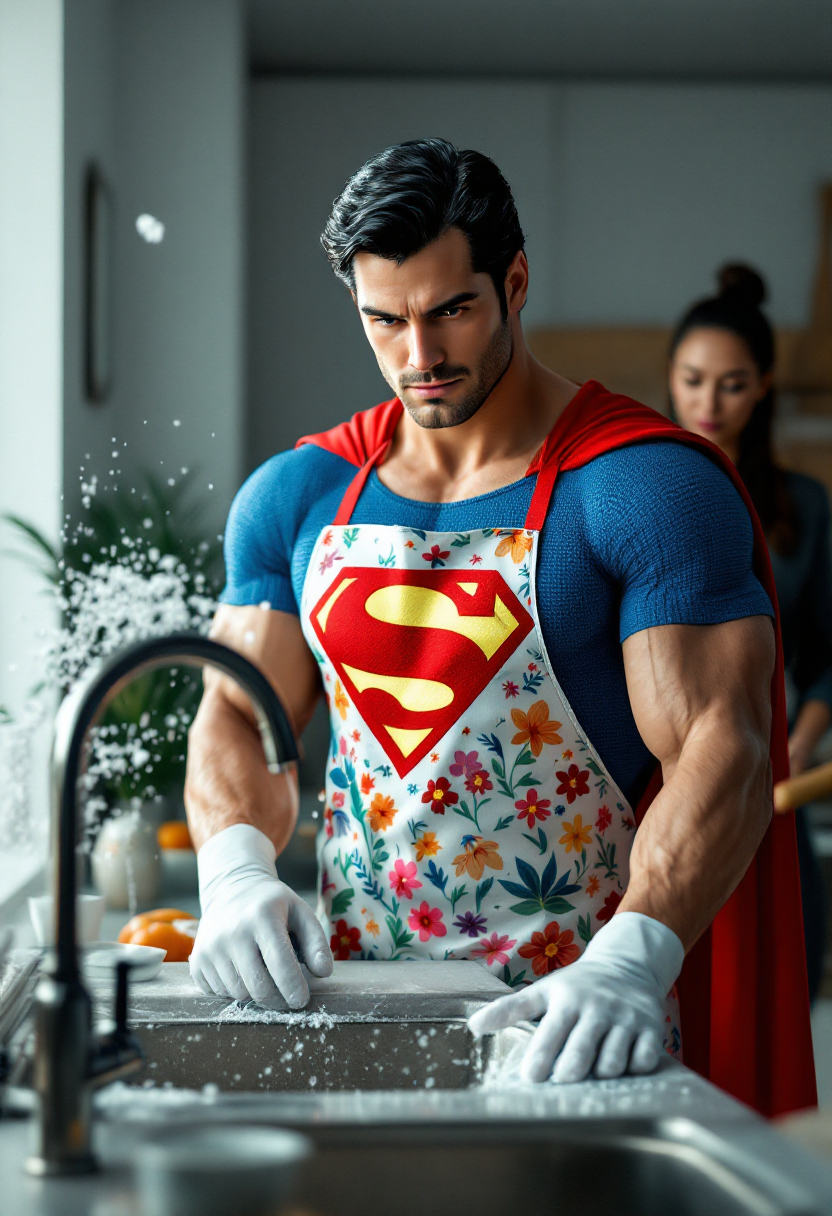
Spectacular photography
flux
Models you can run on PixelDojo for ai image editor nsfw
Switch models without switching tools. Each one runs in the same PixelDojo studio.
What you can do with ai image editor nsfw on PixelDojo
NSFW Image Generation
We provide AI tools that generate explicit and adult-oriented images from text prompts. Creators can produce custom NSFW visuals with control over style, composition, and details.
Inpainting and Editing Tools
We offer inpainting features to edit specific areas of generated or uploaded images. Adjust clothing, poses, or other elements while keeping the rest of the scene intact.
Multiple Model Access
We give creators access to a range of fine-tuned models suited for NSFW content. Switch between models to match different artistic styles and output preferences.
Prompt Refinement Controls
We include advanced prompt options and negative prompts for precise NSFW results. Iterate quickly to refine anatomy, lighting, and scene elements.
Trusted by thousands of creators worldwide with 40+ cutting-edge AI tools. Rated highly for uncensored quality, speed, and reliability—cancel anytime with full peace of mind.
Why Choose Pixel Dojo for ai image editor nsfw
Professional-quality results with cutting-edge AI technology
Full Creative Freedom Without Filters
Produce bold, uncensored NSFW images and edits exactly as you imagine them. No blocked prompts or watered-down results—express adult themes, detailed anatomy, and fantasy scenes freely to create content that truly resonates and converts for your audience.
Precision Edits That Preserve Your Vision
Fix anatomy, adjust clothing, change lighting, or refine specific areas while keeping the rest of your image perfect. Achieve professional polish on existing NSFW art or photos so every detail enhances impact without starting over.
Pro-Quality Results Ready for Monetization
Generate and edit high-resolution, consistent NSFW visuals optimized for platforms, print, or video. Build character libraries, expand scenes, and upscale for commercial use—boost engagement and revenue with polished adult content effortlessly.
How It Works
Creating and editing stunning NSFW images on PixelDojo is simple and powerful. Leverage specialized tools for generation and precise refinement to achieve your desired adult-themed results in just a few steps.
Step 1: Choose Your NSFW-Ready Tool
Select from Generate Images tools like Z Image Spicy, PonyXL, SDXL, Flux.2 Studio, or Grok Image for bold uncensored starts. For editing, pick Image to Image, Inpainting, or Image Outpainting. Upload a base image or start fresh to match your NSFW style goals.
Step 2: Enter Your Prompt or Mask Edits
Describe your vision in detail—poses, lighting, materials, expressions—or mask specific areas for Inpainting changes like outfit adjustments or detail fixes. Use Image to Image with a reference for style transfers or variations. Incorporate spicy models for enhanced adult fidelity and creative control.
Step 3: Customize, Enhance & Download
Tweak settings, apply Style Transfer, Magic Lighting, Reality Polisher, or upscale with P-Image Upscale and Magnific Upscaler. Generate variations, ensure consistency with Consistent Characters if needed, then download high-res files. Extend to video with WAN 2.7 Spicy Image-to-Video for dynamic results.
The Pixel Dojo Advantage
Why PixelDojo outperforms other options for AI image editor NSFW creation and refinement
| Others | Pixel Dojo |
|---|---|
| Traditional NSFW art creation | Skip hours of manual drawing or expensive commissions—generate and edit professional uncensored images in minutes with precise control over every detail for faster iteration and higher output volume. |
| Generic AI tools | Avoid frustrating filters and censored outputs. Access dedicated spicy models like Z Image Spicy, PonyXL, and advanced editors including Inpainting and Image to Image for true creative freedom and superior NSFW fidelity. |
| Manual photo editing | Replace tedious Photoshop work with AI-powered precision. Instantly refine anatomy, expand scenes via Outpainting, polish realism, and maintain consistency across series without advanced skills or time sinks. |
Loved by creators on PixelDojo
Real feedback from people using PixelDojo, pulled from our in-product surveys.
the quality is the best
All the tools needed in one dashboard
Very fair and very broad in tools.
Accurate results
Great site and so much fun to use!
very useful set of tools for image creation, upscaling and enhancement
Explore more AI tools on PixelDojo
AI Tools
Compare & Switch
- Best AI Image Generators
- Best AI Video Generators
- Midjourney Alternatives
- Civitai Alternatives
- Runway Alternatives
- Leonardo Alternatives
- Pika Alternatives
- Luma Alternatives
- Magnific Alternatives
- Veo Alternatives
- Flux Alternatives
- Freepik Alternatives
- Seedance Alternatives
- Seedream Alternatives
- Pixverse Alternatives
- GPT Image Alternatives
- Synthesia Alternatives
- Playground Alternatives
- NightCafe Alternatives
- Canva AI Alternatives
- ElevenLabs Alternatives
- ComfyUI Alternatives
- Fal Alternatives
- Replicate Alternatives
Common Questions
Everything you need to know about ai image editor nsfw
What makes PixelDojo the best AI image editor for NSFW content?
PixelDojo offers unrestricted access to spicy models like Z Image Spicy, PonyXL, and SDXL alongside powerful editors such as Image to Image, Inpainting, and Image Outpainting. You achieve precise, high-quality uncensored results with full creative control, character consistency tools, and seamless upscaling—loved by thousands of adult creators who value speed, quality, and the ability to cancel anytime.
How does NSFW image-to-image editing work on PixelDojo?
Upload your base image to the Image to Image tool, add a detailed prompt describing desired changes (poses, styles, details), and generate variations that retain core composition while applying bold NSFW enhancements. Combine with Inpainting for targeted fixes and Reality Polisher for pro finishes, delivering customized adult visuals efficiently.
Can I use inpainting for precise NSFW anatomy and clothing edits?
Yes—PixelDojo's Inpainting tool lets you mask specific areas to refine anatomy, adjust clothing, fix artifacts, or enhance details while perfectly blending with the rest of the image. Paired with spicy generators, it ensures natural, high-fidelity NSFW results without regenerating everything from scratch.
Is PixelDojo's AI image editor NSFW completely uncensored?
PixelDojo provides broad creative freedom with dedicated spicy tools including Z Image Spicy, WAN spicy variants, and PonyXL designed for adult-themed content. Focus on fictional, consensual creative work; the platform supports detailed prompts and edits that mainstream tools often restrict, backed by 40+ models for versatile outcomes.
How can I create consistent NSFW characters across multiple images?
Use Consistent Characters, Character Sheets, Ideogram Character, or LoRA Face Swap alongside generation tools like Flux.2 Studio or Seedream. Generate a base with spicy models, then refine via Image to Image and Inpainting to maintain likeness, style, and details across series for professional adult content libraries.
What trends in AI NSFW image editing can I leverage on PixelDojo?
Stay ahead with prompt-based precision edits, multi-modal workflows (image to spicy video via WAN 2.7 Spicy or MiniMax H3 Spicy), advanced inpainting/outpainting for scene expansion, photorealistic polishing, and privacy-focused creation. PixelDojo integrates these latest techniques through tools like Style Transfer, Magic Lighting, and upscalers for trending high-quality, engaging adult visuals.