ai interior design generator

Generated on PixelDojo. Produced by PixelDojo's generation pipeline.
Imagine seeing your living room transformed into a warm, inviting sanctuary with perfect lighting, textures, and furniture placement – all before you spend a single dollar or move a sofa. PixelDojo's AI interior design generator makes this your everyday reality. You upload a photo of your actual space or describe your vision, and in seconds you receive photorealistic visualizations that preserve every window, wall, and proportion while applying stunning new styles. Homeowners like you explore 2026 trends such as warm minimalism with earthy clay and olive tones, biophilic living walls, and flexible modular furniture without guesswork. Real estate professionals stage properties virtually, and designers iterate client concepts at lightning speed. Tools including Nano Banana 2 for faithful photo restyling, Flux.2 Studio for ultra-realistic concepts, GPT Image 2 for detailed accuracy, and Seedream 5 deliver magazine-quality interiors. You save thousands on traditional fees, avoid costly mistakes, and bring your dream home to life with complete creative control. Start today and experience the confidence of seeing your future space now.
Real image examples generated on PixelDojo
Every example below was produced on PixelDojo. Hover to see the prompt.
Generate a photorealistic image of a luxurious 2025 Maung V3 Garuda interior
stable-diffusion
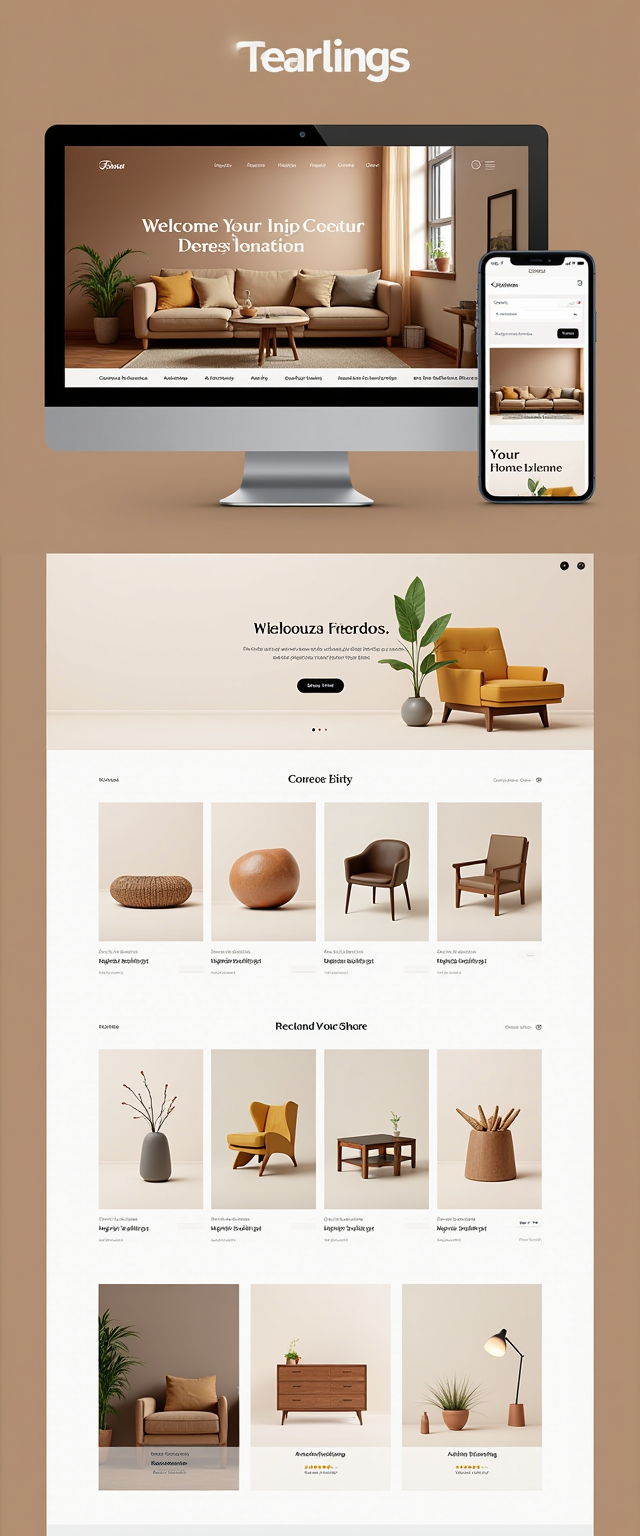
Create a visually stunning Shopify store mockup displayed on a desktop screen and a mobile…
stable-diffusion
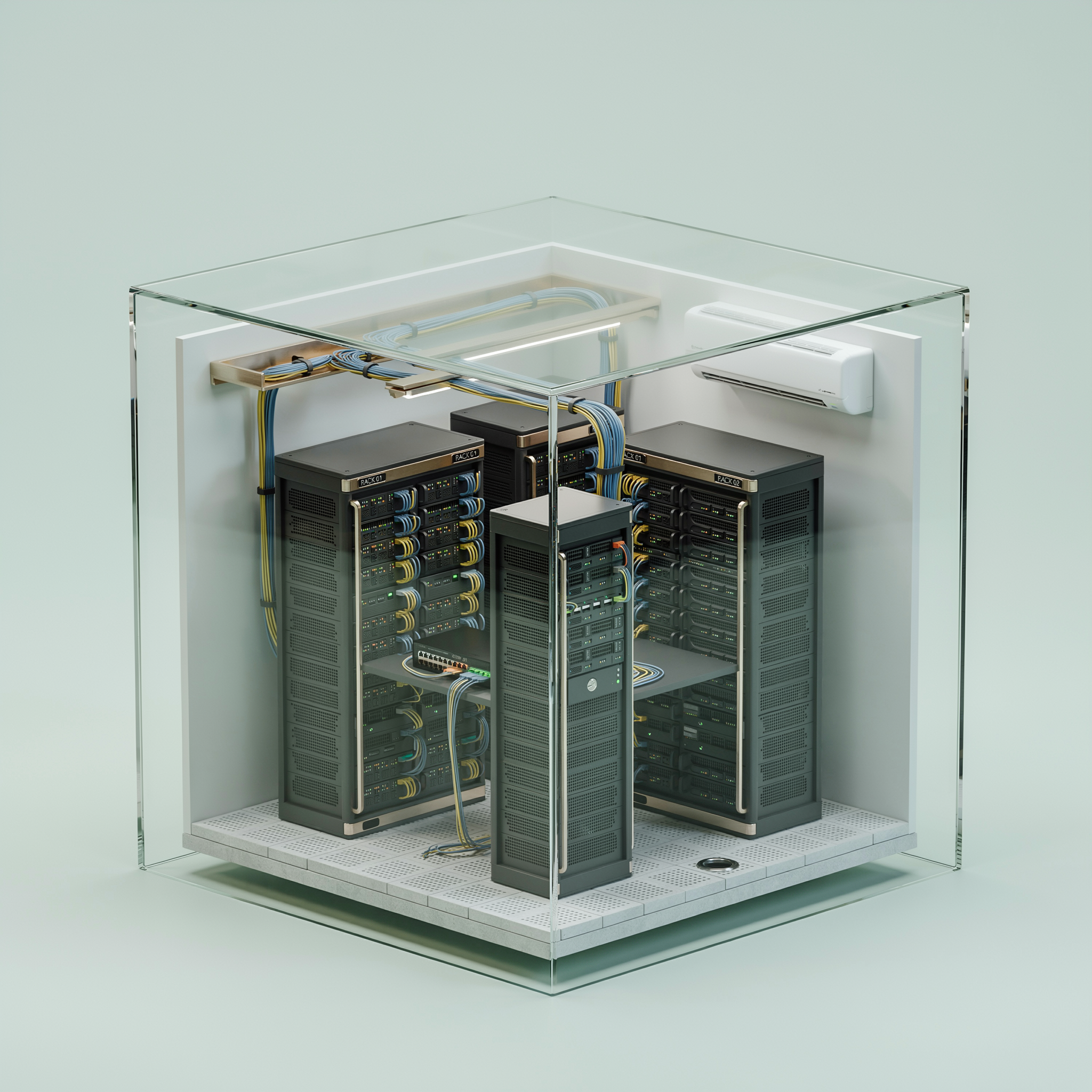
An isometric cutaway of a tiny server room inside a glass cube
ideogram-v4-turbo
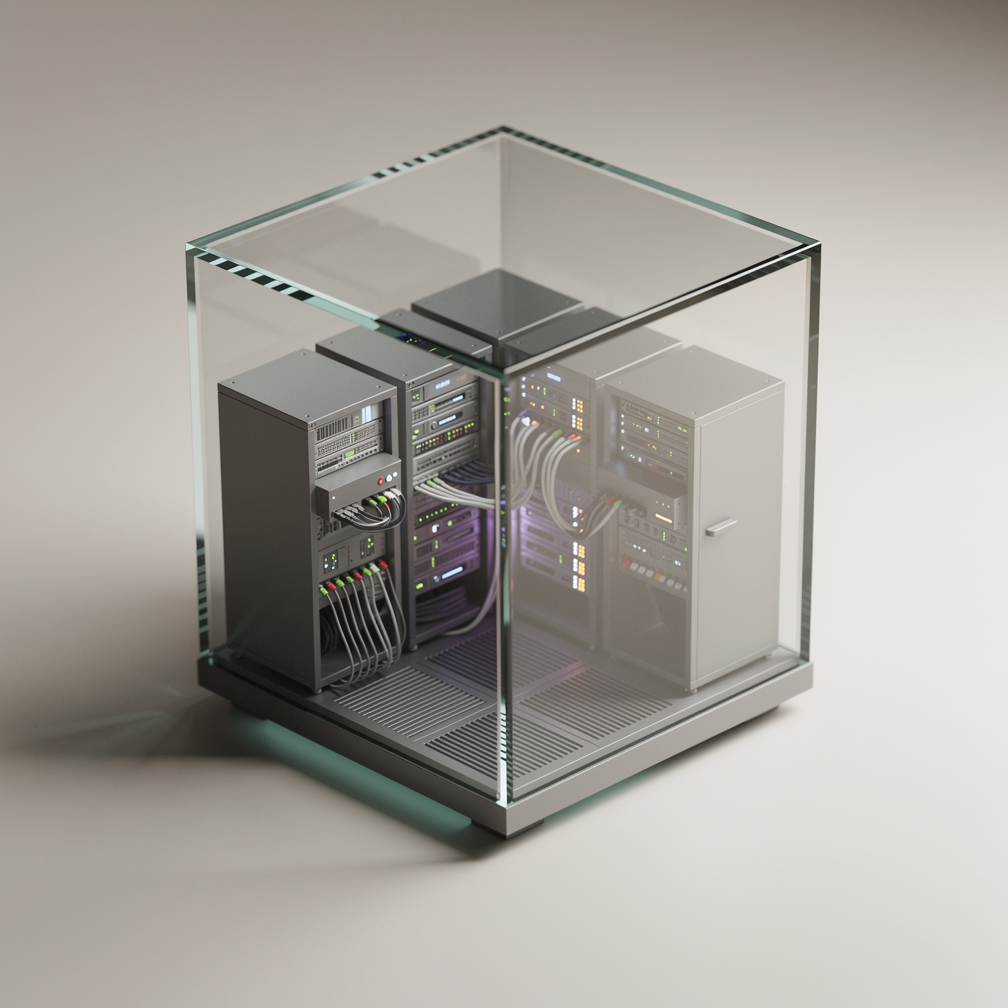
An isometric cutaway of a tiny server room inside a glass cube
flux-2-pro
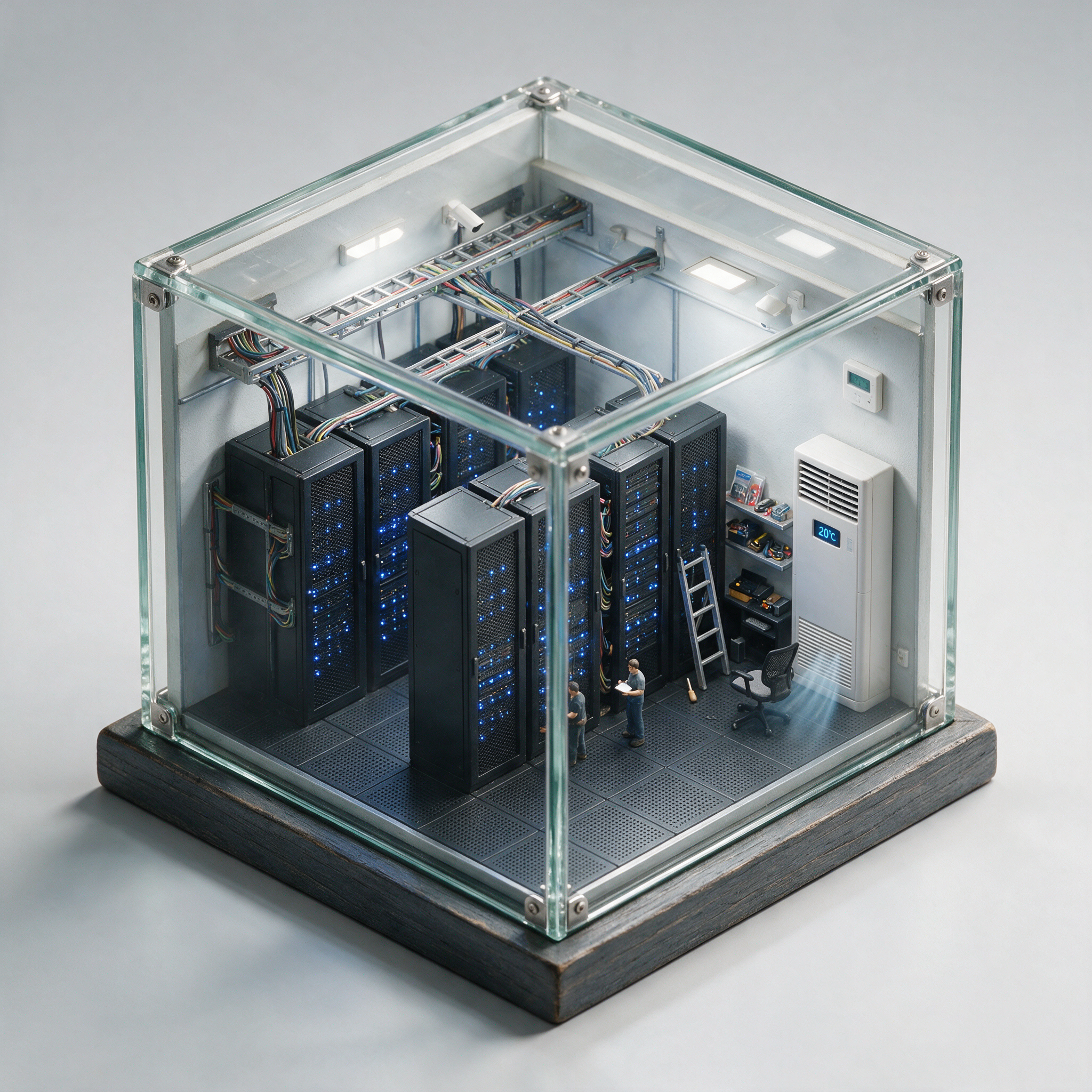
An isometric cutaway of a tiny server room inside a glass cube
seedream-5
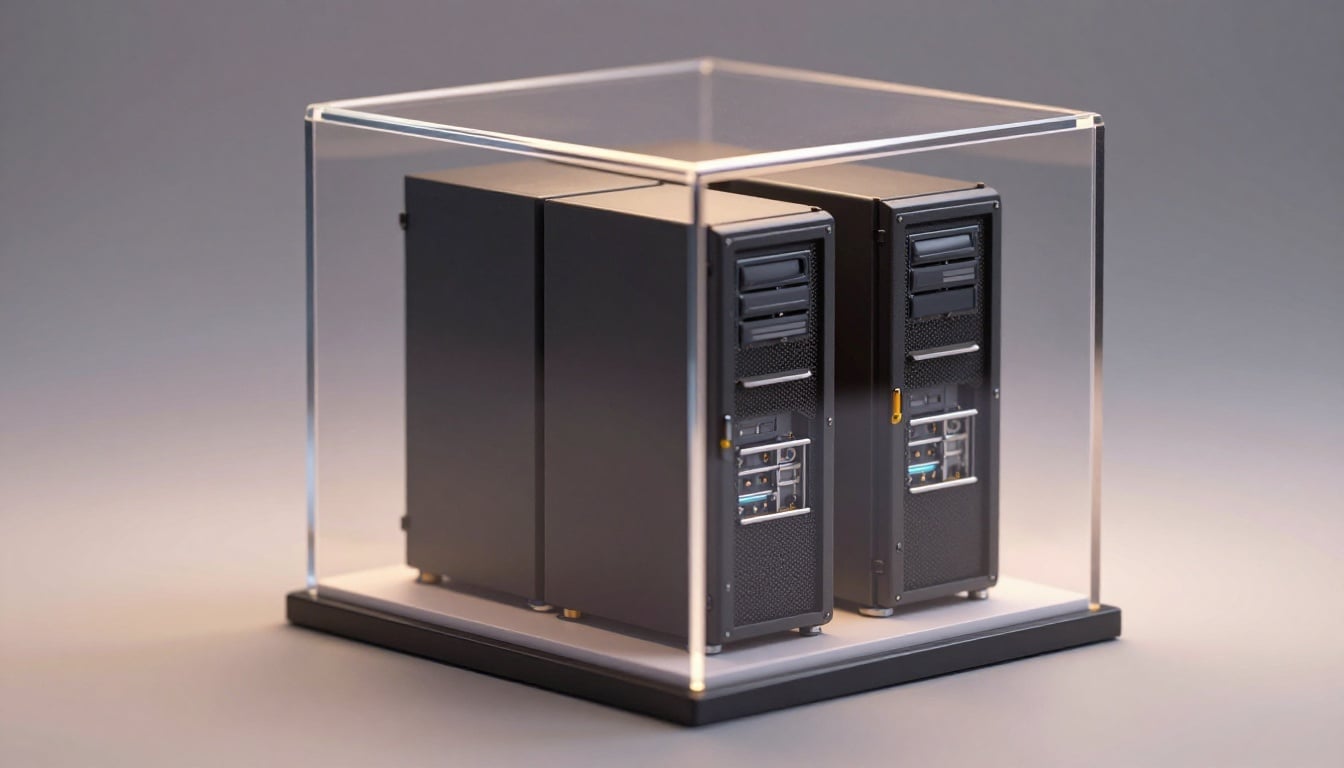
An isometric cutaway of a tiny server room inside a glass cube
p-image
Models you can run on PixelDojo for ai interior design generator
Switch models without switching tools. Each one runs in the same PixelDojo studio.
What you can do with ai interior design generator on PixelDojo
Describe Any Room
We turn your brief into interior images: room type, lighting, furniture, and finishes. You iterate with new prompts until the look matches the project.
Style And Material Control
We let you specify palettes, woods, fabrics, and design eras so generated rooms stay on-brand. Adjust details in follow-up generations without starting from scratch.
Multiple Layout Options
We produce several interior views from one idea so you can compare furniture placement and camera angles. Pick a direction and refine it for presentations.
Client-Ready Image Exports
We generate stills you can download and share in mood boards, proposals, and social posts. Use them as visual references, not as construction documents.
Loved by thousands of homeowners, interior designers, and real estate professionals worldwide. Access 40+ cutting-edge AI tools with plans you can cancel anytime.
Why Choose Pixel Dojo for ai interior design generator
Professional-quality results with cutting-edge AI technology
See Your Exact Room Transformed Instantly
Upload a photo of your current space and generate photorealistic redesigns that lock in your architecture, windows, and layout so you visualize real changes with zero risk.
Explore Every 2026 Trend Without Limits
Iterate warm minimalism, biophilic greenery, dopamine-rich maximalism, or quiet luxury palettes using Recraft V4.1 and Ideogram 4 until you discover the perfect look for your lifestyle.
Get Professional Results on Any Budget
Produce high-end interiors matching designer quality using GPT Image 2, Flux.2 Studio, and Krea Image – no expensive consultations or complex software required.
How It Works
Creating breathtaking interior visualizations is straightforward with PixelDojo. These three steps turn your ideas into photorealistic rooms you can share, present, or use for shopping decisions.
Step 1: Choose Your Tool
Select Nano Banana 2 to restyle photos of your real rooms while perfectly holding architecture, Flux.2 Studio for cinematic photorealism, GPT Image 2 for precise material and lighting control, or Seedream 5 for interior-focused excellence. Pair with Image to Image for photo-based work and consider Kling Video or VEO 3.1 later for walkthroughs.
Step 2: Enter Your Prompt or Upload Photo
Type a detailed description such as 'photorealistic Japandi living room with limewash walls, white oak floors, linen sofa, abundant plants, soft natural daylight, 24mm wide-angle eye-level view, 4K' or upload your daylight room photo and add 'restyle in warm contemporary with clay accents, keep all windows and proportions'. Specific materials, lighting, and camera details produce the most usable results.
Step 3: Customize & Download
Refine using Edit Images tools: Inpainting to swap a single piece of furniture, Style Transfer for new moods, Magic Lighting for ambiance shifts, and Change Camera Angle for fresh perspectives. Enhance with Magnific Upscaler or P-Image Upscale, then download high-resolution files ready for client presentations, mood boards, or purchasing decisions. Extend into video with Seedance 2.5 or PixVerse V6.
The Pixel Dojo Advantage
PixelDojo outperforms traditional and generic options for interior design image generation by delivering structure-accurate, photorealistic results at unmatched speed and affordability.
| Others | Pixel Dojo |
|---|---|
| Traditional interior design services | Receive unlimited photorealistic concepts in seconds rather than waiting weeks and paying thousands. You iterate freely and arrive at meetings with visuals already in hand. |
| Generic AI image tools | Specialized models like Nano Banana 2, Seedream 5, and Hunyuan Image 3 understand room geometry, materials, and lighting so outputs remain true to your actual space instead of inventing new architecture. |
| Manual photo editing and 3D modeling | Skip hours of complex software and steep learning curves. Image to Image plus Inpainting automatically restyle entire rooms or individual elements while you stay focused on your creative vision. |
Loved by creators on PixelDojo
Real feedback from people using PixelDojo, pulled from our in-product surveys.
user friendly all in one thing
I really like the schedule of AI work performed!
The best tools for IA on the web !
The guy that operates the website is constantly updating it
I’ve been using PixelDojo for around 8 months now and it’s always worked wonderfully while constantly adding features.
The site is easy to navigate and use.
Explore more AI tools on PixelDojo
AI Tools
Compare & Switch
- Best AI Image Generators
- Best AI Video Generators
- Midjourney Alternatives
- Civitai Alternatives
- Runway Alternatives
- Leonardo Alternatives
- Pika Alternatives
- Luma Alternatives
- Magnific Alternatives
- Veo Alternatives
- Flux Alternatives
- Freepik Alternatives
- Seedance Alternatives
- Seedream Alternatives
- Pixverse Alternatives
- GPT Image Alternatives
- Synthesia Alternatives
- Playground Alternatives
- NightCafe Alternatives
- Canva AI Alternatives
- ElevenLabs Alternatives
- ComfyUI Alternatives
- Fal Alternatives
- Replicate Alternatives
Common Questions
Everything you need to know about ai interior design generator
What is the best AI interior design generator for photorealistic rooms in 2026?
PixelDojo leads with Nano Banana 2 for photo restyling that preserves your exact architecture, Flux.2 Studio for cinematic quality, and GPT Image 2 for detailed control. Combined with Image to Image, Inpainting, and 40+ tools plus cancel-anytime flexibility, you achieve professional results whether you are a beginner or seasoned designer.
How do I create AI generated interior design from a photo of my room?
Upload a well-lit daylight photo to the Image to Image tool, add a prompt describing the desired style, materials, and lighting, then generate. Nano Banana 2 and Seedream 5 excel at keeping windows, doors, and proportions intact while transforming furniture and finishes. Refine further with Inpainting for targeted changes.
Can an AI interior design generator match the latest 2026 trends like warm minimalism and biophilic design?
Yes. Prompt with specifics such as 'warm minimalist living room, Cloud Dancer walls, olive and clay accents, modular sofa, natural oak, abundant plants' or 'biophilic kitchen with living walls, reclaimed wood, terracotta, sage green'. Recraft V4.1, Ideogram 4, and Flux.2 Studio capture these evolving aesthetics including flexibility and sustainability.[[1]](https://yadesign.studio/blog/ai-interior-design-tools-trends-2026)
How much can I save using PixelDojo's AI interior design generator versus hiring a professional?
Traditional designers often charge thousands plus weeks of time. PixelDojo lets you generate unlimited photorealistic options instantly at a fraction of the cost with 40+ tools loved by thousands of creators. Use the visuals to make confident decisions or take refined concepts to a professional, canceling anytime if needed.
Which PixelDojo tools work best for AI interior design video walkthroughs?
First create stills with Nano Banana 2 or Flux.2 Studio, then animate using Kling Video, VEO 3.1, WAN 3.0, Seedance 2.5, or Marketing Studio. Add Video Autocaption, Video Reframe, and Merge Videos to produce polished room tours perfect for real estate listings or client presentations.
What are the best prompt techniques for an AI interior design generator?
Include room type, key materials (fluted walnut, honed stone, linen), lighting (golden hour, soft natural daylight), camera (24mm wide-angle eye-level), style, and 'photorealistic 4K architectural photography'. For photo uploads always add 'preserve architecture, windows, layout, and proportions'. Iterate one element at a time with Inpainting for precision.