nano banana edit online AI Generator

Generated on PixelDojo. Produced by PixelDojo's generation pipeline.
You can turn ordinary photos into professional, magazine-ready visuals without any design experience or expensive software. Nano banana edit online on PixelDojo puts Google's powerful Nano Banana 2 model at your fingertips, letting you describe exactly what you want in everyday language. Swap a dull office background for a sun-drenched beach, change outfits while keeping every facial detail identical, add realistic objects that match lighting and perspective, or restyle an entire scene into cinematic gold. The result looks like it was captured by a pro photographer, not generated by AI. Content creators build consistent character stories for social feeds and comics. Marketers produce product shots in unlimited settings without booking studios or models. Families create fun historical portraits or pet adventures that feel completely real. PixelDojo combines Nano Banana 2 with Image to Image, Inpainting, Style Transfer, Magic Lighting, Background Remover, Change Camera Angle, and Reality Polisher so every edit stays natural and on-brand. You get 4K-ready files in seconds, then take them further with video tools or custom-trained models. Thousands of creators already rely on this workflow because it removes friction and delivers outcomes that actually convert. Start your first nano banana edit online today and see the difference.
Real image examples generated on PixelDojo
Every example below was produced on PixelDojo. Hover to see the prompt.
A nano banana
google-gemini-image

A nano banana
google-gemini-image
A nano banana
image-to-video
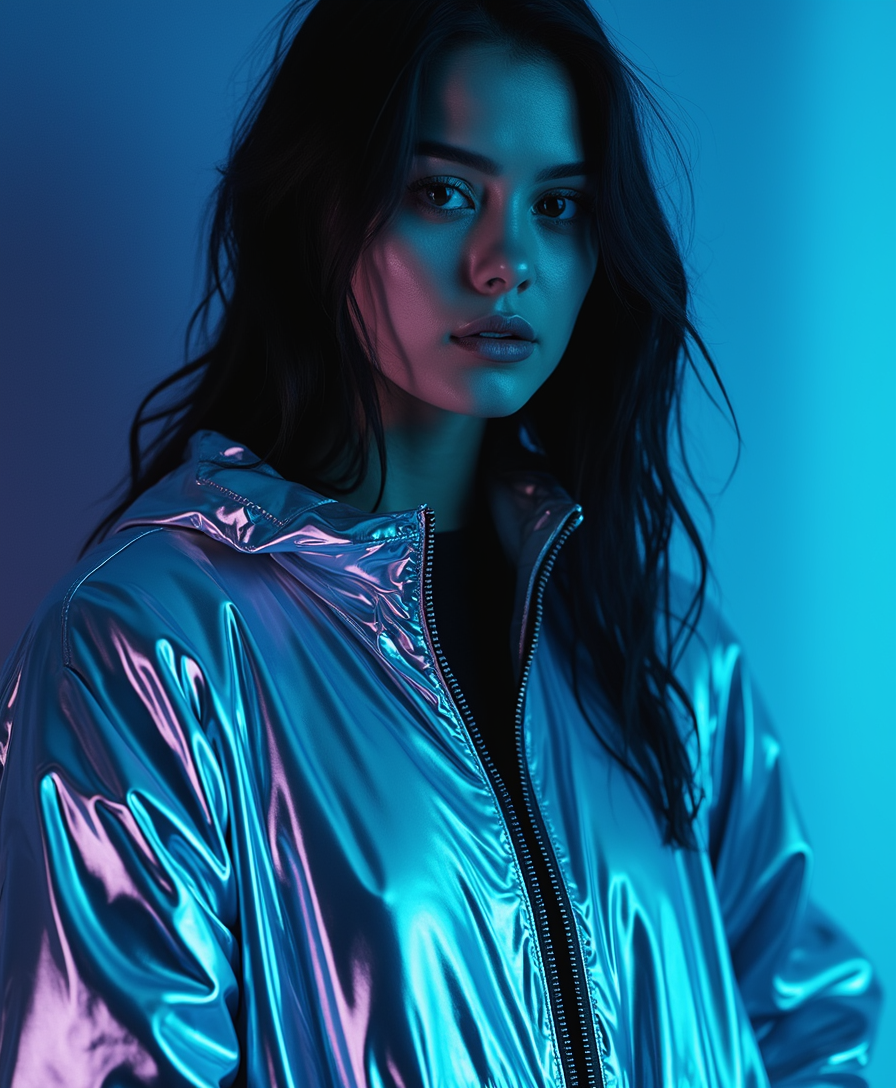
A beautiful woman with dark hair
flux
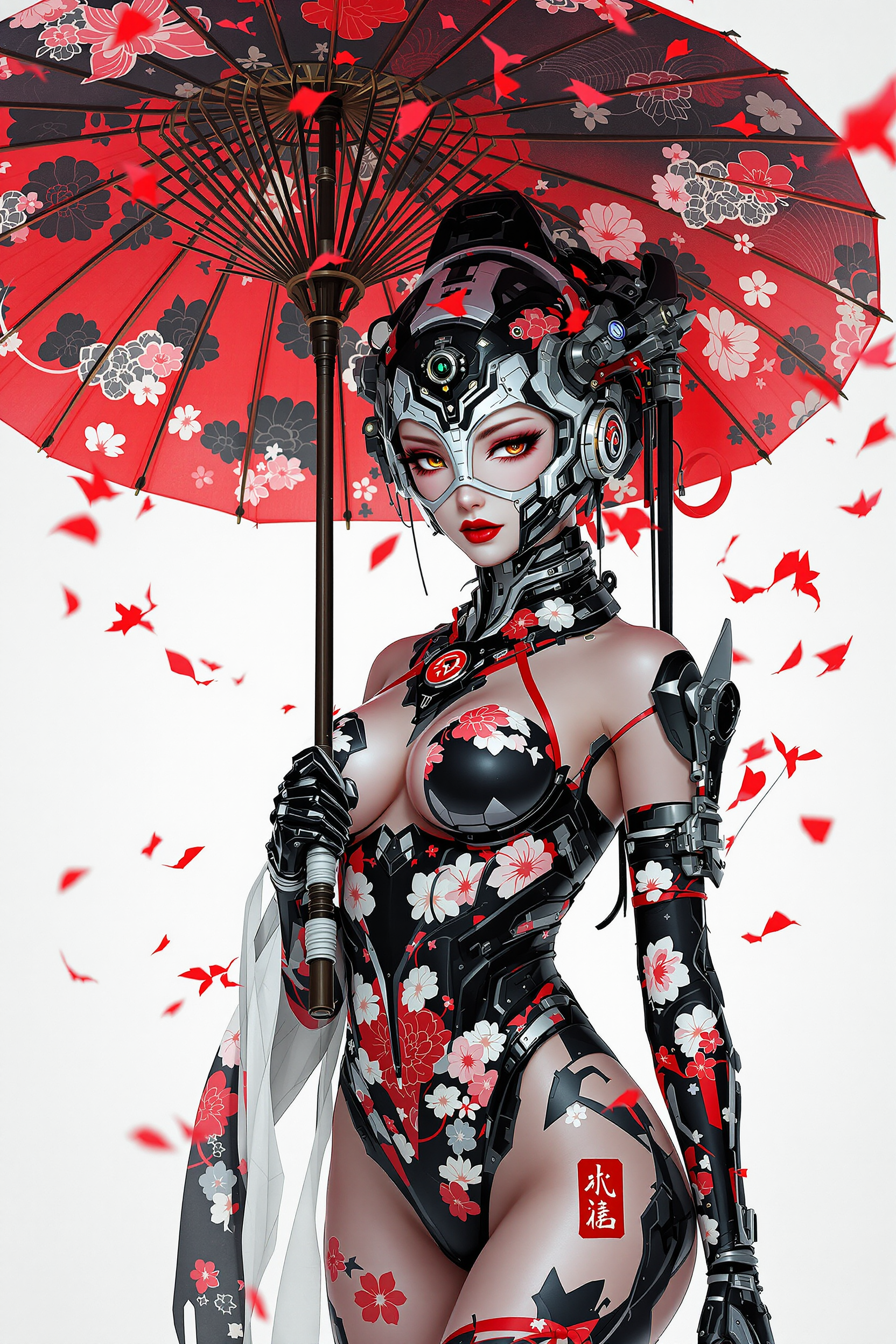
This image is a digital artwork that combines elements of traditional Japanese aesthetics…
flux
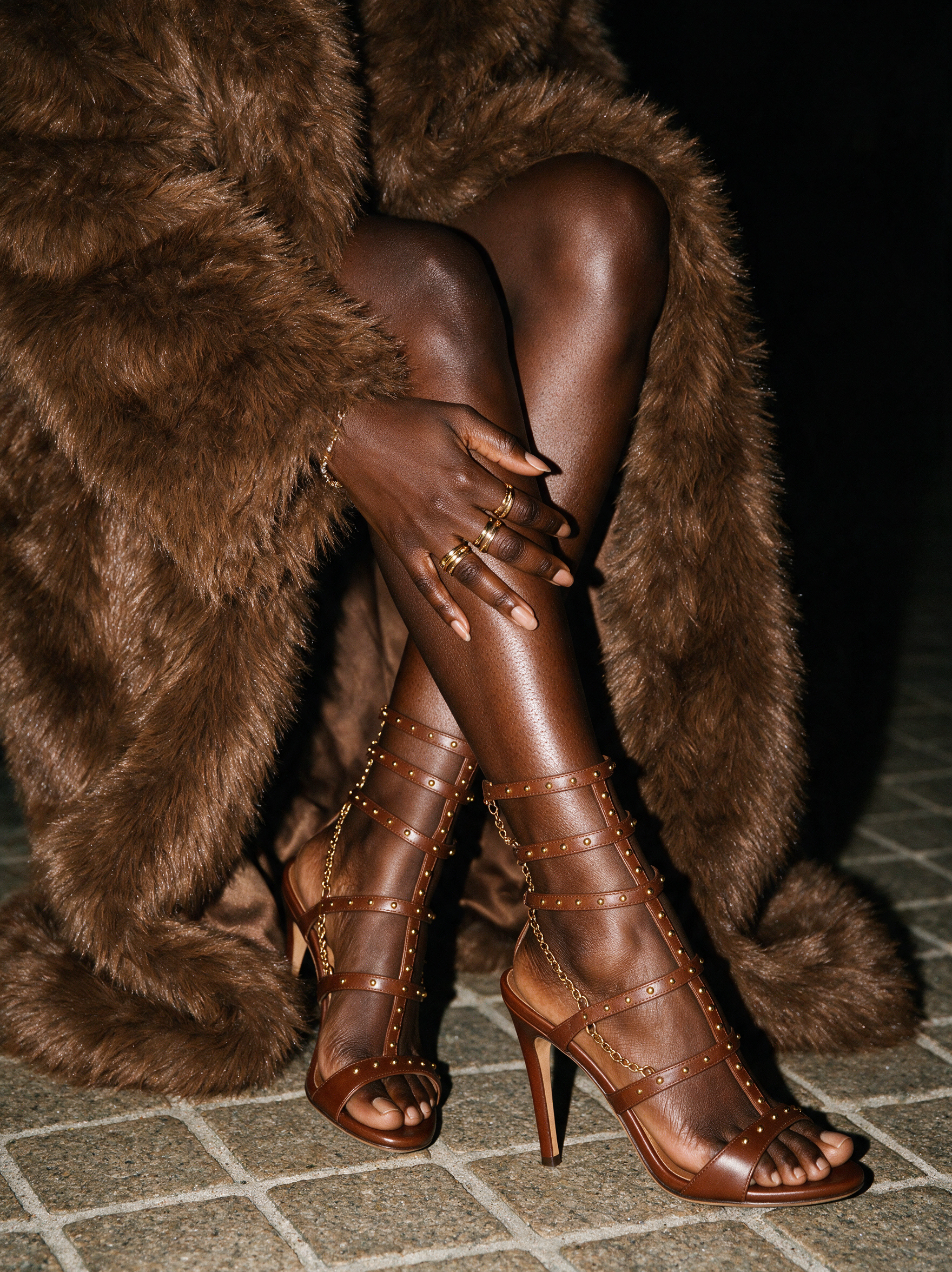
The crossed legs of a stylish Black woman take center stage against a deep black nighttime…
seedream-5
Models you can run on PixelDojo for nano banana edit online
Switch models without switching tools. Each one runs in the same PixelDojo studio.
What you can do with nano banana edit online on PixelDojo
Edit Images in Browser
We let you open an image and apply Nano Banana edits without installing software. You can refine composition, lighting, and details in a few steps.
Prompt Driven Image Changes
We turn short text instructions into updated images so you can restyle, add, or remove elements. You keep control over the original frame while iterating.
Fast Online Iterations
We run generation and edit passes in the cloud so you can try multiple versions quickly. You compare results and continue from the take you prefer.
Export Ready Visuals
We give you downloads of the edited image for use in posts, mockups, and other creative work. You stay in one workflow from prompt to file.
Join over 10,000 creators worldwide who trust PixelDojo. Rated 4.8/5 from 2,500+ reviews. 40+ cutting-edge AI tools loved by marketers, artists, and everyday users. Cancel anytime.
Why Choose Pixel Dojo for nano banana edit online
Professional-quality results with cutting-edge AI technology
Studio Results in Seconds, Not Hours
Describe a complete transformation in one sentence and receive photorealistic output that matches lighting, shadows, and textures perfectly. You skip layers, masks, and retouching while still getting client-ready images for campaigns, posts, or prints.
Characters Stay Identical Across Every Edit
Keep the same face, pet, or product looking exactly like itself no matter how many scenes, outfits, or angles you generate. Build full storyboards, expression packs, or branded series using Consistent Characters, Character Sheets, and Face Swap without starting over.
Unlimited Creative Control Without Skills
Combine Nano Banana 2 with Inpainting for local fixes, Style Transfer for artistic looks, Magic Lighting for mood, and Upscale tools for 4K. Anyone can produce professional marketing mockups, virtual try-ons, or social content that stands out.
How It Works
Creating professional nano banana edits online takes three straightforward steps on PixelDojo. Upload, describe, and refine using Nano Banana 2 plus complementary editors. No tutorials needed.
Step 1: Choose Your Tool
Open PixelDojo and select Nano Banana 2 under Generate Images, or go to Edit Images and choose Image to Image or Inpainting. Upload your photo (JPG, PNG, or WebP). This becomes the exact starting point the AI will respect while making your requested changes.
Step 2: Enter Your Prompt
Type a natural-language instruction that tells Nano Banana 2 both what to change and what to keep. Example: 'Change the background to a misty mountain lake at sunrise, dress the person in a hiking jacket, add a backpack, keep the face, hair, and original pose identical, soft golden lighting.' The model understands complex, multi-part requests and preserves identity.
Step 3: Customize & Download
Review the result, then apply extra PixelDojo tools if desired: Magic Lighting for atmosphere, Style Transfer for a new look, Background Remover for clean cutouts, or P-Image Upscale for 4K. Download instantly in the resolution you need, ready for social, print, or video generation with VEO 3.1 or Kling Video.
The Pixel Dojo Advantage
Why PixelDojo outperforms other options for nano banana edit online
| Others | Pixel Dojo |
|---|---|
| Traditional photo editing software | You avoid months of learning curves, expensive licenses, and hours of masking. Nano Banana 2 plus Image to Image and Inpainting delivers the same professional quality through simple conversation, so you finish projects the same day you start them. |
| Generic AI tools | You get Nano Banana 2's industry-leading consistency and text rendering together with 40+ specialized tools (Flux.2 Studio, Kling Image, Face Swap, Virtual Try-On, video generators). One platform handles generation, editing, upscaling, and even custom model training. |
| Manual photo editing | What used to require a retoucher and a full day now happens in under a minute. Character likeness stays perfect across dozens of variations, lighting matches automatically, and you can immediately turn stills into videos or 3D assets without extra software. |
Loved by creators on PixelDojo
Real feedback from people using PixelDojo, pulled from our in-product surveys.
Amazing performance!
Excellent website for creating all types of media
Very eay to use, works well to train SDXL loras.
The amazing tools
Top notch quality and strong prompt adherence.
A well resourced sunscription with attention to updates.
Explore more AI tools on PixelDojo
AI Tools
Compare & Switch
- Best AI Image Generators
- Best AI Video Generators
- Midjourney Alternatives
- Civitai Alternatives
- Runway Alternatives
- Leonardo Alternatives
- Pika Alternatives
- Luma Alternatives
- Magnific Alternatives
- Veo Alternatives
- Flux Alternatives
- Freepik Alternatives
- Seedance Alternatives
- Seedream Alternatives
- Pixverse Alternatives
- GPT Image Alternatives
- Synthesia Alternatives
- Playground Alternatives
- NightCafe Alternatives
- Canva AI Alternatives
- ElevenLabs Alternatives
- ComfyUI Alternatives
- Fal Alternatives
- Replicate Alternatives
Common Questions
Everything you need to know about nano banana edit online
How do I start nano banana edit online for free on PixelDojo?
Sign up in seconds and receive free credits to try Nano Banana 2 immediately. Upload any photo, write a prompt describing the edit, and generate. You can test Image to Image, Inpainting, and other editors too. Upgrade only when you want unlimited access to all 40+ tools; cancel anytime with no commitment.
Can I edit my own photos with nano banana 2 online while keeping faces identical?
Yes. Nano Banana 2 on PixelDojo is specifically designed for this. Upload a portrait, describe new clothing, background, lighting, or pose, and the model preserves identity, skin texture, and expression. Combine with Face Swap or Consistent Characters for even longer series of matching images.
What resolution and quality can I expect from nano banana edit online?
Generate at 1K or 2K with Nano Banana 2, then instantly upscale to 4K using P-Image Upscale, Magnific Upscaler, or Creative Upscaler. Text stays sharp, details remain photorealistic, and files are ready for print, large banners, or high-end social posts.
Is nano banana edit online good enough for professional marketing and product photography?
Thousands of marketers already use it daily. Place products in any environment, add perfectly rendered text and logos, apply realistic lighting with Magic Lighting, and create virtual try-on shots. The consistency and speed let you produce full campaign assets without photoshoots or agencies.
How does PixelDojo keep character consistency better than other nano banana editors?
PixelDojo pairs Nano Banana 2's native consistency (up to five characters and 14 objects) with dedicated tools like Character Sheets, Ideogram Character, LoRA Face Swap, and WAN Video Character Swap. You can lock a look once and reuse it across stills, videos, and 3D without drift.
What other PixelDojo tools work with nano banana edit online for complete projects?
After your nano banana edit, enhance with Reality Polisher, turn stills into video using VEO 3.1, Kling Video, or Seedance, generate matching audio, train a custom Flux or QWEN model, or export to 3D with Rodin. Everything lives in one account so your workflow never breaks.