ai transition AI Generator
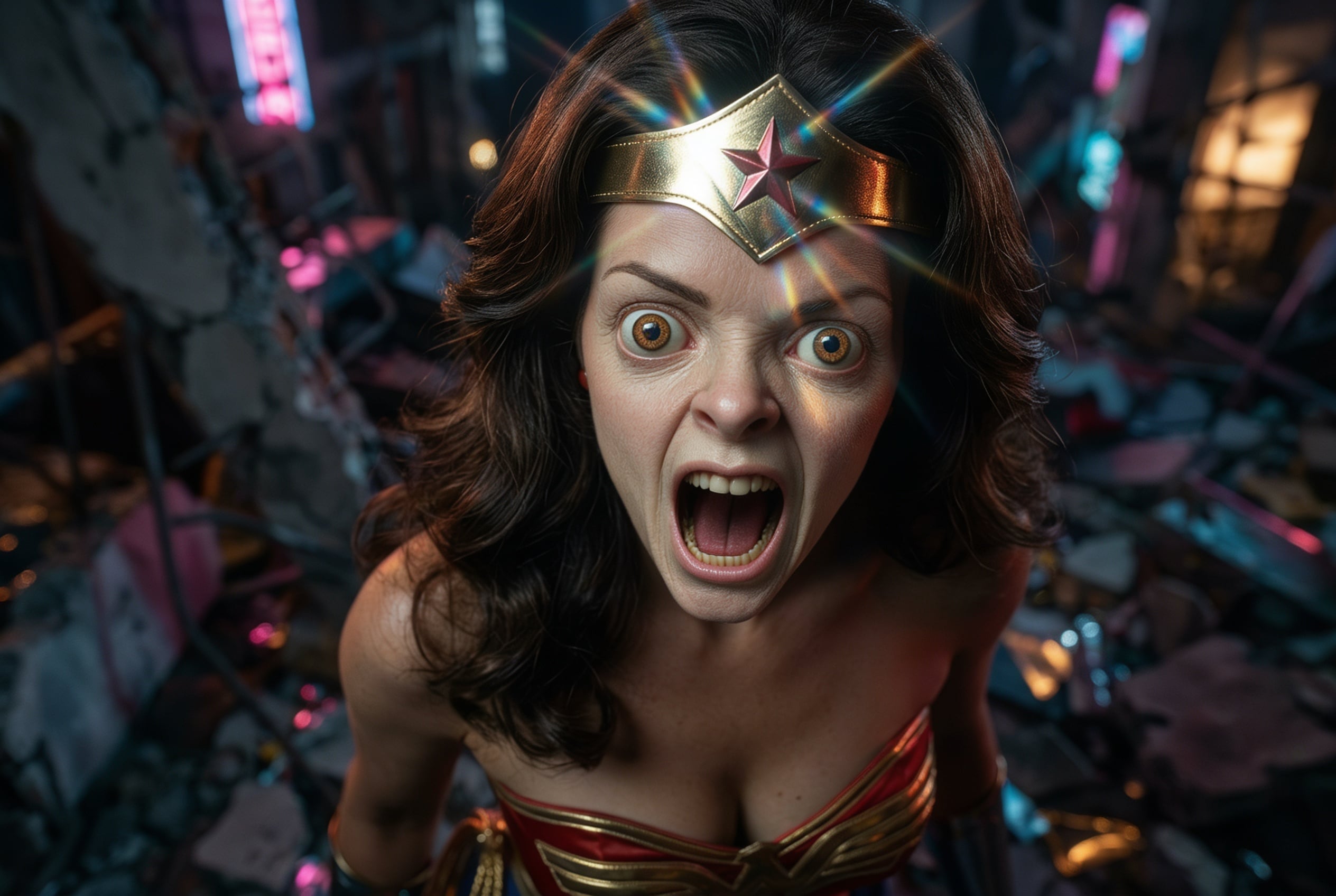
Transform your static images into dynamic, engaging videos with PixelDojo's advanced AI transition tools. Whether you're a content creator, marketer, or hobbyist, our platform empowers you to produce professional-quality animations effortlessly. Bring your visuals to life and captivate your audience like never before.
Join over 10,000 creators who have transformed their visuals using PixelDojo's AI technology. Rated 4.8/5 based on 2,500+ reviews.
Why Choose Pixel Dojo for ai transition
Professional-quality results with cutting-edge AI technology
Effortless Animation Creation
Convert still images into fluid animations without any prior experience.
Time-Saving Automation
Let AI handle the complex interpolation, saving you hours of manual editing.
Professional-Quality Results
Achieve smooth, high-quality transitions that rival those of seasoned professionals.
How It Works
Creating seamless transitions between your images is simple with PixelDojo. Follow these steps to animate your photos:
Step 1: Select Your Images
Choose the sequence of images you wish to animate. Ensure they are in the desired order for the final video.
Step 2: Upload to PixelDojo
Use our 'Image to Video' tool to upload your selected images. The AI will analyze and prepare them for interpolation.
Step 3: Generate and Download
Click 'Generate' to let the AI create smooth transitions between your images. Once complete, download your animated video.
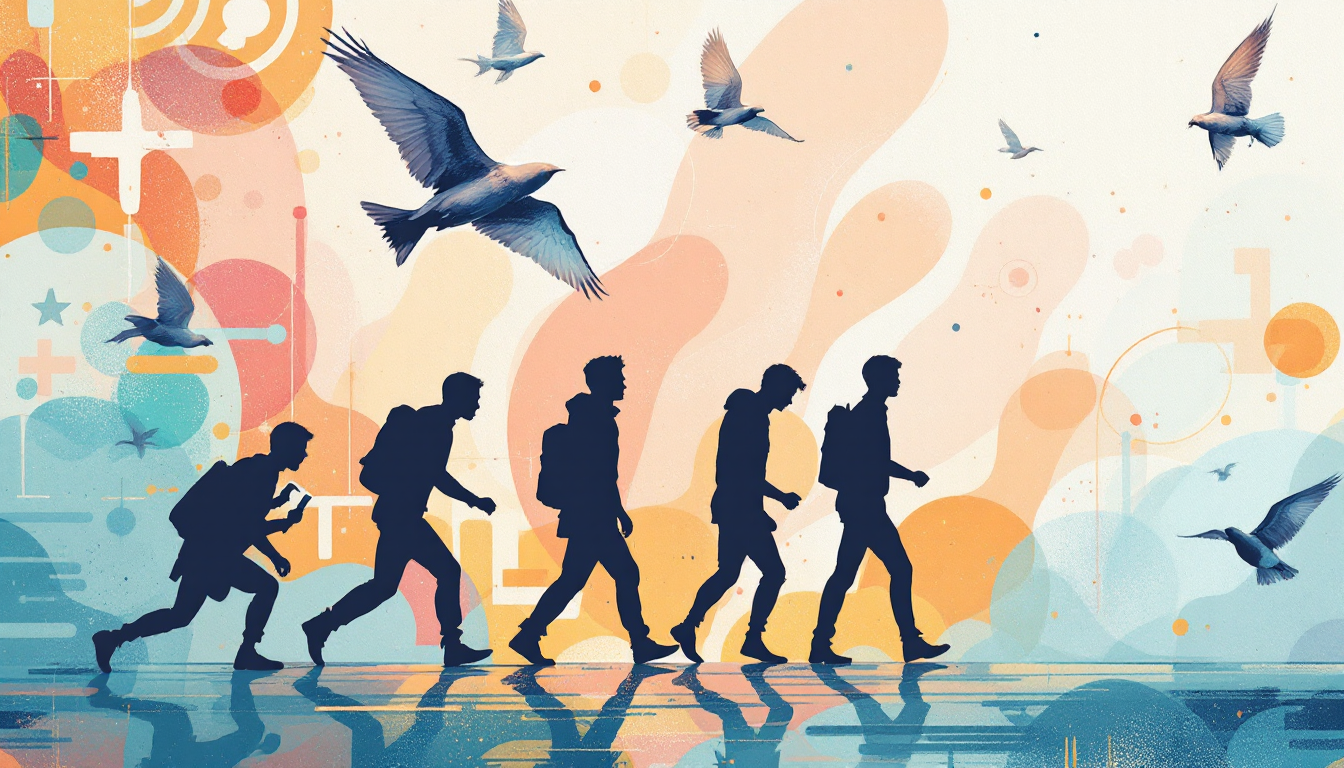
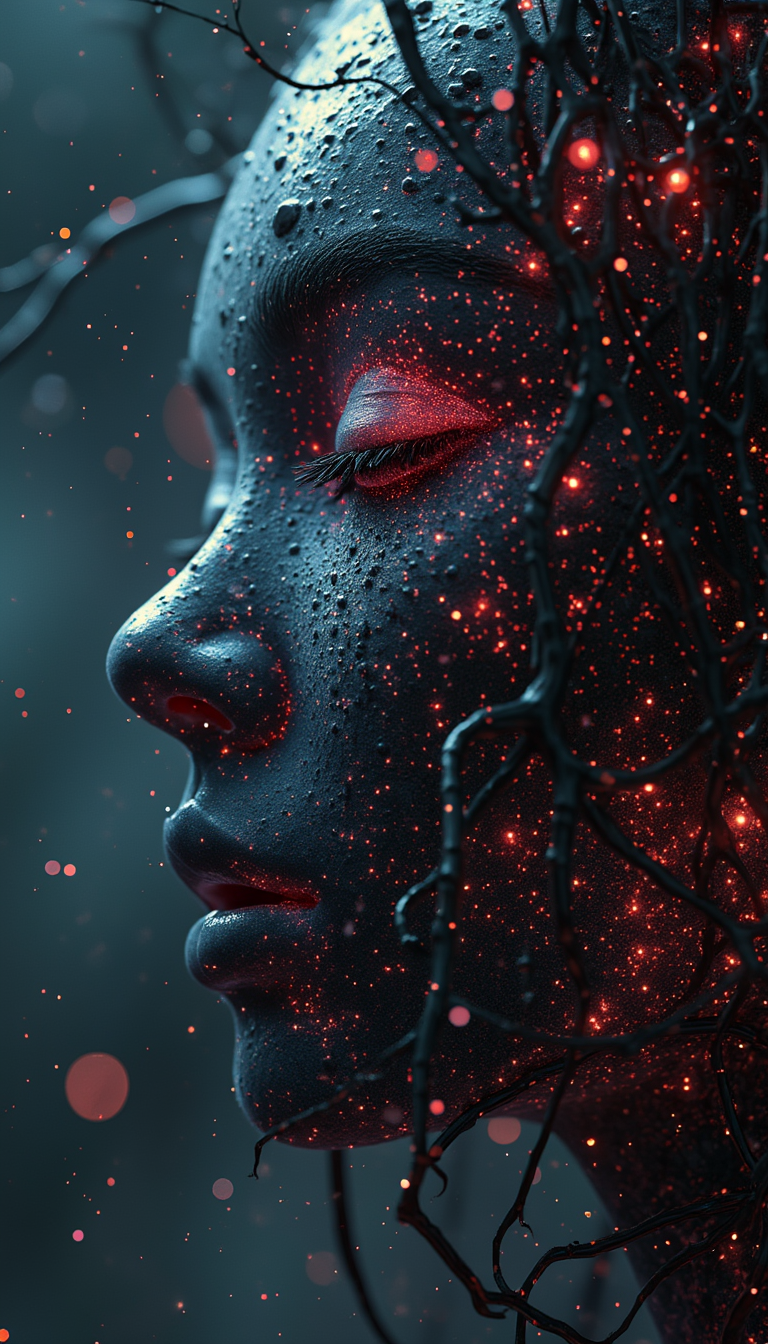
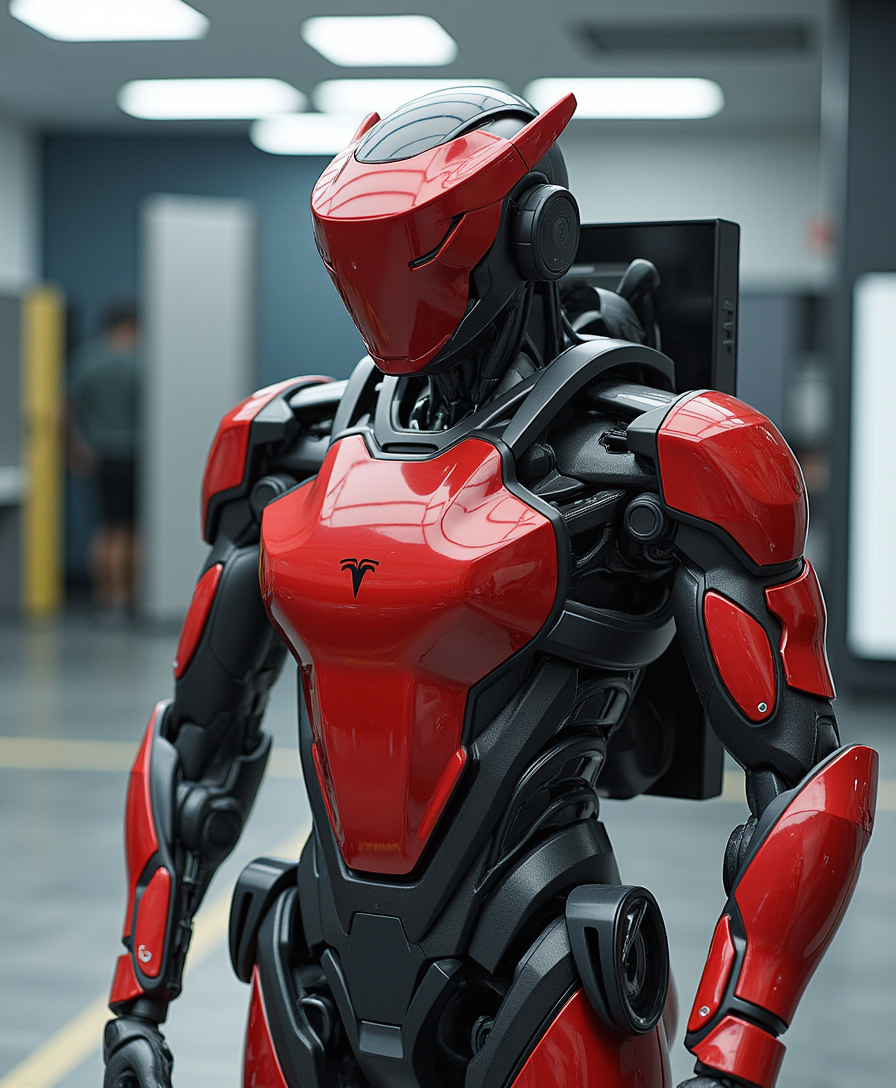
![Quickly change someone's hair style and hair color, powered by FLUX.1 Kontext [pro] - change_haircut](https://cdn.pixeldojo.ai/cdn-cgi/image/f=auto,q=90,w=3840/pixeldojo/generated-images/1752259290971-1xgnuq077.png)
![Quickly change someone's hair style and hair color, powered by FLUX.1 Kontext [pro] - change_haircut](https://cdn.pixeldojo.ai/cdn-cgi/image/f=auto,q=90,w=3840/pixeldojo/generated-images/1752259642547-vwgtpj086.png)
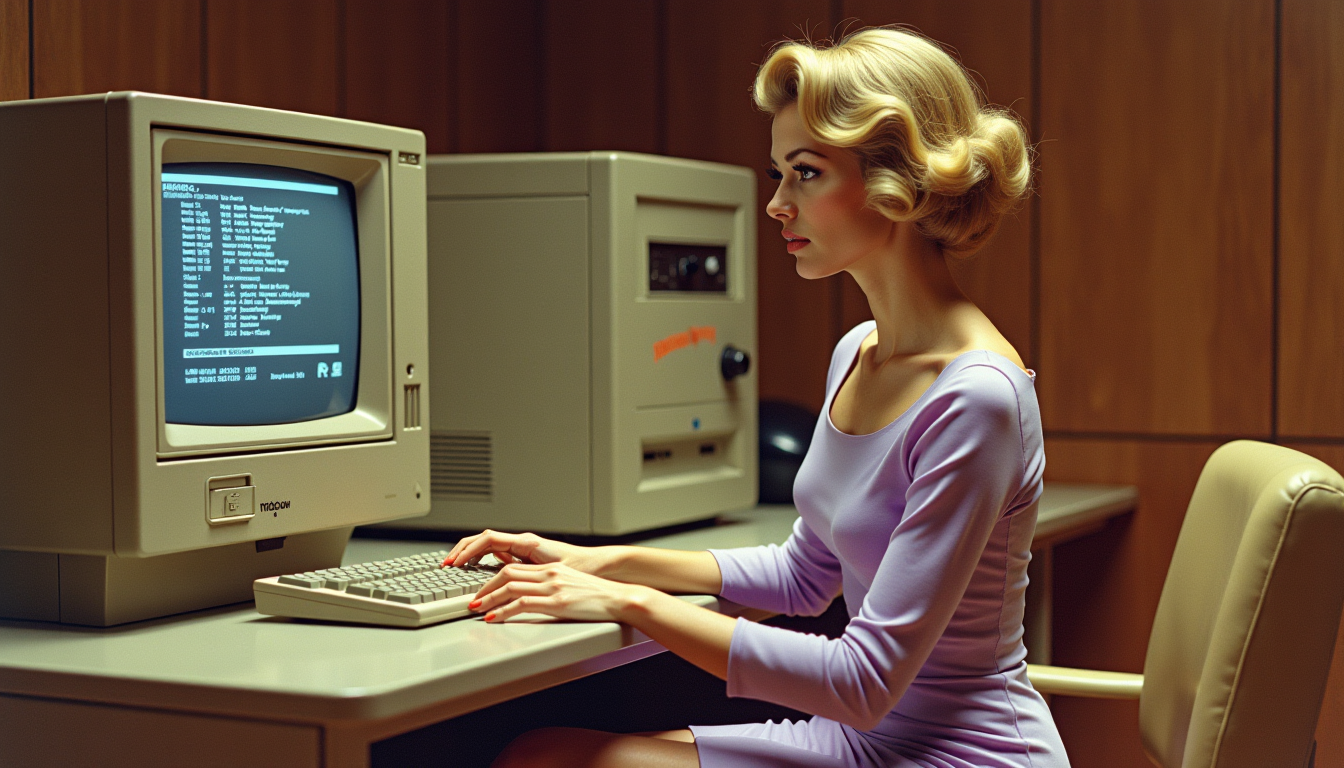
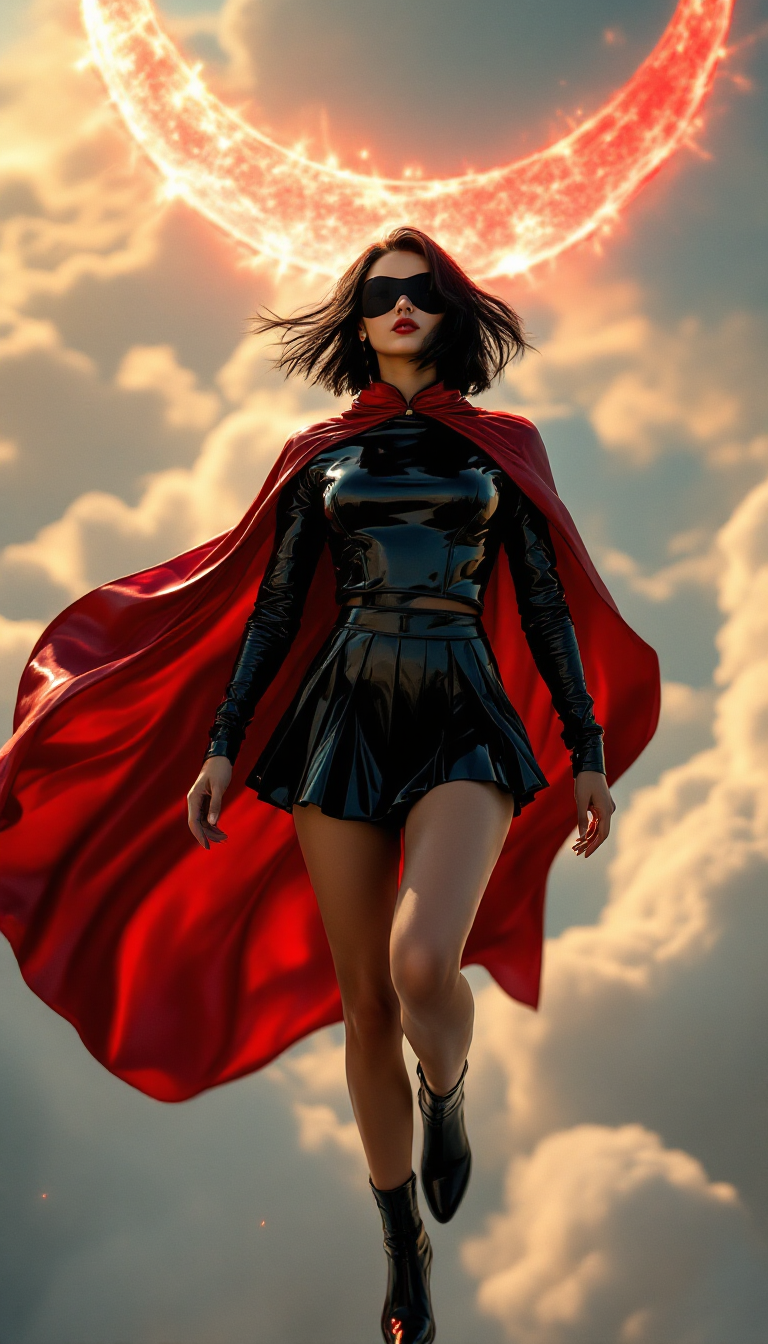
The Pixel Dojo Advantage
Why PixelDojo outperforms other options for AI transition image generation
| Others | Pixel Dojo |
|---|---|
| Traditional Animation Software | No need for complex software or animation skills; our AI simplifies the process. |
| Manual Photo Editing | Save time and effort with automated, high-quality results. |
| Generic AI Tools | Specialized AI models tailored for seamless image transitions. |
Loved by creators on PixelDojo
Real feedback from people using PixelDojo, pulled from our in-product surveys.
Very easy to use, and they have fast wan 2.2 video generation with custom loras available.
The overall quality of the site and it's amazing variety of tools. The continued updates of the UI. The unbelievable level of tech support.
THIS IS SO DOPE !
I have already recommended it to friends
All the tools, plus the guidance
Excellent tools. Ease of use. Well thought out interface. Wide variety of AI tools and features which are up to date with more added each month
Explore more AI tools on PixelDojo
Popular AI Models
AI Tools
Compare & Switch
- Best AI Image Generators
- Best AI Video Generators
- Midjourney Alternatives
- Civitai Alternatives
- Runway Alternatives
- Leonardo Alternatives
- Pika Alternatives
- Luma Alternatives
- Magnific Alternatives
- Veo Alternatives
- Flux Alternatives
- Freepik Alternatives
- Seedance Alternatives
- Seedream Alternatives
- Pixverse Alternatives
- GPT Image Alternatives
- Synthesia Alternatives
- Playground Alternatives
- NightCafe Alternatives
- Canva AI Alternatives
- ElevenLabs Alternatives
- ComfyUI Alternatives
- Fal Alternatives
- Replicate Alternatives
Common Questions
Everything you need to know about ai transition
How does PixelDojo create AI transitions between images?
PixelDojo utilizes advanced AI models to analyze and interpolate between your selected images, generating smooth and natural transitions that bring your visuals to life.
Do I need animation experience to use PixelDojo's AI transition tools?
No, PixelDojo is designed for users of all skill levels. Our intuitive interface and AI automation handle the complex processes, allowing you to create professional-quality animations effortlessly.
Can I customize the transitions between my images?
Yes, PixelDojo offers various customization options, including transition styles and durations, enabling you to tailor the animations to your specific needs.
What file formats are supported for image uploads?
PixelDojo supports a wide range of image formats, including JPEG, PNG, and GIF, ensuring compatibility with your existing media.
Is there a limit to the number of images I can use in a single animation?
While there is no strict limit, for optimal performance and quality, we recommend using up to 20 images per animation. This ensures smooth transitions and manageable processing times.
How long does it take to generate an animated video?
The processing time depends on the number of images and the complexity of the transitions. However, PixelDojo's efficient AI models typically generate animations within a few minutes.