ai loras AI Generator
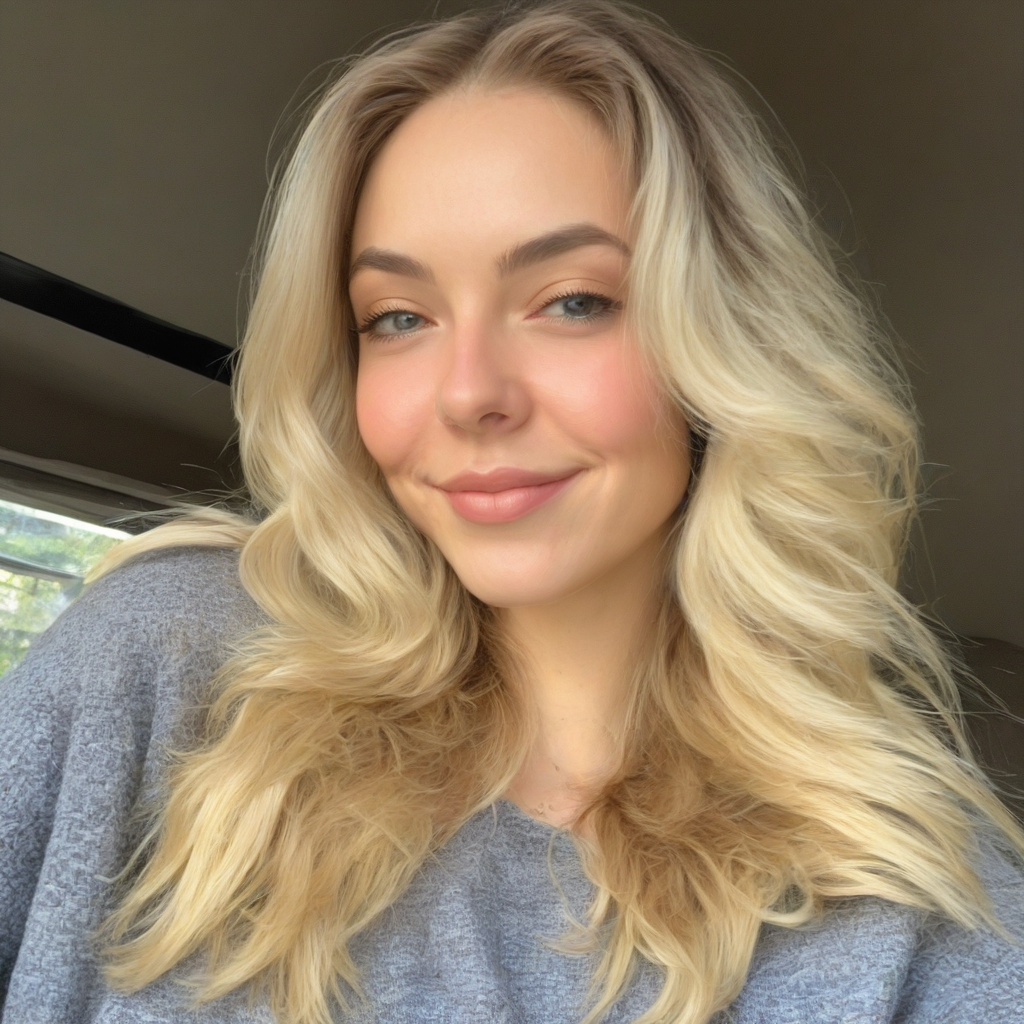
Generated on PixelDojo. Produced by PixelDojo's generation pipeline.
Unlock the full potential of AI image generation with LoRA models on PixelDojo. Whether you're aiming for character consistency, brand alignment, or unique artistic styles, our LoRA tools empower you to create personalized and high-quality images effortlessly.
Real image examples generated on PixelDojo
Every example below was produced on PixelDojo. Hover to see the prompt.
ai loras on PixelDojo
stable-diffusion
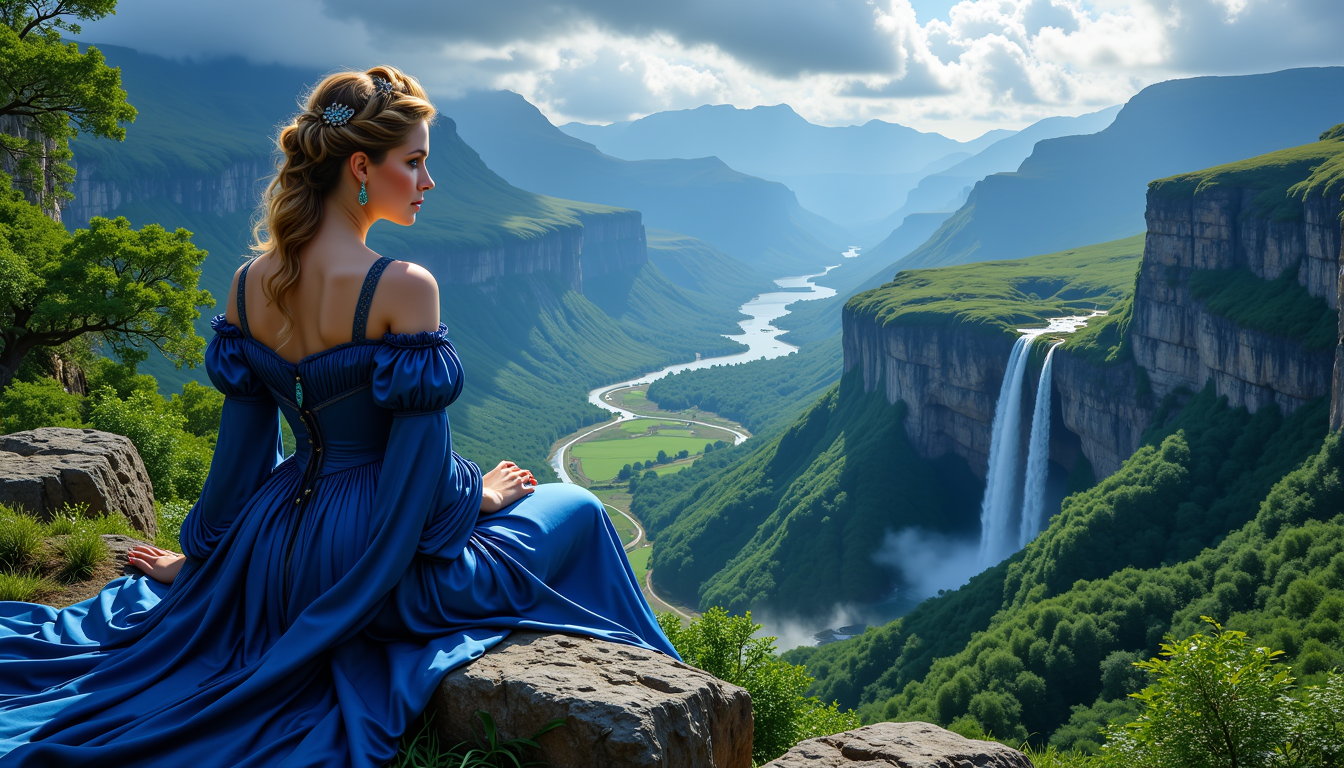
FantasyWomanLoRa
stable-diffusion
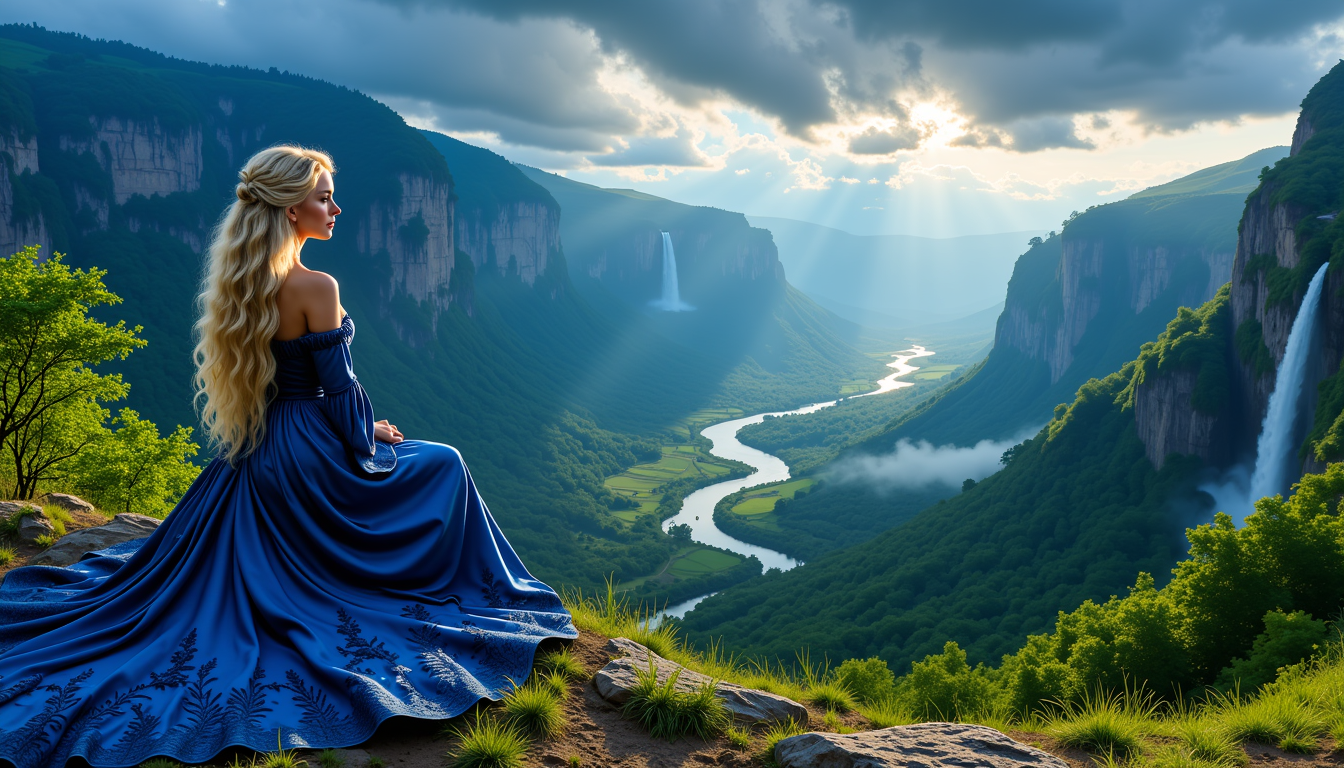
FantasyWomanLoRa
stable-diffusion
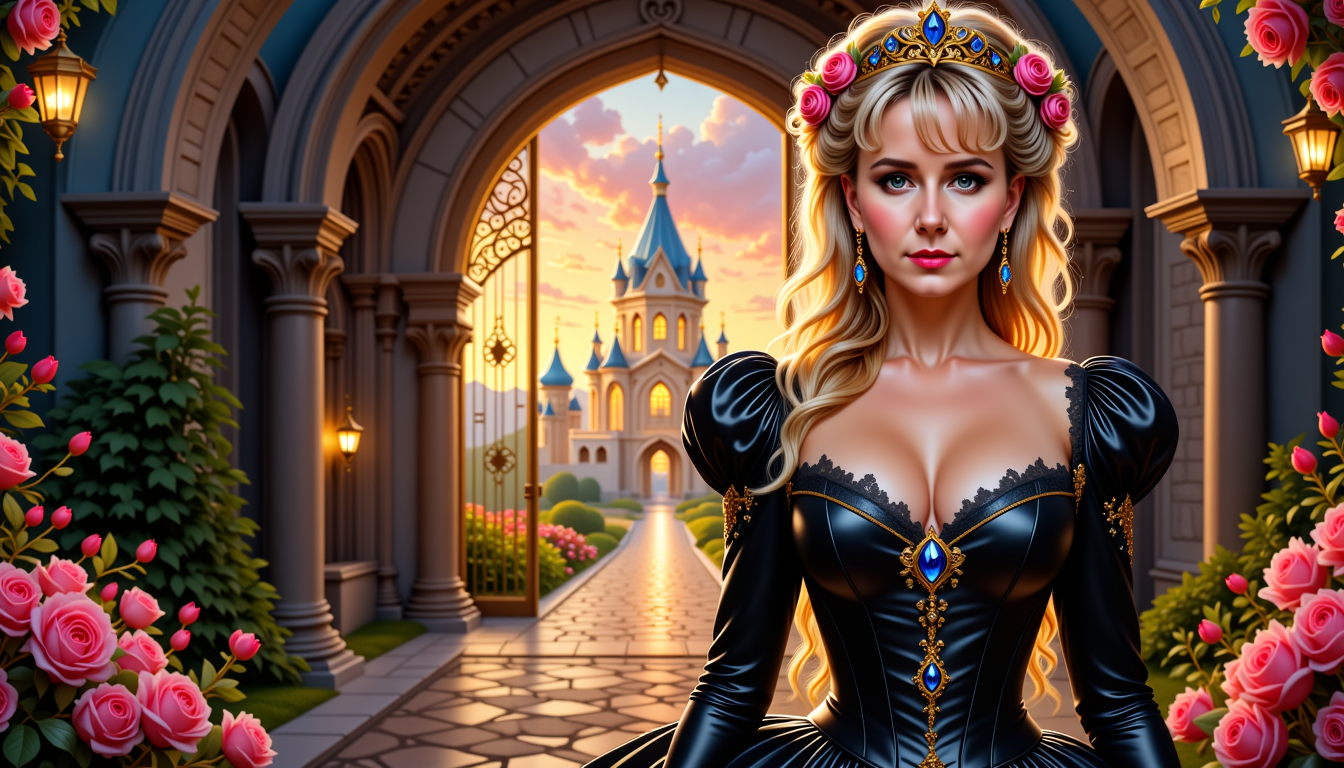
MO-LoRa-Multi
flux
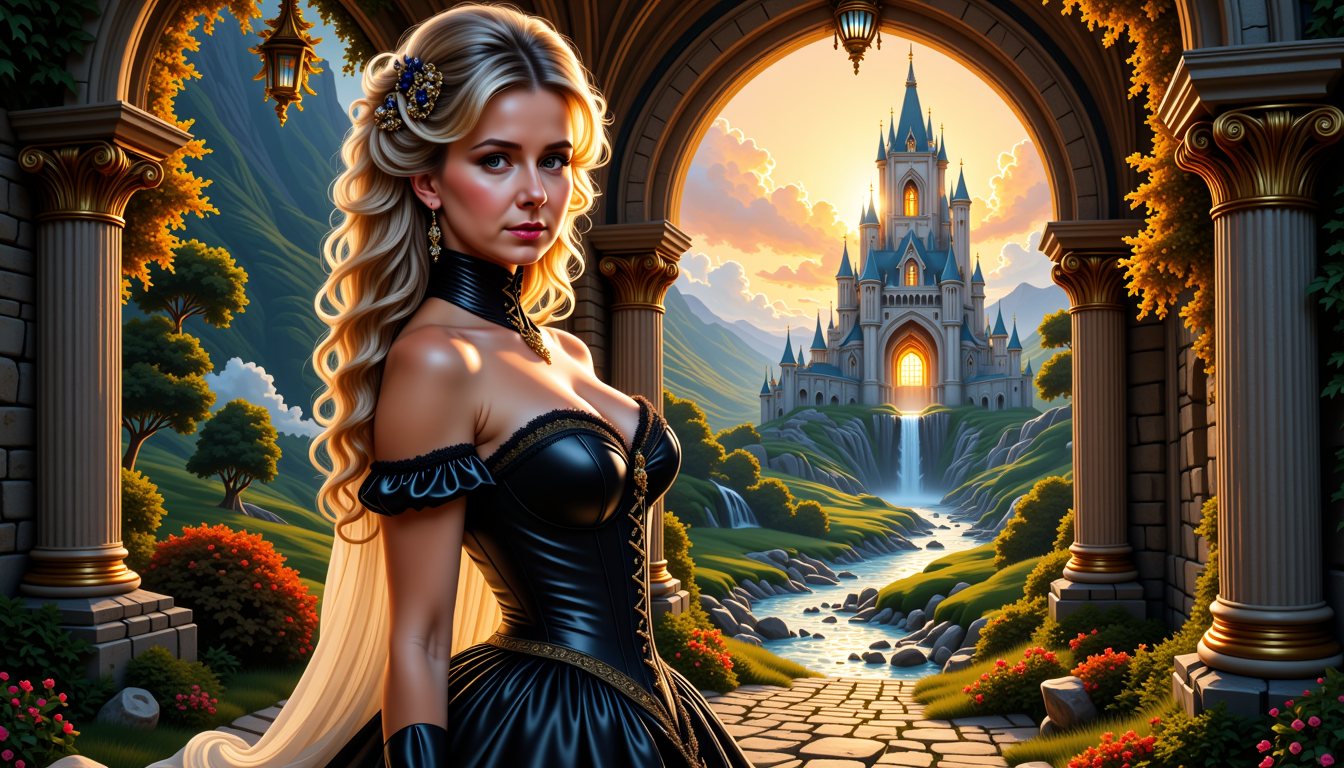
MO-LoRa-Multi
flux
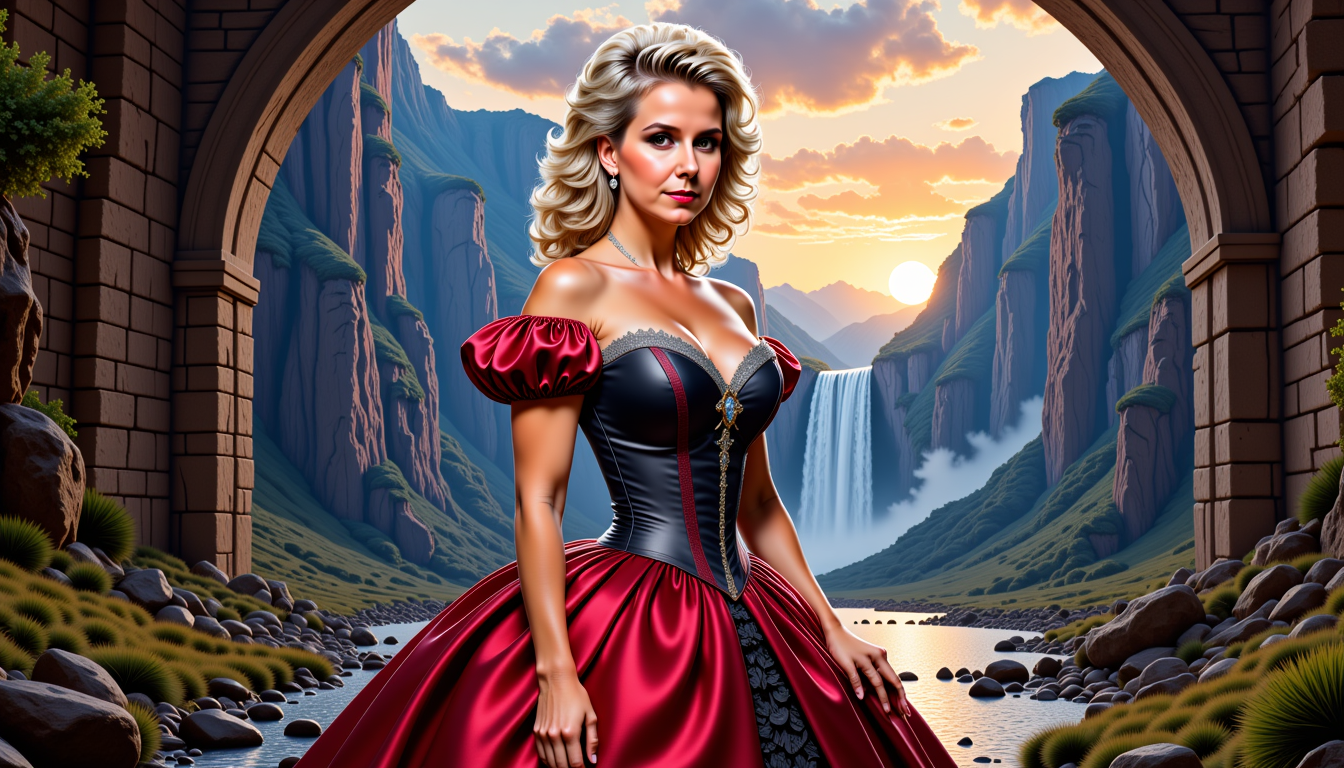
Pixie-LoRA12I
flux
Models you can run on PixelDojo for ai loras
Switch models without switching tools. Each one runs in the same PixelDojo studio.
What you can do with ai loras on PixelDojo
Train Custom LoRAs
We let creators upload image sets and train LoRAs for consistent subjects or styles.
Apply LoRAs to Generations
Creators load trained LoRAs into our image generator to steer outputs toward learned concepts.
Adjust LoRA Influence
We support setting per-LoRA weights during generation to control how strongly each adapts the base model.
Organize LoRA Collection
Creators keep multiple LoRAs in one workspace and select them as needed for different projects.
Join over 10,000 creators who have enhanced their AI image generation with PixelDojo's LoRA models, achieving a 95% satisfaction rate.
Why Choose Pixel Dojo for ai loras
Professional-quality results with cutting-edge AI technology
Achieve Character Consistency
Maintain uniform character features across various poses and settings, ensuring your creations are cohesive and professional.
Adapt to Specific Art Styles
Easily replicate distinct artistic styles, from classical paintings to modern digital art, enhancing your creative versatility.
Enhance Brand Alignment
Customize AI-generated images to align perfectly with your brand's aesthetics and design guidelines, strengthening brand identity.
How It Works
Creating customized AI images with LoRA models on PixelDojo is straightforward. Follow these steps to bring your unique visions to life:
Step 1: Select Your LoRA Model
Choose from PixelDojo's extensive library of LoRA models, including character, style, and concept LoRAs, to suit your creative needs.
Step 2: Input Your Prompt
Enter a detailed description of the image you want to generate, incorporating specific elements you desire.
Step 3: Generate and Refine
Click 'Generate' to produce your image. Use PixelDojo's customization tools to adjust and refine the output to your satisfaction.
The Pixel Dojo Advantage
Discover why PixelDojo's LoRA models offer superior customization and efficiency compared to other methods:
| Others | Pixel Dojo |
|---|---|
| Traditional Fine-Tuning | LoRA models require significantly less computational power and time, making customization more accessible and efficient. |
| Generic AI Tools | PixelDojo's LoRA models provide precise control over specific attributes, ensuring outputs meet your exact requirements. |
| Manual Editing | Automate the creation of consistent and high-quality images, reducing the need for time-consuming manual adjustments. |
Loved by creators on PixelDojo
Real feedback from people using PixelDojo, pulled from our in-product surveys.
All the tools, readily available and easy to understand
You guys, the LORA training is the BEST in the space right now, great job with that!
Tons of variety. Ease of use. Tools for beginners and advance users.
easiest workflow to get best output image or video
awesome functionality, UX, constant flood of improvements, discord interactivity
Awesome site with so many features
Explore more AI tools on PixelDojo
AI Tools
Compare & Switch
- Best AI Image Generators
- Best AI Video Generators
- Midjourney Alternatives
- Civitai Alternatives
- Runway Alternatives
- Leonardo Alternatives
- Pika Alternatives
- Luma Alternatives
- Magnific Alternatives
- Veo Alternatives
- Flux Alternatives
- Freepik Alternatives
- Seedance Alternatives
- Seedream Alternatives
- Pixverse Alternatives
- GPT Image Alternatives
- Synthesia Alternatives
- Playground Alternatives
- NightCafe Alternatives
- Canva AI Alternatives
- ElevenLabs Alternatives
- ComfyUI Alternatives
- Fal Alternatives
- Replicate Alternatives
Common Questions
Everything you need to know about ai loras
What are LoRA models in AI image generation?
LoRA (Low-Rank Adaptation) models are specialized tools that fine-tune AI image generators to produce images with specific attributes, such as consistent characters or unique artistic styles, without retraining the entire model.
How do I use LoRA models on PixelDojo?
Simply select a LoRA model from our library, input your desired prompt, and generate the image. You can then refine the output using our customization tools to achieve the perfect result.
Can I create my own LoRA models on PixelDojo?
Yes, PixelDojo offers tools to train your own LoRA models by uploading images of your desired characters or styles, allowing for personalized AI image generation.
Are LoRA models compatible with all AI image generators?
LoRA models are designed to work with specific AI image generators. PixelDojo's LoRA models are optimized for seamless integration with our platform, ensuring high-quality outputs.
Do I need technical expertise to use LoRA models on PixelDojo?
No, PixelDojo's user-friendly interface makes it easy for anyone to use LoRA models, regardless of technical background. Our platform guides you through each step of the process.
Is there a cost associated with using LoRA models on PixelDojo?
PixelDojo offers various subscription plans to suit different needs. You can explore our pricing options on our website and choose the plan that best fits your requirements.