ai pose generator
Generated on PixelDojo. Produced by PixelDojo's generation pipeline.
Bring your creative visions to life with PixelDojo's AI pose generator tools. Whether you're an artist, designer, or content creator, our suite of AI-powered tools empowers you to generate dynamic, customizable poses effortlessly. Say goodbye to the limitations of traditional pose references and embrace the future of digital artistry.
Real image examples generated on PixelDojo
Every example below was produced on PixelDojo. Hover to see the prompt.
A man talking
image-to-video
A friendly female podcaster in a cool modern studio announcing that Pixel Dojo now has sup…
image-to-video
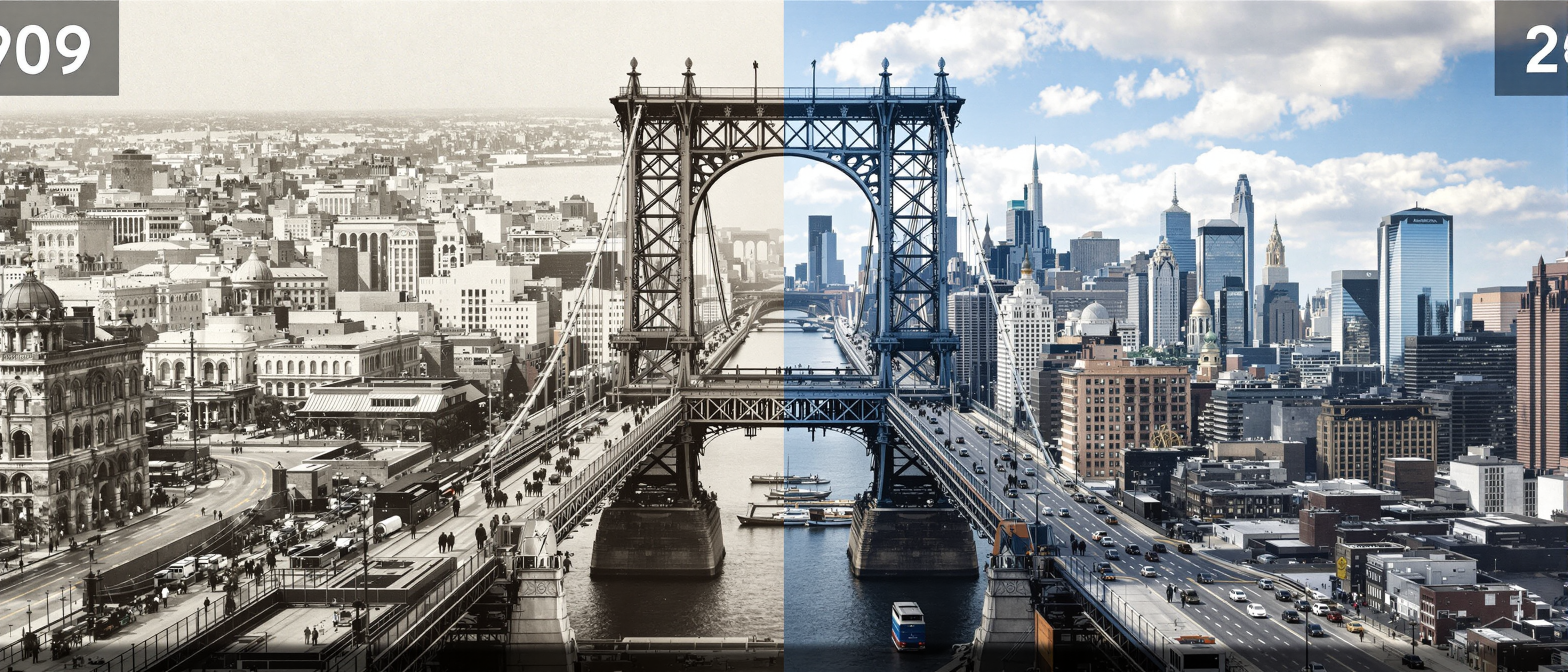
Queensboro Bridge
flux

ai pose generator on PixelDojo
creative-upscaler
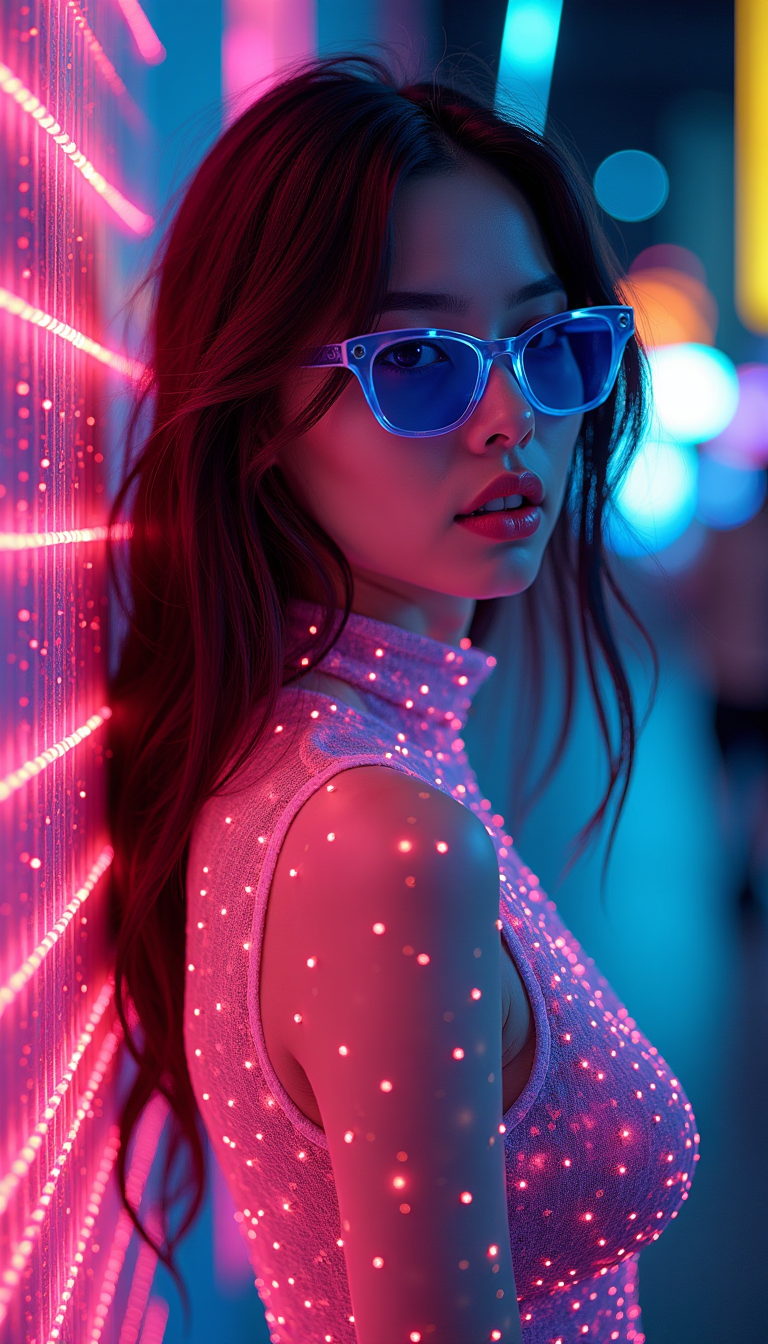
A full body bio limerent woman looking at viewer
flux
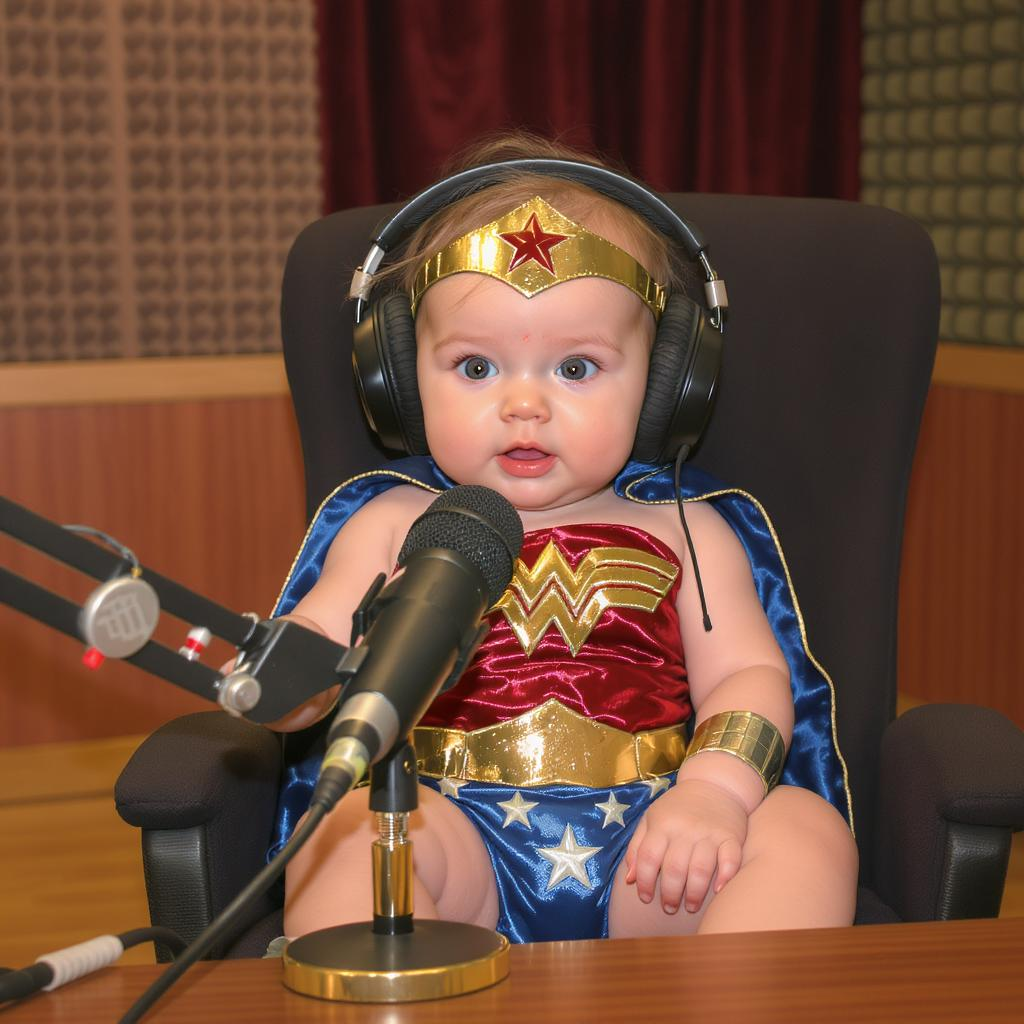
A baby wonder woman talking on a pod cast in a studio
flux-studio
Models you can run on PixelDojo for ai pose generator
Switch models without switching tools. Each one runs in the same PixelDojo studio.
What you can do with ai pose generator on PixelDojo
Generate Poses from Text
We accept text prompts that describe body positions and viewpoints. The system produces images with matching human poses.
Match Poses from Images
You upload a reference photo and we detect its pose data. The generator applies that pose to new subjects or scenes.
Adjust Individual Pose Elements
We provide controls for limb angles, torso tilt, and head direction. Changes update the output image accordingly.
Produce Pose Variations Quickly
A single prompt can yield several related pose options at once. You review the set and choose the versions you need.
Join over 10,000 creators who have enhanced their projects using PixelDojo's AI tools, achieving a 95% satisfaction rate.
Why Choose Pixel Dojo for ai pose generator
Professional-quality results with cutting-edge AI technology
Effortless Pose Creation
Generate precise and dynamic poses without the need for live models or complex software.
Enhanced Creative Control
Customize poses to fit your unique artistic vision, ensuring consistency across your projects.
Time and Cost Efficiency
Save valuable time and resources by streamlining your workflow with AI-generated poses.
How It Works
Creating custom poses with PixelDojo is simple and intuitive. Follow these steps to bring your ideas to life:
Step 1: Choose Your Tool
Select the appropriate AI tool from PixelDojo's suite, such as 'Pose Control' for detailed pose customization.
Step 2: Enter Your Prompt
Describe the desired pose in detail, specifying elements like posture, angle, and expression to guide the AI.
Step 3: Customize & Download
Review the generated pose, make any necessary adjustments, and download the final image for your project.
The Pixel Dojo Advantage
Why PixelDojo outperforms other options for AI pose generation:
| Others | Pixel Dojo |
|---|---|
| Traditional Pose References | Eliminate the need for physical models and static references with dynamic, AI-generated poses. |
| Generic AI Tools | Benefit from specialized tools designed specifically for pose generation, offering greater accuracy and customization. |
| Manual 3D Modeling | Save time and technical effort by generating complex poses without intricate 3D modeling skills. |
Loved by creators on PixelDojo
Real feedback from people using PixelDojo, pulled from our in-product surveys.
A well resourced sunscription with attention to updates.
Easy to use and there's lots of options.
super lora download
Great variety of tools to create and modify images and video.
Lots of Tools, and the one time I needed support I got help right away
Easy to use once you get the hang of it
Explore more AI tools on PixelDojo
AI Tools
Compare & Switch
- Best AI Image Generators
- Best AI Video Generators
- Midjourney Alternatives
- Civitai Alternatives
- Runway Alternatives
- Leonardo Alternatives
- Pika Alternatives
- Luma Alternatives
- Magnific Alternatives
- Veo Alternatives
- Flux Alternatives
- Freepik Alternatives
- Seedance Alternatives
- Seedream Alternatives
- Pixverse Alternatives
- GPT Image Alternatives
- Synthesia Alternatives
- Playground Alternatives
- NightCafe Alternatives
- Canva AI Alternatives
- ElevenLabs Alternatives
- ComfyUI Alternatives
- Fal Alternatives
- Replicate Alternatives
Common Questions
Everything you need to know about ai pose generator
How does PixelDojo's AI pose generator work?
PixelDojo's AI pose generator utilizes advanced algorithms to interpret your textual descriptions and generate corresponding poses, allowing for high levels of customization and accuracy.
Can I customize the generated poses?
Absolutely. PixelDojo's tools offer extensive customization options, enabling you to adjust various aspects of the pose to fit your specific needs.
Is PixelDojo suitable for beginners?
Yes, PixelDojo is designed with a user-friendly interface that caters to both beginners and professionals, making pose generation accessible to all skill levels.
What file formats are the generated poses available in?
Generated poses can be downloaded in multiple formats, including PNG and JPEG, ensuring compatibility with various design software.
Is there a limit to the number of poses I can generate?
PixelDojo offers flexible subscription plans, with higher tiers providing unlimited pose generation to meet the demands of your projects.
Can I use the generated poses for commercial projects?
Yes, poses generated with PixelDojo can be used for both personal and commercial projects, adhering to our licensing terms.