ai typewriter AI Generator
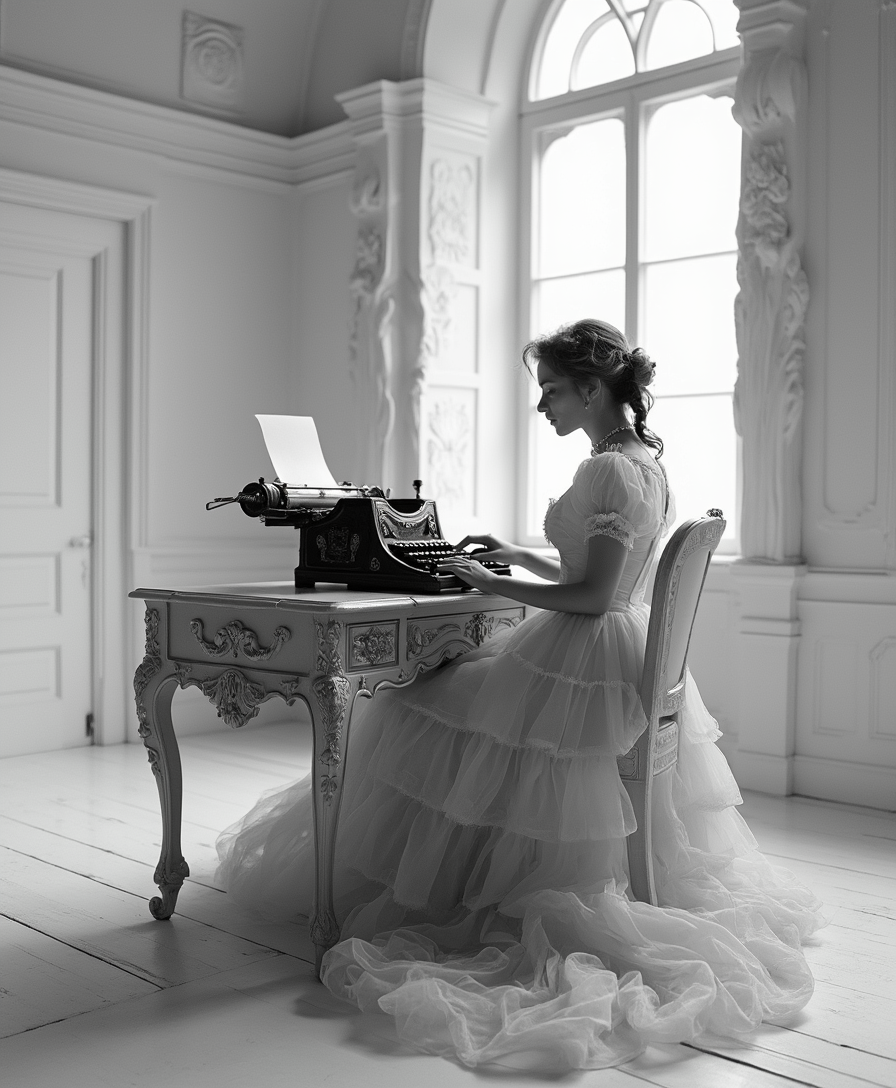
Generated on PixelDojo. Produced by PixelDojo's generation pipeline.
Discover the charm of vintage typewriter aesthetics combined with modern AI technology. With PixelDojo, you can effortlessly create unique typewriter-style images that captivate and engage your audience. Whether you're a designer, marketer, or hobbyist, our AI tools empower you to bring your creative visions to life without the need for complex software or artistic skills.
Real image examples generated on PixelDojo
Every example below was produced on PixelDojo. Hover to see the prompt.
Imagine a black and white image of a fantasy style victorian woman in a stark white surrea…
flux
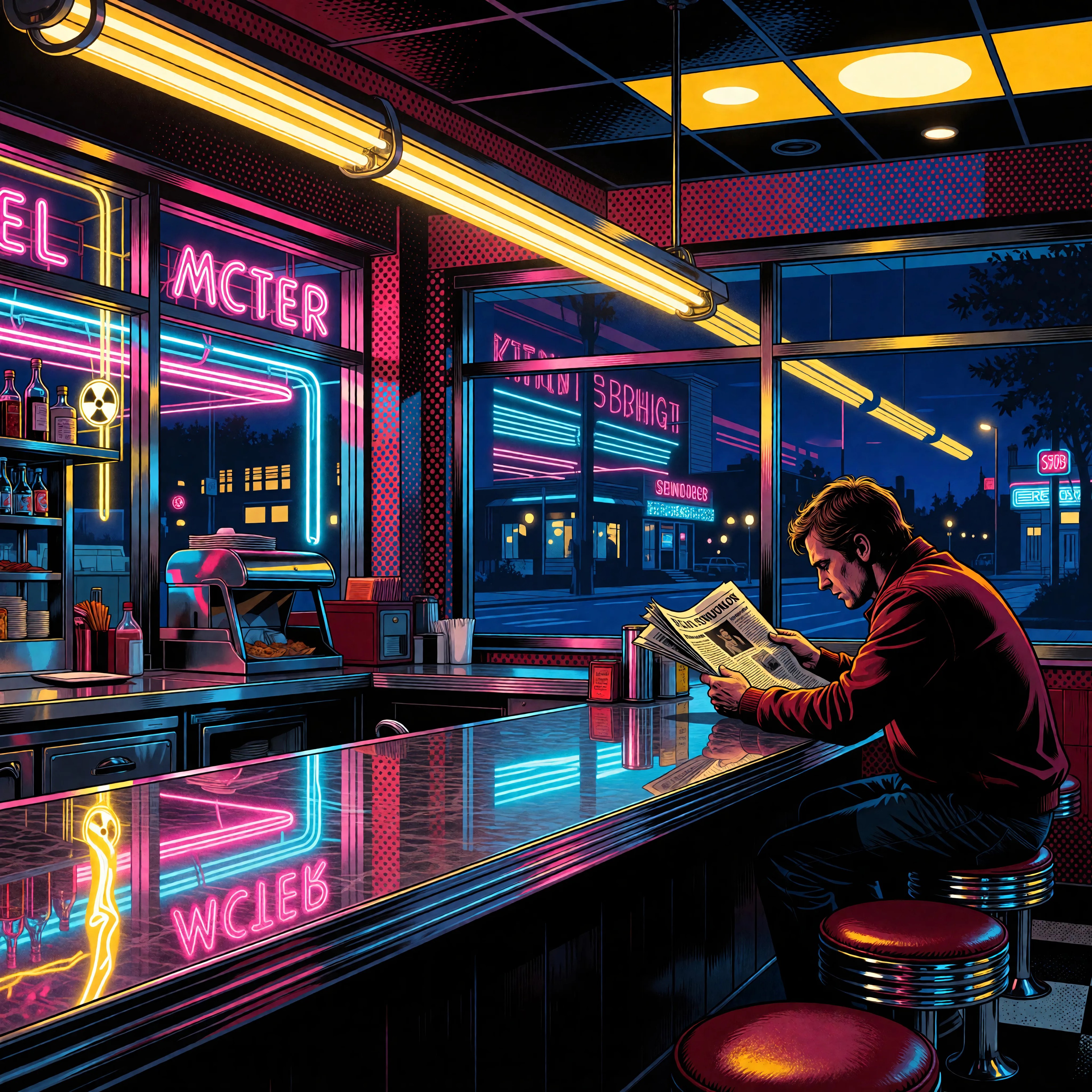
Ia-stylized
image-to-image
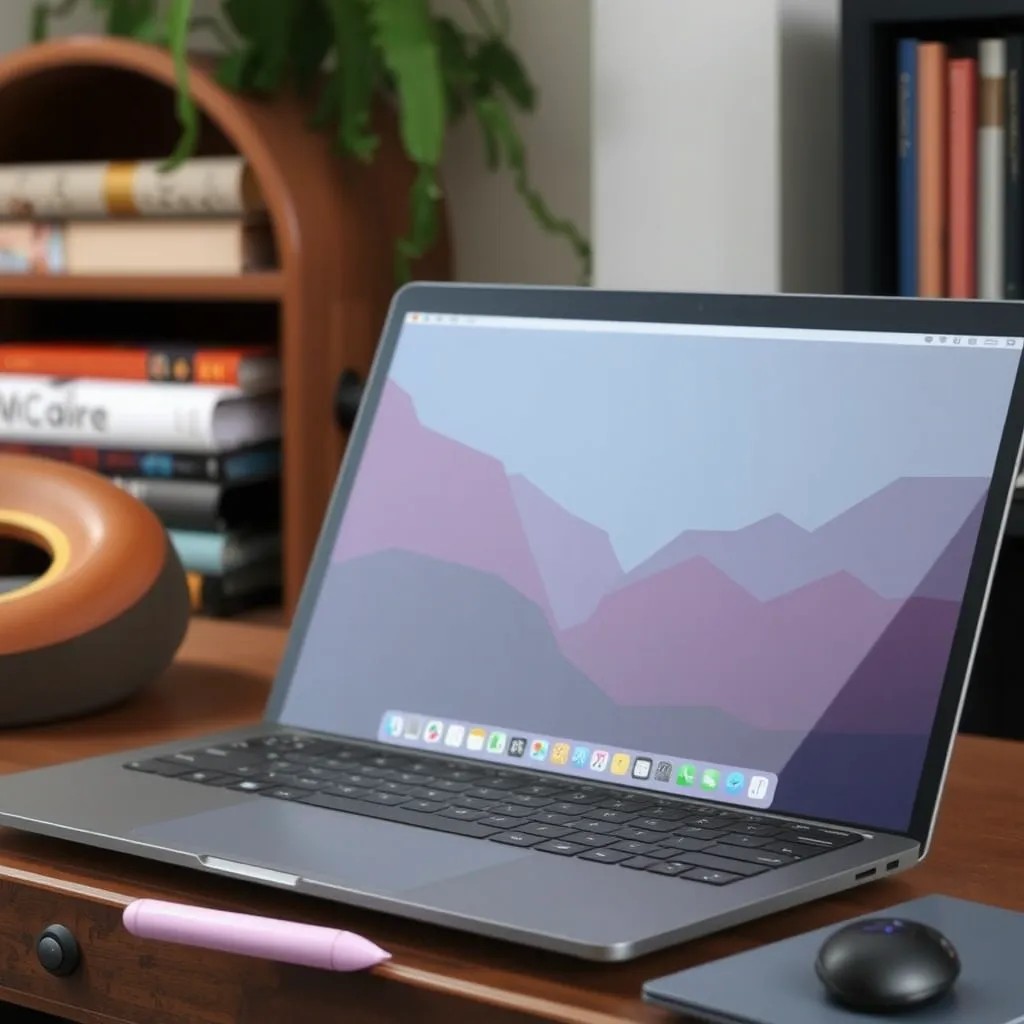
A laptop of this style on an old wooden desk
stable-diffusion
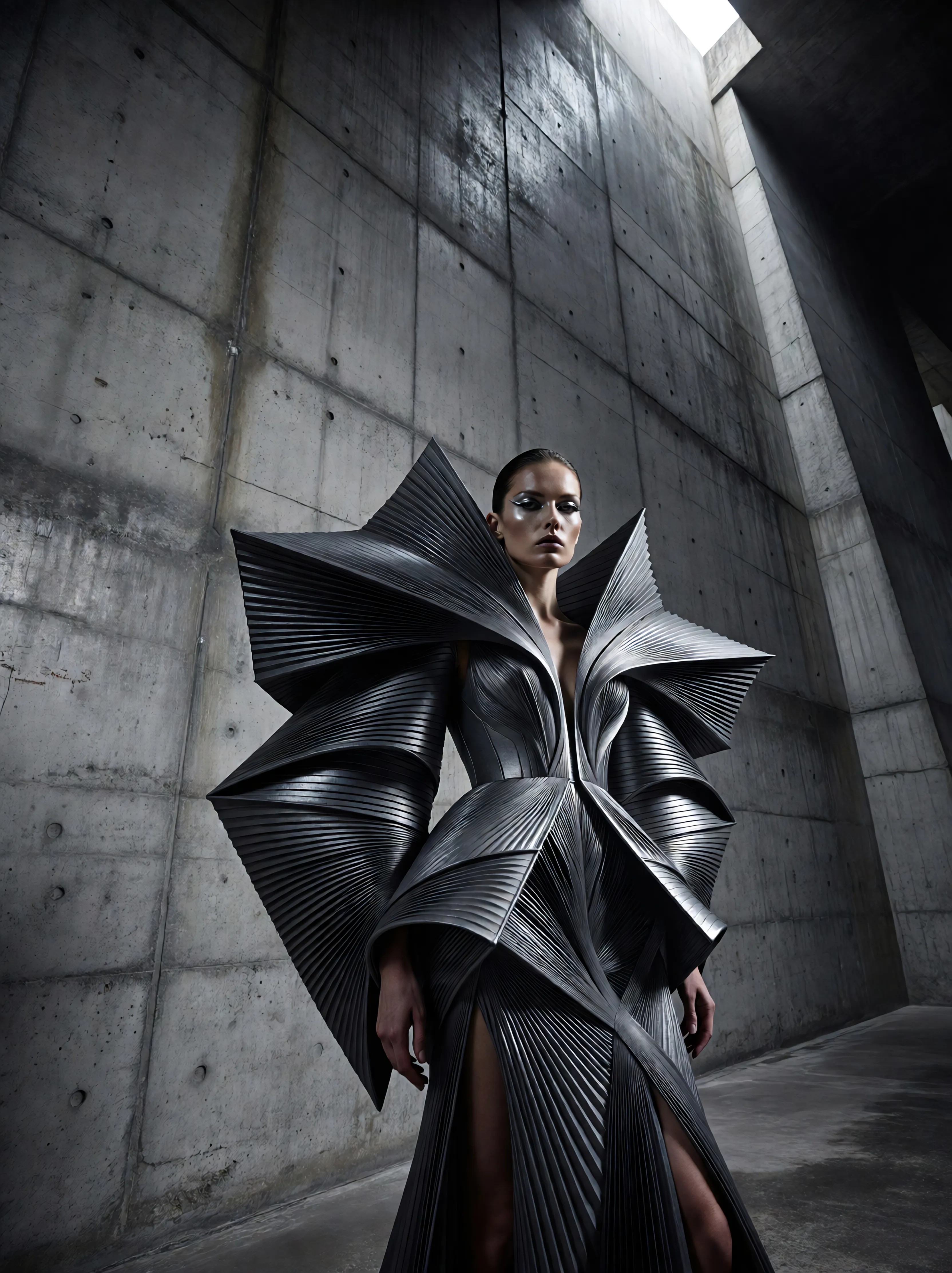
Ia-fashion
image-to-image
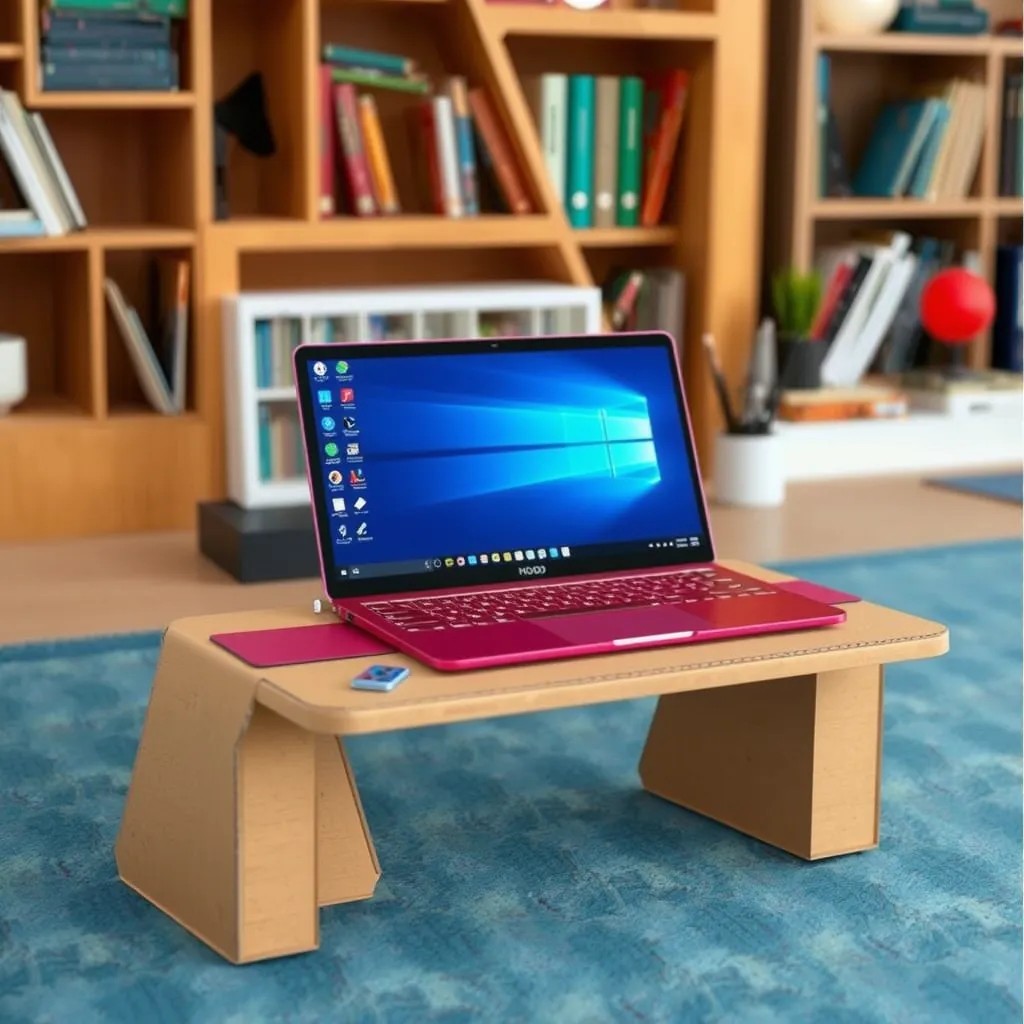
This laptop on a desk made out of cardboard
stable-diffusion
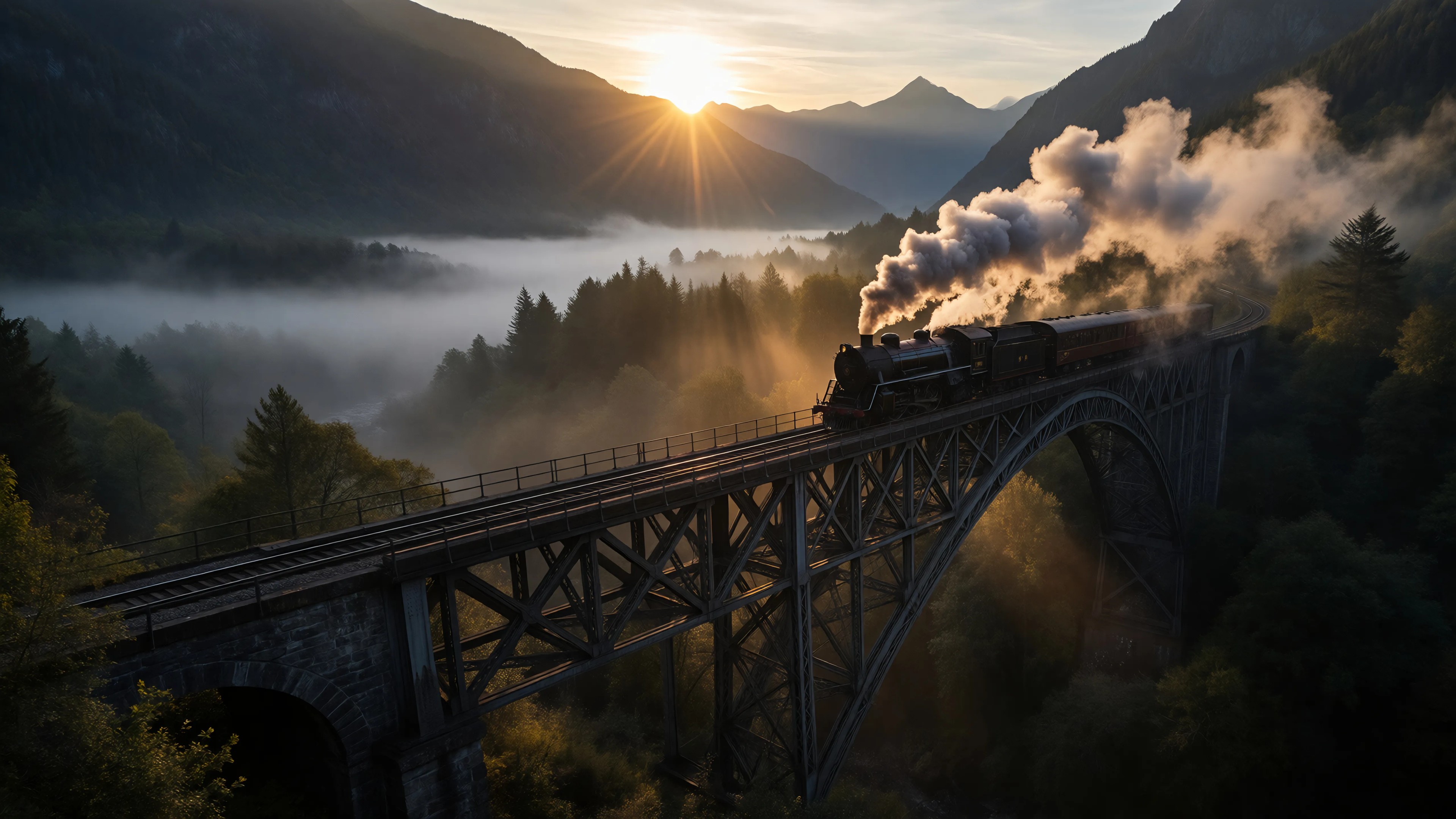
Ia-cinematic
image-to-image
Models you can run on PixelDojo for ai typewriter
Switch models without switching tools. Each one runs in the same PixelDojo studio.
What you can do with ai typewriter on PixelDojo
Generate Images from Text
We convert typed prompts into images. Users adjust wording to change results.
Produce Image Variations
We create multiple versions from one prompt. Creators choose the output that fits their needs.
Specify Artistic Styles
We apply styles named in the prompt. This directs the visual appearance of generated images.
Export at Chosen Sizes
We let users select resolution for downloads. Files support further editing or sharing.
Join over 10,000 creators who have generated more than 500,000 images using PixelDojo's AI tools. Rated 4.8/5 by our satisfied users.
Why Choose Pixel Dojo for ai typewriter
Professional-quality results with cutting-edge AI technology
Effortless Creativity
Generate intricate typewriter-style images with just a few clicks, saving time and effort.
High-Quality Outputs
Produce professional-grade images suitable for various applications, from marketing materials to personal projects.
User-Friendly Interface
Navigate our intuitive platform with ease, making image creation accessible to everyone.
How It Works
Creating typewriter-style images with PixelDojo is simple and straightforward. Follow these steps to bring your ideas to life:
Step 1: Choose Your Tool
Select the 'Flux Creator' from PixelDojo's suite of AI tools to begin your typewriter art creation.
Step 2: Enter Your Prompt
Describe the image you envision in the prompt box. For example, 'A vintage typewriter with a blank sheet of paper, set against a rustic wooden desk.'
Step 3: Customize & Download
Adjust settings such as style, resolution, and color to match your preferences. Once satisfied, download your high-quality typewriter-style image.
The Pixel Dojo Advantage
Why PixelDojo outperforms other options for AI typewriter image generation:
| Others | Pixel Dojo |
|---|---|
| Traditional Typewriter Art Creation | Eliminate the need for manual typing and scanning; create digital typewriter art instantly. |
| Generic AI Tools | Specialized algorithms tailored for typewriter aesthetics ensure more authentic results. |
| Manual Photo Editing | Save hours of editing by generating ready-to-use images with minimal input. |
Loved by creators on PixelDojo
Real feedback from people using PixelDojo, pulled from our in-product surveys.
all in one place
It is a lot of fun to uae and easy too.
So many different models to try out
You keep adding to it to stay up to date and that is GOLD.
very easy to use and good support
Very easy to use
Explore more AI tools on PixelDojo
AI Tools
Compare & Switch
- Best AI Image Generators
- Best AI Video Generators
- Midjourney Alternatives
- Civitai Alternatives
- Runway Alternatives
- Leonardo Alternatives
- Pika Alternatives
- Luma Alternatives
- Magnific Alternatives
- Veo Alternatives
- Flux Alternatives
- Freepik Alternatives
- Seedance Alternatives
- Seedream Alternatives
- Pixverse Alternatives
- GPT Image Alternatives
- Synthesia Alternatives
- Playground Alternatives
- NightCafe Alternatives
- Canva AI Alternatives
- ElevenLabs Alternatives
- ComfyUI Alternatives
- Fal Alternatives
- Replicate Alternatives
Common Questions
Everything you need to know about ai typewriter
How can I create AI-generated typewriter art with PixelDojo?
Simply select the 'Flux Creator' tool, enter a descriptive prompt of your desired image, customize the settings to your liking, and download the final typewriter-style image.
Do I need any design experience to use PixelDojo's AI tools?
No, PixelDojo is designed for users of all skill levels. Our intuitive interface makes it easy for anyone to create stunning images.
Can I use the generated images for commercial purposes?
Yes, images created with PixelDojo can be used for both personal and commercial projects. Please refer to our terms of service for more details.
Is there a limit to the number of images I can generate?
PixelDojo offers various subscription plans to suit different needs. Depending on your plan, you can generate a specific number of images per month. Check our pricing page for more information.
What file formats are available for download?
Generated images can be downloaded in high-resolution PNG and JPEG formats, suitable for both digital and print use.
How does PixelDojo ensure the quality of generated images?
Our AI models are trained on diverse datasets to produce high-quality, realistic images. Additionally, users can customize settings to achieve their desired output.