bytedance seedream AI Generator

Generated on PixelDojo. Produced by PixelDojo's generation pipeline.
Unlock professional-grade visuals without a studio or design team. On PixelDojo you harness ByteDance Seedream 4.5 and Seedream 5 to produce photorealistic portraits with lifelike skin textures, cinematic lighting and fashion-forward compositions that look like they came from a high-end photoshoot. Generate dense, publication-ready infographics that turn complex data into clear layouts in a single pass. Render multilingual text accurately inside posters, menus and UI mockups. Perform pixel-level edits, fuse multiple references and keep characters consistent across series. Whether you need commercial posters, lifestyle imagery, architectural visualizations or branded assets, you achieve production-ready results in minutes. PixelDojo gives you 40+ cutting-edge AI tools so you can iterate freely, pair Seedream with Image to Image, Inpainting or Change Camera Angle, then upscale and download. Loved by thousands of creators worldwide, you can start today and cancel anytime.
Real image examples generated on PixelDojo
Every example below was produced on PixelDojo. Hover to see the prompt.
Black tie & tuxedo
flux

Masterpiece
creative-upscaler
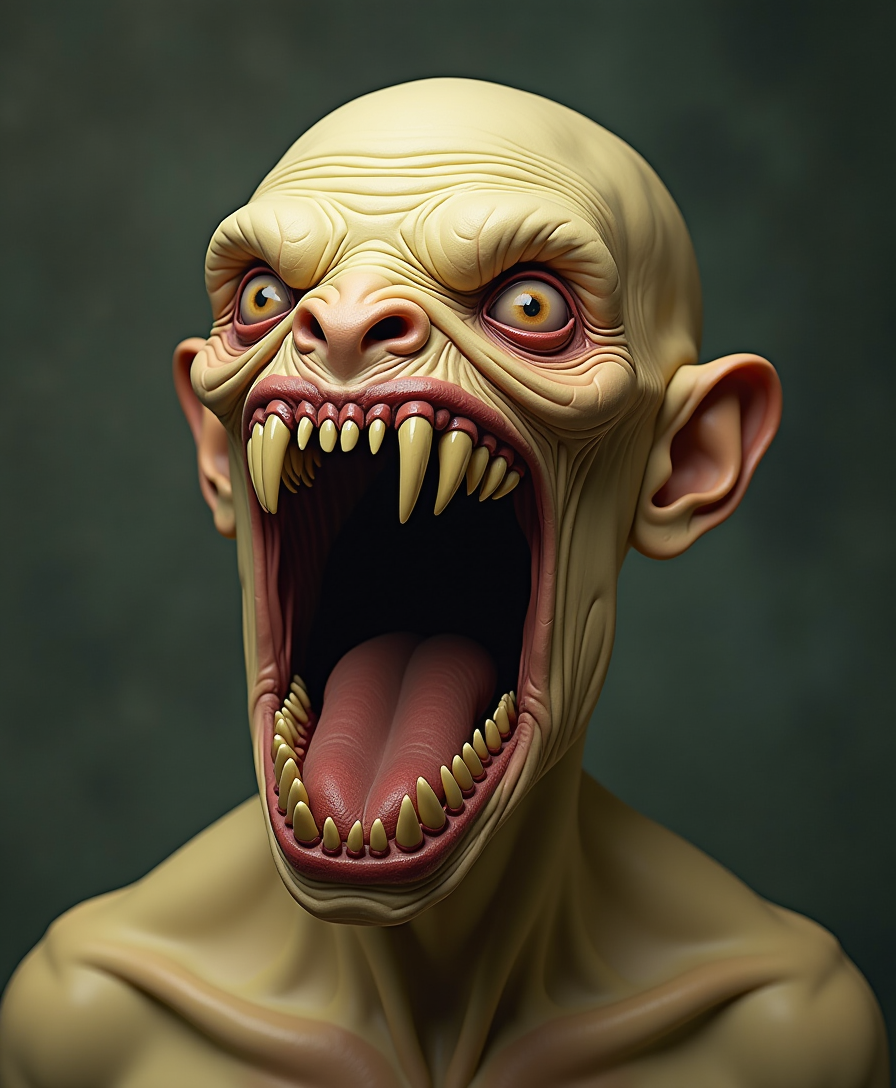
A grotesque
stable-diffusion

8K ultra-realistic image
flux
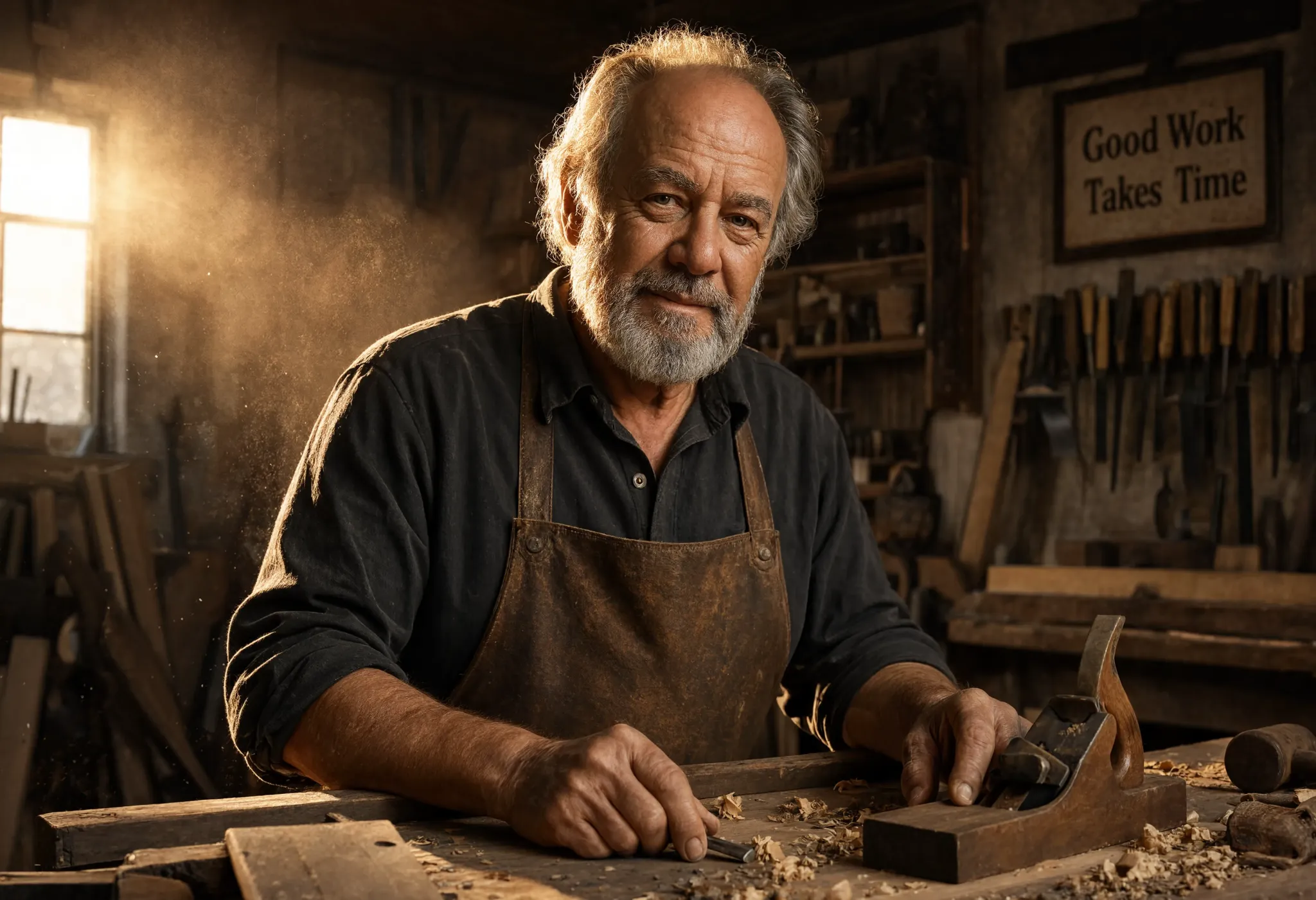
A dramatic portrait of an elderly craftsman in his woodworking workshop
reve
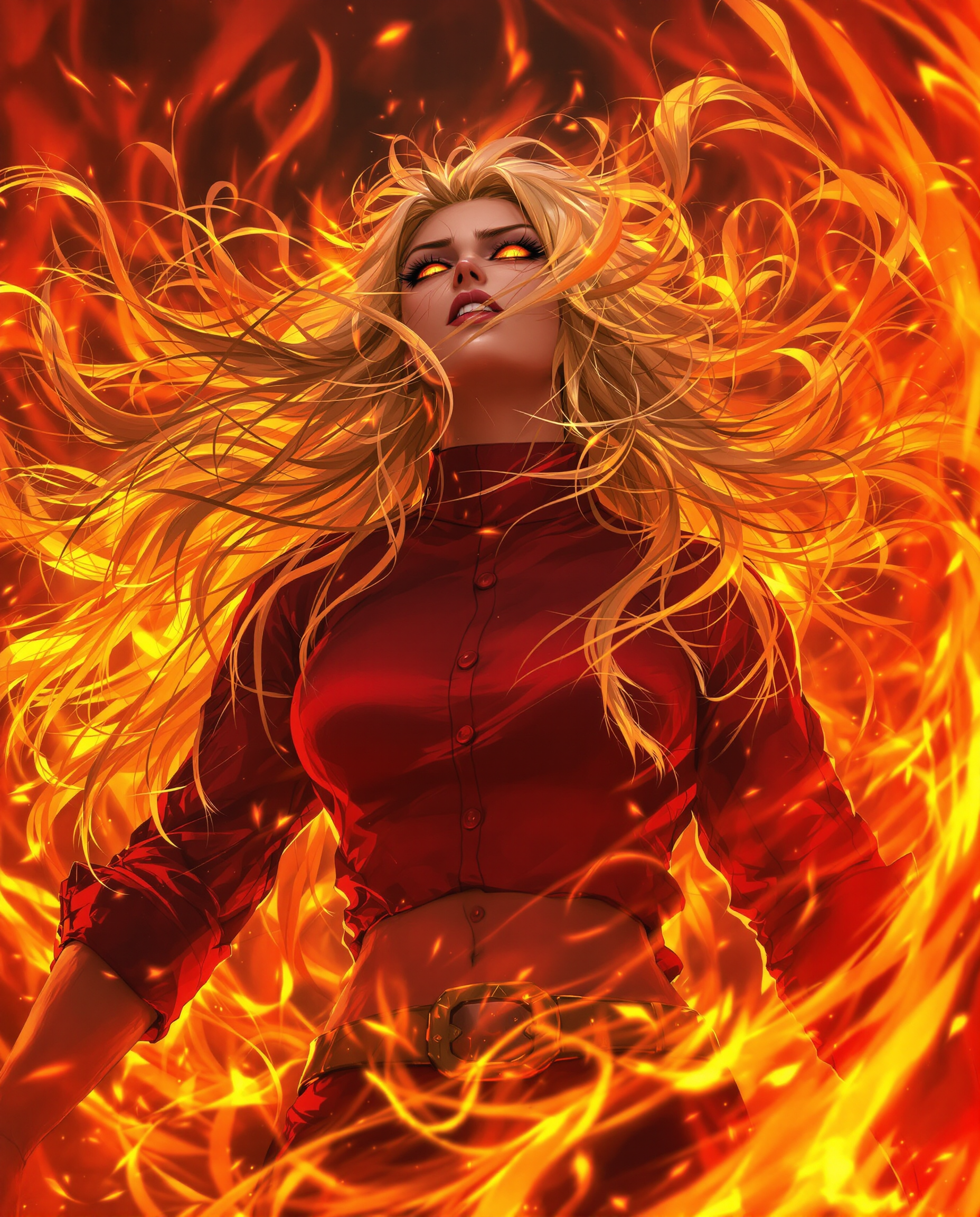
A hyper-realistic DSLR photograph captures a fierce female anime character in a dynamic
flux
Models you can run on PixelDojo for bytedance seedream
Switch models without switching tools. Each one runs in the same PixelDojo studio.
What you can do with bytedance seedream on PixelDojo
Seedream Image Generation
We give you ByteDance Seedream on PixelDojo so you can turn prompts into still images without leaving the workspace.
Photoreal Detail Control
We expose Seedream’s strength in lighting, materials, and camera-like framing so you can aim for clean product shots, portraits, and scene stills.
Readable On-Image Text
We support Seedream prompts that include signs, labels, and short copy so lettering stays usable in posters, UI mockups, and packaging concepts.
Iterate Inside PixelDojo
We keep generations, prompt tweaks, and downloads in one flow so you can compare Seedream outputs and move the keepers into your next step.
Loved by thousands of creators worldwide. Access 40+ cutting-edge AI tools including Seedream 4.5 and Seedream 5. High-quality photorealism, precise control and commercial-ready output. Cancel anytime.
Why Choose Pixel Dojo for bytedance seedream
Professional-quality results with cutting-edge AI technology
Magazine-Quality Portraits and Fashion Shots
You produce hyper-realistic skin, natural lighting, fabric details and cinematic color grading that rival professional photography. Seedream 4.5 and Seedream 5 excel at fashion-forward lifestyle imagery so your campaigns, lookbooks and social content look expensive and authentic without hiring models or studios.
Professional Infographics and Layouts in One Generation
You transform data, timelines, charts and dense text into polished, logically arranged visuals ready for presentations, websites or print. Seedream 5 understands design hierarchy so you get clear information architecture, accurate multilingual typography and aesthetic balance instantly.
Pixel-Perfect Control and Character Consistency
You refine images with interactive precision editing, layer separation, multi-reference fusion and spatial awareness. Keep faces, products and styles consistent across a series using Seedream plus Image to Image or Inpainting, then enhance with Reality Polisher or P-Image Upscale for flawless final assets.
How It Works
Creating stunning Seedream images on PixelDojo takes three simple steps. Choose the model that matches your goal, describe what you want (or upload references), then customize and download production-ready files.
Step 1: Choose Your Tool
Open Generate Images and select Seedream 5 for advanced reasoning, infographics, precision editing and multilingual support, or Seedream 4.5 for cinematic aesthetics, character consistency and fast 2K/4K photorealism. You can also combine with Image to Image, Inpainting or Style Transfer for extra control.
Step 2: Enter Your Prompt
Write a detailed description covering subject, lighting, composition, mood and any on-image text in quotes. Add up to 10 reference images for fusion or consistency. Seedream rewards specific photographic language and spatial instructions so you get exactly the cinematic portrait, infographic or scene you envisioned.
Step 3: Customize & Download
Review variations, then use built-in editors like Inpainting, Change Camera Angle, Magic Lighting or Background Remover. Separate layers if needed, upscale with P-Image Upscale or Magnific Upscaler, and download high-resolution files ready for commercial use. Iterate quickly and cancel anytime.
The Pixel Dojo Advantage
Why PixelDojo outperforms other options for ByteDance Seedream image generation
| Others | Pixel Dojo |
|---|---|
| Traditional photography and stock libraries | You skip expensive shoots, location scouting and licensing. Generate custom photorealistic scenes, consistent characters and branded infographics on demand, then edit instantly with Seedream 5 precision tools. |
| Generic AI tools | You get superior text rendering, spatial layout understanding, multilingual support and cinematic photorealism that generic generators miss. Seedream 4.5 and 5 plus PixelDojo’s editing suite deliver design-ready, consistent results. |
| Manual photo editing and design software | You achieve complex layouts, layer separation and photorealistic textures in minutes instead of hours. No steep learning curve—just describe, generate, refine with Inpainting or Image to Image and download. |
Loved by creators on PixelDojo
Real feedback from people using PixelDojo, pulled from our in-product surveys.
the number of options, and especially the quick response to questions on Discord
Love you guys!!
Trained my Lora super fast. Still working out how to creat content wit it, but I love it so far.
I love this app
It has all the tools I can think of...
deployment rate of splendid features is incredible. Legend
Explore more AI tools on PixelDojo
AI Tools
Compare & Switch
- Best AI Image Generators
- Best AI Video Generators
- Midjourney Alternatives
- Civitai Alternatives
- Runway Alternatives
- Leonardo Alternatives
- Pika Alternatives
- Luma Alternatives
- Magnific Alternatives
- Veo Alternatives
- Flux Alternatives
- Freepik Alternatives
- Seedance Alternatives
- Seedream Alternatives
- Pixverse Alternatives
- GPT Image Alternatives
- Synthesia Alternatives
- Playground Alternatives
- NightCafe Alternatives
- Canva AI Alternatives
- ElevenLabs Alternatives
- ComfyUI Alternatives
- Fal Alternatives
- Replicate Alternatives
Common Questions
Everything you need to know about bytedance seedream
What is ByteDance Seedream and how can I use it on PixelDojo?
ByteDance Seedream is a family of advanced image generation models (Seedream 4.5 and Seedream 5) known for photorealistic output, cinematic aesthetics, accurate text rendering and strong design understanding. On PixelDojo you access both models directly in Generate Images. Seedream 4.5 shines at character consistency and fashion photography while Seedream 5 adds reasoning for infographics, interactive precision editing and native multilingual generation. Pair them with Image to Image, Inpainting or Character Sheets for complete workflows. You get commercial-ready files and can cancel anytime.
How do I create 4K photorealistic images with Seedream 4.5 on PixelDojo?
Select Seedream 4.5 in Generate Images, choose 4K resolution and your preferred aspect ratio. Write a detailed prompt focusing on lighting, skin texture, fabric and cinematic mood. Add reference images if you need consistency. Generate variations, then enhance with Reality Polisher or P-Image Upscale. The model excels at hyper-realistic portraits and lifestyle shots so you quickly produce magazine-quality assets without extra software.
Can I perform precise interactive editing with Seedream 5?
Yes. Seedream 5 on PixelDojo supports spatial grounding, point and lasso selection, sketch-to-render, color and material replacement, and intelligent layer separation into 10+ editable layers. You can fuse multiple references, translate menus while preserving layout, or complete infographics with accurate calculations. Combine with PixelDojo’s Inpainting, Change Camera Angle and Magic Lighting for even finer control, then download production files.
Does Seedream support multilingual text rendering inside images?
Seedream 5 natively handles over ten languages with high-quality, localized typography. Put the exact text you want in quotation marks inside your prompt. It renders headlines, body copy, charts and UI elements accurately for posters, infographics, menus and websites. Seedream 4.5 also performs well with bilingual English-Chinese text. You can then refine with Image Analyzer or Video Autocaption if you extend into motion.
How does Seedream help with character consistency for fashion and marketing?
Seedream 4.5 is especially strong at locking facial identity, clothing details and style across multiple generations. Upload reference images or use PixelDojo’s Consistent Characters and Character Sheets tools. Seedream 5 adds even better multi-image fusion. You can then apply Virtual Try-On, Face Swap or Style Transfer and keep the same model looking identical in every shot—perfect for lookbooks, ads and social series.
Is there a low-risk way to try ByteDance Seedream image generation?
Absolutely. PixelDojo lets you start with Seedream 4.5 or Seedream 5 immediately. You have access to 40+ cutting-edge AI tools, credits are only used on successful generations, and you can cancel anytime. Combine Seedream with free-to-try editors like Background Remover or Image Outpainting, upscale the keepers, and download commercial-use files. Thousands of creators already produce professional work this way.