chatgpt image generator
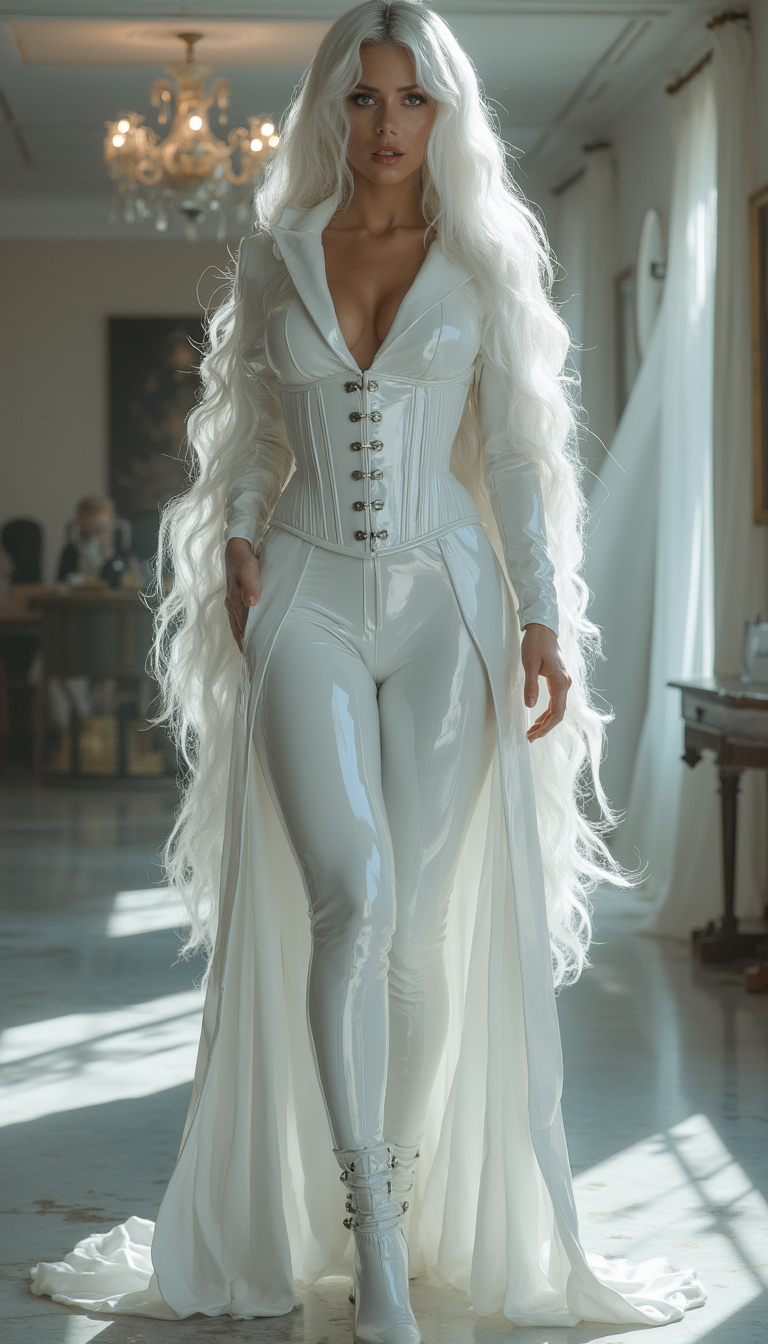
Generated on PixelDojo. Produced by PixelDojo's generation pipeline.
You no longer need a design team, expensive photoshoots or hours of editing to turn your ideas into professional visuals. PixelDojo's ChatGPT image generator lets you describe exactly what you want in everyday language and receive photorealistic, production-ready images in seconds. Whether you need scroll-stopping social media graphics, product mockups with perfect lighting, infographics packed with readable text, or complete marketing campaigns, GPT Image 2 delivers the conversational precision and thinking-powered quality of the latest image generation—right inside your browser. Imagine chatting with an expert designer who instantly understands lighting, composition, style and even exact text placement. You get unlimited variations, full commercial rights and the ability to refine every detail without starting over. Creators, marketers and business owners use PixelDojo every day to produce assets that convert visitors into customers, saving time and budget while looking like they came from a high-end studio. Start with a simple description and watch your vision become reality.
Real image examples generated on PixelDojo
Every example below was produced on PixelDojo. Hover to see the prompt.
Image from library
flux-studio
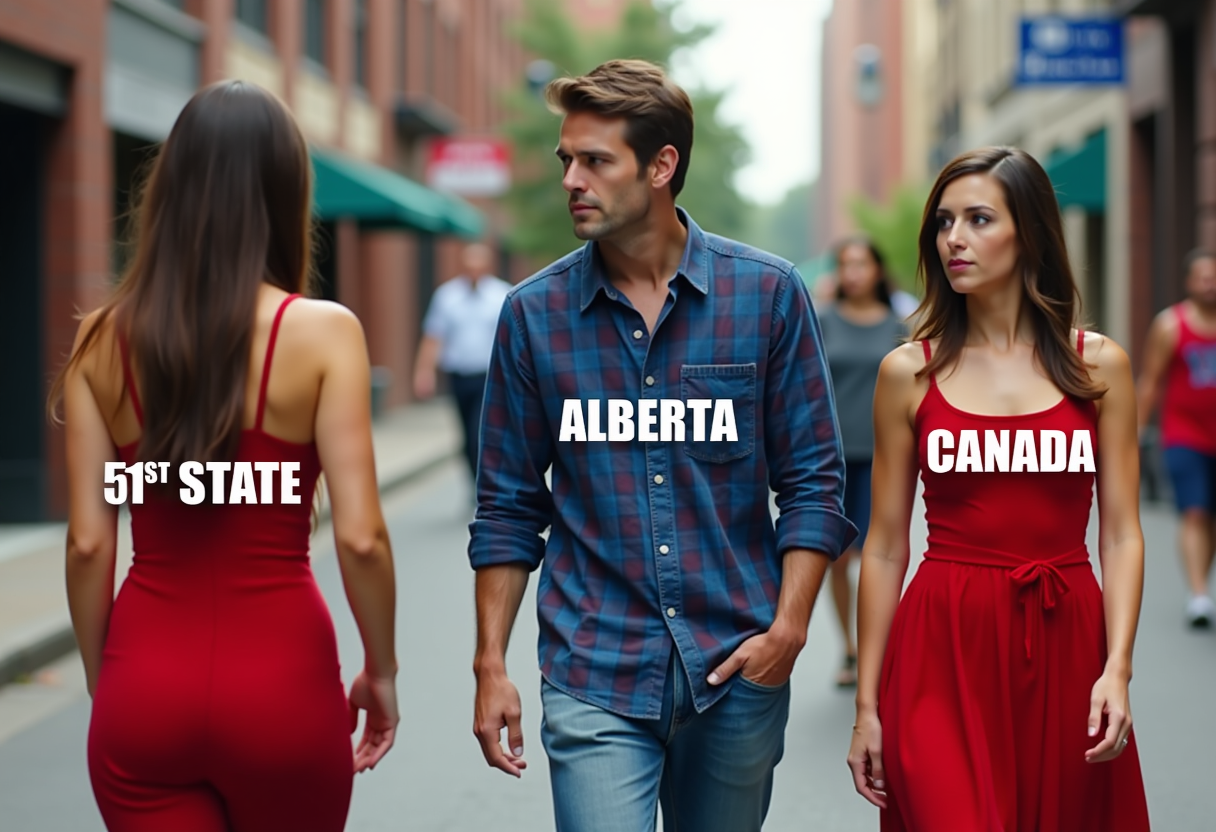
The image is a meme that features a street scene with three individuals
flux
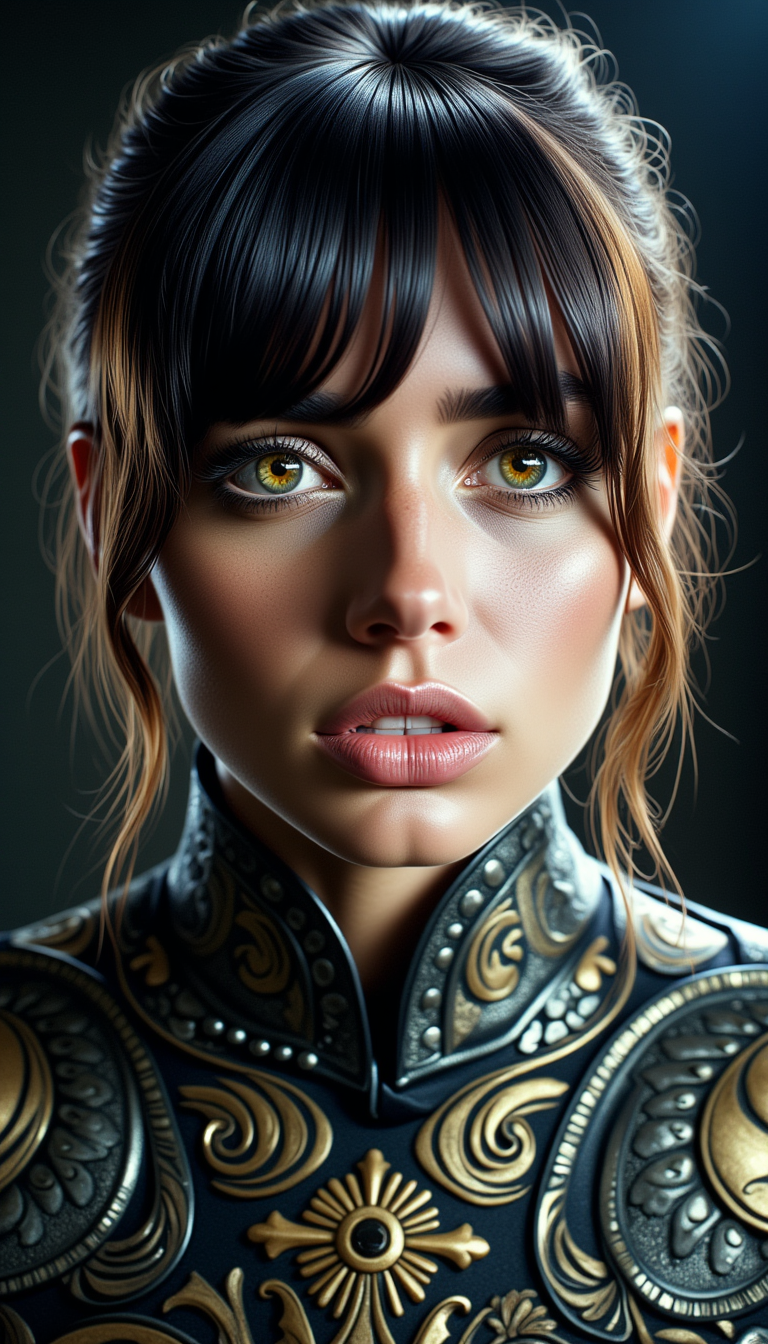
A photo of ANA$
flux
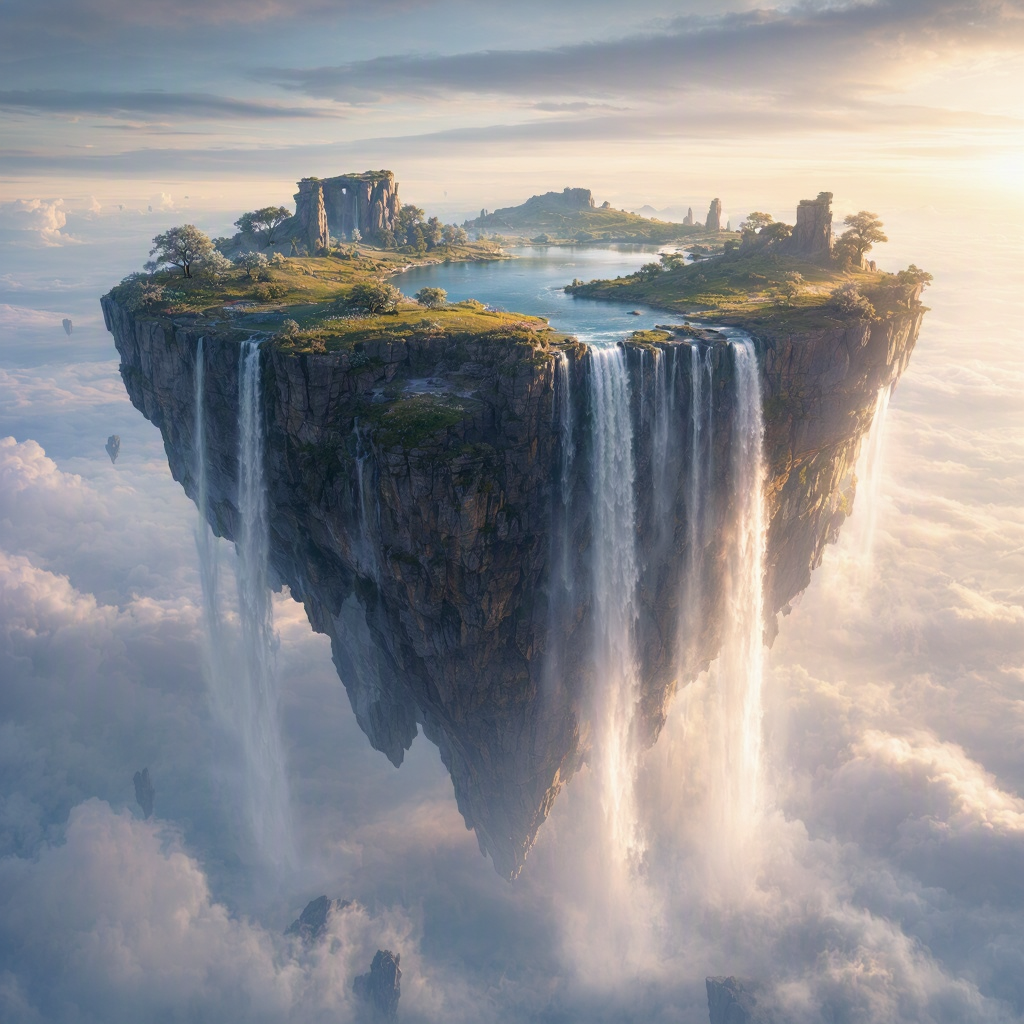
A surreal floating island with waterfalls spilling into the clouds
mai-image

Masterpiece
creative-upscaler
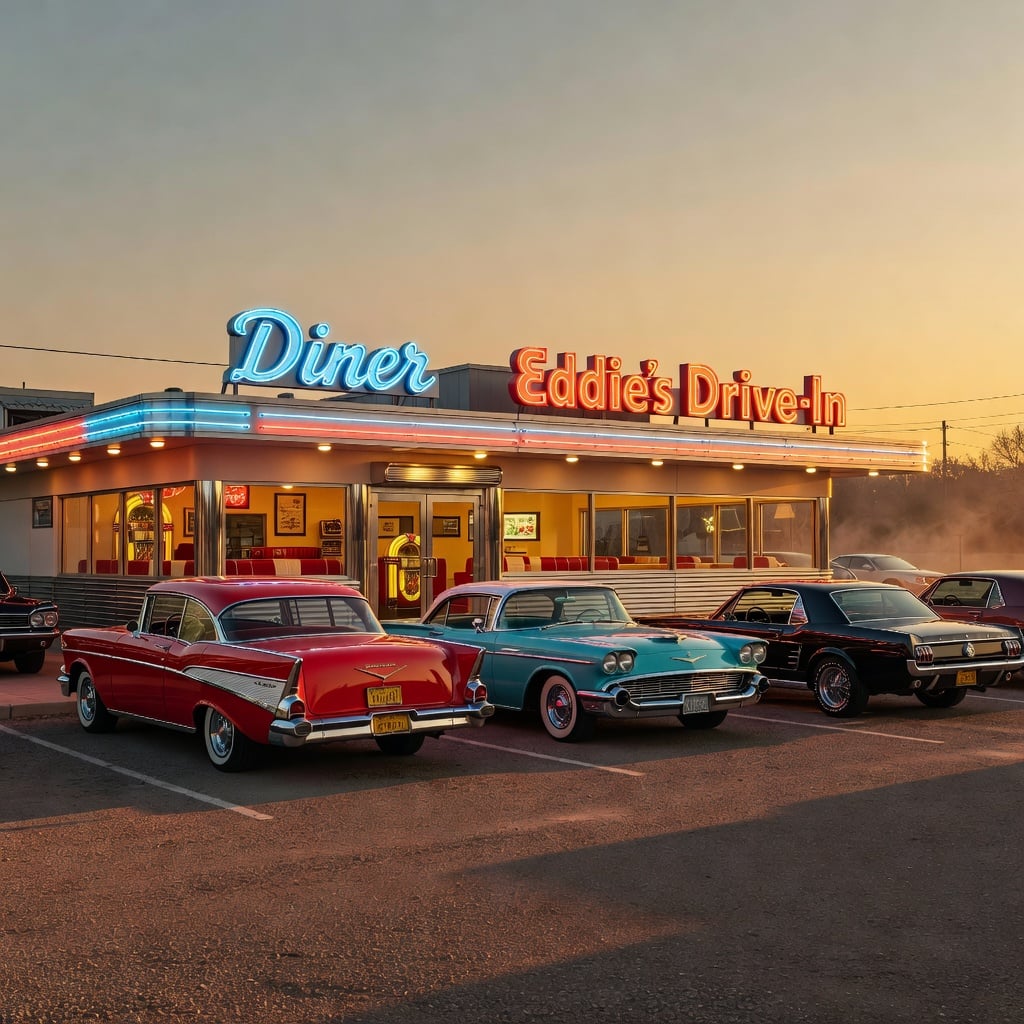
A retro 1960s diner at dusk
xai-image
Models you can run on PixelDojo for chatgpt image generator
Switch models without switching tools. Each one runs in the same PixelDojo studio.
What you can do with chatgpt image generator on PixelDojo
Prompt-driven image generation
We turn text prompts into still images using the same chat-style workflow many creators already use with ChatGPT. You describe the scene, style, and details, then generate variations you can keep or refine.
Multiple models in one place
We host several image models so you can try different looks without switching tools. Compare outputs from one prompt and pick the version that fits your project.
Iterate without starting over
We let you reuse prompts, tweak wording, and generate follow-up images from a result you like. That keeps character, composition, and style more consistent across a set.
Export for real projects
We provide downloads you can drop into design, social, and product work. You control resolution and format so assets fit your usual pipeline.
Loved by thousands of creators worldwide. Access 40+ cutting-edge AI tools including GPT Image 2. Generate unlimited images, cancel anytime.
Why Choose Pixel Dojo for chatgpt image generator
Professional-quality results with cutting-edge AI technology
Photorealistic Images with Perfect Text Rendering
Produce camera-quality photos, lifestyle shots and graphics where headlines, logos and infographic text appear crisp and professional. Your ads, presentations and social posts look designed by experts, boosting credibility and click-through rates without hiring photographers or designers.
Refine Instantly Through Natural Conversation
Tell GPT Image 2 to adjust lighting, move objects, change styles or fix details just like chatting with a collaborator. Skip the endless re-prompting of older tools and arrive at the exact image you need in minutes, keeping your creative flow uninterrupted.
Complete Marketing Campaigns in Record Time
Build consistent brand visuals, product photography and campaign series that drive engagement and sales. Pair GPT Image 2 with Consistent Characters, Style Transfer and Character Sheets to maintain identity across every asset, then upscale or animate for even more impact.
How It Works
Creating professional ChatGPT-style images on PixelDojo takes just three simple steps. Use GPT Image 2 for thinking-powered generation, then polish with our full editing suite.
Step 1: Choose Your Tool
Sign in to PixelDojo and open the Generate Images section. Select GPT Image 2—the latest thinking-capable model that follows complex instructions, renders accurate text and produces photorealistic results. You can also experiment with Flux.2 Studio, QWEN Image 2 or Seedream 5 for additional styles while staying in the same workflow.
Step 2: Enter Your Prompt
Describe your vision using a structured approach: subject and action, setting, lighting (golden hour, cinematic, soft window light), style (photorealistic, editorial, illustration), mood and any required text. Add camera language such as 85mm lens or shallow depth of field for extra realism. Example: “A 30-year-old professional woman typing on a laptop in a sunlit modern café, warm afternoon light, photorealistic, 16:9, text ‘Boost Your Productivity’ in clean sans-serif.” The model plans the scene before generating.
Step 3: Customize & Download
Review the result and refine conversationally—“make the lighting warmer, keep everything else.” Switch to Edit Images tools such as Inpainting, Image to Image, Magic Lighting or Background Remover for precise changes. Upscale with P-Image Upscale or Clarity Pro, then download high-resolution files ready for web, print or video. Combine with Marketing Studio or video generators if you need motion.
The Pixel Dojo Advantage
Why PixelDojo outperforms other options for chatgpt image generator projects
| Others | Pixel Dojo |
|---|---|
| Traditional photography and graphic design | Eliminate costly shoots, stock fees and designer retainers. Generate unlimited on-brand variations in minutes with full commercial usage rights, then iterate until every asset converts. |
| Generic AI image platforms | Enjoy true conversational refinement, thinking-powered planning and precise text rendering with GPT Image 2, plus 40+ specialized tools such as Consistent Characters, Reality Polisher and Character Sheets that generic sites simply do not offer. |
| Manual photo editing software | Skip steep learning curves and hours of masking. Describe the change in plain English and let AI execute it, then finish with dedicated editors. Move from idea to finished campaign asset faster than ever. |
Loved by creators on PixelDojo
Real feedback from people using PixelDojo, pulled from our in-product surveys.
Very eay to use, works well to train SDXL loras.
The amazing tools
Top notch quality and strong prompt adherence.
A well resourced sunscription with attention to updates.
Easy to use and there's lots of options.
super lora download
Explore more AI tools on PixelDojo
AI Tools
Compare & Switch
- Best AI Image Generators
- Best AI Video Generators
- Midjourney Alternatives
- Civitai Alternatives
- Runway Alternatives
- Leonardo Alternatives
- Pika Alternatives
- Luma Alternatives
- Magnific Alternatives
- Veo Alternatives
- Flux Alternatives
- Freepik Alternatives
- Seedance Alternatives
- Seedream Alternatives
- Pixverse Alternatives
- GPT Image Alternatives
- Synthesia Alternatives
- Playground Alternatives
- NightCafe Alternatives
- Canva AI Alternatives
- ElevenLabs Alternatives
- ComfyUI Alternatives
- Fal Alternatives
- Replicate Alternatives
Common Questions
Everything you need to know about chatgpt image generator
What is the best chatgpt image generator for professional marketing in 2026?
PixelDojo’s GPT Image 2 combines thinking capabilities, photorealistic output and accurate text rendering with a complete ecosystem of 40+ tools. Marketers create infographics, product shots, social ads and consistent character campaigns in one place, then edit, upscale and even turn stills into video—all with commercial rights and no daily limits on paid plans.
How can I generate images like a chatgpt image generator without daily restrictions?
PixelDojo gives you GPT Image 2 plus Flux.2 Studio, QWEN Image 2 and many more generators in a single subscription. Start creating photorealistic images, illustrations and graphics immediately. Thousands of creators already produce unlimited commercial assets this way and you can cancel anytime if it does not fit your workflow.
Can PixelDojo’s chatgpt image generator produce photorealistic product photography?
Yes. Feed GPT Image 2 camera-specific language—85mm lens, golden-hour backlight, shallow depth of field, granite countertop—and you receive studio-quality product shots. Follow up with Image to Image, Reality Polisher or Magic Lighting to match your brand lighting and textures exactly, then upscale for e-commerce or print.
What are the latest chatgpt image generation techniques I can use on PixelDojo?
The newest models plan complex scenes before generating. Use a six-element prompt covering subject, action, setting, lighting, style and mood. Iterate conversationally, upload reference images, specify aspect ratios and place short text in quotes. PixelDojo’s GPT Image 2 plus Inpainting and Style Transfer make these professional techniques available to everyone.
How do I add accurate, readable text to images with a chatgpt image generator?
GPT Image 2 renders short headlines, logos and labels with high fidelity when you specify font style, color, size and placement. For longer copy or perfect alignment, generate the base image then use Inpainting or Image Analyzer to insert or correct text. The result looks professionally designed and ready for ads or presentations.
Can I keep characters consistent across multiple images using PixelDojo’s chatgpt image generator?
Absolutely. Begin with GPT Image 2, then lock identity using Consistent Characters, Character Sheets or Ideogram Character. Extend the same faces into video with WAN Video Character Swap or Kling Avatar. Build entire branded series, storyboards or social campaigns without the usual AI drift.