crystal upscaler
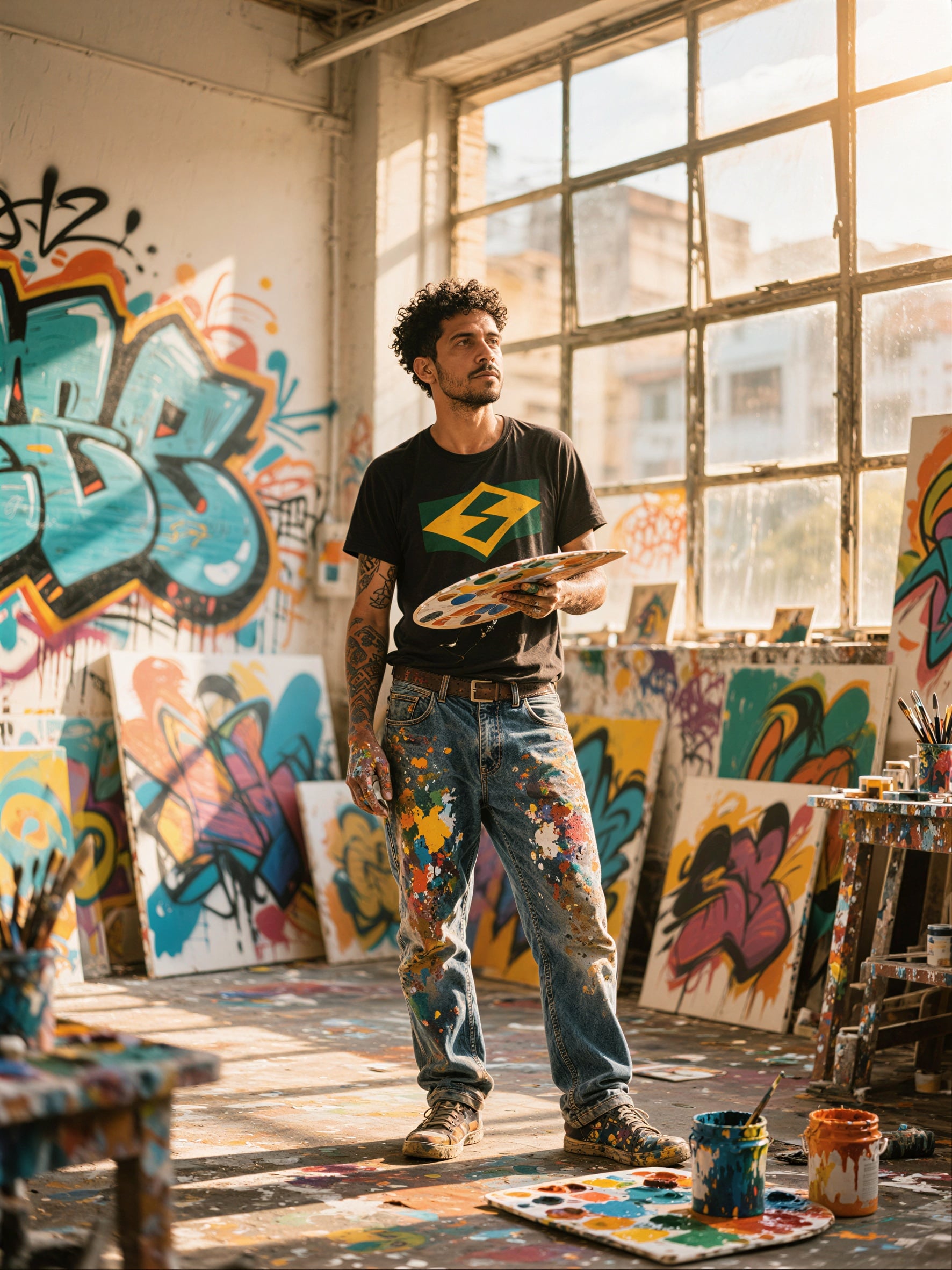
Generated on PixelDojo. Produced by PixelDojo's generation pipeline.
You deserve images that look professionally shot even when your source files are small, compressed, or generated at low resolution. PixelDojo’s crystal upscaler tools let you enlarge portraits, product shots, and artwork up to 8x while recovering natural skin texture, sharp fabric details, and crisp edges that actually look like the original—only better. Photographers, ecommerce sellers, and content creators use Clarity Pro, Portrait Upscaler, Magnific Upscaler, Creative Upscaler, and P-Image Upscale every day to produce print-ready files, zoomable product images, and large-format displays without plastic skin, identity shifts, or crunchy artifacts. Upload once, choose your scale, and download results that convert browsers into buyers and clients into repeat customers. With 40+ cutting-edge AI tools loved by thousands of creators worldwide, you can cancel anytime and still walk away with gallery-quality files.
Real image examples generated on PixelDojo
Every example below was produced on PixelDojo. Hover to see the prompt.
P-Image Upscale
p-image-upscale
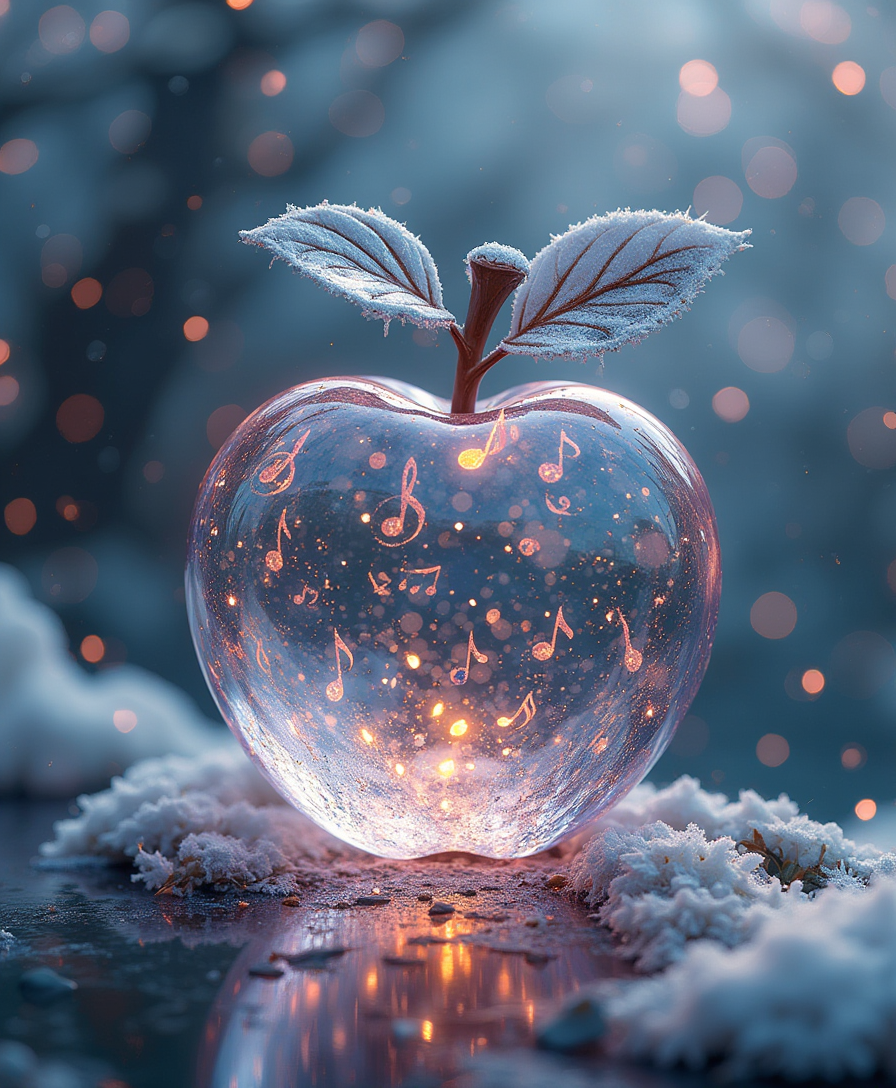
High quality
flux
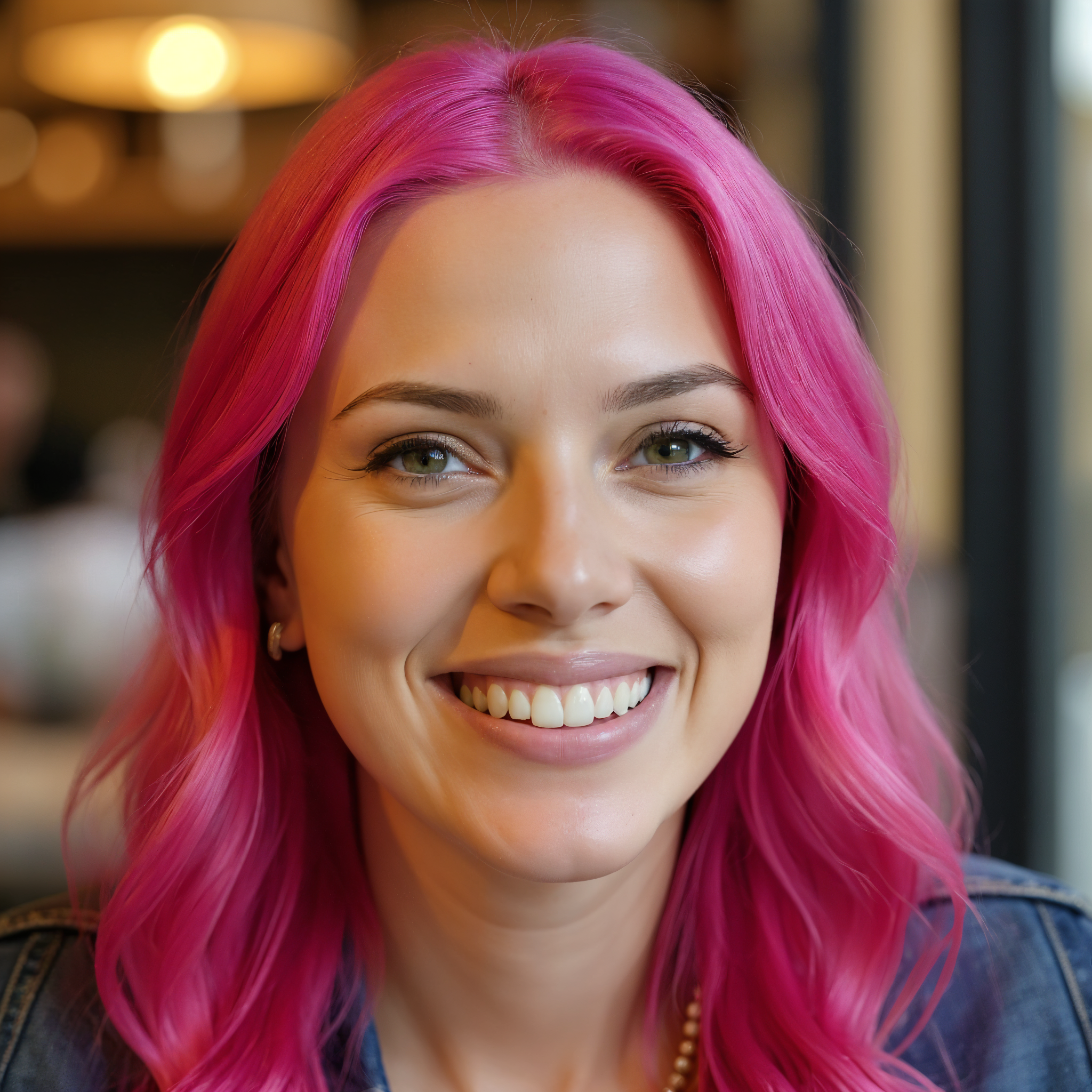
Upscaled version
flux-studio
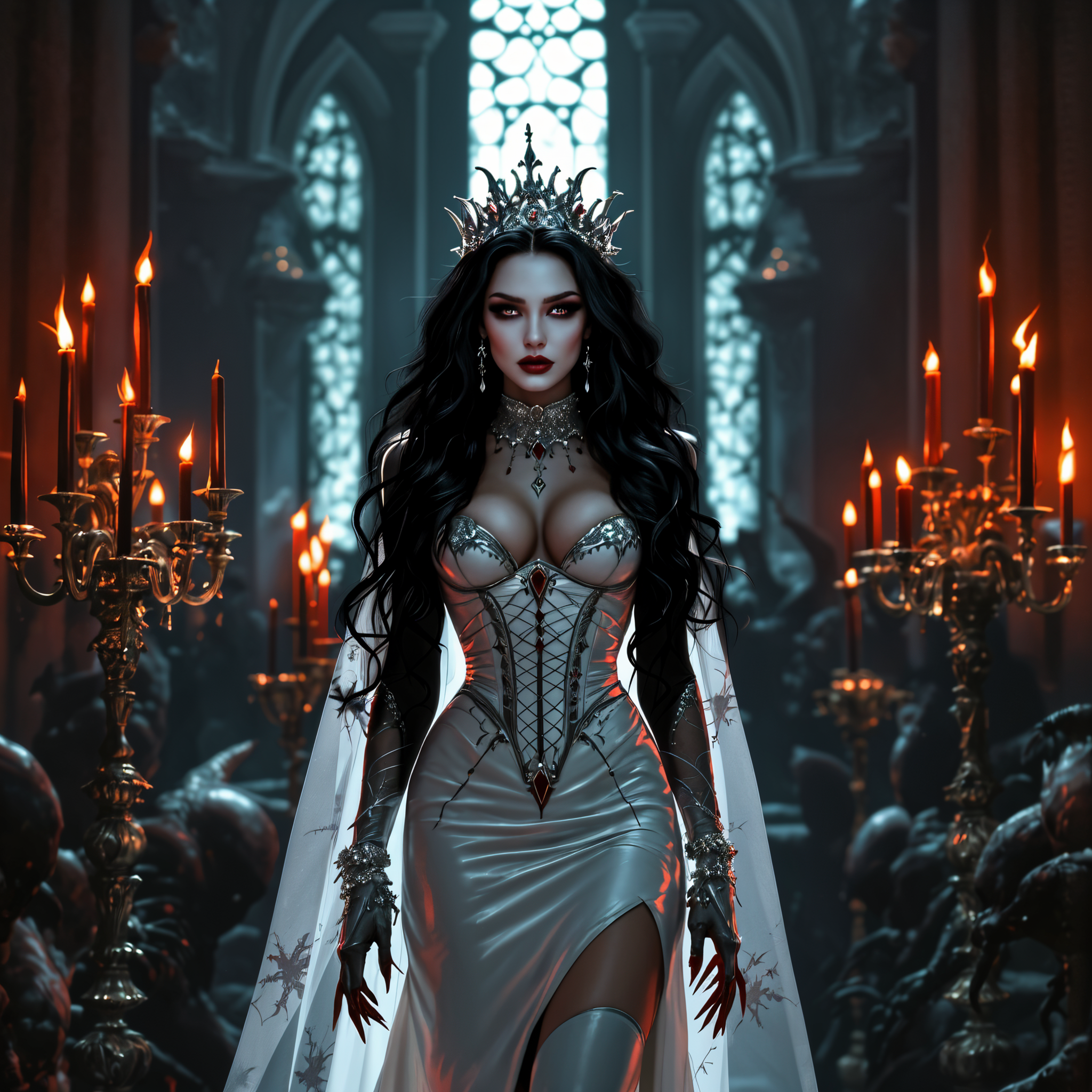
Upscaled version
flux-studio

Creatively upscale to 16K resolution edited with Seedream 4
seedream-4
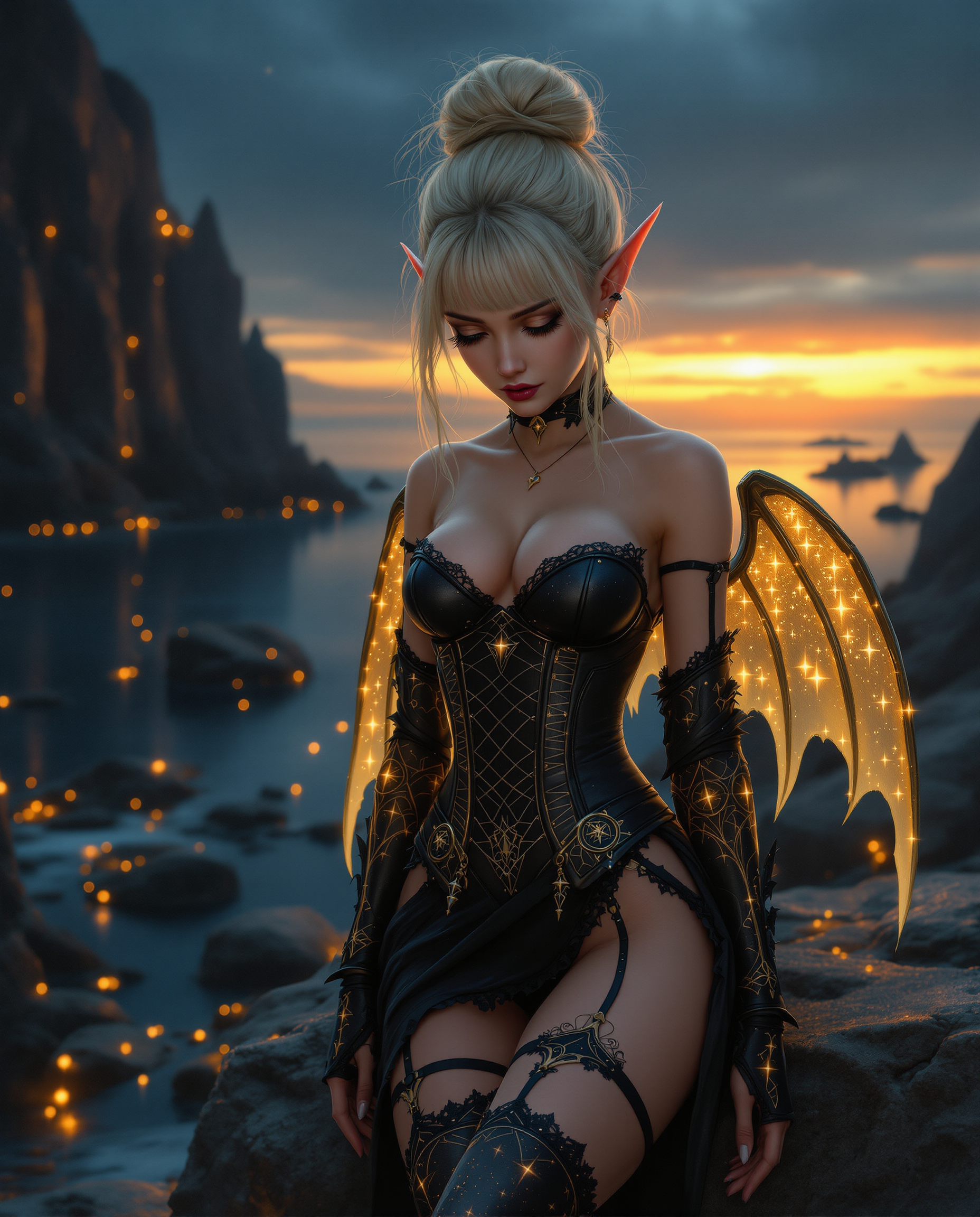
A highly detailed
flux
Models you can run on PixelDojo for crystal upscaler
Switch models without switching tools. Each one runs in the same PixelDojo studio.
What you can do with crystal upscaler on PixelDojo
High Resolution Crystal Upscale
We enlarge generated images to higher pixel counts while holding edges and textures steady so you can crop or print with more room to work.
Keep Fine Image Detail
The crystal upscaler reconstructs small features such as hair, fabric weave, and lettering so close views stay readable after you scale up.
Enlarge Without Full Regen
You can take a finished generation and raise its resolution instead of re-running the whole model, then download the result in common file formats.
Apply After You Generate
We let you upscale images created on PixelDojo so you can iterate at working size and enlarge only the frames you want to keep.
Thousands of photographers, brands, and AI artists already rely on PixelDojo for crystal-clear results. Join them and experience 40+ specialized tools that deliver natural high-resolution images in seconds.
Why Choose Pixel Dojo for crystal upscaler
Professional-quality results with cutting-edge AI technology
Portraits That Look Shot on a Full-Frame Camera
Recover individual eyelashes, iris texture, and realistic skin pores so your headshots, lifestyle photos, and AI-generated faces stay true to the person while becoming large enough for billboards or magazine covers.
Ecommerce Images That Sell at Every Zoom Level
Turn small product photos into crystal-clear hero shots with sharp logos, fabric weaves, and material textures that give shoppers the confidence to click “add to cart” and reduce returns.
Print and Display Ready in Minutes, Not Hours
Skip expensive reshoots and tedious manual retouching. Your low-res files become 4K, 8K, or 10K files that look professionally captured, ready for packaging, social ads, or gallery walls.
How It Works
Creating crystal-clear images on PixelDojo takes three simple steps. No software to install, no complicated settings—just upload, enhance, and download.
Step 1: Choose Your Crystal Upscaler Tool
Open the Upscale & Enhance section and pick the tool that matches your image. Use Portrait Upscaler or Clarity Pro for faces and people, Magnific Upscaler or Creative Upscaler for artistic or product shots that need extra texture, and P-Image Upscale for fast everyday enhancement. Each tool is already tuned for natural, artifact-free results.
Step 2: Upload and Set Your Scale
Drag in your JPG, PNG, or WebP file (or paste a link). Choose 2x for quick web use, 4x for most prints, or higher for large-format needs. A simple creativity slider lets you keep the original look or add a touch of extra detail. Preview appears in seconds so you can confirm the result before committing.
Step 3: Polish and Download Crystal-Clear Files
If you want even more control, send the upscaled image into Reality Polisher, Background Remover, or Image Outpainting for final tweaks. Download high-resolution PNG or JPG instantly. Your file is ready for print, ecommerce, or social without any extra work.
The Pixel Dojo Advantage
Why PixelDojo outperforms other options for crystal upscaler image generation
| Others | Pixel Dojo |
|---|---|
| Traditional [category] creation | Old interpolation methods just stretch pixels and leave blur. PixelDojo reconstructs real detail so your portraits and products look natively high-resolution instead of enlarged. |
| Generic AI tools | One-size-fits-all upscalers often produce plastic skin or change facial identity. PixelDojo’s dedicated Portrait Upscaler and Clarity Pro keep people looking like themselves while delivering unmatched sharpness. |
| Manual photo editing | Hours of cloning and sharpening in traditional software still can’t invent missing texture. PixelDojo does the heavy lifting in seconds and lets you finish with simple polish tools. |
Loved by creators on PixelDojo
Real feedback from people using PixelDojo, pulled from our in-product surveys.
all in one place
It is a lot of fun to uae and easy too.
So many different models to try out
You keep adding to it to stay up to date and that is GOLD.
very easy to use and good support
Very easy to use
Explore more AI tools on PixelDojo
AI Tools
Compare & Switch
- Best AI Image Generators
- Best AI Video Generators
- Midjourney Alternatives
- Civitai Alternatives
- Runway Alternatives
- Leonardo Alternatives
- Pika Alternatives
- Luma Alternatives
- Magnific Alternatives
- Veo Alternatives
- Flux Alternatives
- Freepik Alternatives
- Seedance Alternatives
- Seedream Alternatives
- Pixverse Alternatives
- GPT Image Alternatives
- Synthesia Alternatives
- Playground Alternatives
- NightCafe Alternatives
- Canva AI Alternatives
- ElevenLabs Alternatives
- ComfyUI Alternatives
- Fal Alternatives
- Replicate Alternatives
Common Questions
Everything you need to know about crystal upscaler
What is the best crystal upscaler for portraits that keeps natural skin texture?
PixelDojo’s Portrait Upscaler and Clarity Pro are purpose-built for faces. They recover eyelashes, pores, and hair strands without the plastic look or identity changes common in generic tools. Upload your photo, choose 2x–8x, and download a result that looks like it was shot on a high-end camera.
Can I use crystal upscaler tools on AI-generated images for print?
Yes. Many creators generate images at smaller sizes then immediately send them to Magnific Upscaler or Creative Upscaler. The tools add the missing high-frequency detail needed for large prints, posters, and packaging while staying faithful to the original style.
How much can I enlarge an image with PixelDojo crystal upscaler?
Most tools support 2x, 4x, and higher factors, with some reaching 8x or more depending on the source. For extreme enlargements we recommend staging (2x then 2x again) to keep quality highest. Output can reach 10K-class resolution, perfect for billboards or fine-art prints.
Will crystal upscaling change the colors or identity of my subject?
No. PixelDojo’s specialized models prioritize fidelity. Skin tones stay accurate, logos remain readable, and facial features keep their original proportions. A creativity slider gives you extra control if you want a slightly more enhanced look without going overboard.
Is there a free way to try crystal upscaler on PixelDojo?
Absolutely. Sign up and start with complimentary credits. You can test Portrait Upscaler, Clarity Pro, and the other enhancement tools on your own images. If you love the results, upgrade only when you need more volume. Cancel anytime.
Can I combine crystal upscaling with other PixelDojo editing tools?
Yes—that’s one of the biggest advantages. After upscaling, send the image to Reality Polisher for extra realism, Background Remover for clean cutouts, or Image Outpainting to extend the canvas. Everything lives in one workspace so your workflow stays fast and consistent.