deepfake ai image generator
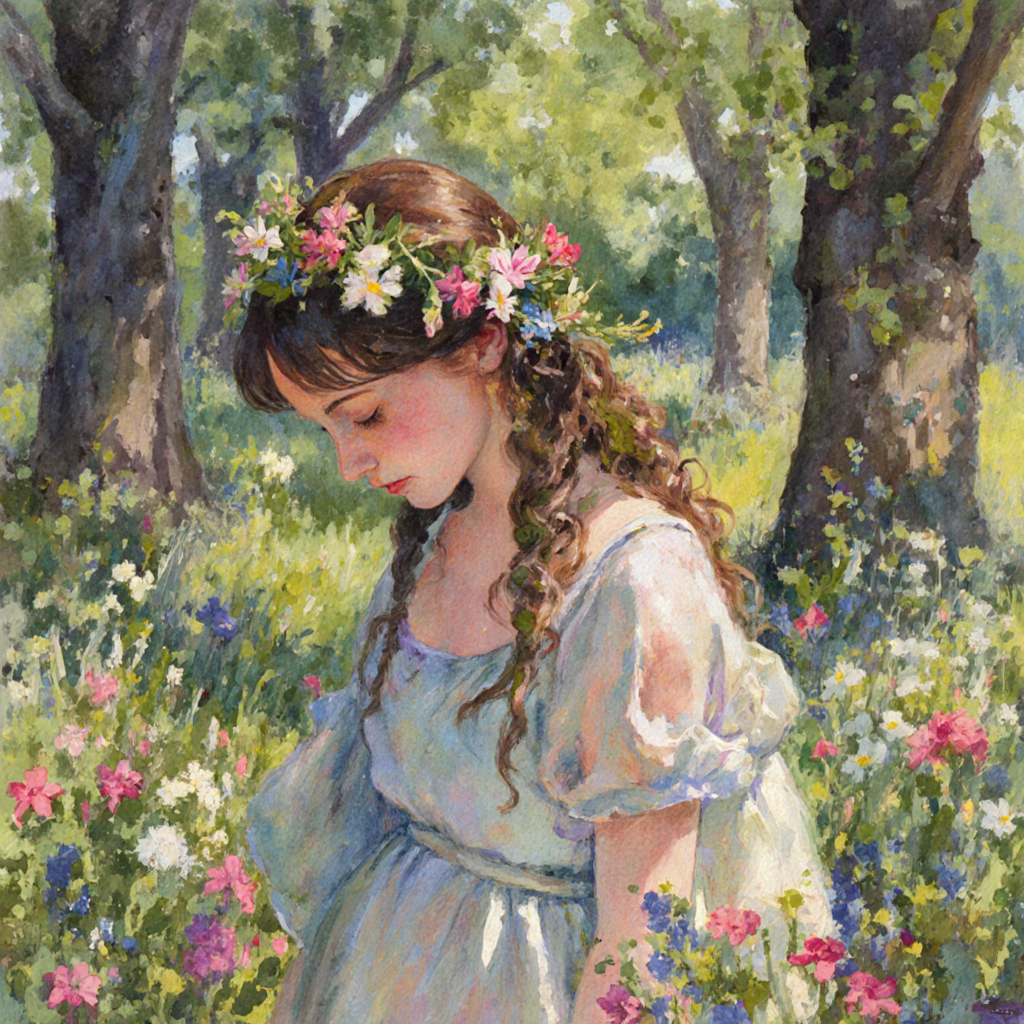
Generated on PixelDojo. Produced by PixelDojo's generation pipeline.
Unlock the power of AI to create realistic deepfake images effortlessly with PixelDojo. Whether you're a content creator, marketer, or enthusiast, our advanced AI tools enable you to transform your ideas into captivating visuals without any technical expertise.
Real image examples generated on PixelDojo
Every example below was produced on PixelDojo. Hover to see the prompt.
A beautiful woman stands in a flower garden
flux-studio
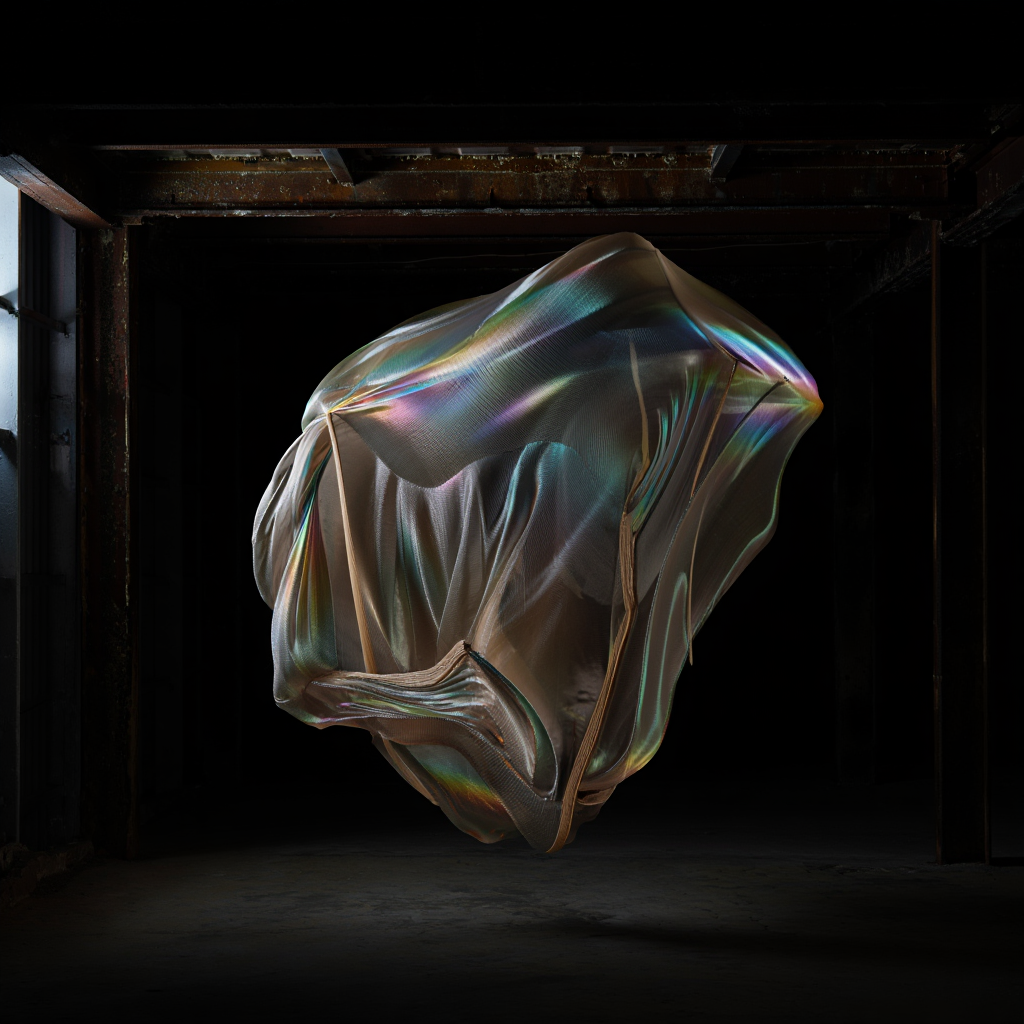
“Generate a creature that cannot be categorized or compared to anything within human imagi…
reve-image

KIRA-SUNRISE-ZIP
stable-diffusion
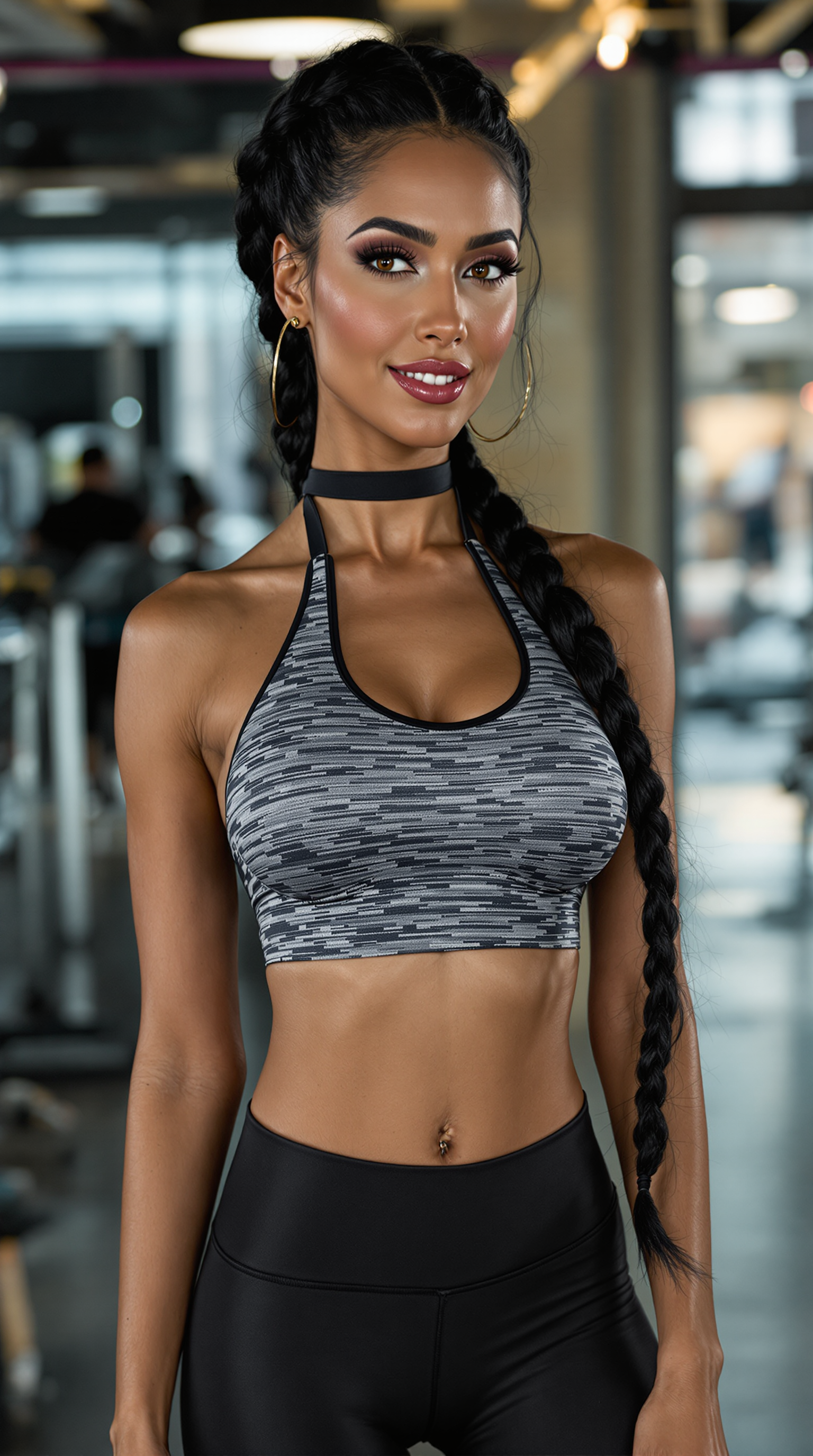
deepfake ai image generator on PixelDojo
flux
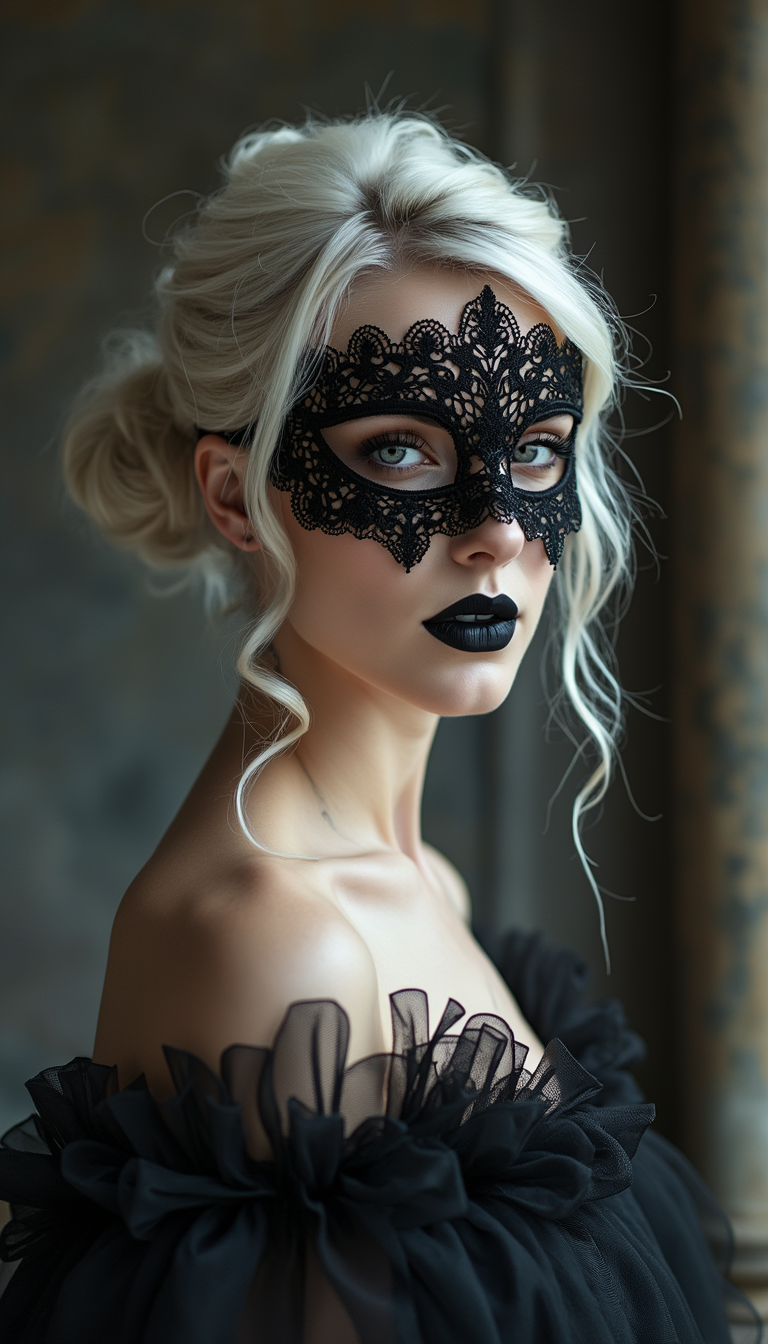
deepfake ai image generator on PixelDojo
flux

Masterpiece
creative-upscaler
Models you can run on PixelDojo for deepfake ai image generator
Switch models without switching tools. Each one runs in the same PixelDojo studio.
What you can do with deepfake ai image generator on PixelDojo
Generate Deepfake Images from Text
We produce deepfake images based on user text prompts. Reference images help align facial features with the desired output.
Swap Faces in Source Photos
We replace faces using uploaded reference images. The process maintains lighting and angle consistency across the result.
Control Image Realism Levels
We provide sliders to set realism intensity. Users adjust expression and detail parameters before generation.
Process Multiple Images at Once
We support batch uploads for simultaneous deepfake creation. Each item receives the same prompt and reference settings.
Join over 10,000 satisfied users who have created more than 1 million images using PixelDojo's AI tools. Rated 4.8/5 by our community.
Why Choose Pixel Dojo for deepfake ai image generator
Professional-quality results with cutting-edge AI technology
Effortless Image Transformation
Easily swap faces or alter images to create engaging content without complex software.
High-Quality Results
Generate realistic and detailed images that captivate your audience.
User-Friendly Interface
Navigate our intuitive platform with ease, making image creation accessible to everyone.
How It Works
Creating deepfake images with PixelDojo is simple and straightforward. Follow these steps to bring your vision to life:
Step 1: Choose Your Tool
Select the 'Image to Image' tool from PixelDojo's suite to begin your deepfake creation.
Step 2: Upload Your Images
Upload the original image and the target image you wish to merge or alter.
Step 3: Customize & Generate
Adjust settings as desired and click 'Generate' to create your deepfake image.
The Pixel Dojo Advantage
Why PixelDojo outperforms other options for deepfake image generation:
| Others | Pixel Dojo |
|---|---|
| Traditional Image Editing Software | No need for advanced editing skills; our AI handles the complexity for you. |
| Generic AI Tools | Specialized tools designed specifically for deepfake image creation ensure superior results. |
| Manual Photo Manipulation | Save time and effort with automated processes that deliver high-quality images quickly. |
Loved by creators on PixelDojo
Real feedback from people using PixelDojo, pulled from our in-product surveys.
Love it make anything I can think of so far
Great for all your ideas use it encourage more people to use it
Because it is awesome
exceptional quality and great overall design of platform and interface. very intuative. love the creative freedom.
Qwen image 2 is amazing!!
Creative freedom, range of tools and options.
Explore more AI tools on PixelDojo
AI Tools
Compare & Switch
- Best AI Image Generators
- Best AI Video Generators
- Midjourney Alternatives
- Civitai Alternatives
- Runway Alternatives
- Leonardo Alternatives
- Pika Alternatives
- Luma Alternatives
- Magnific Alternatives
- Veo Alternatives
- Flux Alternatives
- Freepik Alternatives
- Seedance Alternatives
- Seedream Alternatives
- Pixverse Alternatives
- GPT Image Alternatives
- Synthesia Alternatives
- Playground Alternatives
- NightCafe Alternatives
- Canva AI Alternatives
- ElevenLabs Alternatives
- ComfyUI Alternatives
- Fal Alternatives
- Replicate Alternatives
Common Questions
Everything you need to know about deepfake ai image generator
How can I create deepfake images using PixelDojo's AI tools?
PixelDojo offers user-friendly tools like 'Image to Image' that allow you to upload and merge images seamlessly, producing realistic deepfake images without any technical expertise.
Is it legal to create deepfake images with PixelDojo?
Creating deepfake images is legal when used ethically and responsibly. PixelDojo encourages users to adhere to ethical guidelines and respect privacy when generating content.
Do I need advanced editing skills to use PixelDojo's deepfake tools?
No, PixelDojo's platform is designed for users of all skill levels. Our intuitive interface and AI-powered tools handle the complex processes, making image creation accessible to everyone.
Can I customize the deepfake images I create on PixelDojo?
Yes, PixelDojo provides various customization options, allowing you to adjust settings to achieve your desired outcome for each deepfake image.
What are the ethical considerations when creating deepfake images?
It's important to use deepfake technology responsibly, avoiding the creation of misleading or harmful content. Always obtain consent when using someone's likeness and adhere to ethical standards.
How does PixelDojo ensure the quality of deepfake images?
PixelDojo utilizes advanced AI algorithms and continuous model training to ensure high-quality, realistic deepfake images that meet user expectations.