flux 2 edit pro AI Generator

Generated on PixelDojo. Produced by PixelDojo's generation pipeline.
You no longer need expensive photoshoots, hours of layer work, or a team of retouchers to produce professional visuals. With Flux 2 Edit Pro on PixelDojo you describe the change you want and watch photorealistic, production-ready images appear in seconds. Upload a product shot and place it in any lifestyle setting while lighting, perspective, and brand colors stay perfect. Feed multiple reference photos of the same person and generate an entire campaign where the face, outfit, and lighting never drift. Swap backgrounds, restyle clothing, add or remove objects, or restage an entire scene using nothing but plain-language instructions. PixelDojo’s Flux.2 Studio, Image to Image, Inpainting, Style Transfer, Magic Lighting, Background Remover, Reality Polisher, and Image Outpainting tools work together so you walk away with high-resolution assets ready for ads, e-commerce, social, or print. Thousands of creators already use these same workflows to ship consistent characters, on-brand product photography, and editorial-quality fashion looks without ever leaving the browser. Cancel anytime, access 40+ cutting-edge models, and start creating the visuals that convert.
Real image examples generated on PixelDojo
Every example below was produced on PixelDojo. Hover to see the prompt.
Make it photo realistic edited with Flux Kontext Pro
flux-studio

Turn your image into a cartoon with FLUX
stable-diffusion

Holding a red shampoo bottle that reads "Pixel Dojo" edited with Flux Kontext Max
flux-studio
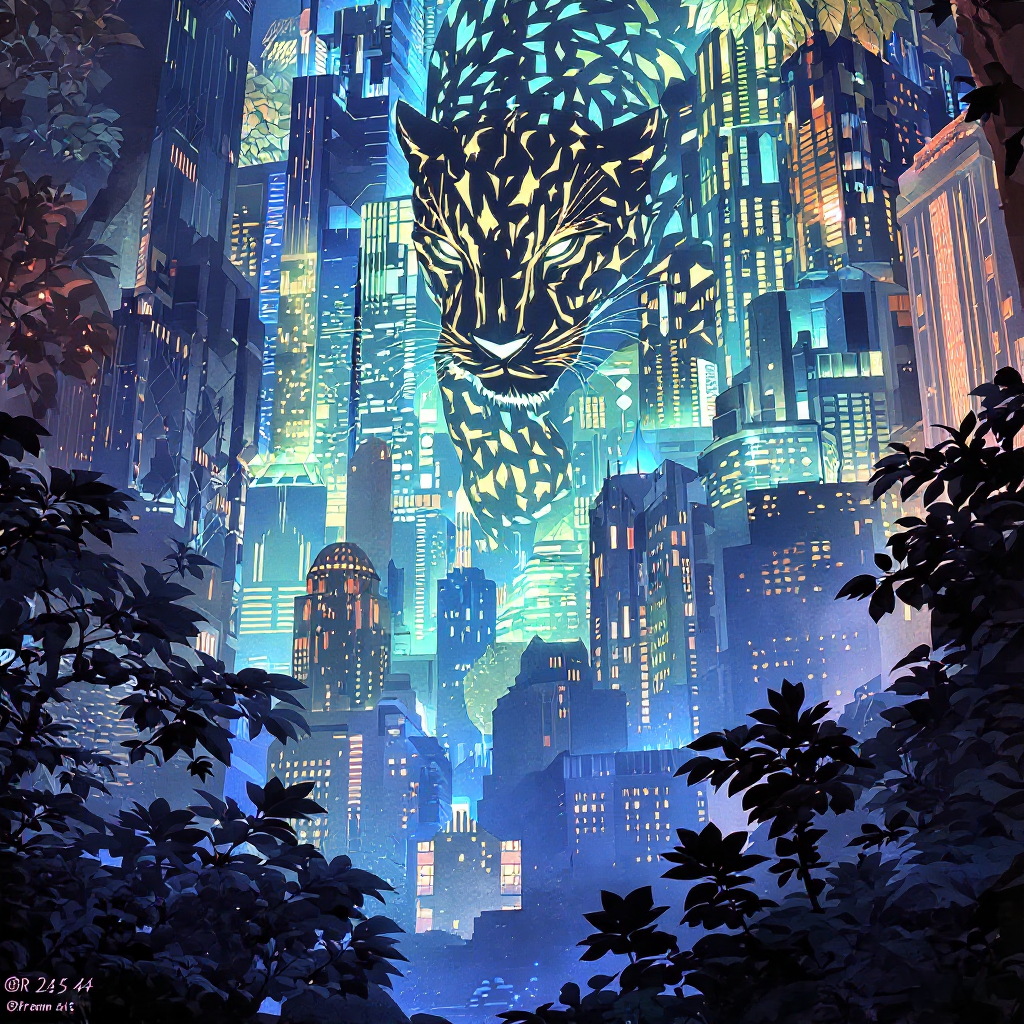
Delete text
flux-studio
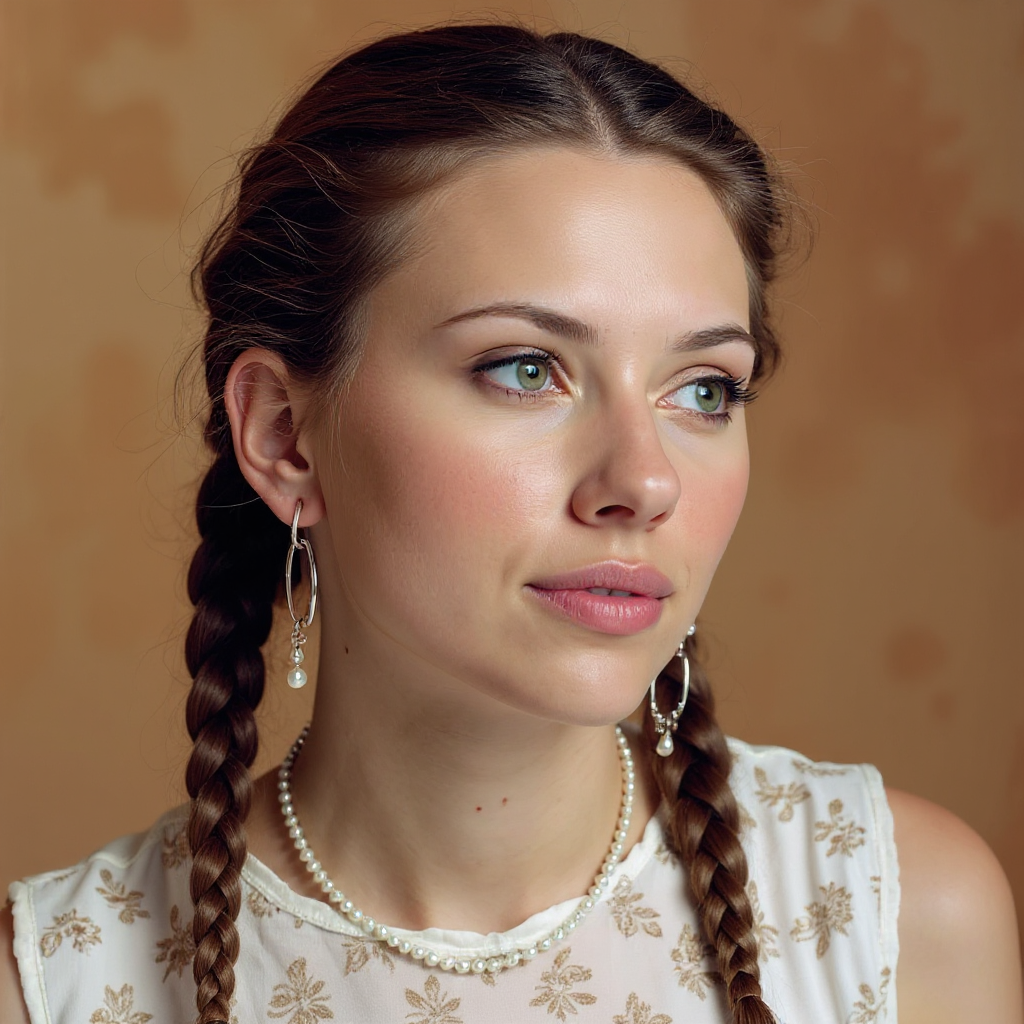
Quickly change someone's hair style and hair color
stable-diffusion
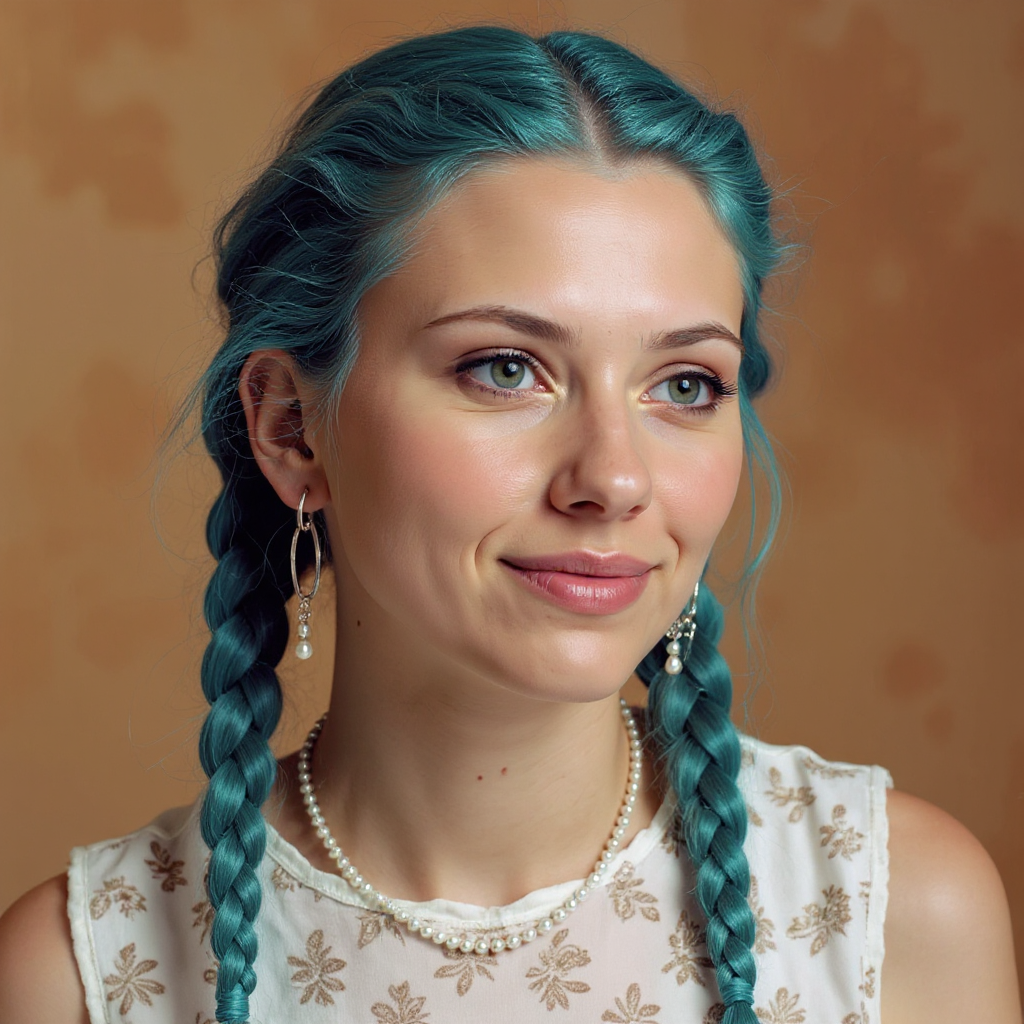
Quickly change someone's hair style and hair color
stable-diffusion
Models you can run on PixelDojo for flux 2 edit pro
Switch models without switching tools. Each one runs in the same PixelDojo studio.
What you can do with flux 2 edit pro on PixelDojo
Flux 2 Edit Pro
We run Flux 2 Edit Pro so you can generate and revise images from text and reference photos in one place. You keep control over subject, style, and layout without leaving PixelDojo.
Targeted Prompt Edits
Describe the change you want and we apply it while preserving the rest of the frame. Swap backgrounds, adjust lighting, or refine details without starting from a blank canvas.
Reference Guided Results
Upload a source image and we follow it as a visual guide for composition and identity. Pair that with a short prompt to steer color, mood, and extras.
Creator Ready Exports
We output stills you can iterate on, compare, and download for your projects. Batch similar edits so a series stays consistent across shots.
Loved by thousands of creators worldwide. 40+ cutting-edge AI tools including Flux.2 Studio, Flux 2 Trainer, and full editing suite. Commercial-use license included. Cancel anytime.
Why Choose Pixel Dojo for flux 2 edit pro
Professional-quality results with cutting-edge AI technology
Lock Identity Across Hundreds of Assets
You generate an entire ad series, lookbook, or social campaign where the same face, product, or style remains identical from first frame to last. Flux.2 Studio’s multi-reference engine plus Consistent Characters and Flux 2 Trainer keep every detail locked so your brand never looks off-model.
Place Any Product in Any Scene Instantly
You drop your hero product into kitchens, city streets, or luxury interiors while shadows, reflections, and materials stay physically correct. Combine Flux.2 Studio with Magic Lighting, Reality Polisher, and Background Remover to deliver e-commerce and lifestyle shots that look photographed, not generated.
Edit Without Masks, Layers, or Retouching Hours
You simply type what should change and PixelDojo applies it while everything else stays untouched. Inpainting, Change Camera Angle, Style Transfer, and Image Outpainting let you refine lighting, pose, or composition in seconds instead of spending an afternoon in traditional software.
How It Works
Creating professional Flux 2 Edit Pro results on PixelDojo takes three simple steps. No design degree, no masking skills, and no waiting for a studio booking. You stay in control from first upload to final download.
Step 1: Choose Your Tool
Log into PixelDojo and open Flux.2 Studio for full multi-reference power, or start with Image to Image if you already have a base photo. You can also jump straight into Inpainting, Style Transfer, or Magic Lighting depending on the edit you need. All tools share the same credit system so you switch freely.
Step 2: Enter Your Prompt
Upload your main image plus up to several reference photos. Type a natural-language instruction such as “replace the background with the marble kitchen from image 3 while keeping original lighting and product colors hex #C4A484” or “change the model’s jacket to the red one in image 2 and match the pose from image 4.” Flux.2 Studio understands complex, multi-part requests and preserves identity, texture, and perspective automatically.
Step 3: Customize & Download
Review the result, then refine with Reality Polisher for extra photorealism, Change Camera Angle for a new viewpoint, or Image Outpainting to extend the canvas. When you are happy, download the high-resolution file ready for web, print, or further video work inside Marketing Studio or Film Studio. Your history is saved so you can iterate or reuse the same references later.
The Pixel Dojo Advantage
Why PixelDojo outperforms other options for Flux 2 Edit Pro image generation and editing
| Others | Pixel Dojo |
|---|---|
| Traditional photography and retouching | You skip location scouting, model bookings, and days of post-production. Generate hundreds of on-brand variants in the time it used to take to set up one shot, all while keeping commercial usage rights. |
| Generic AI tools | You get native Flux.2 Pro multi-reference consistency, hex-accurate colors, and readable text that generic generators still struggle with. PixelDojo also layers Flux 2 Trainer, Consistent Characters, and a full editing suite so one platform covers the entire workflow. |
| Manual photo editing software | You never draw a mask or learn layers. Natural-language instructions plus Inpainting, Style Transfer, and Magic Lighting deliver professional results in seconds instead of hours, and you can still export layered-ready files if you need them. |
Loved by creators on PixelDojo
Real feedback from people using PixelDojo, pulled from our in-product surveys.
Easy to use once you get the hang of it
Love it make anything I can think of so far
Great for all your ideas use it encourage more people to use it
Because it is awesome
exceptional quality and great overall design of platform and interface. very intuative. love the creative freedom.
Qwen image 2 is amazing!!
Explore more AI tools on PixelDojo
AI Tools
Compare & Switch
- Best AI Image Generators
- Best AI Video Generators
- Midjourney Alternatives
- Civitai Alternatives
- Runway Alternatives
- Leonardo Alternatives
- Pika Alternatives
- Luma Alternatives
- Magnific Alternatives
- Veo Alternatives
- Flux Alternatives
- Freepik Alternatives
- Seedance Alternatives
- Seedream Alternatives
- Pixverse Alternatives
- GPT Image Alternatives
- Synthesia Alternatives
- Playground Alternatives
- NightCafe Alternatives
- Canva AI Alternatives
- ElevenLabs Alternatives
- ComfyUI Alternatives
- Fal Alternatives
- Replicate Alternatives
Common Questions
Everything you need to know about flux 2 edit pro
What is Flux 2 Edit Pro and how does PixelDojo make it easy?
Flux 2 Edit Pro is Black Forest Labs’ production-grade model that both generates and edits images from text plus multiple references. On PixelDojo you access it through Flux.2 Studio, Image to Image, and the full Edit Images suite. You simply upload photos, type what should change, and receive photorealistic 4-megapixel results with character, product, and lighting consistency that used to require a professional studio.
How many reference images can I use with Flux 2 Edit Pro on PixelDojo?
Flux.2 Studio supports multiple reference images in a single run so you can lock a face, a product, a fabric, and a lighting setup at the same time. Combine this with Consistent Characters and Flux 2 Trainer to keep the same identity across hundreds of generated assets without drift.
Can I keep my product colors and branding exact with Flux 2 Edit Pro?
Yes. You can specify hex codes directly in the prompt and Flux.2 Studio matches them precisely. Pair this with Reality Polisher and Magic Lighting so every e-commerce or campaign image stays on-brand even when you change scenes, models, or time of day.
Do I need design or Photoshop skills to use Flux 2 Edit Pro?
No. PixelDojo’s natural-language interface plus Inpainting, Background Remover, Style Transfer, and Change Camera Angle handle the technical work. You describe the outcome you want and the tools deliver it, then you download print-ready files. Thousands of non-designers already ship professional work this way.
How does Flux 2 Edit Pro compare to older Flux models for editing?
Flux 2 Edit Pro adds multi-reference support, higher photorealism, better text rendering, and 4-megapixel output. On PixelDojo you also get Flux 2 Trainer so you can fine-tune the model on your own products or characters, then apply those custom weights inside Flux.2 Studio for even tighter consistency.
Can I use Flux 2 Edit Pro results commercially and cancel anytime?
Yes. PixelDojo includes a commercial-use license with every generation. You get access to 40+ cutting-edge tools including Flux.2 Studio, Flux 2 Trainer, video tools, and 3D. There is no long-term contract; you can cancel anytime while keeping the assets you already created.