flux 2 klein online AI Generator

Generated on PixelDojo. Produced by PixelDojo's generation pipeline.
Transform your creative ideas into photorealistic masterpieces instantly with Flux 2 Klein online at PixelDojo. You no longer wait minutes for AI to catch up—your next campaign visual, product mockup, or social post appears in under a second, looking like it was captured by a professional photographer. Marketers launch ads faster, designers iterate concepts in real time, and entrepreneurs visualize products without expensive photoshoots. PixelDojo’s Flux.2 Studio puts this power in your browser so you achieve consistent characters, perfect lighting, readable text, and cohesive scenes that convert viewers into customers. Upload references to keep faces and products identical across variations, then refine with one-click edits. Join thousands of creators who produce high-converting content at the speed of thought, all while enjoying 40+ cutting-edge AI tools you can cancel anytime.
Real image examples generated on PixelDojo
Every example below was produced on PixelDojo. Hover to see the prompt.
Add a log edited with Flux Kontext Dev
flux-studio
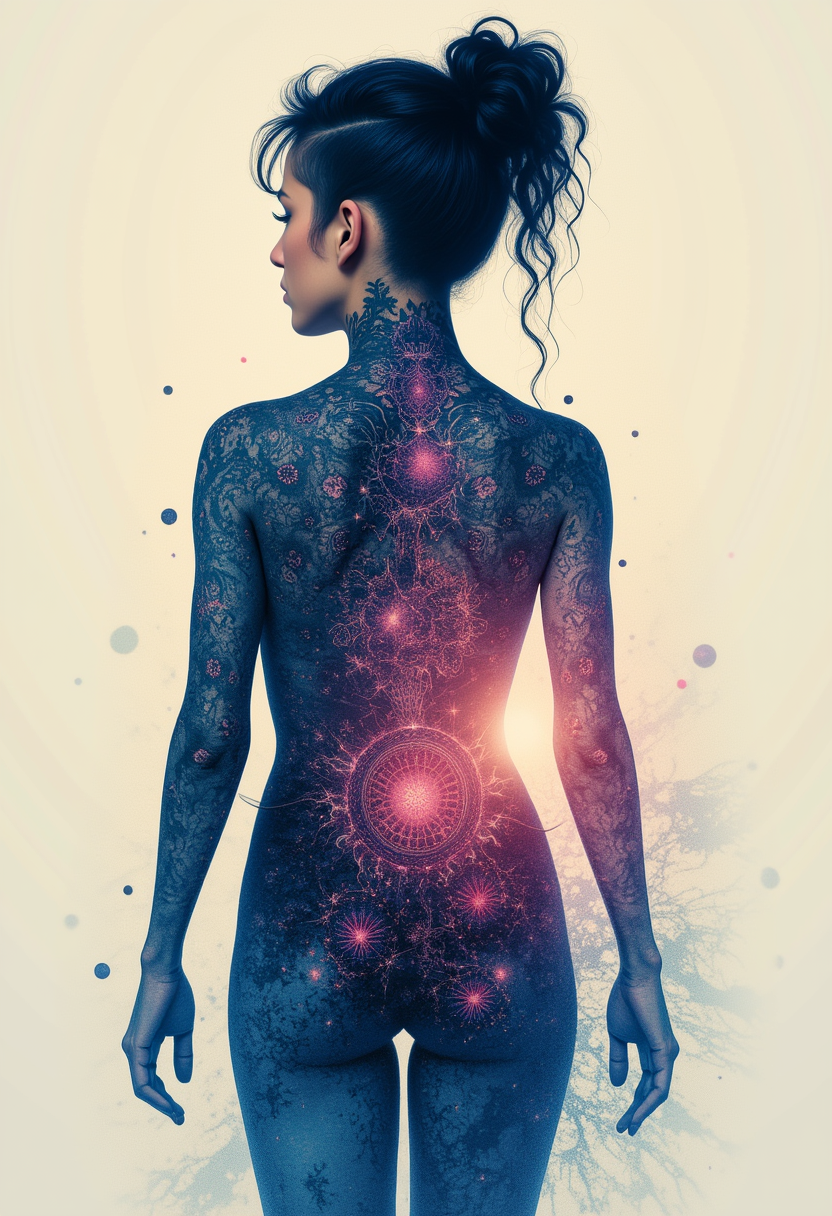
Kira-Lux-Flux
flux
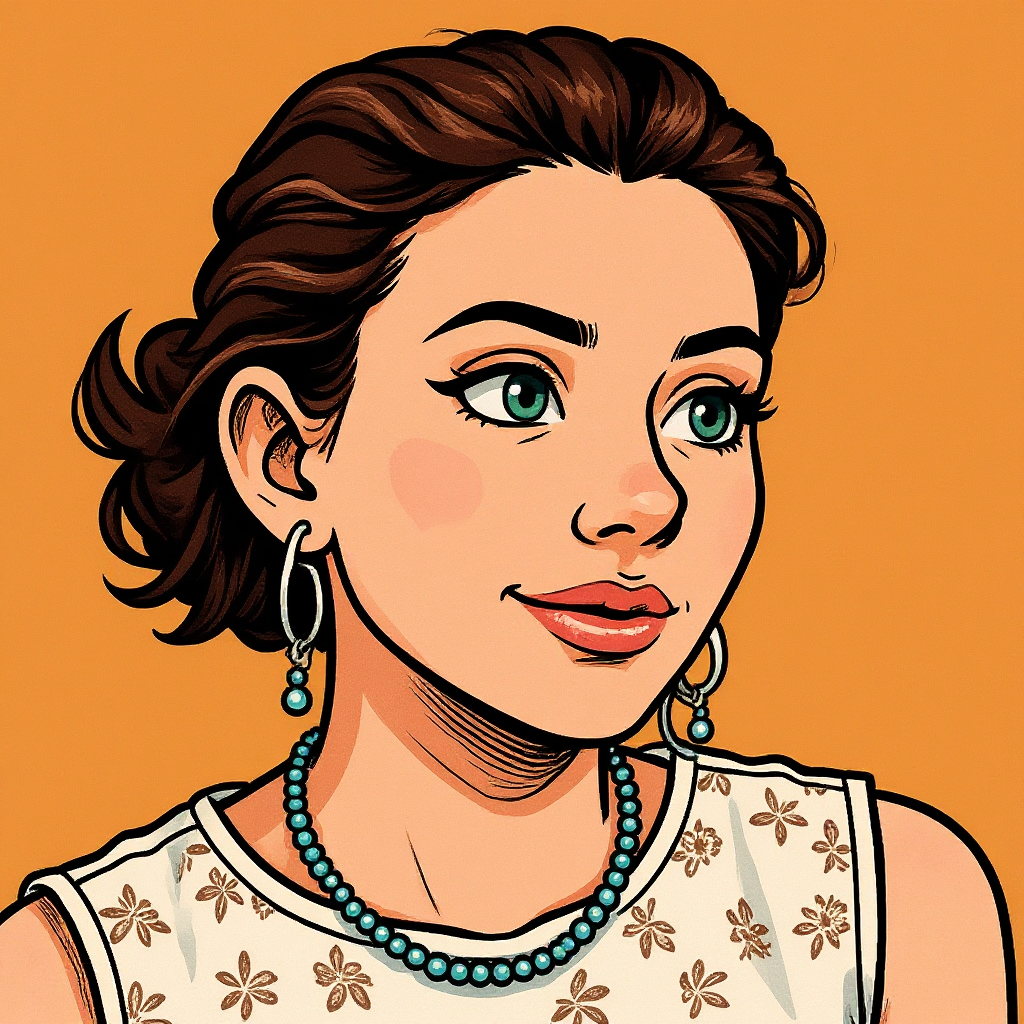
Turn your image into a cartoon with FLUX
stable-diffusion
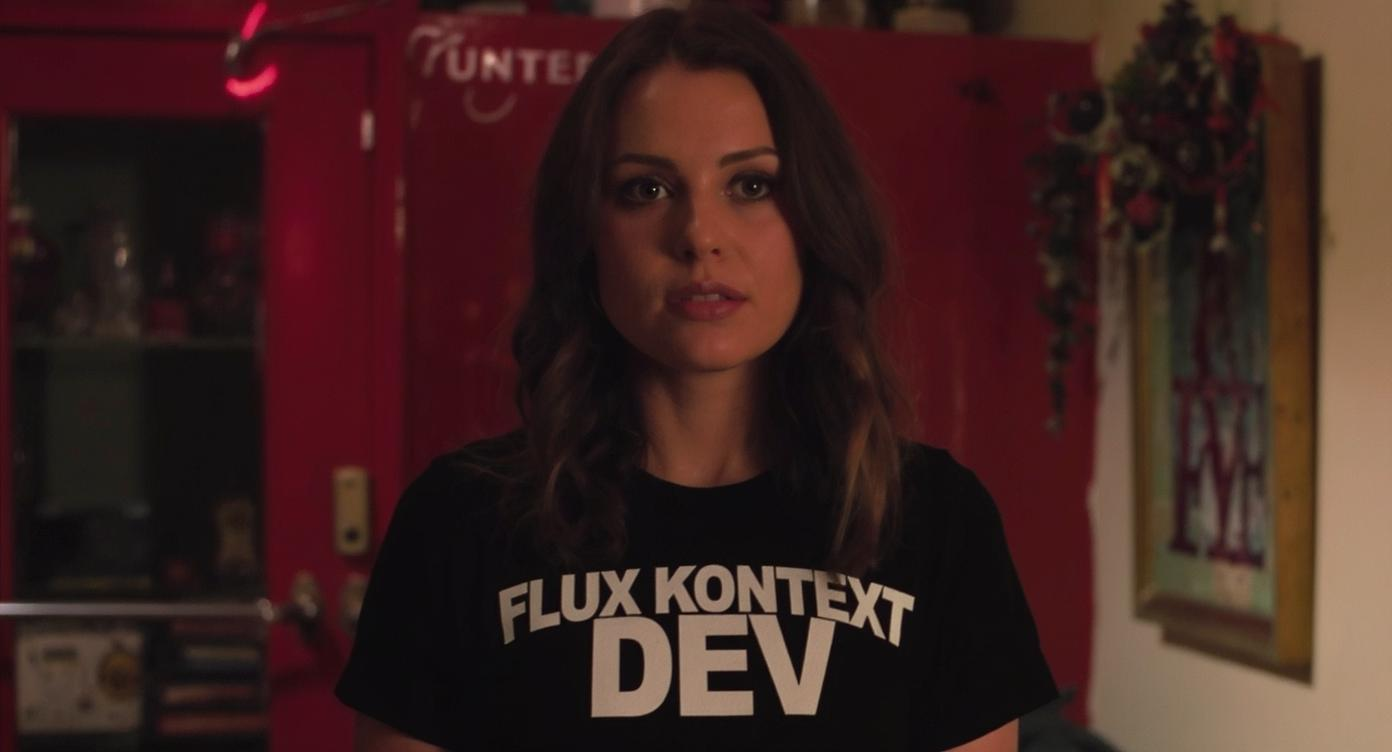
An image of a woman wearing a shirt that says FLUX KONTEXT DEV
flux-studio
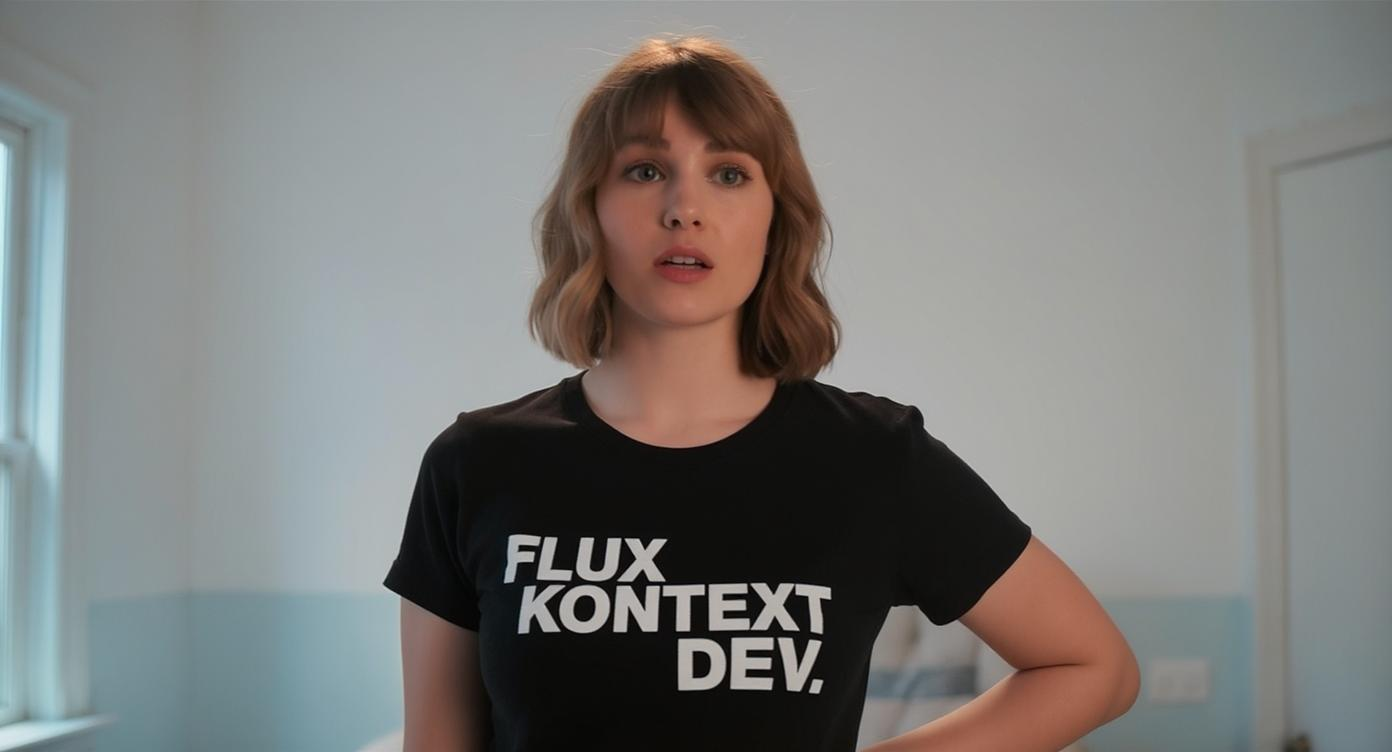
An image of a woman wearing a shirt that says FLUX KONTEXT DEV
flux-studio
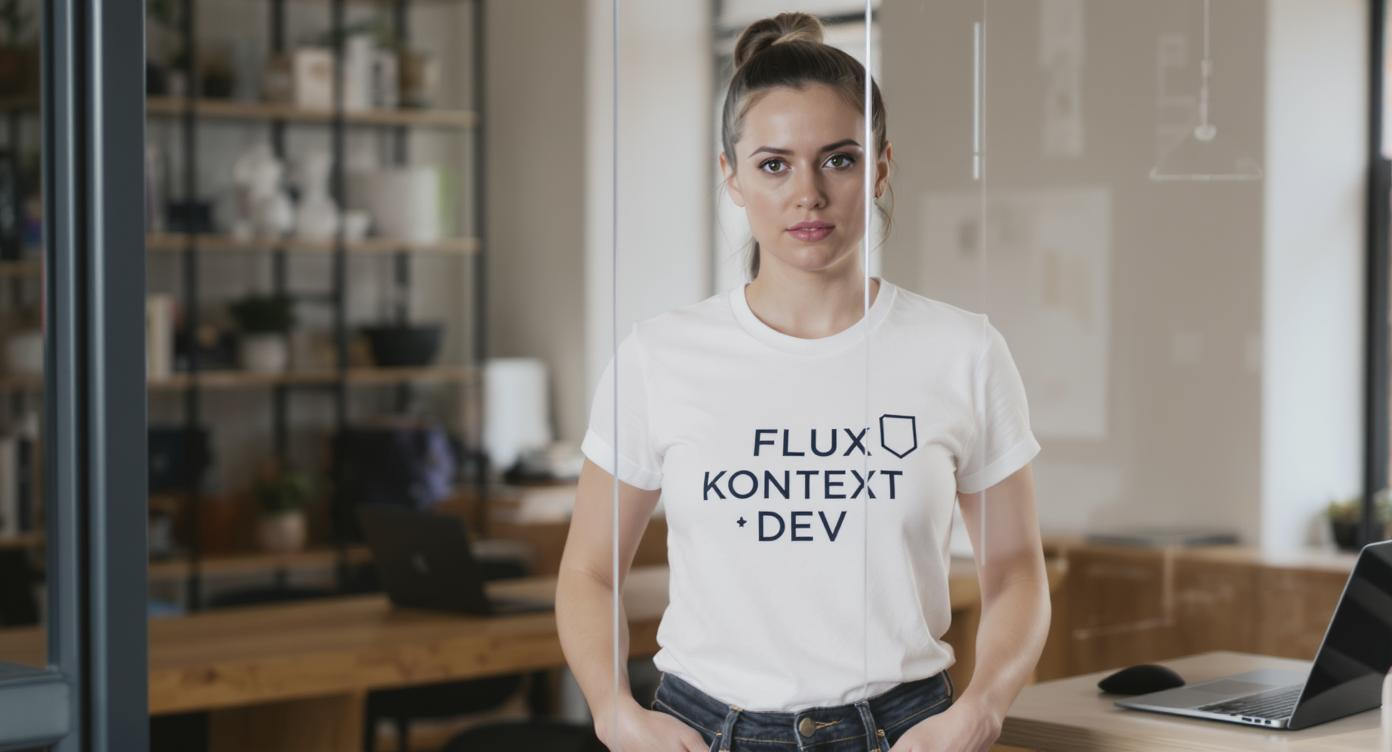
An image of a woman wearing a shirt that says FLUX KONTEXT DEV
flux-studio
Models you can run on PixelDojo for flux 2 klein online
Switch models without switching tools. Each one runs in the same PixelDojo studio.
What you can do with flux 2 klein online on PixelDojo
Flux 2 Klein in Browser
We run Flux 2 Klein online so you can generate images from text without installing weights or GPU software. Open a session and start creating from any device we support.
Text Prompt Image Generation
Describe the scene, style, and subject in a prompt and we return still images from Flux 2 Klein. Refine wording and generate again until the result fits your brief.
Iterate Without Local Setup
We keep the model hosted so you can try variants, seeds, and prompt tweaks in one place. You stay focused on composition instead of drivers, VRAM, and local queues.
Export Images for Projects
Download generated files in common image formats for design, storyboards, and social assets. We store recent runs in your account so you can return to a take you already like.
Loved by thousands of creators worldwide. Over 40 cutting-edge AI tools powering real-time photorealistic generation and editing. Cancel anytime with no risk.
Why Choose Pixel Dojo for flux 2 klein online
Professional-quality results with cutting-edge AI technology
Instant Photorealistic Campaign Visuals
You generate studio-quality images in under a second so you test ad creatives, social posts, and product shots the same day you think of them, dramatically shortening your time from idea to published campaign.
Real-Time Editing with Character Consistency
You upload up to four reference images and instantly change backgrounds, lighting, or poses while faces, products, and styles stay perfectly matched, letting you build entire brand stories without reshooting.
Professional Assets That Convert Without the Studio
You produce marketing-ready photos, mockups, and lifestyle scenes that look authentic and drive engagement, all from a simple prompt, so your budget stays on growth instead of production costs.
How It Works
Creating stunning Flux 2 Klein images online is effortless on PixelDojo. Follow these three simple steps to go from idea to downloadable professional visual in seconds.
Step 1: Choose Your Tool
Open PixelDojo and select Flux.2 Studio from the Generate Images collection. For edits, start with Image to Image or Inpainting so you can work from existing photos while keeping the lightning-fast Flux 2 Klein engine.
Step 2: Enter Your Prompt
Describe your scene in natural, narrative language focusing on subject, environment, lighting, and mood. Example: a luxury watch on dark marble with cinematic rim lighting and sharp reflections. Add up to four reference images for identity or style lock, then choose your aspect ratio.
Step 3: Customize & Download
Hit generate and watch your photorealistic image appear almost instantly. Fine-tune with Magic Lighting, Background Remover, or P-Image Upscale, then download in high resolution ready for ads, websites, or print. Repeat as many times as you need.
The Pixel Dojo Advantage
Why PixelDojo outperforms other options for flux 2 klein online image generation
| Others | Pixel Dojo |
|---|---|
| Traditional photography and photoshoots | You generate unlimited photorealistic variations in seconds instead of booking studios, models, and lighting setups that cost thousands and take days. |
| Generic AI tools | You enjoy true sub-second generation plus unified editing and multi-reference consistency that generic platforms still cannot match at this speed. |
| Manual photo editing software | You make complex lighting, background, and composition changes instantly rather than spending hours in layers and masks. |
Loved by creators on PixelDojo
Real feedback from people using PixelDojo, pulled from our in-product surveys.
Tons of variety. Ease of use. Tools for beginners and advance users.
easiest workflow to get best output image or video
awesome functionality, UX, constant flood of improvements, discord interactivity
Awesome site with so many features
Love how I can almost create anything
The Flux Pro Ultra is just amazing!
Explore more AI tools on PixelDojo
AI Tools
Compare & Switch
- Best AI Image Generators
- Best AI Video Generators
- Midjourney Alternatives
- Civitai Alternatives
- Runway Alternatives
- Leonardo Alternatives
- Pika Alternatives
- Luma Alternatives
- Magnific Alternatives
- Veo Alternatives
- Flux Alternatives
- Freepik Alternatives
- Seedance Alternatives
- Seedream Alternatives
- Pixverse Alternatives
- GPT Image Alternatives
- Synthesia Alternatives
- Playground Alternatives
- NightCafe Alternatives
- Canva AI Alternatives
- ElevenLabs Alternatives
- ComfyUI Alternatives
- Fal Alternatives
- Replicate Alternatives
Common Questions
Everything you need to know about flux 2 klein online
What is Flux 2 Klein online and how do I start generating images on PixelDojo?
Flux 2 Klein is Black Forest Labs’ fastest compact model family that unifies photorealistic text-to-image generation and editing in a single architecture delivering results in under a second. On PixelDojo you simply open Flux.2 Studio, type a natural-language prompt, and generate instantly. You can also use Image to Image for edits, keeping everything inside one easy browser experience with 40+ additional tools.
How fast is Flux 2 Klein image generation compared to other online tools?
Flux 2 Klein produces high-quality photorealistic images in under a second on PixelDojo, often faster than you can read the prompt. This real-time speed lets you iterate dozens of concepts in the time other platforms take for a single generation, making it ideal for marketing sprints and live creative sessions.
Can I edit existing photos with Flux 2 Klein online on PixelDojo?
Yes. PixelDojo’s Image to Image, Inpainting, Change Camera Angle, and Style Transfer tools all run on the Flux 2 Klein engine. Upload your photo plus optional references and describe the change; the model preserves identity, lighting, and details while applying your edits in real time.
What prompting techniques work best for Flux 2 Klein photorealistic results?
Write in flowing natural language rather than keyword lists. Front-load the main subject, then describe the environment, lighting, materials, and atmosphere in 50-150 words. PixelDojo’s Flux.2 Studio responds especially well to cinematic lighting details and spatial relationships, so you get coherent, conversion-ready images on the first try.
Is there a free way to try Flux 2 Klein online before committing?
Absolutely. PixelDojo lets you experience Flux 2 Klein and 40+ other cutting-edge tools with no long-term commitment. You can cancel anytime, so you risk nothing while you create your first photorealistic images and see the speed and quality for yourself.
How does PixelDojo help me keep characters and products consistent across Flux 2 Klein generations?
You upload up to four reference images directly in Flux.2 Studio or Image to Image. The model locks identity, clothing, and product details so every new scene, pose, or lighting change still looks like the same person or item. Combine this with Consistent Characters and Character Sheets tools for complete brand storytelling.