flux 2 pro api AI Generator

Generated on PixelDojo. Produced by PixelDojo's generation pipeline.
You can finally produce photorealistic images that look indistinguishable from professional photography without booking studios, hiring models, or waiting weeks for results. PixelDojo's Flux 2 Pro API puts production-grade visual creation in your hands so you generate marketing assets, product shots, character series, and app visuals that convert customers and stay on-brand every single time. Upload up to eight reference images and watch the model lock in your product's exact look, your character's face, or your brand's lighting across unlimited variations. You get razor-sharp hands, readable text, realistic fabrics, and cinematic lighting at up to 4 megapixels—ready for print, web, or video. Access everything through the intuitive Flux.2 Studio interface if you prefer no-code creation, or drop the Developer API into your stack with a few lines of code using API Keys. Thousands of creators already rely on PixelDojo's 40+ cutting-edge AI tools to ship campaigns faster. You cancel anytime, so there is zero risk while you explore Flux 2 Trainer for custom styles, Image to Image for refinements, and Consistent Characters for series work. Start generating the images your business actually needs today.
Real image examples generated on PixelDojo
Every example below was produced on PixelDojo. Hover to see the prompt.
Add a log edited with Flux Kontext Dev
flux-studio

Fs-product
image-to-image
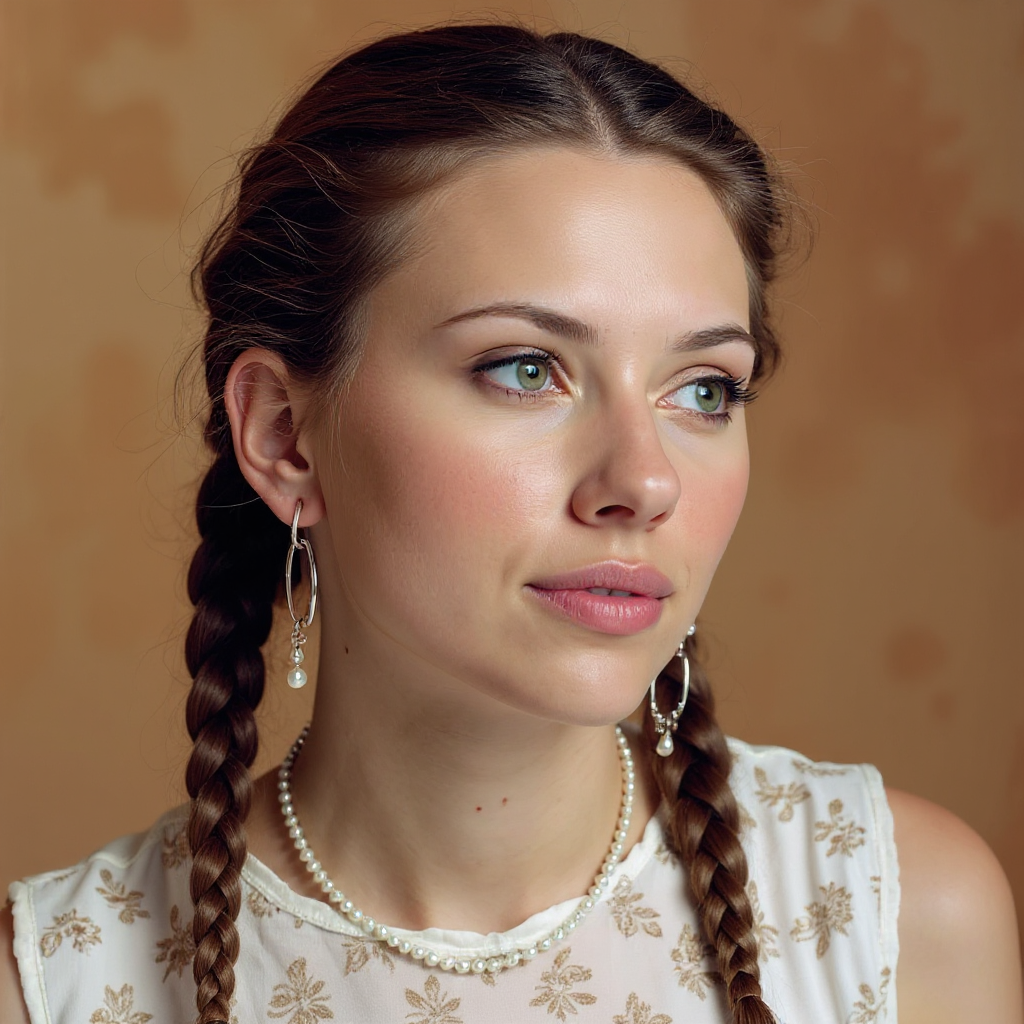
Quickly change someone's hair style and hair color
stable-diffusion
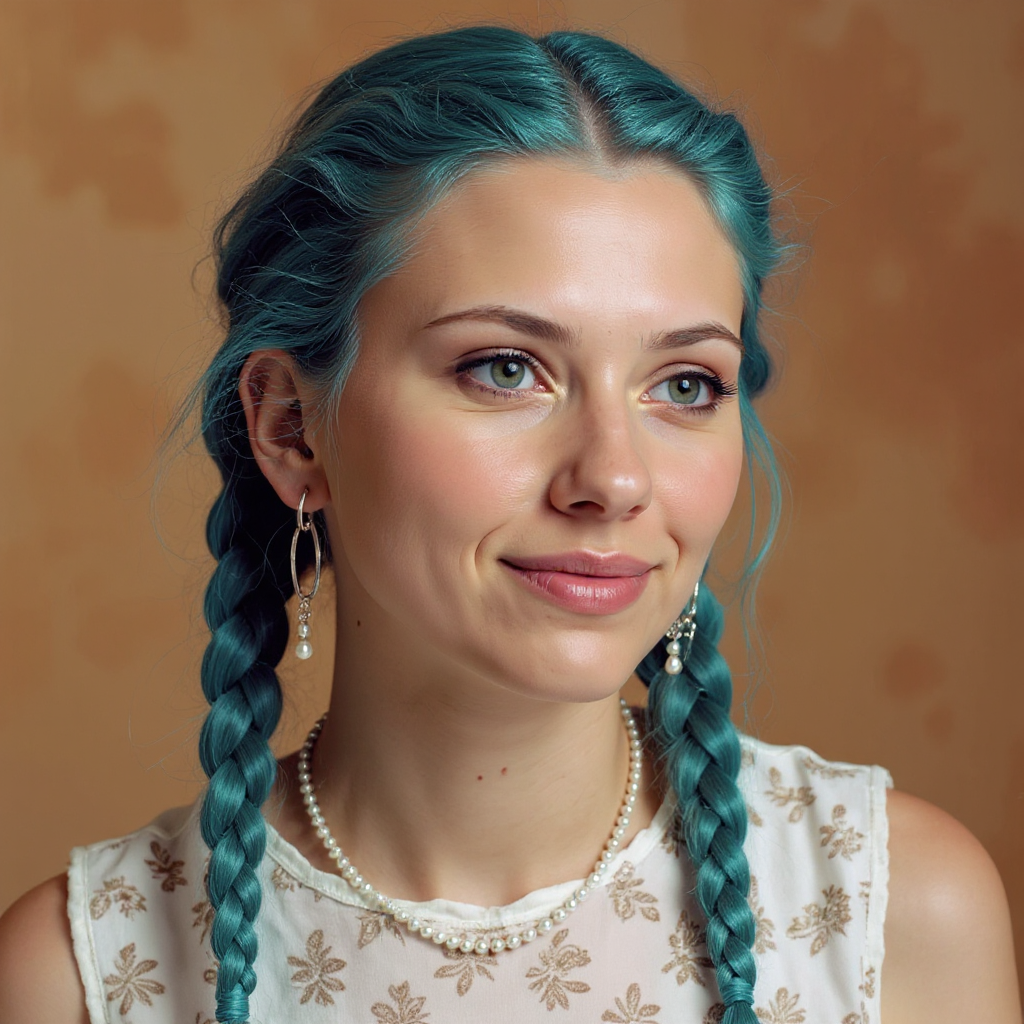
Quickly change someone's hair style and hair color
stable-diffusion
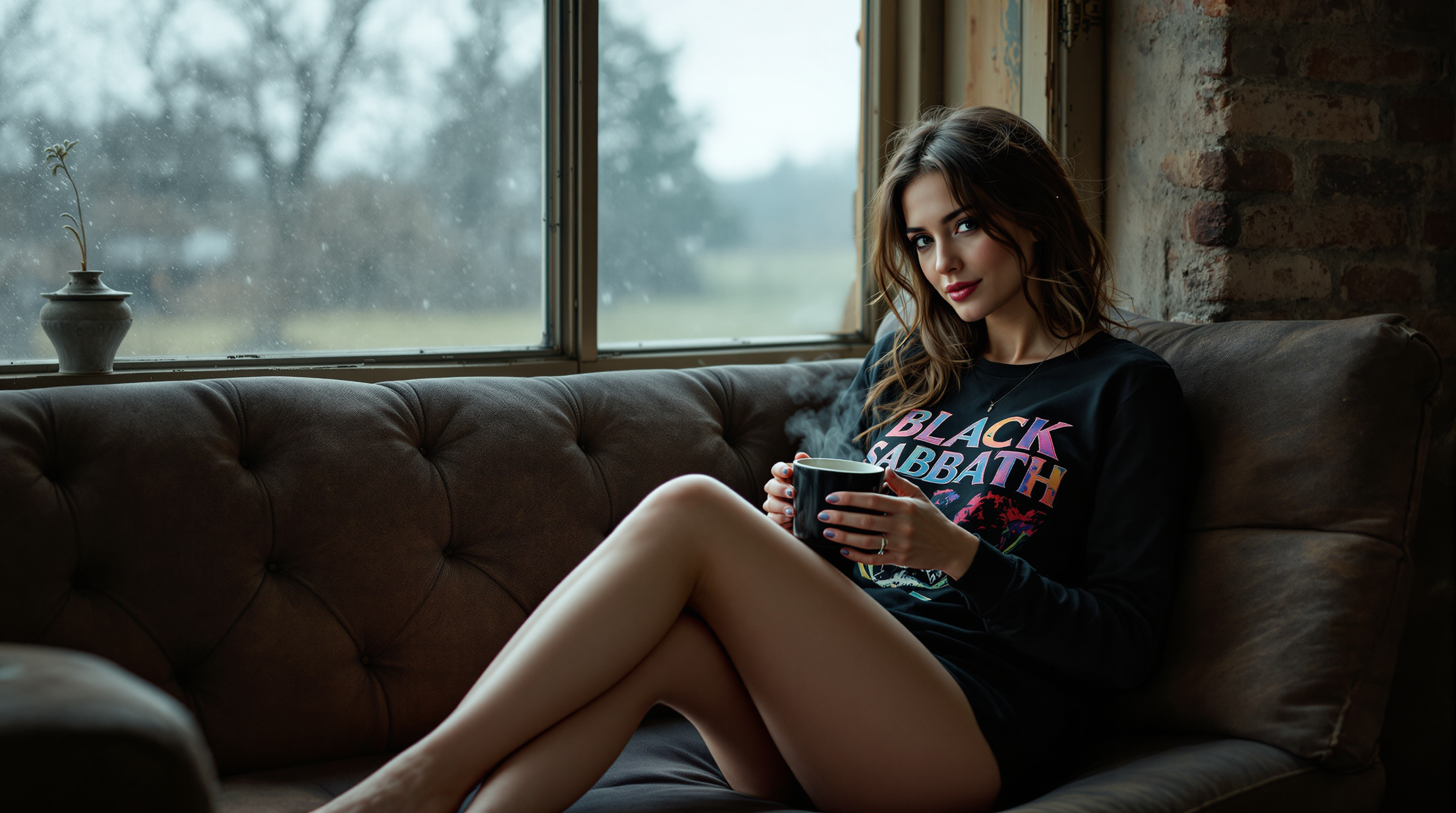
A high-definition
flux

59-year-old mature woman
flux
Models you can run on PixelDojo for flux 2 pro api
Switch models without switching tools. Each one runs in the same PixelDojo studio.
What you can do with flux 2 pro api on PixelDojo
Flux 2 Pro Access
We give you Flux 2 Pro through PixelDojo so you can generate images from text prompts without running the model yourself.
API Image Generation
Send prompts to our Flux 2 Pro API and receive generated images you can use in apps, sites, and production workflows.
Prompt Driven Output
We support detailed prompts so you can steer subject, style, and composition for stills and product or concept art.
Creator Ready Endpoints
Call Flux 2 Pro from your stack with our API so teams can generate, iterate, and ship images from the same PixelDojo account.
Loved by thousands of creators worldwide who have generated millions of professional images. 40+ cutting-edge AI tools in one platform, 4.9-star average from users scaling production workflows. Cancel anytime with full credit transparency.
Why Choose Pixel Dojo for flux 2 pro api
Professional-quality results with cutting-edge AI technology
Photorealistic Images That Sell Products Instantly
You produce hero shots and catalog images with perfect anatomy, textures, and lighting that outperform traditional photoshoots. Customers see every stitch, reflection, and expression exactly as you envisioned, boosting conversion rates without extra photography costs.
Lock In Brand and Character Consistency Across Campaigns
You feed reference photos of your product, model, or style and generate hundreds of on-brand variations that never drift. Combined with Flux 2 Trainer and Consistent Characters, you maintain visual identity from social ads to packaging to app screens.
Scale Production From Idea to Delivery in Minutes
You integrate Flux 2 Pro via Developer API for automated pipelines or use Flux.2 Studio for rapid iteration. Fast generations, 4MP output, and tools like Inpainting plus Background Remover let you go from prompt to published asset without leaving the platform.
How It Works
You create professional Flux 2 Pro images on PixelDojo in three straightforward steps whether you prefer the visual Flux.2 Studio or full Developer API control.
Step 1: Choose Your Tool
Sign up and open Flux.2 Studio for a visual workspace or head to the Developers section to generate API Keys. Select Flux 2 Pro from the model list. If you need a custom look, start a Flux 2 Trainer session first so your generations already match your unique style.
Step 2: Enter Your Prompt
Write a detailed description of the scene, lighting, and mood you want. Add up to eight reference image URLs in the input_images field to lock character, product, or style consistency. Set aspect ratio, resolution up to 4MP, and optional prompt upsampling. For API users, POST to /api/v1/models/flux-2-pro/run with your JSON payload.
Step 3: Customize & Download
Review the result, tweak seed or safety settings, then apply Image to Image, Inpainting, or Style Transfer if needed. Download the high-resolution file or poll the job status via API. Use Character Sheets or Face Swap for extra refinements and upscale with P-Image Upscale when you need even more detail.
The Pixel Dojo Advantage
Why PixelDojo outperforms other options for Flux 2 Pro API image generation
| Others | Pixel Dojo |
|---|---|
| Traditional photography and photoshoots | You skip location fees, model bookings, and retouching delays. Generate unlimited on-brand variations in minutes using Flux.2 Studio and Developer API instead of waiting days for a single shoot. |
| Generic AI tools | You get dedicated Flux 2 Pro access with native multi-reference support, 4MP output, LoRA training via Flux 2 Trainer, and a full suite of 40+ complementary tools like Consistent Characters and Reality Polisher all in one account. |
| Manual photo editing and compositing | You generate the complete scene from a prompt plus references rather than piecing layers together. Then refine instantly with Inpainting, Change Camera Angle, and Magic Lighting—saving hours per asset while keeping everything photorealistic. |
Loved by creators on PixelDojo
Real feedback from people using PixelDojo, pulled from our in-product surveys.
I love this app
It has all the tools I can think of...
deployment rate of splendid features is incredible. Legend
large selection of tools on one platform
the amount you can do on this site
all in one place
Explore more AI tools on PixelDojo
AI Tools
Compare & Switch
- Best AI Image Generators
- Best AI Video Generators
- Midjourney Alternatives
- Civitai Alternatives
- Runway Alternatives
- Leonardo Alternatives
- Pika Alternatives
- Luma Alternatives
- Magnific Alternatives
- Veo Alternatives
- Flux Alternatives
- Freepik Alternatives
- Seedance Alternatives
- Seedream Alternatives
- Pixverse Alternatives
- GPT Image Alternatives
- Synthesia Alternatives
- Playground Alternatives
- NightCafe Alternatives
- Canva AI Alternatives
- ElevenLabs Alternatives
- ComfyUI Alternatives
- Fal Alternatives
- Replicate Alternatives
Common Questions
Everything you need to know about flux 2 pro api
How do I use Flux 2 Pro API for photorealistic product photography on PixelDojo?
You describe the product, lighting, and background in your prompt, then add reference images of the actual item. PixelDojo's Flux 2 Pro API plus Flux.2 Studio delivers catalog-ready 4MP shots with accurate materials and reflections. Follow up with Background Remover or Reality Polisher for e-commerce polish. Thousands of sellers already replace expensive photoshoots this way.
Can I generate consistent characters across multiple images with Flux 2 Pro API?
Yes. You supply up to eight reference photos of your character and the model maintains face, clothing, and style across every generation. Combine this with PixelDojo's Consistent Characters tool, Character Sheets, and Flux 2 Trainer for even tighter control. Perfect for comics, ads, or app avatars.
What is the maximum resolution I can get from Flux 2 Pro image generation?
You can output up to 4 megapixels with selectable aspect ratios including 16:9, 9:16, and match_input_image. After generation, apply P-Image Upscale or Magnific Upscaler inside PixelDojo for even larger files while preserving the photorealistic quality Flux 2 Pro is known for.
How do developers integrate Flux 2 Pro API into their applications?
You create API Keys in the Developers section, then POST to /api/v1/models/flux-2-pro/run with prompt, input_images, aspect_ratio, and resolution. PixelDojo returns a job ID you poll for the finished image URL. Full OpenAPI specs, code examples, and LLM.txt files make integration fast. Failed runs are automatically refunded.
Is Flux 2 Pro API suitable for marketing campaigns that need brand-accurate colors and text?
Absolutely. The model excels at readable typography, exact product details, and lighting that matches your references. You can further refine with Style Transfer, Magic Lighting, and Ideogram Character tools. Many agencies run entire campaigns from PixelDojo because the output stays on-brand without extra design hours.
Can I train a custom Flux 2 model for my unique visual style?
Yes. Use Flux 2 Trainer directly on PixelDojo to fine-tune on your own images. Once trained, you apply the LoRA in Flux.2 Studio or via the API for generations that already look like your brand. Pair it with QWEN Trainer or SDXL Trainer if you want even more specialized results.