flux.2 pro AI Generator

Generated on PixelDojo. Produced by PixelDojo's generation pipeline.
You can now turn any idea into photorealistic, production-ready visuals that look like they came from a professional studio. With Flux.2 Pro on PixelDojo you generate images that capture real-world lighting, accurate materials, natural physics and perfect details in hands, faces and fabrics. Build entire marketing campaigns with the same character or product appearing consistently across dozens of shots. Produce infographics, UI mockups and posters where every letter is crisp and correctly kerned. Whether you need e-commerce product photography, brand-consistent social assets or cinematic keyframes, Flux.2 Studio delivers the quality and control that lets you skip expensive photoshoots and endless revisions. Start creating the visuals that convert viewers into customers right now.
Real image examples generated on PixelDojo
Every example below was produced on PixelDojo. Hover to see the prompt.
Turn your image into a cartoon with FLUX
stable-diffusion

Make it photo realistic edited with Flux Kontext Pro
flux-studio
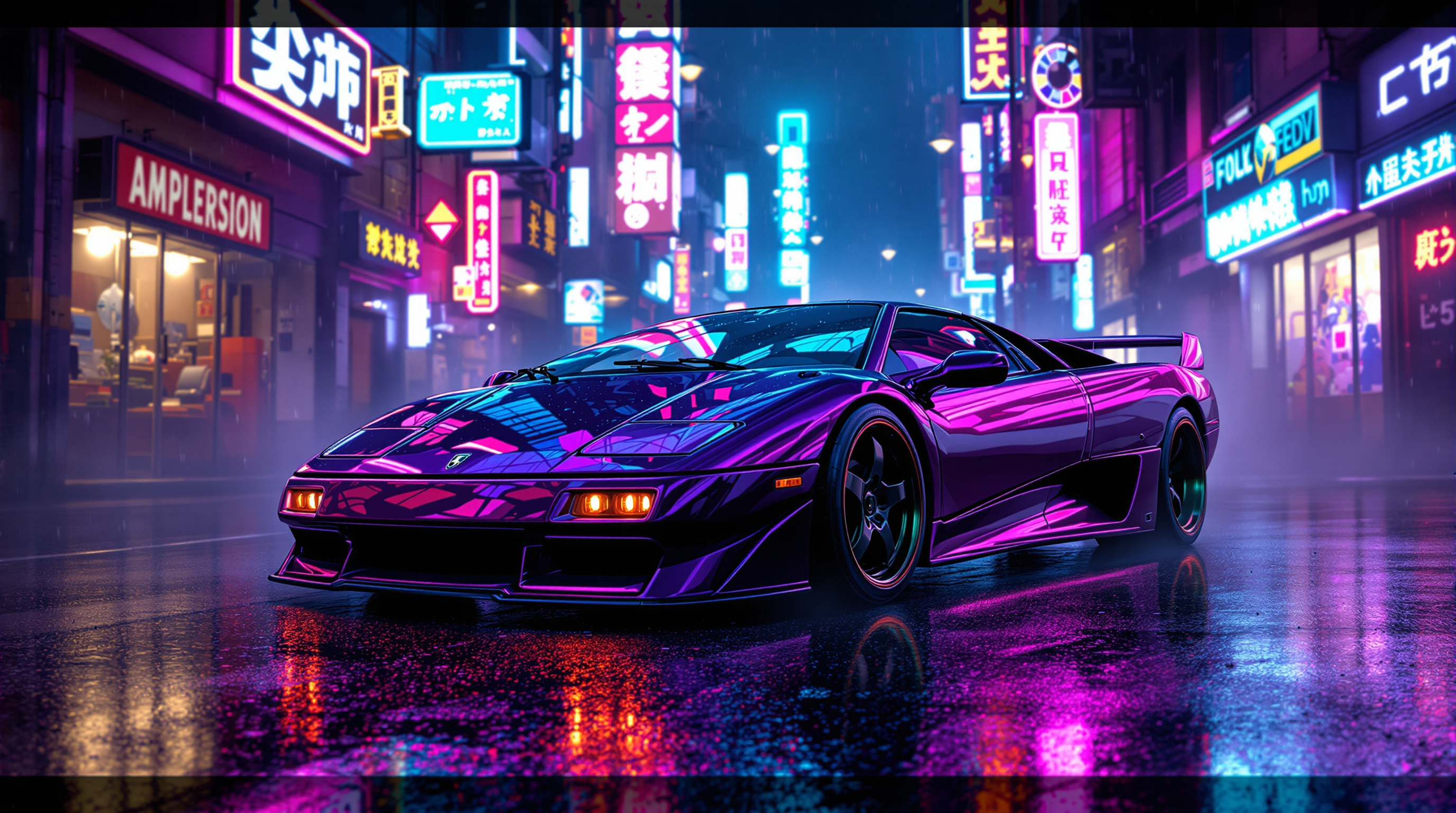
A hyper-realistic 8K render of a **Lamborghini Diablo VT Roadster** in **dark purple**
flux
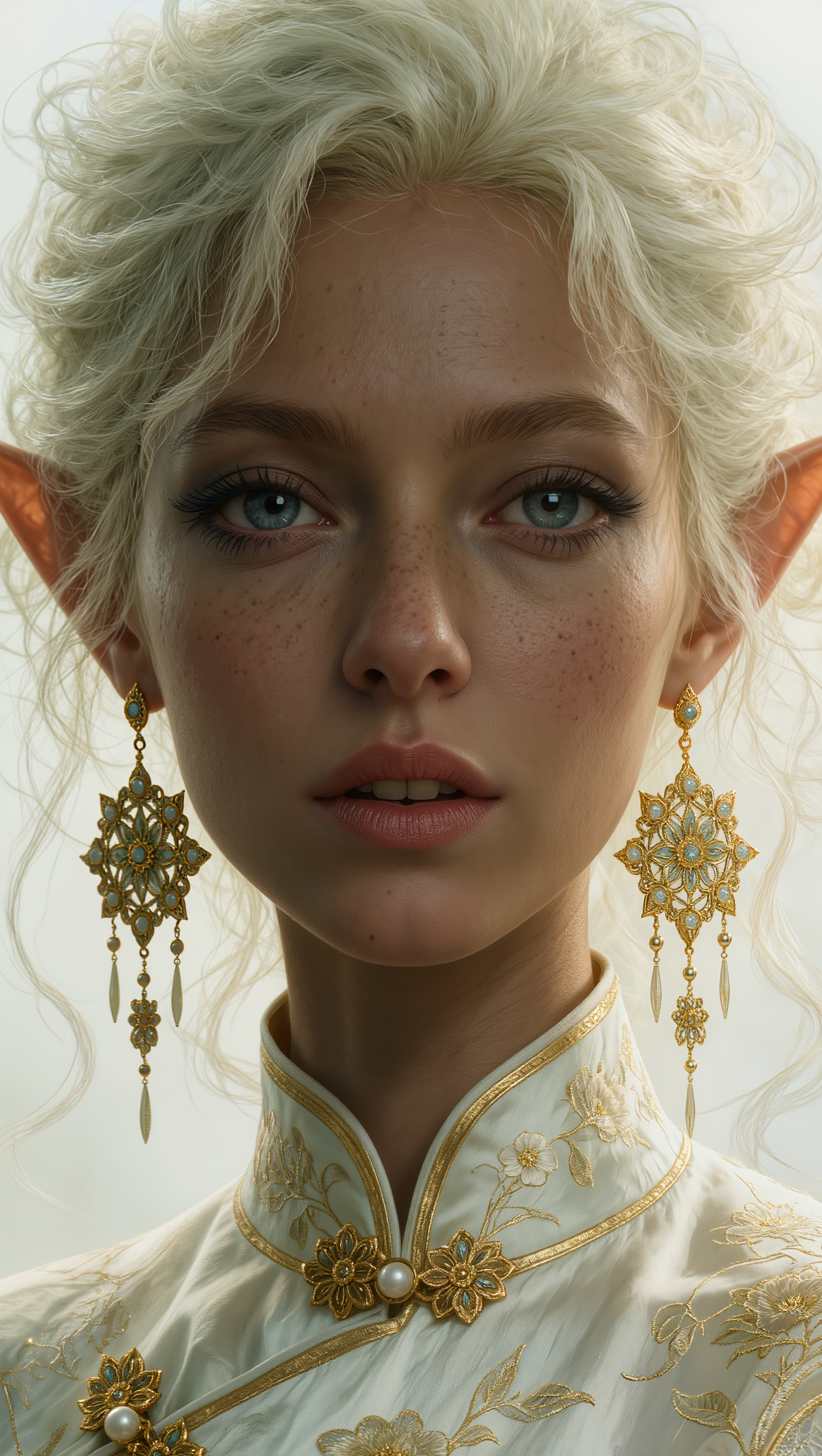
A highly detailed digital portrait of a stunning young elf woman with ethereal beauty
kling-image
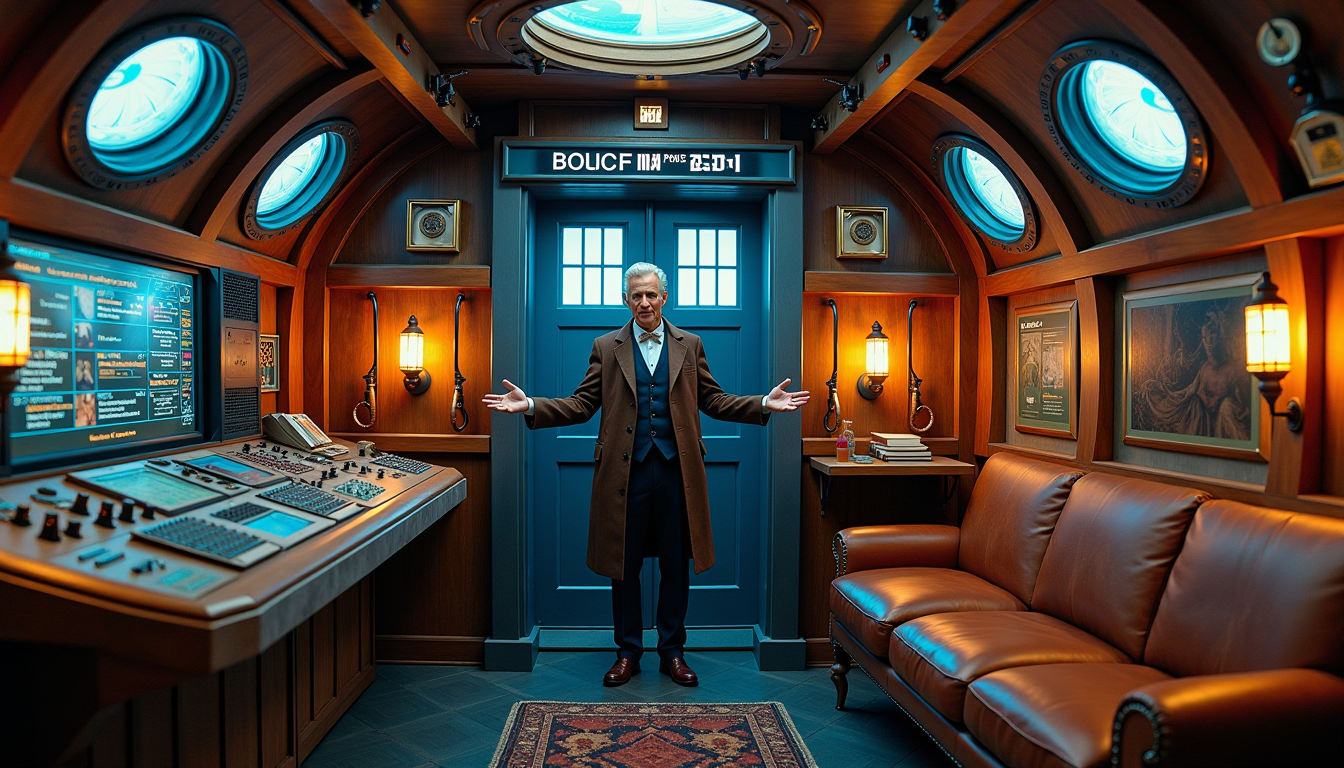
An **intricate interior** of the TARDIS from *Doctor Who*
flux
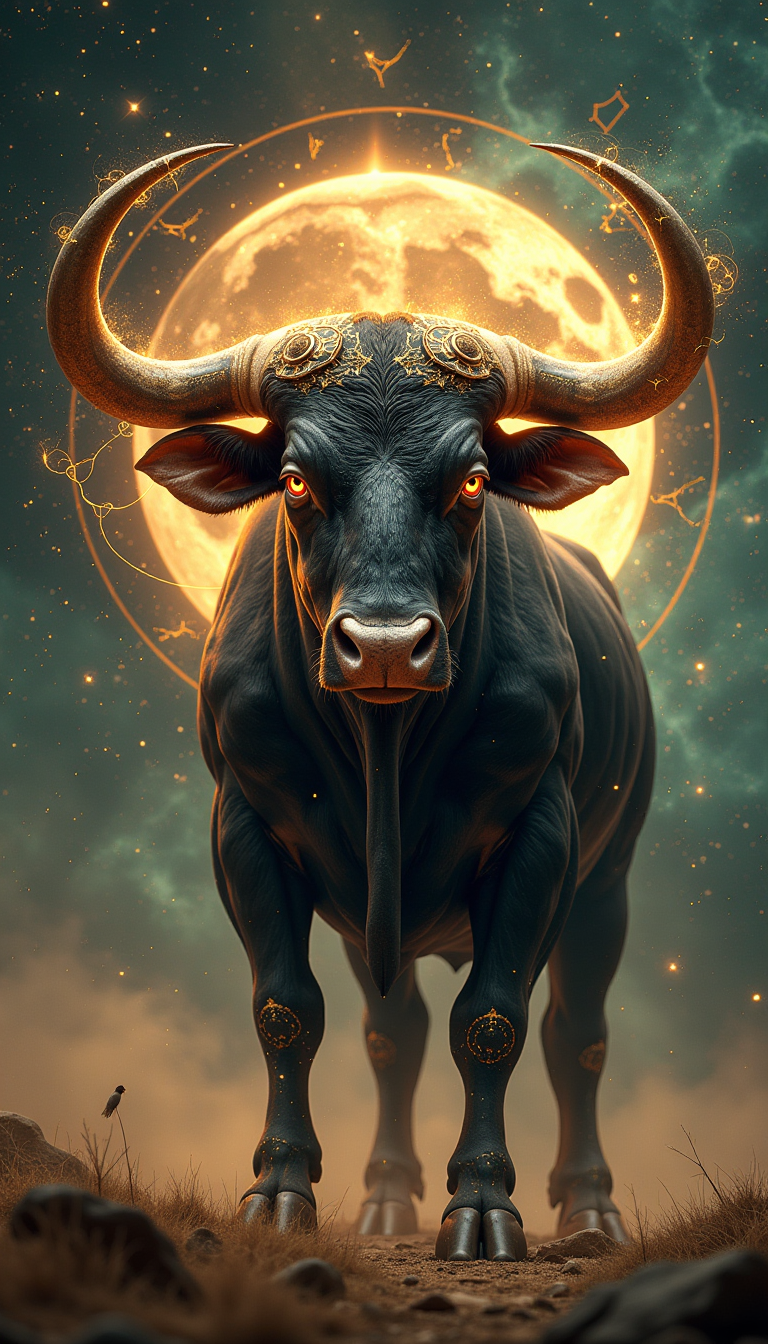
A hyper-realistic
stable-diffusion
Models you can run on PixelDojo for flux.2 pro
Switch models without switching tools. Each one runs in the same PixelDojo studio.
What you can do with flux.2 pro on PixelDojo
Flux.2 Pro on PixelDojo
We give you Flux.2 Pro for text-to-image generation so you can turn prompts into stills without leaving PixelDojo.
Strong Prompt Following
We run Flux.2 Pro so layouts, subjects, and style cues in your prompt stay closer to what you asked for.
High Fidelity Stills
We use Flux.2 Pro for detailed lighting, textures, and composition that hold up for concept art, ads, and social posts.
Iterate Inside One Studio
We keep Flux.2 Pro next to your history, variations, and other PixelDojo tools so you can refine images in one place.
Loved by thousands of creators worldwide. PixelDojo’s 40+ cutting-edge AI tools power professional workflows every day. Cancel anytime with no risk.
Why Choose Pixel Dojo for flux.2 pro
Professional-quality results with cutting-edge AI technology
Studio-Quality Product Shots in Minutes
You generate photorealistic product images with natural lighting, accurate reflections and brand colors specified by hex code. Perfect for e-commerce listings, ads and catalogs that look professionally photographed.
Characters That Stay Consistent Across Campaigns
Upload up to ten reference images and keep the exact same face, outfit and style in every scene. You create cohesive storyboards, social series and brand mascots without retraining models.
Perfect Text and Infographics Every Time
You produce posters, UI screens and data visuals where typography is sharp, properly spaced and multilingual. No more unreadable letters or extra editing rounds.
How It Works
You create professional Flux.2 Pro images in three simple steps inside PixelDojo. No technical skills required.
Step 1: Choose Your Tool
Open the Generate Images section and select Flux.2 Studio. Choose the Pro variant for maximum photorealism and multi-reference power. You can also combine it later with Image to Image or Inpainting for refinements.
Step 2: Enter Your Prompt
Describe your scene in natural language: subject, action, lighting and style. Add up to ten reference images to lock in character or product identity. Use hex codes for exact brand colors and quote any text you want rendered perfectly.
Step 3: Customize & Download
Pick your aspect ratio, generate, then refine with PixelDojo edit tools such as Inpainting, Style Transfer or Reality Polisher. Download 4MP images ready for print or web. Iterate instantly until the result matches your vision.
The Pixel Dojo Advantage
Why PixelDojo outperforms other options for flux.2 pro image generation
| Others | Pixel Dojo |
|---|---|
| Traditional photography and studios | You get unlimited variations, perfect consistency and 4MP quality in minutes instead of booking studios, models and lighting crews that cost thousands. |
| Generic AI image tools | Flux.2 Studio on PixelDojo gives you superior photorealism, reliable multi-reference character lock and production-grade typography that other platforms still struggle with. |
| Manual photo editing and compositing | You generate complete, coherent scenes from a single prompt rather than spending hours masking, matching lighting and retouching in traditional software. |
Loved by creators on PixelDojo
Real feedback from people using PixelDojo, pulled from our in-product surveys.
Great for all your ideas use it encourage more people to use it
Because it is awesome
exceptional quality and great overall design of platform and interface. very intuative. love the creative freedom.
Qwen image 2 is amazing!!
Creative freedom, range of tools and options.
I love the training feature
Explore more AI tools on PixelDojo
AI Tools
Compare & Switch
- Best AI Image Generators
- Best AI Video Generators
- Midjourney Alternatives
- Civitai Alternatives
- Runway Alternatives
- Leonardo Alternatives
- Pika Alternatives
- Luma Alternatives
- Magnific Alternatives
- Veo Alternatives
- Flux Alternatives
- Freepik Alternatives
- Seedance Alternatives
- Seedream Alternatives
- Pixverse Alternatives
- GPT Image Alternatives
- Synthesia Alternatives
- Playground Alternatives
- NightCafe Alternatives
- Canva AI Alternatives
- ElevenLabs Alternatives
- ComfyUI Alternatives
- Fal Alternatives
- Replicate Alternatives
Common Questions
Everything you need to know about flux.2 pro
What is Flux.2 Pro and how do I use it on PixelDojo?
Flux.2 Pro is Black Forest Labs’ production-grade model that generates and edits photorealistic images up to 4 megapixels with exceptional detail and consistency. On PixelDojo you access it instantly through Flux.2 Studio. Simply choose the Pro option, write a natural-language prompt, optionally add reference images, and generate. You can then refine results with Inpainting, Image to Image or Reality Polisher without leaving the platform.
How do I create consistent characters with Flux.2 Pro multi-reference on PixelDojo?
Upload two to ten photos of your character or product as references inside Flux.2 Studio. The model locks identity, clothing and style across every new generation. You can then place that same character in different scenes, lighting or poses while keeping perfect continuity. Combine this with PixelDojo’s Consistent Characters and Character Sheets tools for even larger campaigns.
Can Flux.2 Pro generate photorealistic product images for e-commerce?
Yes. You describe the product, specify lighting and camera angle, and add hex color codes for brand accuracy. Flux.2 Pro renders realistic materials, reflections and physics so the images look photographed, not generated. Use PixelDojo’s Background Remover and Virtual Try-On afterwards if you need extra flexibility for listings or ads.
What are the best prompting techniques for Flux.2 Pro image generation?
Write in natural language starting with the main subject, then action, environment, lighting and technical details. Quote any text you want rendered exactly and include hex codes for colors. Keep the most important elements first. PixelDojo’s Flux.2 Studio also supports structured JSON-style prompts for repeatable production work. Generate a few variants, pick the closest, then refine with edit tools.
Does Flux.2 Pro handle professional typography and infographics well?
Flux.2 Pro delivers some of the most reliable text rendering available, with proper kerning even for complex or multilingual content. You can create posters, UI mockups, packaging and data visuals where every letter is sharp and correctly placed. Pair it with PixelDojo’s Recraft V4.1 or Ideogram 4 if you need extra graphic-design control.
Can I combine Flux.2 Pro images with PixelDojo video and other tools?
Absolutely. Generate stills in Flux.2 Studio, then send them to Marketing Studio, VEO 3.1, Kling Video or WAN 3.0 to create videos. Use Flux 2 Trainer to fine-tune on your own style, or feed images into Face Swap, Virtual Try-On and 3D tools like Rodin. Everything lives in one account with 40+ models you can switch between instantly.