gif face swap AI Generator

Generated on PixelDojo. Produced by PixelDojo's generation pipeline.
Imagine turning your favorite GIFs into personalized, shareable animations by seamlessly swapping faces with friends, celebrities, or even fictional characters. With PixelDojo's AI-powered face swap tools, you can effortlessly create engaging and realistic face swap GIFs that are perfect for social media, marketing campaigns, or personal projects. No technical skills required—just your creativity and a few clicks.
Real image examples generated on PixelDojo
Every example below was produced on PixelDojo. Hover to see the prompt.
gif face swap on PixelDojo
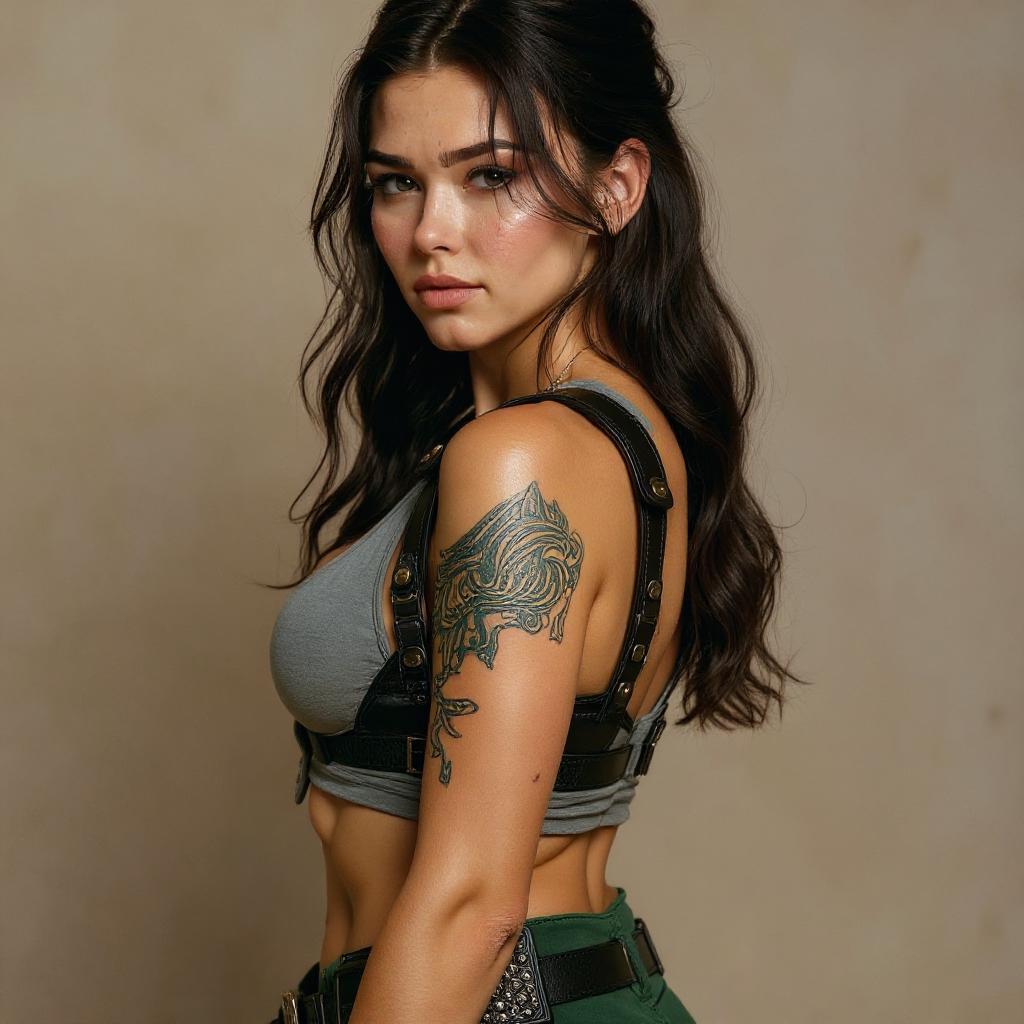
Portrait series with neutral background
consistent-characters
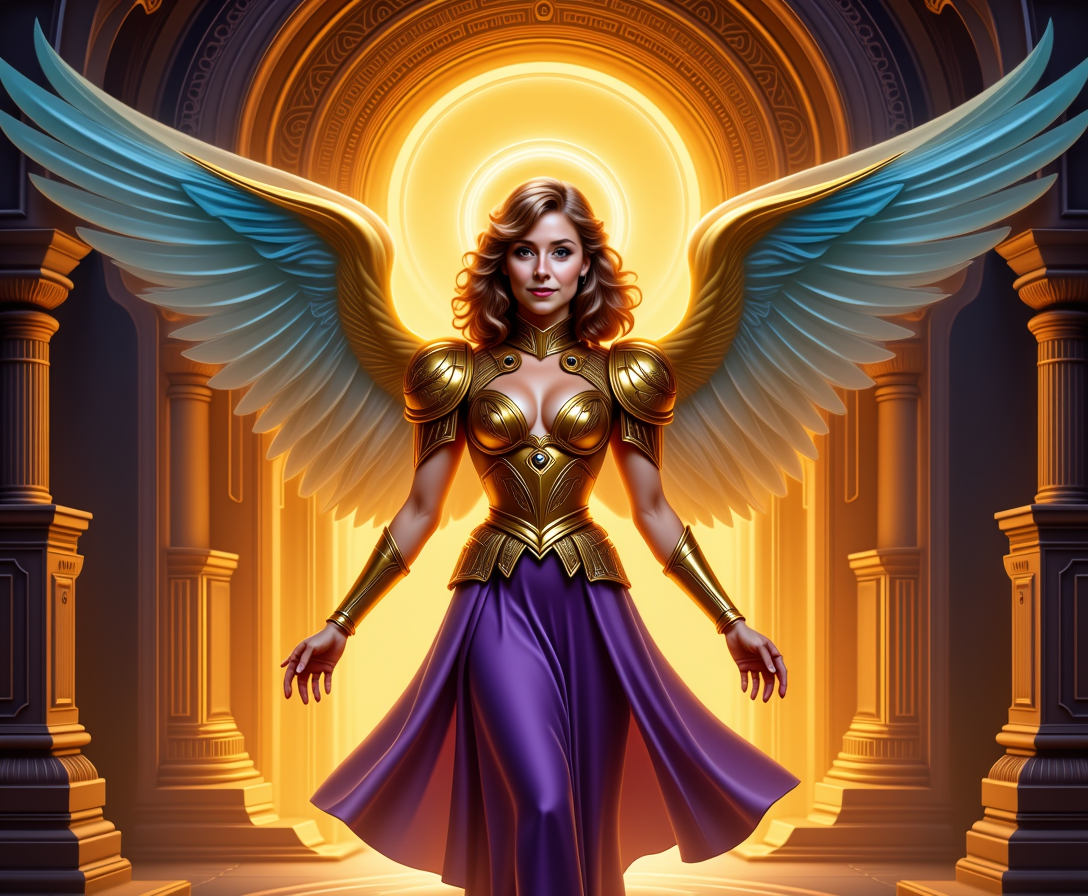
Kira-Super
stable-diffusion

AL-LoRa-Zip
stable-diffusion
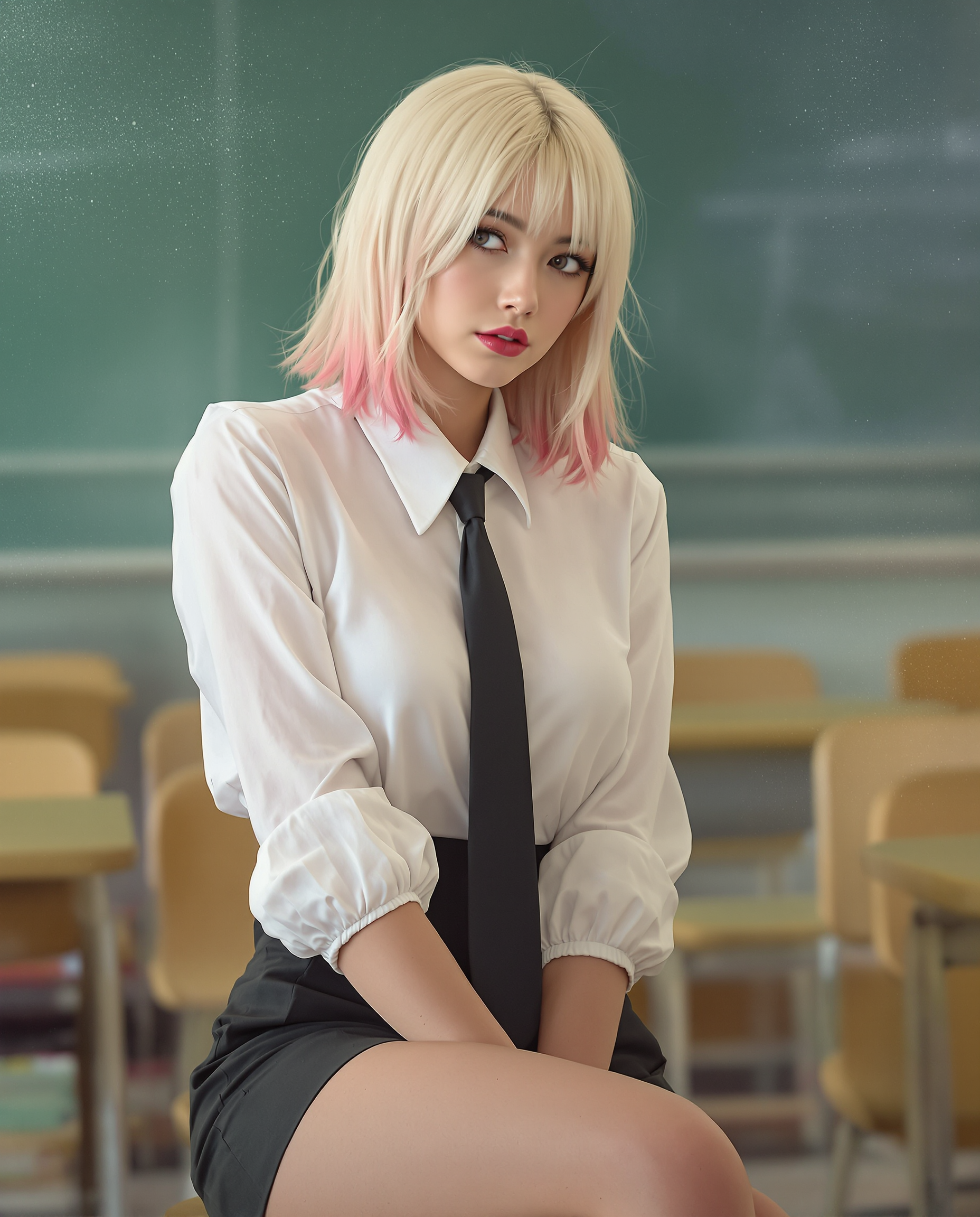
A highly realistic digital painting of a stylized female figure in a classroom setting
flux
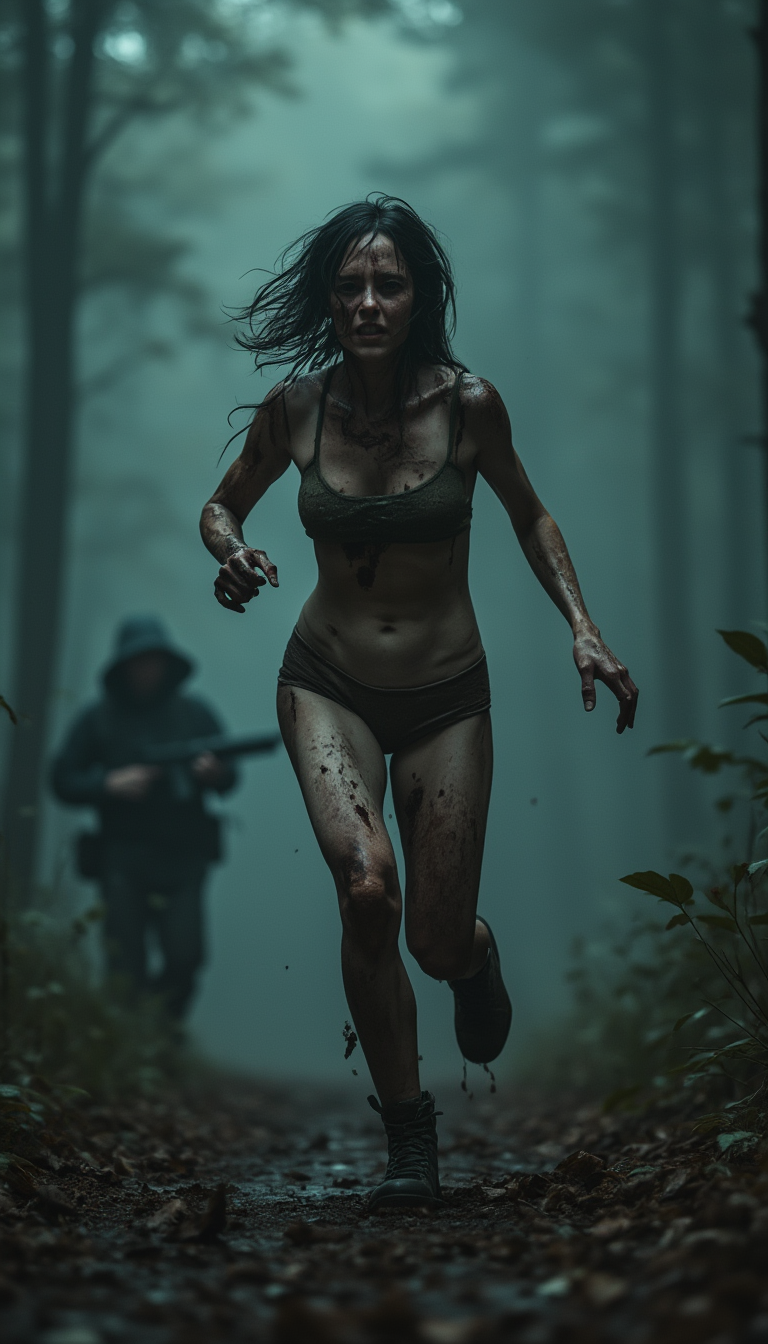
A cinematic horrific hunting scene in dark forrest
stable-diffusion
Models you can run on PixelDojo for gif face swap
Switch models without switching tools. Each one runs in the same PixelDojo studio.
What you can do with gif face swap on PixelDojo
Upload GIF for Processing
We accept your GIF file and detect faces across its frames.
Select Replacement Face Images
Creators supply reference photos to map onto the detected faces.
Apply Swaps to Frames
We replace faces in each frame while keeping the original motion.
Export Completed GIF
You download the resulting animation in standard file format.
Join over 10,000 satisfied users who have created more than 500,000 face swap images using PixelDojo's cutting-edge AI tools.
Why Choose Pixel Dojo for gif face swap
Professional-quality results with cutting-edge AI technology
Effortless Creativity
Easily create engaging and entertaining GIFs by swapping faces, perfect for social media and personal projects.
High-Quality Outputs
Generate high-resolution face swap GIFs with realistic results, suitable for professional use.
User-Friendly Interface
Navigate through the face swap process with an intuitive and easy-to-use platform.
How It Works
Creating face swap GIFs with PixelDojo is simple and straightforward. Follow these steps to transform your GIFs:
Step 1: Choose Your Tool
Select the 'Face Swap' tool from PixelDojo's suite of AI-powered tools.
Step 2: Upload Your GIF and Target Face
Upload the GIF you want to modify and the image of the face you wish to swap in.
Step 3: Generate and Download
Click 'Generate' to process the face swap. Once complete, download your new face-swapped GIF.
The Pixel Dojo Advantage
Why PixelDojo outperforms other options for AI GIF face swapping
| Others | Pixel Dojo |
|---|---|
| Traditional GIF editing | No need for manual editing skills; achieve professional results effortlessly. |
| Generic AI tools | Specialized face swap algorithms ensure higher accuracy and realism. |
| Manual photo editing | Save time and effort with automated processing and intuitive interface. |
Loved by creators on PixelDojo
Real feedback from people using PixelDojo, pulled from our in-product surveys.
I love the training feature
the quality is the best
All the tools needed in one dashboard
Very fair and very broad in tools.
Accurate results
Great site and so much fun to use!
Explore more AI tools on PixelDojo
AI Tools
Compare & Switch
- Best AI Image Generators
- Best AI Video Generators
- Midjourney Alternatives
- Civitai Alternatives
- Runway Alternatives
- Leonardo Alternatives
- Pika Alternatives
- Luma Alternatives
- Magnific Alternatives
- Veo Alternatives
- Flux Alternatives
- Freepik Alternatives
- Seedance Alternatives
- Seedream Alternatives
- Pixverse Alternatives
- GPT Image Alternatives
- Synthesia Alternatives
- Playground Alternatives
- NightCafe Alternatives
- Canva AI Alternatives
- ElevenLabs Alternatives
- ComfyUI Alternatives
- Fal Alternatives
- Replicate Alternatives
Common Questions
Everything you need to know about gif face swap
How do I create an AI GIF face swap with PixelDojo?
Simply select the 'Face Swap' tool, upload your GIF and target face image, and click 'Generate' to create your face-swapped GIF.
Is PixelDojo's face swap tool suitable for beginners?
Yes, our user-friendly interface is designed for users of all skill levels to create face swap GIFs effortlessly.
Can I use PixelDojo's face swap tool for commercial projects?
Absolutely! Our high-quality outputs are suitable for both personal and professional use.
What file formats are supported for GIF face swaps?
PixelDojo supports standard GIF formats for both input and output files.
How long does it take to generate a face swap GIF?
Processing times are typically quick, with most GIFs being ready for download within minutes.
Is there a limit to the number of face swap GIFs I can create?
With a PixelDojo subscription, you can create an unlimited number of face swap GIFs.