grok imagine generator

Generated on PixelDojo. Produced by PixelDojo's generation pipeline.
Imagine turning a simple idea in your head into a polished, professional image you can use right away for your next campaign, social post, or product launch. With PixelDojo's Grok Imagine generator, you achieve exactly that—photorealistic scenes, crisp layouts, and visuals that look like they came from a high-end studio, all without leaving your browser. You skip the photoshoots, the waiting, and the guesswork. Instead, you describe what you want and watch it come to life in seconds, ready for marketing materials, thumbnails, or creative projects that actually convert. Thousands of creators already rely on this to produce assets that stand out, and you can too with access to 40+ cutting-edge AI tools you can cancel anytime.
Real image examples generated on PixelDojo
Every example below was produced on PixelDojo. Hover to see the prompt.
Canvas generate — From qwen-image
canvas-generate
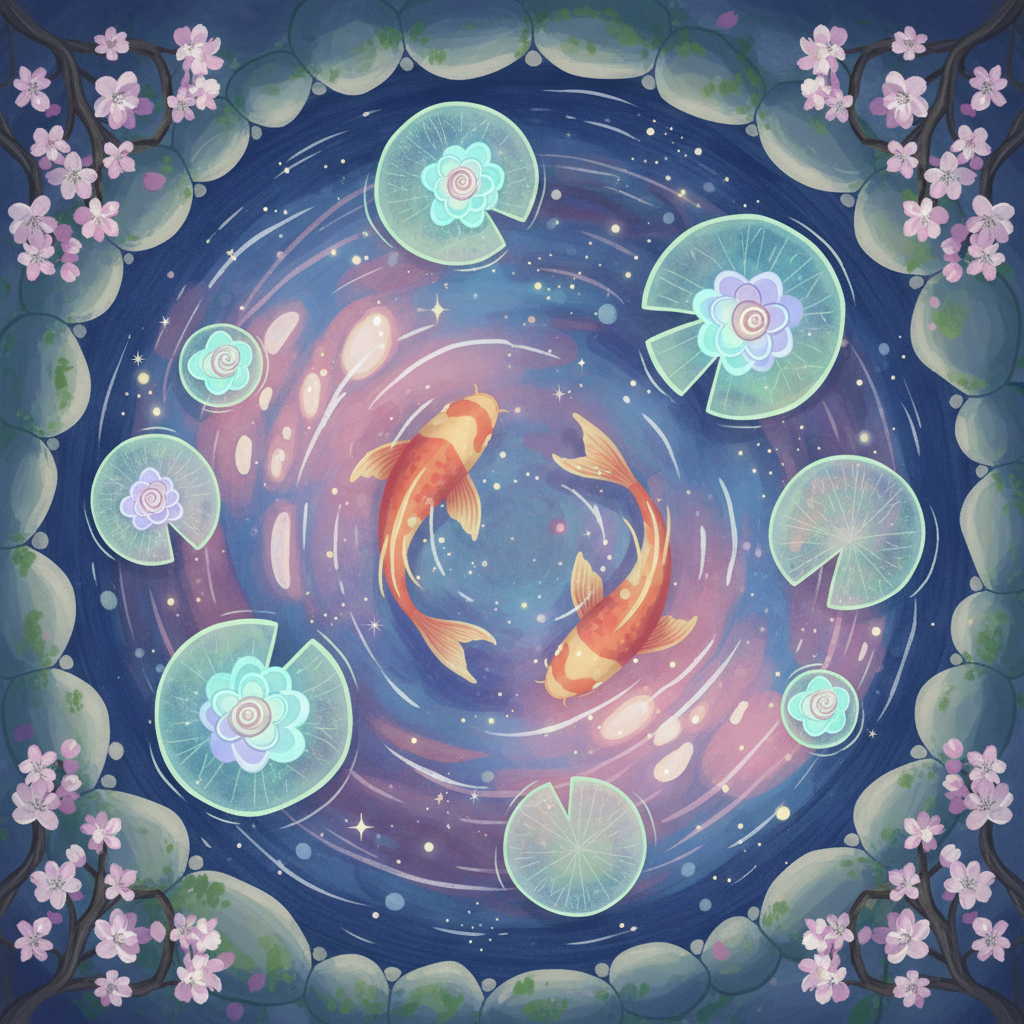
Gg-illustration
image-to-image
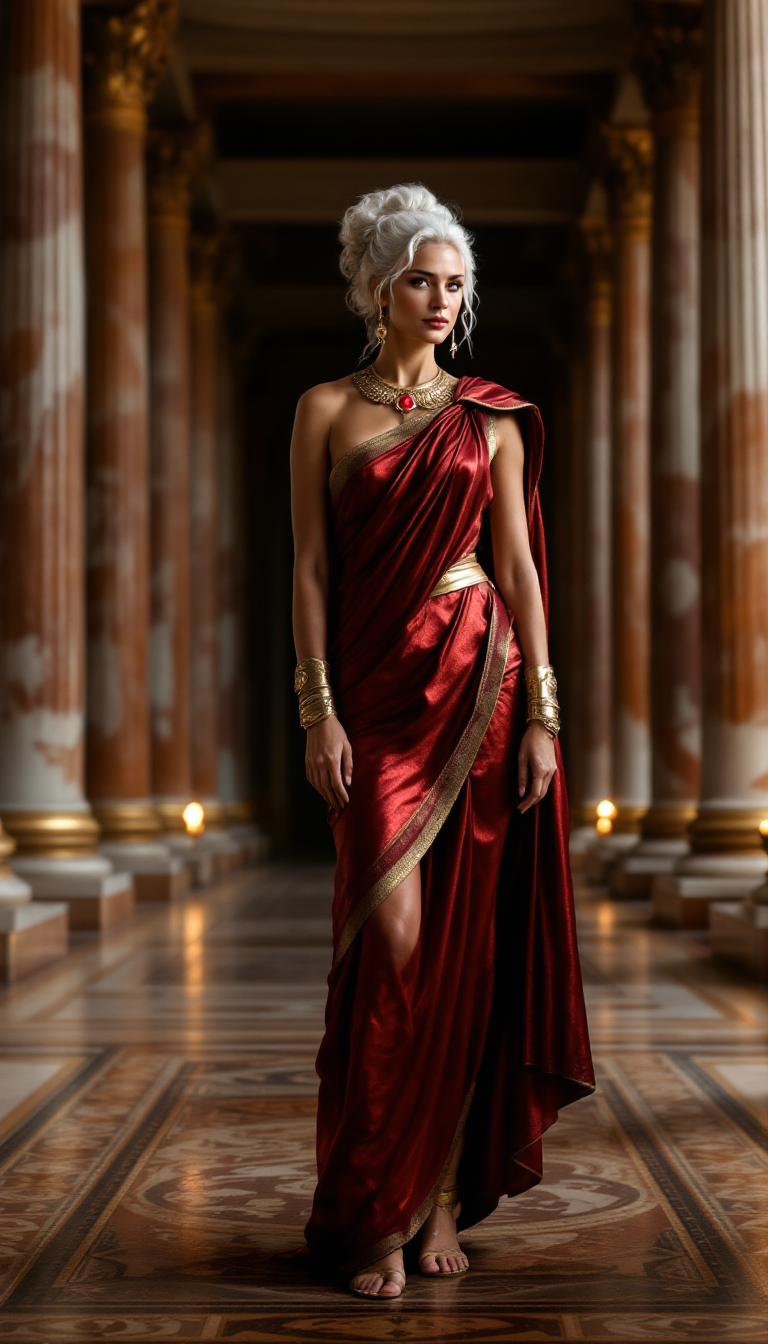
grok imagine generator on PixelDojo
flux
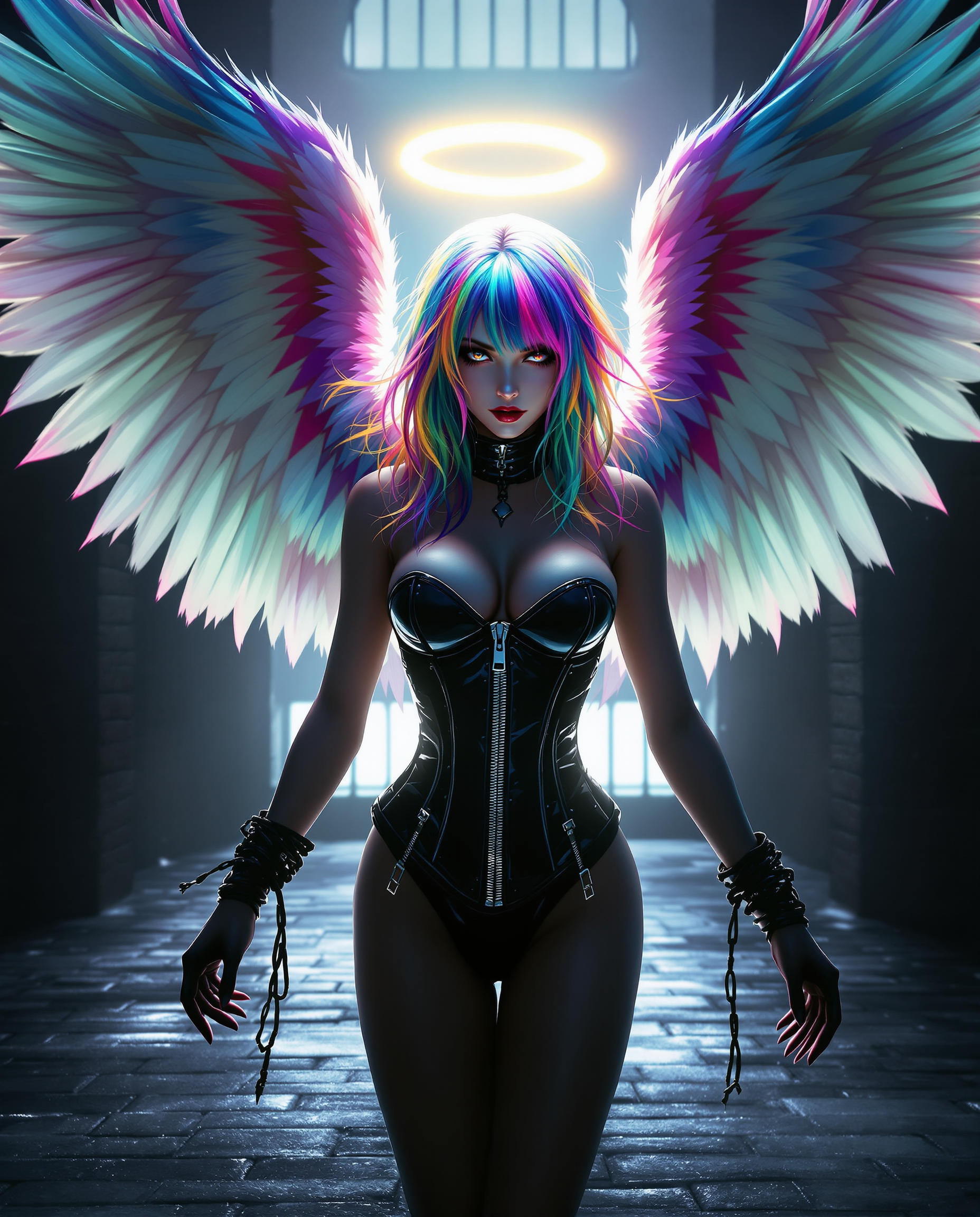
This image is a realistic photo photograph of a female real person digital artwork that fe…
flux

grok imagine generator on PixelDojo
creative-upscaler
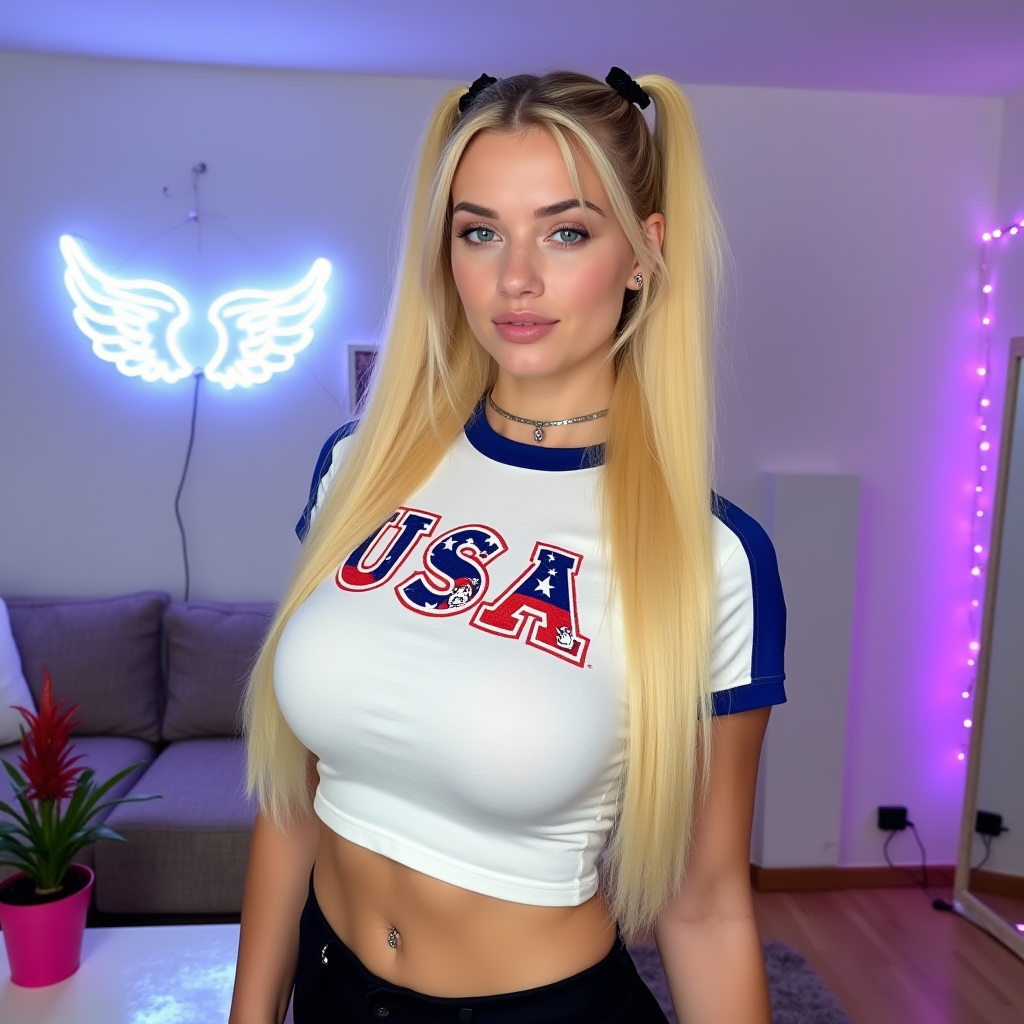
grok imagine generator on PixelDojo
flux-redux
Models you can run on PixelDojo for grok imagine generator
Switch models without switching tools. Each one runs in the same PixelDojo studio.
What you can do with grok imagine generator on PixelDojo
Grok Imagine Image Creation
We give you access to Grok Imagine so you can turn text prompts into still images for concepts, posts, and production drafts.
Prompt Driven Visual Control
You describe subject, lighting, and composition in plain language. We generate matching images you can refine with follow-up prompts.
Style And Format Options
We support common aspect ratios and visual styles so your outputs fit social, print, and presentation layouts without extra tools.
Iterate And Export Fast
We keep generations in your workspace so you can compare variants, pick a direction, and download files for your pipeline.
Loved by thousands of creators worldwide with a 4.9-star average. Over 40 cutting-edge AI tools in one place, trusted for professional results every day.
Why Choose Pixel Dojo for grok imagine generator
Professional-quality results with cutting-edge AI technology
Photorealistic Images Ready for Real Work
You generate studio-quality photos, product shots, and cinematic scenes that clients and audiences actually use, complete with natural lighting and accurate details that save you from extra retouching.
Edit One Detail Without Starting Over
You change a color, swap an object, or refine text in an existing image while everything else stays exactly as you approved it, turning hours of frustration into minutes of progress.
Layouts and Text That Look Professionally Designed
You create infographics, ads, and graphics where every word is sharp and every element sits perfectly, so your visuals work immediately in presentations, social feeds, or print without extra design time.
How It Works
You create Grok Imagine images on PixelDojo in three straightforward steps that take you from concept to finished file you can download and use immediately.
Step 1: Choose Your Tool
Log into PixelDojo and open the Generate Images section. Select Grok Image to tap into the latest Grok Imagine capabilities for strong prompt following and photoreal output. You can also explore complementary options like Flux.2 Studio or Seedream 5 if you want extra style variety in the same workflow.
Step 2: Enter Your Prompt
Type a detailed description covering your subject, setting, lighting, camera angle, and style. For even tighter results, upload up to several reference images so the generator matches your exact aesthetic or keeps characters consistent. Choose quality mode when you need the sharpest details and readable text.
Step 3: Customize & Download
Refine your image using PixelDojo’s Edit Images tools such as Inpainting, Style Transfer, Background Remover, or Magic Lighting. Upscale with P-Image Upscale or Portrait Upscaler for extra clarity, then download in the exact size and format you need. You can even extend the still into motion later with Grok Video if your project requires it.
The Pixel Dojo Advantage
Why PixelDojo outperforms other options for Grok Imagine image generation
| Others | Pixel Dojo |
|---|---|
| Traditional photography and design | You skip location scouting, lighting setups, and expensive talent while still delivering images that look shot by a professional team, all in the time it takes to write a sentence. |
| Generic AI tools | You get precise instruction following, readable text inside images, and region-specific edits that generic platforms often miss, plus the ability to combine Grok Image with 40+ other specialized tools in one account. |
| Manual photo editing | You make targeted changes in seconds instead of hours of masking and layering, then instantly resize or restyle the result so it fits every platform without starting from scratch. |
Loved by creators on PixelDojo
Real feedback from people using PixelDojo, pulled from our in-product surveys.
large selection of tools on one platform
the amount you can do on this site
all in one place
It is a lot of fun to uae and easy too.
So many different models to try out
You keep adding to it to stay up to date and that is GOLD.
Explore more AI tools on PixelDojo
AI Tools
Compare & Switch
- Best AI Image Generators
- Best AI Video Generators
- Midjourney Alternatives
- Civitai Alternatives
- Runway Alternatives
- Leonardo Alternatives
- Pika Alternatives
- Luma Alternatives
- Magnific Alternatives
- Veo Alternatives
- Flux Alternatives
- Freepik Alternatives
- Seedance Alternatives
- Seedream Alternatives
- Pixverse Alternatives
- GPT Image Alternatives
- Synthesia Alternatives
- Playground Alternatives
- NightCafe Alternatives
- Canva AI Alternatives
- ElevenLabs Alternatives
- ComfyUI Alternatives
- Fal Alternatives
- Replicate Alternatives
Common Questions
Everything you need to know about grok imagine generator
What is the Grok Imagine generator and how do I use it on PixelDojo?
The Grok Imagine generator on PixelDojo is the Grok Image tool that turns your text descriptions into high-quality stills with excellent prompt adherence, photorealistic detail, and built-in editing. You simply select it from Generate Images, describe what you want (or add references), generate, then refine with Inpainting or Background Remover. Thousands of creators use it daily because results are ready for real campaigns without extra software.
How do I write prompts that get the best results from the Grok Imagine generator?
You get the strongest output by being concrete: start with the exact subject and action, then add environment, lighting direction, camera details, and style. For example, instead of “a woman outside,” try “a woman in a long wool coat standing on a rain-wet sidewalk outside a bookstore, film-noir lighting, 85mm lens.” PixelDojo’s Grok Image follows these details closely, and you can lock elements with references so series stay consistent.
Can I edit images I create with the Grok Imagine generator without losing quality?
Yes. After generating with Grok Image you stay inside PixelDojo and use Inpainting to change one area, Style Transfer for a new look, or Reality Polisher for extra realism. The rest of the image stays intact, so you never have to regenerate from zero. You can also upscale with Magnific Upscaler or Clarity Pro and export with a transparent background if needed.
What kinds of projects work best with PixelDojo’s Grok Imagine generator?
You succeed fastest on product photography, social graphics, ad mockups, character sheets, infographics, and cinematic stills because the generator handles layouts, readable text, and photoreal lighting exceptionally well. Many users then animate the stills with Grok Video or Kling Video for complete campaigns, all from the same PixelDojo account you can cancel anytime.
Is there a risk if I try the Grok Imagine generator on PixelDojo?
There is none. You get immediate access to Grok Image plus 40+ other cutting-edge tools loved by thousands of creators worldwide. You can cancel at any time, so you only keep what you love. Start with a few test generations today and see professional results before you commit to anything.
How does PixelDojo make Grok Imagine generation better than using it elsewhere?
You combine Grok Image with a full suite of complementary tools—Flux.2 Studio for extra photoreal options, Consistent Characters for series work, P-Image Upscale for print-ready files, and video tools like Grok Video Edit—without switching platforms. Everything lives in one dashboard, so your workflow stays fast and your images stay consistent from first prompt to final download.