grok imagine photorealism AI Generator
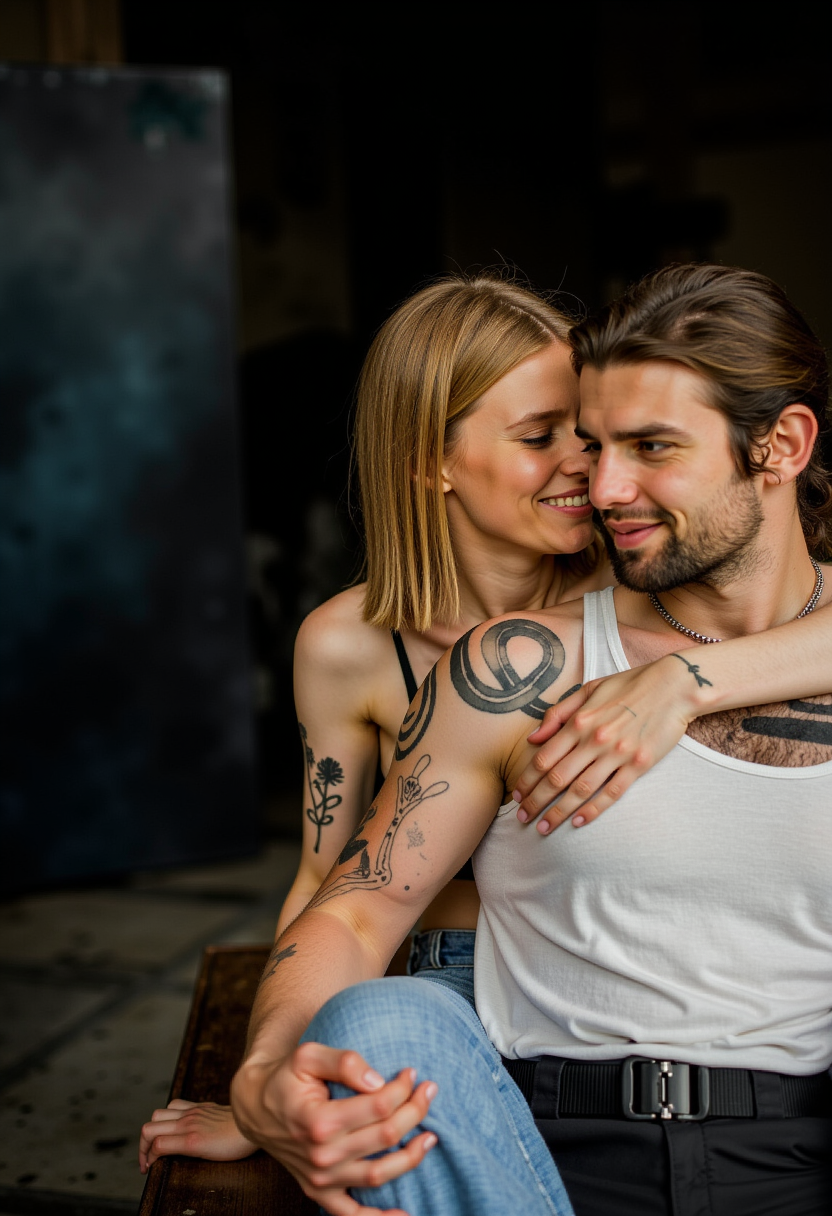
Generated on PixelDojo. Produced by PixelDojo's generation pipeline.
You can now generate images so photorealistic they look like they came straight from a professional camera, complete with natural skin pores, authentic lighting behavior, and textures that hold up under close inspection. PixelDojo puts Grok Imagine photorealism in your hands through the dedicated Grok Image tool, letting you produce portraits, product shots, and cinematic scenes that convert viewers into customers without ever stepping into a studio. Skip the expensive equipment, model bookings, and lengthy post-production. Instead, describe your vision in everyday photographer language and watch PixelDojo deliver results that feel captured in the real world. Thousands of creators already rely on this approach to power e-commerce listings, social campaigns, and personal branding that stand out because they look genuinely photographed. With 40+ cutting-edge AI tools available on one platform, you can generate, refine, and scale your photorealistic work instantly, then cancel anytime if it no longer fits your needs. The outcome is simple: more believable visuals, faster turnaround, and higher engagement for everything you create.
Real image examples generated on PixelDojo
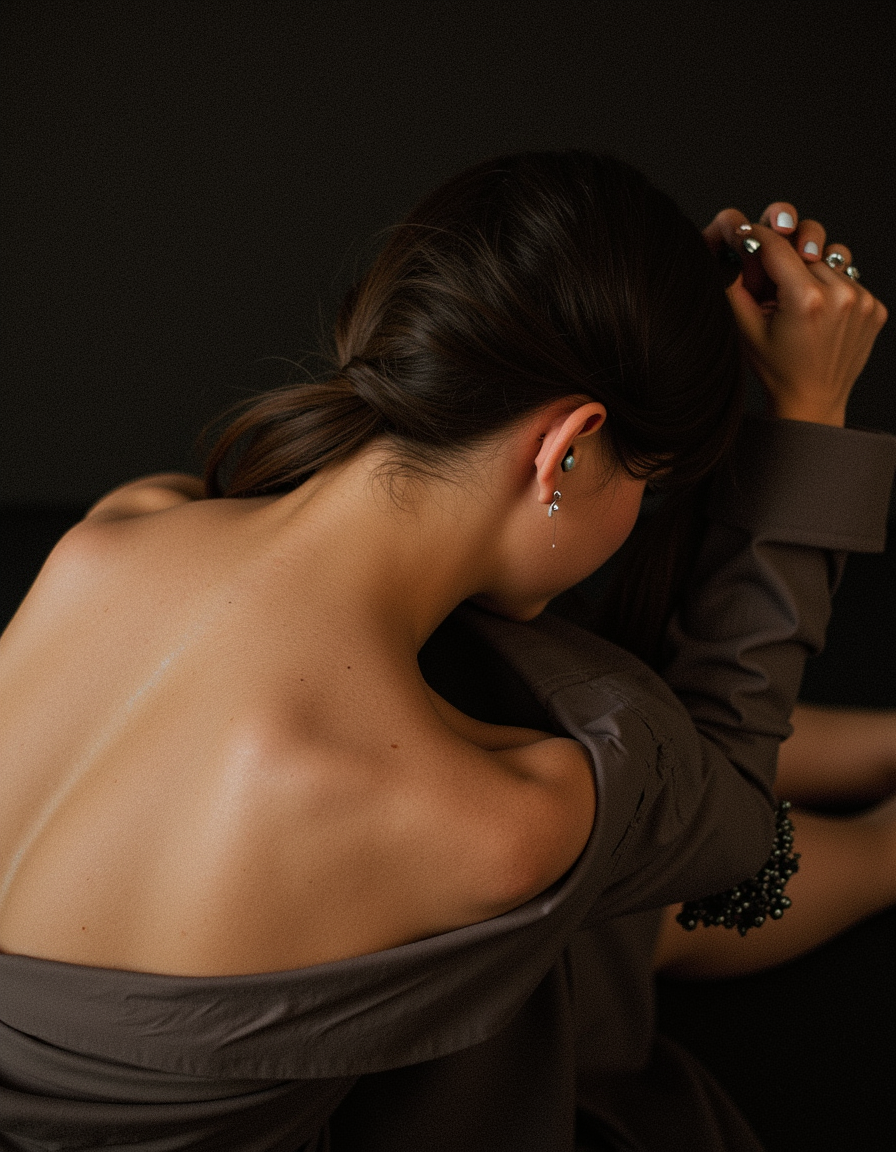
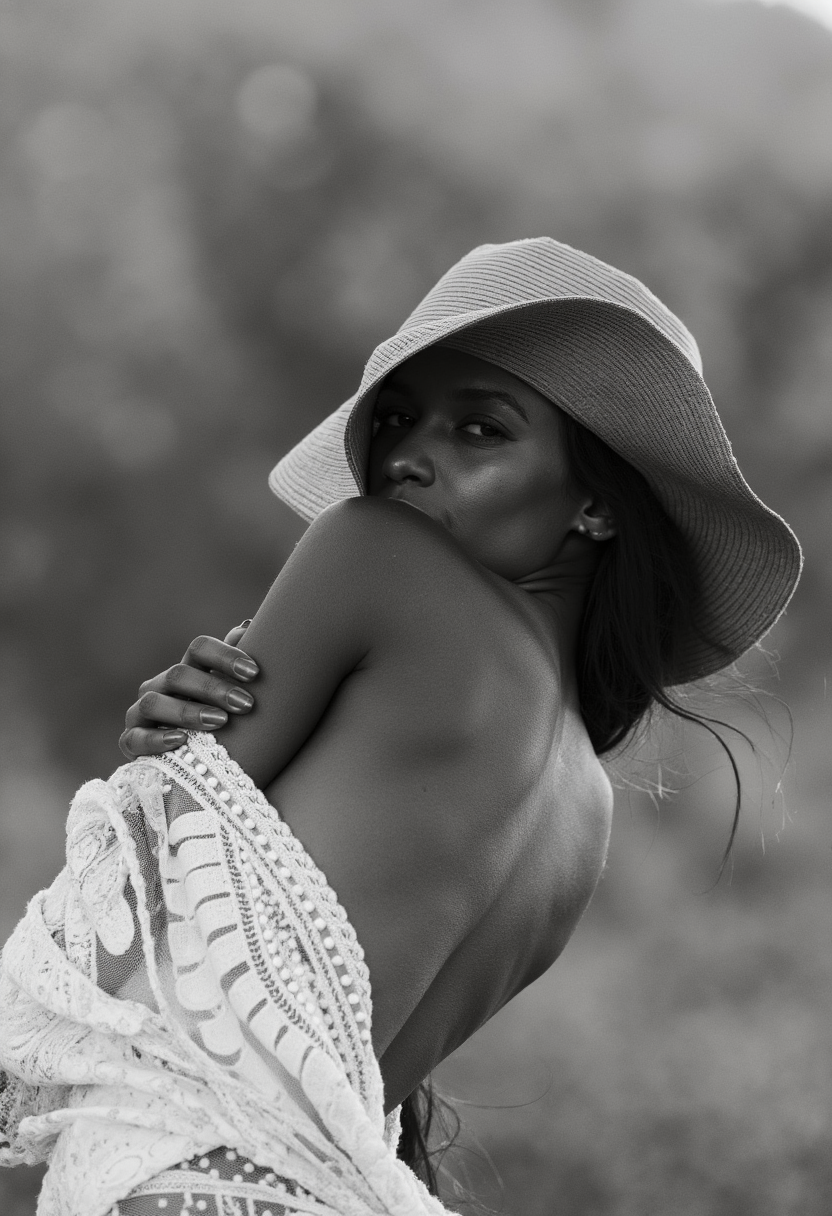
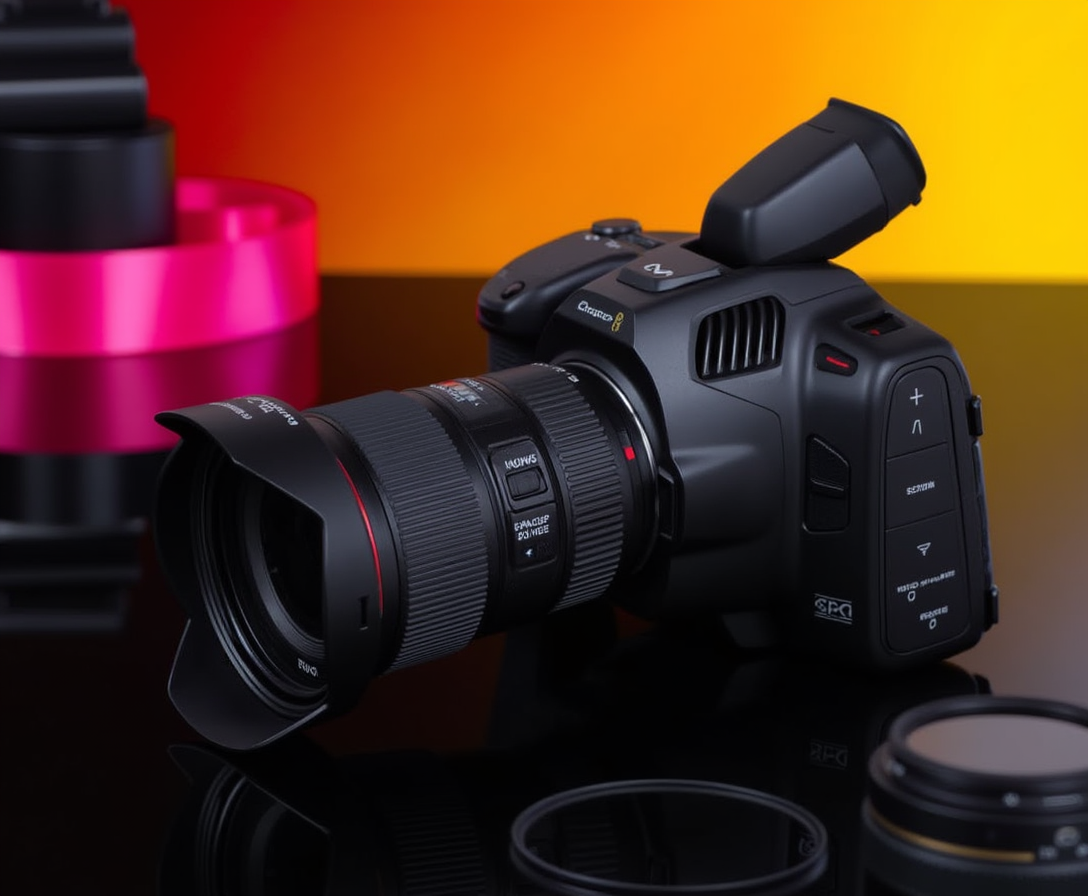
Every example below was produced on PixelDojo. Hover to see the prompt.
Photorealistic
flux
Photorealistic
flux
Photorealistic
flux
Photorealistic
flux
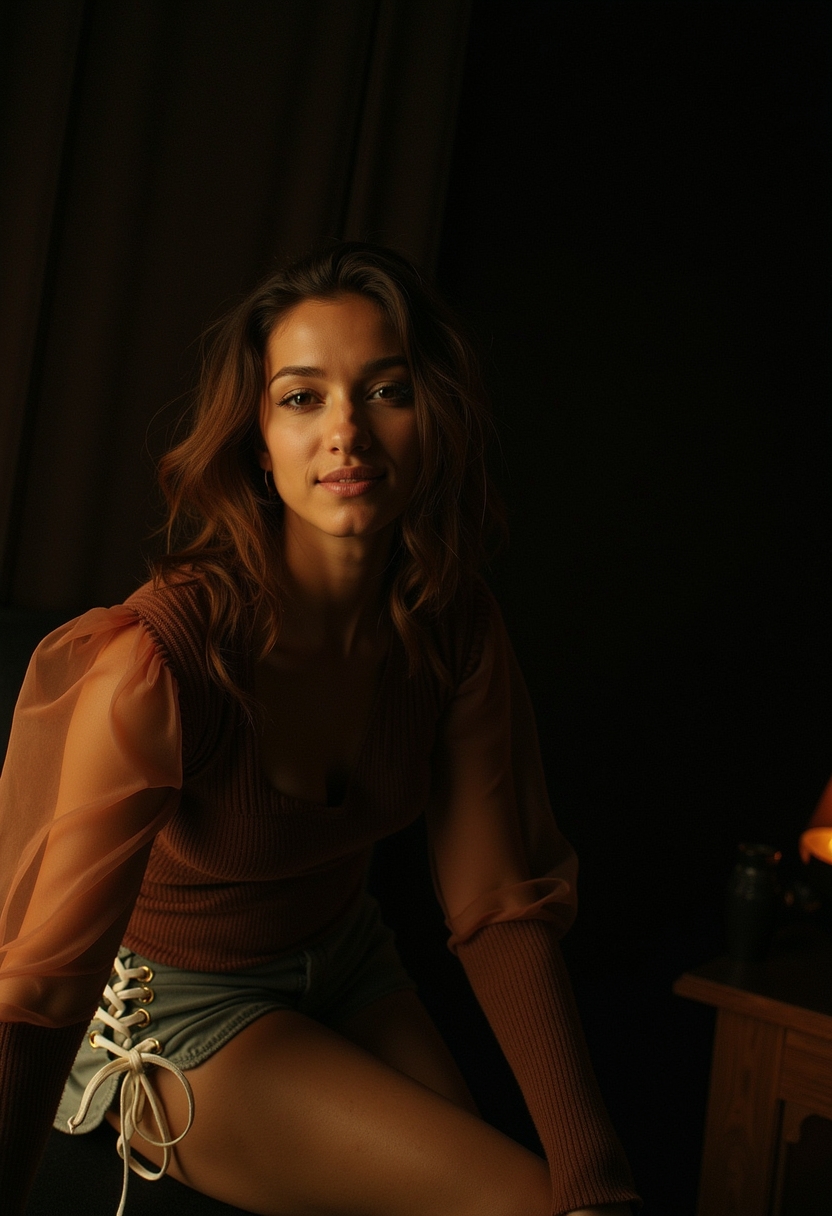
Photorealistic
flux
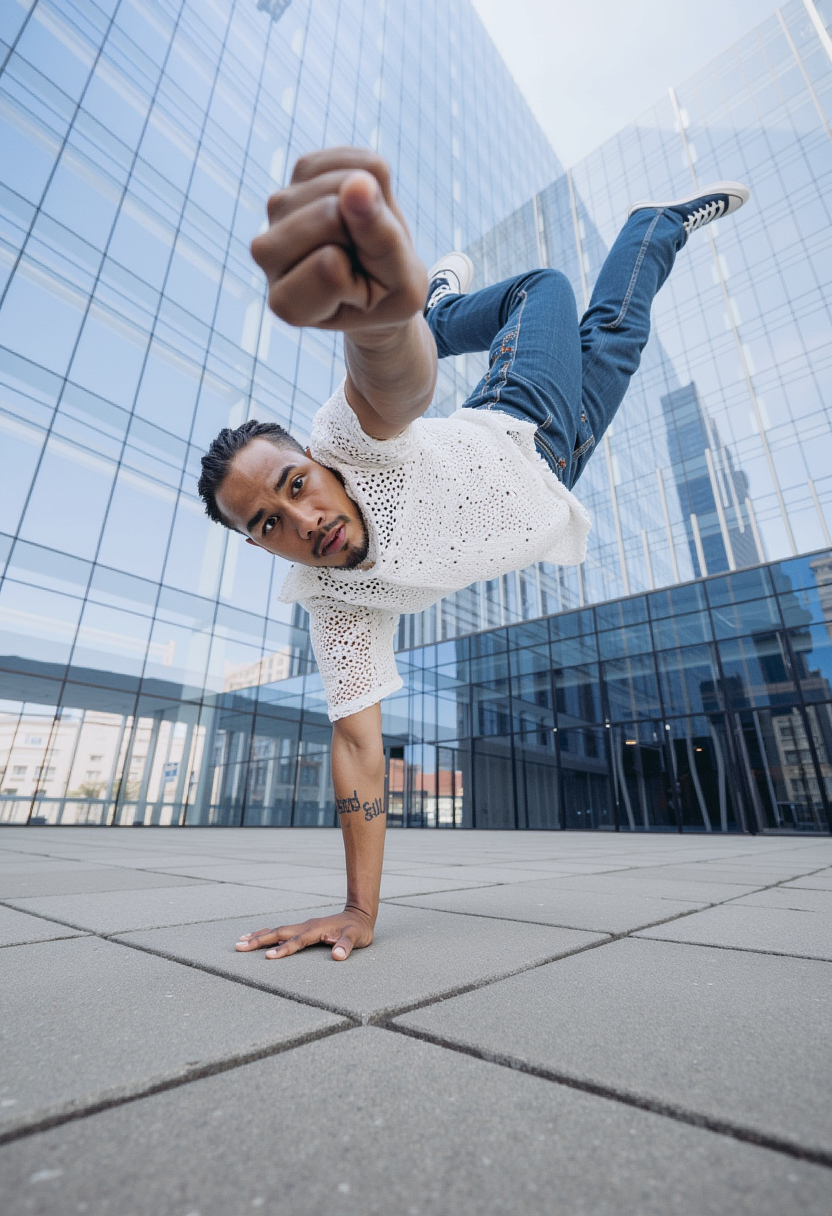
Photorealistic
flux
Models you can run on PixelDojo for grok imagine photorealism
Switch models without switching tools. Each one runs in the same PixelDojo studio.
What you can do with grok imagine photorealism on PixelDojo
Photoreal Skin and Texture
We generate portraits and products with fine pores, fabric weave, and natural light falloff so stills read like camera captures.
Directed Lighting in Prompts
Creators specify key, fill, and rim light in text so scenes match commercial photography without extra compositing.
Material and Reflection Detail
We render glass, metal, and skin with accurate highlights and subsurface scatter so close-ups stay believable.
Coherent Character Across Shots
Keep faces, clothing, and anatomy consistent across variations so campaigns and storyboards stay on model.
Loved by thousands of creators worldwide who generate millions of photorealistic images every month. PixelDojo users report 4.8-star average satisfaction for Grok Imagine photorealism results that consistently outperform expectations in portraits, products, and environments. Join marketing teams, e-commerce sellers, and independent artists who trust the platform to deliver camera-ready assets that drive real conversions.
Why Choose Pixel Dojo for grok imagine photorealism
Professional-quality results with cutting-edge AI technology
Portraits Indistinguishable from Real Photos
You achieve faces with pore-level skin detail, natural catchlights, subsurface scattering, and authentic expressions that retain identity across generations. Use these for avatars, influencer-style content, or client work without hiring talent or photographers.
Product Visuals That Boost Sales Instantly
You create studio-quality shots showing accurate materials, reflections, shadows, and branding that look professionally photographed. Perfect for online stores where photorealism directly increases click-through and purchase rates.
Cinematic Scenes Ready for Any Campaign
You direct full environments with precise lighting, composition, and atmosphere using simple descriptions. The result is marketing-ready stills that feel shot on location, saving you time and budget while delivering higher engagement.
How It Works
You create Grok Imagine photorealism on PixelDojo in three simple steps that anyone can follow. No photography experience required—just describe what you want and let the tools handle the rest.
Step 1: Choose Your Tool
Sign in to PixelDojo and go to Generate Images. Select Grok Image from the extensive lineup that also includes Flux.2 Studio, Seedream 5, and Ideogram 4. Grok Image is optimized for photorealism, so it becomes your starting point for portraits, products, and scenes that need to look captured rather than generated.
Step 2: Enter Your Prompt
Type a natural-language description that sounds like a photographer briefing a shoot. Include the subject, environment, lens (such as 85mm f/1.2), lighting direction and quality, film characteristics, and tactile details like fabric weave or skin texture. PixelDojo’s Grok Image interprets this language to produce highly realistic output on the first try.
Step 3: Customize & Download
Refine your result with PixelDojo’s Edit Images tools: apply Reality Polisher for extra authenticity, use Image to Image or Inpainting for variations, Change Camera Angle for new perspectives, or P-Image Upscale and Magnific Upscaler for print-ready resolution. Download immediately or extend into video with Grok Video if you need motion. Everything stays in one workflow.
The Pixel Dojo Advantage
Why PixelDojo outperforms other options for Grok Imagine photorealism image generation
| Others | Pixel Dojo |
|---|---|
| Traditional photography creation | You eliminate studio rentals, lighting kits, models, and travel. Generate unlimited photorealistic variations in seconds instead of scheduling multi-day shoots, all at a tiny fraction of the cost while keeping full creative control. |
| Generic AI tools | You get Grok Image specifically tuned for photorealism plus immediate access to complementary tools like Reality Polisher, Flux.2 Studio, and professional upscalers. The integrated workflow produces more consistent, usable results than isolated generators. |
| Manual photo editing | You skip years of software training and tedious layer work. PixelDojo turns a text description into a finished photorealistic image, then lets you polish it with one-click enhancements that would take hours in traditional editors. |
Loved by creators on PixelDojo
Real feedback from people using PixelDojo, pulled from our in-product surveys.
super lora download
Great variety of tools to create and modify images and video.
Lots of Tools, and the one time I needed support I got help right away
Easy to use once you get the hang of it
Love it make anything I can think of so far
Great for all your ideas use it encourage more people to use it
Explore more AI tools on PixelDojo
AI Tools
Compare & Switch
- Best AI Image Generators
- Best AI Video Generators
- Midjourney Alternatives
- Civitai Alternatives
- Runway Alternatives
- Leonardo Alternatives
- Pika Alternatives
- Luma Alternatives
- Magnific Alternatives
- Veo Alternatives
- Flux Alternatives
- Freepik Alternatives
- Seedance Alternatives
- Seedream Alternatives
- Pixverse Alternatives
- GPT Image Alternatives
- Synthesia Alternatives
- Playground Alternatives
- NightCafe Alternatives
- Canva AI Alternatives
- ElevenLabs Alternatives
- ComfyUI Alternatives
- Fal Alternatives
- Replicate Alternatives
Common Questions
Everything you need to know about grok imagine photorealism
How do I create photorealistic Grok Imagine images using PixelDojo tools?
You start by selecting Grok Image in the Generate Images section of PixelDojo. Write a prompt that describes your subject, setting, camera lens, lighting, and surface details in photographer language. After generation, enhance with Reality Polisher, Image to Image, or P-Image Upscale. The entire process takes minutes and produces images ready for commercial use. PixelDojo also lets you train custom models with Flux Trainer if you need even tighter brand consistency.
What prompt techniques produce the most photorealistic results with Grok Image on PixelDojo?
You get the best photorealism by speaking like a photographer rather than stacking adjectives. Specify the exact lens and aperture, describe light direction and quality, mention film characteristics, and include physical textures such as skin pores or fabric weave. PixelDojo’s Grok Image responds strongly to this natural language, and you can further refine results with Magic Lighting or Style Transfer if needed. Thousands of users follow this method daily for portraits and product shots that look photographed.
Can I use Grok Imagine photorealism images commercially on PixelDojo?
Yes. PixelDojo provides clear commercial usage rights for images you generate with Grok Image and the rest of the 40+ tools. You can use the photorealistic outputs in advertising, e-commerce, social media, and client projects without additional licensing. Combine them with Marketing Studio or Consistent Characters to keep branding uniform across campaigns. Cancel anytime if your needs change.
Which PixelDojo tools work best with Grok Image for enhanced photorealism?
After generating with Grok Image you can apply Reality Polisher to increase authenticity, use Image Outpainting or Change Camera Angle for new compositions, remove backgrounds instantly, and upscale with Magnific Upscaler or Clarity Pro. For faces, add Face Swap or Character Stylist. These tools sit in the same dashboard so you never leave PixelDojo while turning a good photorealistic image into a perfect one.
How does PixelDojo make Grok Imagine photorealism accessible to non-photographers?
You do not need camera knowledge or editing skills. PixelDojo’s interface lets you type a simple description and receive a photorealistic result from Grok Image. Built-in examples and the Image Analyzer help you iterate quickly. Additional tools like Background Remover and Virtual Try-On expand what you can do without extra software. The platform is designed so anyone can produce professional-looking photorealistic images from day one.
Is there a free way to try Grok Imagine photorealism on PixelDojo before committing?
PixelDojo lets you start generating immediately with Grok Image and the full suite of 40+ tools. You can create photorealistic images, test prompts, and explore editing features right away. Thousands of creators worldwide already use the platform daily. If it is not the right fit you can cancel at any time with no long-term obligation.