grok r2v online AI Generator
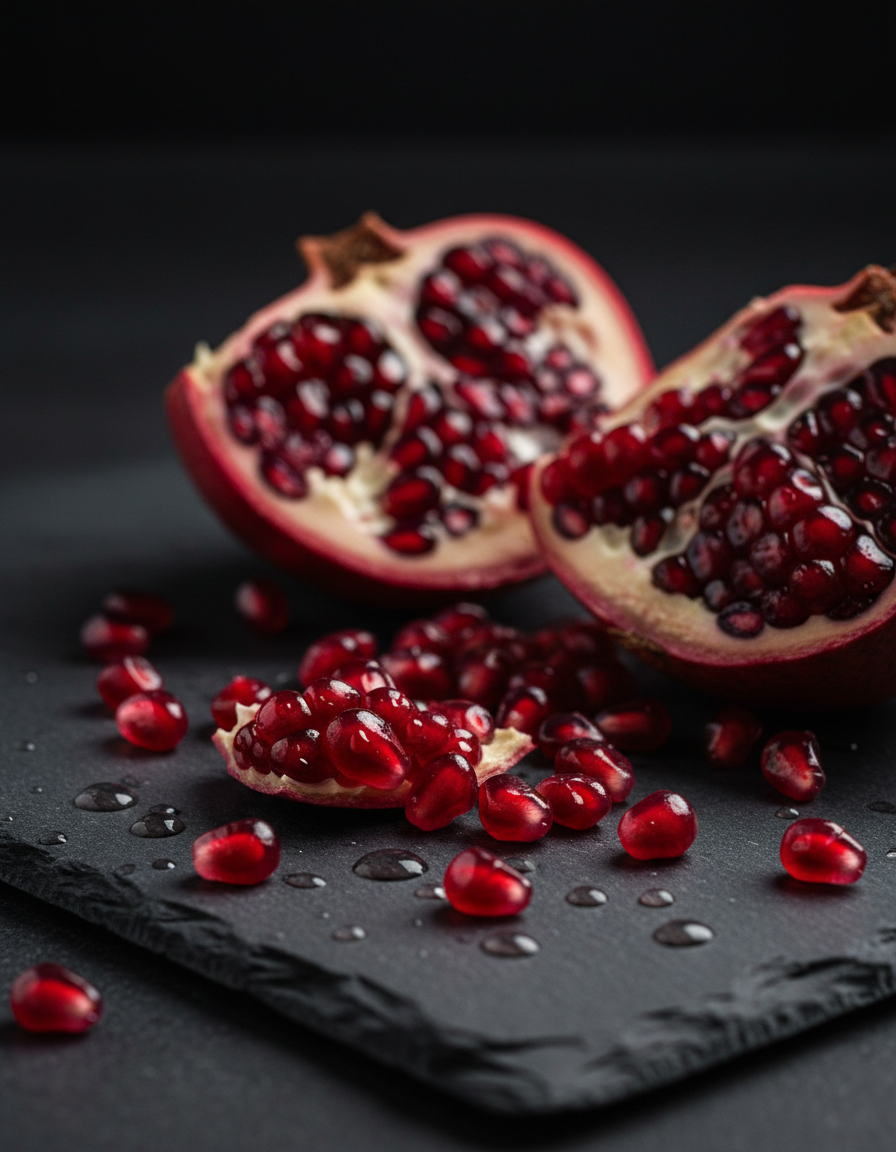
Generated on PixelDojo. Produced by PixelDojo's generation pipeline.
You have photos of a character, product, or scene that you want to bring to life in motion. Grok R2V online on PixelDojo lets you achieve that outcome without cameras, actors, or editing software. Upload one to seven reference images and describe the action you envision. In minutes you receive a 1-10 second cinematic video that preserves faces, styles, outfits, and composition while adding natural movement, lighting, and camera work. Marketers produce product demos that feel filmed on location. Storytellers keep the same character across multiple clips for series content. Social creators turn stills into scroll-stopping videos that look professionally produced. PixelDojo combines Grok Video, WAN Reference to Video, Grok Imagine Video Extend, and supporting tools like Consistent Characters and Grok Image so you control every visual detail from still to finished clip. The result is content that stands out, converts viewers, and saves you days of traditional production time.
Real image examples generated on PixelDojo
Every example below was produced on PixelDojo. Hover to see the prompt.
Gg-product
image-to-image
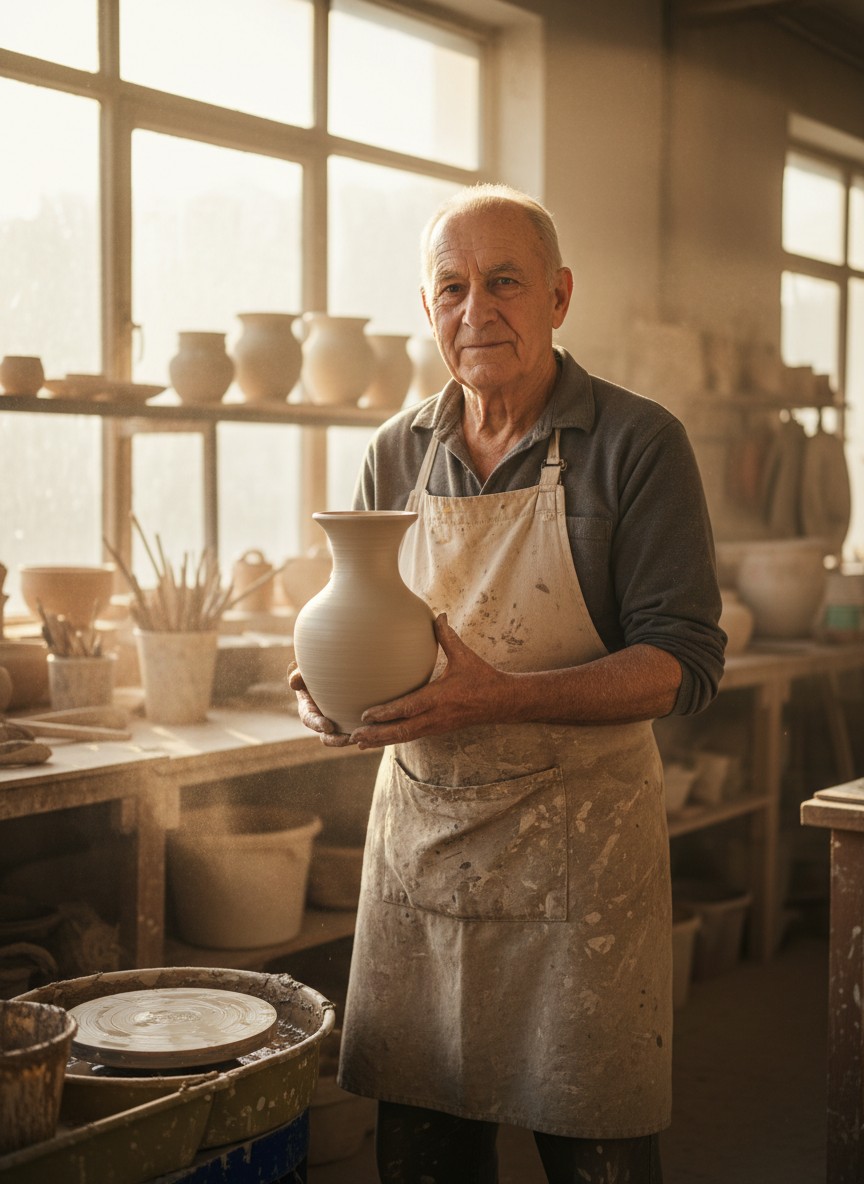
Gg-portrait
image-to-image
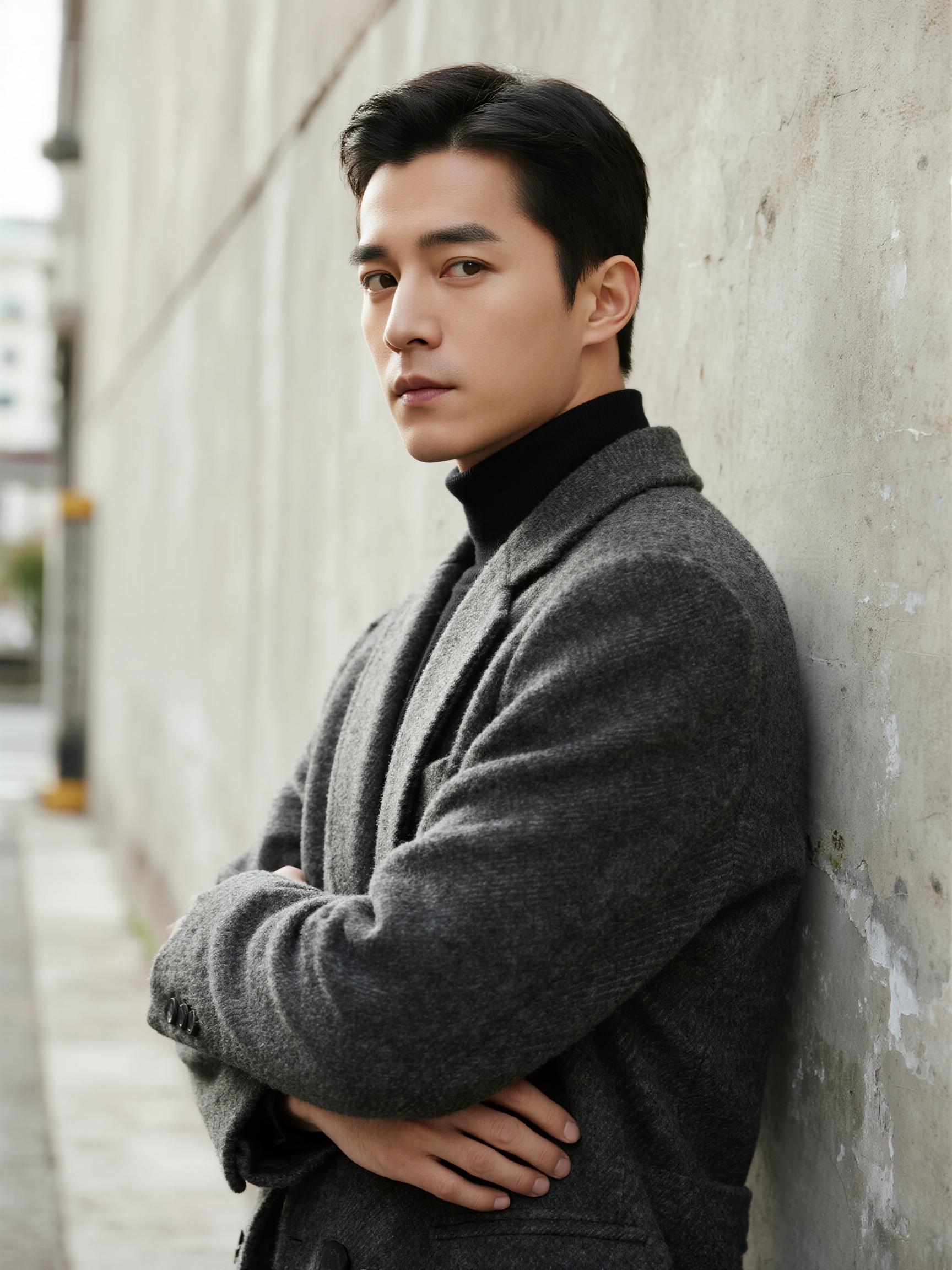
Drm-portrait
image-to-image
grok r2v online on PixelDojo
image-to-video
Gv-vertical
image-to-video
Gv-product
image-to-video
Models you can run on PixelDojo for grok r2v online
Switch models without switching tools. Each one runs in the same PixelDojo studio.
What you can do with grok r2v online on PixelDojo
Text to Image Online
We let you describe a scene in plain language and generate still images in the browser. You can iterate on prompts without installing local software.
Prompt Iteration Tools
We keep your recent prompts and settings so you can tweak wording, seed, and composition. You can compare variants and keep the versions you want.
Style and Format Control
We support common aspect ratios and style cues so outputs fit social, print, or concept work. You can steer lighting, subject, and mood with the prompt.
Export Ready Files
We provide downloads of generated images for use in your own projects. You can save selected results and continue generating from the same session.
Loved by thousands of creators worldwide who generate professional videos daily. Access 40+ cutting-edge AI tools in one platform with no long-term commitment. Cancel anytime and keep creating at your own pace.
Why Choose Pixel Dojo for grok r2v online
Professional-quality results with cutting-edge AI technology
Keep Characters Identical Across Every Clip
You upload photos of the same person or product from different angles and generate videos where facial features, clothing, and details remain locked. This lets you build multi-scene stories, ad campaigns, or character series that feel cohesive without recasting or reshooting.
Turn Still Photos into Dynamic Cinematic Motion
Your static images become living footage with camera moves, lighting changes, and natural action you describe. You produce marketing videos, social reels, or narrative clips that look like they were shot by a professional crew, all from the photos you already have.
Blend Multiple Visual Sources into Original Videos
Combine a character photo, a location image, and a style reference to create unique motion content no one else owns. You mix subjects and aesthetics into fresh scenes that match your brand or story vision exactly.
How It Works
You create Grok R2V videos on PixelDojo in three straightforward steps that take only minutes from upload to download.
Step 1: Choose Your Tool
Open PixelDojo and go to Generate Videos. Select Grok Video or WAN Reference to Video, the tools that deliver Grok R2V capabilities. These options let you work with reference images for style and character guidance rather than treating a photo as a first frame. You can also start with Grok Image to create or refine your reference photos first, or use Consistent Characters and Character Sheets to prepare a locked visual identity.
Step 2: Enter Your Prompt
Upload one to seven reference images of your character, product, or style. Write a prompt that focuses on motion and camera rather than appearance, because the images already supply the look. Example: 'The woman from the references walks confidently through a rain-soaked neon city at night, slow tracking shot from the side, cinematic lighting with wet reflections.' Add mood, duration preference, and how the references should combine. PixelDojo's interface makes uploading and prompting simple so you stay focused on the story you want to tell.
Step 3: Customize & Download
Set duration between 1 and 10 seconds, choose aspect ratio such as 16:9 or 9:16, and pick 720p or 480p. Generate the clip. Then refine it with Grok Video Edit, Grok Imagine Video Extend, or Video Autocaption. Use Upscale & Enhance tools if you need higher quality. Download the finished video ready for social, ads, or your next project. You can iterate quickly by swapping references or adjusting the prompt until the motion matches your vision perfectly.
The Pixel Dojo Advantage
Why PixelDojo outperforms other options for Grok R2V online video generation
| Others | Pixel Dojo |
|---|---|
| Traditional video production | You skip hiring crews, renting equipment, and spending days in post-production. Generate polished clips from existing photos in minutes at a tiny fraction of the cost while keeping full creative control. |
| Generic AI tools | You get specialized Grok R2V plus 40+ additional models including Flux, Kling, WAN, and Seedance in one dashboard, plus dedicated character tools, video editors, and upscalers that generic platforms lack. |
| Manual photo editing and animation | You avoid complex software, keyframing, and hours of tweaking. Describe the motion you want and receive a ready-to-use video, then enhance it with PixelDojo's built-in editors and extenders. |
Loved by creators on PixelDojo
Real feedback from people using PixelDojo, pulled from our in-product surveys.
Practically every Ai suite in one place? Who wouldn't?
versatile menu of tools
Best AI tool availble the suite is rad
Versatility quality, value, ROI, innovation
variety of tools available and prompt tools
A "one-stop-shop" for creators! Thanks!!
Explore more AI tools on PixelDojo
AI Tools
Compare & Switch
- Best AI Image Generators
- Best AI Video Generators
- Midjourney Alternatives
- Civitai Alternatives
- Runway Alternatives
- Leonardo Alternatives
- Pika Alternatives
- Luma Alternatives
- Magnific Alternatives
- Veo Alternatives
- Flux Alternatives
- Freepik Alternatives
- Seedance Alternatives
- Seedream Alternatives
- Pixverse Alternatives
- GPT Image Alternatives
- Synthesia Alternatives
- Playground Alternatives
- NightCafe Alternatives
- Canva AI Alternatives
- ElevenLabs Alternatives
- ComfyUI Alternatives
- Fal Alternatives
- Replicate Alternatives
Common Questions
Everything you need to know about grok r2v online
What is Grok R2V online and how does PixelDojo make it easy to use?
Grok R2V online is reference-to-video generation that uses your uploaded images as style and character guides rather than first frames. On PixelDojo you access it through Grok Video and WAN Reference to Video. You upload photos, write a motion-focused prompt, and receive a new video clip that matches the visual identity of your references. Supporting tools like Grok Image, Consistent Characters, and Grok Video Edit let you prepare references and refine results in the same platform.
How many reference images can I use with Grok R2V on PixelDojo?
You can upload between one and seven reference images. More images give stronger character and style lock-in. Use photos from different angles for faces, plus separate images for clothing, location, or artistic style. PixelDojo handles the combination so your generated video reflects all of them while following the action you describe in the prompt.
Can I keep the same character consistent across multiple Grok R2V videos?
Yes. Reuse the same set of reference images across separate generations. PixelDojo's Grok R2V and Consistent Characters tools lock facial features, hair, and outfits so the person looks identical in different scenes and actions. This is ideal for building story series, ad campaigns, or branded content without character drift.
What video lengths, resolutions, and aspect ratios does Grok R2V support?
Clips range from 1 to 10 seconds. You choose 720p or 480p resolution and popular aspect ratios including 16:9, 9:16, 1:1, 4:3, and 3:4. After generation you can extend the clip with Grok Imagine Video Extend or reframe it with Video Reframe to fit any platform.
How do I edit or improve a Grok R2V video after it generates on PixelDojo?
Use Grok Video Edit and Grok Imagine Video Extend for changes, lengthening, or style tweaks. Add captions with Video Autocaption, analyze with Video Analyzer, or merge clips. Upscale with FLUX Video Upscale or Clarity Pro if you need extra sharpness. All editing stays inside PixelDojo so you never leave the platform.
Is Grok R2V online free to try and can I cancel anytime?
PixelDojo lets you start creating immediately with access to Grok R2V and 40+ other tools. Thousands of creators already use the platform daily. There is no long-term lock-in; you can cancel at any time while keeping the videos you have already generated.