Titles, dates, labels
Type Set as Written
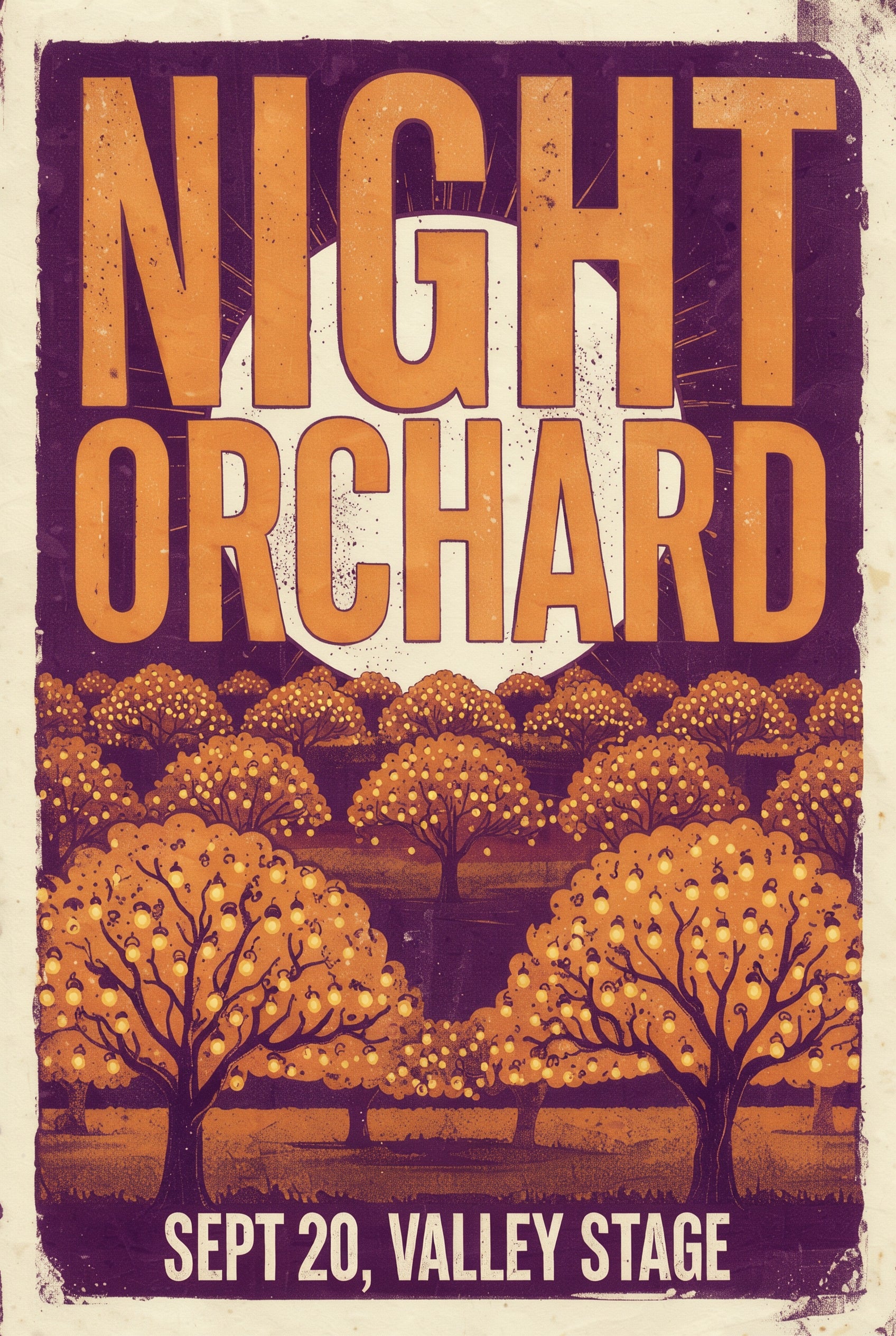
Quote every word and place it. NIGHT ORCHARD fills the top of the poster and the date line sits at the bottom, spelled exactly as typed.
FLUX 3 Image Klein Prompting Guide
FLUX 3 Image Klein is the fast, open FLUX 3 model from Black Forest Labs. It makes images from text, edits and combines up to 10 reference images, and sets the words you put in quotes. Klein is trained on long scene descriptions, so PixelDojo expands your prompt into one before it renders. Every image on this page was made on PixelDojo at 2K with the prompt shown.
You do not need a long prompt for Klein. Say what you are making and the one or two details that matter most. PixelDojo writes out the rest of the scene, the framing, the light and the materials, before the image renders, so a short line still comes back fully composed.
The details you do write win. Name a color, a lens, a time of day or a material and it stays in the picture. Put every word that should appear in the image inside quotes, and say where it goes.
One tool does text to image and editing. Leave the reference slot empty to generate from text. Attach one to ten images and the prompt becomes an instruction: keep this, change that, put the product from image 1 into a new scene.
0.5
Credits at 1K
10
Reference images
2K
Largest size
Quote every word and place it. NIGHT ORCHARD fills the top of the poster and the date line sits at the bottom, spelled exactly as typed.
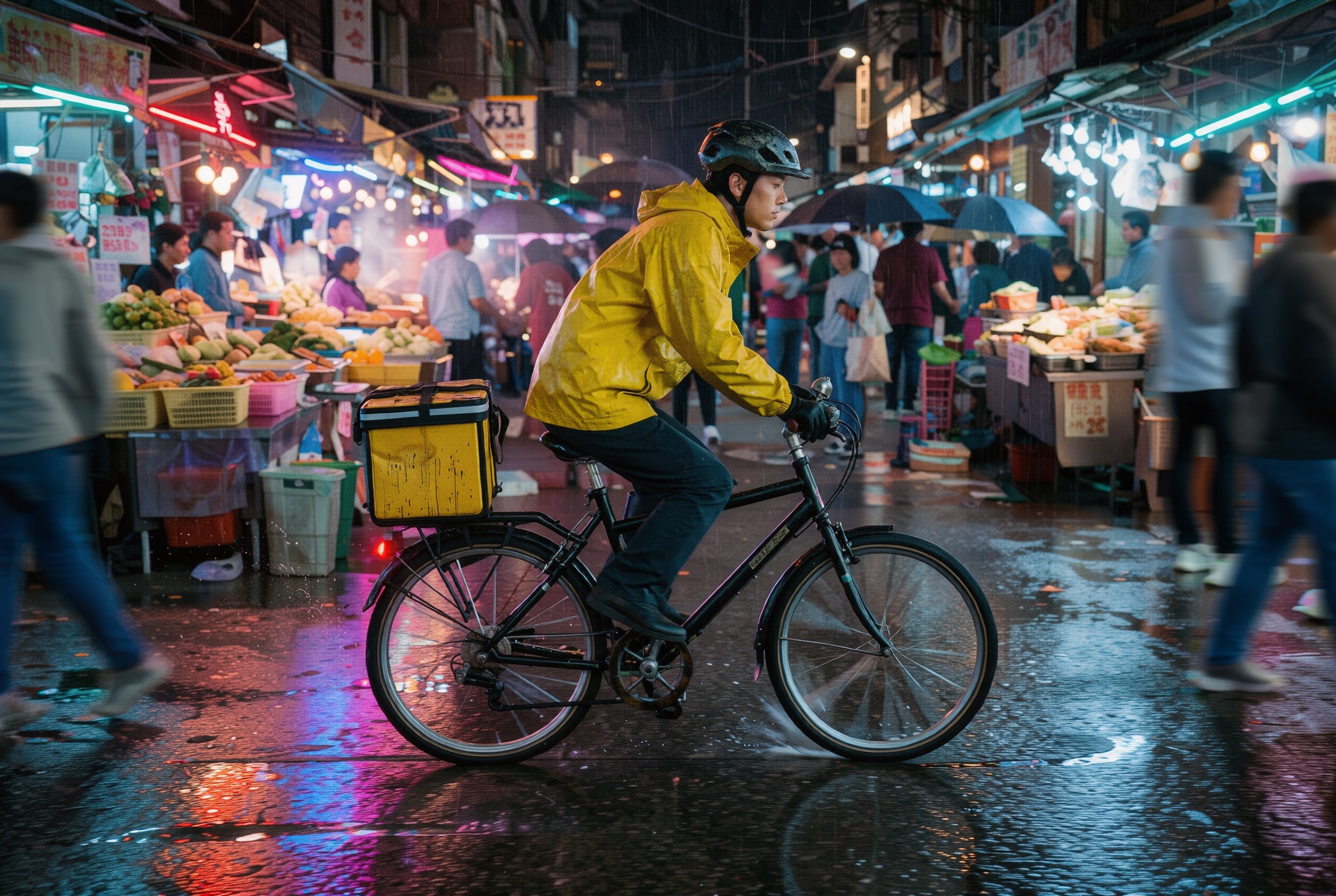
One sentence about a bike courier in a night market came back with neon on wet asphalt, a blurred crowd and a clear subject in yellow.
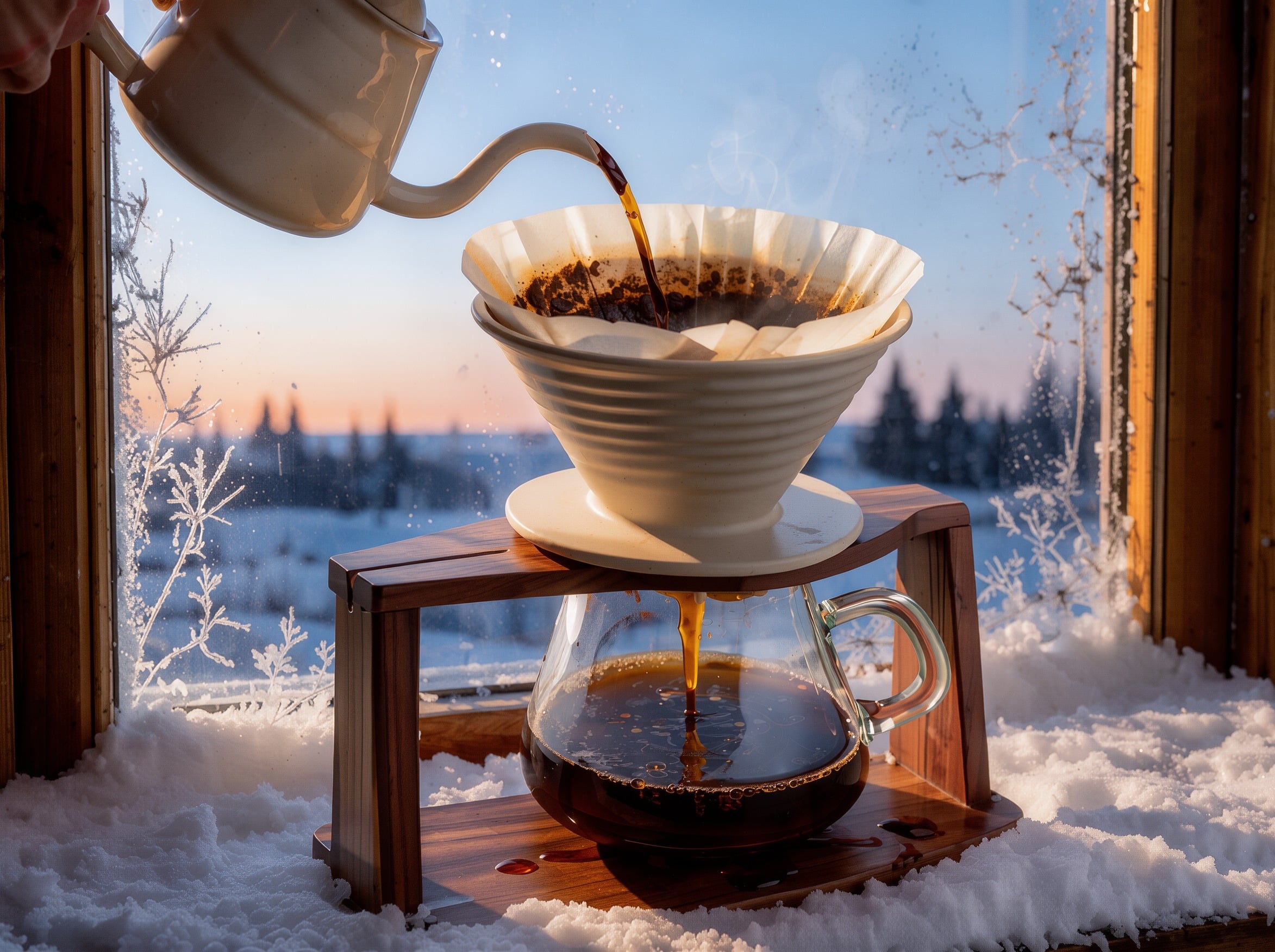
Attach a product photo and move it anywhere. Our coffee dripper kept its stand and carafe and landed on a frosty cabin windowsill at dawn.
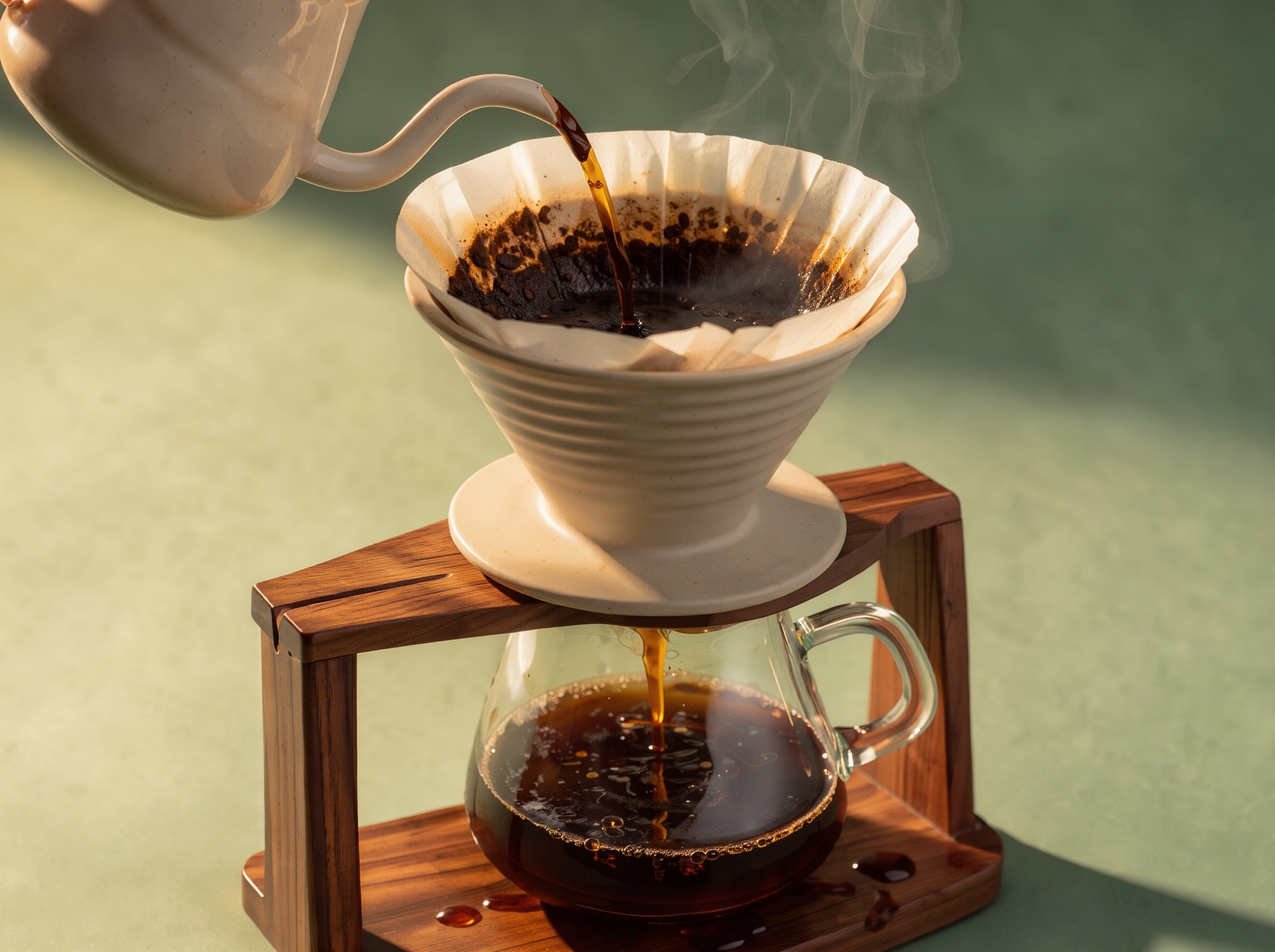
Product, prop, one moment of action and the backdrop color. The pour, the steam and the warm side light all came from one line.
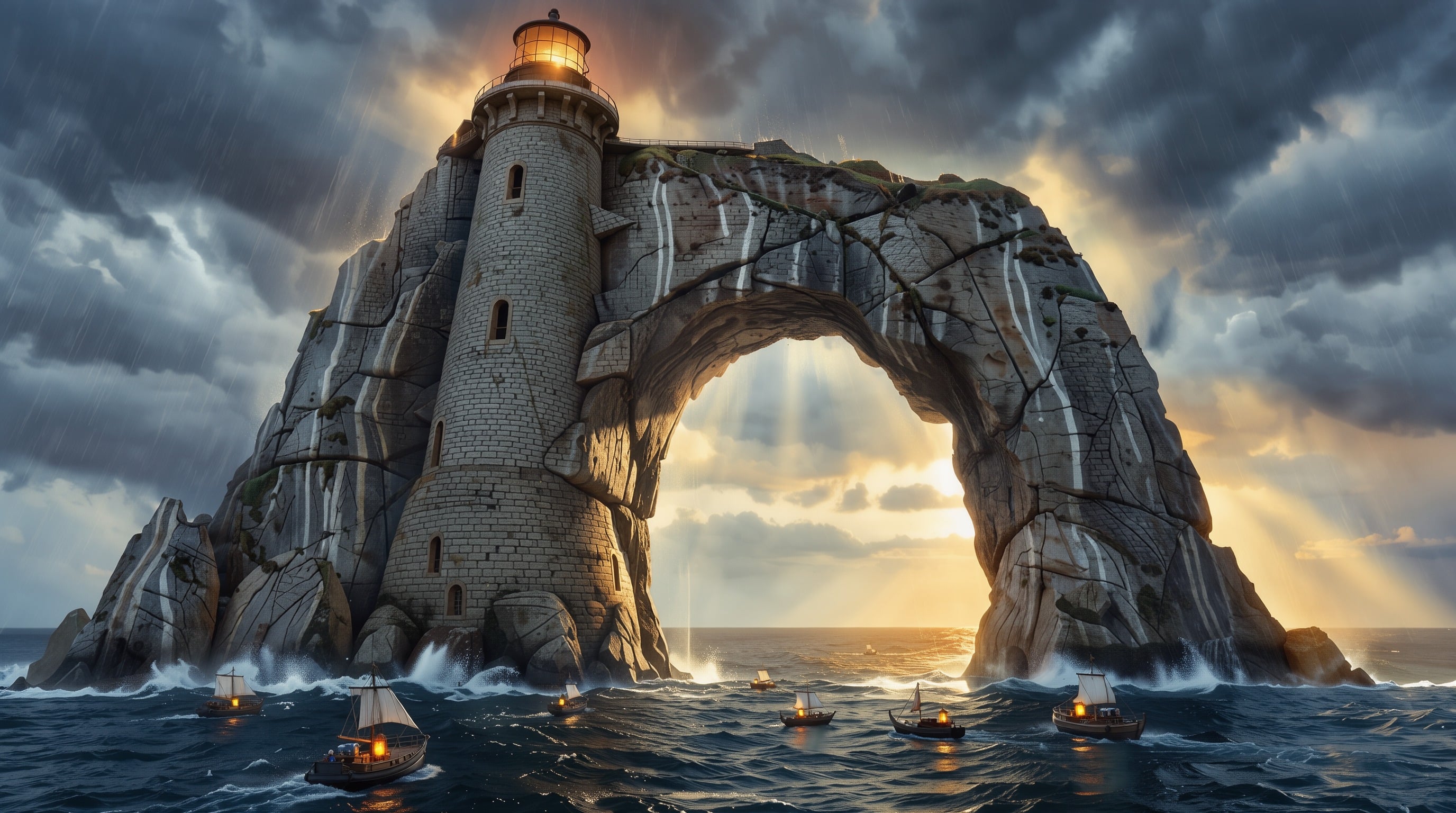
A lighthouse carved into a sea arch with lantern-lit boats below. Pair something huge with something small and the scale reads at a glance.
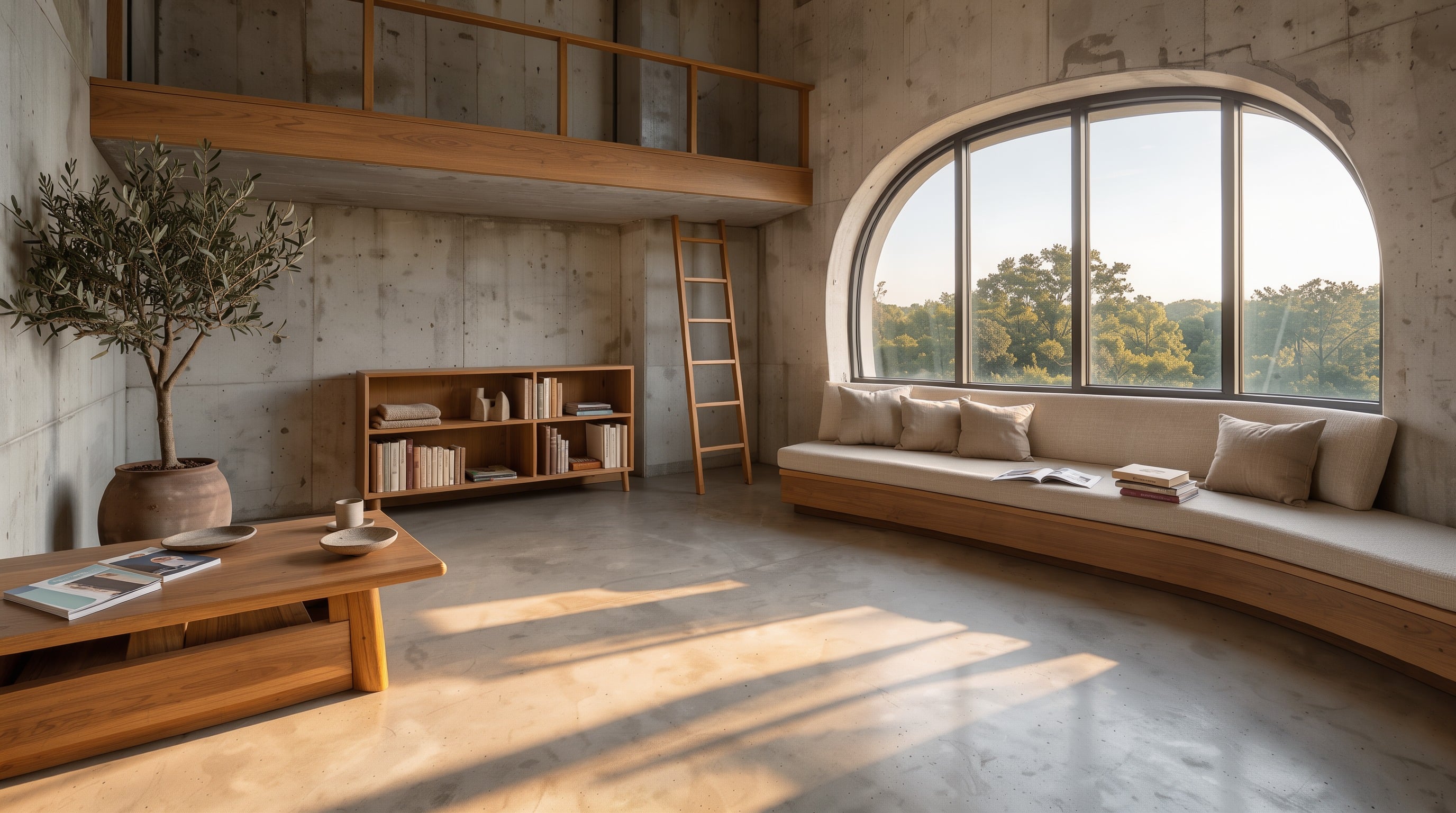
Every plan runs Klein in Relax with no credits. Use it for drafts and volume, and switch back to Fast when you need the image now.
Each example shows the exact prompt that produced the result. Copy any prompt with one click.
2K · 2:3 · 1 credit
Screen print festival poster, bold stacked letters "NIGHT ORCHARD" across the top, a giant pale moon over rows of glowing fruit trees, deep plum and amber palette, small text at the bottom reading "SEPT 20, VALLEY STAGE"
Name the piece, then the words in quotes with a place for each, then a two color palette. "Screen print" gives it the grain and the flat inks.
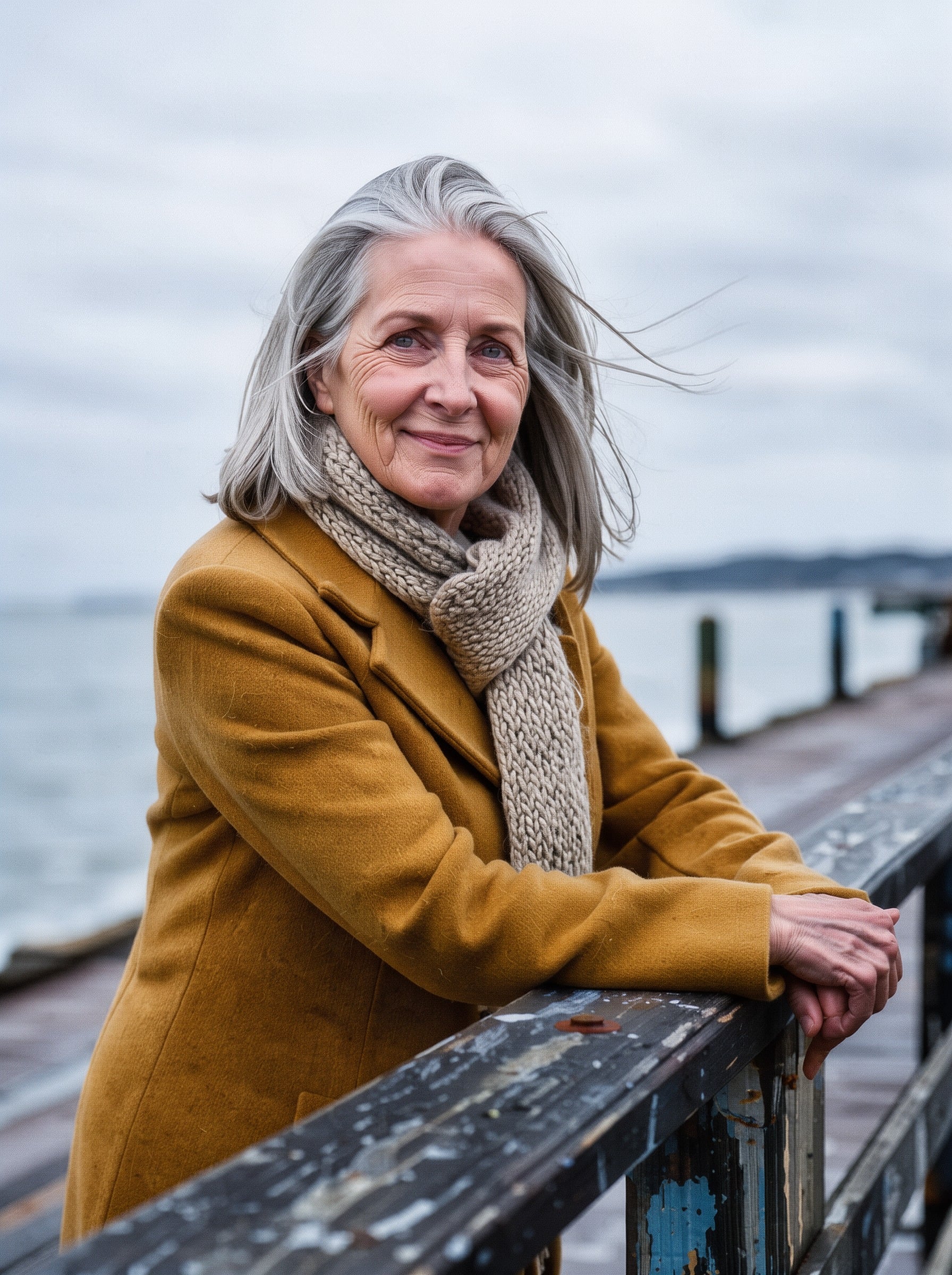
2K · 3:4 · 1 credit
Editorial portrait. A silver-haired woman in a mustard wool coat and a knitted scarf leans on a pier railing, calm half smile, overcast soft light off the sea, 85mm lens, shallow depth of field, fine film grain
A person you could pick out of a crowd (hair, coat, scarf), one pose, one light source and a lens. Soft overcast light keeps skin natural.
2K · 4:3 · 1 credit
Product hero shot. A ceramic pour-over coffee dripper on a walnut stand, a thin stream of coffee falling into a glass carafe, steam curling, warm side light against a sage green backdrop, macro lens, studio photography
Give the product a moment of action (the pour) and a backdrop color. Swap in your own product and keep the rest of the sentence.
2K · Auto · 1 reference · 1 credit
Put the coffee dripper and carafe from image 1 on a snowy cabin windowsill at dawn, frost on the glass, keep the product exactly as it is
Say what moves and what stays. "Keep the product exactly as it is" held the dripper, stand and carafe while the whole scene changed. Auto kept the 4:3 shape of the reference.
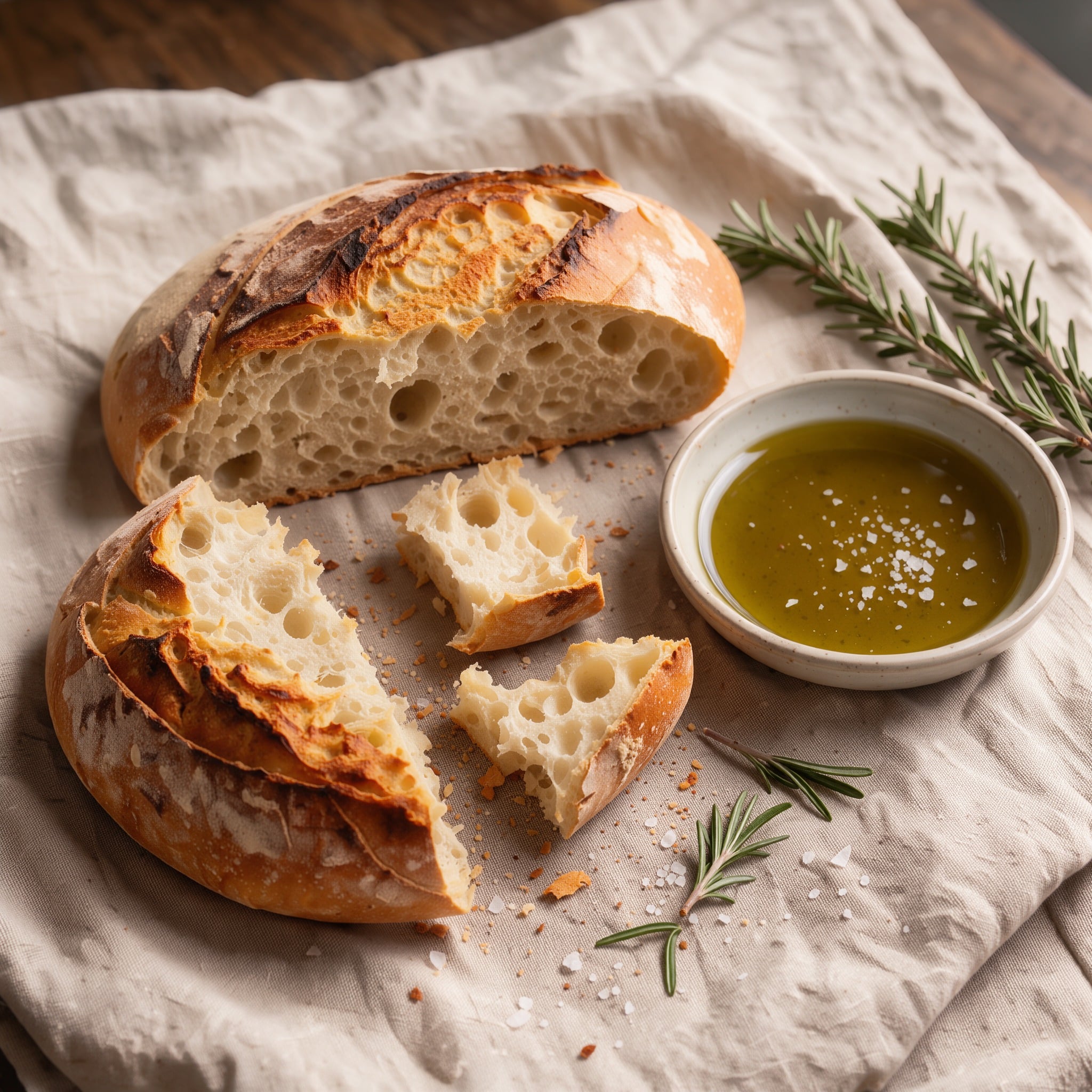
2K · 1:1 · 1 credit
Overhead food photo. A rustic sourdough loaf torn open beside a dish of olive oil, flaky salt and rosemary on a linen cloth, soft window light, shallow depth of field
"Torn open" shows the crumb, and naming the salt and rosemary puts them in the dish. Overhead and 1:1 suit menus and recipe cards.
2K · 3:2 · 1 credit
Candid street photo. A bicycle courier in a yellow rain jacket rides through a crowded night market, neon reflections on wet asphalt, motion blur on the crowd, 35mm film look
One subject in a strong color against a busy scene. "Motion blur on the crowd" keeps the subject sharp and the street alive.
2K · 16:9 · 1 credit
Matte painting. A colossal stone lighthouse carved into a sea arch, tiny lantern-lit boats below, storm clouds breaking into golden light, epic scale
Something colossal, something tiny and a change in the light. Four short phrases are enough for Klein to build the whole frame.
One or two sentences is plenty. PixelDojo expands them into a full scene description for Klein, so spend your words on the details you care about.
Put each title, date and label inside double quotes and say where it sits: across the top, small at the bottom, on the label.
Anything you name, a color, a lens, a material or a time of day, stays in the picture. Leave out what you do not care about and Klein fills it in.
For edits, name the change and then what must stay the same: the product, the face, the label. A big rewrite works better as a fresh prompt.
With several images attached, write image 1, image 2 and so on, and give each a job: the product, the setting, the style.
Relax runs use no credits. Explore ideas there at 1K, then render the one you like on Fast at 2K.
With a reference attached, the Auto aspect ratio keeps the shape of your first image, so a portrait stays a portrait.
2:3 or 3:4 for posters and portraits, 16:9 for banners and concept art, 9:16 for stories, 1:1 for social posts and product tiles.
1. The piece. What you are making: "Screen print festival poster", "Editorial portrait", "Product hero shot".
2. The subject and the moment. Specific enough to picture: "a ceramic pour-over coffee dripper on a walnut stand, a thin stream of coffee falling into a glass carafe".
3. The words. Anything printed in the image, inside quotes, with its place: "NIGHT ORCHARD" across the top, "SEPT 20, VALLEY STAGE" at the bottom.
4. The finish. Light, lens, palette or texture: "warm side light", "85mm lens", "deep plum and amber palette", "35mm film look". PixelDojo fills in anything you leave out.
Attach up to 10 reference images and FLUX 3 Image Klein treats your prompt as an instruction about them. Prices are the same as text to image.
Move a product: "Put the coffee dripper and carafe from image 1 on a snowy cabin windowsill at dawn, keep the product exactly as it is." Name the change, then name what stays.
Combine several: "Put the sneaker from image 1 on the rock in image 2, keep the lighting of image 2." Numbering the images tells Klein which one is the product and which one is the set.
With one reference and Auto, the result keeps the reference shape. Pick an aspect ratio instead when you want a new frame.
We ran the festival poster prompt above through FLUX 3 Image at the same 2K size. Klein answered with huge stacked amber letters over a glowing moon. FLUX 3 Image drew a detailed full moon above a long orchard row in cream and plum. Both set every word as written.
Klein made its poster for 1 credit, FLUX 3 Image for 1.5. Pick Klein for everyday images, drafts and edits at volume, and FLUX 3 Image when you need 4K or web grounding for real products and places.
| Setting | Values | Notes |
|---|---|---|
| Prompt | string (required) | What to create, or the edit to make when reference images are attached. |
| Resolution | 1K · 2K | 0.5 credits per image at 1K, 1 credit at 2K. |
| Aspect ratio | Auto · 1:1 · 4:3 · 3:4 · 3:2 · 2:3 · 16:9 · 9:16 | Auto keeps the first reference image shape, else 1:1. At 2K, 1:1 is 2048 x 2048 and 16:9 is 2752 x 1536. |
| Reference images | up to 10 (optional) | For edits, compositions, consistent products and people. |
| Prompt upsampling | on · off (API) | On by default. Turn it off only when you send a complete scene description yourself. |
| Images per run | 1 to 4 | Each image is billed separately. |
| Queue | Fast · Relax | Relax runs unlimited with no credits on the tool page. |
FLUX 3 Image Klein is the fast, open text to image and image editing model in the FLUX 3 family from Black Forest Labs. It makes images from a prompt, edits and combines up to 10 reference images, and renders text you put in quotes.
No. Klein works best from a full scene description, so PixelDojo expands your prompt into one before it renders. Write a sentence or two with the details you care about, and quote any text.
Attach the photo, describe the change and list what must stay the same. To combine images, number them in the prompt (image 1, image 2) and give each one a job.
Klein is the faster, lighter model at 0.5 credits at 1K and 1 credit at 2K, and it is in Relax. FLUX 3 Image goes up to 4K and can search the web before it renders, at 1 credit at 1K and 1.5 at 2K.
It is included in every PixelDojo plan, from $10/month: 0.5 credits per image at 1K and 1 credit at 2K. Relax runs use no credits.
Yes. Call flux-3-image-klein at /api/v1/models/flux-3-image-klein/run with prompt, aspect_ratio, resolution and reference_images. It is also in Canvas and our MCP server.
The exact prompts and settings behind each one.