Model comparison
Gemini Omni Flash 1.2 vs 1.1
We ran the same five prompts on both versions, side by side. Same size, same length, one try each. Then we tried what's new.
Try Gemini Omni Flash 1.2The short answer
- 1.2 makes clips up to 15 seconds from a prompt, up from 10.
- You can now edit clips up to 15 seconds long, and add a photo to an edit.
- Keep editing changes a finished clip with a new prompt, so you can fix one detail without starting over.
- On the same prompts, quality is about the same. 1.1 won the product shot and the rest were ties.
- The price per second has not changed.
What changed
| Omni Flash 1.1 | Omni Flash 1.2 | |
|---|---|---|
| Text-to-video length | 3 to 10 s | 3 to 15 s |
| Clips you can edit | 3 to 10 s | 3 to 15 s |
| Reference photos in an edit | No | Yes, up to 7 |
| Start frame, references, extend | Up to 10 s | Up to 10 s |
| Price per second (720p) | 3 credits | 3 credits |
| Resolutions | 360p to 4K | 360p to 4K |
Product shot
1.1 wins this one. Its camera moves around the set and the carafe stays glass the whole time. In 1.2 the camera barely moves, and the carafe starts out green before it turns to glass. The Keep editing demo below fixes that in one step.
A matte sage-green ceramic pour-over coffee set sits on a pale oak counter in soft morning window light. The camera makes one slow orbit around the set as hot water streams from a gooseneck kettle into the dripper and coffee gathers in the glass carafe below. Steam rises and catches the light. Keep the product shape, glaze texture and proportions identical throughout. Quiet kitchen ambience, gentle pouring sound, no music, no text, no logos.
Two people talking
A tie. Both versions say the woman's line clearly, and the faces and cafe look natural. Neither fits the man's reply into 8 seconds. For a two-line exchange, make the clip longer.
Two friends sit at a small table in a busy cafe, medium shot. The woman leans in and says, "You actually quit your job today?" The man laughs, shrugs and answers, "I start the bakery on Monday." Natural cafe chatter, cups clinking, warm afternoon light, handheld documentary feel.
Start from a photo
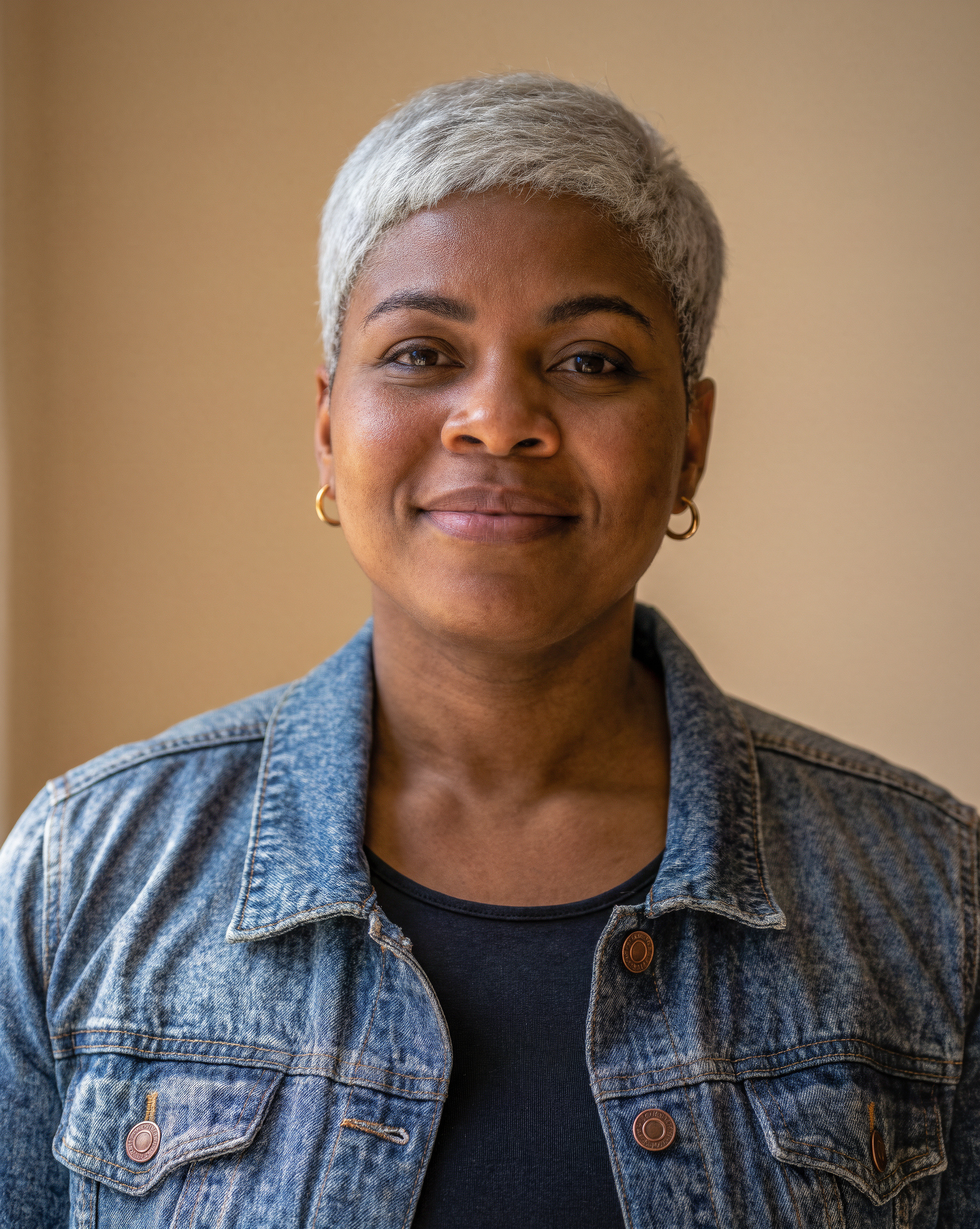
Close. Both keep her face, short grey hair, denim jacket and gold earrings, and both do the hair tuck. Both move her from the plain wall in the photo to a street in the first second, because the prompt mentions a street.
She turns her head toward the camera, smiles and tucks her hair behind her ear as a breeze moves through the street. Keep her face, denim jacket and gold earrings exactly as in the image. Soft city ambience, slow push-in.
Product from a reference photo
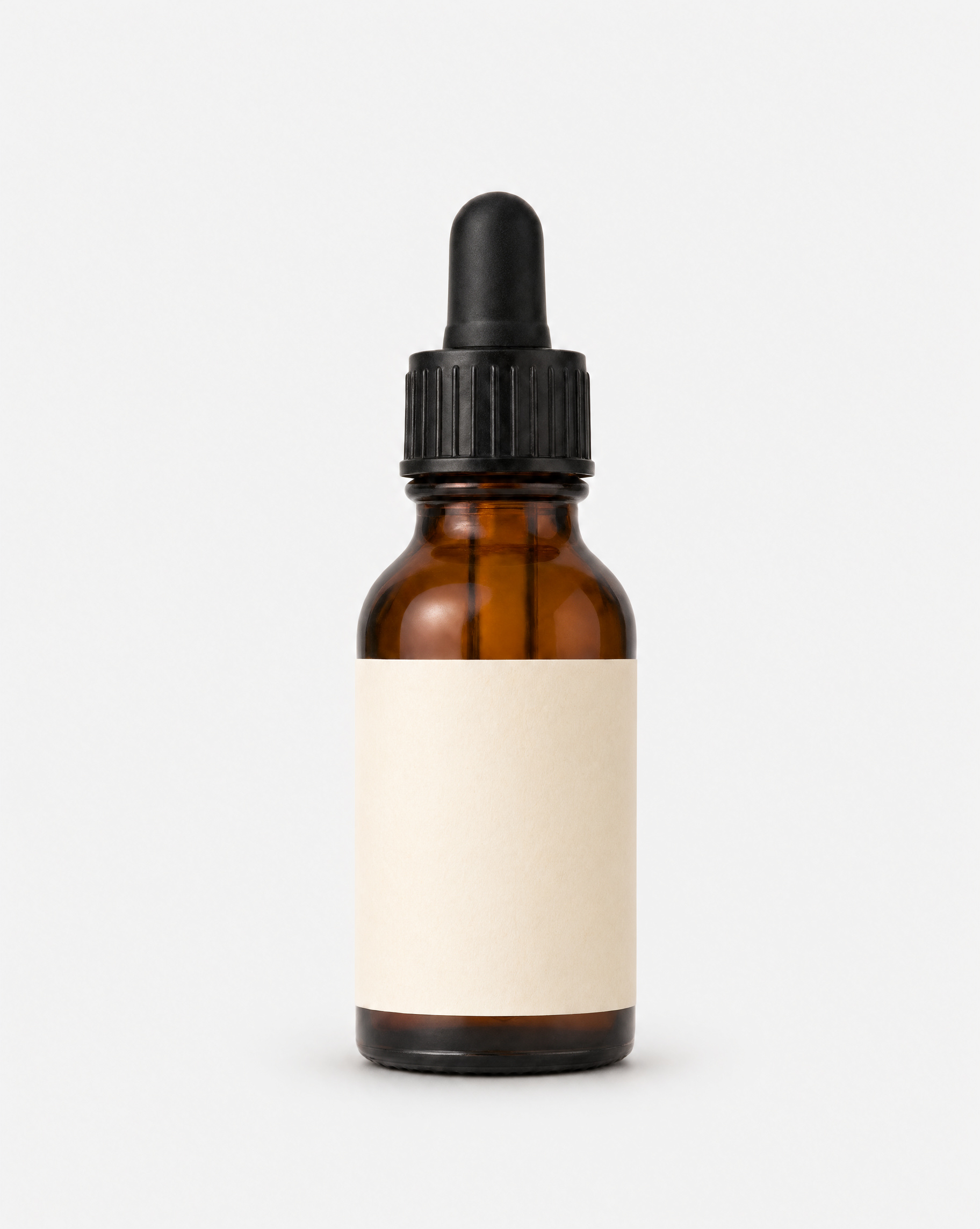
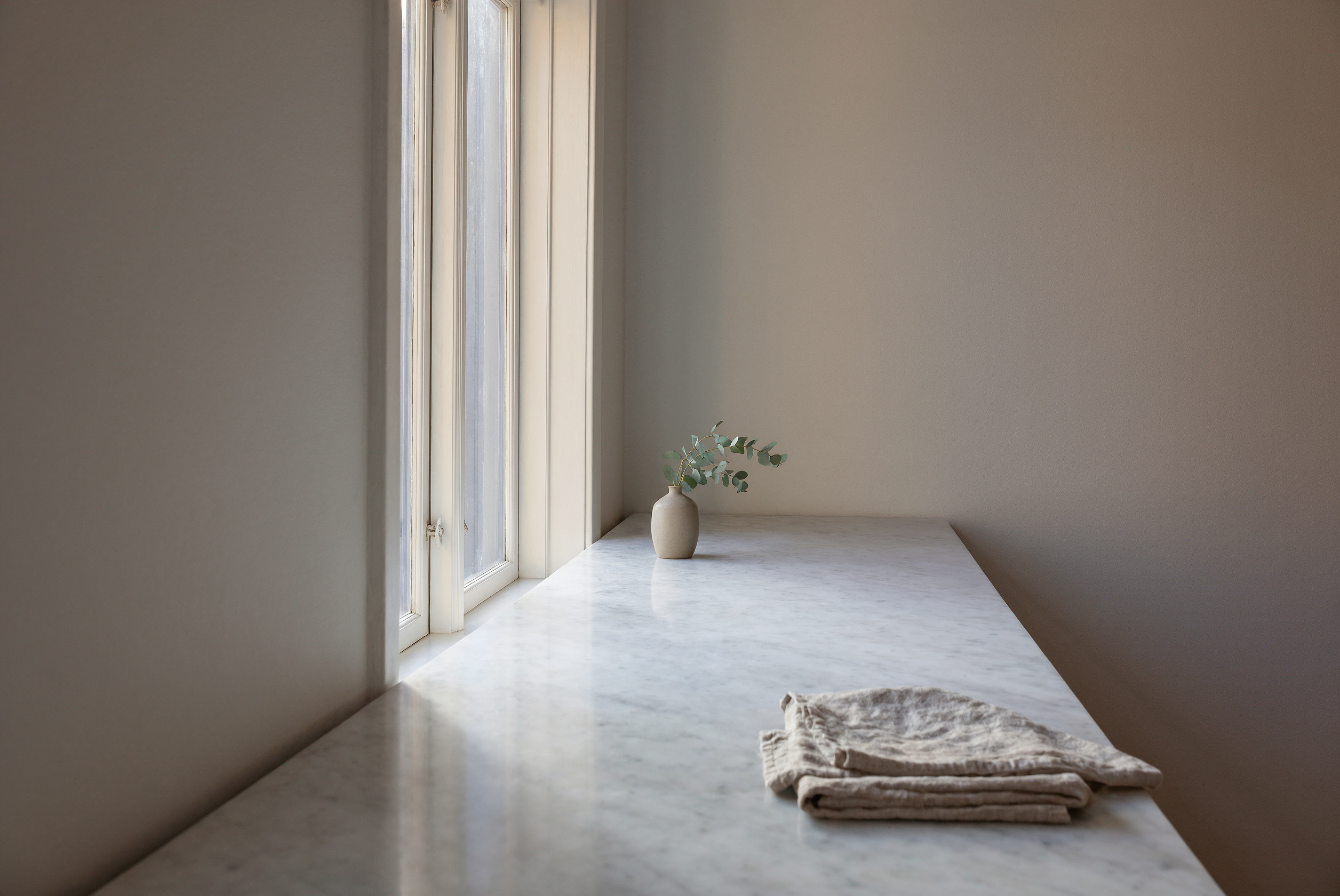
A tie. Both keep the amber glass, the black dropper and the plain label. The hand picks the bottle up, turns it and sets it down on both. 1.2 adds a linen cloth to the counter.
The serum bottle from the first image stands on the marble counter of the kitchen in the second image. A hand reaches in, picks it up, and turns it so the label faces the camera, then sets it back down in the morning light. Keep the bottle shape, color and label identical to the reference. Soft room tone, a light glass tap on marble.
Edit a clip: rain to snow
Almost the same on both. The rain turns to snow that settles on the street, and the walker and the camera move stay as they were.
Keep everything the same, but turn the rain into gently falling snow, with snow settling on the umbrella and the street.
What's new
The first two only work on 1.2. The third is a new button on the tool page.
15 seconds in one shot
1.1 stops at 10 seconds. 1.2 makes text-to-video clips up to 15 seconds.
All three moments land in one take: the bakery shutter going up, the market being set up, and the bridge at sunrise.
One continuous shot following a cyclist through a narrow old European street at sunrise: she rides past a bakery as the owner lifts the shutter, turns a corner into a market where stalls are being set up, and rolls out onto a bridge as the sun clears the rooftops. Bicycle bell, footsteps, distant church bells, birds. Smooth tracking camera at handlebar height.
Edit a clip with a reference photo
New in 1.2. Add a photo to an edit to bring a person, product or outfit into your clip.
The walker becomes the woman from the photo, with the denim jacket and short grey hair. The street, rain and camera move stay the same. She walks away from the camera, so her face isn't shown, and the umbrella only comes back near the end.
Replace the person under the umbrella with the woman from the image, wearing the same denim jacket and gold earrings. Keep the street, the rain and the camera move the same.
Keep editing the same clip
Press Keep editing on any result and describe the change. Here we fixed the product shot from the top of the page.
The kettle turns brushed copper and the light gets warmer. The edit also keeps the carafe glass the whole way through, which fixes the slip in the first take.
Keep everything the same, but change the kettle to brushed copper and make the window light warmer.
Run your own test
Copy any prompt above and try it on Gemini Omni Flash 1.2. Use 360p for quick drafts.