hidream online AI Generator
Generated on PixelDojo. Produced by PixelDojo's generation pipeline.
You want the prompt-perfect, photorealistic quality that HiDream online generation is known for—cinematic portraits, product shots with readable text, fashion editorials, and coherent multi-subject scenes—without installing models, hunting for GPUs, or waiting through long local renders. PixelDojo delivers exactly that in your browser. Describe your vision in natural language and watch it appear as a high-resolution image ready for marketing, social posts, client work, or personal projects. Our Generate Images tools including Flux.2 Studio, QWEN Image 2, Seedream 5, Ideogram 4, and GPT Image 2 give you the strong prompt adherence, native-like detail, and style versatility creators seek when they search for hidream online. Then refine everything with Edit Images features like Inpainting, Style Transfer, and Reality Polisher, plus Upscale & Enhance options such as Magnific Upscaler and Portrait Upscaler. Thousands of creators already use PixelDojo to produce professional visuals faster than traditional photography or illustration. You get 40+ cutting-edge AI tools, loved by thousands of creators worldwide, with the freedom to cancel anytime. Start creating the images you actually need today.
Real image examples generated on PixelDojo
Every example below was produced on PixelDojo. Hover to see the prompt.
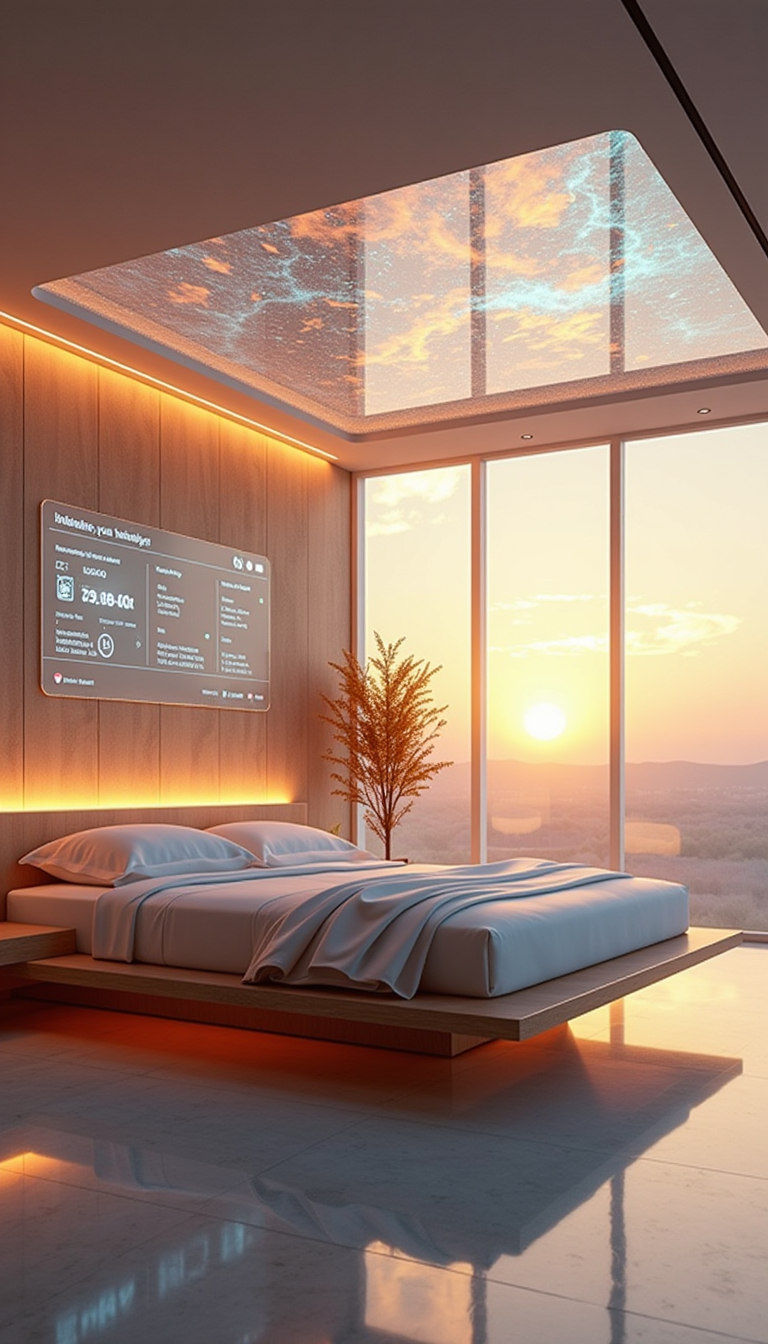
A HD Dynamic 4K Image Of Ultra-realistic futuristic bedroom with a transparent ceiling tha…
stable-diffusion
Awakened Dream Hello
film-studio
The Awakened Dream
film-studio
Character1 in a dreamy slow-motion moment
grok-r2v
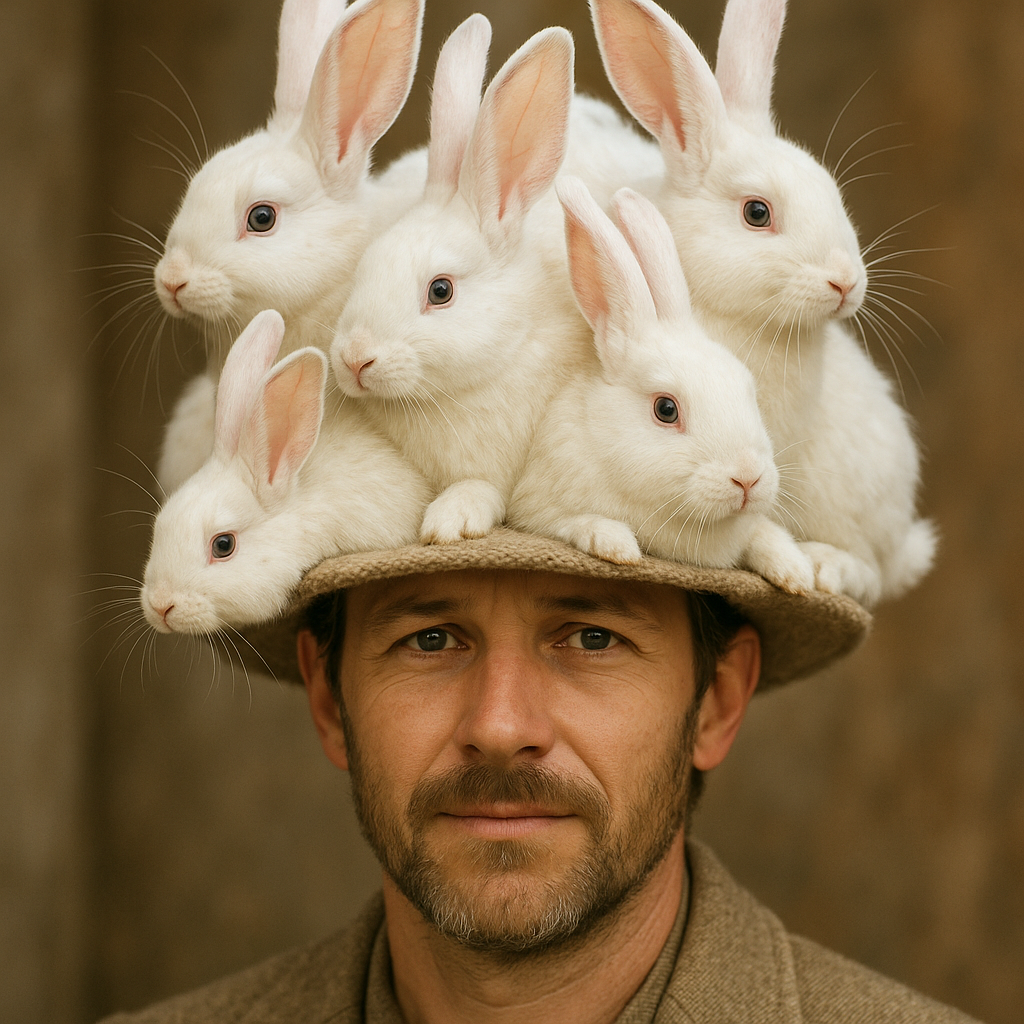
A photo of a man in a hat that's made out of rabbits
stable-diffusion
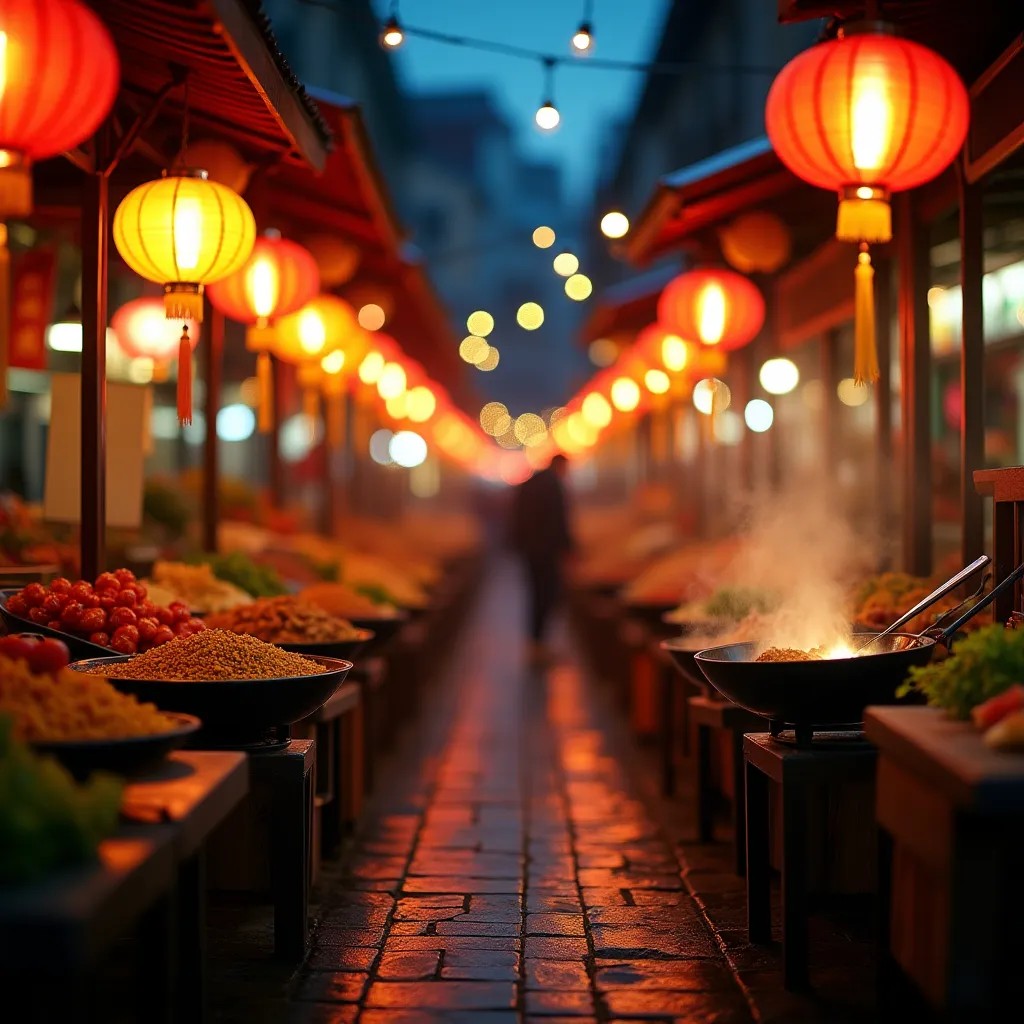
A vibrant night street food market
flux-studio
Models you can run on PixelDojo for hidream online
Switch models without switching tools. Each one runs in the same PixelDojo studio.
What you can do with hidream online on PixelDojo
HiDream Image Generation
We run HiDream online so you can turn text prompts into still images in the browser. You get prompt-based generation without installing a local model stack.
Prompt And Style Control
We let you set subject, composition, and style cues in the prompt. You can iterate on wording and settings until the output matches what you need.
Batch And Variation Runs
We support multiple generations from the same prompt so you can compare options. You pick the frames that work and continue from there.
Export Ready Assets
We provide downloads of the images you generate. You can use them in drafts, boards, and downstream creative work.
Trusted by thousands of designers, marketers, and artists who generate millions of images. Join creators who switched from complex local setups to PixelDojo's reliable, high-quality results.
Why Choose Pixel Dojo for hidream online
Professional-quality results with cutting-edge AI technology
Turn Detailed Prompts Into Exact Visuals
Your natural-language descriptions—including lighting, camera angles, materials, and quoted text—translate into coherent, accurate images. Get the composition, text rendering, and photorealism you expect from hidream online generation without guesswork.
Download Studio-Ready Images in Seconds
Produce photorealistic portraits, commercial product shots, cinematic scenes, and artistic styles at high resolution. Skip hours of shooting or drawing and get print- or web-ready files you can use immediately in campaigns or portfolios.
Refine and Scale Everything in One Place
Generate once, then iterate with Inpainting, Change Camera Angle, Magic Lighting, Background Remover, and Reality Polisher. Upscale with P-Image Upscale or Magnific Upscaler so your hidream-inspired creations look professional at any size.
How It Works
Creating hidream-quality images on PixelDojo takes minutes, not hours of setup. Follow these three steps using our specialized Generate Images, Edit Images, and Upscale tools to go from idea to finished visual.
Step 1: Choose Your Tool
Open Generate Images and pick the model that matches your goal. Use Flux.2 Studio or Seedream 5 for photorealistic and cinematic work, QWEN Image 2 or Ideogram 4 when you need strong text and layout control, or GPT Image 2 and Qwen 3 Pro for versatile high-fidelity results. These tools give you the prompt-following power associated with hidream online generation right in the browser.
Step 2: Enter Your Prompt
Write in full sentences: subject and action first, then setting, style, lighting, and mood. For in-image text, put the exact words in quotes, for example a storefront sign reading "OPEN NOW". Add photography cues like ultra photorealistic, 85mm lens, golden hour, shallow depth of field. PixelDojo's models respond strongly to this natural-language style just as hidream techniques recommend.
Step 3: Customize & Download
Generate variations, then polish with Edit Images tools such as Inpainting, Style Transfer, Magic Lighting, or Image Outpainting. Finish with Upscale & Enhance using Magnific Upscaler, Clarity Pro, or Portrait Upscaler. Download your high-resolution file ready for any use. Iterate as much as you want—PixelDojo keeps everything in one workflow.
The Pixel Dojo Advantage
Why PixelDojo outperforms other options for hidream online image generation
| Others | Pixel Dojo |
|---|---|
| Traditional photography and illustration | You get professional photorealistic and styled results in seconds instead of booking shoots, models, locations, or spending days drawing. Iterate instantly until the image matches your brief. |
| Generic AI tools | PixelDojo gives you a curated set of high-performing Generate Images models plus dedicated Edit Images and Upscale tools, so you achieve better prompt accuracy, text rendering, and finish quality without jumping between disconnected sites. |
| Manual photo editing | Skip layers, masks, and hours in editing software. Use Inpainting, Reality Polisher, Background Remover, and one-click upscalers to make targeted changes and deliver client-ready files far faster. |
Loved by creators on PixelDojo
Real feedback from people using PixelDojo, pulled from our in-product surveys.
awesome functionality, UX, constant flood of improvements, discord interactivity
Awesome site with so many features
Love how I can almost create anything
The Flux Pro Ultra is just amazing!
Very easy to use, and they have fast wan 2.2 video generation with custom loras available.
The overall quality of the site and it's amazing variety of tools. The continued updates of the UI. The unbelievable level of tech support.
Explore more AI tools on PixelDojo
AI Tools
Compare & Switch
- Best AI Image Generators
- Best AI Video Generators
- Midjourney Alternatives
- Civitai Alternatives
- Runway Alternatives
- Leonardo Alternatives
- Pika Alternatives
- Luma Alternatives
- Magnific Alternatives
- Veo Alternatives
- Flux Alternatives
- Freepik Alternatives
- Seedance Alternatives
- Seedream Alternatives
- Pixverse Alternatives
- GPT Image Alternatives
- Synthesia Alternatives
- Playground Alternatives
- NightCafe Alternatives
- Canva AI Alternatives
- ElevenLabs Alternatives
- ComfyUI Alternatives
- Fal Alternatives
- Replicate Alternatives
Common Questions
Everything you need to know about hidream online
What is the best hidream online generator for photorealistic images?
PixelDojo is the easiest hidream online experience because you get multiple high-quality Generate Images models including Flux.2 Studio, Seedream 5, QWEN Image 2, and Ideogram 4 in one account. These deliver the strong natural-language prompt following, photorealism, and text rendering that hidream-style work requires, plus built-in editing and upscaling so you never leave the platform.
How do I generate hidream images online without a GPU or local install?
Simply sign up at PixelDojo and use the Generate Images section. Choose a tool such as Flux.2 Studio or QWEN Image 2, enter your detailed prompt, and generate. Everything runs in the cloud, so you need no special hardware. You can then edit with Inpainting or Reality Polisher and upscale with Magnific Upscaler before downloading.
What prompting techniques work best for hidream online image generation?
Use full descriptive sentences rather than tags. Start with the subject and action, add setting and environment, then style, lighting, and camera details such as photorealistic, 85mm lens, golden hour. Put any text you want rendered inside quotation marks. PixelDojo's models respond especially well to this natural-language approach, giving you the coherent scenes and accurate details associated with hidream techniques.
Can I edit and upscale hidream-style images after generating them online?
Yes. After generating with tools like Seedream 5 or GPT Image 2, switch to Edit Images for Inpainting, Change Camera Angle, Style Transfer, Magic Lighting, Background Remover, or Image Outpainting. Then apply Upscale & Enhance options including P-Image Upscale, Magnific Upscaler, Clarity Pro, or Portrait Upscaler. Everything stays in one workflow so you can refine until the image is perfect.
Is there a free way to try hidream online generation on PixelDojo?
PixelDojo lets you start creating immediately with access to 40+ cutting-edge AI tools. You can explore Generate Images, Edit Images, and Upscale features, see the quality for yourself, and cancel anytime if it is not the right fit. Thousands of creators already rely on this flexible approach for their daily hidream-style work.
How does PixelDojo help with commercial hidream images that include text and product shots?
Models such as Ideogram 4, QWEN Image 2, and Seedream 5 excel at readable in-image text and clean commercial compositions. Combine them with Edit Images tools like Reality Polisher and Background Remover plus upscalers to produce e-commerce heroes, posters, and marketing visuals that look professionally shot. You keep full commercial rights to what you create.