ai enhance image
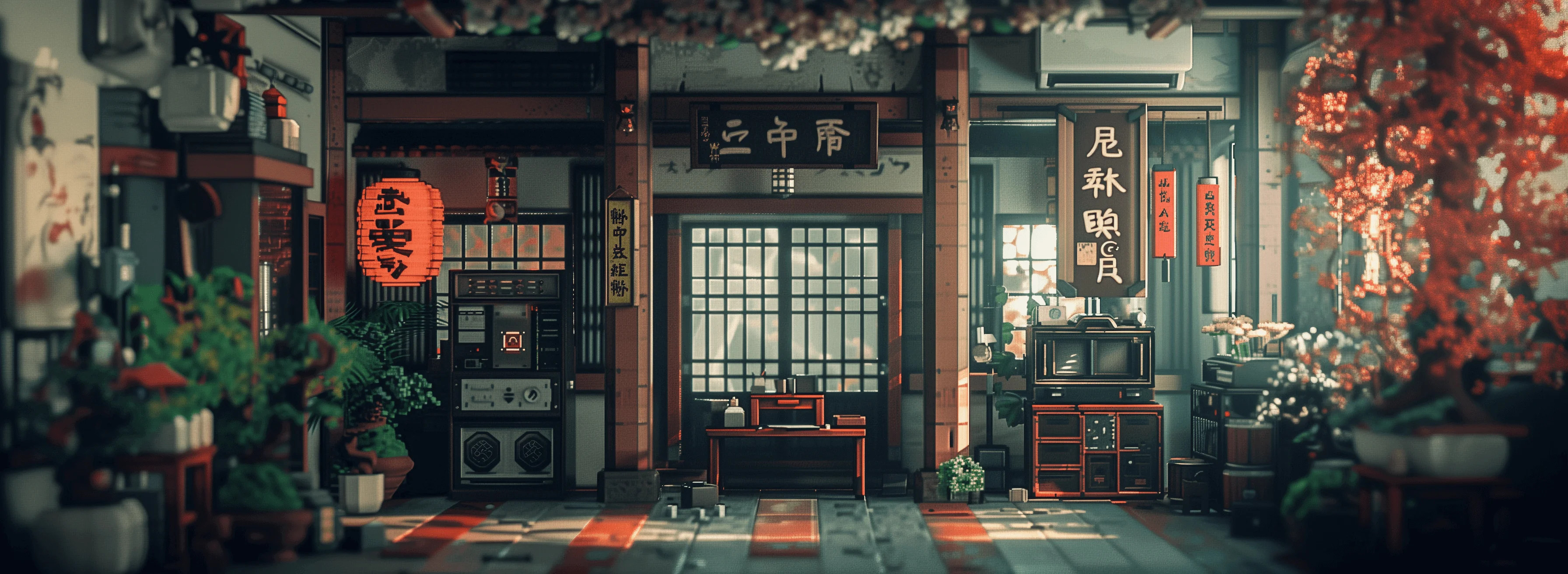
Generated on PixelDojo. Produced by PixelDojo's generation pipeline.
You take a photo that almost captures the moment, but it is slightly blurry, too dark, noisy or simply not sharp enough for print, your website or social posts. With PixelDojo you can AI enhance image quality in seconds and walk away with a crisp, detailed, professional result that looks like it was shot on high-end gear. Whether you need to restore faded family photos, turn product snapshots into conversion-ready e-commerce images, polish AI-generated art for large prints, or simply make every selfie and travel picture look gallery-worthy, our dedicated enhance tools deliver the outcome you actually want: images people stop scrolling for. Upload once, choose the right enhancer, and download a high-resolution file ready for any use. No Photoshop skills, no waiting days for a retoucher, no risk of over-smoothed plastic faces. You keep the authentic look of your original while gaining the extra resolution, texture and clarity that modern audiences and algorithms expect.
Real image examples generated on PixelDojo
Every example below was produced on PixelDojo. Hover to see the prompt.
Masterpiece
creative-upscaler
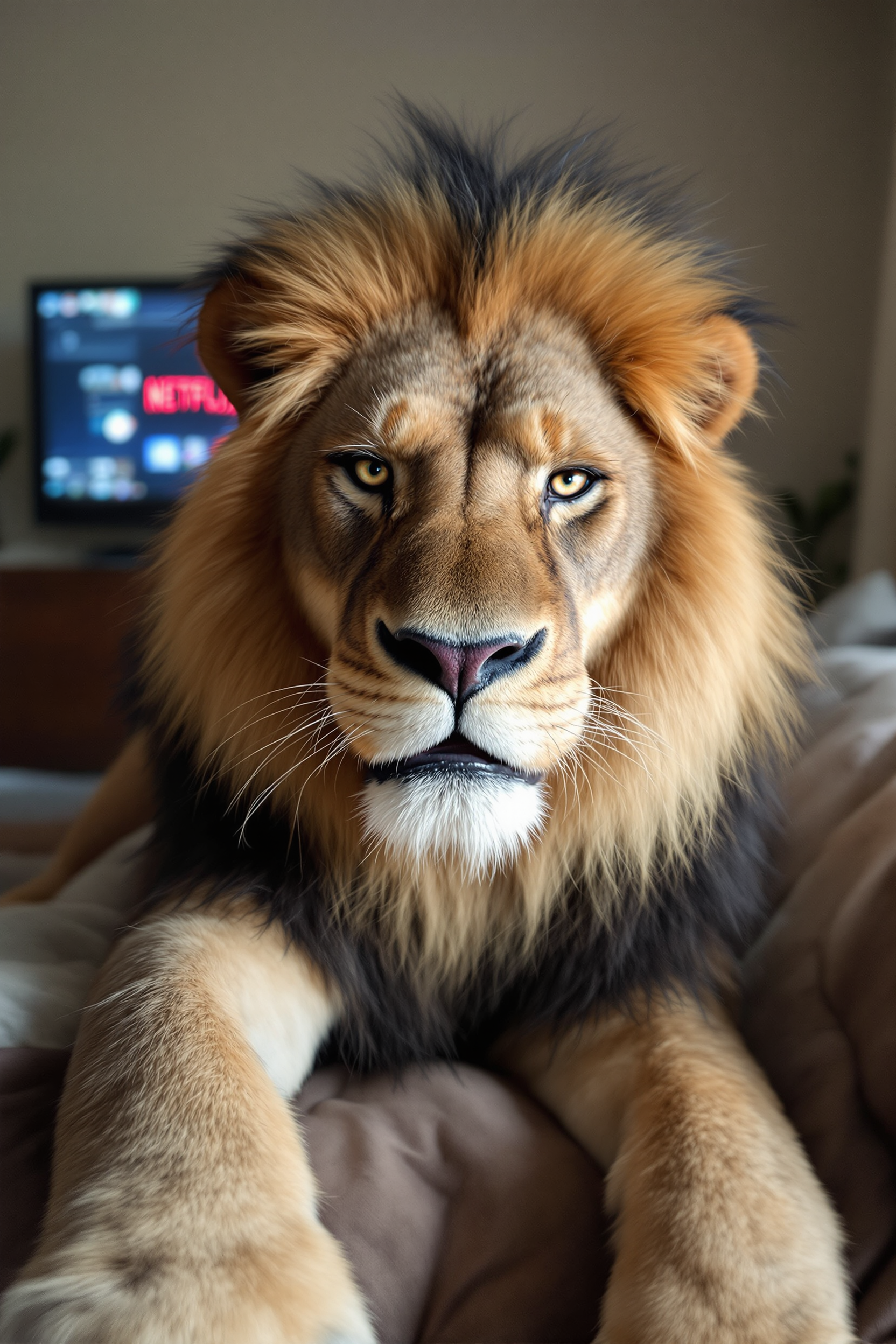
An extremely unremarkable iPhone selfie photo with no clear subject or framing—just a care…
flux
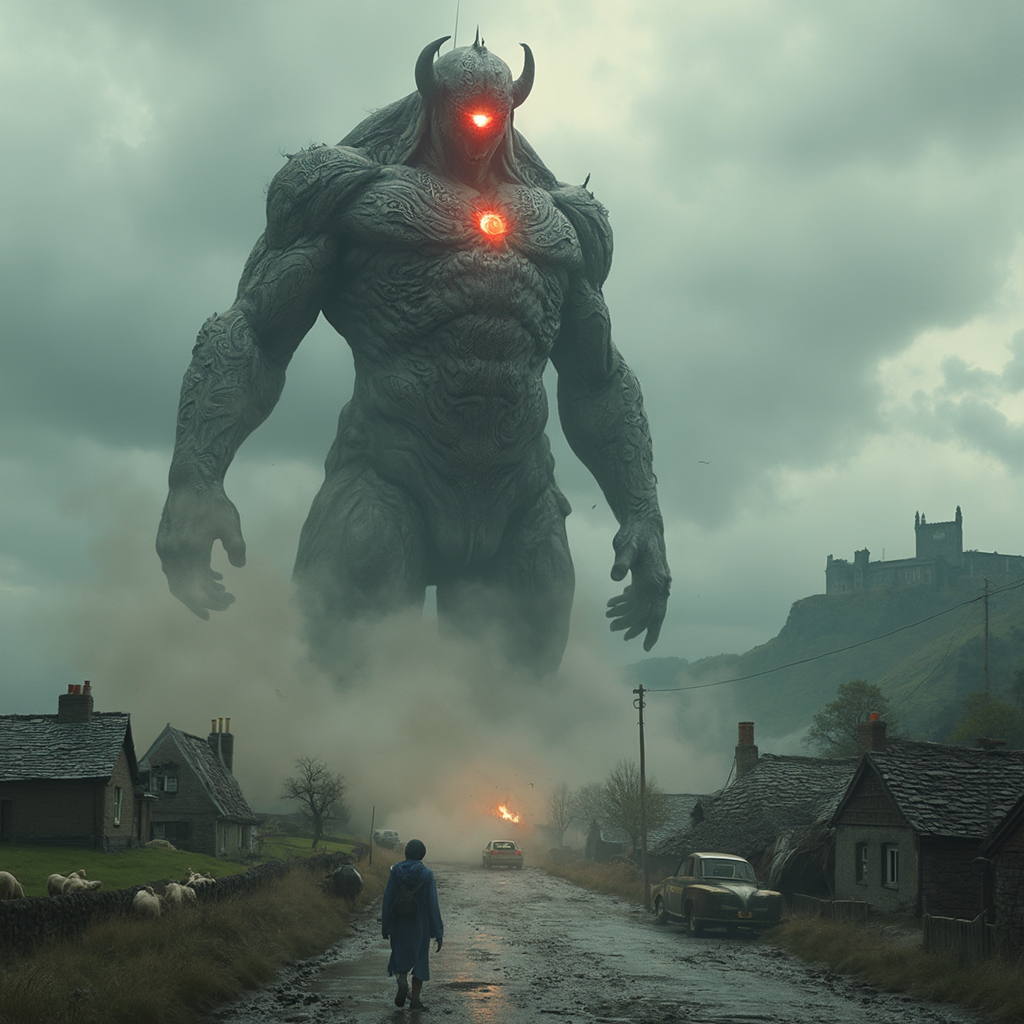
**Subject**: Balor
flux
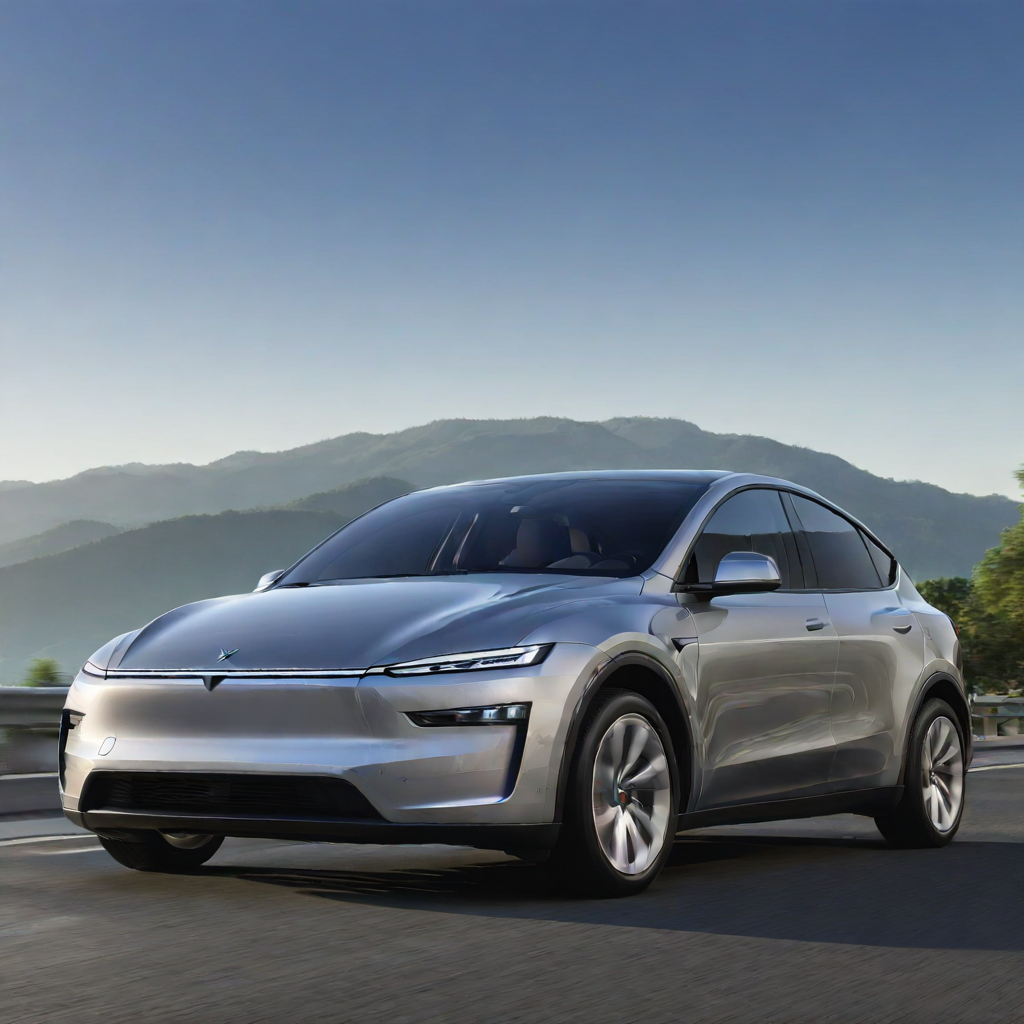
A photo of a TSLAMDLYJNPR car
stable-diffusion
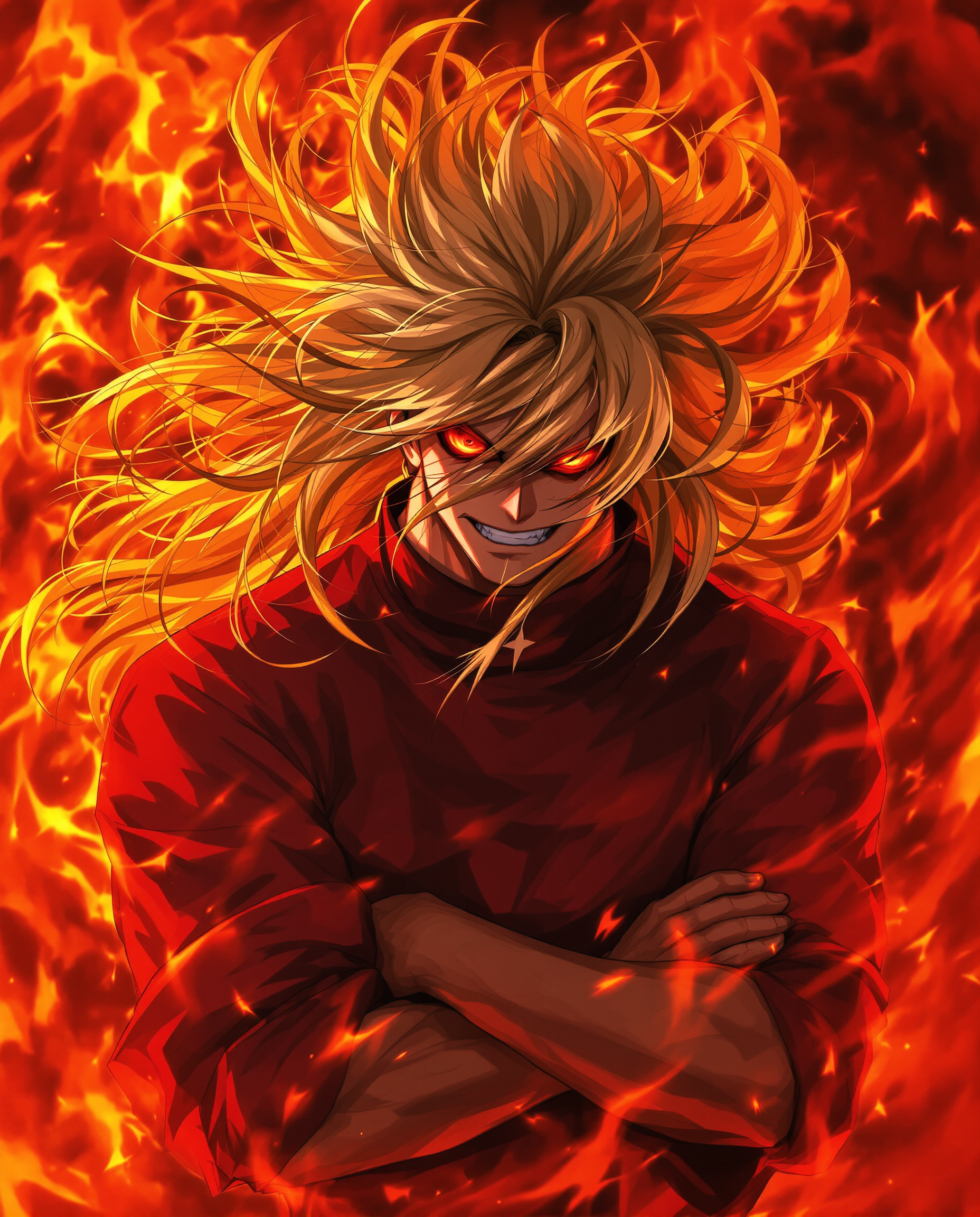
A hyper-realistic DSLR photograph captures a fierce male anime character in a dynamic
flux
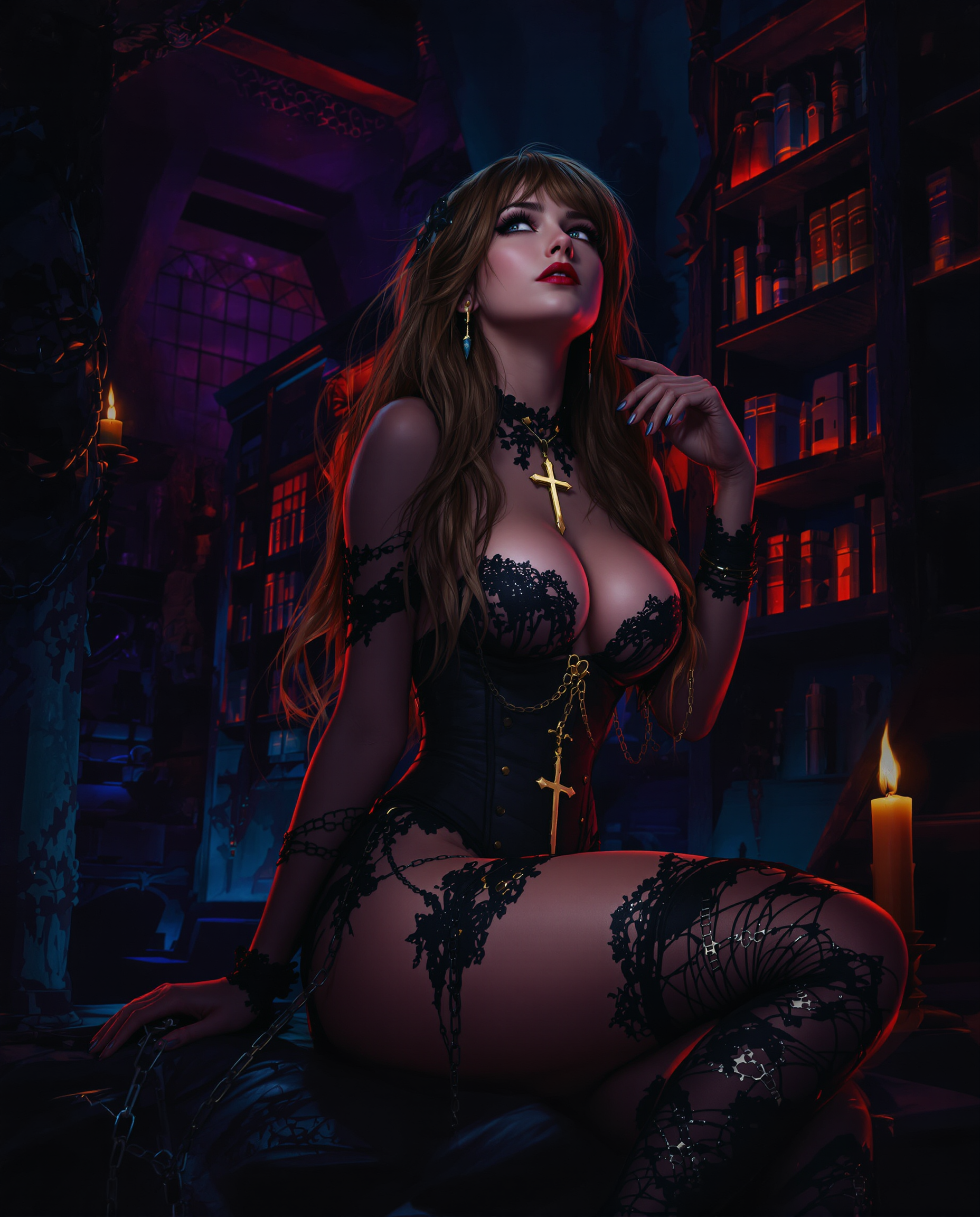
A captivating digital painting of a female figure
flux
Models you can run on PixelDojo for ai enhance image
Switch models without switching tools. Each one runs in the same PixelDojo studio.
What you can do with ai enhance image on PixelDojo
AI Image Enhancement
We upscale and refine your photos so details stay sharp and textures read clearly at larger sizes. You keep the original look while improving clarity for web and print.
Prompt Guided Generation
We turn your text into new images you can iterate on until the composition matches what you asked for. Adjust subject, lighting, and style without starting from scratch each time.
Variation And Restyle
We generate alternate versions of a base image so you can explore color, mood, and framing. Keep what works and regenerate only the parts you want to change.
Creator Ready Exports
We output files suited to social posts, mockups, and production workflows. You get consistent results you can reuse across projects without extra cleanup.
Thousands of photographers, marketers, e-commerce sellers and content creators have already enhanced more than one million images on PixelDojo, reporting 98 percent satisfaction with the natural, print-ready results. Join the community that relies on our 100+ cutting-edge AI tools every day.
Why Choose Pixel Dojo for ai enhance image
Professional-quality results with cutting-edge AI technology
Print-Ready Photos from Any Snapshot
You can take a casual phone picture or a low-resolution AI generation and instantly produce a sharp 4K or larger file that looks professional on canvas, in magazines or on high-DPI screens. PixelDojo reconstructs missing texture, recovers fine details like fabric weave and skin pores, and balances lighting so your image holds up under close inspection.
Restore Precious Memories Without Damage
You can bring old, faded, scratched or low-light family photos back to life while preserving the original character and identity of the people in them. Dedicated portrait and restoration modes recover color, reduce noise and add natural sharpness so you can share or frame the photos with confidence.
Higher-Converting Visuals for Your Business
You can turn ordinary product shots, listing photos and marketing images into crisp, detailed assets that increase click-through and sales. Clean backgrounds, accurate colors, extra resolution and professional polish make your listings stand out on marketplaces and social feeds without expensive studio reshoots.
How It Works
You do not need any technical knowledge. PixelDojo’s AI enhance image workflow is designed so you can go from upload to download-ready file in three simple steps using the exact tools built for this job.
Step 1: Choose Your Tool
Go to the Upscale & Enhance section and pick the model that matches your goal. Use P-Image Upscale for fast, reliable general enhancement of any photo. Choose Magnific Upscaler when you want extra creative texture and micro-detail reconstruction. Select Clarity Pro when maximum sharpness and edge fidelity matter most. For people and faces, start with Portrait Upscaler to keep identity and skin texture natural. Creative Upscaler is perfect when you also want a style or lighting boost.
Step 2: Enter Your Prompt
Upload your image. Optionally add a short natural-language prompt such as “enhance details, recover natural skin texture, improve lighting, 4K, no over-smoothing” or “restore faded colors, remove scratches, keep original mood”. The AI uses both the pixels and your words to decide how much detail to invent versus preserve, giving you control without complicated sliders.
Step 3: Customize & Download
Preview the result, make a second pass with Reality Polisher or Image Outpainting if you need extra refinements, then download in the resolution and format you need. All outputs come with a commercial-use license so you can use them immediately on your site, in ads or in print. You can cancel anytime and still keep everything you created.
The Pixel Dojo Advantage
Why PixelDojo outperforms other options for AI enhance image generation
| Others | Pixel Dojo |
|---|---|
| Traditional photo labs and print shops | You get the same or better quality in seconds instead of days, at a fraction of the cost, and you can iterate as many times as you want until the result is perfect. |
| Generic AI tools | You have access to specialized models (Magnific Upscaler, Clarity Pro, Portrait Upscaler, P-Image Upscale) that are tuned for different types of images instead of one-size-fits-all processing that often over-smooths or hallucinates incorrectly. |
| Manual photo editing | You skip hours of layer work, masking and trial-and-error. The AI handles denoise, deblur, color correction and super-resolution in one pass while you stay focused on the creative decision of how the final image should feel. |
Loved by creators on PixelDojo
Real feedback from people using PixelDojo, pulled from our in-product surveys.
I really like the schedule of AI work performed!
The best tools for IA on the web !
The guy that operates the website is constantly updating it
I’ve been using PixelDojo for around 8 months now and it’s always worked wonderfully while constantly adding features.
The site is easy to navigate and use.
All the tools, readily available and easy to understand
Explore more AI tools on PixelDojo
Popular AI Models
AI Tools
Compare & Switch
- All AI Tool Alternatives
- Pollo AI Alternative
- PixelDojo vs Pollo AI
- Pollo AI Review
- MotionMuse AI Alternative
- MioCreate Alternative
- Dessi AI Alternative
- Runway Alternatives
- CapCut Alternatives
- Leonardo Alternatives
- OpenArt Alternatives
- Midjourney Alternatives
- Canva AI Alternatives
- Pika Alternatives
- InVideo Alternatives
- Higgsfield Alternatives
- Krea Alternatives
- Luma Alternatives
- Magic Hour Alternatives
- HeyGen Alternatives
- PixAI Alternatives
- Vidu Alternatives
- Seedream Alternatives
- Tensor.Art Alternatives
Common Questions
Everything you need to know about ai enhance image
How does AI enhance image quality compared to simply resizing a photo?
Simple resizing just stretches existing pixels and usually makes the image look softer or more pixelated. PixelDojo’s AI enhance image tools such as Magnific Upscaler and Clarity Pro analyze the content, reconstruct plausible high-frequency details (skin texture, fabric, foliage, text) and apply intelligent denoising and sharpening. The result is a genuinely higher-resolution file that looks like it was captured at a higher quality originally, ready for large prints or 4K displays.
What is the best way to AI enhance image of old family photos without changing faces?
Start with Portrait Upscaler or Magnific Upscaler in a conservative mode and add a prompt that says “preserve exact facial identity, natural skin texture, restore faded colors, remove scratches only”. These models are trained to recover detail while keeping the people looking like themselves. You can then run a light pass with Reality Polisher if extra color or lighting correction is needed. 1M+ creators have successfully restored decades-old photos this way.
Can I AI enhance image of product photos for e-commerce and keep colors accurate?
Yes. Upload your existing product shots to P-Image Upscale or Clarity Pro and use a prompt such as “enhance sharpness and detail, keep original product colors exact, clean background, professional studio lighting”. The tools improve perceived quality and resolution without shifting brand colors, which is critical for marketplace listings. The extra clarity and resolution typically lead to higher conversion rates because shoppers can zoom in and still see fine details.
How far can I upscale an image with PixelDojo AI enhance image tools before it looks fake?
Most photos look excellent at 2x–4x. Creative tools like Magnific Upscaler can go higher when you want extra invented texture (great for AI art or illustrations). For real photographs where likeness must stay true, stay in the 2x–4x range with Clarity Pro or Portrait Upscaler and always review at 100 percent zoom. The platform gives you multiple specialized models so you can choose the right balance of invention versus preservation for each image.
Do I need any design skills to AI enhance image on PixelDojo?
No. The entire process is upload, optional short prompt, generate, download. The AI handles all the technical work (denoising, deblurring, super-resolution, color grading). You only decide the creative direction. This makes professional-quality enhancement accessible to photographers, small-business owners, social-media managers and anyone who simply wants their pictures to look better.
Is there a free way to try AI enhance image before committing?
Yes. PixelDojo lets you try the tools today with no long-term commitment. You get access to 100+ cutting-edge AI models including all the upscale and enhance options, you can cancel anytime, and every image you create comes with a commercial-use license. 1M+ creators already use the platform daily because the results speak for themselves and there is zero lock-in.