ideogram 4 fast AI Generator

Generated on PixelDojo. Produced by PixelDojo's generation pipeline.
You no longer need to spend hours in design software or accept unreadable text in your AI-generated images. Ideogram 4 Fast on PixelDojo lets you produce professional posters, product packaging, social ads, logos, and marketing graphics with perfectly spelled, beautifully rendered text in just seconds. Marketers launch campaigns faster, small business owners create on-brand labels without hiring help, and content creators deliver scroll-stopping thumbnails that actually communicate. Start with Turbo mode to explore dozens of layouts instantly, lock in exact wording and placement, then refine using PixelDojo’s full suite of editing tools. Achieve print-ready 2K results that look custom-designed. PixelDojo gives you Ideogram 4, P-Image Ideogram, Flux.2 Studio, and 40+ cutting-edge AI tools loved by thousands of creators worldwide. Cancel anytime and start creating the assets your audience will actually read and remember.
Real image examples generated on PixelDojo
Every example below was produced on PixelDojo. Hover to see the prompt.
A young Black child with glowing eyes kneels at the edge of a mirror-flat river under an o…
creative-upscaler
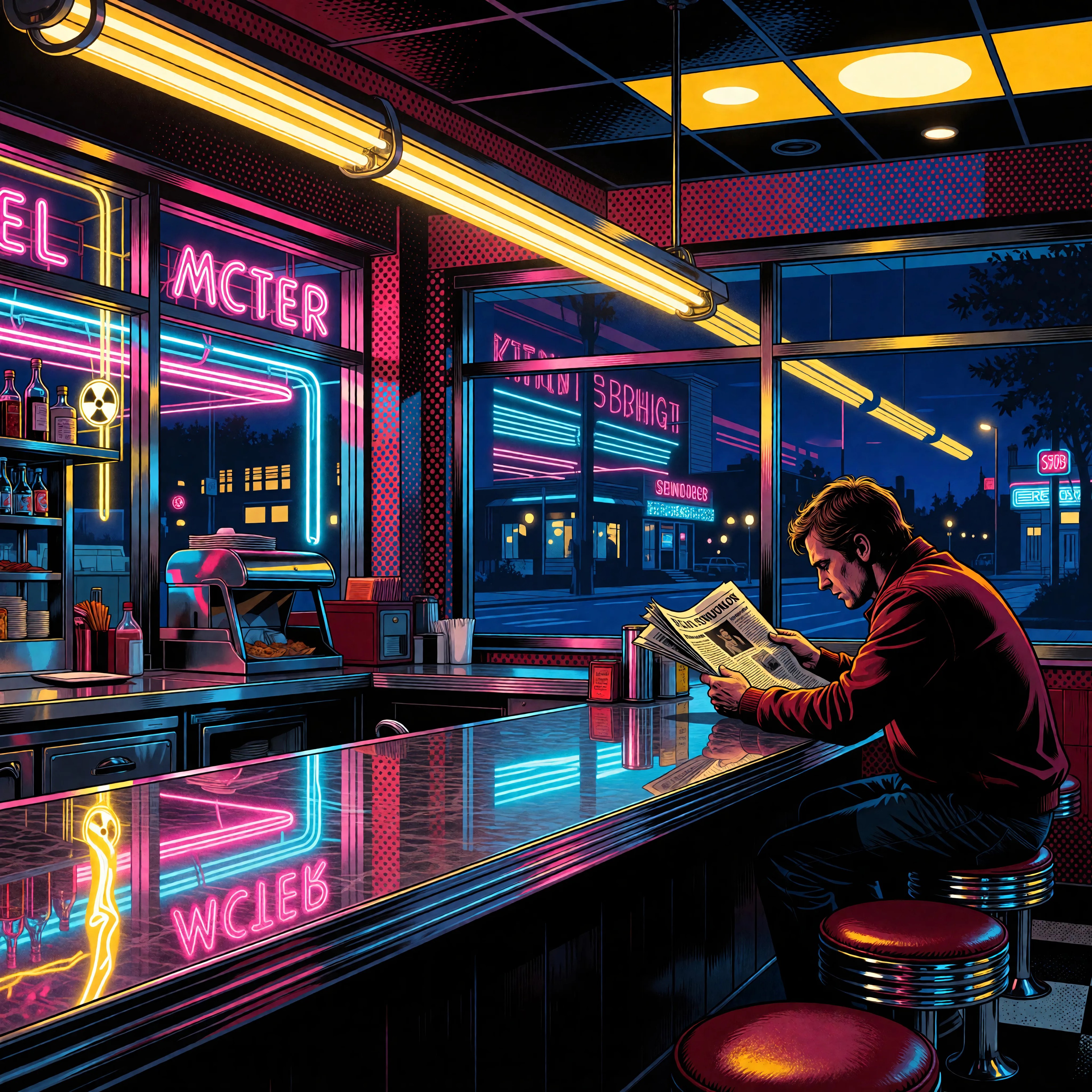
Ia-stylized
image-to-image

Wi-stylized
image-to-image

Block-style youth in neon hoodie releasing a glowing voxel dragon above a retro arcade sky…
flux-studio
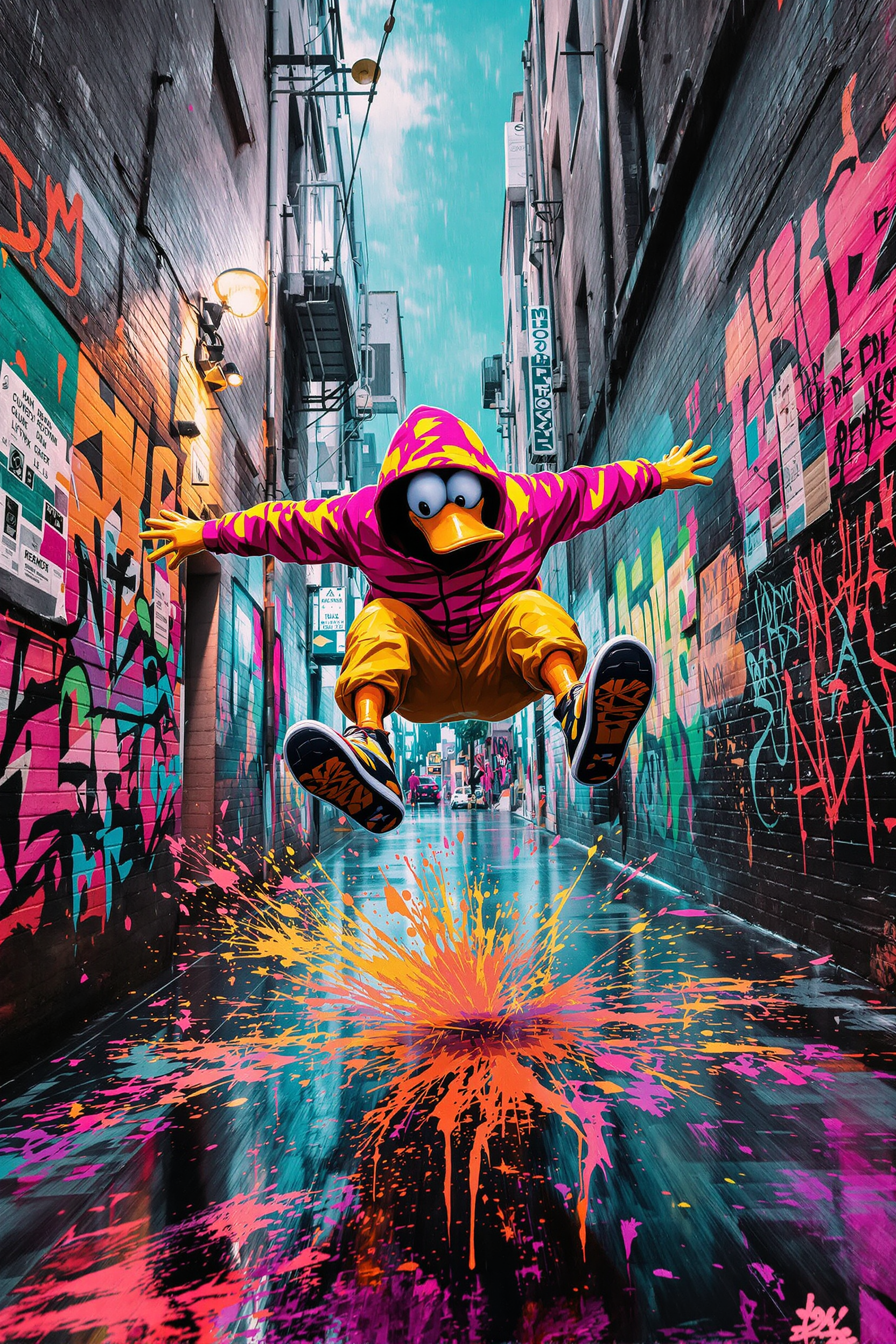
Anthropomorphic duck in neon hoodie kick-flipping down a rain-slick alley of graffiti tags
flux-studio

Ff-illustration
image-to-image
Models you can run on PixelDojo for ideogram 4 fast
Switch models without switching tools. Each one runs in the same PixelDojo studio.
What you can do with ideogram 4 fast on PixelDojo
Fast Ideogram 4 Access
We give you Ideogram 4 Fast on PixelDojo so you can generate images with shorter wait times while keeping Ideogram’s usual quality and style control.
Clear Text in Images
We route Ideogram 4 Fast through PixelDojo so you can place readable words, logos, and captions inside the image without a separate typesetting step.
Prompt to Finished Frame
We let you iterate prompts, aspect ratios, and seeds in one workspace so you can move from idea to export without leaving PixelDojo.
Studio Tools Alongside Generation
We pair Ideogram 4 Fast with upscale, variation, and history tools so you can refine and reuse outputs in the same creator flow.
Thousands of designers, marketers, and creators rely on PixelDojo for Ideogram 4 Fast generations every day. Enjoy industry-leading text accuracy, native high-resolution output, and iteration speeds that turn hours of work into minutes. Join a community that produces campaign-ready graphics with structured layout control and professional polish.
Why Choose Pixel Dojo for ideogram 4 fast
Professional-quality results with cutting-edge AI technology
Iterate Campaign Visuals in Seconds
Generate dozens of poster and ad variations instantly with Ideogram 4 Fast Turbo mode. Test headlines, color palettes, and compositions without waiting, then lock in winners using Image to Image or Inpainting. You ship more campaigns and test more ideas while competitors are still waiting on first drafts.
Crystal-Clear Text That Sells Your Message
Create logos, signage, book covers, packaging, and ads where every letter is sharp and correctly spelled. Ideogram 4 Fast delivers production-grade typography so your brand message lands perfectly the first time. You skip the endless revision cycles that used to kill momentum.
Professional Results Without Design Skills
Specify exact text, placement, and brand colors using simple prompts or structured details on Ideogram 4 and P-Image Ideogram. Combine with Style Transfer, Magic Lighting, Background Remover, and Ideogram Character to produce client-ready graphics that look like they came from a full design studio. You stay in control of the vision while the tools handle the execution.
How It Works
Creating stunning Ideogram 4 Fast images on PixelDojo is straightforward. You focus on your message and layout; the platform handles speed, text fidelity, and professional finishing in three simple steps.
Step 1: Choose Your Tool
Sign in to PixelDojo and go to Generate Images. Select Ideogram 4 for maximum text fidelity or P-Image Ideogram for optimized speed and cost. Pick Turbo mode for lightning-fast drafts or Balanced for everyday quality. Set your aspect ratio for social posts, print posters, packaging, or web banners. You are ready to generate in under a minute.
Step 2: Enter Your Prompt
Describe your vision in natural language or add structured details. Quote the exact text you want rendered, such as "SUMMER SALE 50% OFF", and tell the model where it belongs: "bold headline across the top, product centered below". Mention style, lighting, and color palette. For extra precision PixelDojo supports JSON-style layout control with bounding boxes. Generate multiple variations instantly so you can pick the strongest direction.
Step 3: Customize & Download
Review your results and refine them with PixelDojo’s Edit Images tools: Inpainting for local changes, Style Transfer for unique looks, Magic Lighting, Background Remover, or Image Outpainting. Upscale with P-Image Upscale, Magnific Upscaler, or Clarity Pro. Add consistent branding with Ideogram Character or Consistent Characters. Download high-resolution files ready for print, social, or client delivery.
The Pixel Dojo Advantage
Why PixelDojo outperforms other options for Ideogram 4 Fast image generation
| Others | Pixel Dojo |
|---|---|
| Traditional graphic design software | You skip hours of manual layout, font selection, and revision rounds. Generate complete, text-perfect posters and ads in seconds, then polish with AI editors instead of starting from a blank canvas every time. |
| Generic AI image tools | You avoid garbled lettering and unpredictable layouts. Ideogram 4 Fast plus PixelDojo’s specialized tools like P-Image Ideogram, Inpainting, and Style Transfer deliver reliable typography and precise control that generic generators simply cannot match. |
| Hiring freelance designers for every asset | You get unlimited iterations and instant results at a fraction of the cost. Produce campaign-ready graphics yourself with professional quality that scales as your needs grow. Cancel anytime with no long-term commitment. |
Loved by creators on PixelDojo
Real feedback from people using PixelDojo, pulled from our in-product surveys.
The best tools for IA on the web !
The guy that operates the website is constantly updating it
I’ve been using PixelDojo for around 8 months now and it’s always worked wonderfully while constantly adding features.
The site is easy to navigate and use.
All the tools, readily available and easy to understand
You guys, the LORA training is the BEST in the space right now, great job with that!
Explore more AI tools on PixelDojo
AI Tools
Compare & Switch
- Best AI Image Generators
- Best AI Video Generators
- Midjourney Alternatives
- Civitai Alternatives
- Runway Alternatives
- Leonardo Alternatives
- Pika Alternatives
- Luma Alternatives
- Magnific Alternatives
- Veo Alternatives
- Flux Alternatives
- Freepik Alternatives
- Seedance Alternatives
- Seedream Alternatives
- Pixverse Alternatives
- GPT Image Alternatives
- Synthesia Alternatives
- Playground Alternatives
- NightCafe Alternatives
- Canva AI Alternatives
- ElevenLabs Alternatives
- ComfyUI Alternatives
- Fal Alternatives
- Replicate Alternatives
Common Questions
Everything you need to know about ideogram 4 fast
What is the fastest way to create professional posters with Ideogram 4 Fast on PixelDojo?
Select Ideogram 4 or P-Image Ideogram in Generate Images and start in Turbo mode. Quote your exact headline and describe placement, style, and colors. Generate several variations in seconds, pick the strongest layout, then refine with Image to Image or Inpainting. Finish with an upscaler for print-ready files. This workflow lets you go from idea to polished poster in minutes instead of hours.
How accurate is text rendering in Ideogram 4 Fast for logos and packaging?
Ideogram 4 Fast is built for production typography. You get crisp, correctly spelled lettering even at smaller sizes, making it ideal for logos, labels, and packaging. On PixelDojo you can iterate quickly in Turbo, then apply Background Remover, Style Transfer, or Ideogram Character for consistent branding. The result is client-ready artwork without the usual spelling or alignment problems.
Can I generate high-volume social media graphics with Ideogram 4 Fast?
Yes. Choose the right aspect ratio, run Turbo or Fast mode, and produce multiple ad variations in seconds. Use PixelDojo’s editing tools like Background Remover, Magic Lighting, and Image Outpainting to adapt each asset for different platforms. You maintain brand consistency while creating more content than ever before.
What prompting techniques give the best results with Ideogram 4 Fast?
Quote the exact words you want to appear, specify their location (headline at top, caption below), and include style, lighting, and color details. For maximum control use structured layout descriptions that PixelDojo supports. Start simple on Turbo to explore, then add more detail for final Quality generations. Pair with Flux.2 Studio when you need extra photorealism around your text elements.
Is Ideogram 4 Fast good enough for professional print and packaging work?
Absolutely. Native high-resolution output combined with PixelDojo’s Upscale & Enhance tools (P-Image Upscale, Magnific Upscaler, Clarity Pro) produces files that hold up in print. Perfect text rendering means you skip the usual post-production spelling fixes. Thousands of creators already use this combination for packaging, posters, and campaign materials.
How do I get started with Ideogram 4 Fast if I have no design experience?
Just describe what you want in everyday language inside PixelDojo. The AI handles layout, typography, and composition. Follow the three-step process: choose Ideogram 4 or P-Image Ideogram, enter your prompt, then customize with easy visual editors like Inpainting and Style Transfer. You have 40+ tools at your disposal, can cancel anytime, and start producing professional results on your first try.